Pro Launcher MOD APK is here to change how you use your phone. No more disorganization while you work, and no more wasting time looking for things. With Pro Launcher Mod, you can customize the launcher to your taste for a smooth and quick interface.
Pro Launcher MOD APK is here to change how you use your phone. No more disorganization while you work, and no more wasting time looking for things. With Pro Launcher Mod, you can customize the launcher to your taste for a smooth and quick interface.
| App Name | Pro Launcher |
|---|---|
| Publisher | Digital Minimalism |
| Genre | Productivity |
| Size | 4M |
| Latest Version | 2.1.9 |
| MOD Info | Pro Unlocked |
| Get it On |

|
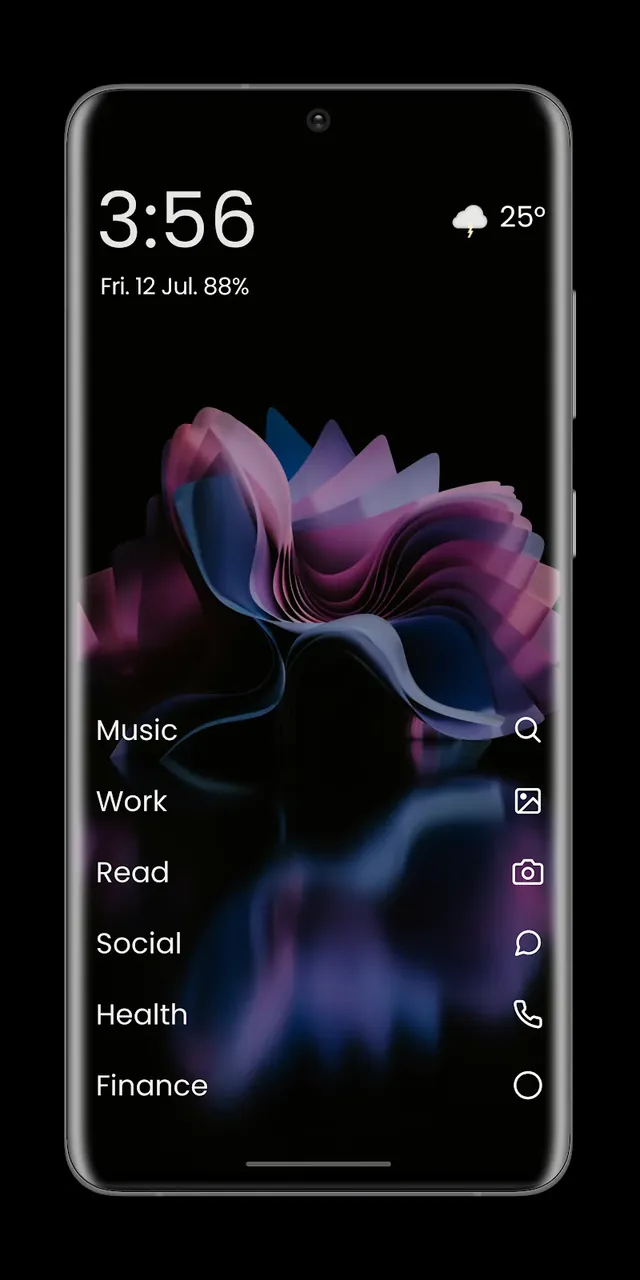
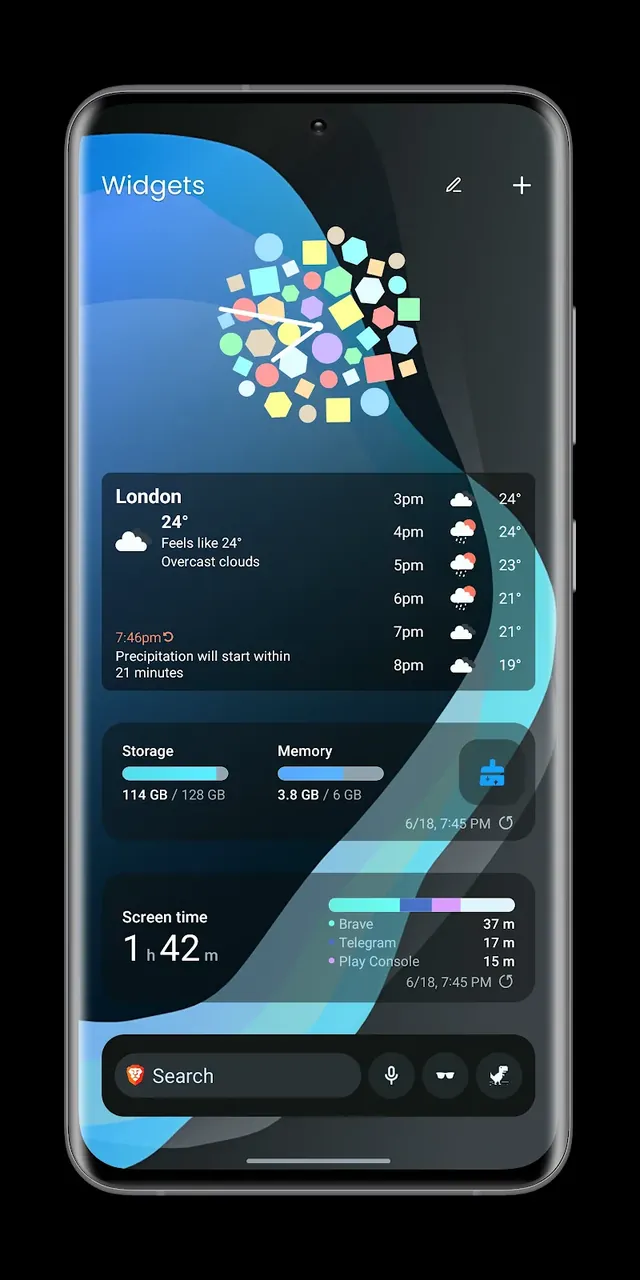
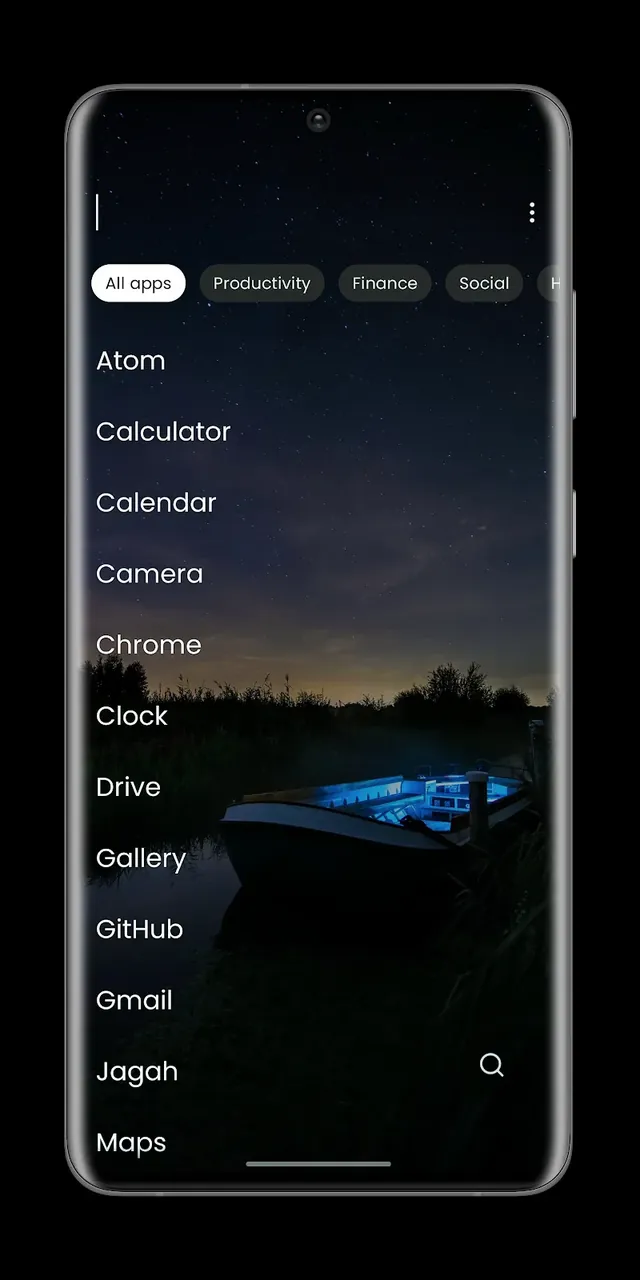
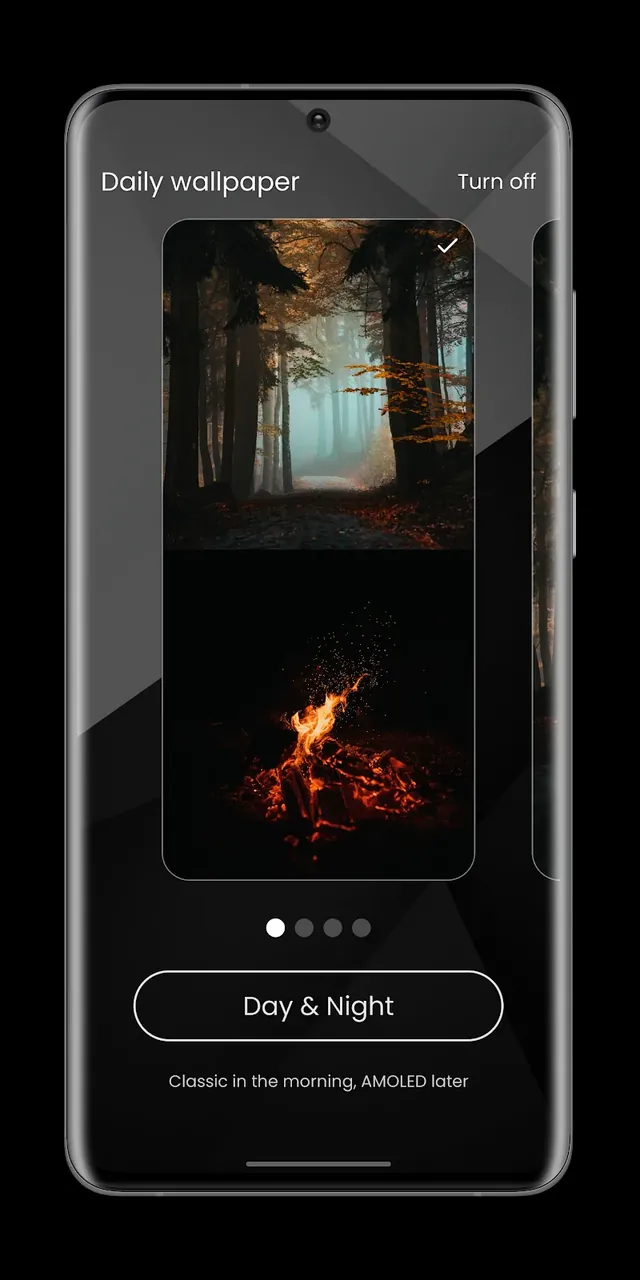
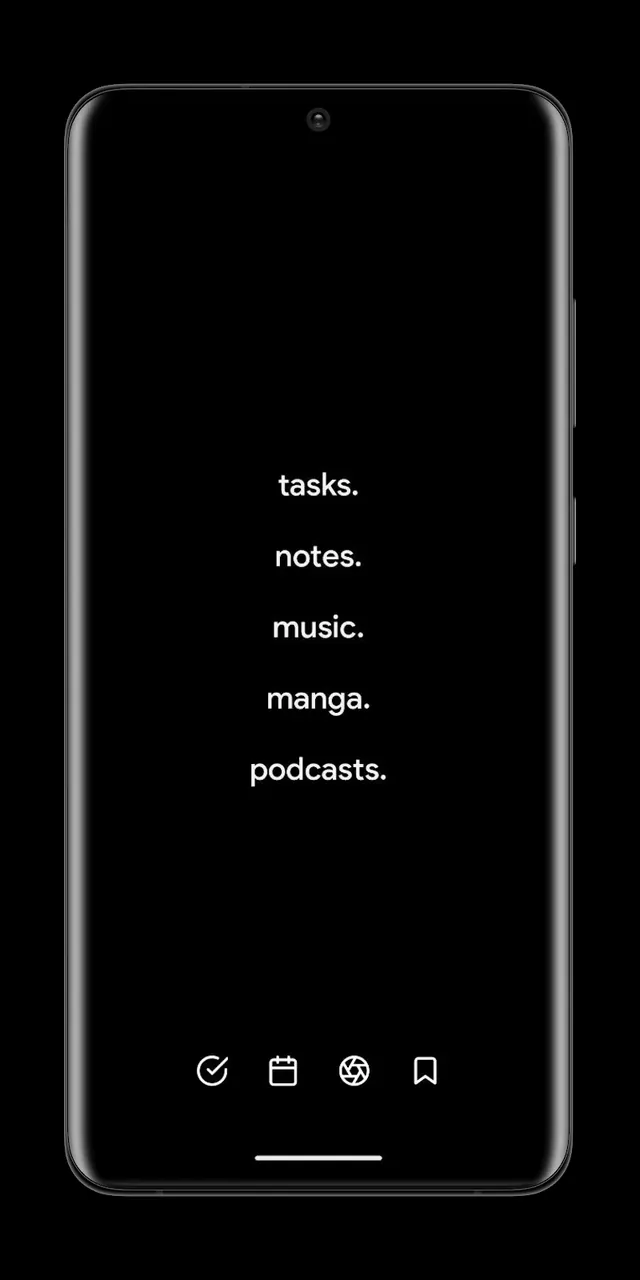
This release focuses on providing users with the premium features of the application without the standard restrictions. By using Pro Launcher MOD APK, individuals can access the full suite of productivity tools designed to minimize distractions and enhance focus.
Version 2.1.9 has a file size of 4M and uses the package name app.prolauncher; because the file is re-signed, it cannot be installed over an existing copy from the official store.
The main idea behind this app is digital minimalism, and it aims to help users take back control of their focus from the interruptions of a modern smartphone. With this app, we hope to turn mobile devices from a tool for procrastination to a tool for productivity. The app is designed to create a more minimal interface to help users stay focused on their task. This is especially helpful for users who become overwhelmed and lost in the endless amounts of information mobile devices provide and then become lost in distractions and interruptions. The overall goal of the app is to help users gain control of their digital life. The goal of the app design is to reduce friction users feel when trying to accomplish their most important task. Pro Launcher takes this goal a step further and give users more control of their phones and further reduce digital distractions.
The management of notifications is a key component of the app. It utilizes Smart Notification Management to filter the overwhelming number of notifications, allowing the user to maintain a sustained state of deep work. It lets users choose which notifications they see. Using Intelligent App Blocking, users can also set boundaries to stop themselves from using distracting apps. They can control how long they block the apps. This gives the user more self control to stop procrastinating and mindless scrolling, and ensures their time is spent efficiently and on what is most important.
Another important feature of the software is performance optimization. The Resource & Battery Optimization features optimize the device by disposing of applications that drain the battery and slow down the device. These applications drain the battery even when they are closed and continue to run in the background. This launcher identifies these applications, disposes of them and helps to optimize the battery and improve the user experience. This feature is especially helpful in providing a modern and improved experience for older and slower devices. Most of the applications that come with a device aren’t needed, and in some cases are resource draining. With this in mind, this launcher allows the user to change the look of their device and gives them the power to get rid of background applications which can drain the battery.
Making the tools and utilities easier to access is made possible by the unique Utility Widget Wall. This Wall eliminates the need for numerous home screens and cluttered folder. The Wall organizes all the tools and utilities in an easily accessible location. This is part of the Habit-Changing Interface which breaks unproductive and unhealthy phone/apps usage habits. Users are able to change how they interact with their device and increase the intentional and purposeful usage of the device. This is more than a cosmetic change, it actually changes how users interact with their devices and gives them tools to be productive, focused and engaged. The application is designed to help users interrupt and eliminate their compulsive and unconscious digital habits.
Total Customization gives users the ability to configure more swipe gestures to launch actions or tools. Users can also configure themed workspaces. Unlike traditional workspaces that constrain a user’s work style, these workspaces can be designed with a user’s preferences in style and/or layout. Additionally, with Swipe to Access, the tools a user employs the most can be moved to the home screen so they don’t have to search for the application. Because the user can configure the workspace to a preferred style, it can help block distractions. However, it can also be used to help users modernize their device by providing a variety of shortcuts to access tools and a home screen in a style the user prefers. Furthermore, users can also opt to configure the application to understand user behavior by analyzing usage patterns and suggesting a layout to the user. This also aids the user in setting up the application for the first time. The integrated tracker also helps users to understand their digital habits and also offers insights to improve their digital wellbeing. The application achieves its goal of improving productivity by helping users stay focused and also transforming a user’s device to a more efficient tool for daily use.
Related MOD APKs
Is Premium unlocked in Pro Launcher MOD APK?
Install this 2.1.9 version of Pro Launcher to get Pro Unlocked. It works like the Digital Minimalism release, with changes active as soon as you install.
What is the latest version of Pro Launcher MOD APK?
Version 2.1.9 matches the Digital Minimalism build from June 18, 2026. We don’t keep older versions here. Update by installing this over your current app; if you see a signature error, uninstall the old build first.
Is Pro Launcher MOD APK safe to download?
This 2.1.9 Pro Launcher build from Digital Minimalism features Pro Unlocked. 22 users rated it 4.4/5. It does not require root. Expect a Play Protect alert, and always download from this page.
Can I use Pro Launcher MOD APK on PC or iPhone?
This Android file won’t work on your iPhone. To use the 4M APK on a computer, install an emulator like BlueStacks or LDPlayer, then drag the file into the program to run it.
You are now ready to download Pro Launcher for free. Here are some notes: