Save data, boost privacy, and secure your mobile life with Samsung Max VPN MOD APK. Your ultimate privacy assistant for a faster, safer, and more efficient web experience!
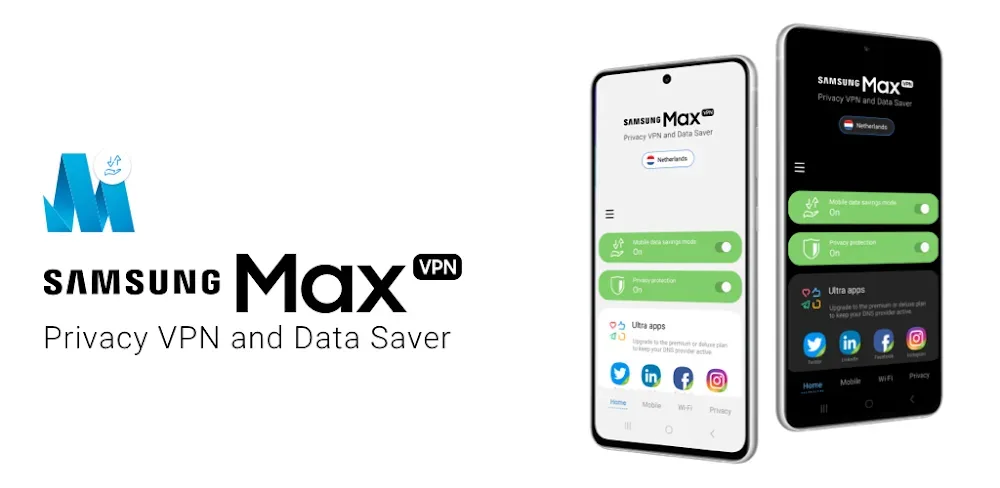
Samsung Max VPN v4.8.29 MOD APK (Premium Unlocked)
| App Name | Samsung Max VPN |
|---|---|
| Publisher | Samsung Max VPN |
| Genre | Tools |
| Size | 26M |
| Latest Version | 4.8.29 |
| MOD Info | Premium Unlocked |
| Get it On |

|
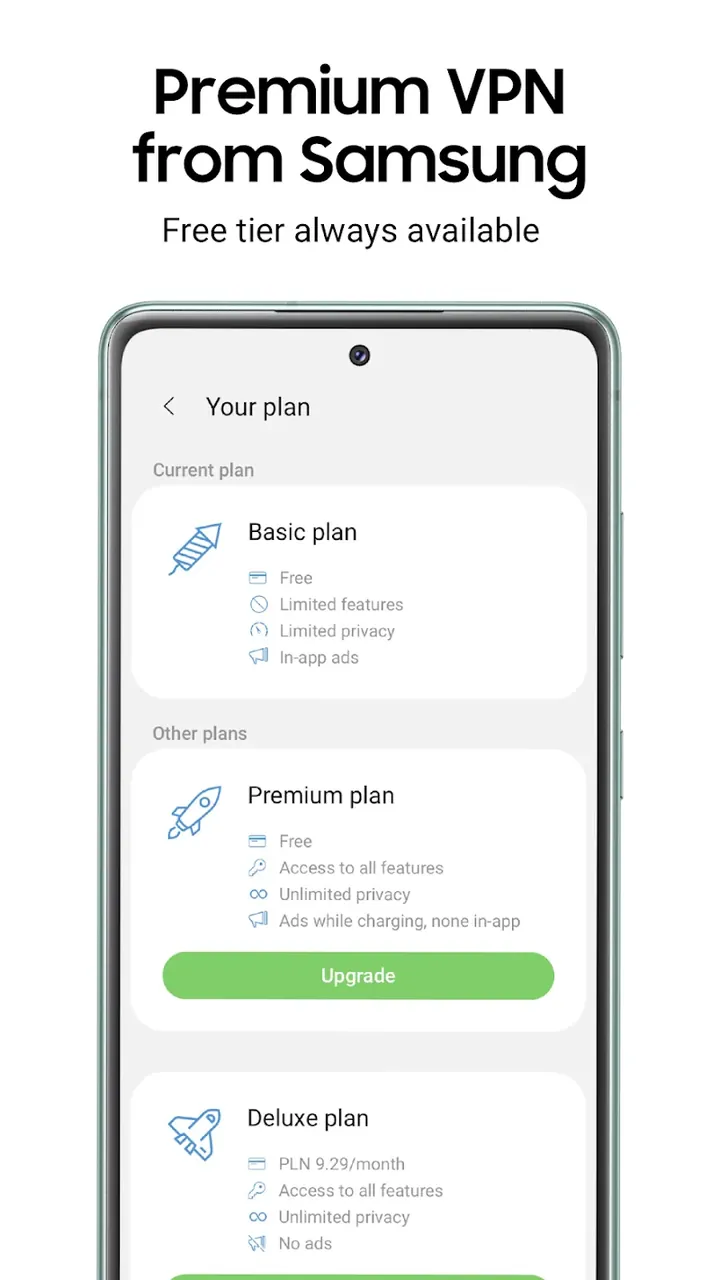
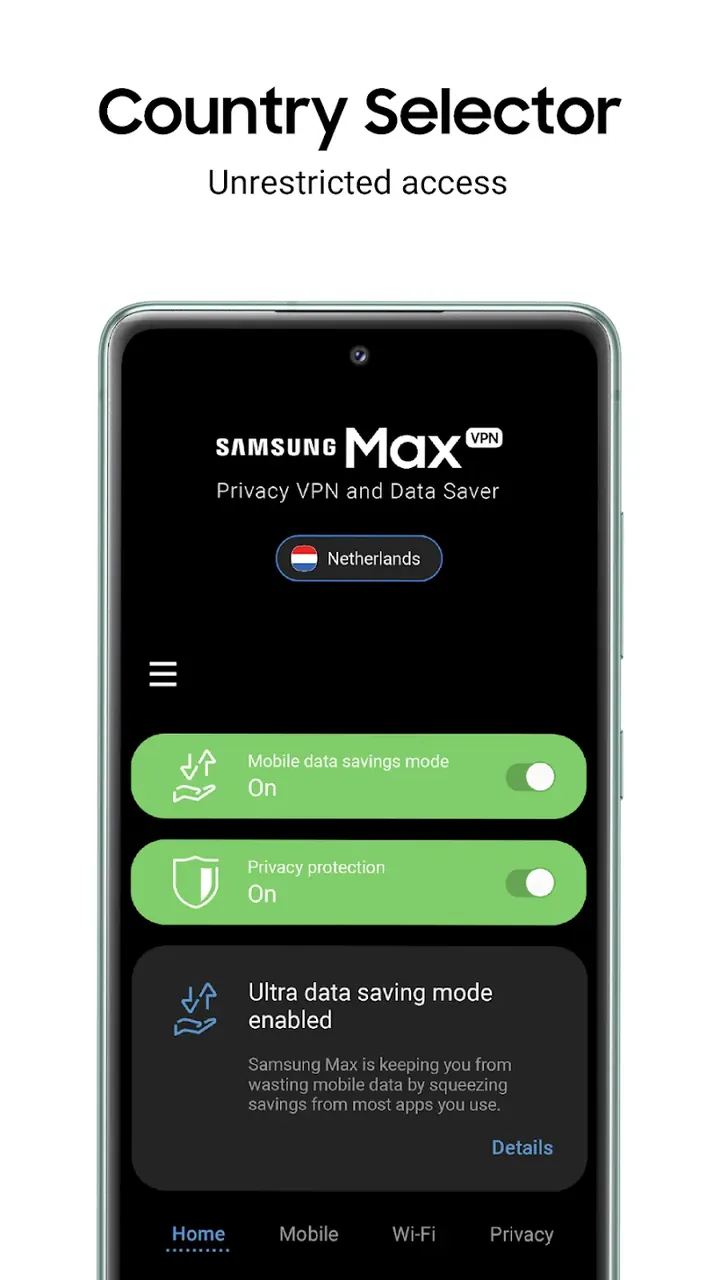
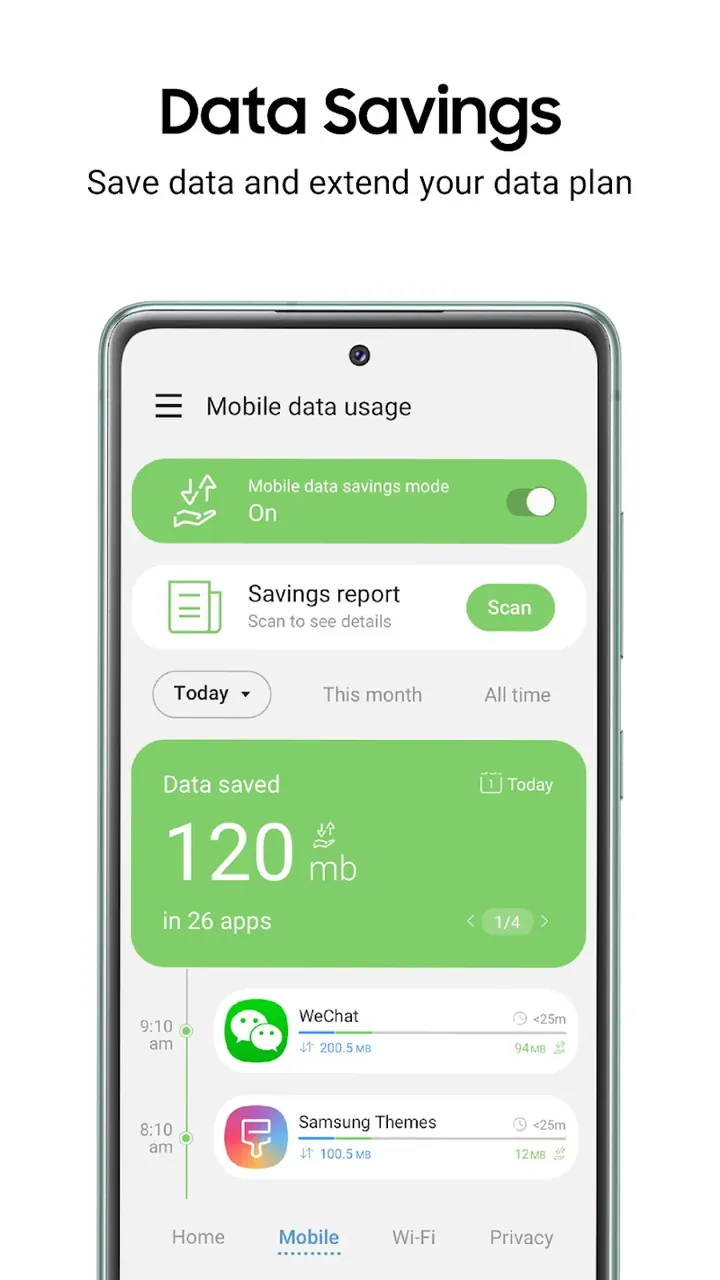
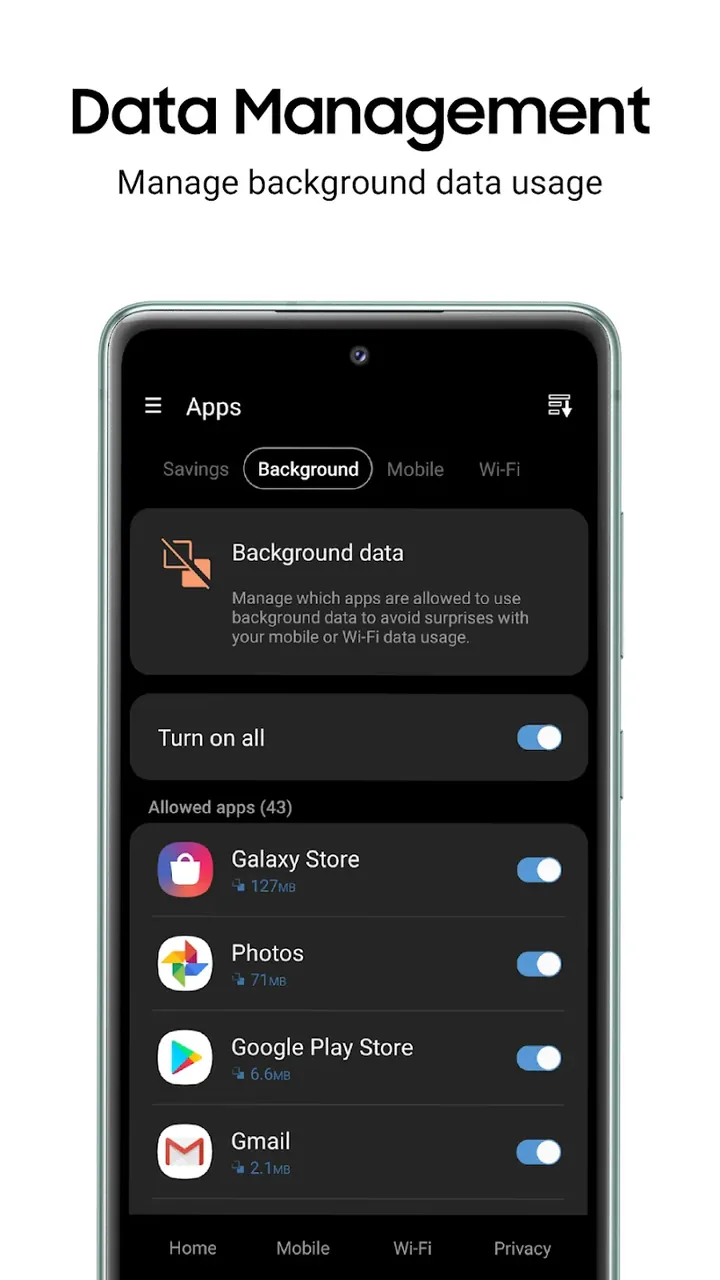
This modified version of Samsung Max VPN MOD APK provides premium features unlocked, allowing for unrestricted use of the application’s privacy and data management tools. It bypasses the limitations typically found in the standard version to offer the full suite of security enhancements and data optimization features.
What’s Modified in Samsung Max VPN
- Premium Unlocked: Provides access to the full suite of premium tools and features without the standard subscription requirements.
This build is version 4.8.29, has a file size of 26M, and uses the package name com.opera.max.global; because it is re-signed, it cannot be installed as an update over the original version from the store.
About Samsung Max VPN
As a whole companion for your smartphone, Samsung Max VPN MOD APK helps you to easily manage your digital tasks and activities on your smartphone. It works by modifying the Android system to be able to monitor the data received and sent by your device. So it can act as an intermediary and control the network traffic so it will be transferred based on the preference of the user to have a secure and fast connection. Considering that exposure of your data is an inevitable element in the digital world, this application provides you a way to safeguard your digital trail in a structured way. It uses a combination of data encryption and data compression to create a digital tunnel where you can surf with more control of your data. Its goal is to create a application that solves the privacy problem while using mobile data and addressing the complicated nature of mobile data. With the use of these dual mechanics, it aims to provide the overall experience of using a smartphone to be fast, private and economical for different categories of users from business persons to a typical surfer.
The Comprehensive Privacy Shield is the foundation of the application that ensures the privacy of the user’s online identity. By activating this shield, third-party trackers are blocked from seeing the user’s online movements. In turn, user profiles can’t be created based on online activities and browsing history. The Privacy Shield uses a global, high-speed VPN server network to provide a secure and encrypted connection to the internet. Because of the server network, the latency of the user’s internet connection is hardly affected. This allows for high-definition videos and data to be streamed without disruption, and games to be played without lag. The Privacy Shield creates a foundation of protection against online tracking mechanisms, and ensures users’ digital signatures remain private.
Ultra Data Saving Mode is used to manage data efficiency. It includes a compression engine that focuses on different forms of content on the web, including videos and images. As data passes through the optimization servers, it is further condensed by removing unneeded elements (i.e. tracking scripts) and compressing images and media ( videos) on the fly to minimize their file size. The concept of the software is to help customers control their mobile data consumption to help them not exceed their data caps. The costs associated with exceeding data caps can be significant. In addition to the cost savings, the software helps further reduce the size of the data being transferred, which means the information takes less time to download and web pages load faster. Because of the optimization, web pages load even faster for users in areas with slower connection speeds and for users who repeatedly reach their monthly mobile data limits. The mechanics to control data consumption are integrated into the core components of the application to help manage data consumption for other applications on the user’s device.
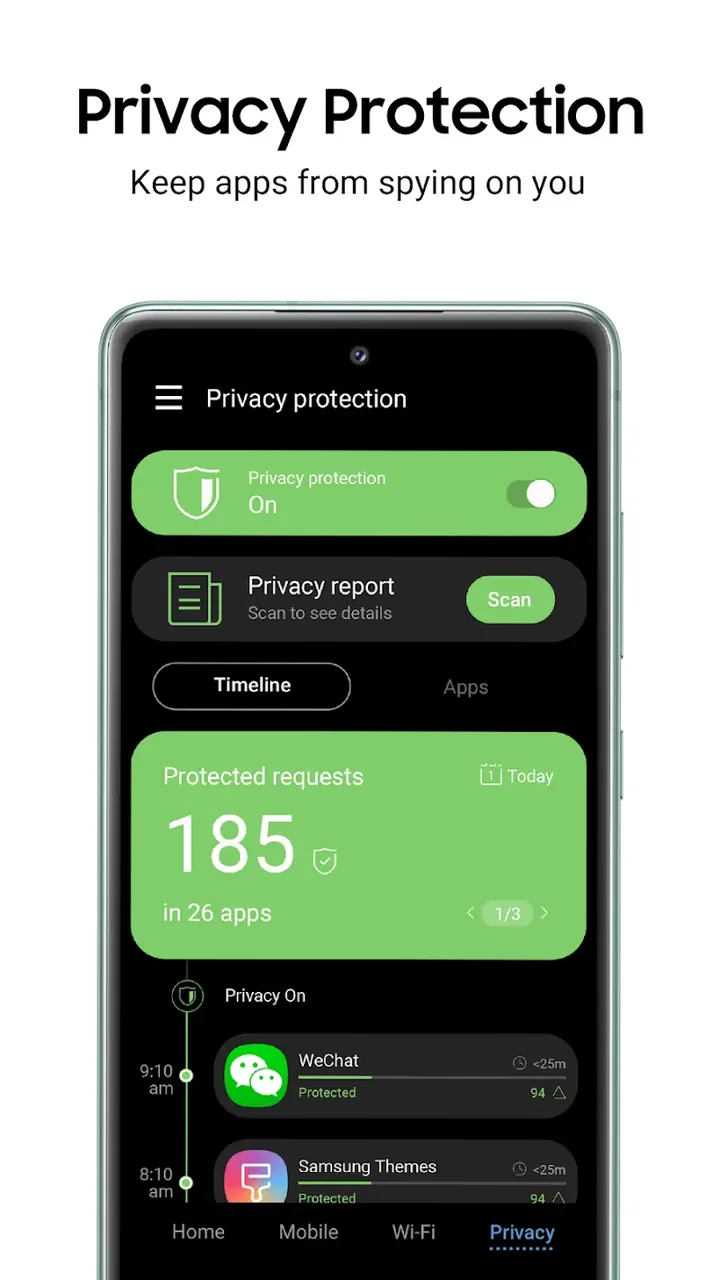
The App Privacy Scanner lets you evaluate the security of the apps on your device. This scanner reviews apps that you have installed to identify privacy concerns. For example, this may include apps that unnecessarily access the network or apps that have permissions that may cause a leak. The scanner shows users’ what apps are doing, allowing them to better control app permissions for the network. In combination with the Privacy Assistant, which operates in the background of the Android OS, it helps users address security concerns that may arise due to the apps on the device. The Privacy Assistant also monitors the device’s network and provides alerts to the users in the event that a threat is detected that may compromise the device security. This helps users better manage the settings on their device to ensure the security of their personal data.
Wi-Fi Security Guard provides security for public Wi-Fi. Public Wi-Fi hotspots are often unsecure making them a risk to access your personal information. The app addresses this by encrypting your connection when you join an open hotspot. It protects your personal information from being intercepted and stolen, like your bank information, and your personal communications. The app also has a No Log Policy. This means the app does not store or log any of your data, including your browsing history or any information about how you use the app. This is another layer of security to protect your private information and your privacy. The app takes many measures to protect your information and how it is logged and stored to gain your trust and help protect your privacy.
Detailed Usage Reports provide insight into an device’s data usage patterns. These reports can show which applications use the most data, and aid in determining which settings should be adjusted. Many people do not know how to use their device in a way to improve performance and battery health. Users that use this application will also see improvements to performance because of the compression of media, and removal of unnecessary scripts. The application enhances the overall processing performance of the device and improves overall system performance. The application achieves this by deep integrating with the Android OS. The goal of the reports and the overall application is to offer a comprehensive suite of features and controls to manage a mobile lifestyle. This application moves control of data and use of privacy features to the users.
Key features
- Comprehensive Privacy Shield
- Ultra Data Saving Mode
- Strict No-Log Policy
- App Privacy Scanner
- Wi-Fi Security Guard
- Detailed Usage Reports
- Privacy Assistant
- Advanced Compression Engine
Related MOD APKs
- MovieBox ID: Watch Movies, TV Series, K-Dramas & Anime for Free
- KWGT Kustom Widget Pro
- SnapTube
- Terabox
FAQ
Is Premium unlocked in Samsung Max VPN MOD APK?
This 4.8.29 version of Samsung Max VPN provides Premium Unlocked. It works like the original Samsung Max VPN release, with all changes becoming active immediately after you finish the installation.
What is the latest version of Samsung Max VPN MOD APK?
The current build is 4.8.29, which corresponds to the Samsung Max VPN release from July 22, 2026. We don’t keep older versions here. To update, install this file over the existing one. If Android shows a signature conflict, uninstall the old app first.
Is Samsung Max VPN MOD APK safe to download?
This 4.8.29 Samsung Max VPN build is the Samsung Max VPN app with Premium Unlocked features. 157 users gave it a 4 rating. It does not require root. Ignore any Play Protect warnings during setup; always download from this page to get this specific build.
Can I use Samsung Max VPN MOD APK on PC or iPhone?
This Android package cannot be installed on iPhone. On a computer, you can run the 26M APK using an emulator like BlueStacks or LDPlayer. Simply install the emulator and then drag this file into it to begin.
Samsung Max VPN v4.8.29 MOD APK (Premium Unlocked)
Download (26M)You are now ready to download Samsung Max VPN for free. Here are some notes:
- Please read our MOD Info and installation instructions carefully for the game & app to work properly
- Downloading via 3rd party software like IDM, ADM (Direct link) is currently blocked for abuse reasons.
4/5 (159 votes)