Boost productivity with Side Dock! Access apps, shortcuts, tools, and multitasking features instantly from a customizable side panel.
Side Dock MOD APK V1.0.2 (Premium Unlocked)
| App Name | Side Dock |
|---|---|
| Publisher | Quivox Engineering |
| Genre | Racing |
| Size | 35 MB |
| Latest Version | 1.0.2 |
| MOD Info | Premium Unlocked |
| Get it On |

|
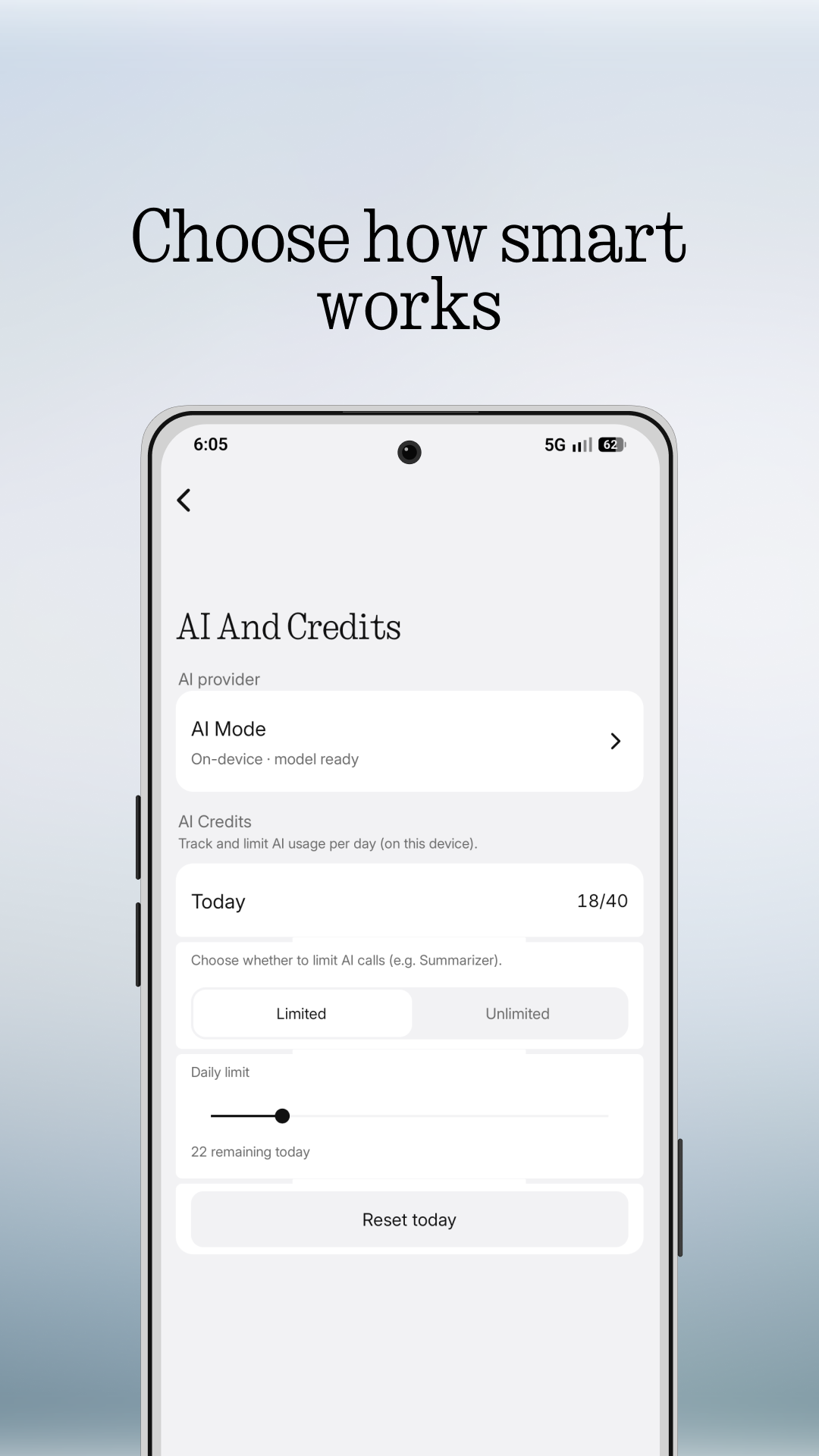
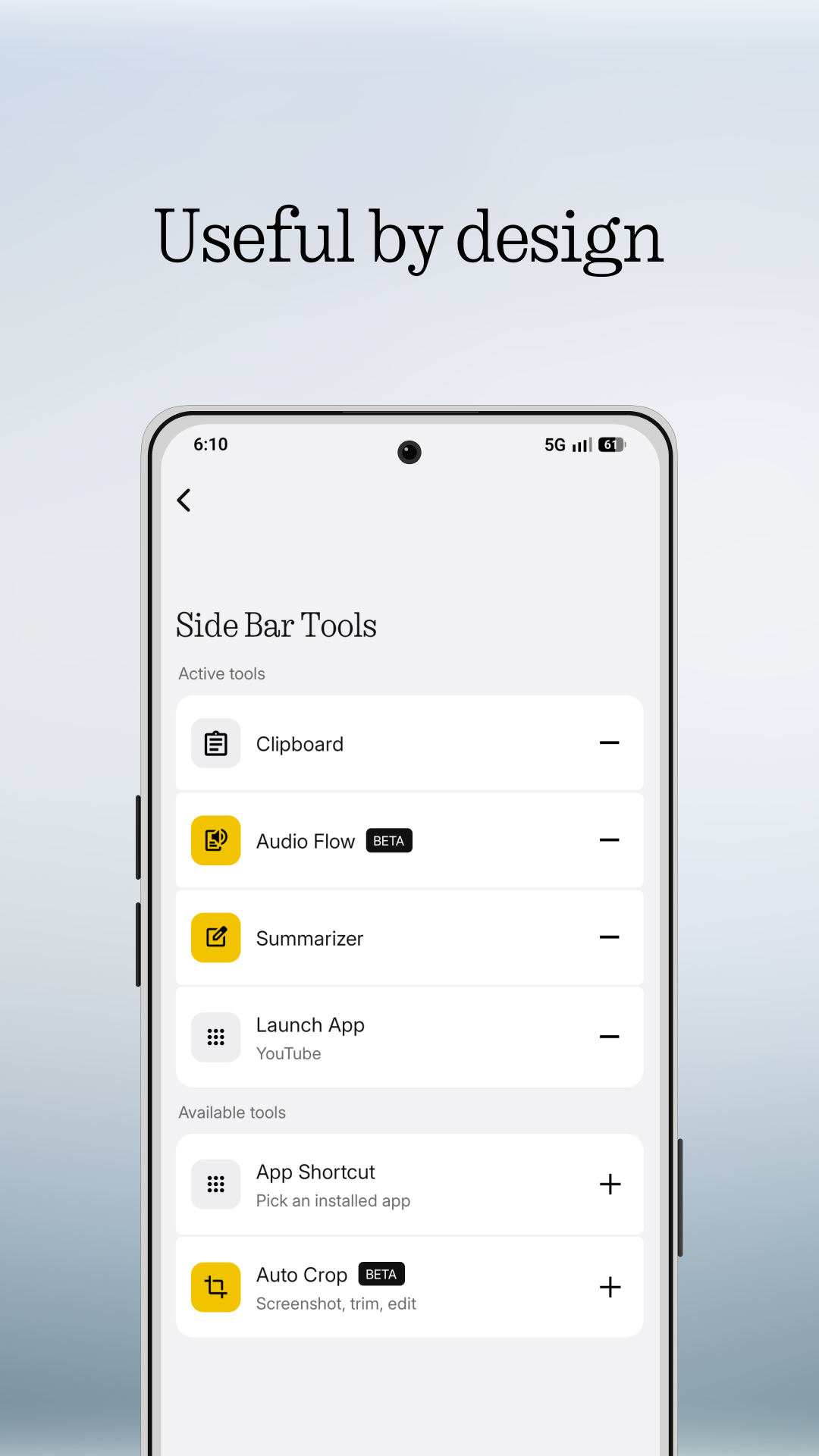
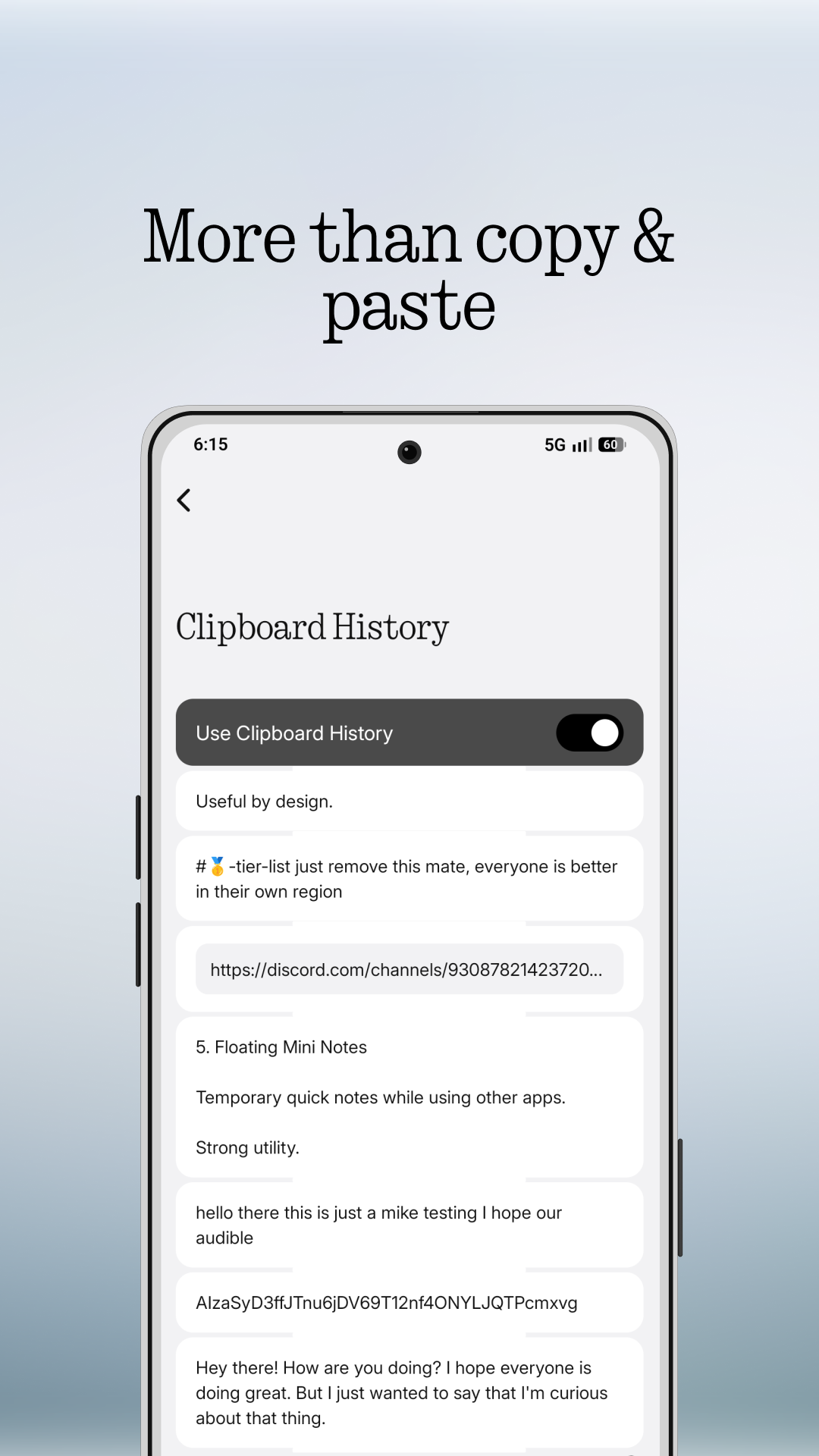
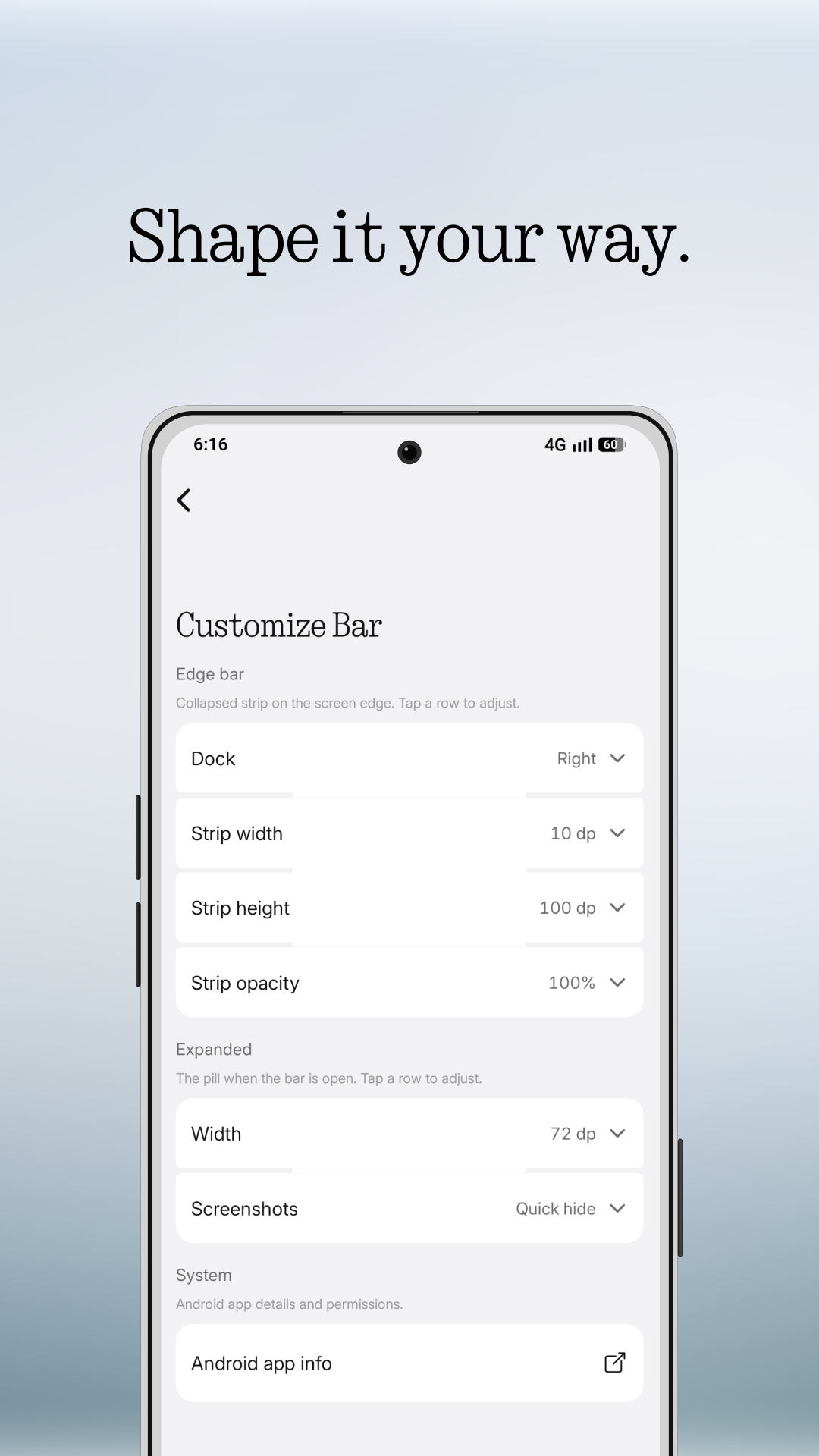
This build provides the Side Dock MOD APK with the Premium Unlocked feature fully enabled. It allows users to utilize all advanced sidebar customization and productivity tools that are restricted in the standard version.
What’s Modified in Side Dock
- Unlocks all premium features and advanced customization settings within the application interface.
Side Dock version 1.0.2 is a 35 MB file with the package name com.sidedock.app, and because it is re-signed, it cannot be installed as an update over the version found on official app stores.
About Side Dock
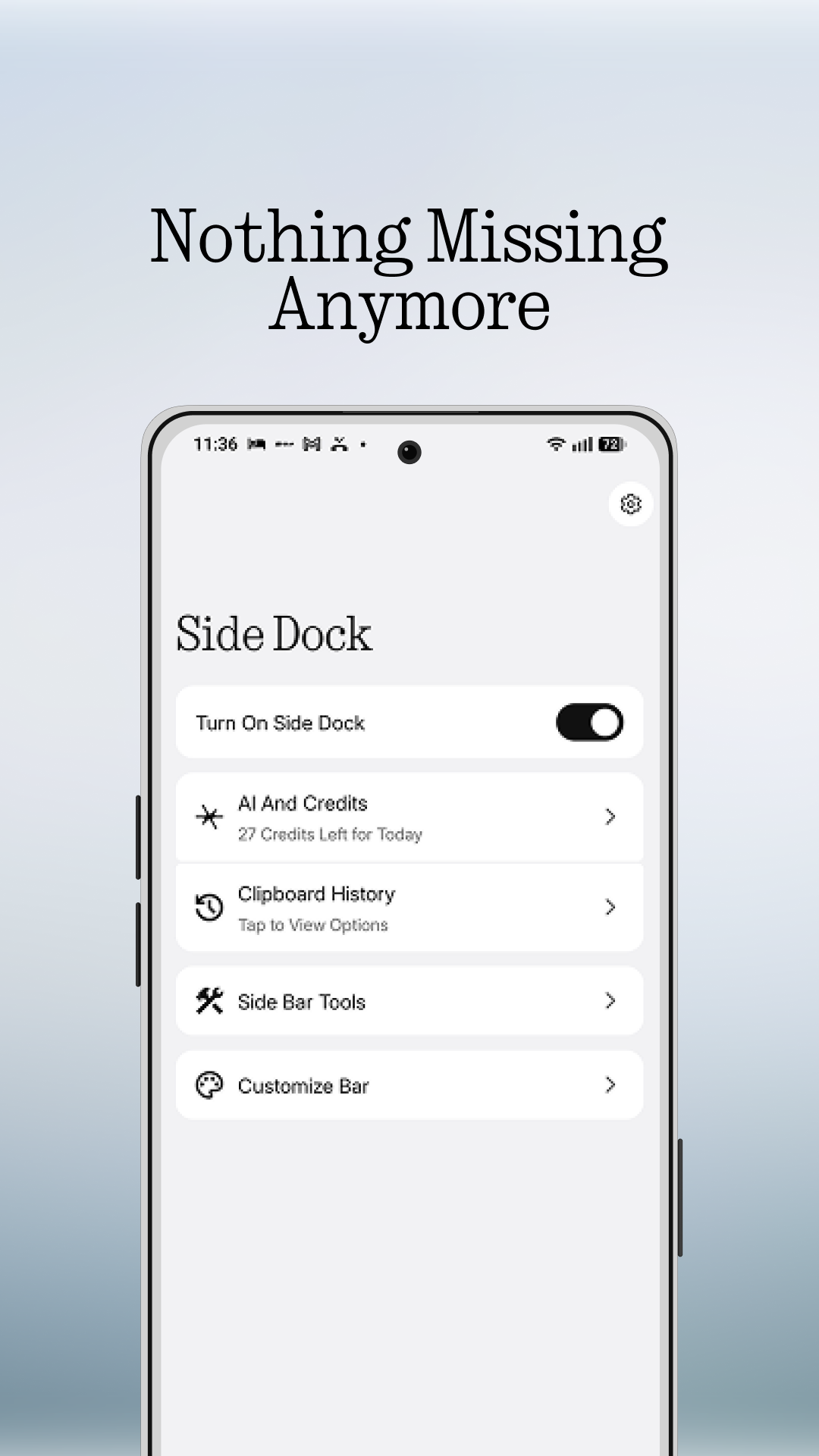
Side Dock MOD APK is a unique app that gives users the ability to access tools they use the most in a more convenient location. A floating dock is placed on the side of the screen and is always visible, no matter which app is being used. Whether the user is surfing the web, watching videos, or doing anything else on their device, the dock is always accessible and allows the user to switch between tasks quickly. The dock contains the user’s favorite and most used app shortcuts, and is located a swipe away, eliminating the need for the user to dig through long app lists or use multiple home screens. The dock is very customizable and can be positioned on the side of the screen the user prefers. The dock has a sidebar which can contain shortcuts to other apps. The sidebar has a dividing feature that helps the user group similar apps together. For even further productivity, the dock can remove all home screen widgets, and put all app shortcuts in the sidebar. The dock is always visible and can be used to quickly switch between apps. Side Dock makes switching between apps faster and less frustrating, and gives the user a more productive way to use their device.
The Fully Customizable Dock system lets users change how the sidebar looks and works to their preferences. Users can change things like the sidebar’s icon size and color, and change the sidebar’s opacity to increase usability and minimize distraction. The customization options allow users to organize apps in a variety of ways to maximize productivity. Users can personalize the sidebar to be in any location on the edge of the screen. Along with a variety of cosmetic changes, users can control how the dock responds to user input. These features let users design a productivity center that blends in with the operating system. Because of the high degree of personalization, the sidebar can be designed to work with the user’s existing workflow.
The development team designed the software, keeping in mind the requirements of the corporate professional, student and gamer to efficiently manage different applications. With the help of Instant App Launcher, the users can access their applications of choice in a jiffy as they need not navigate to the home screen to locate the app of choice or hunt through file manager to access the apps. The feature benefits content creators and gamers to access their application of choice in an instant. The feature takes app management to the next level by adding one touch access to system settings and tools, contacts and websites. The floating dock takes up least space on the screen to minimize disruption of the user’s ongoing work. Continuous and effortless management of applications improves the overall device’s interaction and reduces stress on the user to memorize lengthy and complicated flowcharts to access app settings. The ultimate goal of the app is to help the user efficiently manage and access different applications of choice to prevent disruption and increase productivity during intensive work or play sessions.
With its Productivity Tools and shortcuts, the software is designed to make the user’s work processes faster and more efficient. The tools are incorporated in the sidebar, that way, the user can access most used controls of the software from one location. The software provides a collection of controls such as quick toggles and a task manager. For the comfort of the user and in combination with the adaptability of the user’s environment, the software provides an option for a dark user interface. The program strives to not adversely affect the user’s device performance due to the sidebar. The program aims to optimize the performance of the user’s device by using as less of the device’s resources as possible. The user is able to create a customized collection of applications that the user frequently uses. This collections further enhances the user’s interaction with the device. The program is designed to operate smoothly and efficiently to complement the performance of the device on which it is installed. The program aims to enable the user to control the device with minimum latency and maximize the interactions the user has with the sidebar.
Side Dock MOD APK is beneficial for students and working professionals. Students can efficiently organize study resources with Side Dock’s productive tools, and working professionals can integrate and manage multiple productivity tools on their device. Use of Side Dock improves the overall productivity of a user, as it not only serves as a navigation tool, but also as a productivity platform. Side Dock believes in a philosophy named ‘Privacy-Friendly Design’. As such, the users need not worry about the safety of their data while using the various tools integrated in Side Dock. Side Dock keeps focus on the user’s data and ensure it is not compromised while using the dock. Side Dock serves as a navigation tool to different tools integrated on the user’s device, and also a platform to customize and personalize productivity of the user. Side Dock is not only beneficial while using a device for work, but also while using a device for entertainment, and additionally offers a lot of features integrated for use of the device while leisure.
Key features
- Instant App Launcher for one-tap access to applications
- Quick Access Shortcuts for contacts, websites, and system settings
- Fully Customizable Dock with adjustable icon sizes and transparency
- Floating Sidebar for maximum accessibility across all screens
- Enhanced Multitasking for efficient switching between tasks
- Dark Mode Support for improved visual comfort in low light
- Productivity Tools and integrated system utilities
- Privacy-Friendly Design focused on data security
- Organize Favorite Apps into personalized collections
- Smooth Performance optimized for speed and low resource usage
Related MOD APKs
FAQ
Is Premium unlocked in Side Dock MOD APK?
This version of Side Dock (1.0.2) features Premium Unlocked. It functions similarly to the Quivox Engineering release, with all modifications active immediately after you finish the installation.
What is the latest version of Side Dock MOD APK?
Version 1.0.2 is the latest from Quivox Engineering, updated August 17, 2026. We don’t keep older versions here. Install this file over your current app to update; if you see a signature error, delete the old app before reinstalling.
Is Side Dock MOD APK safe to download?
This Side Dock 1.0.2 build from Quivox Engineering includes Premium Unlocked. 29 users gave it a 3.7 rating. It does not require root. Ignore Play Protect warnings during installation, but always download from this page.
Can I use Side Dock MOD APK on PC or iPhone?
You cannot install this Android file on an iPhone. To use the 35 MB app on a computer, use an emulator like BlueStacks or LDPlayer. Set up the emulator first, then import the file.
Side Dock MOD APK V1.0.2 (Premium Unlocked)
Download (35 MB )You are now ready to download Side Dock for free. Here are some notes:
- Please read our MOD Info and installation instructions carefully for the game & app to work properly
- Downloading via 3rd party software like IDM, ADM (Direct link) is currently blocked for abuse reasons.
3.7/5 (29 votes)