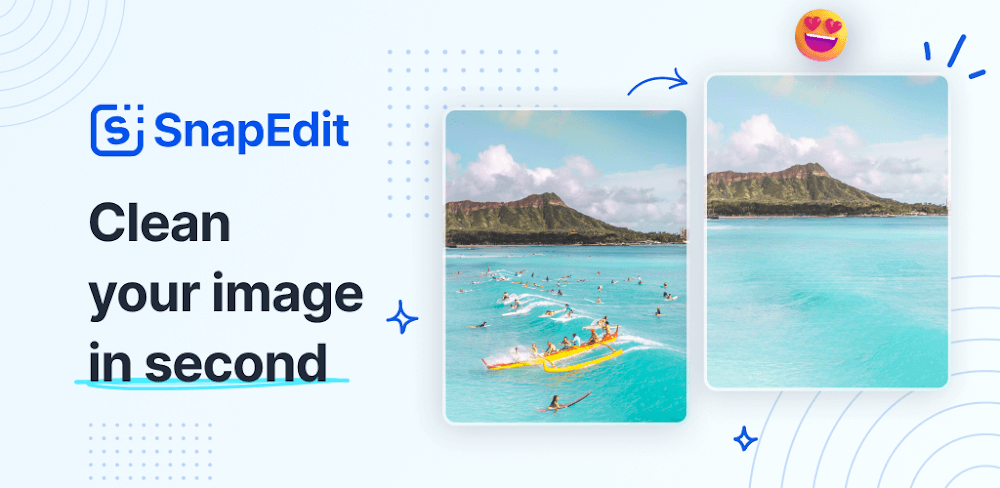
With SnapEdit Mod APK – Using AI recognition, you can quickly and easily remove undesired individuals and objects from your photos.

SnapEdit v8.7.9 MOD APK (Pro Unlocked)
| App Name | SnapEdit |
|---|---|
| Publisher | SnapEdit Team |
| Genre | Photography |
| Size | 107.2M |
| Latest Version | 8.7.9 |
| MOD Info | Pro Unlocked |
| Get it On |

|
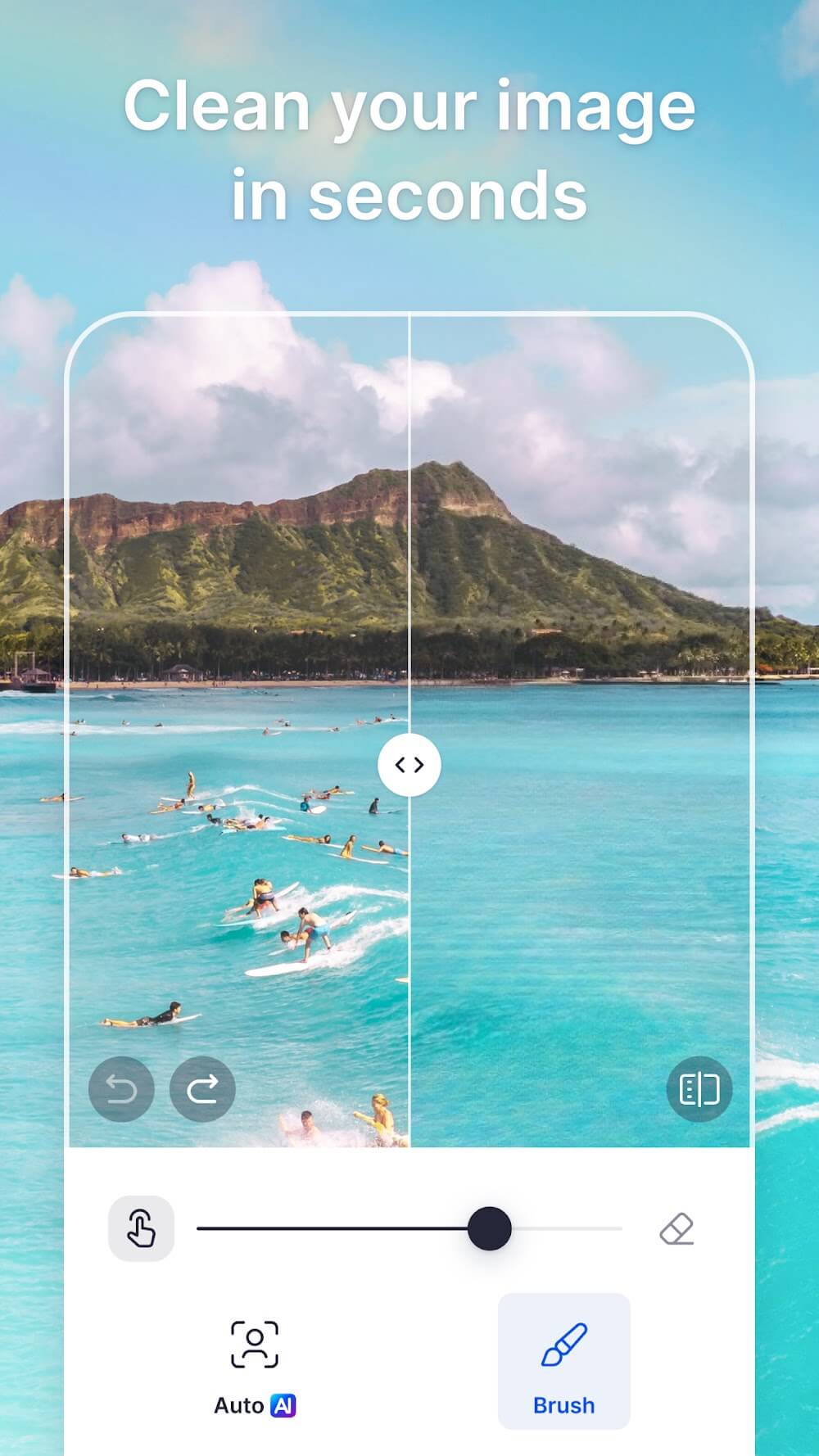


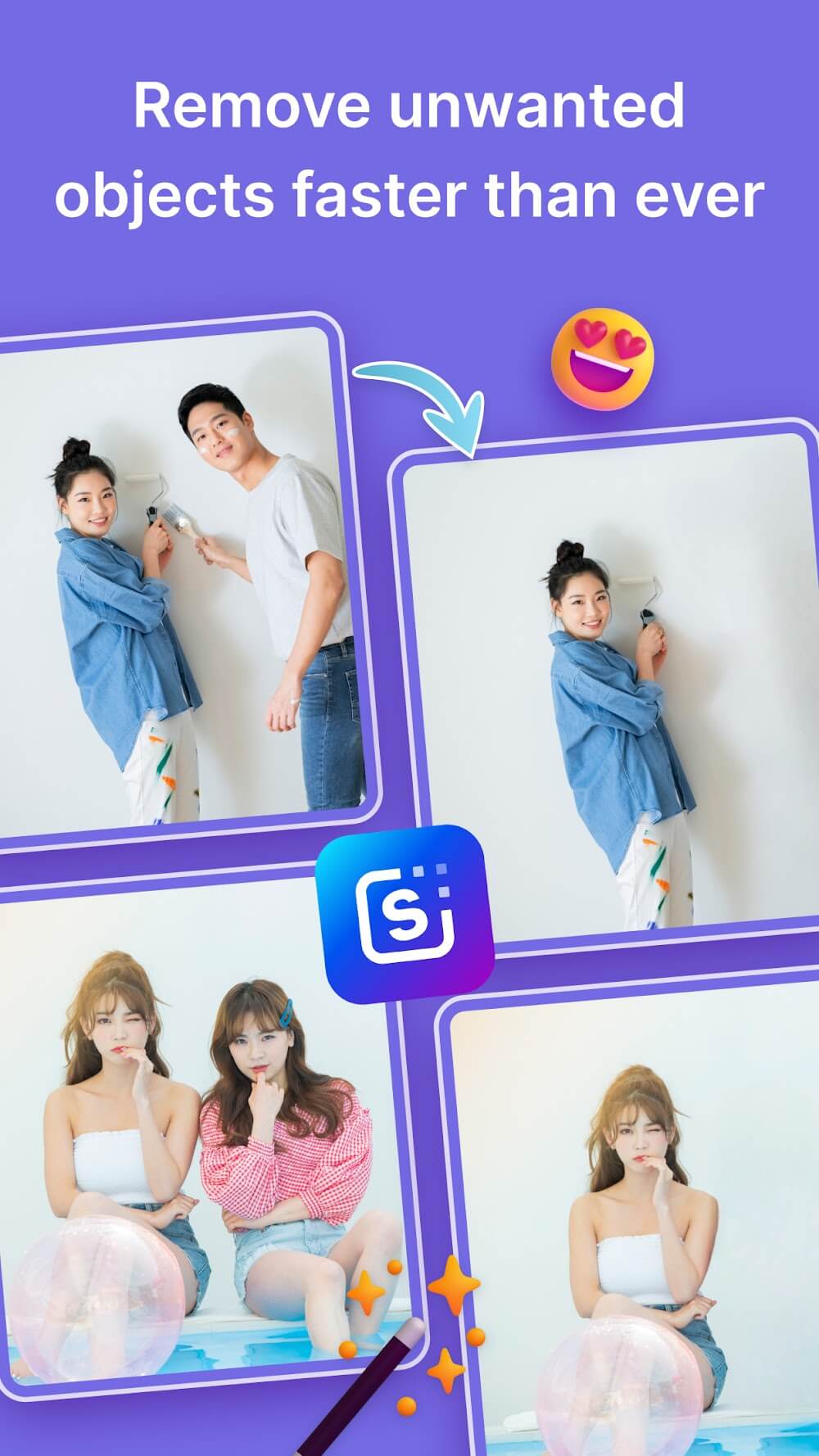

This SnapEdit MOD APK provides users with the Pro Unlocked version of the application, granting access to premium editing tools and features. By using this modified build, the restrictions typically found in the standard version are removed to allow for a more complete photo editing experience.
What’s Modified in SnapEdit
- Pro Unlocked: Grants full access to the application’s premium features and advanced AI tools.
This build is SnapEdit version 7.6.6 with a file size of 30M and the package name snapedit.app.remove; it is a re-signed file that cannot be installed as an update over the official store version.
About SnapEdit
SnapEdit is an app for Android that lets users edit pictures using various AI tools. The app has various features, with the object removal feature being the main draw. The tool identifies picture element(s) users want removed, and voila! They are gone. The tool is especially handy for removing distractions from a picture, such as unwanted people or things. As with other apps, users can edit pictures to enhance clarity. This app, however, goes a step further to add aesthetic value to pictures through unique, professional effects. Users can choose from an array of filters and modes to instantly add an artistic flair to pictures. The filters include dark and light modes, as well as color and B&W modes. Users can also crop and enhance sharpness and clarity of pictures.
In addition to traditional photo editing tools, the app provides users with a set of tools to alter and edit images using techniques outside of the standard to manipulate images in a variety of different ways. A common example of this is the tool that lets users edit and replace skies in photos. With this tool, users can completely change the existing sky in a photo and replace it with other images of skies with different atmospheric conditions, such as with a sunrise or a storm. Users can also remove the backgrounds of images and replace or edit them however they please. With the tools, users can create images of products or portraits and other photos with a background of any color or image. Similar to editing and replacing backgrounds and skies, the app provides users with other tools to completely alter an image how they see fit, and provide the image with a final touch by adding different aesthetic filters to the image. All of these tools are powered by AI, and designed to simulate photo editing tools on a computer.
In addition to creative tools, the software provides various tools to assist in the management and format documents. It provides tools to adjust file size and format. It enables users to edit images based on the specific requirements of the printouts or digital documents. The software provides different standard size paper formats (from A1 to A6). It provides presets for different formats of mails (post cards and letters) and other formats. It is ideal to crop and print images for various documents and mails. The images in the software are organized in different projects. Each project can be stored in a separate password protected folder. Thus, the images in the project can be accessed by the user only. The software is ideal for different professional mails and documents.
Edit photos quickly by using batches of 9, and then merge the batches to create longer documents. With this app, users can produce longer multimedia documents and portfolios. Users have the ability to easily import and export various file types, including PDFs and JPEGS. Unlike other editing programs, this program offers users the ability to have their documents physically printed and/or faxed. The program provides a virtual workspace to produce and edit documents. Once users are done editing, they can easily distribute and/or print the documents. The program combines the concepts of an editing program and a work document program to generate a variety of long format documents.
The aim of the design is to make the app quickly accessible and to enable fast editing, especially when compared to other apps which sometimes slow down when large edits are made. The app navigates easily making the more complex features of the app practical and beneficial. Speed and ease of use is emphasized when batches of photos need to be edited and/or when photos of high resolution are edited. Although the standard app contains ads and in app purchases, the standard version contains a suite of tools to remove and/or alter photos, and edit photos to improve their quality. The included features of AI make the app versatile for photo editing and managing other kinds of files. The direct features of the app for printing and faxing further extend its utility as a workstation. For photography enthusiasts, the app offers a powerful photo editing workstation.
Key features
- AI-powered removal of unwanted objects and people
- Image quality enhancement with smart cropping
- Sky replacement and background removal tools
- Artistic filters and optimization modes (B/W, Lighten, Color, Dark)
- Support for A1 to A6, postcard, letter, and note sizes
- Folder-based organization with password protection
- Direct printing and faxing from the application
- Batch editing and file merging capabilities
- Export options for PDF and JPEG formats
Related MOD APKs
FAQ
Is Premium unlocked in SnapEdit MOD APK?
This SnapEdit (7.6.6) version features Pro Unlocked. It operates like the SnapEdit Team release; changes are active right after you install.
What is the latest version of SnapEdit MOD APK?
Version 7.6.6 matches the SnapEdit Team release from August 13, 2026. We don’t keep older versions here. To update, install this build from this page over the current one; if Android reports a signature conflict, uninstall your existing version first.
Is SnapEdit MOD APK safe to download?
This SnapEdit 7.6.6 file on MODYOLO is the SnapEdit Team app with only Pro Unlocked modified. 199 users gave it a 3.8/5 rating here. It does not require root. A Play Protect warning during install is expected, so always download from this page.
Does SnapEdit MOD APK remove the watermark?
This build includes Pro Unlocked. Since SnapEdit includes watermark removal in the Pro tier, check the export screen after you install to verify the feature works.
SnapEdit v8.7.9 MOD APK (Pro Unlocked) Download
Download (107.2M)You are now ready to download SnapEdit for free. Here are some notes:
- Please read our MOD Info and installation instructions carefully for the game & app to work properly
- Downloading via 3rd party software like IDM, ADM (Direct link) is currently blocked for abuse reasons.
3.8/5 (199 votes)