TurboSpace Game Launcher boosts performance, organizes your games, optimizes memory, and delivers a fast, smooth gaming experience in one tap.
TurboSpace Game Launcher MOD APK V1.2.4 (Premium Unlocked)
| App Name | TurboSpace Game Launcher |
|---|---|
| Publisher | Titanium app |
| Genre | Word |
| Size | 19 MB |
| Latest Version | 1.2.4 |
| MOD Info | Premium Unlocked |
| Get it On |

|
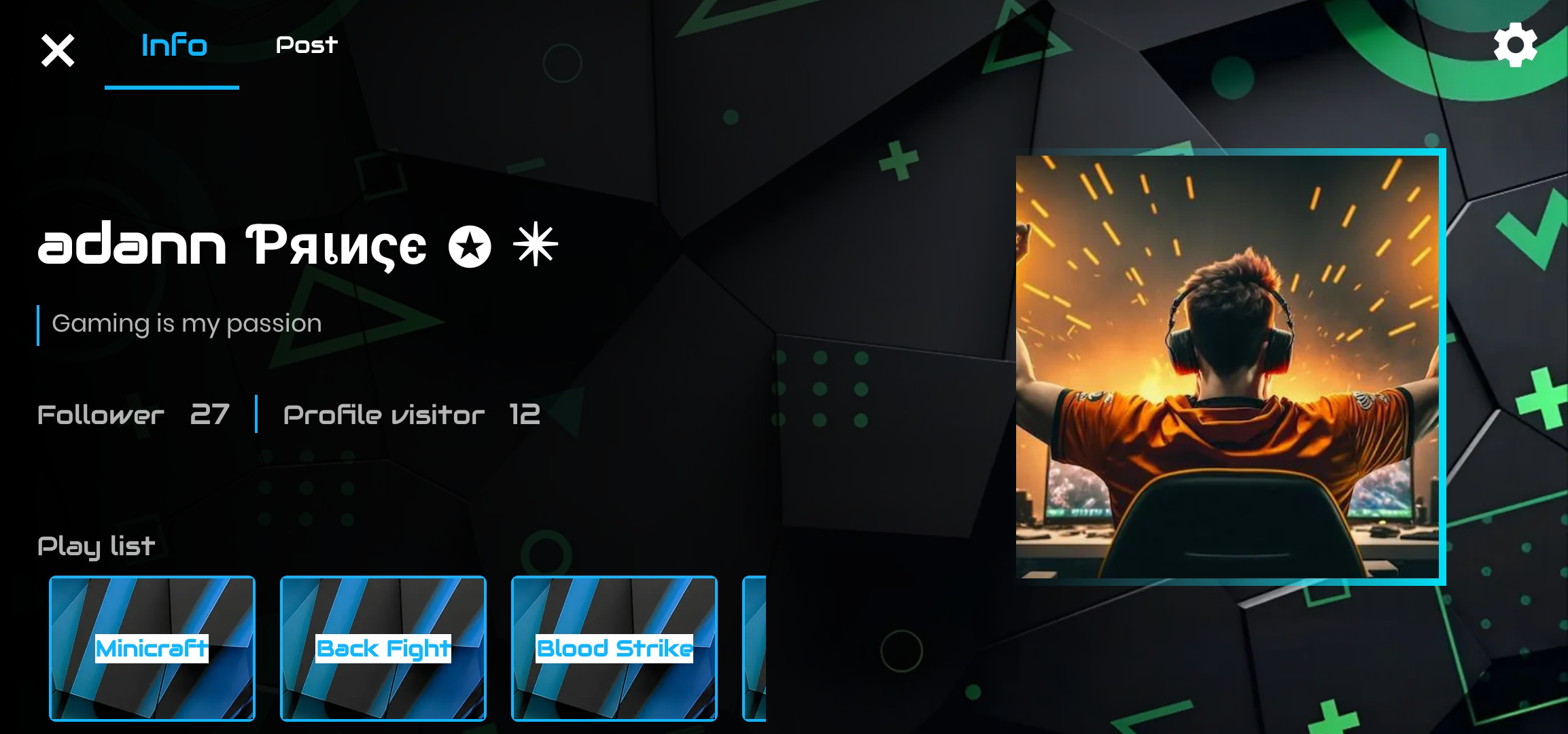
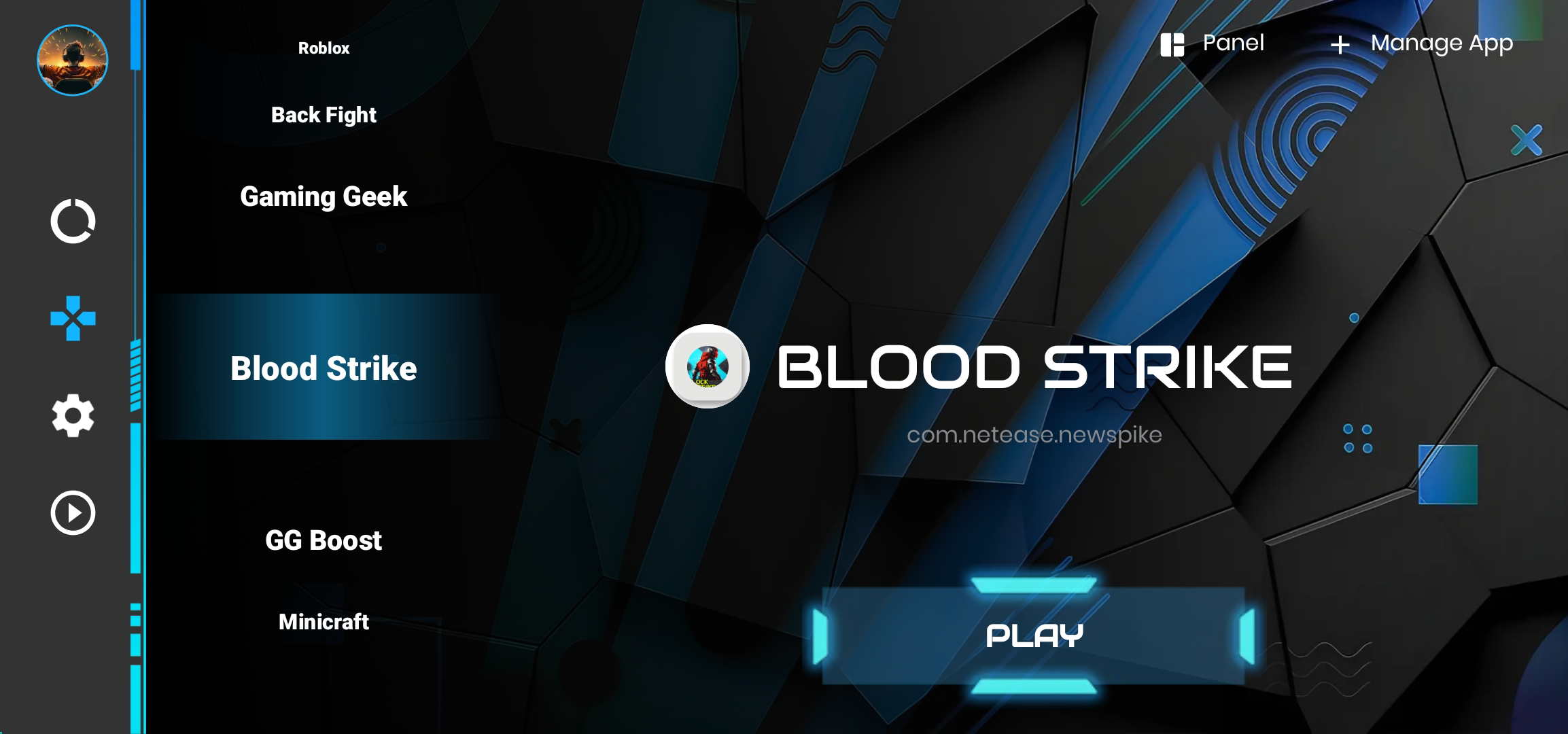
The TurboSpace Game Launcher MOD APK provides an unlocked premium experience, removing restrictions on the application’s advanced features. This build ensures that all management and optimization tools are available to the user from the initial launch.
What’s Modified in TurboSpace Game Launcher
- The premium features of the application are unlocked, providing full access to all internal tools and optimization settings.
Version 1.2.4 has a file size of 19 MB and uses the package name com.codeturbine.androidturbodrive; it is a re-signed file that cannot be installed over a copy from the store.
About TurboSpace Game Launcher
Created by Titanium App and listed in the word category, TurboSpace Game Launcher is a management system for mobile games. This game launcher helps resolve the issues brought about by performance degradation and device fragmentation. As a user installs more apps on their mobile device, the home screen becomes disorganized and gives a cluttered view. It becomes hard to identify mobile games among the system tools and utilities. The game launcher is an organized dashboard that provides a centralized location for all the games installed on the mobile device. This game launcher takes a step further to provide an improved user experience by separating games from productivity apps. The game launcher is a layer between the mobile device’s OS and the games. It helps prioritize and manage the OS resources for the games. The game launcher improves the user experience further by organizing the games in an easier to access location and providing faster retrieval. This game launcher maintains a centralized dashboard for gaming activities.
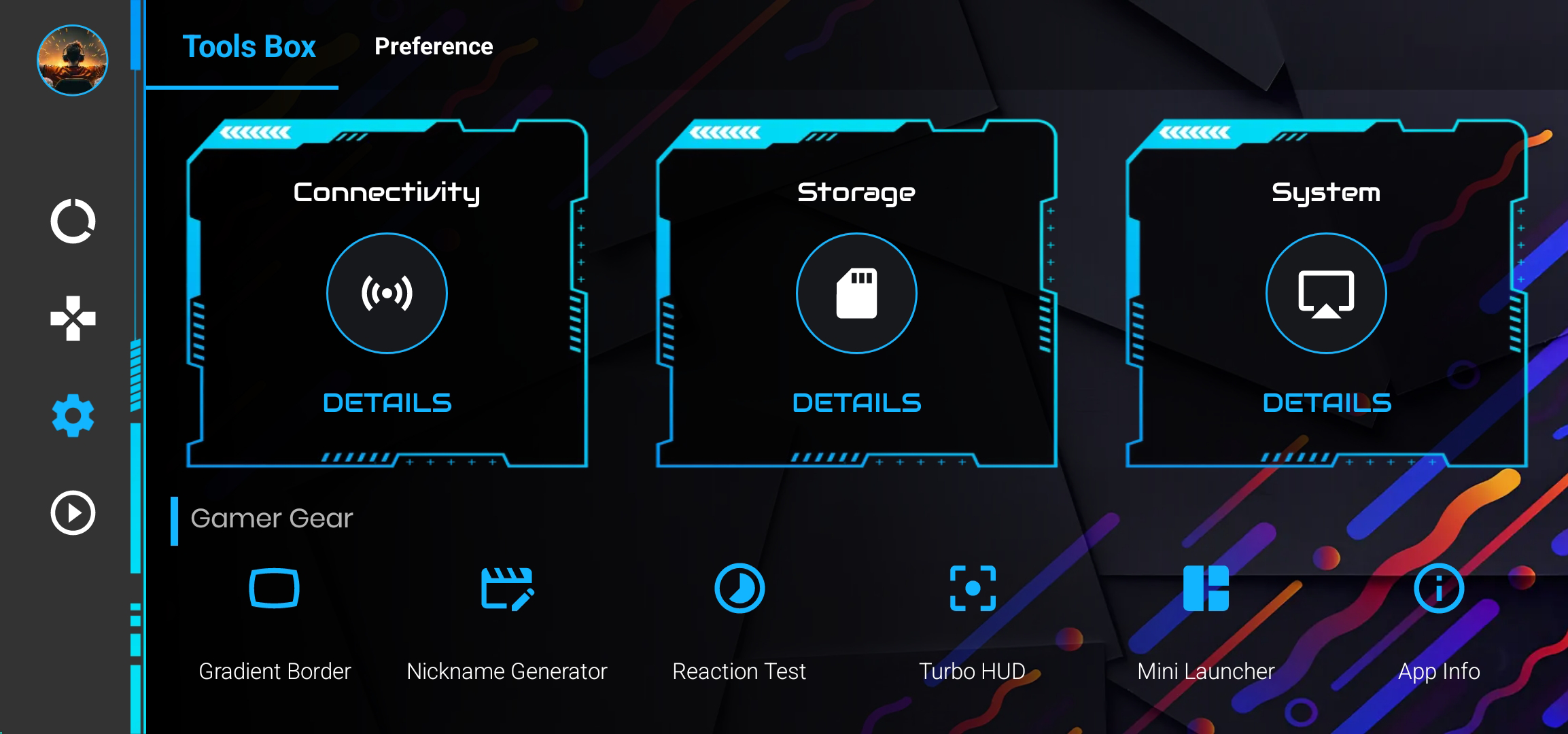
The main feature of the app is the one-tap game launcher. This skips the long game launching process that includes navigating many pages in the app drawer. Smart game organization automatically files games for the user. The app also goes beyond simple game organization and allows the user to create their own categories. Users can also create categories based on game genres. For example, a user can create categories for action games, adventure games, racing games, strategy games, RPGs, casual games and others. With this organization tool, users can create a category for single player games and a category for multiplayer games. Users can set up the mindset for gameplay by creating a category for games with high-intensity competitive gameplay and a category for games with casual gameplay. Users can also organize the games by game publishers. Since game libraries are constantly changing with new games added and old games removed, the organization tools can be altered at any time. The tools are easy to use. The application does not take up too much space on the device and should not impact battery life too much.
The application helps optimize the performance of other programs. Before a game is launched, the application performs a number of background tasks that maximize the power of available hardware. This includes removing applications from background tasks that may consume the CPU, and freeing up the system memory occupied by processes that are not doing anything (i.e. zombie processes). Active management of the RAM (compared to the standard OS behavior) results in less lag and more stable frame rates. This is important for games that require a lot of frames. The software continuously monitors the system resources and, if needed, takes steps to free up system resources to ensure the hardware remains stable. This, in addition to the various tools available, helps eliminate memory leaks. Some of the tools address CPU scheduling, ensuring that touch events are processed quickly to maintain responsiveness.
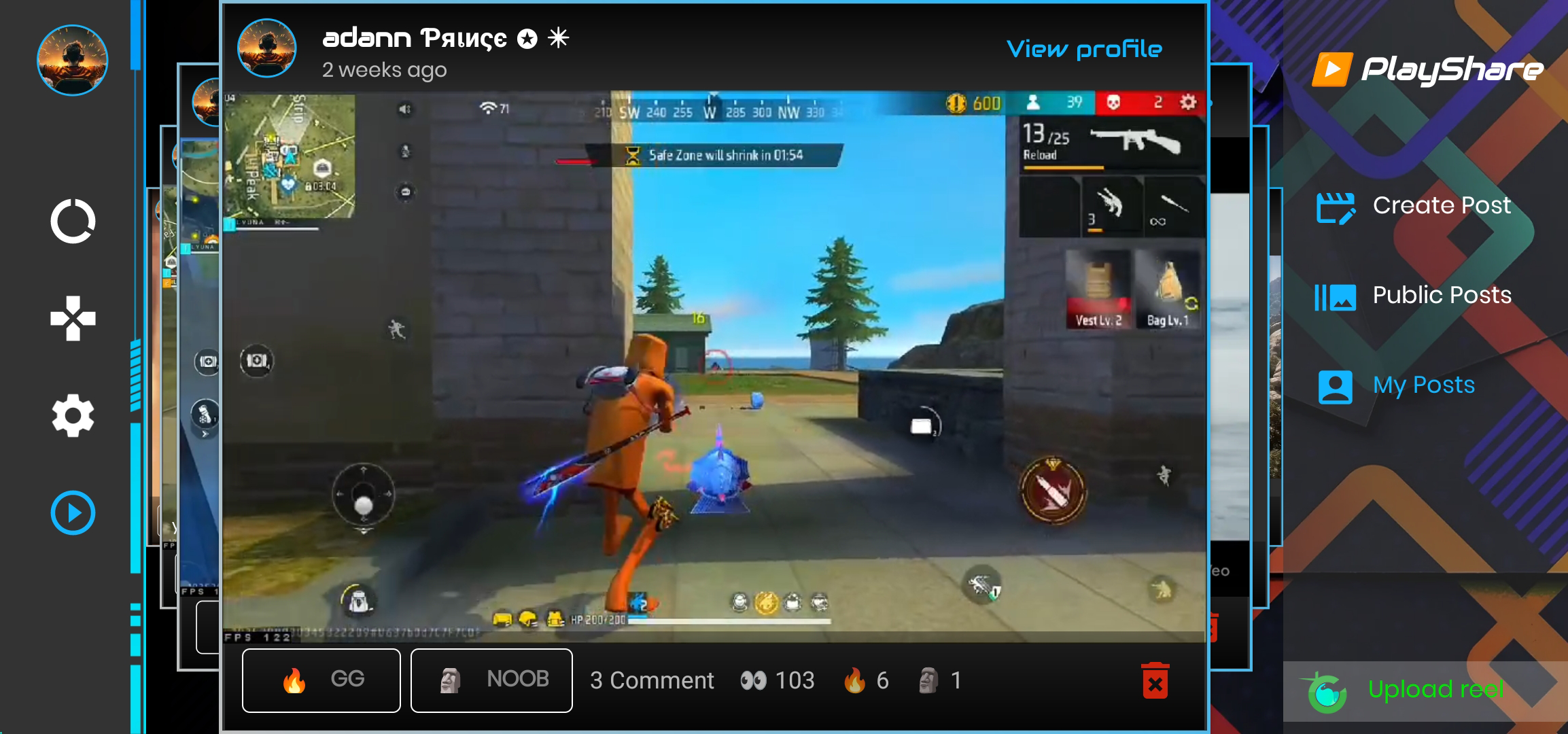
One feature of the application of interest to users focused on habits is game usage tracking. This feature captures how long a user engages with a game and gives statistics to assist in understanding entertainment time. This feature captures gaming patterns and supports in understanding which game titles are consuming the largest portion of a user’s time. The feature collects playtime data in the background and does not obstruct the user. The data is available on the dashboard and shows the history of application usage. This allows the user to understand if their gaming is balanced with other activities and if they are sticking to the constraints they set for themselves. The dashboard provides trends and breaks down data by genre and time of day, as well as other ways to analyze gaming patterns.
The application puts a strong emphasis on the design of the user interface, keeping it minimal and clean. Complex menus are avoided. Rather, modern design elements are integrated into the UI to make the navigation smooth and engaging. The goal is to keep the application technology accessible to people of all ages and make the technology as approachable as possible. Minimizing distractions, the launcher keeps the focus entirely on the games and removes the clutter and visual noise normally present on the home screen. The design is secure, ensuring that the tools remain within the boundaries set by the OS and do not compromise the long-term stability of the device. The interface is made up of features that are easily accessible, such as the boost button, and a list of categories, and, thanks to its modular design, they can all be moved to any spot on the screen. Large hit zones make navigation easy using touch controls. Smooth transitions ensure easy navigation between the library and the settings. Overall, the app is a robust, easy to use, and powerful solution for mobile gamers looking to organize their gaming setup.
Key features
- One-Tap Game Launching
- Performance Optimization
- Smart Game Organization
- Memory & Resource Management
- Custom Game Categories
- Game Usage Tracking
- Secure & Lightweight Design
- Clean & User-Friendly Interface
Related MOD APKs
FAQ
Is Premium unlocked in TurboSpace Game Launcher MOD APK?
This TurboSpace Game Launcher 1.2.4 version features Premium Unlocked. It functions like the Titanium app release, and the modification is active immediately upon installation.
What is the latest version of TurboSpace Game Launcher MOD APK?
The current 1.2.4 build matches the Titanium app release from March 13, 2026. We don’t keep older versions here. Install this file over the current one to update; uninstall first if you see a signature conflict.
Is TurboSpace Game Launcher MOD APK safe to download?
This TurboSpace Game Launcher 1.2.4 version is the Titanium app with Premium Unlocked. 93 users gave it 4.5 stars. It does not require root. Expect a Play Protect warning, so always download from this page.
Can I use TurboSpace Game Launcher MOD APK on PC or iPhone?
This Android file will not work on iPhone. For PC or Mac, use an emulator like BlueStacks or LDPlayer to run the 19 MB APK. Just install the emulator and drag the file into it.
TurboSpace Game Launcher MOD APK V1.2.4 (Premium Unlocked)
Download (19 MB )You are now ready to download TurboSpace Game Launcher for free. Here are some notes:
- Please read our MOD Info and installation instructions carefully for the game & app to work properly
- Downloading via 3rd party software like IDM, ADM (Direct link) is currently blocked for abuse reasons.
4.5/5 (93 votes)