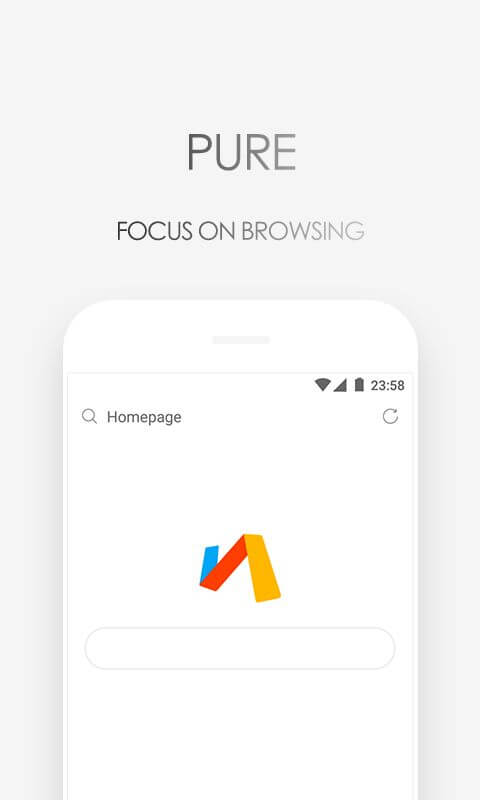
Via Browser is an intelligent application that brings many utilities such as blocking ads, supporting downloading images/documents, and helping you to surf the web faster.


Via Browser v7.3.0 MOD APK (AD-Free)
| App Name | Via Browser |
|---|---|
| Publisher | Tu Yafeng |
| Genre | Tools |
| Size | 3M |
| Latest Version | 7.3.0 |
| MOD Info | Optimized |
| Get it On |

|
MOD Info
● Removed the license agreement dialog when opening the browser for the first time.
● Disabled/removed:
– logging;
– analytics;
– Wakelock;
– debug information.
● Built-in search suggestions on the homepage, if in the settings -> Appearance -> Advanced search bar is enabled.
Possible rare bug:
Who, after introducing a search in the search box, has a problem with returning to the home page, just tap on the empty space below.
● Signatures under the icons on the home page in two lines.
● Languages Russian, Ukrainian, English.
● Disabled audio/video player ‘sleep’ when the screen turns off.
● Changed Chinese hosts to 1Hosts in the assets folder
● Accepts user certificates.
● Optimization/ZipAlign applied.
● Painted toolbar black (Night mode).
● Name changed to Браузер Via.
● After the exit (button ‘Exit’) does not hang in either active or background processes.
This version of the Via Browser MOD APK is an optimized build that streamlines the user experience by removing the initial license agreement and disabling all internal telemetry. It introduces visual modifications like a black toolbar and two-line icon signatures while ensuring that no background processes remain active after the application is closed.
What’s Modified in Via Browser
- Removed the license agreement dialog that typically appears when opening the browser for the first time.
- Disabled and removed all internal logging and analytics tracking to increase privacy.
- Removed wakelock and debug information to reduce system resource consumption.
- Integrated built-in search suggestions on the homepage, which function when the advanced search bar is enabled in the appearance settings.
- Resolved a rare bug where users could not return to the home page after a search by enabling a tap on the empty space below to trigger the return.
- Modified the home page layout to display signatures under the icons in two lines.
- Included localization support for Russian, Ukrainian, and English languages.
- Disabled the automatic sleep function for the audio and video player when the screen is turned off.
- Replaced the default Chinese host files with 1Hosts in the assets folder to change filtering behavior.
- Enabled the application to accept and recognize user-provided certificates.
- Applied a black paint scheme to the toolbar to provide a permanent night mode aesthetic.
- Changed the application’s display name to Браузер Via.
- Configured the application to terminate all active and background processes immediately upon using the exit button.
 |
 |
This build is version 7.3.0 with a file size of 3M and uses the package name mark.via.gp; as a modified build, it is re-signed and cannot be installed over an official version of the Via Browser MOD APK.
About Via Browser
Tu Yafeng has developed an application known as Via Browser. This application is designed to help users browse the web at high speeds while at the same time maintaining the safety of the user’s data. Browsing the web at high speeds is largely considered a luxury given that most browsers make use of a significant amount of a system’s resources. This application focuses on providing users with the luxury of relaxing browsing, hence the aim to provide a relaxed environment for web surfing. The application is designed to provide high efficiency, making it an excellent application for activities that require a significant amount and continuous transfer of data such as playing games or streaming videos. Via Browser offers an impressive feature of blocking advertisements. Ad blocking features help maintain the integrity and speed of search results by eliminating distractions and interruptions. The optimization of the application ensures that each of its features is designed to exhibit maximum efficiency. This lightweight application is incredibly fast and designed to work even on old computers.
The new features on the app help users engage better with their preferred content. The bookmarks bar is one of the new features. This bar helps users build organization for commonly visited pages. Easy navigation is provided by this bar because users do not have to dig through long and complicated menus. The new features improve browsing history management as well. Users can now set a target time and remove browsing data for a specified time period. Where earlier users had to delete data one by one, now the bar gives users the option to delete all data. The application has a feature that addresses error logs as well. Users are given the option to send error logs. If non-default data is entered, they are not sent. The new features of the application encourage free use of typed data and a virtually null error environment for users.
The ability to optimize space is important as the application is optimized to run well on devices with limited internal storage. Space optimization tools allow users to download documents and images swiftly. Users can tap an image to save it in the format of their choice, depending on the quality and the intended purpose. Additionally, this browser is able to save entire documents and webpages to be viewed later when there is no internet access. This browser is able to protect the device from accidentally downloading unsafe files. This browser is able to protect a user’s device from advertisement-based downloads and avoid such websites from accessing the device. This application also protects the device from visiting dangerous websites and prevents tracking when a user browses on digital pathways. This application keeps the device safe and protects it from malfunctions caused by unnecessary downloads and data drainage.
Customization and security are the final pillars of an application’s broad functionality. Customization in browser design extends beyond simple themes. Each user can create a unique experience. Each user can make a design that reflects their personal preferences. Users can not only choose wallpapers, but can customize the browser’s toolbar placement and delete unnecessary widgets to maximize a clean browser. This level of customization is further extended to the area of information security. The browser provides users the peace of mind that they can browse the internet without being tracked by ads. Along with an assurance of security, the browser empowers the user to customize retention periods of data, resulting in an overall secure browsing experience. The browser also provides the user with a more secure browsing experience by blocking illegal websites and hiding spam advertisements that permeate social networks to protect user privacy and keep their data safe.
Key features
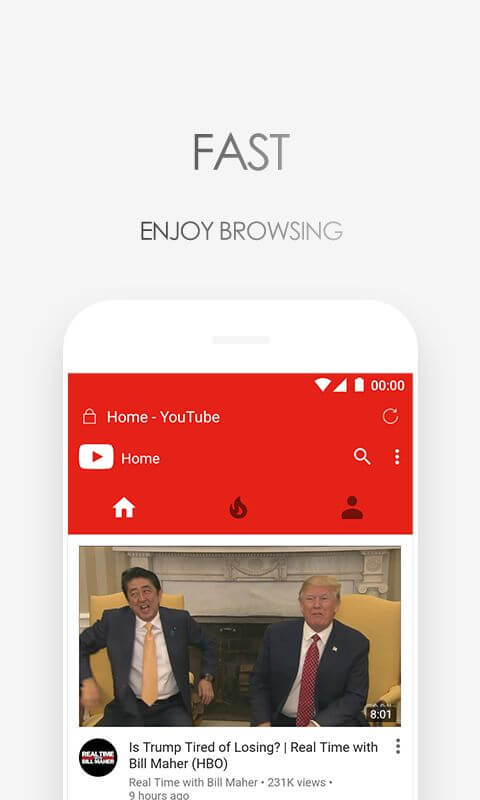
- Lightweight browser architecture with minimal data footprint.
- Rapid image downloading and document saving tools.
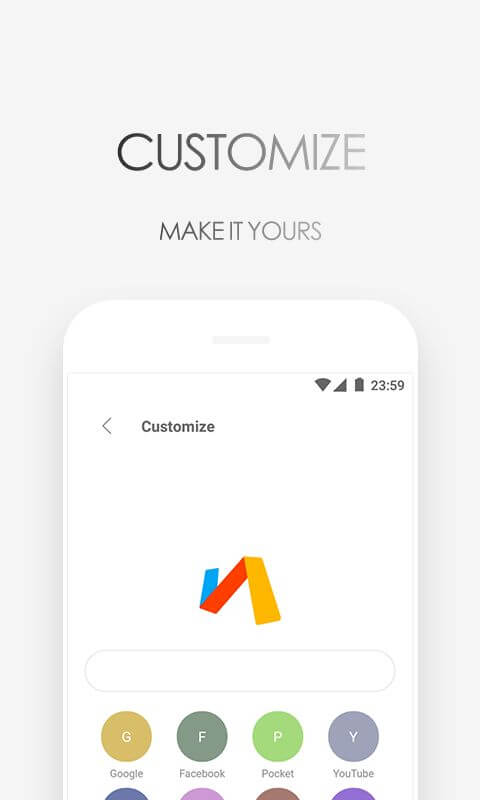
- Customizable themes and homepage wallpaper design options.
- Flexible interface layout with adjustable actions and tool removal.
- Granular history management with specific time-hook deletion.
- Updated bookmarks bar for quick access to saved pages.
- Automatic blocking of unauthorized and illegal websites.
- Warning system for downloads originating from junk advertisements.
- Privacy tools to prevent tracking and ensure information security.
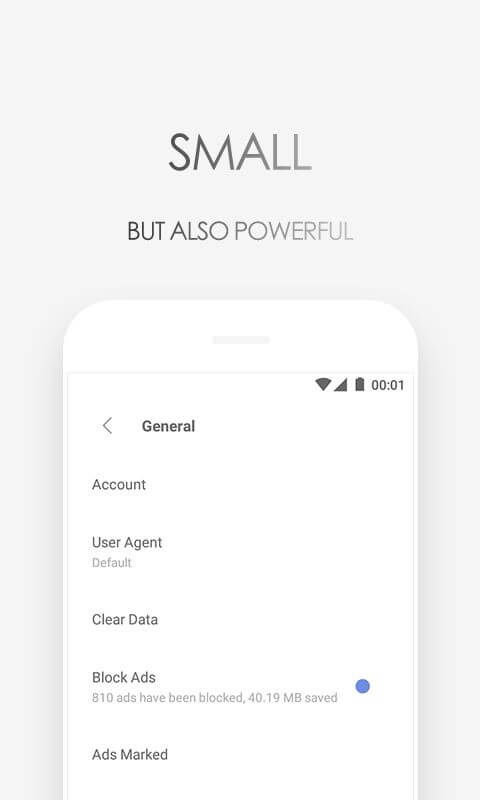
- Integrated ad-blocking for movies and games.
 |
 |
Related MOD APKs
- MovieBox ID: Watch Movies, TV Series, K-Dramas & Anime for Free
- KWGT Kustom Widget Pro
- SnapTube
- Terabox
FAQ
What does Via Browser MOD APK unlock?
This 7.3.0 build of Via Browser features the following change: Optimized. It functions like the Tu Yafeng release, with all modifications active immediately after you complete the installation on your device.
What is the latest version of Via Browser MOD APK?
Version 7.3.0 is the current build, matching the Tu Yafeng release from August 22, 2026. We don’t keep older versions here. To update, install this file over your current app; if you see signature errors, uninstall the existing version first.
Is Via Browser MOD APK safe to download?
This 7.3.0 version of Via Browser is the Tu Yafeng app with Optimized changes applied. It has a 3.7/5 rating from 33 users. It does not require root. A Play Protect alert is expected during setup, so always download from this page.
Can I use Via Browser MOD APK on PC or iPhone?
As this is an Android package, it will not install on an iPhone. On Windows or macOS, run the 3M APK using an Android emulator like BlueStacks or LDPlayer; simply install the emulator and drag the file in.
Via Browser v7.3.0 MOD APK (AD-Free) Download
Download (3M)You are now ready to download Via Browser for free. Here are some notes:
- Please read our MOD Info and installation instructions carefully for the game & app to work properly
- Downloading via 3rd party software like IDM, ADM (Direct link) is currently blocked for abuse reasons.
3.7/5 (35 votes)