Download VidMate App latest version to enjoy fast music and video downloads from YouTube & Facebook. Vidmate makes media downloading easy for Android & PC user.

Vidmate APK Download v7.0304 Latest Version (Android)
| App Name | VidMate |
|---|---|
| Publisher | Vidmate |
| Genre | Entertainment |
| Size | 35.2M |
| Latest Version | 7.0304 |
| MOD Info | No Ads, Unlimited Download, More New Contents |
MOD INFO?
● All advertisement cut out
● Removed ads from splash
● Disabled all ads activities
● Disabled force update app
● Nullified all type of ad codes
● Added google sans custom font
● Added & injected all settings
● Removed unnecessary files
● Removed dex debug codes
● Optimized & stable
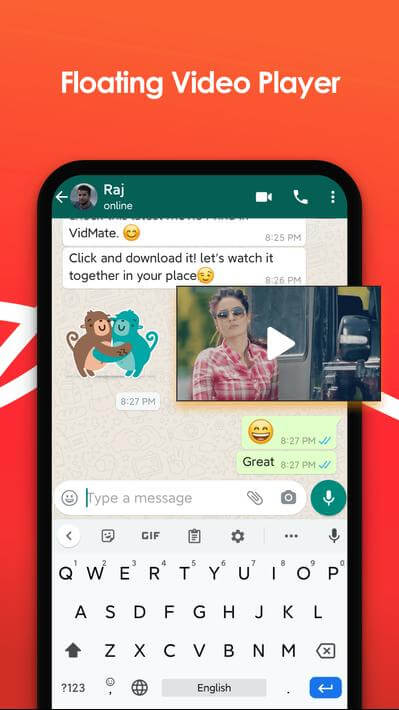
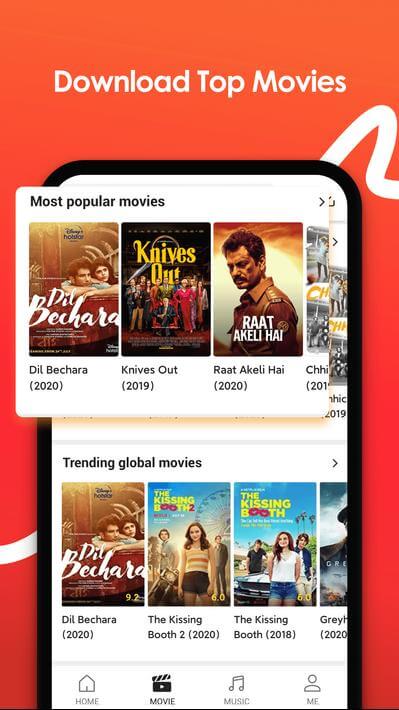
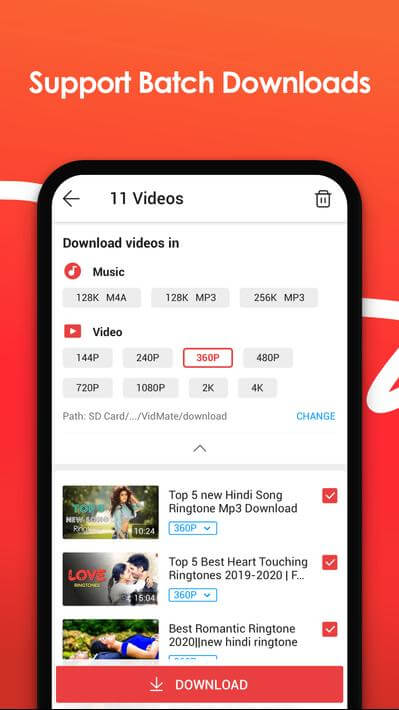
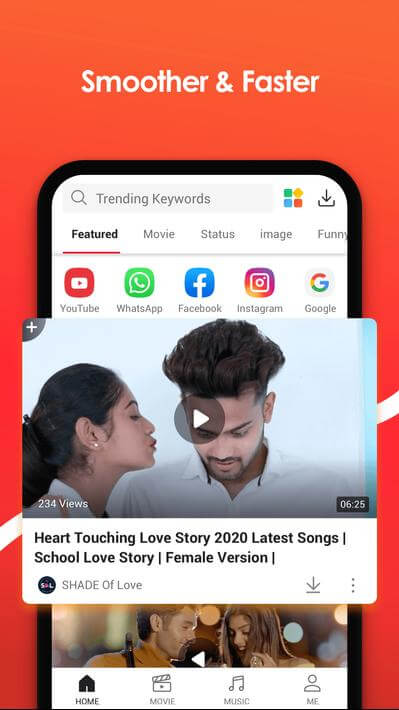
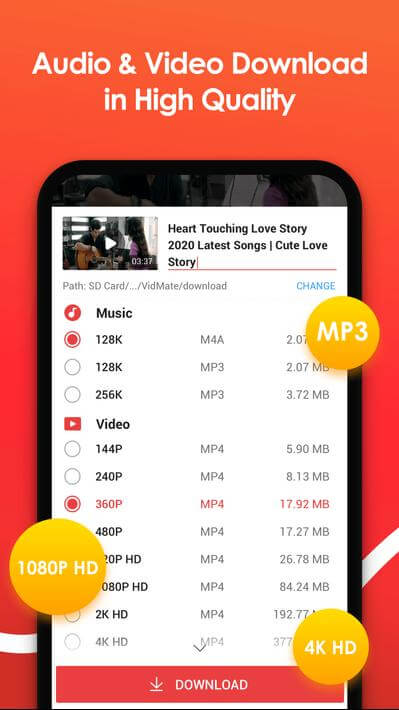
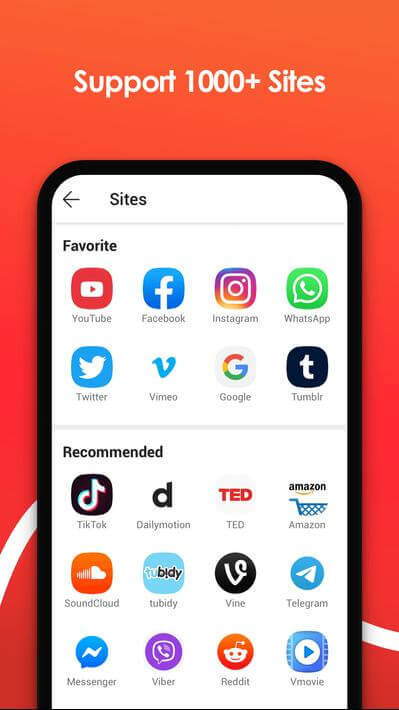
This VidMate MOD APK removes all advertising elements to provide an uninterrupted media downloading experience. It modifies the core application to eliminate splash screen ads and internal ad activities while introducing custom typography and additional settings.
What’s Modified in VidMate
- All advertisement elements have been cut out from the interface.
- Advertisements have been removed from the splash screen during startup.
- All internal advertising activities within the application have been disabled.
- The forced update requirement has been disabled to keep this version active.
- All types of advertising codes have been nullified to prevent them from running.
- A custom Google Sans font has been added to the user interface.
- New settings have been added and injected into the application’s configuration menu.
- Unnecessary files have been removed from the package to streamline the build.
- Dex debug codes have been stripped from the application.
- The build has been optimized for a stable user experience.
The current build is version 6.0102 with a file size of 31 MB and an unknown package name; this VidMate MOD APK is re-signed and cannot be installed over a version from the store.
About VidMate
VidMate lets Android users download media right to their phones. With how popular videos are for consumable content right now, tons of people are either streaming or downloading videos daily. From feature length movies, music videos, tutorials, sport matches, and everything social media, tons of content gets consumed daily and this needs applications for fast downloads and applications for fast streaming. VidMate lets you download media so you can store it for later viewing when there’s no internet. This is useful because there are so many people that like to watch videos when they do not have access to the internet. VidMate speeds up how you download media and adds flexibility for users to watch the media offline.
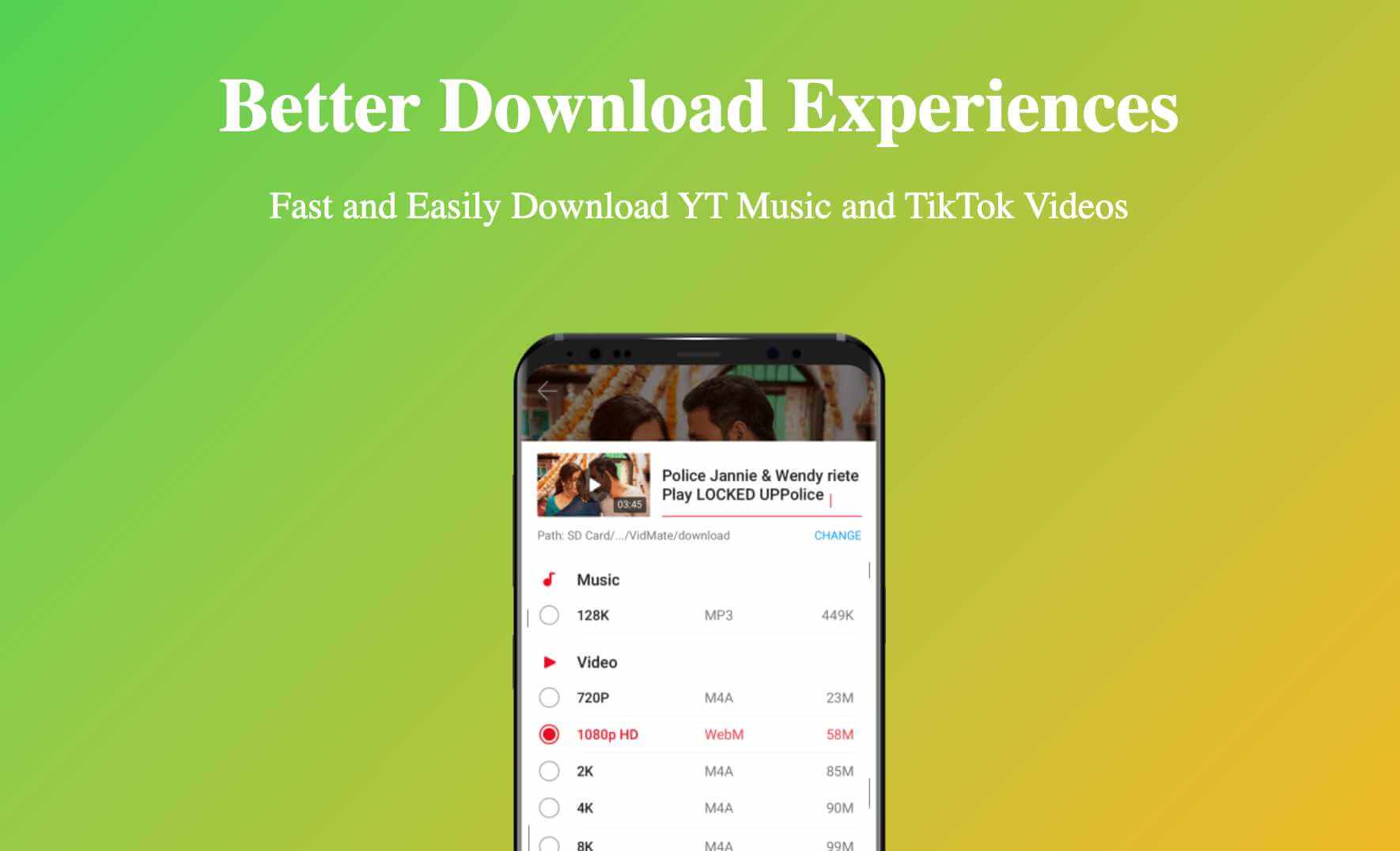
The downloading feature of the app is one of the most important features built into the app. The app can download a variety of types and qualities of media. This means the users of the app can decide how they want to save their media. Once users have selected a video to save, the app provides three video quality choices, standard, high, and Full HD. Users can choose to save a video in high quality to use on larger more high resolution displays, or choose to save a video in low quality in order to save space. The app contains a specialized way to download audio as well. Users can download an MP3 of the audio from any video in order to save audio as a music file. Downloading using the app is built to be fast and efficient. This means media is downloaded at a higher speeds than most other apps. This is important because it allows users to download media even if they have a slow internet connection.
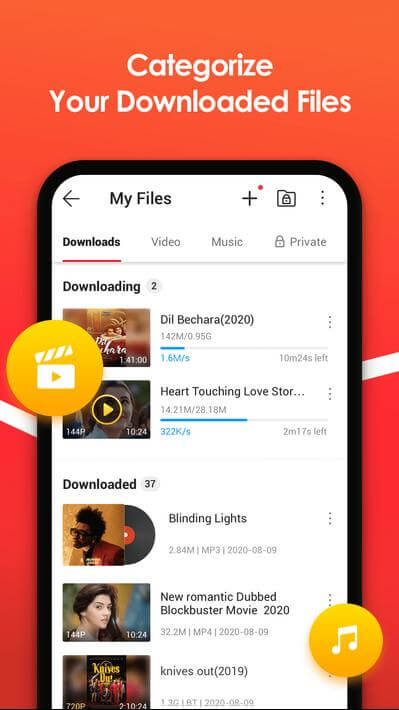
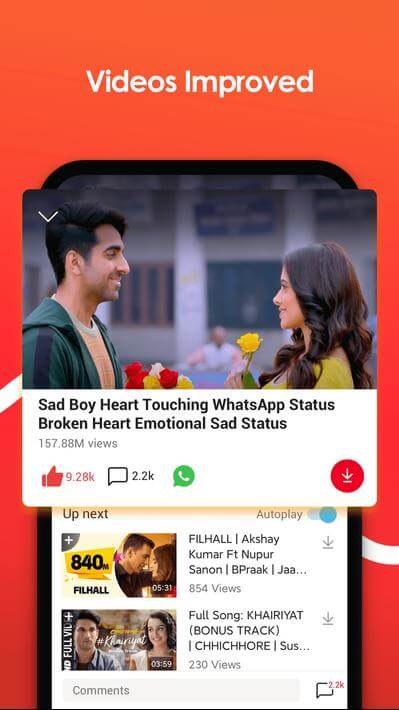
This application was designed to be simple to understand and straightforward to use. The clean and simple user-interface makes it easy to know where to find your files. The interface is organized into neat categories, reducing the need for users to find specific files. Users can easily navigate the app to download their favorite songs, videos or movies. Using the app for the first time doesn’t mean having to submit an advanced degree. The app’s user-interface further enhances the user experience with a built-in media player. Once a file is finished downloading, the user can immediately start playing the file, removing the inconvenience of having to find and use another video player. An integrated download manager provides the user with advanced control and functionality when it comes to file management. A quality feature of a download manager is to provide the ability to pause and resume downloads at the users’ convenience. Organizing and managing files is a priority for the download manager to ensure the offline library is maintained and user friendly.
Live television is another cool aspect of the application. Different versions of the application give users access to different live channels organized by categories for sports, news, and entertainment. The application provides a media hub where users can enjoy the functionality of both downloading files for later use and enjoying live broadcasts. The application’s level of compatibility across the Android ecosystem is another cool feature of the application. The application has been optimized so that it functions at a high level on different devices with varying speeds. Thus, it also functions at a high level on devices such as old and low level smart devices. The application provides a multitude of services and consolidates efficiency by providing services such as video, audio, and television downloads as well as live television streams. The application saves users time and consolidates the services of multiple applications. Thus, the user only has to install one application for a consolidated service for multiple media types.
The main advantage to using this application is that you can enjoy unlimited offline entertainment. Most traditional media applications require constant and stable internet and thus limit the user experience. This app gives the option to users to save media files on their apps/devices for offline access. For example, a user connects to a Wifi network, and the user can download a series of videos or a music playlist for offline access by the user. This is especially useful for people who are on the go, travel, or have unstable internet access. This app’s interface is also built for efficiency since finding and saving media is as easy as a few clicks. The app’s primary function is ensuring users have constant access to their preferred media, no matter the quality of videos or audio the user prefers. Fast download times combined with easy file management and the option to save files in multiple formats make this the ultimate tool to create a media library on the go.
Key features
- Fast Video Downloads
- Multiple Format Choices
- Audio Downloads
- User-Friendly Design
- Built-in Media Player
- Live TV
- Easy to Use Download Manager
Related MOD APKs
FAQ
Does VidMate MOD APK give unlimited download?
This VidMate (6.0102) build includes No Ads, Unlimited Download, and More New Contents. It functions like the standard Vidmate release, with all modifications active immediately after you finish the installation process on your device.
What is the latest version of VidMate MOD APK?
Version 6.0102 is the current Vidmate build, updated July 9, 2026. We don’t keep older versions here. Update by installing this file over your current app. If you see a signature conflict error, you must uninstall the existing version before trying again.
Is VidMate MOD APK safe to download?
This VidMate 6.0102 package is the Vidmate app with No Ads, Unlimited Download, and More New Contents. 512 people gave it 4.7 stars. It does not require root. Ignore any Play Protect warnings during the setup, but ensure you always download from this page.
Can I use VidMate MOD APK on PC or iPhone?
Because this is an Android file, you cannot use it on iPhone. For PC or Mac, run the 31 MB file inside an emulator like BlueStacks or LDPlayer. Simply set up the software and drag the package into the window.
Vidmate APK Download v7.0304 Latest Version (Android)
Download (35.2M)You are now ready to download VidMate for free. Here are some notes:
- Please read our MOD Info and installation instructions carefully for the game & app to work properly
- Downloading via 3rd party software like IDM, ADM (Direct link) is currently blocked for abuse reasons.
4.7/5 (512 votes)