Boost your sound with Volume Booster – Equalizer Pro. Customize bass, treble, and audio effects for louder, clearer music and immersive listening.
Volume Booster - Equalizer Pro MOD APK V1073 (Pro / Paid Unlocked)
| App Name | Volume Booster - Equalizer Pro |
|---|---|
| Publisher | BGN CAPITAL |
| Genre | Music & Audio |
| Size | 46 MB |
| Latest Version | 1073 |
| MOD Info | Pro / Paid Unlocked |
| Get it On |

|
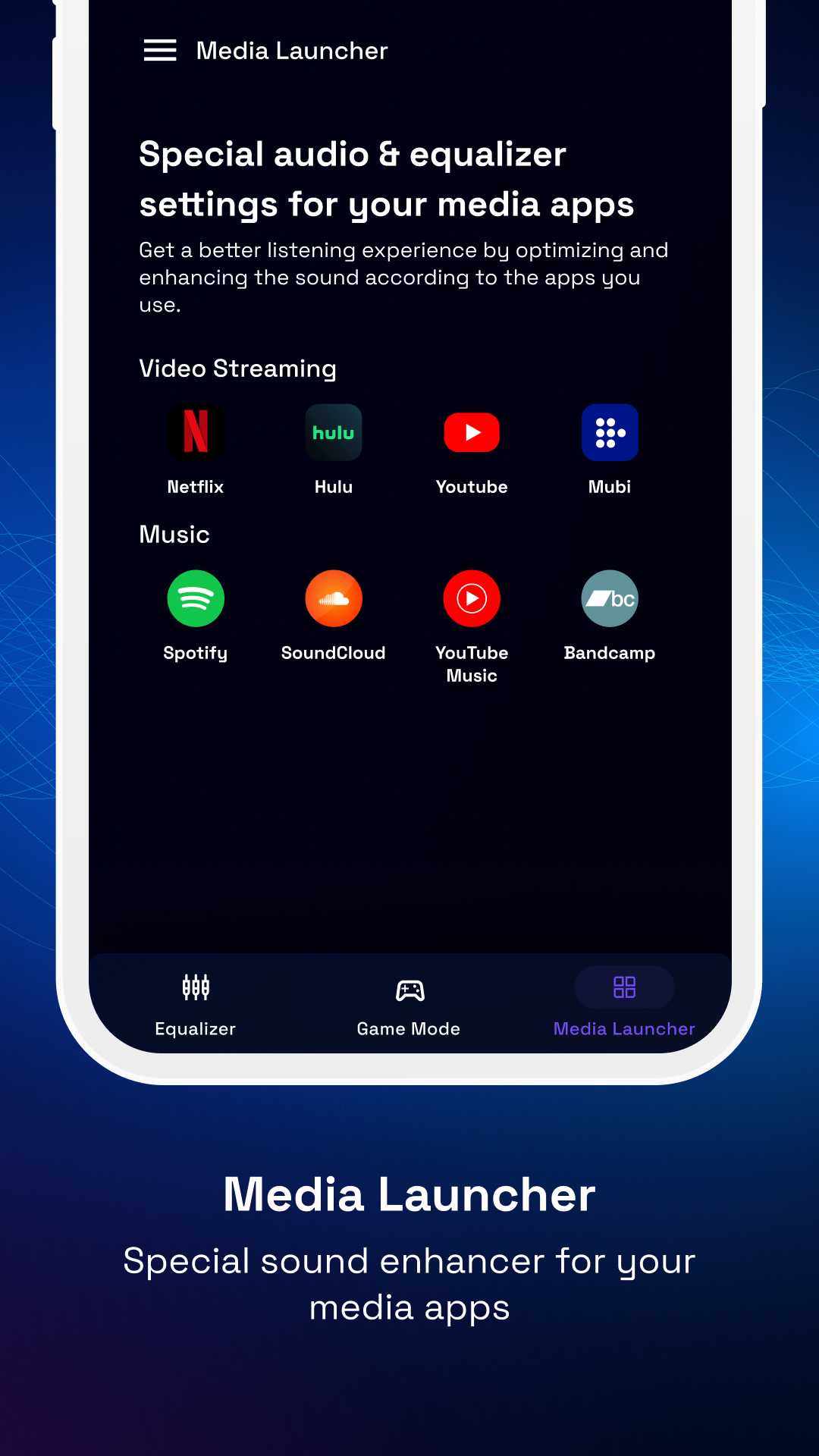
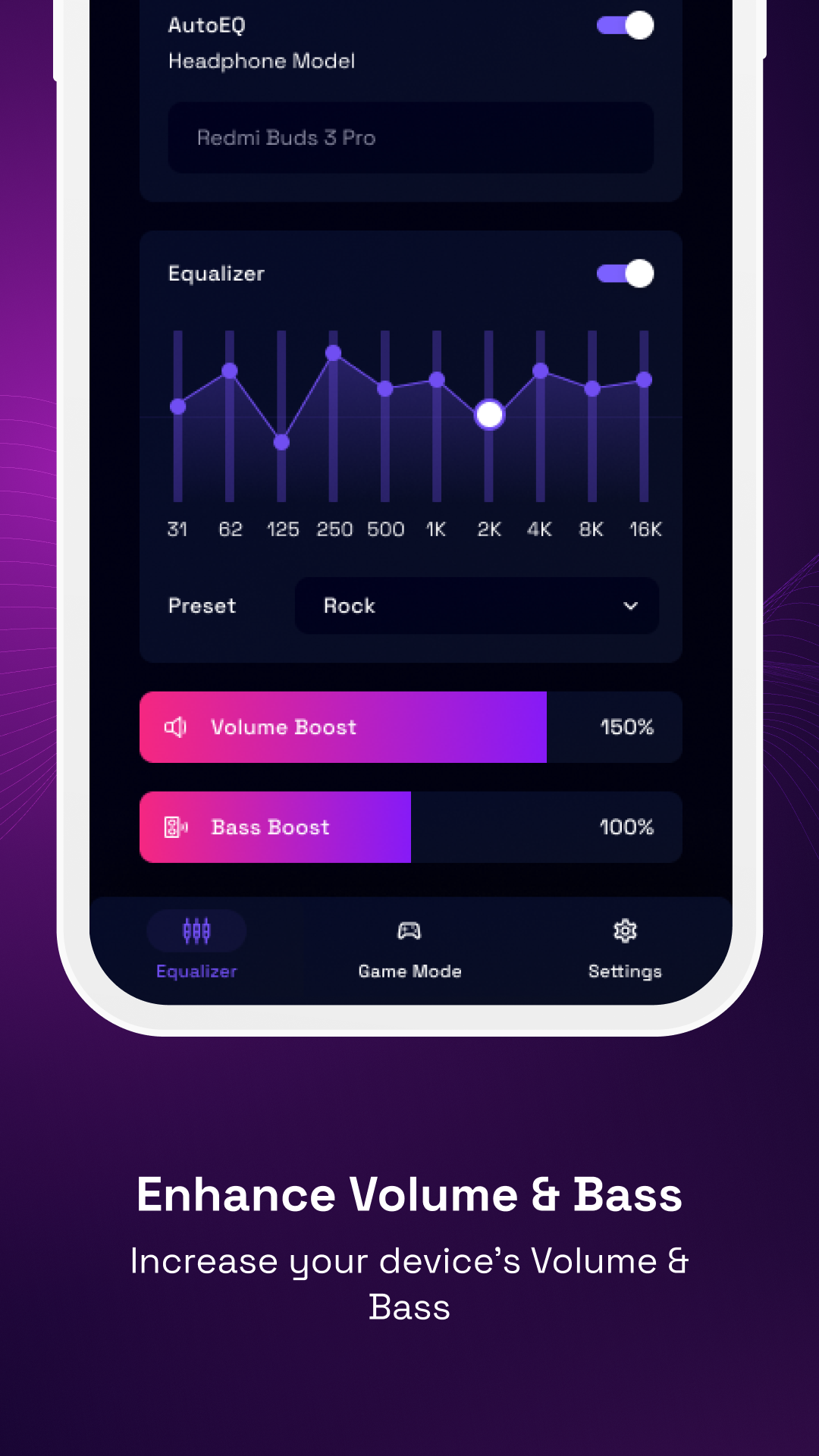
This build of Volume Booster MOD APK provides the professional version of the application with all paid features unlocked. It allows users to access advanced audio controls and volume enhancement tools without the restrictions found in the standard version.
What’s Modified in Volume Booster
- Pro features are unlocked, providing access to all premium audio enhancement tools and settings.
- Paid version functionality is enabled, removing restrictions on advanced equalizer and volume controls.
This version of the application is 1073, with a file size of 46 MB under the package name mobi.bgn.sound.speaker.headphone.audio.equalizer; because this file is re-signed, it cannot be installed as an update over an existing installation from the official store.
About Volume Booster
This app is designed to boost audio output on your mobile device. It tries to solve the problem where the built-in settings do not allow you to adjust the volume or frequency balance of your audio. This app is designed to be a tool for any type of media. Whether it is listening to music, podcasts, watching a movie or playing a game, this app allows you to adjust the audio settings for all of those media types. Essentially what it does is it gives you a centralized place to adjust your audio settings for each app you have on your phone. It is designed to address the two main aspects of an audio signal. The first being the total volume output beyond the confines of the device. The second being frequency manipulation via a multi-band equalizer. The app is designed to give users better control of their speakers and headphones without diving deep into the system settings.
The volume boosting feature is probably the most useful feature of this app. With it, users can adjust their audio output for various situations including voice calls and video playback. The controls for the feature are straightforward and easy to use. There is a risk however when boosting the signal too much. The app tries to enhance the signal as loud as possible, but it can damage the integrity of the audio. With the features of this app, it allows users to better adjust their mobile audio to the level of a professional.
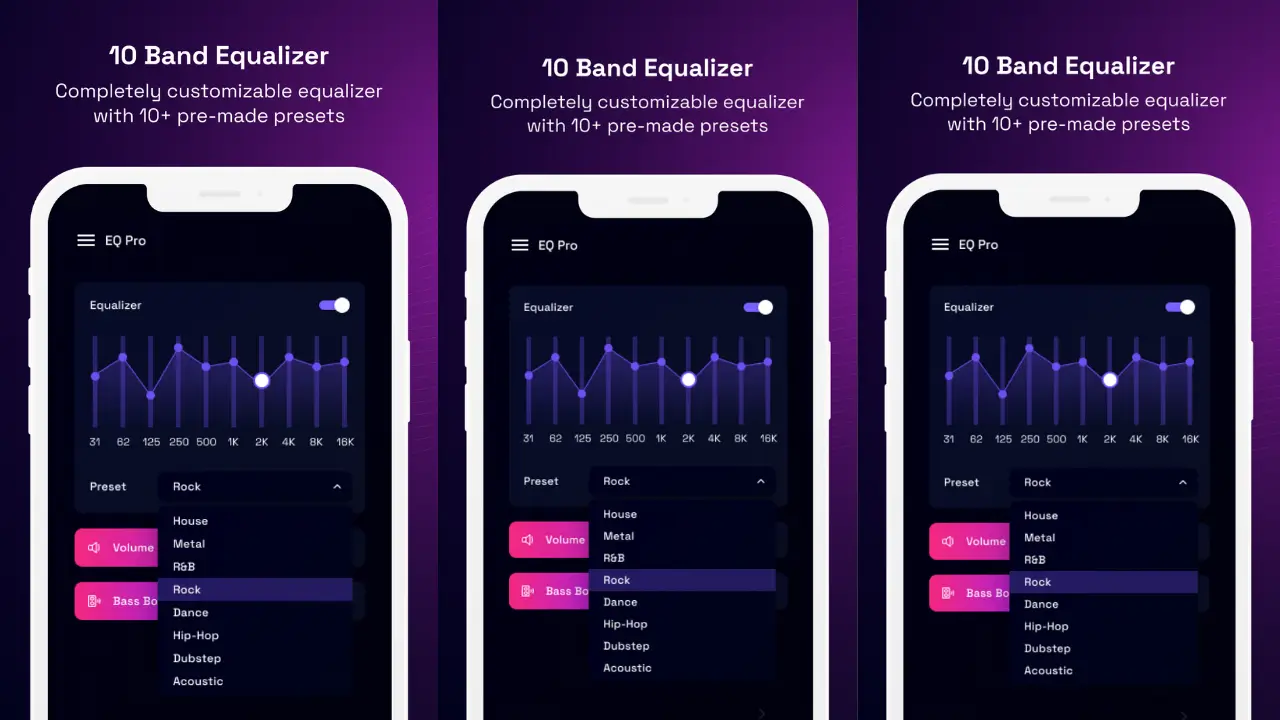
Along with increasing the volume of audio, the app provides an advanced equalizer that provides users control over various frequencies. The equalizer encompasses bass, midrange and treble. This allows users to customize their audio setting to best fit the type of content being listened to or the environment they are in. The default settings provided by most device manufacturers don’t always give the best audio experience and this app is attempting to fix that.
Additionally, this app provides features that enhance the low end of the audio response to give the audio a deeper bass. This can be used to increase the impact of low frequency beats of music and increase the immersion of audio of movies and videos. Also, the sound enhancer, in combination with the bass enhancer, provides a clearer audio experience to the users of the app, attempting to provide a richer audio experience of both speakers and headphones. Like mentioned, all of these adjustments are made in real time and provide instant feedback to the users of the app.
Custom sound profiles is a feature that allows users to create and save specific sound profiles for different kinds of content. Different content require different sound balances. The app provides its users a feature to customize sound profiles based on their preference. Users can create a sound profile to enhance different sound elements and frequencies based on their preference. Users can save the sound profiles and quickly apply them as needed.
Users can switch between different profiles based on what content they are consuming. Some people like to consume different types of content throughout the day. For these people, this feature is really useful. This feature saves them from the hassle of manually adjusting the sound elements and frequencies based on the type of content they are consuming.
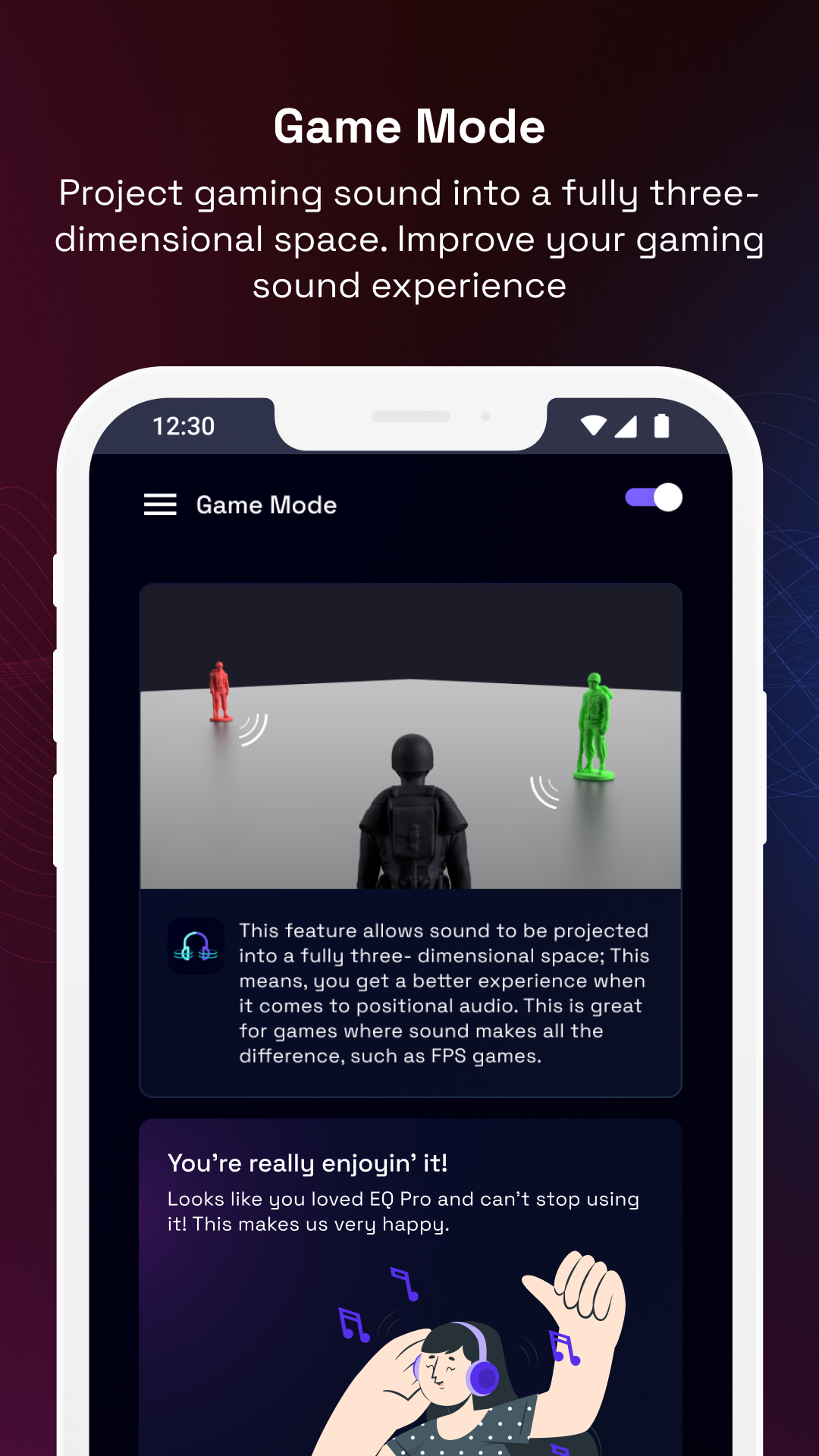
The app has a gaming mode which improves certain sound effects and in game dialogue. This feature works well for games that have sound cues and elements that can help users win and games with narratives that enhance gameplay with specific dialogue. This feature creates an immersive and improved audio experience for the user. Users can also create and save gaming sound profiles based on their preference.
The application was designed so that people who do not have extensive knowledge of audio engineering can use it. It focuses on quick access to the most useful controls and has a clean, friendly user interface. In this case, ‘adjusting the audio’ actually means ‘listening to the changes in the audio.’ For this application, it means adjusting the sound using sliders, or toggling certain controls to turn various sound enhancements on or off. The idea is to provide controls for fine-tuning sound similar to that used by professional audio engineers, but in a manner that is simple enough for people with little to no audio engineering knowledge to use it.
The application also has a music enhancement mode, which provides adjustments to the overall signal of the music to achieve a more transparent audio reproduction. This is meant for users who want to hear their music tracks with better details. The application can also be adjusted to change how it processes music. This can help in the extraction of recording elements which are otherwise inaudible on standard mobile audio hardware. This is particularly beneficial for mobile applications to amplify audio signals. While, the application is set to provide improved music listening quality, users are still advised to switch to a standard playback mode to maintain the original fidelity of the audio being played.
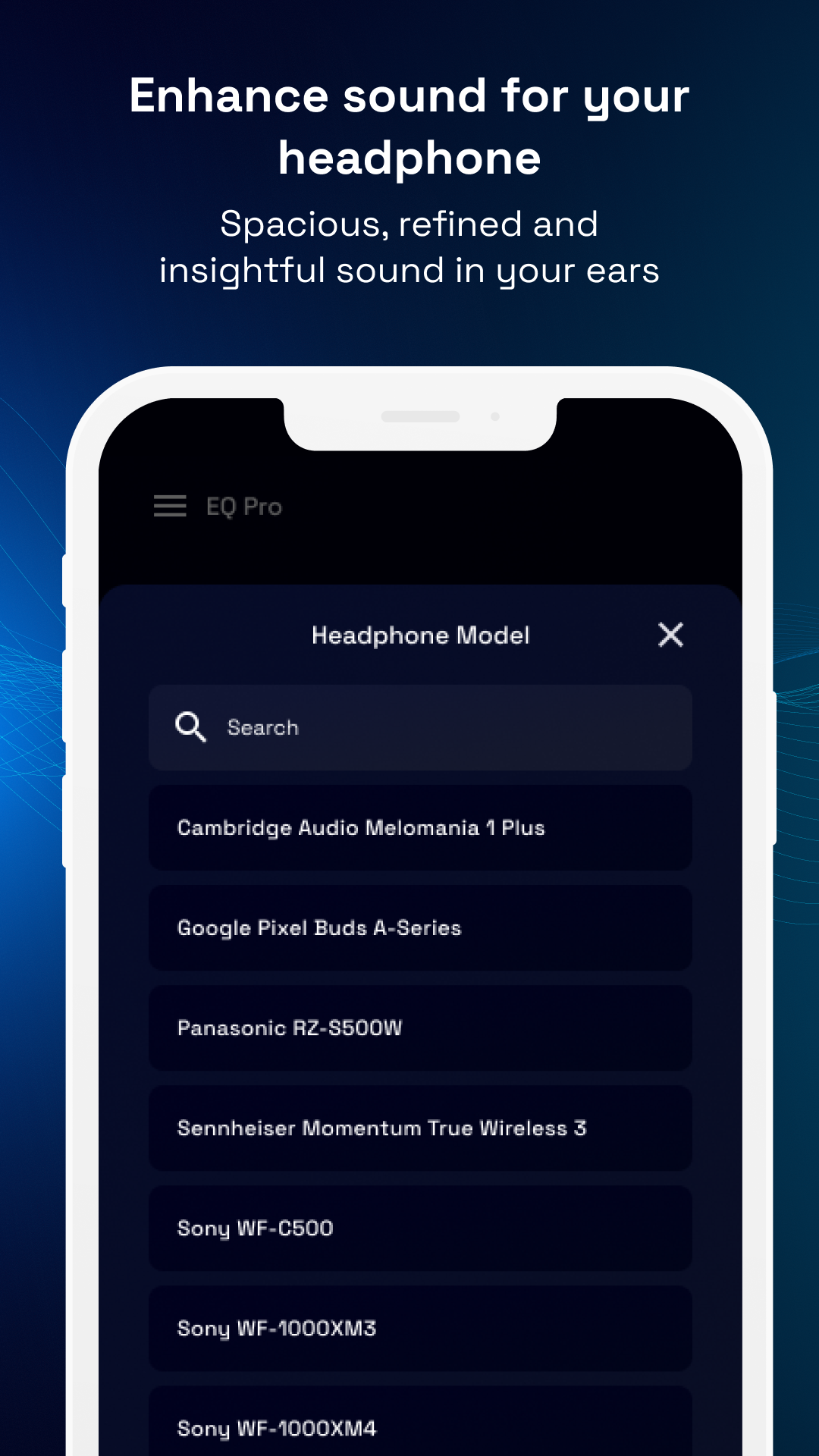
Finally, this application provides optimization for different types of hardware. This includes built-in mobile device speakers, and external speakers such as wired headphones, earbuds, and Bluetooth speakers. This software is designed to improve the performance of these output methods. It enables users to adjust the signal to best work with the hardware’s strengths and limitations. Users might utilize the equalizer to compensate for lack of bass in a built-in mobile device speaker, or to improve the clarity of a pair of Bluetooth headphones. It is for this reason that the audio enhancement tools are useful for any hardware used for listening.
Key features
- Powerful Volume Booster for music, videos, and calls
- Advanced Equalizer with bass, midrange, and treble controls
- Bass Booster and Sound Enhancer for immersive audio
- Custom Sound Profiles for different content types
- Immersive Gaming Audio with enhanced sound effects
- Real-Time Audio Adjustments for instant feedback
- Music Enhancement Mode for improved track clarity
- Headphone and Speaker Optimization for various hardware
Related MOD APKs
FAQ
Is Premium unlocked in Volume Booster – Equalizer Pro MOD APK?
This 1073 version of Volume Booster – Equalizer Pro features Pro and Paid Unlocked modifications. It functions like the BGN CAPITAL release, with all features active immediately after you complete the installation.
What is the latest version of Volume Booster – Equalizer Pro MOD APK?
Build 1073 matches the BGN CAPITAL release from June 18, 2026. We don’t keep older versions here. Update by installing this file over your current app; if you see a signature error, you must uninstall the existing version first.
Is Volume Booster – Equalizer Pro MOD APK safe to download?
This 1073 build of Volume Booster – Equalizer Pro from BGN CAPITAL includes Pro and Paid Unlocked features. 90 users gave it a 4.6 rating. It does not require root. Ignore Play Protect warnings during setup, but always download from this page.
Can I use Volume Booster – Equalizer Pro MOD APK on PC or iPhone?
As an Android file, this won’t work on iPhone. To use the 46 MB app on a computer, install an emulator like BlueStacks or LDPlayer, then drag the file into the emulator window to begin.
Volume Booster - Equalizer Pro MOD APK V1073 (Pro / Paid Unlocked)
Download (46 MB)You are now ready to download Volume Booster - Equalizer Pro for free. Here are some notes:
- Please read our MOD Info and installation instructions carefully for the game & app to work properly
- Downloading via 3rd party software like IDM, ADM (Direct link) is currently blocked for abuse reasons.
4.6/5 (90 votes)