Boost your device volume beyond standard limits. Enhance music, videos, calls, and speaker sound with a powerful volume booster.
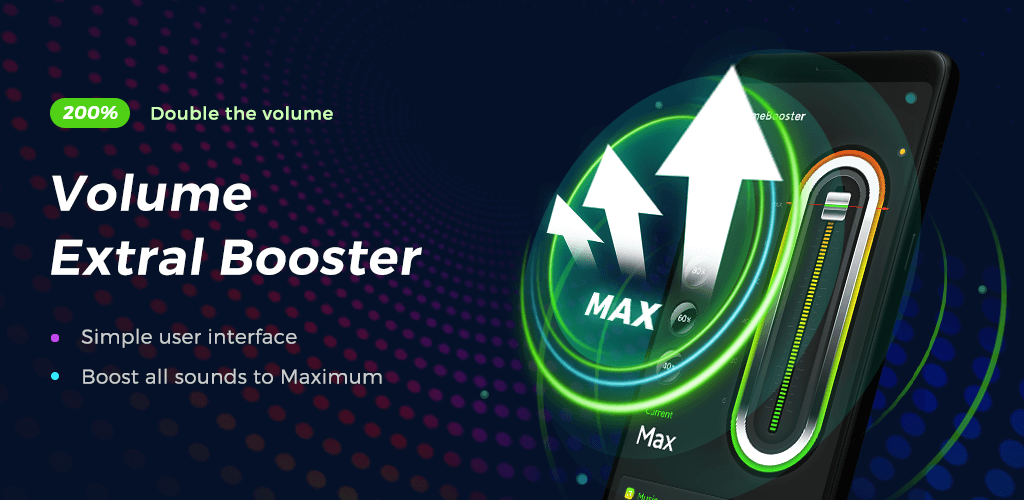
Volume Booster - Loud Speaker MOD APK V1.2.1 (Bundle)
| App Name | Volume Booster - Loud Speaker |
|---|---|
| Publisher | Coocent |
| Genre | Music & Audio |
| Size | 8 MB |
| Latest Version | 1.2.1 |
| MOD Info | Bundle |
| Get it On |

|
This version of the application is provided as a Bundle, which alters the standard packaging format of the original file. Users seeking the Volume Booster MOD APK will find that this build maintains the core audio enhancement functions while utilizing this specific distribution structure.
What’s Modified in Volume Booster
- The application is packaged as a Bundle, which consolidates the necessary resources and code for various device architectures into a single installation format.
Version 1.2.1 of this 8 MB file, identified by the package name volume.booster.sound.enhance.pro, is a re-signed build that cannot be installed as an update over the version found on the official app store.
About Volume Booster
Loud Speaker is a volume booster designed to help you adjust and amplify the audio output of your mobile device. It can fix common issues that may occur when using mobile devices in various environments. Loud Speaker provides users with the ability to change the media volume, ringtones, alarms, and notifications as well as various system sounds. By allowing users to change each of these, the application simplifies the entire process of adjusting audio output to be at the desired level. This is very helpful in loud or noisy environments where the device’s built-in speaker may not be loud enough to compete with surrounding noises. The application improves and optimizes hardware capabilities while maintaining the integrity of the audio signal. The end goal is to improve the output and quality of sound in a way that it does not introduce distortion at higher volume levels.
The application targets consumers of digital media and attempts to customize their enjoyment of music and videos. The developers recognize that music lovers appreciate and value having control of their audio experience. For music, the application enables the user to control the volume and clarify the audio. This is particularly beneficial for background music and for dialogues in movies. The app also increases the quality of soundtracks for game play and for other activities. For users that prefer videos to other entertainment media, the Volume Booster MOD APK enhances the quality of soundtracks for movies and short videos. In addition, the app improves the soundtracks and effects in games. The audio enhancer is capable of handling multiple audio streams and improving them all. This is especially beneficial to users who like to consume various media at the same time, e.g. listening to music and playing a game at the same time.
The application supports various output devices such as the phone’s internal speaker, wired headphones, and Bluetooth speakers. The Headphone Volume Amplifier is for users who listen through headphones and helps provide a more immersive listening experience to songs, podcasts and audiobooks. The feature lessens the headphone jack and wireless connection limitations that might restrict the maximum volume. The application works best with a Bluetooth speaker to provide a louder and better sound quality for group listening, and helps play music for outdoor use. The application even helps improve the sound quality for phone’s internal speaker. The application provides a greater and louder audio output for each and every type of hardware used, and works to lessen the audio loss for each. The application is sensitive to the different output devices and works best with the acoustic properties of the device.
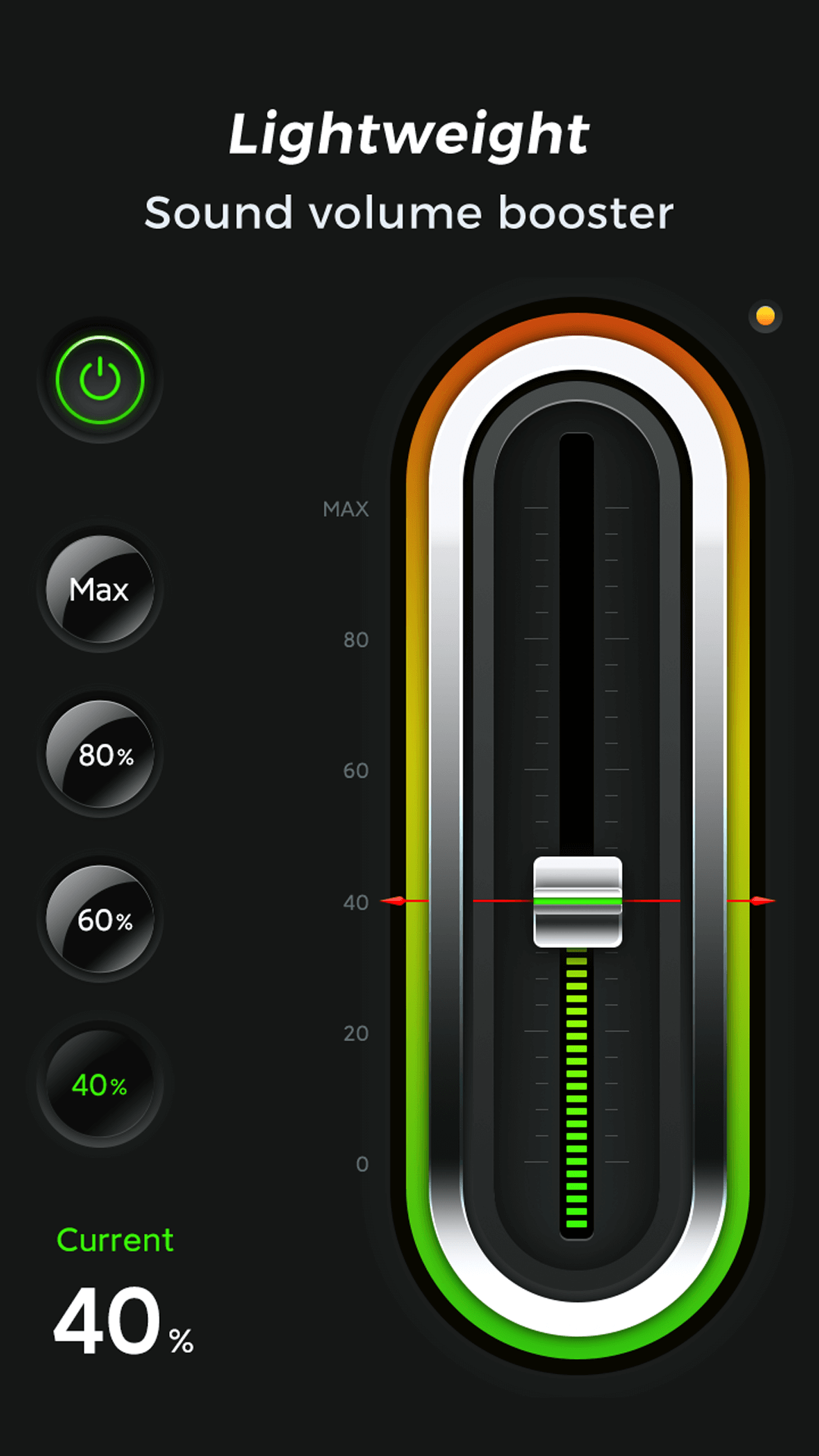
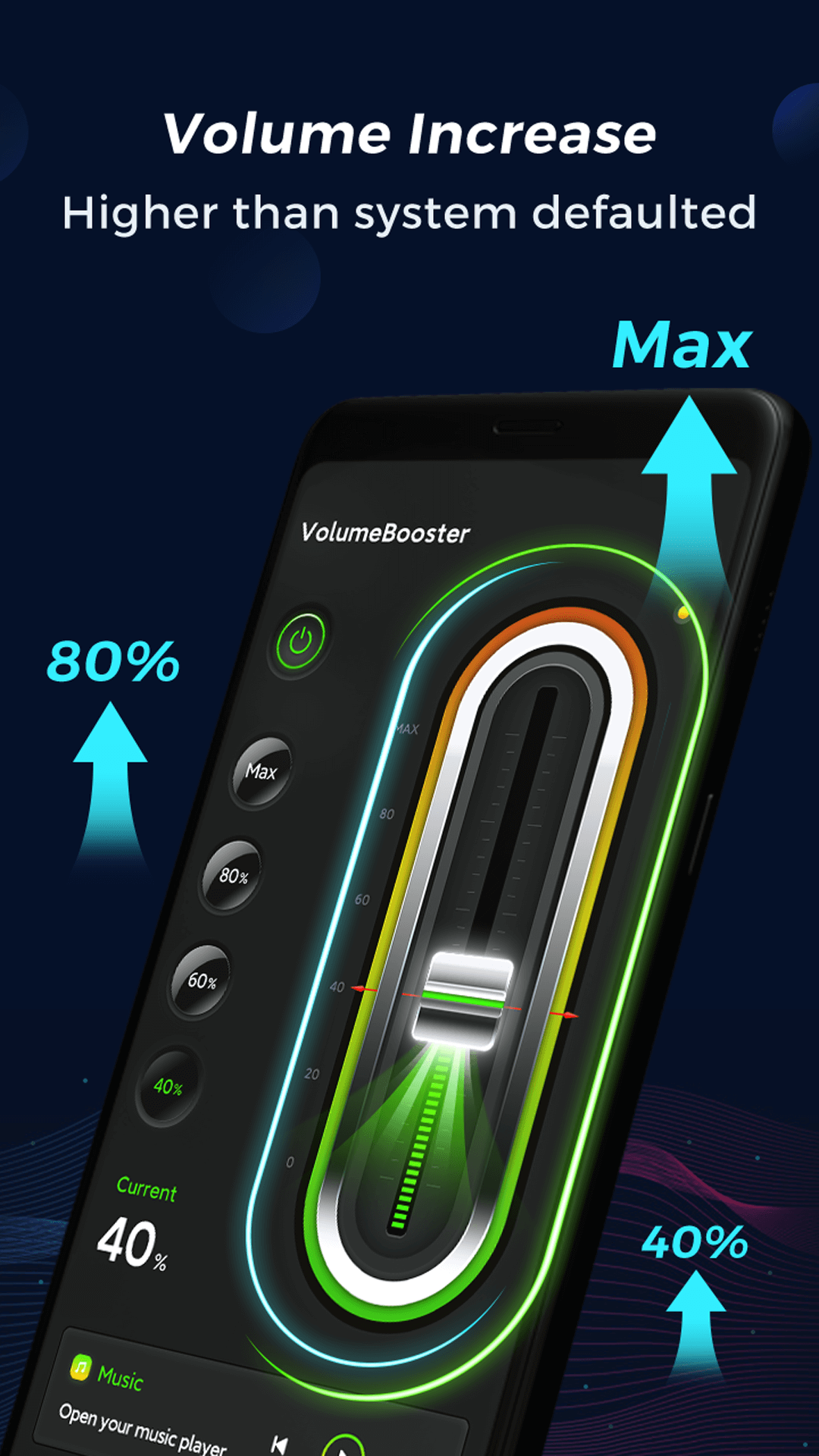
The app offers standard volume sliding controls and a myriad of advanced features and customizations. Most importantly, users can make Custom Sound Profiles. These profiles give users the ability to save specific volume settings. Depending on the environment and the user’s needs, these profiles can vary. For example, a profile for notification volume in a work setting could have lower settings than a different profile for media volume when using the app for entertainment. Users can also monitor the volume level in real time with a feature that displays the decibel level. The developers used a modern and lightweight interface for the advanced features to help the app be accessible to all users. Quick access is prioritized, meaning that instead of having to dig around for the volume slider users need, they can be immediately accessed.
The app offers different ways to improve the volume of audio being played. However, the quality of the sound being produced is also important. This means improving bass and clarity to produce a well-rounded audio profile. The application is designed to make the sound richer so that the listening experience feels more dynamic. Regarding performance, the application is designed to be friendly to the battery, which is a critical consideration for an app that runs in the background and manages system-wide audio. Because of its lightweight design, the application is not likely to consume a lot of system resources, so it can remain responsive and efficient while other intensive resource consuming apps like games and video players are used at the same time. The main idea of the design philosophy of the application is to achieve a balance of powerful audio processing and efficient system performance so that the application is suitable for use as a background app to improve the audio of the smartphone and not cause a significant drain to the battery of the device.
This tool can improve a wide variety of day to day tasks from taking and making calls to listening to podcasts and audiobooks. Users of hands-free speakerphones can increase the output of the speaker to better hear conversation in noisier environments. The tool is helpful when used for podcasts and audiobooks to improve voice clarity in less than ideal environments. The tool is convenient for making quick changes to the volume using the one-tap volume interface as opposed to having to use the system menus. Users can tailor the tool for their specific needs to hear an alarm more clearly or for better sound quality during workouts. Unlike other tools that may require more configuration or knowledge to use, this tool is created to be responsive and immediate to use by the end user.
Key features
- Powerful Volume Booster
- Music Sound Enhancement
- Headphone Volume Amplifier
- One-Tap Volume Control
- Better Video Sound
- Gaming Audio Boost
- Custom Sound Profiles
- Advanced Audio Controls
- Real-Time Volume Monitoring
- Modern User Interface
Related MOD APKs
FAQ
What does Volume Booster – Loud Speaker MOD APK unlock?
This 1.2.1 version of Volume Booster – Loud Speaker includes the Bundle modification. It functions just like the Coocent app, with all features active once you finish the installation process.
What is the latest version of Volume Booster – Loud Speaker MOD APK?
This 1.2.1 release matches the Coocent update from June 9, 2026. We don’t keep older versions here. Update by installing this file over your current app. If you see a signature conflict, delete the previous version before trying again.
Is Volume Booster – Loud Speaker MOD APK safe to download?
Volume Booster – Loud Speaker 1.2.1 is the Coocent app with a Bundle mod. 35 people gave it a 4.4 rating. It does not require root. Ignore Play Protect alerts during setup, but always download from this page to ensure you have the correct file.
Can I use Volume Booster – Loud Speaker MOD APK on PC or iPhone?
This Android file cannot run on an iPhone. To use this 8 MB app on a PC or Mac, install an emulator like BlueStacks or LDPlayer, then drag the file into the emulator window to begin.
Volume Booster - Loud Speaker MOD APK V1.2.1 (Bundle)
Download (8 MB )You are now ready to download Volume Booster - Loud Speaker for free. Here are some notes:
- Please read our MOD Info and installation instructions carefully for the game & app to work properly
- Downloading via 3rd party software like IDM, ADM (Direct link) is currently blocked for abuse reasons.
4.4/5 (35 votes)