Tired of constant screen timeouts? You’ve come to the right place. Wakey supports custom automations to manage the time your screen stays awake, with Tasker support and smart app control.

Tired of constant screen timeouts? You’ve come to the right place. Wakey supports custom automations to manage the time your screen stays awake, with Tasker support and smart app control.
| App Name | Wakey: Keep Screen On |
|---|---|
| Publisher | Kanetik |
| Genre | Tools |
| Size | 12M |
| Latest Version | 11.6.8 |
| MOD Info | Premium Unlocked |
| Get it On |

|
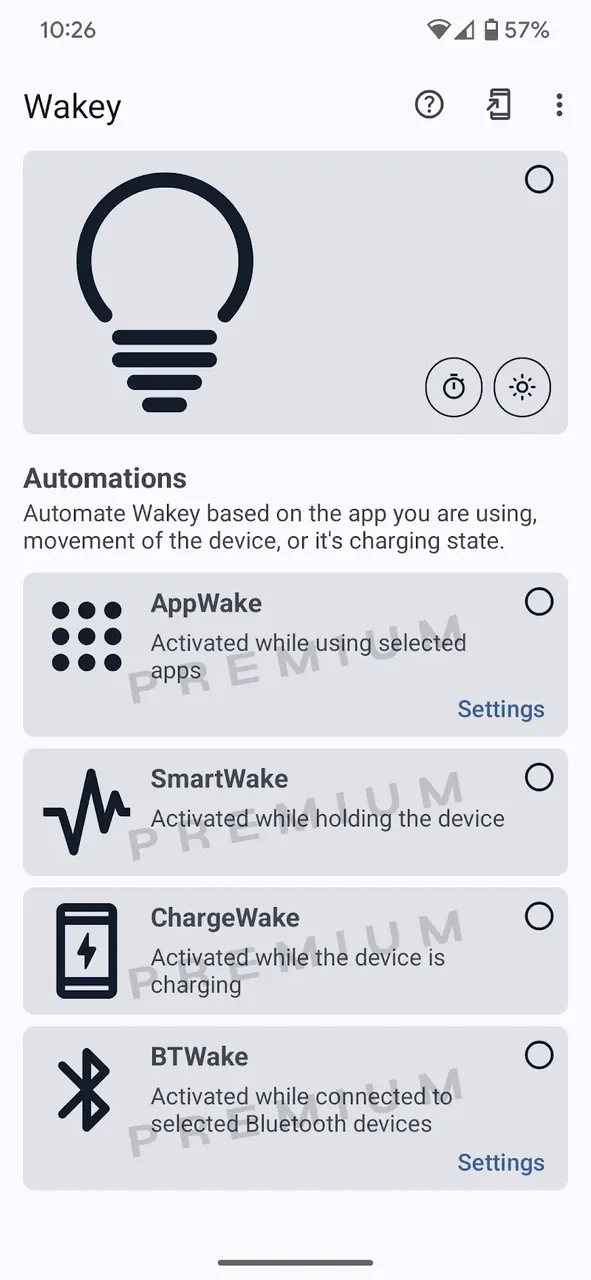
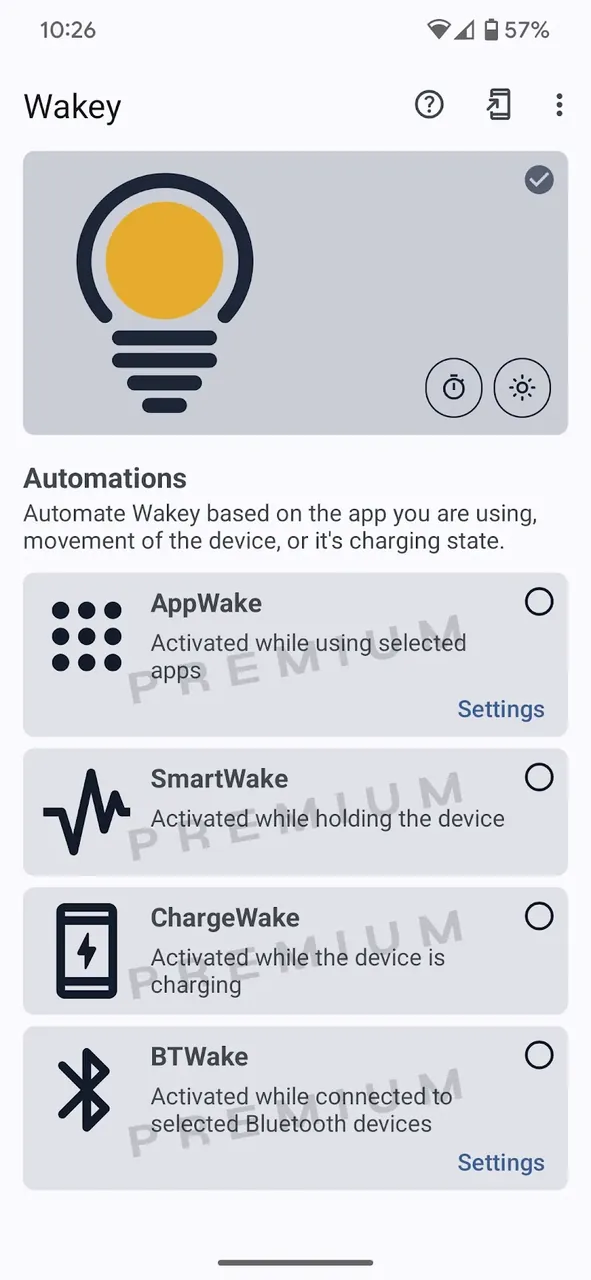
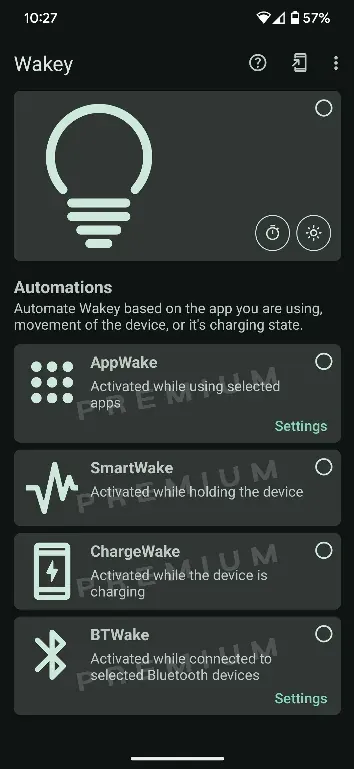
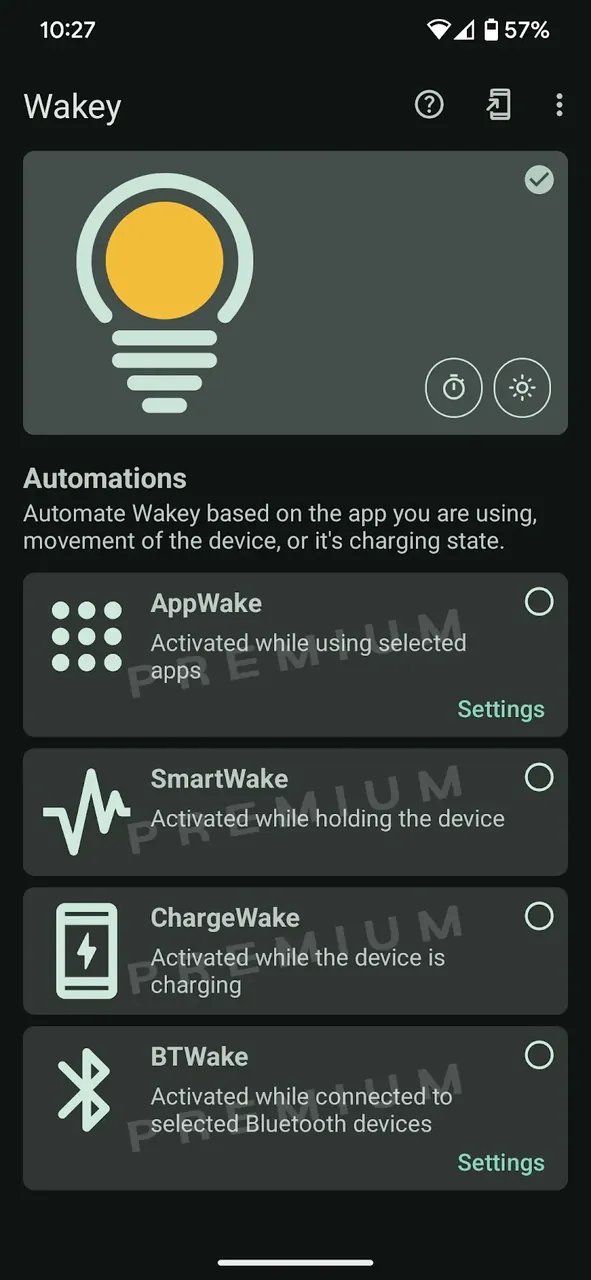
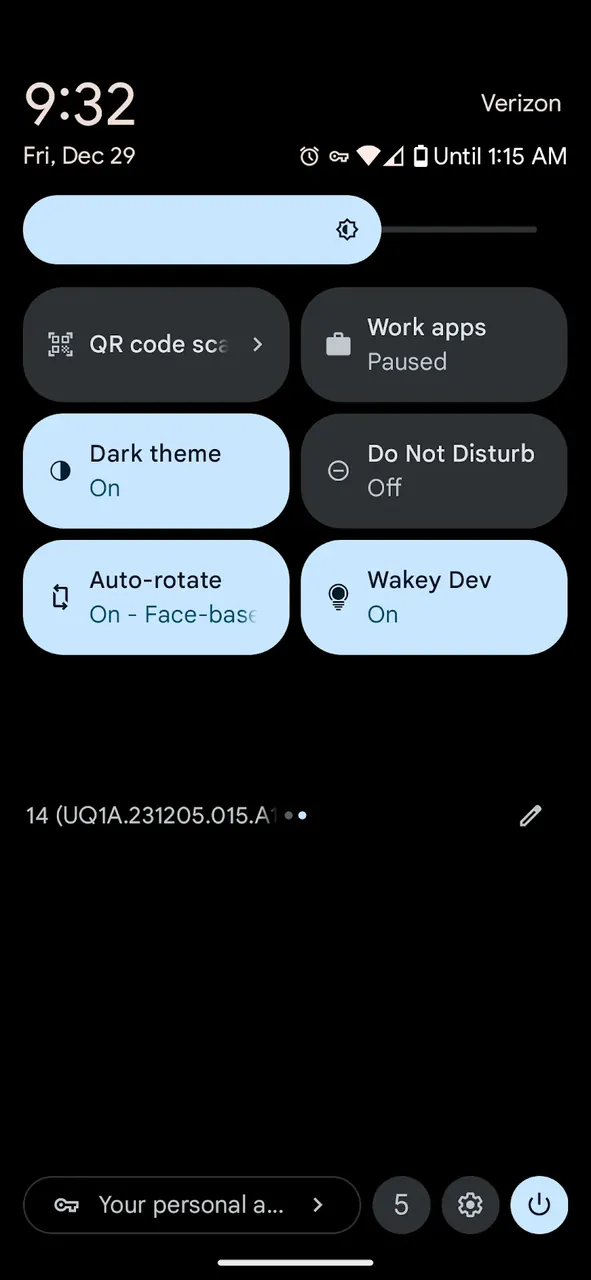
Need to read documents, articles, or recipes without distractions? Tired of having to tap your screen every minute? The Wakey MOD APK is here to help! No matter if you’re a developer testing new apps, a gamer, or an avid reader, Wakey gives you the control you want over your screen.
Lets break down some of the features.
How to Use Wakey:
Using Wakey is simple. At the center of the app is a lightbulb icon; a simple tap to lightbulb turns the keep-awake feature on globally. Advanced users can automate this process with the app-based control feature. This selection of apps allows users to keep their display on only when the selected apps are in the foreground. The app then reverts to the system’s default timeout. The app also includes a ‘CPU Awake’ option for devs needing to run processes while the screen is dim. Control Wakey even more with an option for a persistent notification or control it from a home screen widget.
Summary:
It’s a struggle to adjust your system settings the way that you want, so take control of your display instead with Wakey MOD APK: Keep Screen On. Unlike a simple utility, this app is a full display management system that caters to your lifestyle and professional demands. If you want to increase productivity or simply get rid of the annoyance of a dark display, Wakey has the most customizable and reliable solution. Download Wakey to get a screen that is fully customizable to your needs.
You are now ready to download Wakey: Keep Screen On for free. Here are some notes: