Scan the devices linked to your network. Adjust router settings to improve network management. Optimize your WiFi signal. All that and more is possible with WiFi Router Manager MOD APK!
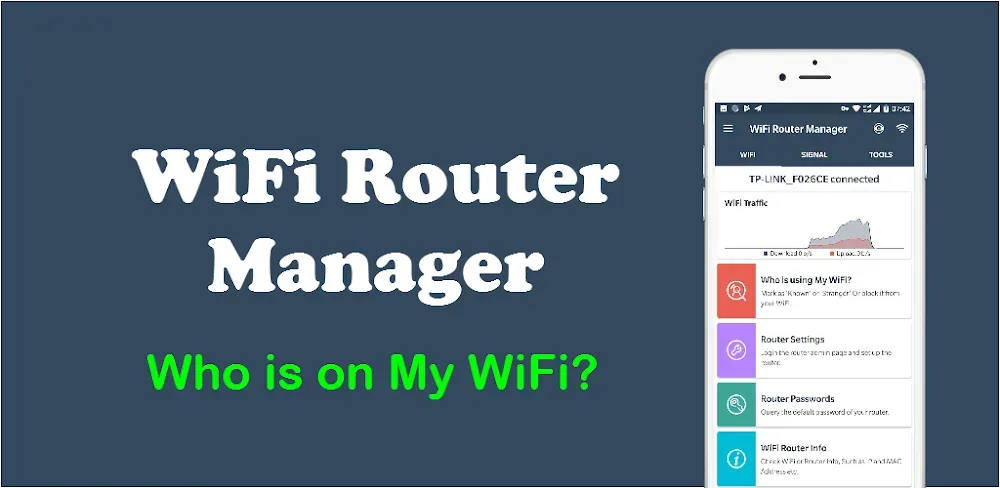

Scan the devices linked to your network. Adjust router settings to improve network management. Optimize your WiFi signal. All that and more is possible with WiFi Router Manager MOD APK!
| App Name | WiFi Router Manager |
|---|---|
| Publisher | WiFi Router Manager - WiFi Repeater |
| Genre | Tools |
| Size | 20M |
| Latest Version | 1.1.65 |
| MOD Info | Premium Unlocked |
| Get it On |

|
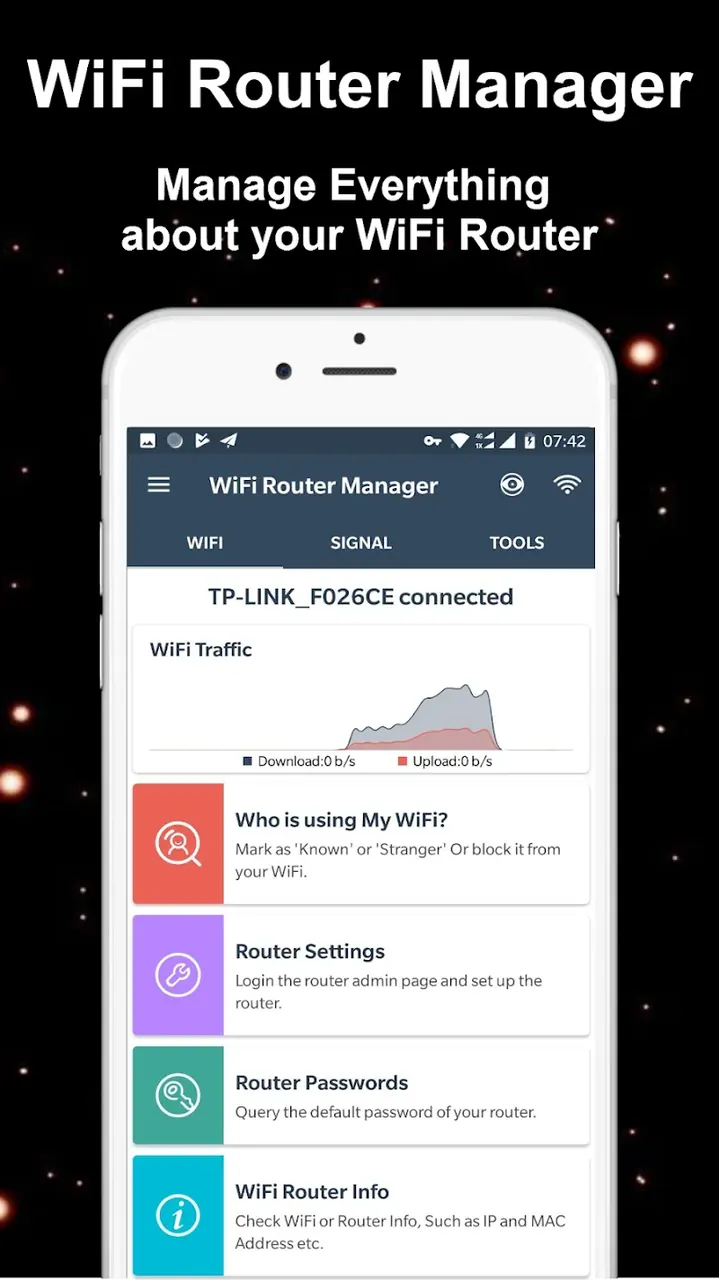
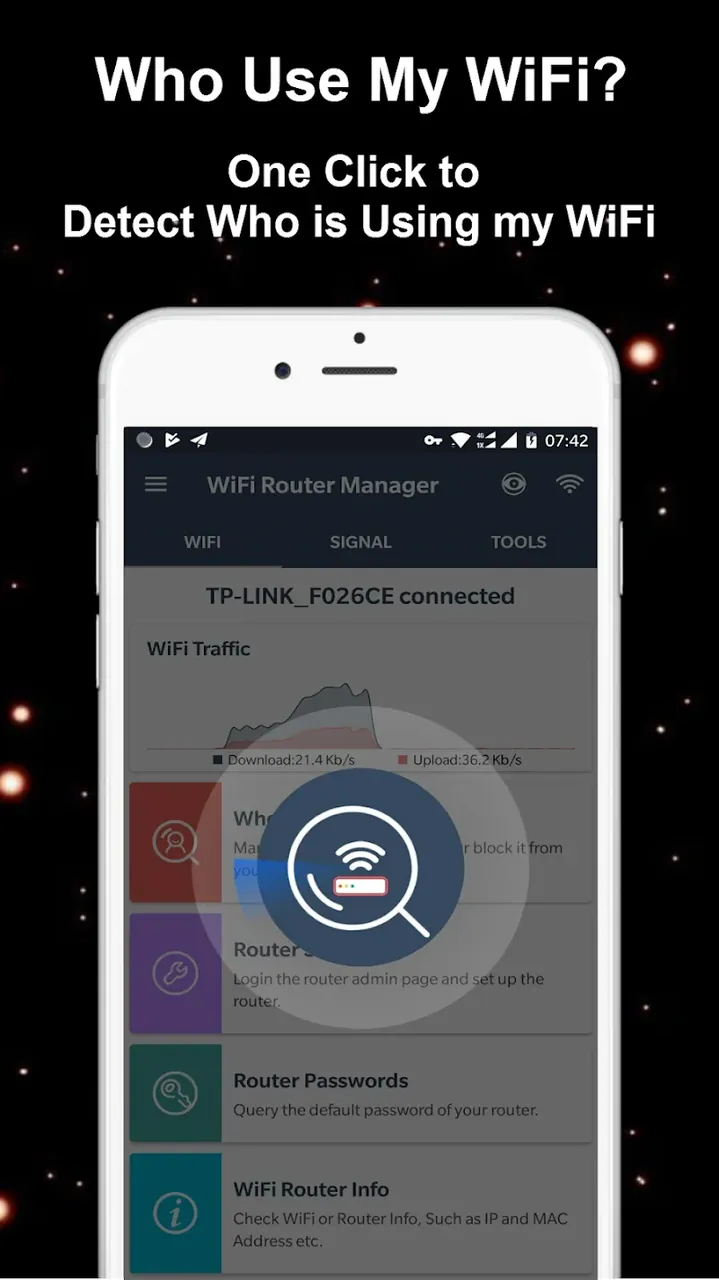
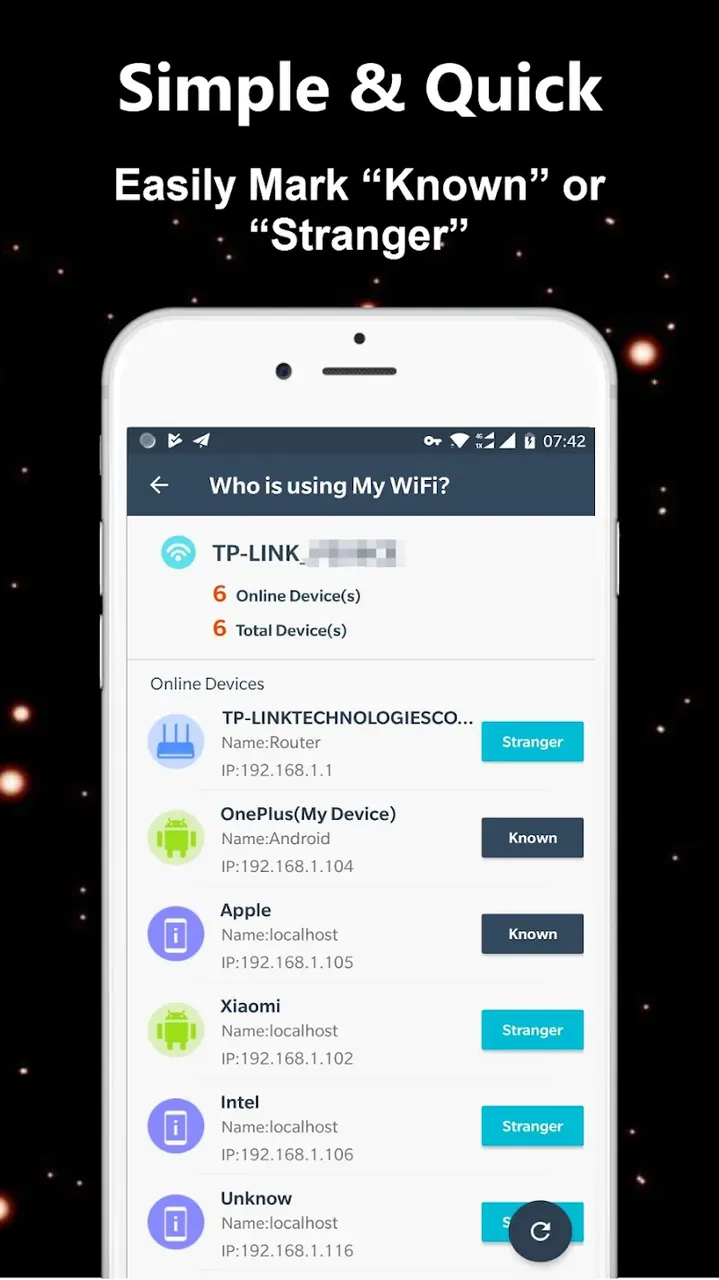
This modified version of WiFi Router Manager MOD APK provides a premium unlocked experience, allowing users to access all advanced network management tools without restriction. It enables full use of the application’s scanning and security features to ensure a high-performance home wireless environment.
This build is version 1.1.65, has a file size of 20M, uses the package name com.wifirouter.wifimanager.wifibooter.wifimonitor, and is re-signed, which prevents it from being installed over the official store version.
WiFi Router Manager is a software application created to manage home Wi-Fi networks. It is designed with the understanding that uninterrupted access to the internet is essential for everyday life. With this in mind, WiFi Router Manager gives the user the ability to fully customize their Wi-Fi surroundings to help them optimize their network. The application allows full control of the settings that allow users to see how and who uses their home network. The application provides tools to manage home network traffic and helps secure data transmitted over a home network. The tools allow users to manage VPNs, proxy and other privacy tools. With these features, the application gives users the tools to manage how their home network operates. WiFi Router Manager provides tools to allow complete control over a home network and provides settings that manage data and traffic.
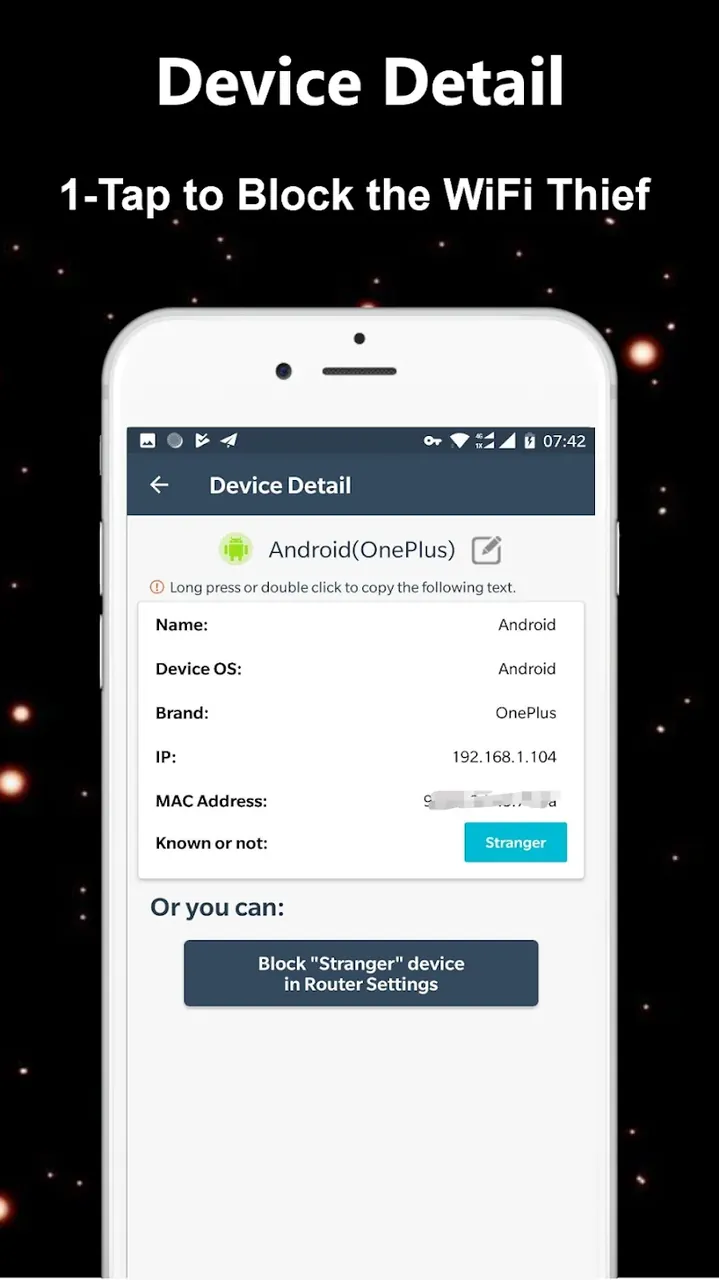
The core technology is the Device Discovery tool that incorporates an advanced scanning engine to enable mapping of the local area network. This engine is designed to capture the entire range of a local area network almost instantly, and in the process, identifies all smart devices (including smartphones) on the network in a couple of seconds. This comprehensive approach is essential for the health of a network. Leaving no corner of the wireless environment unmonitored is even more important because of the nature of wireless signals. The application goes beyond identification of devices on the local area network, and in fact functions like an electronic guard to monitor handshake protocols of the devices on the network. This is enhanced by an Instant Alerts feature that notifies the user as soon as an unverified and/or unknown device attempts to join the network. As a result, the application acts like a gatekeeper of a home’s digital borders, and in the process, ensures that unauthorized users do not access the network and bandwidth, and that unauthorized access is reported.
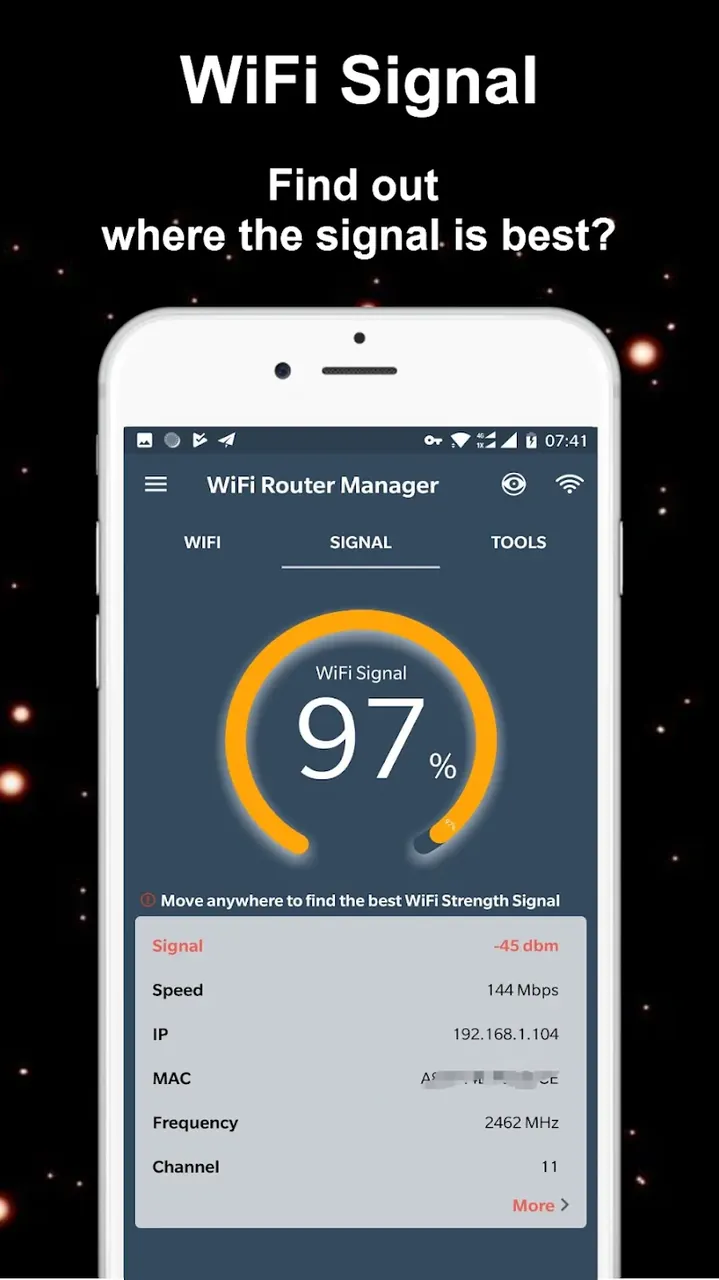
The Professional Signal Meter and analyzer helps locate the strongest WiFi signal which aids physical network optimization. Stronger signal placement help identify sources of interference. It shows this through a visual diagram. These interference can come from other electronic devices within your household or from neighboring networks. The visual diagram is very helpful in troubleshooting as it translates signal data into a more understandable format. Sometimes, there is interference but it is not always easy to find the source of interference. By having this health monitor, one can determine the placement of the router and choose the right channel to cover the entire property and improve WiFi coverage.
The application also features a Connection Quality Meter which helps assess network speed and quality to measure support for media streaming and similar activities. The connection quality meter is also paired with the Intrusive Device Data feature, which helps collect more granular information on all connected devices, to help explain potential bottlenecks in the network. The transparency and control offered by these features are usually lacking in standard router interfaces. As such, with these features, users can see exactly how much demand each connected device on their network is placing. Users can diagnose potential causes for lags or buffering using the connection quality meter and the device data in conjunction. In tandem, they help explain why lags or buffering occur while engaging in high definition video streaming or online gaming. Knowing the state of the network and when it is under demand allows users to adjust their digital environment to provide the highest performance for media streaming, gaming or other activities.
Security Sync automatically resets the WiFi network after a password change, allowing for trusted devices to be synced and provided access. All other devices are blocked. This plays a significant role in providing a secure, private network, by preserving the bandwidth for trusted devices and not sharing with unauthorized users.
The One-Tap Management interface integrates an additional layer of ease in this process by simplifying the configuration of security settings for bandwidth, and ensuring that even users with little or no technical skills can comfortably secure their network.
Finally, the automatic removal of unwanted devices upon a change of the network’s credentials plays the final role in ensuring the private bandwidth remains completely private, and reserved for the devices which the user has trusted to utilize the connection.
This app is targeted toward users who need speed and safety, like competitive gamers and remote workers. For those users, the app gives them the ability to manage their WiFi routers with the added benefit of prioritizing bandwidth and optimizing signal strength. While managing the WiFi routers, the app also provides users a defense-in-depth network by blocking unwanted users and programs that negatively impact the performance of the network. The app also provides users a way to proactively analyze and manage their home networks. Instead of reacting to issues after they occur (like a slow connection, for example), users can use the data generated from the app to help determine when and where issues are going to occur and how to stop them before they occur. Overall, this helps provide a better user experience for all the devices connected to the home network.
Related MOD APKs
Is Premium unlocked in WiFi Router Manager MOD APK?
This version of WiFi Router Manager (1.1.65) features Premium Unlocked. It functions just like the WiFi Router Manager – WiFi Repeater release, with all features available immediately after installation.
What is the latest version of WiFi Router Manager MOD APK?
Version 1.1.65 is the latest, mirroring the WiFi Router Manager – WiFi Repeater update from June 18, 2026. We don’t keep older versions here. Install this file over your current app to update; if a signature error occurs, delete your old copy first.
Is WiFi Router Manager MOD APK safe to download?
This WiFi Router Manager 1.1.65 file is the WiFi Router Manager – WiFi Repeater app with Premium Unlocked enabled. 2 people gave it a 5 star rating. It does not require root. You might see a Play Protect alert, so always download from this page.
Can I use WiFi Router Manager MOD APK on PC or iPhone?
You cannot install this Android file on an iPhone. To use the 20M app on a computer, run it within an emulator like BlueStacks or LDPlayer by dragging the file into the program after it is installed.
You are now ready to download WiFi Router Manager for free. Here are some notes: