This build of Win7 Simu MOD APK focuses on providing the full range of features by unlocking the premium status. It removes the functional restrictions found in the standard version to allow immediate access to all simulation tools and customization options.
What’s Modified in Win7 Simu
- Unlocks the premium version of the simulator, granting access to all features and content without additional requirements.
Win7 Simu version 4.4.0 has a file size of 20M and uses the package name com.visnalize.win7simu; this build is re-signed and cannot be installed over a copy from the store.
About Win7 Simu
Win7 Simu is a virtualization engine to run Windows 7 on touch enabled devices. Unlike other Android launchers and desktop environments, Win7 Simu focuses on recreating the native computing experience of Windows 7. The primary purpose of Win7 Simu is to recreate the computing experience for users interested in retro-computing. Its second target audience is users who has issues with the current mobile and touch computing ecosystem. Users can experience the computing environment of 2009 with the Windows 7 virtualization. Thus, for users interested in older desktop and computing environments, Win7 Simu provides a medium to experience and interact with the environments and applications of yesteryear.
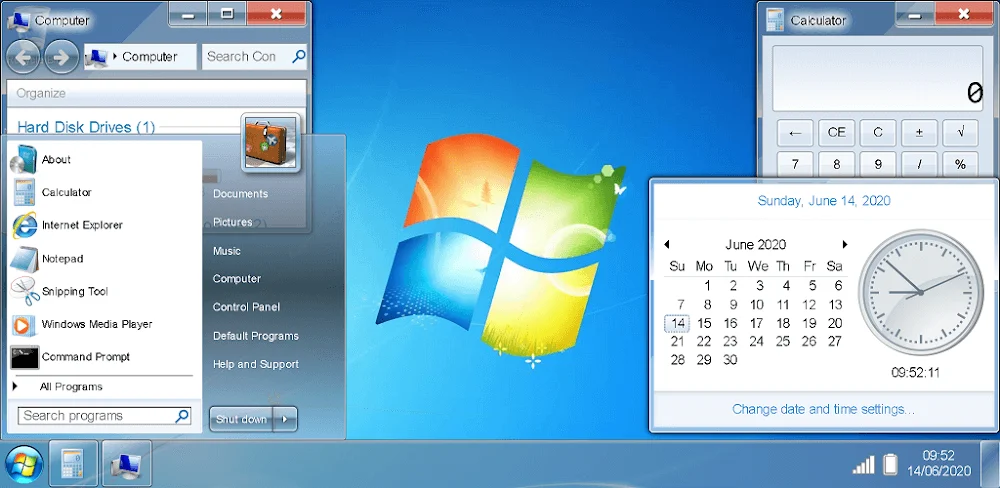
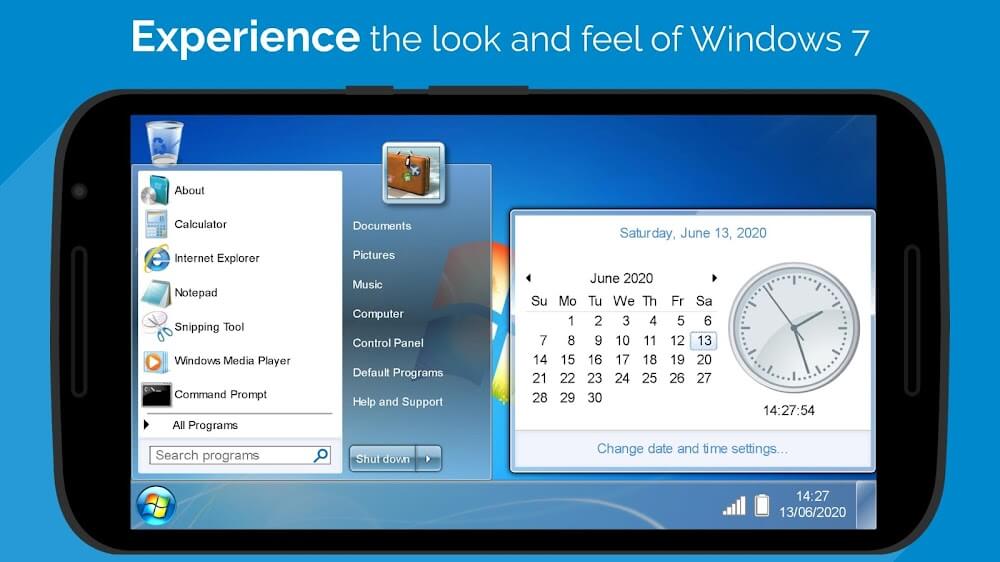
The Aero interface of Windows 7 has a strong sentimental value for many users. The Simulator is able to represent this interface in great detail, including its signature taskbar, start menu, and even the window frameworks. Like having a traditional PC, users of the Simulator are able to control window size and positioning. The Simu MOD APK represents the Start Menu with a 3D stylish glass design. All recently opened programs are represented on the taskbar. The Start Menu gives the user access to various configurations of the system. The development team of the Windows 7 Simulator took great care in representing even minor details of the original system. For example, the sounds and animations of the original system are represented. The startup sound of the original system is heard when the Simulator is loaded.
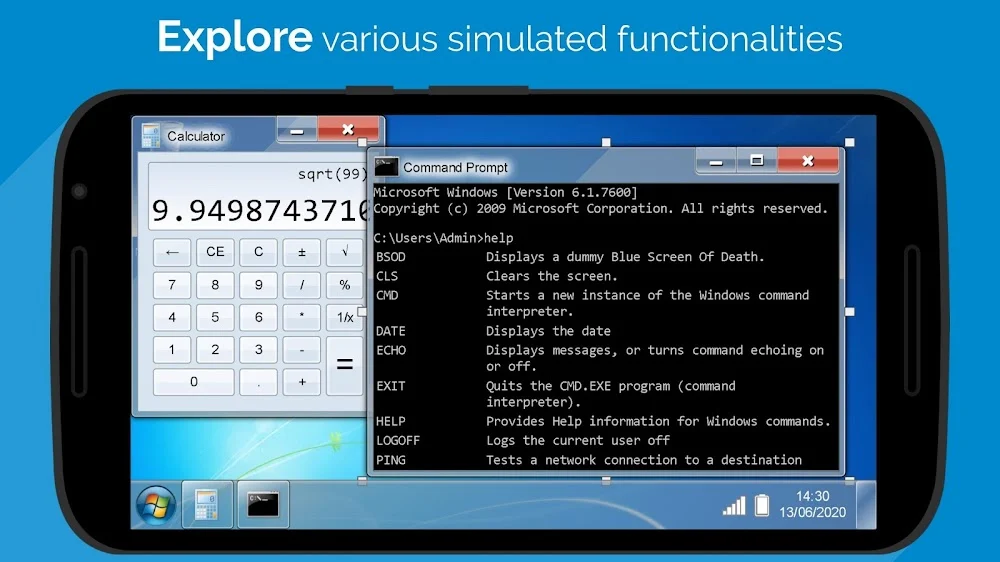
There are several productivity applications within the simulator that allow users to complete simple tasks without using the Windows applications. For instance, the simulator has a simple notepad application to help users write notes. Additionally, the simulator has a calculator application and a simple paint application to help users complete various tasks. The simulator has a browser application based on Internet Explorer. Within the simulated environment, users can browse the web. As mentioned, these simulated applications have limited utility within the virtual environment, but provide users an opportunity to complete simple tasks.
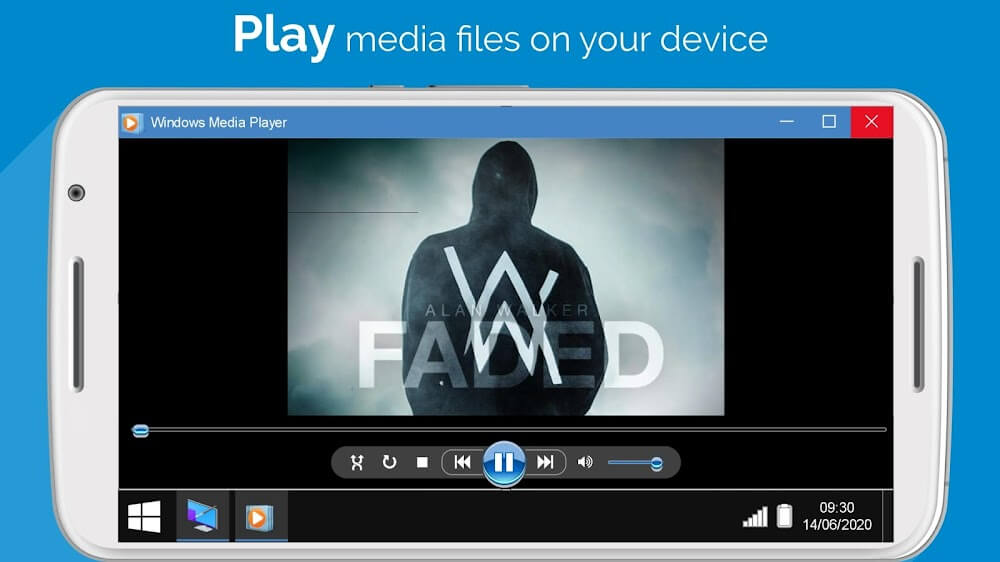
The simulator has numerous old Windows games, including many different variations of Minesweeper and Solitaire. Users can also find Purble Place on the simulator. Users of the simulator can also find an application that provides a suite of retro games. The games can all be played on the emulated system or taken off the system (like a handheld gaming system). The emulated system is a full, working operating system that can browse the web, and play numerous retro games.
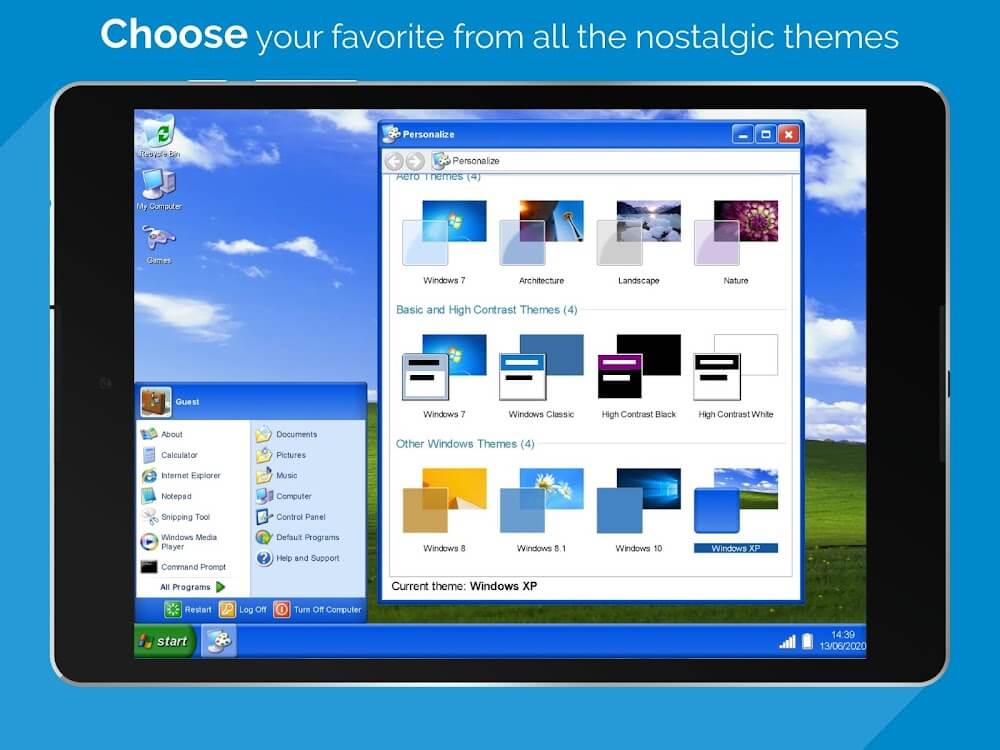
The simulation incorporates disk management and other aspects of file management and system configuration. The application allows users to save and move system files on a virtual file system. Users can, therefore, adjust their system files and manage them in the same way they do on a PC. The application allows its users to customize their PCs in different ways. For example, users can change the wallpapers, boot animations and account pictures. While doing this, users can preserve the general layout and design of the OS as it was in 2009.
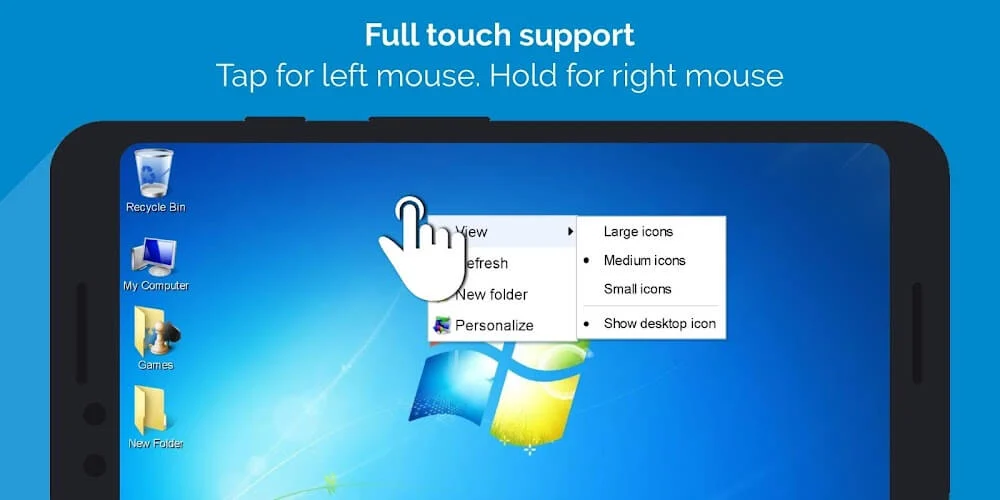
The core component of interaction in this simulation is the translation of touch input to commands that are equivalent to commands issued via the mouse. Since a PC lacks a physical mouse, other equivalent means of interaction have to be introduced. The application uses touch inputs to interact with the system. A touch input on the PC screen is equivalent to a mouse click. A click on the background also is equivalent to a mouse click. A long touch on the background, for example, will open the context menu for that particular item. Other components of a PC, such as a mouse pointer, the system clock and a notification area, are also included to provide users a means of interfacing and managing the simulation.
Key features
- Aero glass interface
- Tiered Start Menu
- Functional Taskbar
- Paint
- Calculator
- Notepad
- Internet Explorer
- Minesweeper
- Solitaire
- Spider Solitaire
- Purble Place
- Interactive file system
- Customizable wallpapers
- User account pictures
- Boot animations
- Simulated booting process
Related MOD APKs
FAQ
Is Premium unlocked in Win7 Simu MOD APK?
This 4.4.0 version of Win7 Simu includes Premium Unlocked. It functions similarly to the Visnalize release, with features active immediately after installation.
What is the latest version of Win7 Simu MOD APK?
This 4.4.0 version matches the Visnalize update from August 26, 2026. We don’t keep older versions here. To update, install this file over the current one. If you see a signature conflict, uninstall the old app first.
Is Win7 Simu MOD APK safe to download?
This 4.4.0 version of Win7 Simu on MODYOLO is the Visnalize app with Premium Unlocked added. 75 users rated it 3.9 here. It does not require root. Expect a Play Protect warning, and always download from this page.
Can I use Win7 Simu MOD APK on PC or iPhone?
This Android file will not work on an iPhone or iPad. To use the 20M app on a computer, run BlueStacks or LDPlayer. Install the emulator first, then drag your file into it.