


This version of the WPSApp Pro MOD APK provides a patched experience that removes unwanted permissions and services for a more streamlined operation. The build is optimized for faster loading through cleaned resources and zipaligned graphics while maintaining compatibility across various screen densities and AOSP environments.
What’s Modified in WPSApp Pro
- Full/Patched status without requiring root, Lucky Patcher, or a modded Google Play Store.
- Removal and disabling of unnecessary permissions, receivers, providers, and services to reduce background activity.
- Optimization and zipaligning of graphics alongside cleaned resources to improve application loading speeds.
- Elimination of debug code to streamline the package.
- Removal of default .source tags from the corresponding java files.
- Implementation of AOSP compatible mode for broader device support across different Android distributions.
- Inclusion of full multi-language support for a global user base.
- Support for specific screen DPIs including 160dpi, 240dpi, 320dpi, 480dpi, and 640dpi for visual clarity.
- Modification of the original package signature to accommodate the changes.
 |
 |
Version 1.7.05 of WPSApp Pro is provided as a 5.1M file under the package name com.themausoft.wpsapppro, and because the original package signature has been changed, it cannot be installed over an existing official version from the store.
About WPSApp Pro
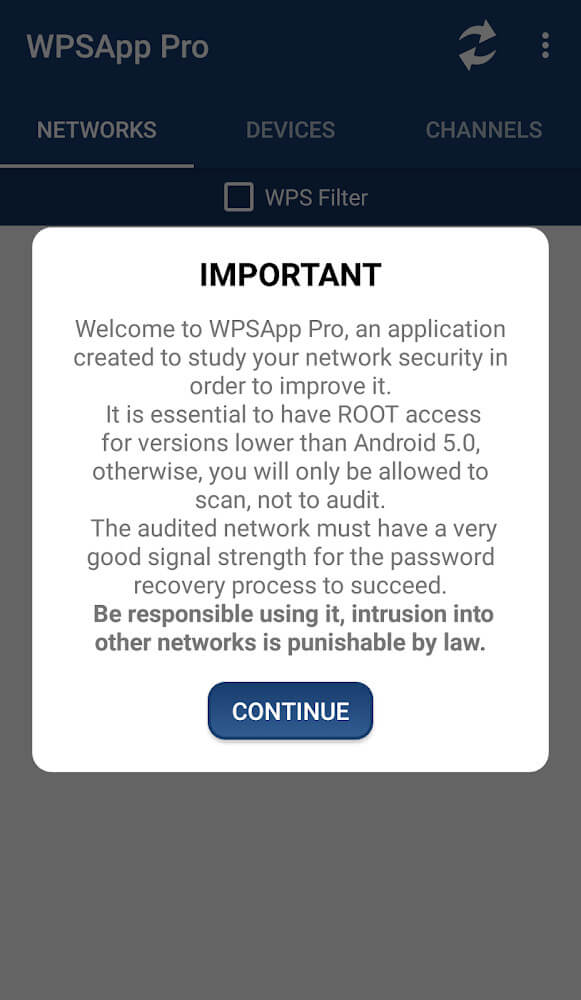
WPSApp Pro is software designed to help any user test the security of their wireless networks. WPSApp Pro checks security suites of wifi connections, and determines whether connections are vulnerable to specific types of access. This application is useful for people with problems related to their networks, and users who wish to have their own dedicated wifi test applications to support their efforts to ensure their connections remain private. The application provides a detailed description of the security protocols in the networking environment. This version of the application (Pro) is intended for more advanced users. This tool is designed to allow users to test the security of multiple networking environments in order to help users make informed decisions about the best use of wireless networking.
This version is unique in that it’s a paid, professional offering from the manufacturer. Though this version has the same main tools as the free WPSApp, it has some upgrades. The most important thing to note is that this version removes all advertisements. In the free app, ads help the manufacturer sustain the app, and in the free version, of course, ads are found everywhere. However, the Pro version aids in improving the user experience because there are, of course, no advertisements. This is more useful to the user because they can focus on their network security, testing, etc. without distractions caused by ads. This version also helps to improve the user’s productivity compared to other versions which are not Pro. The manufacturer is positioning this version as most worthy of purchase to those who value a quick and clean tool for network diagnostics.
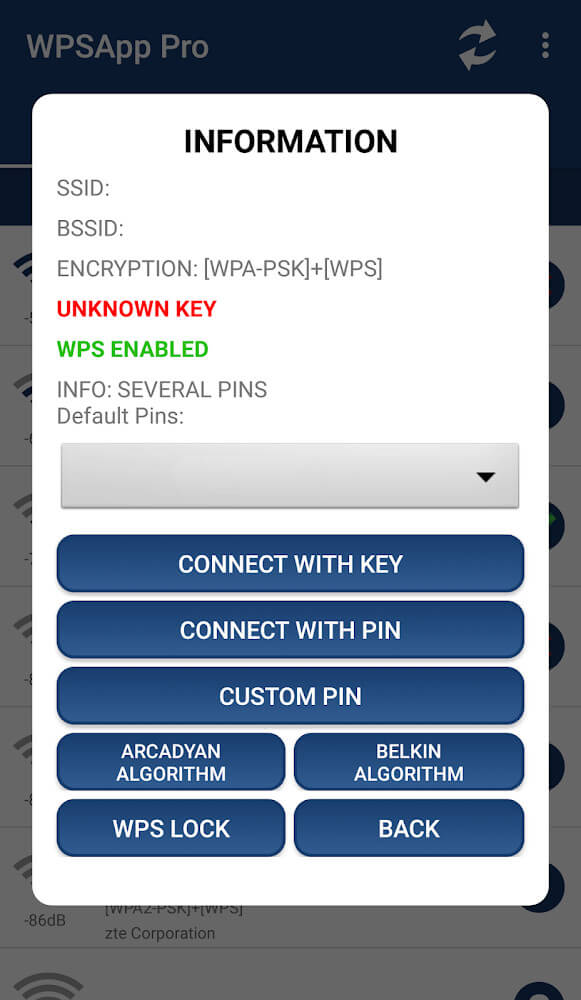
The WPS (Wi-Fi Protected Setup) protocol is the basis for the application’s technology. This framework enables the connection of devices to a wireless network of your choice. This can be accomplished using a preset pin code of numeric length of eight digits entered in the router. The application reflects a concerning observation. The default pin codes of various brands of routers are known or can be easily calculated. When this WPSApp Pro MOD APK is installed, users are able to understand how the application’s technology is based on the gap in the security of routers. The application attempts to connect to the Wifi network by using the known or calculated pin codes. Network administrators have to be aware of default configurations to understand if their network hardware are set in a default configuration vulnerable to attacks.
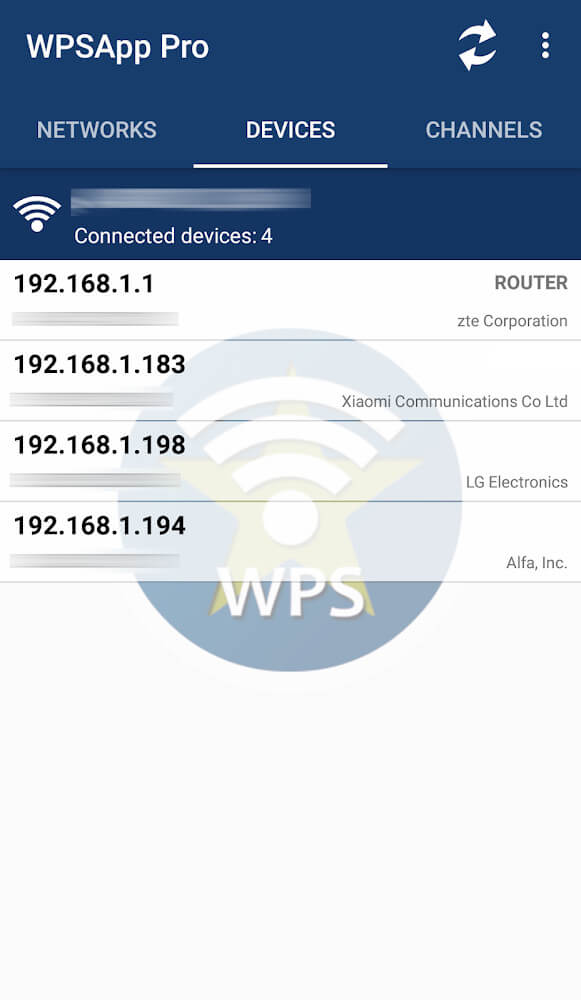
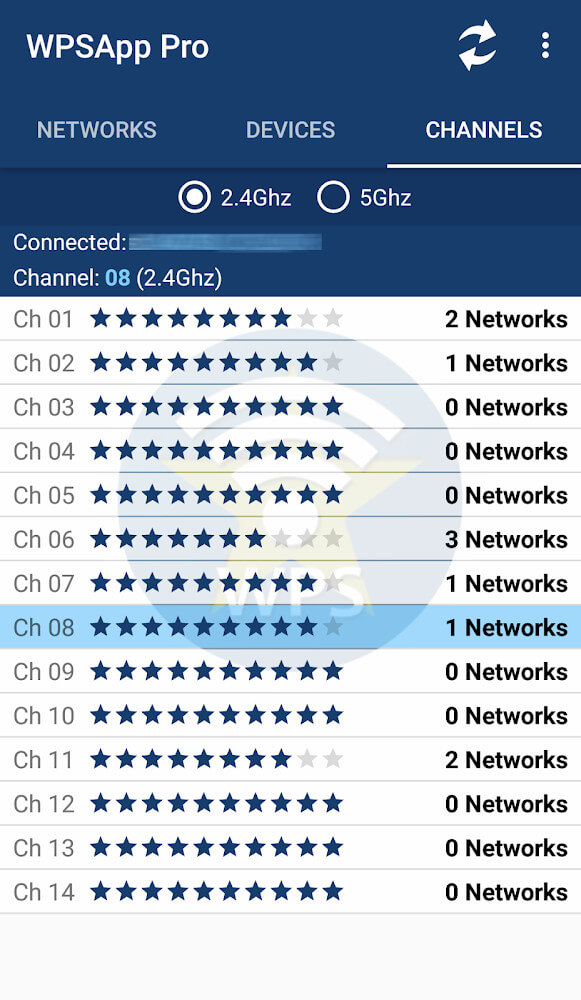
In addition to testing WPS protocols, this application provides a variety of features useful for complete network analysis. Users can analyze the quality of different wifi channels, which is an important step to determine interference from neighboring networks. Knowing which channels are most congested helps the user configure their router to improve connection reliability and speed. The application is able to scan and identify all devices that are connected to a certain network. This feature provides users with a detailed report of the network environment to help users detect devices that should not be on the network and may be a security risk or a bandwidth hog. In cases where the system allows it, the application shows the stored wifi passwords, which helps users with finding lost passwords.
 |
 |
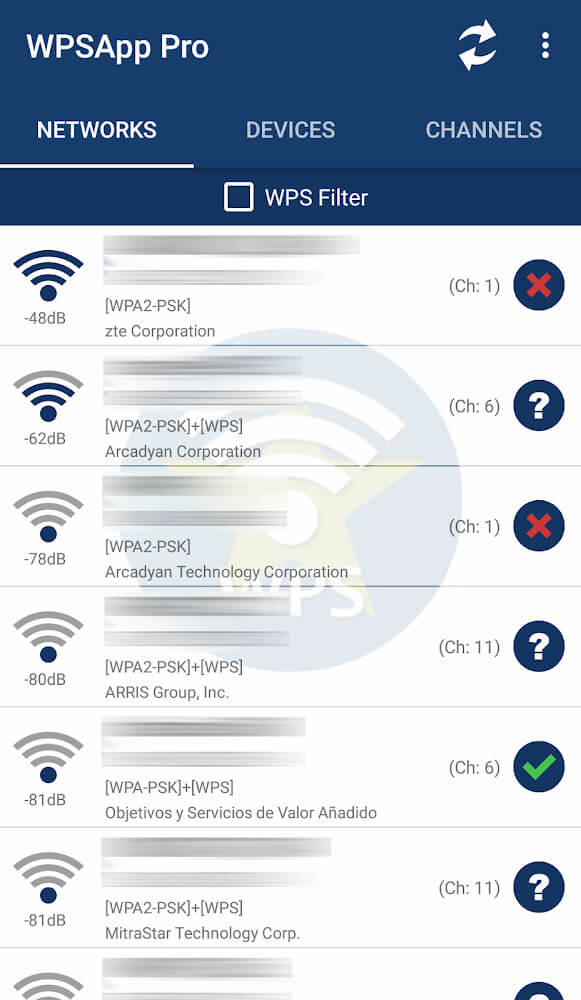
The Application shows its results using visual markers that indicate a certain security state. Each of the visual markers represents a different state. The first visual marker is a red slash. If a network has a red slash, then it is a very secure network. This usually happens when the router disables WPS, meaning that the application cannot guess the default password and cannot connect using the pin method. This is completely secure, as WPS is a big security risk. People seeing this symbol can be certain that the methods that this application uses to test will not work to compromise the security of the network, thus showing that the safety mechanisms work as designed.
Compared to the feedback ‘disabled’, users see either a question mark or a green checkmark. A question mark means WPS is enabled on the network; however, the application doesn’t have the pin to connect. This case is an intermediate security state. The network is not wide open, but the protocol is active, and it can be tested. A green checkmark is a warning. It means the WPS protocol is active, and pins are known (even if the router has the WPS protocol disabled) or the router’s password is known and has not been changed by the user. The point of this classification system is to let users interpret scan results easily and take the required actions to secure their hardware such as disabling WPS or changing default pins and passwords to complex ones.
Key features
- WPS protocol security testing
- 8-digit pin connection attempts
- Wifi channel quality analysis
- Stored wifi password viewing
- Network device scanning
- Security status indicators including Red Slash, Question Mark, and Green Checkmark
- Ad-free professional interface
 |
|
Related MOD APKs
- MovieBox ID: Watch Movies, TV Series, K-Dramas & Anime for Free
- KWGT Kustom Widget Pro
- SnapTube
- Terabox
FAQ
What does WPSApp Pro MOD APK unlock?
This 1.7.05 build of WPSApp Pro features Full and Patched modifications. It behaves like the TheMauSoft original, and these changes are active as soon as you finish installing the app.
What is the latest version of WPSApp Pro MOD APK?
This 1.7.05 version matches the TheMauSoft release from June 15, 2026. We don’t keep older versions here. Update by installing this file over your current app; if you see a signature error, uninstall the old build first.
Is WPSApp Pro MOD APK safe to download?
This WPSApp Pro 1.7.05 build is the TheMauSoft original with Full and Patched modifications. 102 users rated it 3.8 here. It does not require root. Ignore any Play Protect warnings, but always download from this page.
Can I use WPSApp Pro MOD APK on PC or iPhone?
This Android file will not work on iPhone. On a PC or Mac, you can run the 5.1M APK using an emulator like BlueStacks or LDPlayer; simply install the software and drag the file into it.