Transform your Android style with zFont Tool MOD APK! Edit fonts, change colors, merge styles, and create custom emojis with the ultimate font customization app.

zFont Tool v1.4.2 MOD APK (Premium Unlocked)
| App Name | zFont Tool |
|---|---|
| Publisher | Khun Htetz Naing |
| Genre | Tools |
| Size | 32 MB |
| Latest Version | 1.4.2 |
| MOD Info | Premium Unlocked |
| Get it On |

|
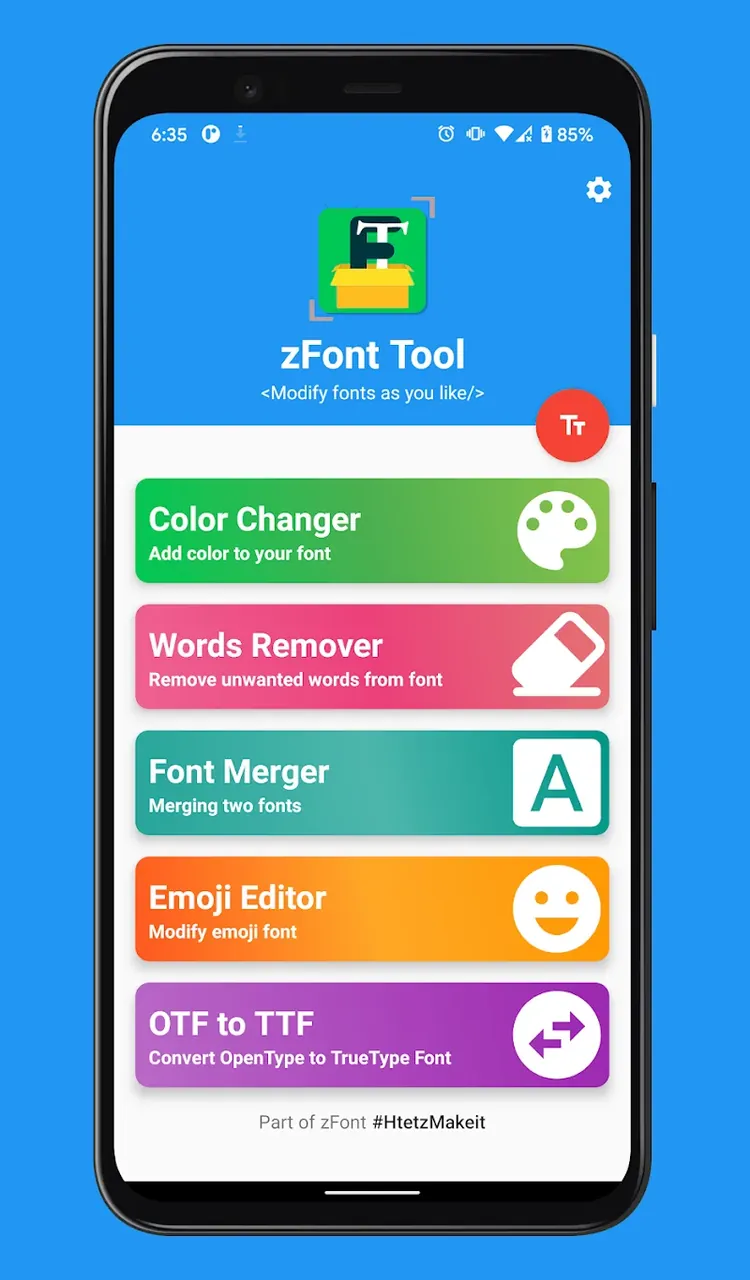
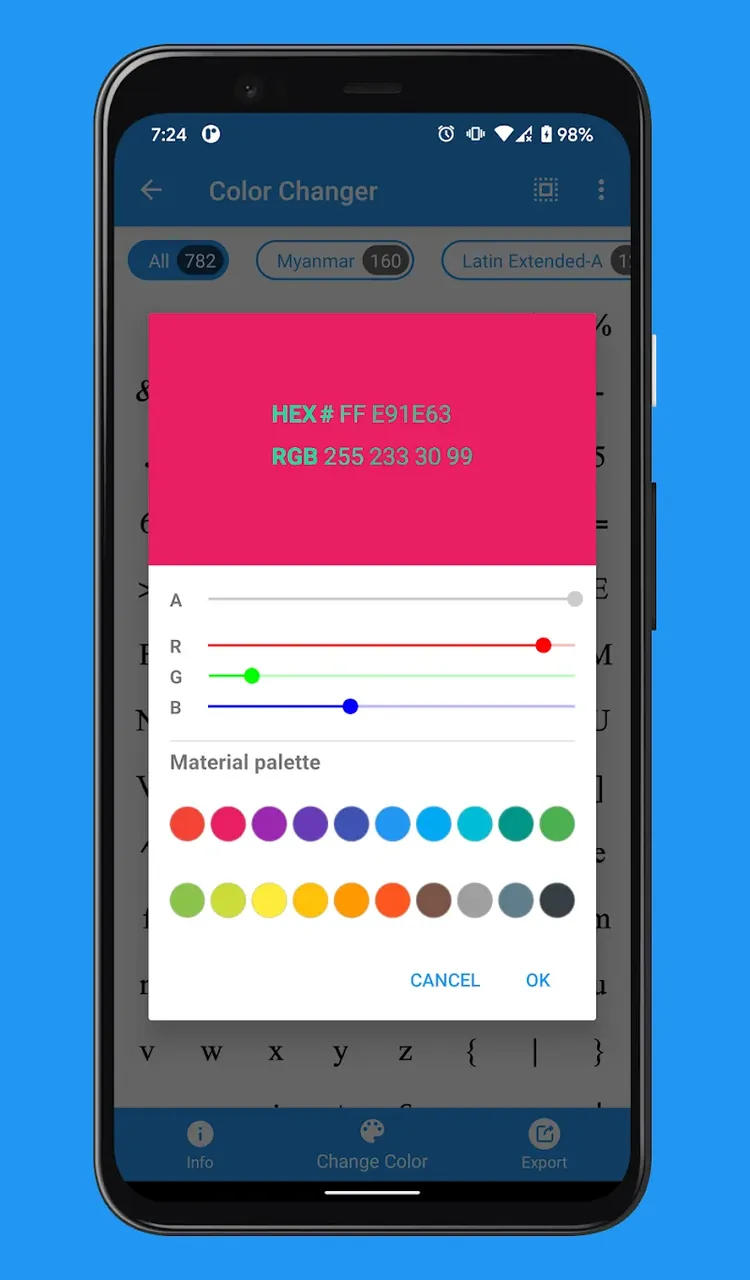
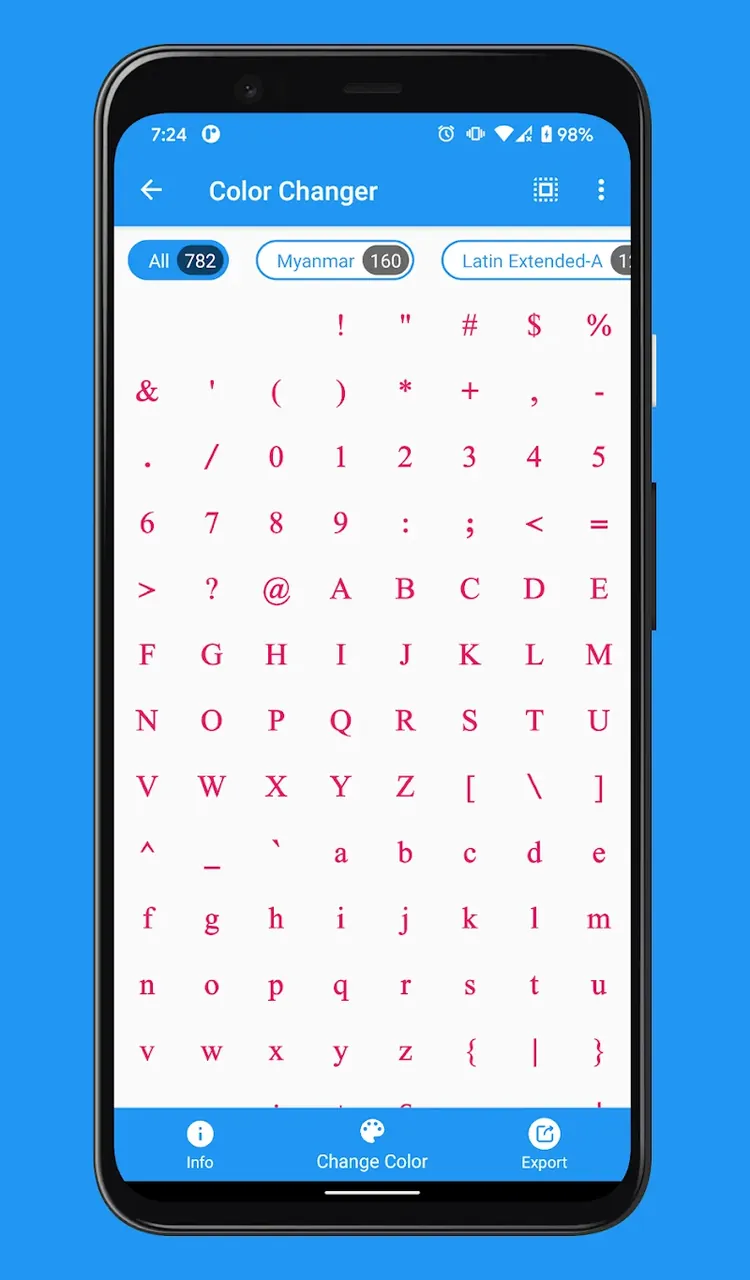
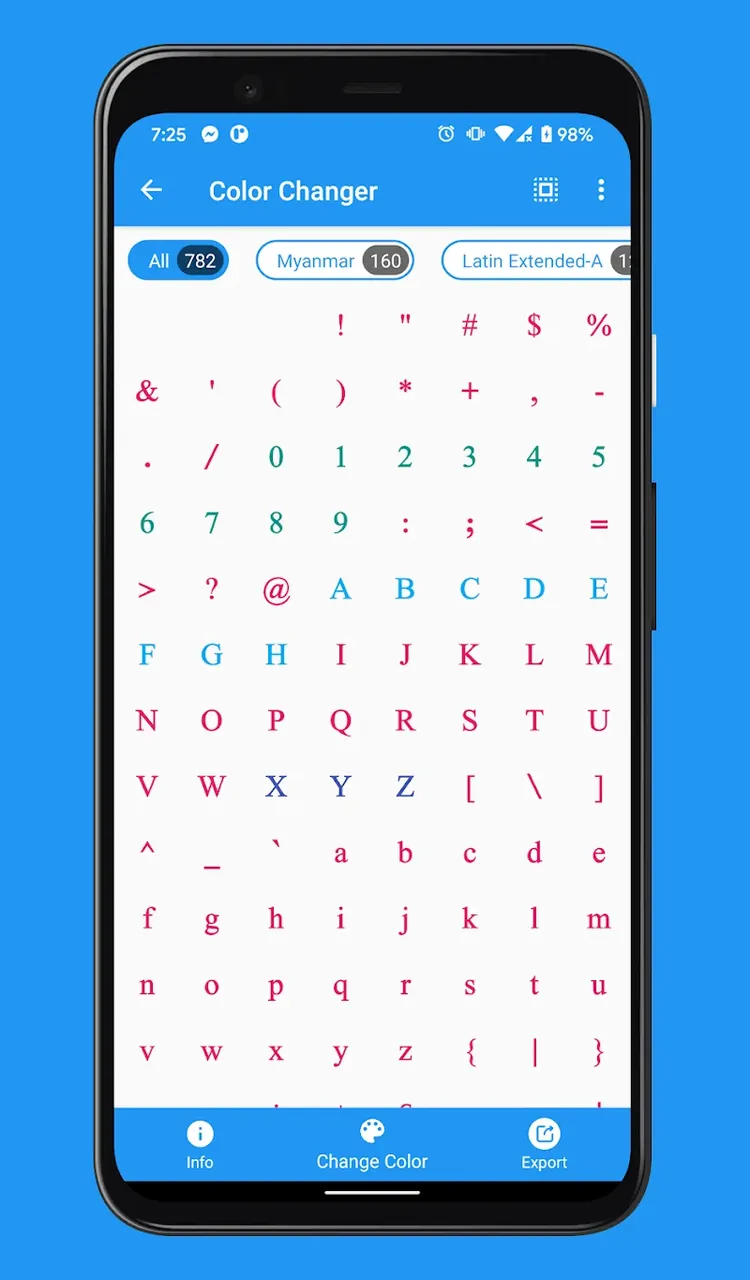
Welcome to zFont Tool MOD APK, the most advanced and intelligent font customization application designed specifically for Android enthusiasts who demand perfection in their mobile interface. Typography is the soul of your device’s UI, and with zFont Tool MOD APK, you gain total control over how your text looks, feels, and functions. Whether you are a professional designer or a casual user looking to spice up your social media presence, this tool provides a comprehensive suite of features to turn your vision into reality.
Unleash Your Creativity with Powerful Features
zFont Tool MOD APK is not just a simple font changer; it is a full-scale typography workshop in your pocket. Explore these elite features designed to enhance your personalization experience:
- Pro-Level Text Color Customization: Break free from standard black-and-white system fonts. Highlight your screen with vibrant colors or create sophisticated gradients. This feature is perfect for users who want to emphasize specific text or create a unique display style that reflects their personality.
- Advanced Glyph Management: Optimize your font files by removing unnecessary characters or cleaning up glyph strokes. This feature allows you to streamline fonts, ensuring they look sharp and consume less system memory for a lightweight, premium feel.
- Smart Font Merging and Synchronization: Ever wanted to combine the elegance of one font with the readability of another? Our synchronization feature allows you to merge multiple font files into a single, custom font set. Tailor your styles to create a truly one-of-a-kind typographic experience.
- Custom Emoji Font Creation: Express yourself like never before. Extract emojis from existing font files, edit them, or replace them entirely. zFont Tool MOD APK empowers you to create a personalized emoji set that makes your device stand out from the crowd.
- Universal Format Conversion: Compatibility is never an issue. zFont Tool MOD APK supports a massive range of formats including TTF, OTF, EOT, WOFF, WOFF2, DFONT, PFA, PS, PS3, T42, T11, and SVG. Convert any font for use across multiple platforms without losing quality.
Mastering the zFont Tool MOD APK Mechanics
Navigating zFont Tool MOD APK is a seamless experience, designed with a user-centric approach. To get started, simply import your desired font file or choose from our extensive library. Once loaded, the intuitive editor allows you to tweak individual glyphs, adjust spacing, and apply color filters in real-time. The ‘Merge’ module provides a drag-and-drop interface where you can prioritize characters from different files to build your hybrid font.
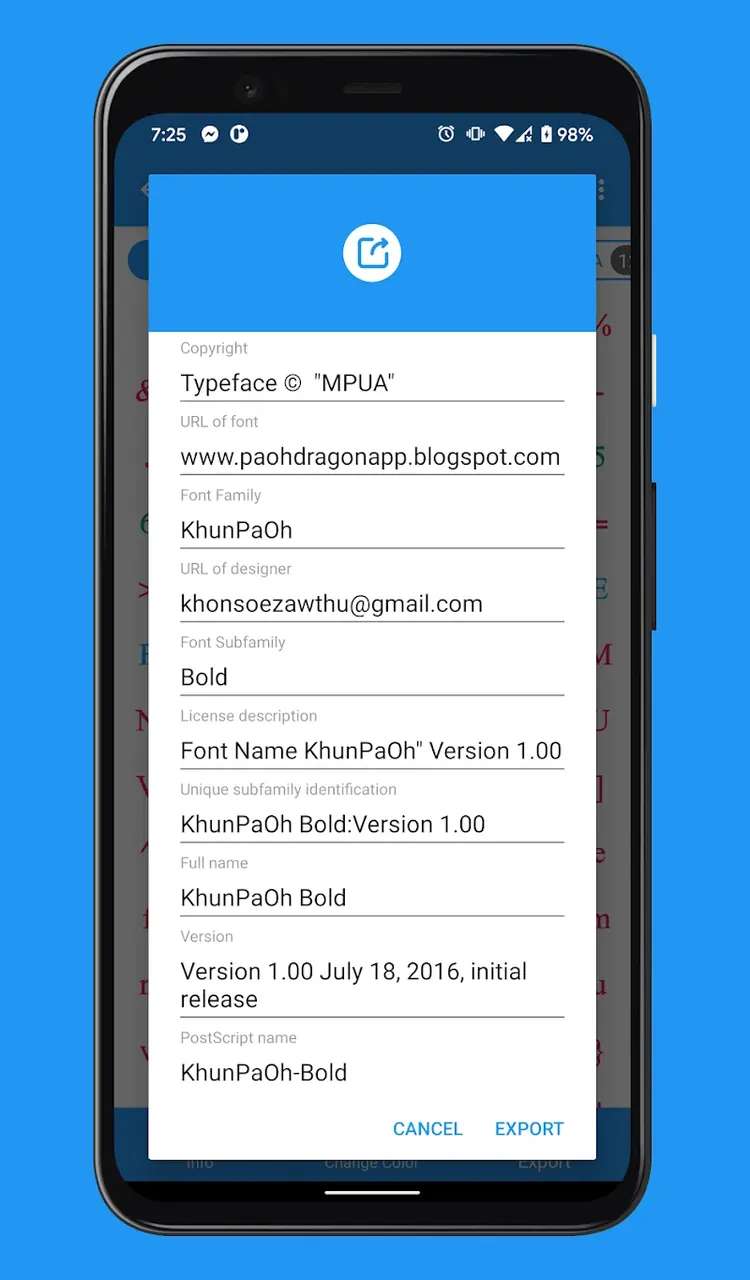
Before applying your creation, use the built-in ‘Live Preview’ mode to see how your new font interacts with the Android system UI. Once you are satisfied, the ‘Export’ function generates a system-ready file that can be applied via your device’s theme manager or custom launcher. It is a professional-grade workflow simplified for everyone.
Why Choose zFont Tool MOD APK?
In the world of mobile personalization, zFont Tool MOD APK stands as the definitive choice for those who refuse to settle for defaults. By combining technical depth with an easy-to-use interface, it transforms the way you interact with your phone. Join thousands of users who have already upgraded their digital lifestyle. Whether you are aiming for a clean professional look or a wild, colorful aesthetic, zFont Tool MOD APK is the only companion you need. Download today and start your journey toward the perfect mobile interface!
zFont Tool v1.4.2 MOD APK (Premium Unlocked)
Download (32 MB)You are now ready to download zFont Tool for free. Here are some notes:
- Please read our MOD Info and installation instructions carefully for the game & app to work properly
- Downloading via 3rd party software like IDM, ADM (Direct link) is currently blocked for abuse reasons.
5/5 (1 vote)