3D Modeling App Mod APK – Simple to use and create 3D drawings and designs. Model designing, sculpting, creating & painting.
3D Modeling App v1.30.17 MOD APK (Premium Unlocked)
| App Name | 3D Modeling App |
|---|---|
| Publisher | 3D Modeling Apps |
| Genre | Art & Design |
| Size | 75.75 MB |
| Latest Version | 1.30.17 |
| MOD Info | Premium Unlocked |
| Get it On |

|
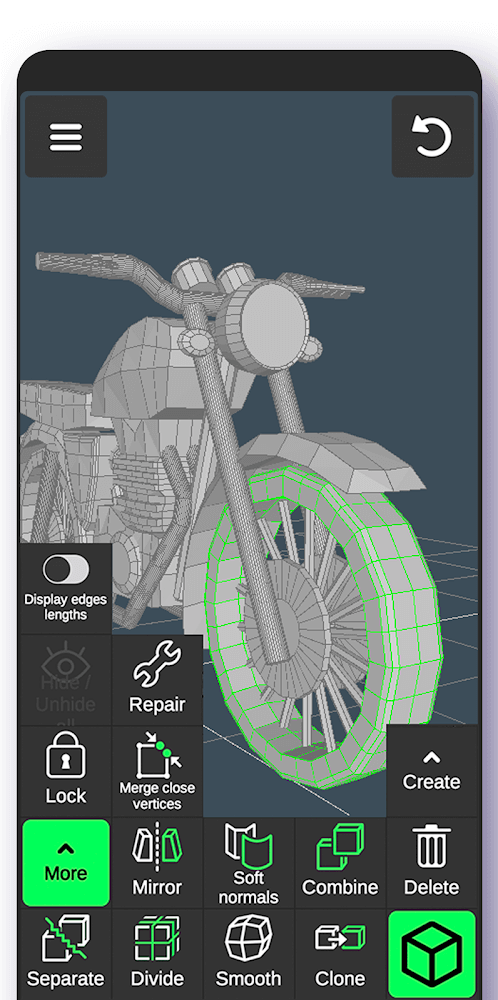
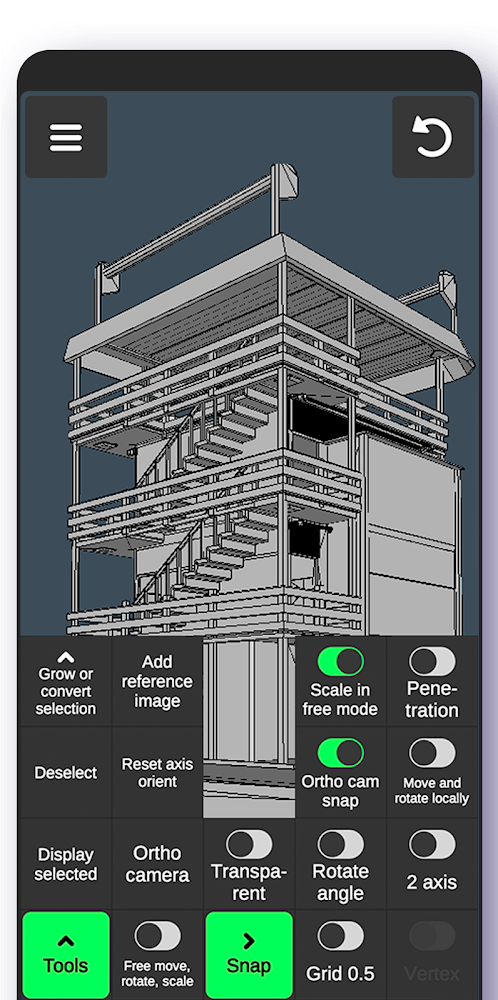
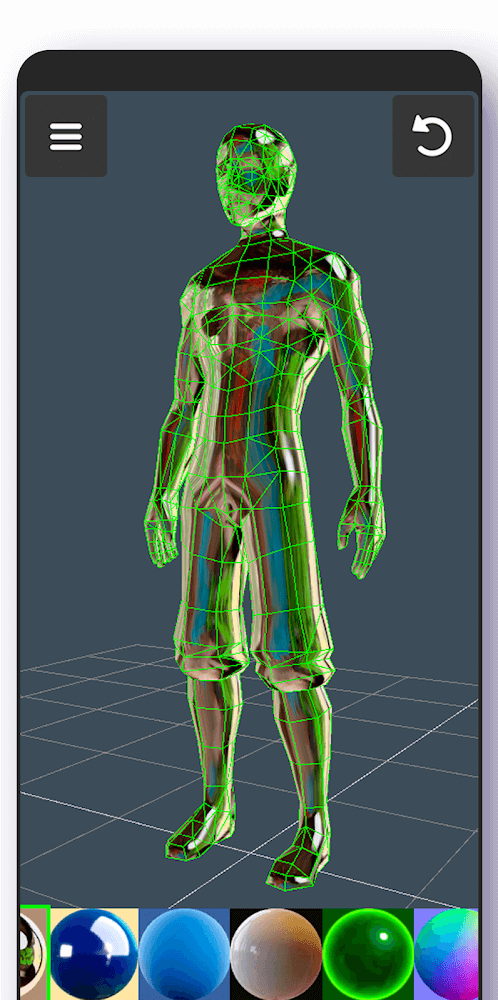
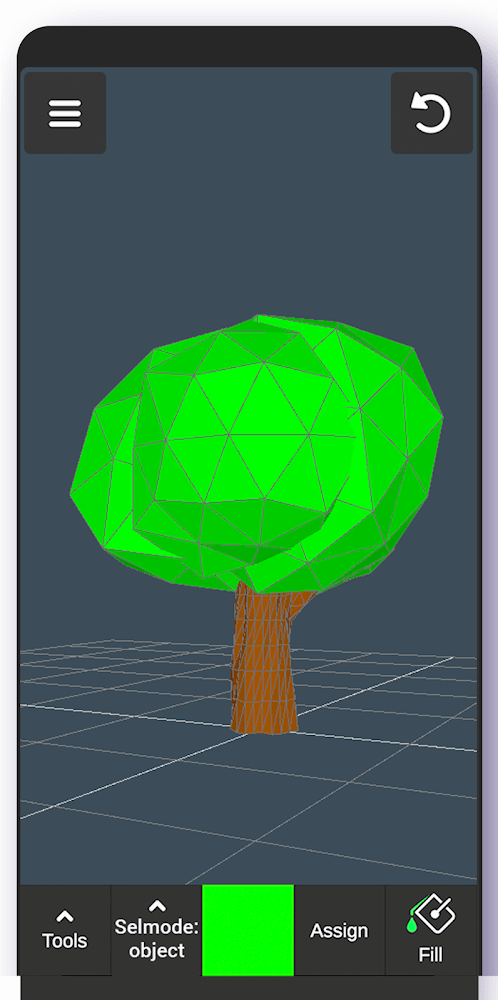
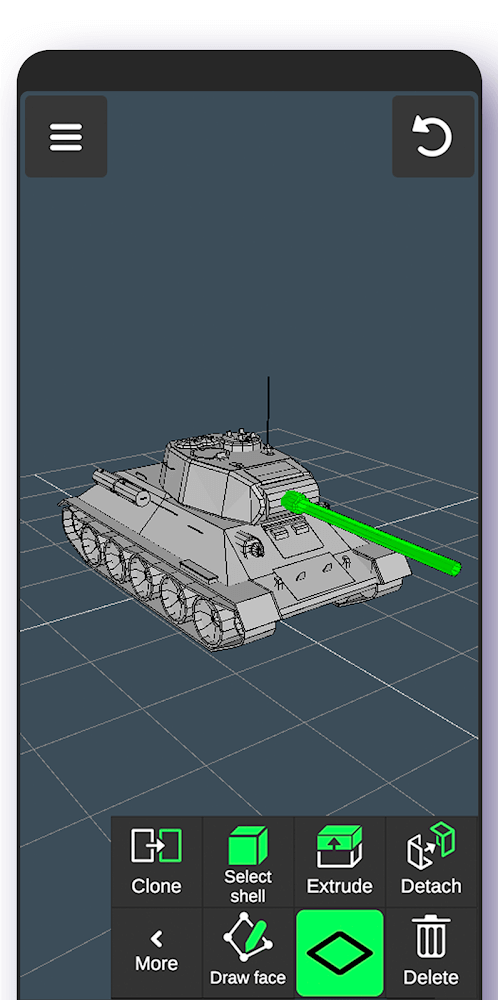
This 3D Modeling App MOD APK provides users with the Premium Unlocked status, allowing for full access to the application’s suite of design and editing tools. By utilizing this modified version, the standard restrictions on specific features are removed to facilitate a more comprehensive creative workflow on mobile devices.
What’s Modified in 3D Modeling App
- The Premium Unlocked modification enables access to all premium features and tools within the application that are normally restricted in the standard version.
This build is version 1.20.17 with a file size of 75.75 MB and carries the package name com.inforcegames.app3dmodelling; because it is re-signed, it cannot be installed over an existing copy from the official store.
About 3D Modeling App
This software creates a mobile platform for generating 3D objects, models, and CGI content on mobile devices like phones and tablets. Unlike CAD software for desktops and laptops, the application uses a gesture control interface for 3D character and game asset manipulation. The application allows users to execute common 3D object transformations like moving, rotating, or scaling via mobile gestures. The target user of the application is an artist or illustrator, and the purpose of the application is to provide the creative and productive means of digital illustration and painting on the go. The application enables users to interact with 3D objects and select 2D models at various levels of detail. In addition, there are tools for creating, modifying, and analyzing complex shapes. For precision selection of smaller entities of a model, like vertices, edges, faces, or components of a model, the user can interact with the interface in different ways to perform long selection frames. As such, the application takes a different approach from competing drawing applications to integrate interaction with 3D geometry.
The modeling process relies on a wide range of geometry vertex tools. The tools allow the fundamental construction of 3D shapes by merging, connecting and creating faces from vertices. The user can construct the wireframe of their objects and can determine the exact points of the structure of their 3D art. There are tools that help with the selection process. The software has a gesture-based selection system which allows the selection of groups of vertices. By connecting these selected vertices, users can define the wireframe of their art. The software allows users to create faces from these vertices and makes the mesh ready for further construction. Through the use of these vertex tools, users can learn how to create complex characters and environmental objects.
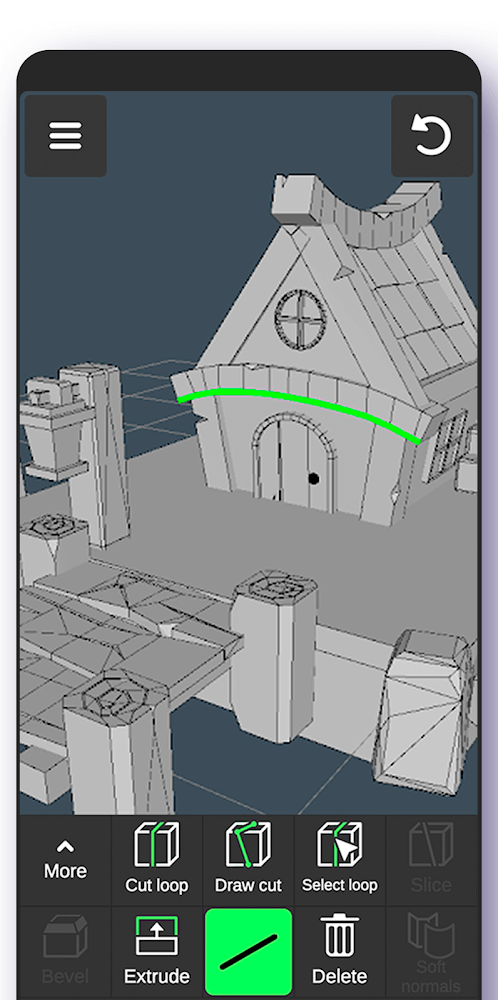
Edge manipulation uses special tools to create cuts across geometry with minimal input. Edge tools automatically interpolate paths based on an input set of points. The application provides a feature to add edge loops to a mesh, which is essential when preparing a mesh for deformation. Loops are selected using a double tap and can be readily removed using the same gesture. Tools to extrude edges or delete edges are also included. Rings of edges can be selected for bulk operations, like scaling. The edge tools enable users to refine the mesh to appropriately transition from one part of the model to another. The application provides a tool for closing boundaries of a mesh, which helps fill holes in a mesh. These tools combine to address a wide range of cases for editing 3D faces of a mesh.
The application includes a set of tools to sculpt the surfaces and volumes of 3D objects. The extrusion tool is perhaps the most critical of all the tools to extend new geometry from a face. Meanwhile, users are not bound by extrusion alone. They may draw faces however they see fit. To manipulate elements of a project, the detach tool parting faces to define new objects, and the clone tool duplicating existing geometry are provided. The software helps the user select connected faces by activating the Shell selection tool by a double tap. Other tools assist the user flip the orientation of faces or remove them entirely. These are complemented by an object level tool that allows the user to take broader actions such as changing the symmetry of a model by mirroring an object, or altering the geometric density of a model by applying the smooth and divide functions. The former manipulates the model to be more visually pleasing while the later alters the model to be more organically shaped and soft.
The application offers a set of sculpting tools for more advanced modeling tasks. These tools provide a greater degree of flexibility for deforming models similar to working with digital clay. These tools also provide a smoothing brush to refine sculpted surfaces and remove undesired irregularities. Along with these tools, other parameters like brush size, strength, and other characteristics, are adjustable and customizable based on the user’s preference. This toolset is useful for modeling non-uniform fluid like shapes, and other organic forms. By integrating these tools along with rigid vertex and edge operations, the software allows for a hybrid workflow, where users can move between rigid technical and free form artistic styles of modeling, within the same project.
The application provides several display and measurement tools to provide a better understanding of models at different levels of detail. These tools help align models with a precisely measured grid. They can provide real-time information about models, including the number of triangles in the model. The application enables users to verify dimensions by providing the distance between vertices and length of edges. This information is very useful when creating models at a large scale for use in games and other CGI graphics to keep the models optimized. The application provides a wealth of information for the user about the models they create including geometric information. This information is valuable to the user for large and complex models to provide feedback on models to eliminate errors and discrepancies.
Key features
- Gesture-based move, rotate, and scale operations
- Vertex merging, connection, and face creation
- Edge-loop cutting and selection with double-tap support
- Face extrusion, detaching, and cloning
- Object mirroring, smoothing, and division
- Sculpting with move, push, pull, and smooth brushes
- Adjustable brush size and strength settings
- Grid display with snapping and size adjustments
- Measurement tools for triangle count, vertex distance, and edge length
Related MOD APKs
FAQ
Is Premium unlocked in 3D Modeling App MOD APK?
In this build of 3D Modeling App (1.20.17), the following is modified: Premium Unlocked. Everything else works like the official 3D Modeling Apps release, and the changes are live as soon as you install.
What is the latest version of 3D Modeling App MOD APK?
The current build is v1.20.17, matching 3D Modeling Apps’s release, last updated on August 10, 2026. We don’t keep older versions here. To update, install the new build from this page over the existing one; if Android reports a signature conflict, uninstall the old build first.
Is 3D Modeling App MOD APK safe to download?
3D Modeling App MOD APK v1.20.17 on MODYOLO is 3D Modeling Apps’s original app with only Premium Unlocked modified. 59 users have rated it 4/5 here. It does not require root. A Play Protect warning during install is expected, so always download from this page.
Does 3D Modeling App MOD APK remove the watermark?
Pro is unlocked in this build (Premium Unlocked). In 3D Modeling App, watermark-free export is part of the Pro tier, so check the export screen after installing to confirm.
3D Modeling App v1.30.17 MOD APK (Premium Unlocked) Download
Download (75.75 MB)You are now ready to download 3D Modeling App for free. Here are some notes:
- Please read our MOD Info and installation instructions carefully for the game & app to work properly
- Downloading via 3rd party software like IDM, ADM (Direct link) is currently blocked for abuse reasons.
4/5 (59 votes)