
This BattleBox MOD APK provides an altered gameplay experience by granting players unlimited money and access to a comprehensive set of combat cheats. The modification includes enhancements such as rapid fire, maximum accuracy, and a god mode that grants invulnerability at the cost of character mobility.
What’s Modified in BattleBox
- Unlimited money is provided to allow for the acquisition of any items or equipment without financial constraints.
- A god mode feature is included that prevents the player from taking damage, though activating it causes the character to remain fixed in a single position.
- Vehicle instant kill is enabled to allow players to destroy enemy cars and helicopters immediately upon contact or attack.
- Rapid fire increases the discharge rate of all equipped firearms for higher damage output over time.
- Max accuracy removes weapon spread and recoil, ensuring bullets hit exactly where the reticle is aimed.
- Free shopping and no upgrade costs are integrated, allowing for the improvement of gear without spending resources.
- An unlock all feature is present to provide immediate access to the full library of weapons and vehicles.
- Advertisements are removed from the interface to ensure a cleaner user experience.
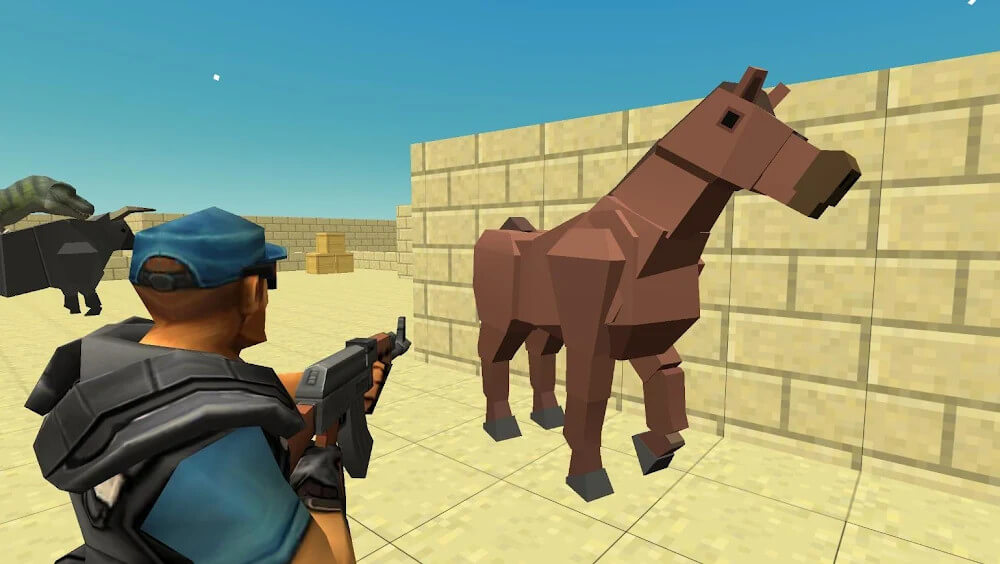
This BattleBox MOD APK build is based on version 2.6.05 with a file size of 113M under the package name com.chaloapps.battlebox; as a re-signed package, it cannot be installed as an update over the original version.
About BattleBox
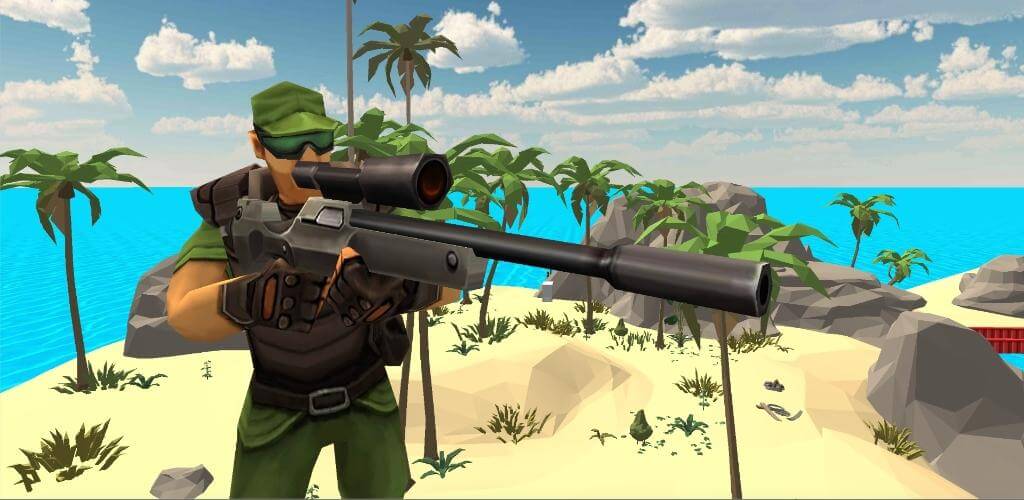
BattleBox is an action shooter that is flexible for both survival and sniping. There are different environments and combat scenarios, and you play as a hired mark. in order to become the ultimate last man standing you must be tactical and smart with the weapons you have. You have to be able to move freely and efficiently to eliminate your enemies. Survival hinges on the ability to employ sniping mechanics. Players have to showcase their skills across several combat disciplines like direct infantry combat and strategic placing of explosives.
The game doesn’t lack variety in game modes. The three primary modes are sandbox, deathmatch, and team battle. Each mode has a specific rule set and environmental challenges with an emphasis on how players should engage their enemies. The sandbox and deathmatch modes focus on the individual player. This means a player should be able snipe enemy after enemy to win the match. In the team battle mode, the focus is on the individual players ability to be free, and let their teammate take out the players. Team battle mode is the perfect mode if you are looking to engage in combat with your teammate.
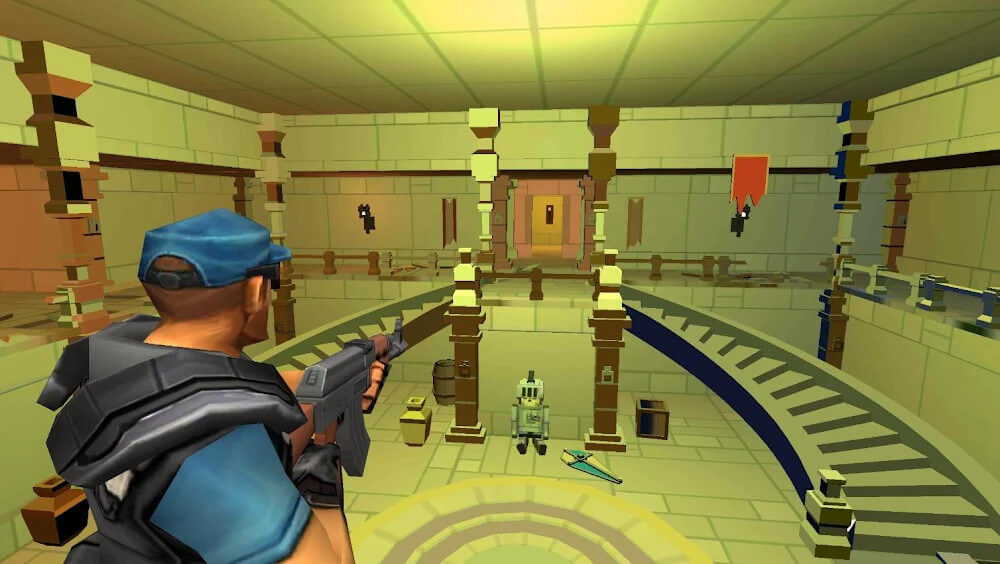
Progressing levels affects how maps look and function. The first levels may have more compact maps, but as the levels go on, the scale of maps and the search for enemies becomes more intense. Because of the more open maps, there’s a greater need for awareness as players have to find good spots to avoid getting hit and to set up spot to get an attack against enemy players. The more open maps mean there’s lots of places for players to hide as they prepare an attack from the side.
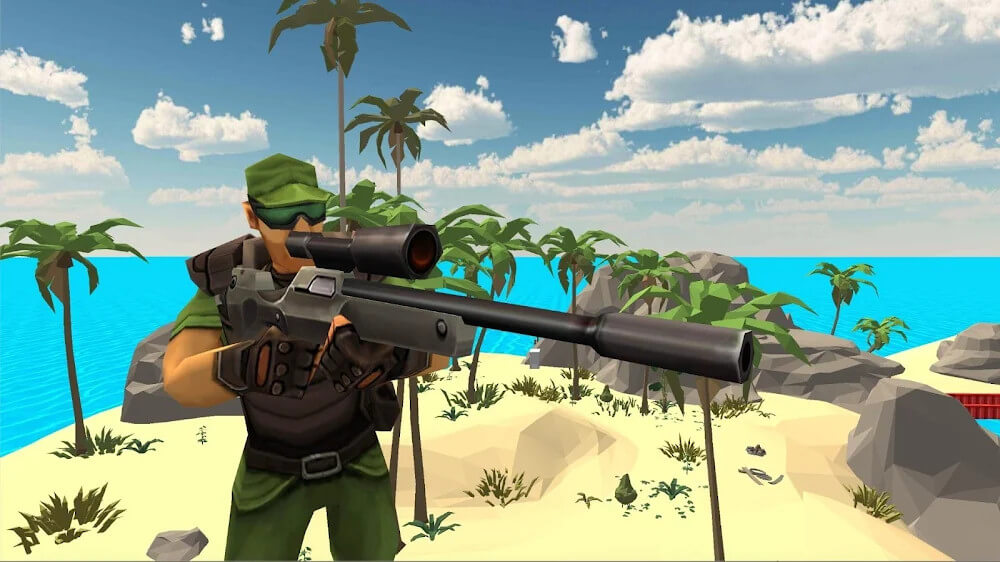
The BattleBox MOD APK has tons of weapons that are perfect for all types of attacks, and there are even some weapons that are great for tactics. There are basic guns and snipes, but there are also lots of special explosive weapons for players to use like bombs and grenades. It’s is smart to save gun ammo and use other ways of attacking like grenades, because this devours lots of ammo and is very effective against many enemies. This is key for surviving lots of battles because there are lots of ways to die in the game.
Match loads offer various vehicles to traverse different landscape types. Vehicles are used for both transport and combat. Different landscapes offer different benefits for different vehicles. Open spaces are better for helicopters. Desert spaces offer sand for cars that can be used as a shield. The correct vehicle choice can help you avoid destroying your opponent’s game plans from suddenly appearing or from waiting to see how they move. Resource collection is very important for survival in all matches. Every player has a certain amount of health and ammunition and depletes both in combat. The game does its best to let the player know they are about to lose by showing a status bar. The only way to replenish health and ammunition is to win battles to get rewards or to collect battlefield rewards. Defeated enemies drop materials and weapons the player can scavenge. Players must stay aggressive because that is the only way to keep a sufficient amount of health and ammo to make it to the end of the match.
Key features
- Sandbox mode for open-ended combat and testing skills.
- Deathmatch mode for high-intensity individual survival.
- Team battle mode for cooperative group-based warfare.
- Diverse weapon library including handguns, sniper rifles, bombs, and grenades.
- Piloted vehicles including cars and helicopters for environmental navigation.
- Dynamic battle areas that increase in size based on player level.
- Scavenging system to collect health and ammunition from fallen enemies.
- Tactical environmental combat involving ambushes and cover mechanics.
Related MOD APKs
FAQ
Does BattleBox MOD APK give unlimited money?
This BattleBox 2.6.05 version includes Unlimited Money. It functions like the ChaloApps release, with features active immediately after installation.
What is the latest version of BattleBox MOD APK?
Version 2.6.05 matches the ChaloApps update from September 7, 2025. We don’t keep older versions here. Install this new build over your current one to update. If a signature conflict occurs, you must uninstall the previous version before installing this file.
Is BattleBox MOD APK safe to download?
This BattleBox 2.6.05 file is the ChaloApps app with Unlimited Money added. It has a 4/5 rating from 3 users. It does not require root. Ignore Play Protect warnings during the installation process, but always download from this page.
Can I use BattleBox MOD APK on PC or iPhone?
This Android file will not work on an iPhone. To use the 113M APK on a computer, run an emulator like BlueStacks or LDPlayer. Once the emulator is set up, just drag the package into the window to install.