Photo Studio PRO APK is a robust, flexible photo editing application. It provides basic and expert photo editing features.

Photo Studio PRO v2.22.1.5116 MOD APK (Patched/Optimized)
| App Name | Photo Studio PRO |
|---|---|
| Publisher | KVADGroup App Studio |
| Genre | Photography |
| Size | 221M |
| Latest Version | 2.22.1.5116 |
| MOD Info | Patched/Optimized |
| Get it On |

|
MOD Info
- No root or Lucky Patcher or Google Play Modded required;
- Disabled / Removed unwanted Permissions + Receivers + Providers + Services;
- Optimized and zipaligned graphics and cleaned resources for fast load;
- Debug code removed;
- Languages: Full Multi Languages;
- CPUs: armeabi-v7a, arm64-v8a, x86, x86_64;
- Screen DPIs: 120dpi, 160dpi, 240dpi, 320dpi, 480dpi, 640dpi;
- Original package signature changed;
This Photo Studio PRO MOD APK features a patched internal structure that removes unnecessary service dependencies and optimizes the application for better performance on various hardware. The modification focuses on cleaning the resource files and disabling background receivers to ensure a more efficient editing experience.
What’s Modified in Photo Studio PRO
- Operates without requiring root access, Lucky Patcher, or a modded version of the Google Play Store.
- Unwanted permissions, receivers, providers, and services have been disabled or entirely removed from the package.
- Graphics have been optimized and zipaligned while redundant resources were cleaned to ensure faster loading times.
- All debug-related code has been stripped from the application files.
- This Photo Studio PRO MOD APK includes full support for multiple languages.
- Supports a wide range of screen densities including 120dpi, 160dpi, 240dpi, 320dpi, 480dpi, and 640dpi.
- The original package signature has been changed to facilitate the modification.
 |
 |
This build is version 2.12.1.5116 with a file size of 221M under the package name com.kvadgroup.photostudio_pro, and because the original signature has been changed, it cannot be installed as an update over the official store version.
About Photo Studio PRO
Photo Studio PRO is designed to help its users manage both the color and content of their digital images. One of the most important features of the current version of the app, is that users can change the background of an image using a simple process. To use this feature, users are instructed to mark the areas they want to keep or move to a different background using this special tool. The internal AI will then recognize the subject in the image. After the subject has been recognized, the selection can then be changed to a new background and the background of the image changed to almost anything. This feature is designed to help move subjects from one background to a new background with the same aesthetic. This helps users eliminate backgrounds that don’t match the subject. This feature is also designed to help users eliminate backgrounds that don’t match the subject using less advanced masking tools that are more user friendly.
Editors have several tools at their disposal to manipulate the colors of an image beyond background removal in this application. The editing tools contain basic parameters that a majority of editors will adjust to reflect the goal of their project such as saturation and brightness. With these easy adjustments, users can see immediate changes to images that they are actively editing. Editors can darken overexposed photos or brighten dull photos. The color correction tool is one of the advanced editing features that this application has. This tool allows the user to adjust red, green, and blue separately in an image to achieve the desired color correction or allow the user to deliberately create color casts for a desired aesthetic. For example, this tool allows users to prioritize or de-emphasize specific colors over the rest and is a feature you would expect to see available only on full-fledged desktop and laptop editing applications.
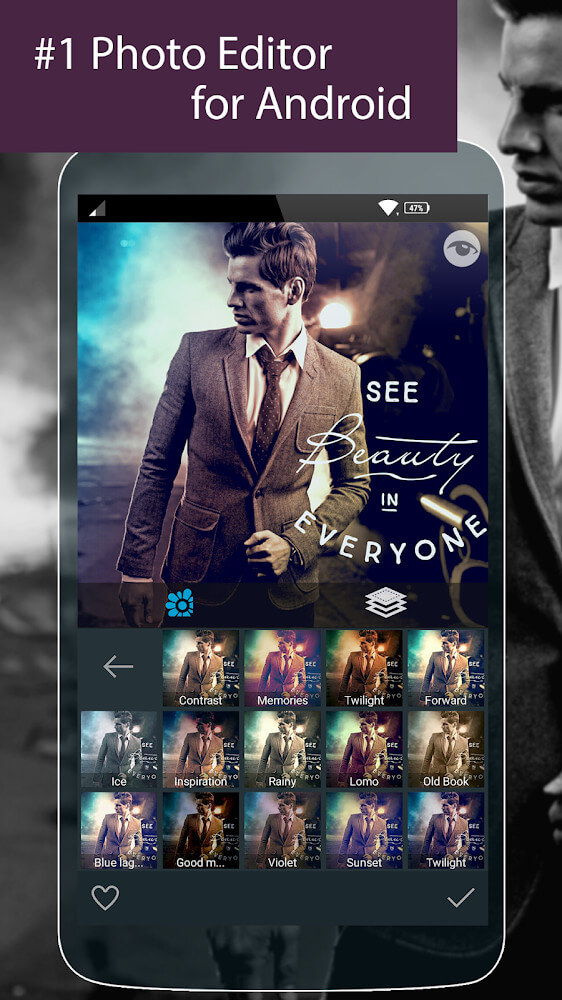
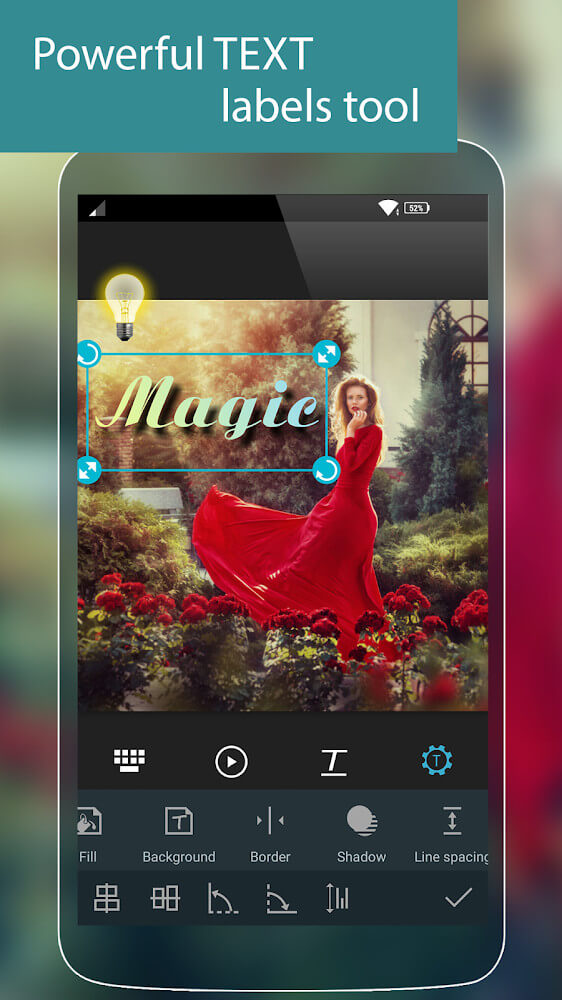
The application further conceptualizes the incorporation of filters and stickers to engender appeal for a given project. Filters are presented as ways to rapidly alter the color tones of images. Users can thoughtfully consider the number of colors and colors present, as well as the overall tone of the image. Shifting from filters is a collection of stickers. Again, the application has been designed to allow users to create text stickers to modify and caption their photos. A diverse collection of visual filters and stickers can be crafted to meet the user’s aesthetic and communicative needs.
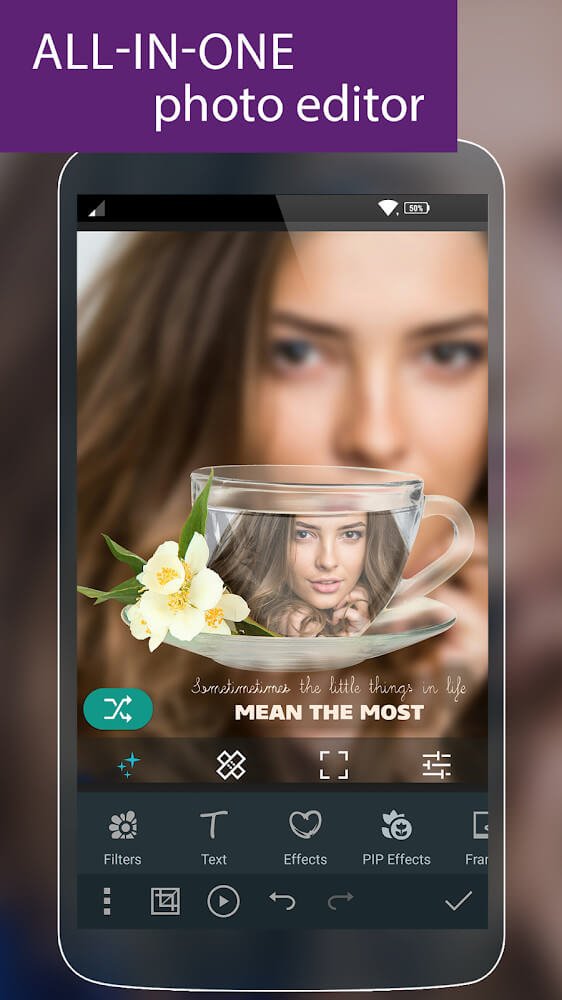
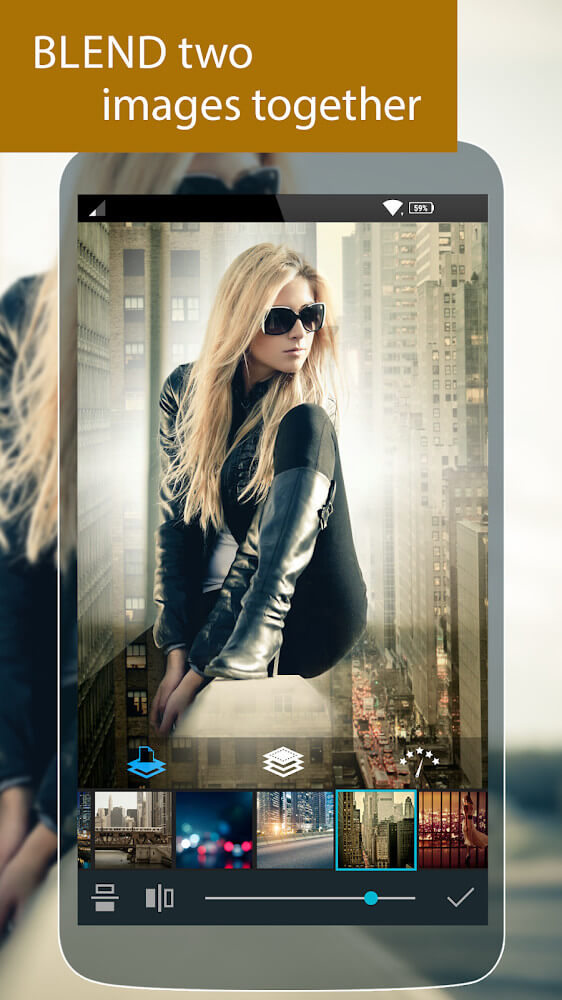
For those who want to make more complex edits, Photo Studio PRO offers a range of effects which can blend images to match the background. A particularly interesting feature is blend. This effect can give the user the ability to combine two images into one. In this feature, if the user adds a second image to their primary image, the app is able to remove elements that are in the primary image and overlap with the secondary image. Blend effects allow the user the ability to insert images of other things that are not in the photo to create surreal images, either through double exposures or just creative layering. Really cool effects allow hobbyists to try different things with layers then share their creations with the world.
 |
 |
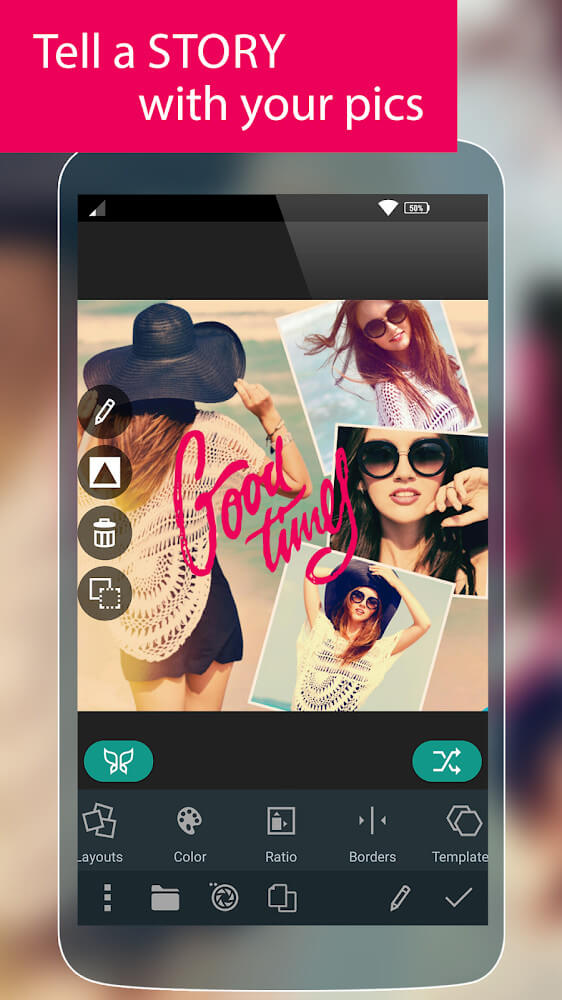
The application provides a different way to organize and tell a story through a collage mode. A collage mode breaks away from a traditional mode of viewing photos as independent files. Through a collage mode, users have the ability to merge numerous photos to create a unified story. The application provides numerous templates, and each template forms the basis of a collage, and users can therefore merge their favorite photos to suit the configuration they desire. The application offers numerous customization options for the layouts including frames and backgrounds. The main aim of these add-ons is to allow users to be as creative as they desire and help users tell the desired story. Whether it is creating a memorable photo album to gift your friends, or developing a professional portfolio to enhance your career, the collage tools are up to the task of merging numerous high-quality images while still keeping the collage clean and organized.
Mastering the various functions in Photo Studio PRO will take users from making basic corrections to allowing their creativity to run wild. The program is designed to be easy to use and yet still include powerful functions. There is something to learn for everyone. There is something for the beginner in simple color balancing and basic RGB adjustments and something for the advanced user in adding text stickers and frames. A good balance is struck between the auto background removal feature and the manual adjustments for brightness and saturation. As users become more familiar with the advanced blending effects and collage templates, they will find an almost infinite number of ways to express their creativity. The artistic design of Photo Studio PRO is perfect for a wide variety of editing needs.
Key features
- AI-powered background removal and replacement tool
- Detailed color adjustment including saturation, brightness, and RGB balance
- Extensive library of filters and stickers for visual enhancement
- Blend effects for merging two images with overlapping element removal
- Collage maker with various templates, frames, and background options
- Text stickers for adding customized content to images
Related MOD APKs
FAQ
What does Photo Studio PRO MOD APK unlock?
This Photo Studio PRO (2.12.1.5116) build is Patched and Optimized. It works like the KVADGroup App Studio version, and all modifications are active as soon as you finish installing.
What is the latest version of Photo Studio PRO MOD APK?
Version 2.12.1.5116 matches the KVADGroup App Studio release from July 8, 2026. We don’t keep older versions here. Install the new file over your current app to update; delete the old one if you see a signature error.
Is Photo Studio PRO MOD APK safe to download?
This Photo Studio PRO 2.12.1.5116 download is the KVADGroup App Studio app, Patched and Optimized. 49 users rated it 3.7. It does not require root. Expect a Play Protect alert, so always download from this page.
Can I use Photo Studio PRO MOD APK on PC or iPhone?
This Android file will not work on iPhone. To use it on a computer, run the 221M package in an emulator like BlueStacks or LDPlayer by dragging the file into the software.
Photo Studio PRO v2.22.1.5116 MOD APK (Patched/Optimized) Download
Download (221M)You are now ready to download Photo Studio PRO for free. Here are some notes:
- Please read our MOD Info and installation instructions carefully for the game & app to work properly
- Downloading via 3rd party software like IDM, ADM (Direct link) is currently blocked for abuse reasons.
3.7/5 (50 votes)