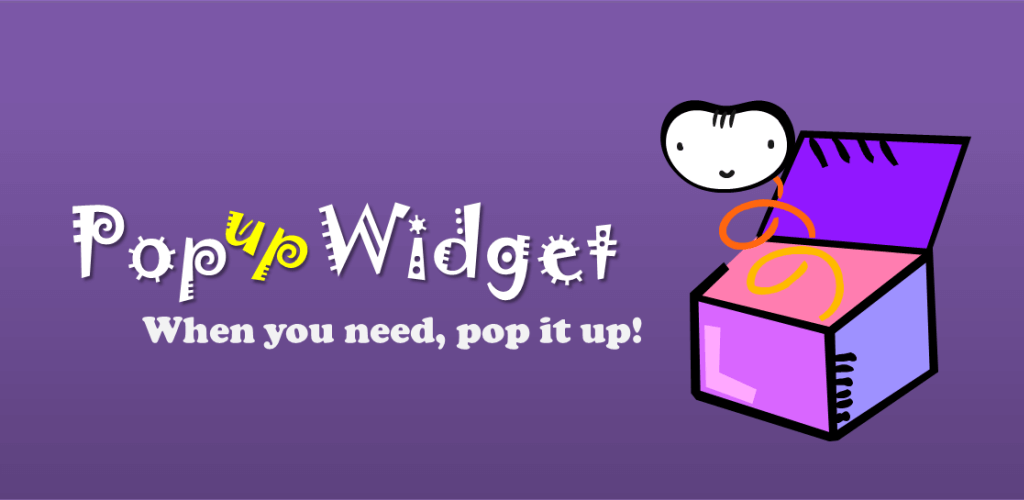


This Popup Widget 3 MOD APK provides an optimized and patched version of the utility, focusing on streamlining performance and removing unnecessary background components. The modification ensures compatibility across various device architectures and screen densities while refining the overall resource footprint.
What’s Modified in Popup Widget 3
- Patched and optimized the application for enhanced operational efficiency.
- Removed requirements for root access, Lucky Patcher, or a modded Google Play Store.
- Disabled and removed unwanted permissions, receivers, providers, and services to minimize background resource consumption.
- Optimized and zipaligned graphics while cleaning internal resources to ensure faster loading times.
- Removed debug code to provide a leaner application package.
- Deleted default .source tags from the corresponding Java files.
- Integrated full multi-language support for a global user base.
- Configured the build for universal CPU architecture compatibility.
- Included support for multiple screen DPIs, specifically 160dpi, 240dpi, 320dpi, 480dpi, and 640dpi.
- Changed the original package signature to accommodate the modifications.
This build is version 3.7.10 with a file size of 2M and the package name com.ss.popupWidget; because the original package signature has been changed, it cannot be installed over a copy from the store.
About Popup Widget 3
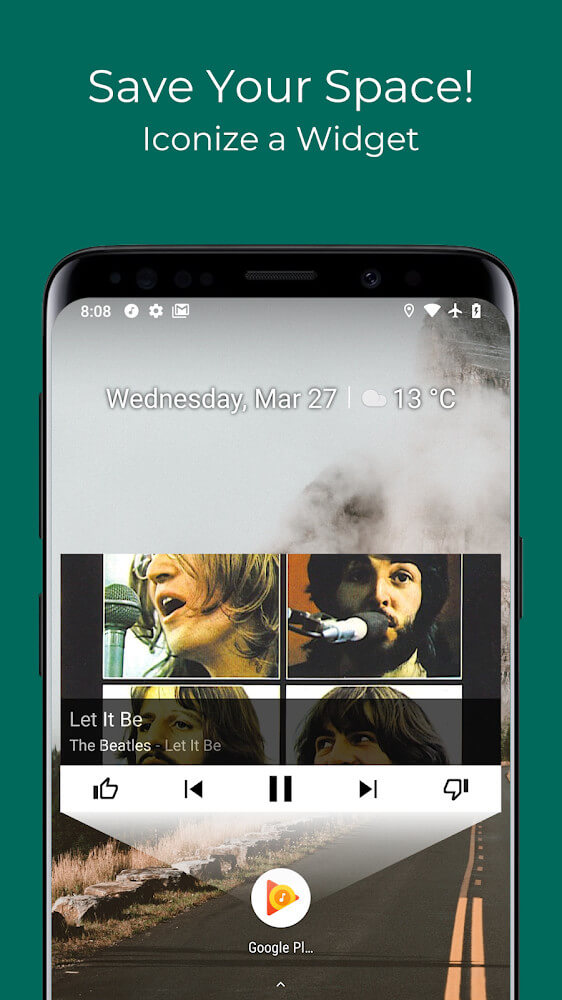
Popup Widget 3 MOD APK is designed to change the way users interact with their phones by offering an improved widget management system that goes well beyond the traditional predefined widget management systems. With this application, users can create superior widgets that provide additional options to customize and enhance the user experience. This application provides a framework to build widgets using more than 50 advanced features; therefore, users can build widgets that are aligned with their unique workflows. These widgets act as a replacement for software tools that are functional and can provide direct interaction with various system elements, all without a significant number of clicks and the need to navigate several menus. This application makes widget and management tools accessible to users to better understand and manage system elements.
When users open the application for the first time, they are presented with an amazingly beautiful, clean, modern, and well organized interface. This design makes sure all available functions are placed in their respective categories so users can browse through it easily. The design of the application focuses on ease of use so users can manage, build, and access widgets with minimal interactions. Ultimately, the design focuses on the core system of the device and workflow of users’ digital workspace.
The application has a robust widget library to meet multiple needs. These widgets provide ways to manage your day by connecting you with the tools you use the most on your device. The widget library is not the only feature of the application. The application has design tools to customize home screen widgets to fit your home screen. Users can adjust the size of their widgets down to the pixel and change the design to display information in varying formats. The application design system is built to support the creation of widgets outside the home screen. The widgets can be placed in the notification bar or other areas in the device providing an added level of convenience that responds to the user’s needs.
A extensive widget creator system is available for advanced users. This user-centered design ensures that users can create their very own custom widgets and facilitates new ideas. In this system, users can adjust the main workflow components of the system and even the overall appearance of the interface by adding icons from external sources. This level of control provides the granularity needed for a widget to fulfill its given task. Additionally, this system is optimized to fix widget sizes that have been automatically placed by the internal widget system. Widgets have the potential to suck a device’s performance and battery life if proper optimization techniques are not implemented.
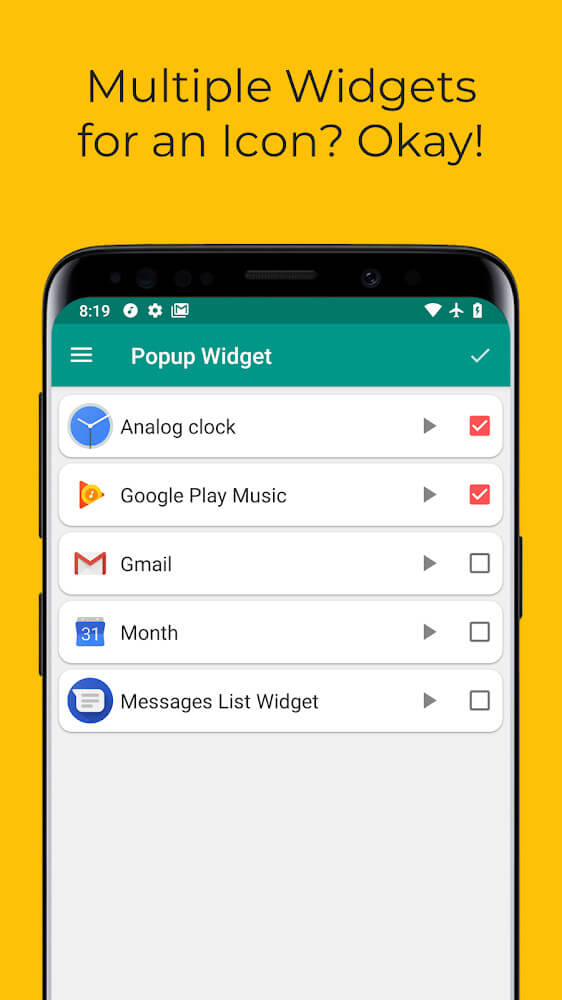
Performance optimization is also applied to how information is presented to users. Widgets can be configured to show only specific information according to the user’s preference, and the widgets can even interact with the biometric systems to create unique functional experiences. Widgets allow for the optimization of component performance and resources when configurations are set. Additionally, this system provides unique animations for widgets that pop up during use. Proactive widgets, which are used to present live or time critical notifications, have been equipped with lovely animations that help the user stay aware of new information which will continuously remain on the user’s attention until the information is processed.
The maximum flexibility of the tool is seen in its ability to work with different types of data like weather/system updates, messages, etc. To check for updates, the user does not have to fully open applications. Small, convenient windows suffice. They are fully customizable to the types of notifications the user receives. Everything is neatly displayed as a complete message. The tool makes it so easy to build custom widgets for a variety of reasons from tracking biometric data, to viewing real time widget displays, to list management, among many others. The tool provides a rich and functional widget building environment. Animations, design creativity and battery optimization make it a good choice to use for customization on any device.
Key features
- Extensive widget library covering various genres and functional needs.
- Refined and superior widget creation with dozens of built-in features.
- Comprehensive design system for aligning widgets on the home screen or notification bar.
- Personalized widget creation system with support for external icon imports.
- Automatic optimization settings to prolong battery life and maintain device smoothness.
- Real-time information display for weather, messages, and system notifications.
- Lively animation options for proactive and popping-up widgets.
- Biometric system interaction for advanced widget functionality.
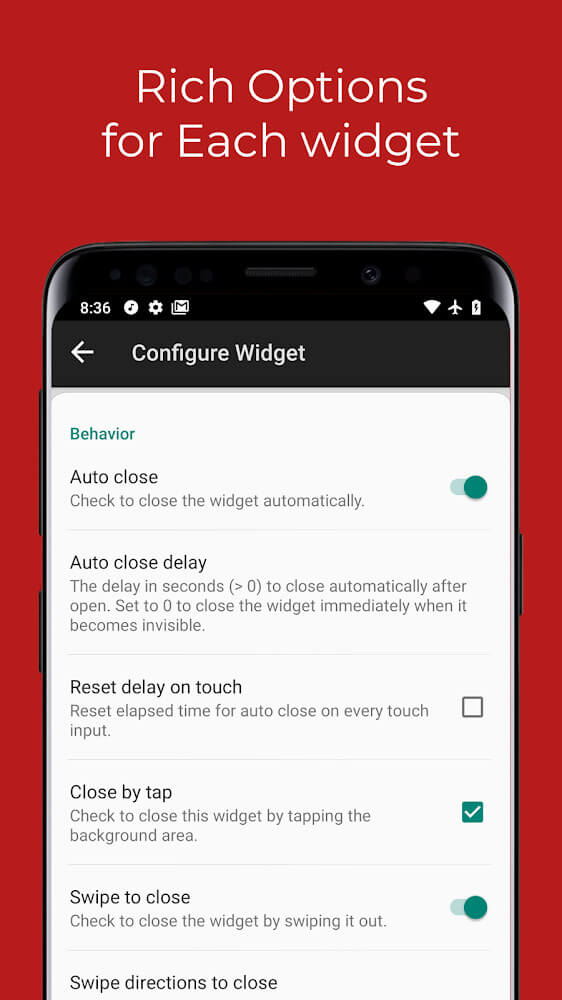
- Customizable performance settings to hide or prioritize specific tools.
Related MOD APKs
- Square Home
- Total Launcher
- Edge Gestures
- MovieBox ID: Watch Movies, TV Series, K-Dramas & Anime for Free
FAQ
What does Popup Widget 3 MOD APK unlock?
This 3.7.10 version of Popup Widget 3 is Patched and Optimized. It functions like the ChYK the dev. original, with all modifications active immediately after you finish the installation.
What is the latest version of Popup Widget 3 MOD APK?
Version 3.7.10 is the current build from ChYK the dev., updated July 23, 2025. We don’t keep older versions here. Update by installing this over your current app. If a signature conflict occurs, you must delete the old version first.
Is Popup Widget 3 MOD APK safe to download?
This 3.7.10 Popup Widget 3 build is based on the ChYK the dev. app, modified to be Patched and Optimized. It has a 2.5 rating from 15 users. It does not require root. Ignore Play Protect warnings and always download from this page.
Can I use Popup Widget 3 MOD APK on PC or iPhone?
Since this is an Android file, it cannot run on iPhone. To use the 2M APK on a computer, install an emulator like BlueStacks or LDPlayer, then drag the file into the program to start it.