Cast for Chromecast MOD APK: Seamlessly mirror your screen, stream HD videos, and share photos to your TV with zero lag. Elevate your home entertainment experience today!

Cast for Chromecast v1.4.5 MOD APK (Premium Unlocked)
| App Name | Cast for Chromecast |
|---|---|
| Publisher | EVOLLY.APP |
| Genre | Tools |
| Size | 11M |
| Latest Version | 1.4.5 |
| MOD Info | Premium Unlocked |
| Get it On |

|
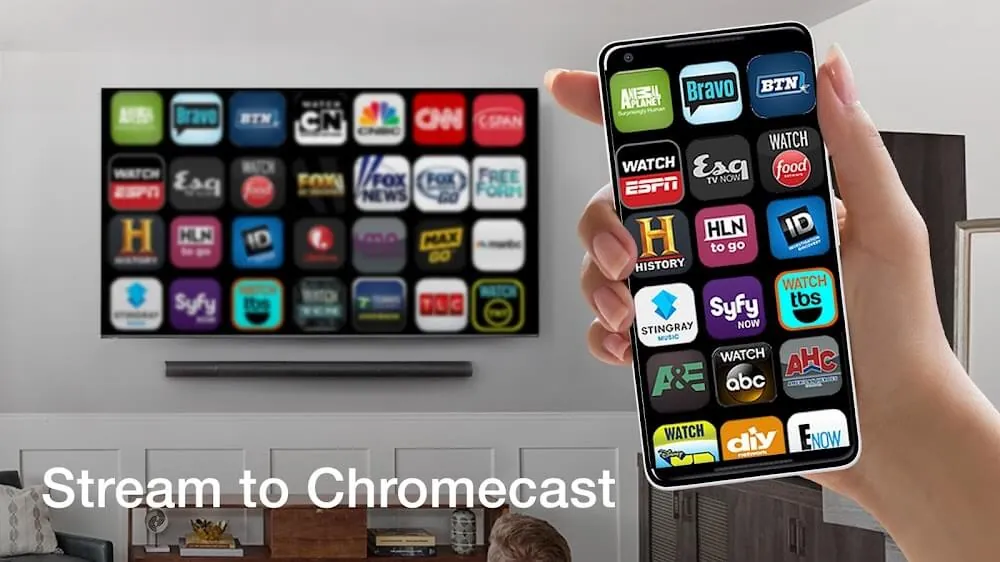
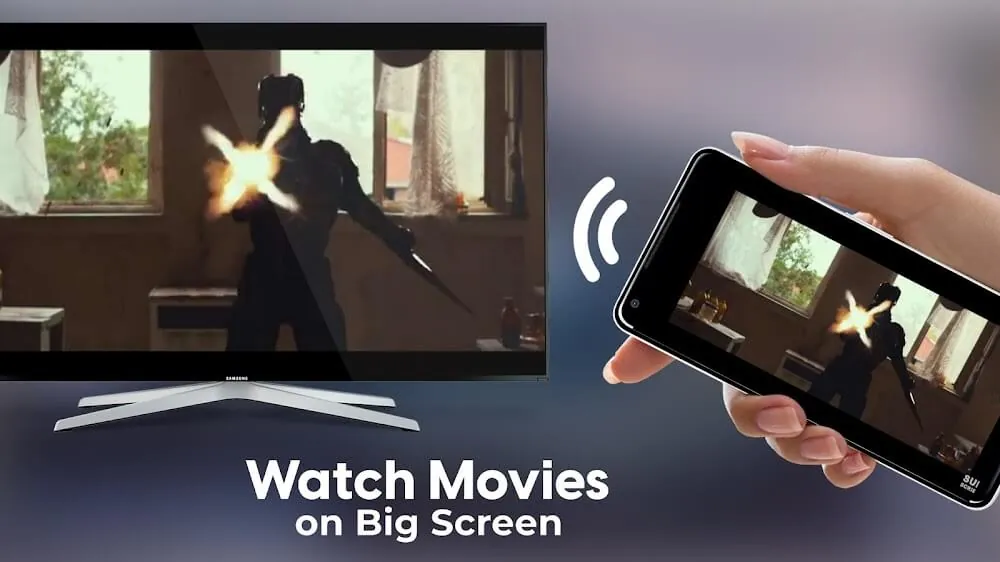
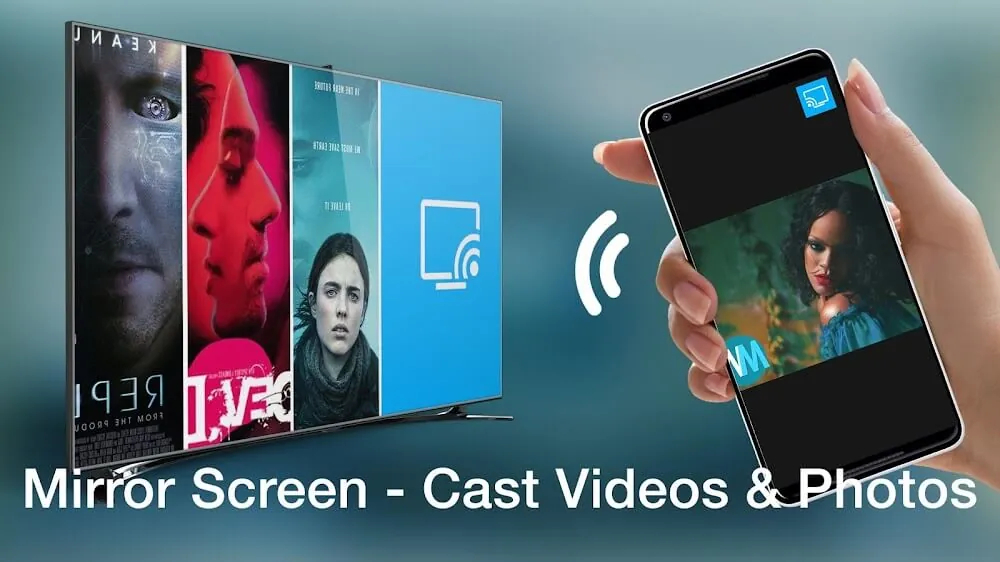
This build provides access to features usually restricted to paying users. Cast for Chromecast MOD APK unlocks the premium tier of the application to enable full functionality. It focuses on removing the paywalls associated with the standard version of the tool.
What’s Modified in Cast for Chromecast
- Premium Unlocked: Grants full access to all paid features within the application without requiring a subscription.
Version 1.4.5 has a file size of 11M and uses the package name chromecast.tv.streaming.screen.share; because this file is re-signed, it cannot be installed as an update over an existing version from the official store.
About Cast for Chromecast
Cast for Chromecast MOD APK is a popular application to overcome the difficulties of limited display size of a mobile device. The app is designed by EVOLLY.APP, with the aim to enable users to employ their smartphones to carry out various digital activities in either a work or home setting. The app enables users to establish a smartphone to smart TV connection, to display digital content on a bigger screen, using a special data transmission protocol. The app aims to enhance productivity in business and school activities by allowing users to project digital presentations or lessons on a bigger screen via their smartphones. The app is very useful for mobile gaming, which, as of now, is mainly done on small mobile displays. The app understands the need for easy connectivity of small displays to bigger ones in today’s digital ecosystem.
The Real-Time Screen Mirroring feature allows users to display their phone screens on the TV. It uses zero-lag technology to show phone screens in real time. Users can use this feature to show apps, websites, and other documents on a collaborative work space. This also works to display social media or other live content to a group of people in the same physical space. The mirroring captures the entire phone interface and displays it in the same resolution on the TV. Because it captures the entire interface and displays it in the same resolution, it allows for real time demo of apps to a group of people and ensures that the audience sees the same thing that is being done on the phone.
Besides just mirroring, the app has High-Definition Media Casting. With this technology, users can send media files, including entire photo libraries, home videos, and song files, to Chromecast-enabled TVs. The app has a wide compatibility with various media file formats. Additionally, the app has a Custom Playlist & Slideshow Creator. This allows users to organize media files and create slideshows to be played at family events, and/or create and organize song playlists for social events. All controls for these functions are done via the mobile app, so users can control everything happening on their home entertainment system via their mobile devices. This is useful for creating media presentations for home use. Users can control everything from their mobile devices via the app, and the app has controls for almost all the functions of the entertainment system.
For consumers interested in mobile gaming, Zero-Lag Gaming Mode will be one of the best features of this application. As is well known, mobile gaming has lag, and that lag becomes amplified over any type of broadcasting system. This application aims to address that lag in several ways. First, the application will mirror the phone display to a larger screen to improve the player’s field of view. Second, to compliment the Zero-Lag Gaming mode, the application has a Performance mode to further prioritize the bandwidth for the stream. By prioritizing the bandwidth, the application aims to address issues of stuttering and to reflect fast actions in a game immediately on the TV screen. Last, the application employs similar strategies for optimizing the streaming engine for the video playback in the mode to improve the buffer speed to provide a more consistent viewing experience similar to a cinema in the living room.
Cast for Chromecast MOD APK provides the feature of Universal OS Compatibility, which gives users the ability to easily cast different types of content on various operating systems. The App supports devices running on Android, iOS, Mac OS, and Windows. The developers have included a convenient One-Tap Connect feature for easier device connections. However, both the mobile and the TV must be connected to the same network for the app to scan for casting devices automatically. Once the connection is established, users must select their TV from the list. Users can gain access to different features by using a different tab. The developers aimed to ensure that users spend less time on the menus by maximizing the time spent watching the content. To facilitate easy access, the user interface is designed to be neat and clean. The developers ensured the app met the needs of the users who are apprehensive of technology by simplifying the process of casting content via the app. The casting feature can easily replace the need for a physical cable to connect the devices or to configure complicated settings to cast content.
The application aims to enable users to share and view media in an optimal way as per their preferences. At work, it can be used as a utility for important presentations. For entertainment at home, it is a one-stop solution. With more and more people streaming high definition media from their devices, the need for a solution to tackle the latency and other issues associated with mobile device streaming has become imperative. The application strives to create a low latency and stable link between mobile devices and larger screens to project media. For any setting, be it learning, working, or relaxing, the tool aims to address content engagement restrictions and provide a communal and high fidelity experience with digital media in the household.
Key features
- Real-Time Screen Mirroring
- High-Definition Media Casting
- Zero-Lag Gaming Mode
- Custom Playlist & Slideshow Creator
- Universal OS Compatibility
- One-Tap Connect system
- Performance Mode for bandwidth prioritization
- Optimized streaming engine for buffer speeds
Related MOD APKs
FAQ
Is Premium unlocked in Cast for Chromecast MOD APK?
This 1.4.5 version of Cast for Chromecast features Premium Unlocked. It functions just like the EVOLLY.APP original, with all modifications active immediately after installation.
What is the latest version of Cast for Chromecast MOD APK?
Version 1.4.5 matches the EVOLLY.APP release from July 2, 2026. We don’t keep older versions here. Update by installing this file over your current app; if Android reports a signature conflict, delete the old one first.
Is Cast for Chromecast MOD APK safe to download?
This Cast for Chromecast 1.4.5 file on MODYOLO is the EVOLLY.APP release with Premium Unlocked. 71 users gave it a 3.7 rating. It does not require root. Ignore Play Protect warnings, but always download from this page.
Can I use Cast for Chromecast MOD APK on PC or iPhone?
Since this is an Android file, it won’t work on iPhone. To use the 11M APK on PC, run it inside an emulator like BlueStacks or LDPlayer by dragging the file into the interface.
Cast for Chromecast v1.4.5 MOD APK (Premium Unlocked)
Download (11M)You are now ready to download Cast for Chromecast for free. Here are some notes:
- Please read our MOD Info and installation instructions carefully for the game & app to work properly
- Downloading via 3rd party software like IDM, ADM (Direct link) is currently blocked for abuse reasons.
3.7/5 (71 votes)