Display Tester is a technology application that helps you recognize and observe aspects of the screens of electronic devices. In addition, you can use the application to check the screen quality of the tv.
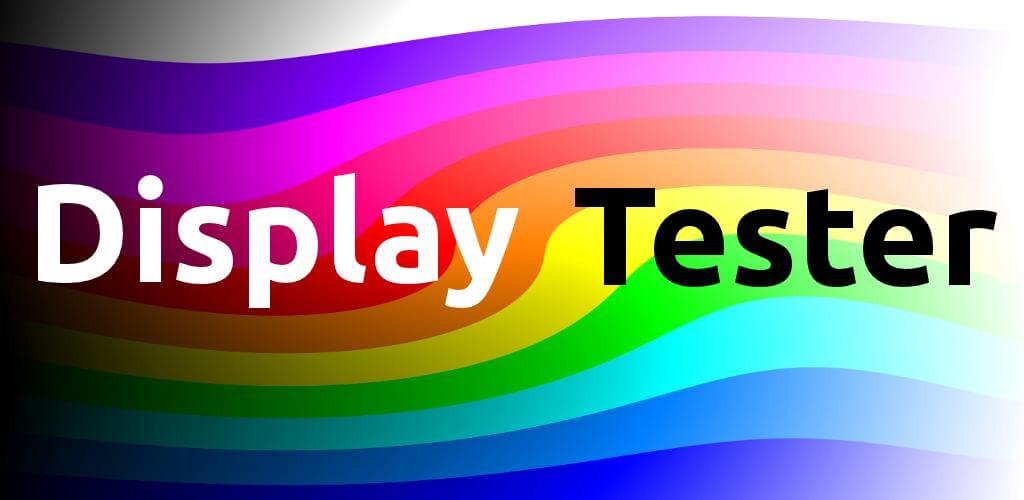
Display Tester v5.35.5 APK + MOD (Premium Unlocked)
| App Name | Display Tester |
|---|---|
| Publisher | Braintrapp |
| Genre | Tools |
| Size | 15M |
| Latest Version | 5.35.5 |
| MOD Info | Premium Unlocked |
| Get it On |

|
MOD Info
- Pro / Paid features unlocked – no additional key required;
- Disabled / Removed unwanted Permissions + Receivers + Providers + Services;
- Debug code removed;
- Languages: Full Multi Languages;
- CPUs: armeabi-v7a, arm64-v8a, x86, x86_64;
- Screen DPIs: 120dpi, 160dpi, 240dpi, 320dpi, 480dpi, 640dpi;
- Original package signature changed.
This Display Tester MOD APK provides full access to premium features without the need for an additional license key. The modification also streamlines the application by removing unnecessary permissions and debug code for a more direct user experience.
What’s Modified in Display Tester
- Pro and paid features are fully unlocked without requiring a separate pro key.
- Unwanted permissions, receivers, providers, and services have been disabled or removed from the application.
- Debug code has been stripped from the build to reduce unnecessary background logging.
- The application includes full multi-language support for a wider range of users.
- The package supports specific screen DPI settings including 120dpi, 160dpi, 240dpi, 320dpi, 480dpi, and 640dpi.
- The original package signature has been changed to facilitate the modifications.
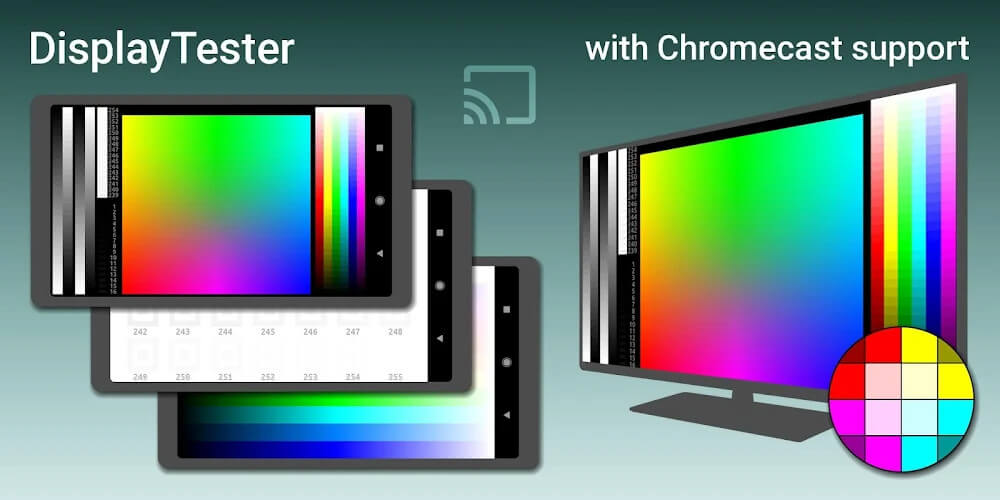
This build is version 5.35.5 with a file size of 15M and uses the package name com.gombosdev.displaytester; because the original signature has been changed, this file cannot be installed as an update over a copy from the official store.
About Display Tester
The application is designed for anyone looking to assess the health of their home TV setup and other accompanying peripherals. In particular, the application looks at screen health by assessing the quality of the images that pass through the screens. Users can asses their screen equipment by connecting the utility application to the target device. This application then pulls data on the performance of LCDs and OLEDs. Knowing this data can help users better understand if their screen is helping them work in a crystal clear and accurate manner. The application serves as a nice tool to help users understand the health status of their hardware.
One of the main functionalities is the ability to test for dead images or dead spots. While expert users can detect small destabilizations or pixel errors, most common users cannot identify the errors until they start causing significant issues. The application helps the user check for dead spots to ensure that screen health is not deteriorating. Display is one of the most important functional components of an electronic device. Identifying these issues early on equating to prolonging the lifespan of an electronic device. This utility equally makes the testing process easier.
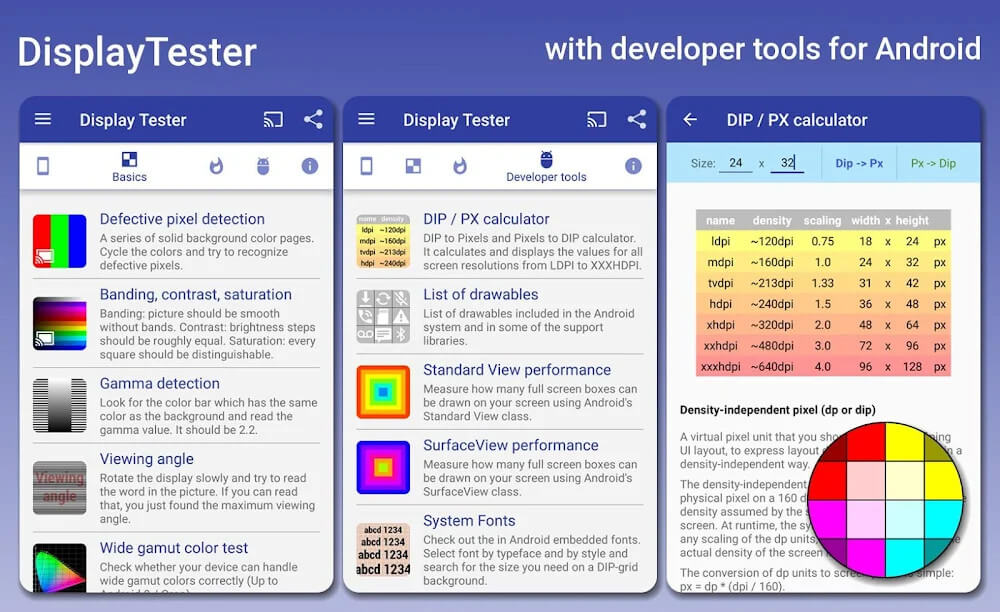
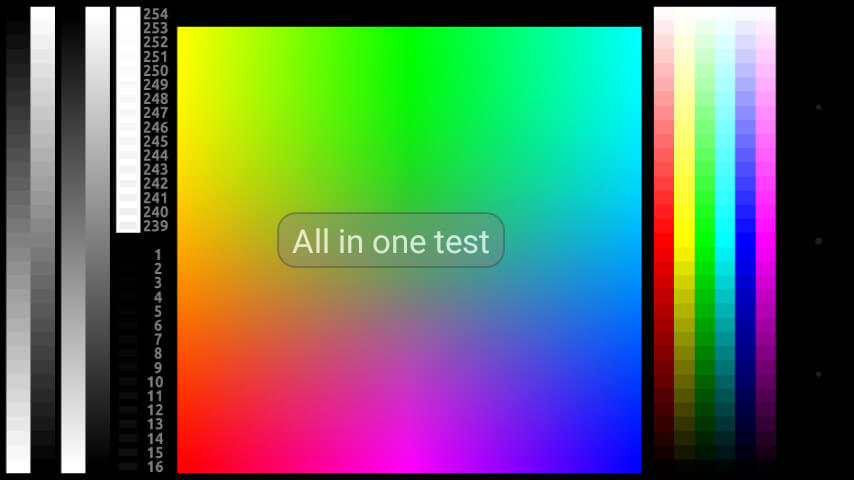
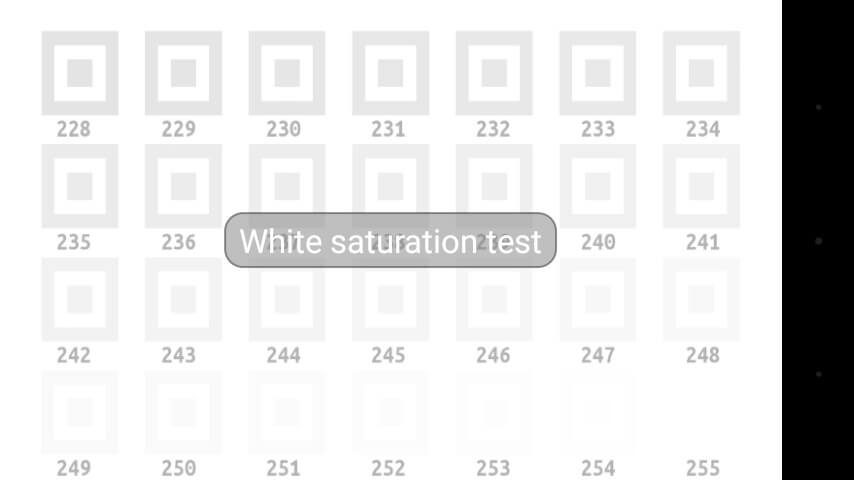
The software teaches users to consider color quality as a usability factor. Screens that can’t display colors properly or just show black and white when others expect to see fully-formed colors result in a bad user experience. The software measures color quality with multiple factors such as sharpness and saturation. Users can check the screen utilizing the software to find out how well a screen can display different color graduations. This helps users determine how a screen is able to display all colors properly, helps restore faded colors, and distinguish details to provide an overall vibrant image.
The software implements a touch-based system known as a touch converter to systematically build the software’s interface. This makes the software extensively user-friendly, as everything is set to be controlled via the touch screen and accessible through the app. Users can control the app on their phone and test devices by linking the app to the device. Parameters of the device’s performance with focus on visual quality are displayed. This functionality can not only test the visual quality of a device, but other important functionalities of the app as well, including measuring the device’s overall performance. This is a user-friendly, touch-based software to easily test most of the different features of a device to measure how well the hardware performs.
During the research phase of purchasing a new electronic device, this app helps users to have more access to important screen information. My app collects performance data on the device and related screen data. Using the data, users are able to understand the pros and cons of a specific device. The data provided can help potential buyers to decide if the device fulfills their needs. My app can help you figure out what device will best fit your needs and what you use your device for. My app is a diagnostic tool that helps the user gain real time data on the device’s hardware.
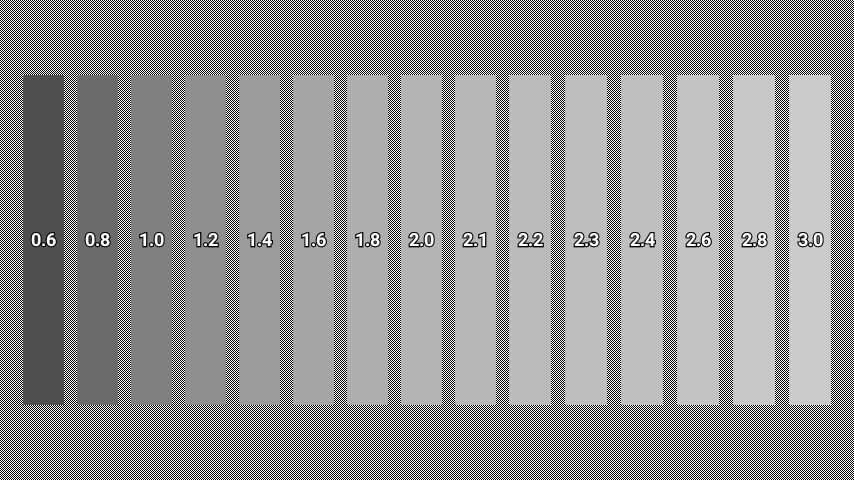
My app also uses some innovative techniques to fix what is described as “fire” in devices. This technique helps to restore visual symmetry of the screen by manipulating black and white color tones. Using the data, users can figure out what part of the screen is failing. My app uses multiple techniques and tools to help look at the quality of the screen from different perspectives. Whether its detecting a small dead spot or evaluating the saturation of a large display, my app provides you everything you need to know about the state of your display.
Key features
- Detects dead spots on device screens for timely repair.
- Checks color quality through parameters like sharpness and saturation.
- Fixes fire in devices by adjusting black and white colors to the correct tone.
- Provides observation of device advantages and disadvantages based on specific parameters.
- Evaluates image quality using color gradients.
- Displays specific parameters for LCD and OLED screens when connected.
- Utilizes touch screen operations for all application features.
- Analyzes device performance and screen-related factors through notifications.
Related MOD APKs
- Ampere
- MovieBox ID: Watch Movies, TV Series, K-Dramas & Anime for Free
- KWGT Kustom Widget Pro
- SnapTube
FAQ
Is Premium unlocked in Display Tester MOD APK?
This Display Tester 5.35.5 build features Premium Unlocked. It works like the Braintrapp original, and your changes are active as soon as you install the app.
What is the latest version of Display Tester MOD APK?
Version 5.35.5 matches Braintrapp’s release from June 8, 2025. We don’t keep older versions here. Update by installing this over the current app; if a signature conflict occurs, uninstall the old build first.
Is Display Tester MOD APK safe to download?
This Display Tester 5.35.5 build on MODYOLO is the Braintrapp app with Premium Unlocked. 4 users gave it a 3.7 rating. It does not require root. A Play Protect warning is expected, so always download from this page.
Can I use Display Tester MOD APK on PC or iPhone?
This Android package will not install on iPhone or iPad. On Windows or macOS, run the 15M APK in an emulator like BlueStacks or LDPlayer—install the software and drag the file in.
Display Tester v5.35.5 MOD APK (Premium Unlocked) Download
Download (15M)You are now ready to download Display Tester for free. Here are some notes:
- Please read our MOD Info and installation instructions carefully for the game & app to work properly
- Downloading via 3rd party software like IDM, ADM (Direct link) is currently blocked for abuse reasons.
3.7/5 (4 votes)