Offline Music Player – MP3 App lets you play music anytime with HD sound, playlist support, equalizer, background playback, and offline access.

Offline Music Player - MP3 App MOD APK V1.5.8 (Premium / Paid Unlocked)
| App Name | Offline Music Player - MP3 App |
|---|---|
| Publisher | Wavez Technology Ltd |
| Genre | Music & Audio |
| Size | 34 MB |
| Latest Version | 1.5.8 |
| MOD Info | Premium / Paid Unlocked |
| Get it On |

|
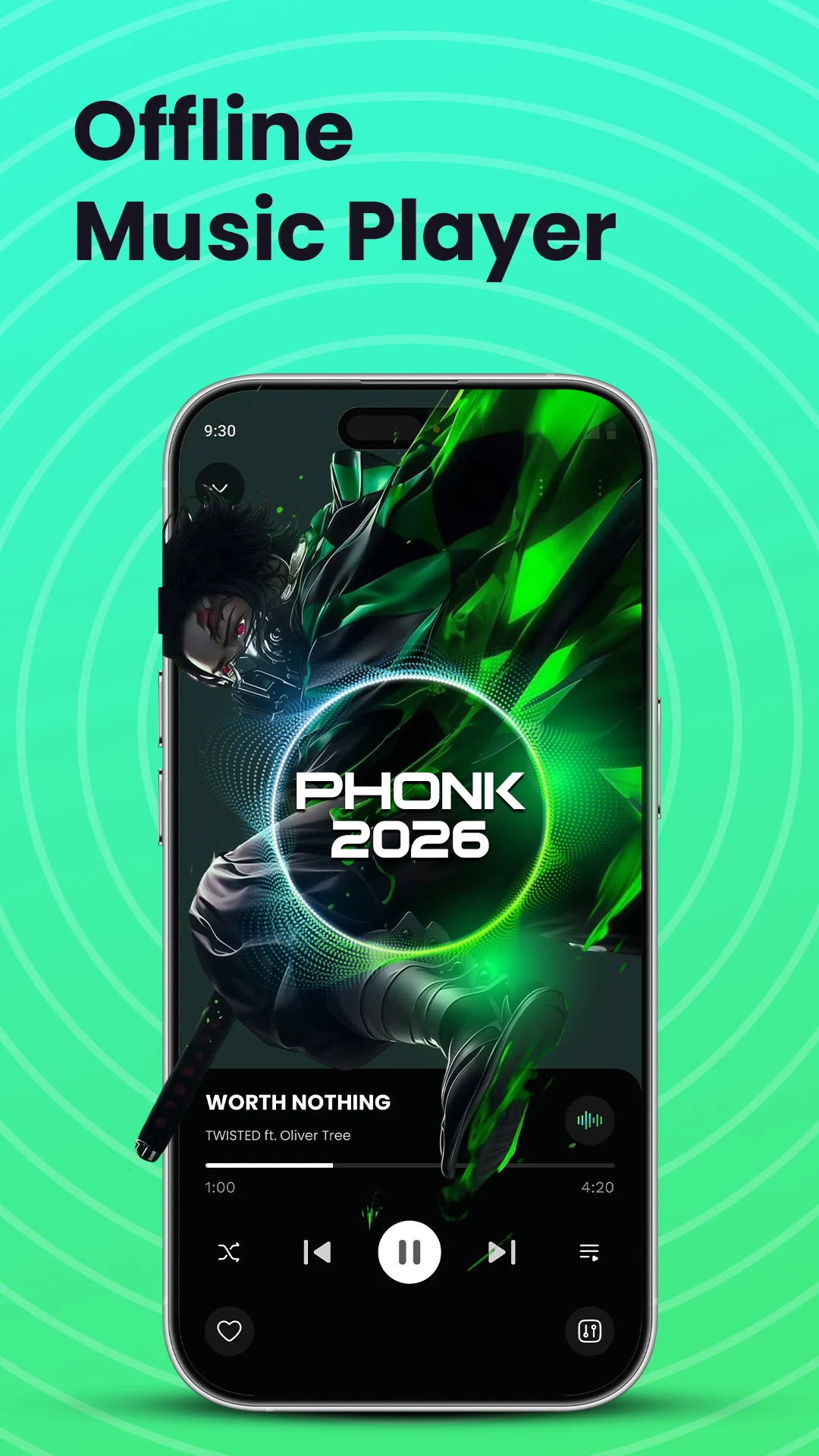
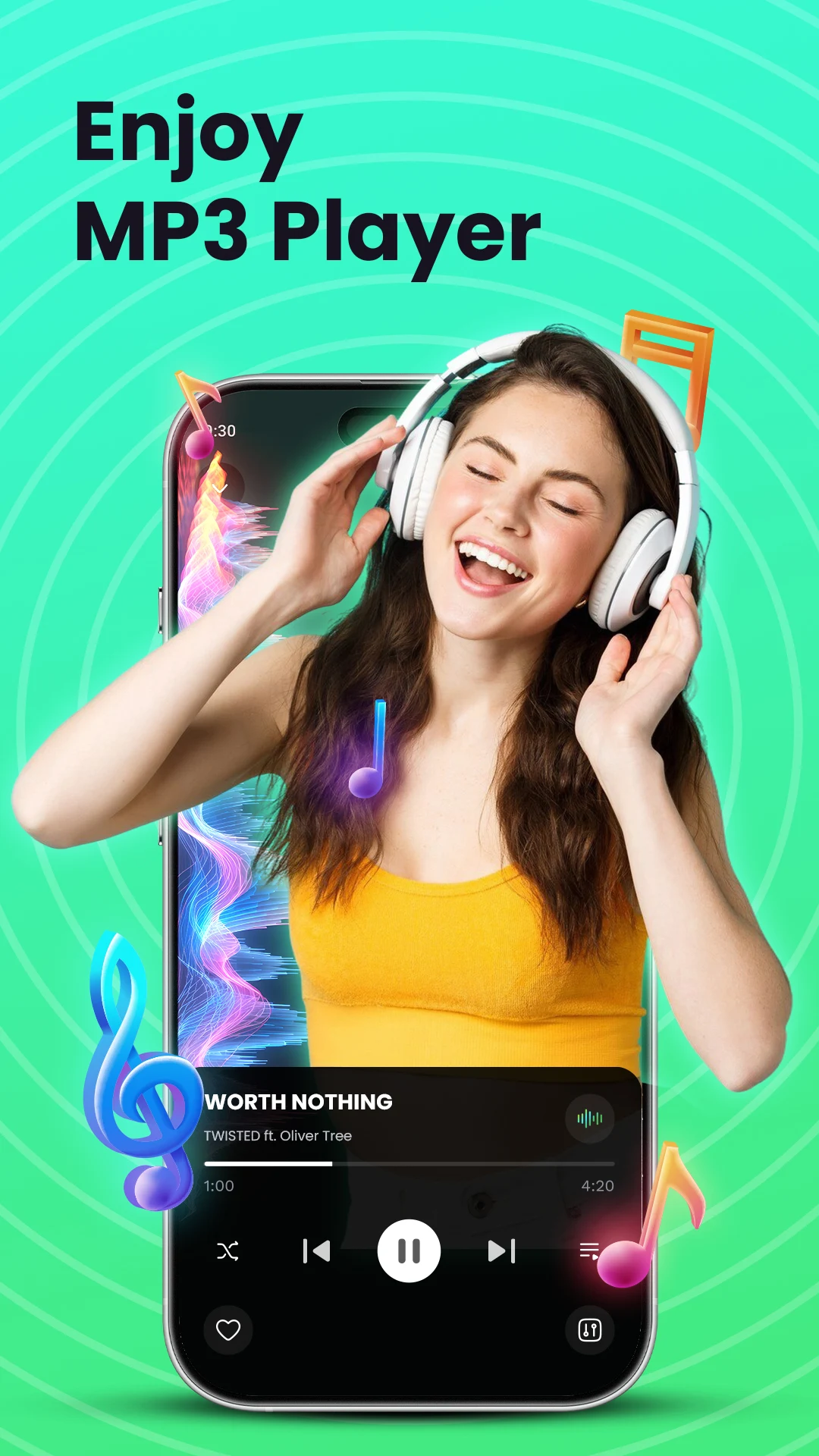
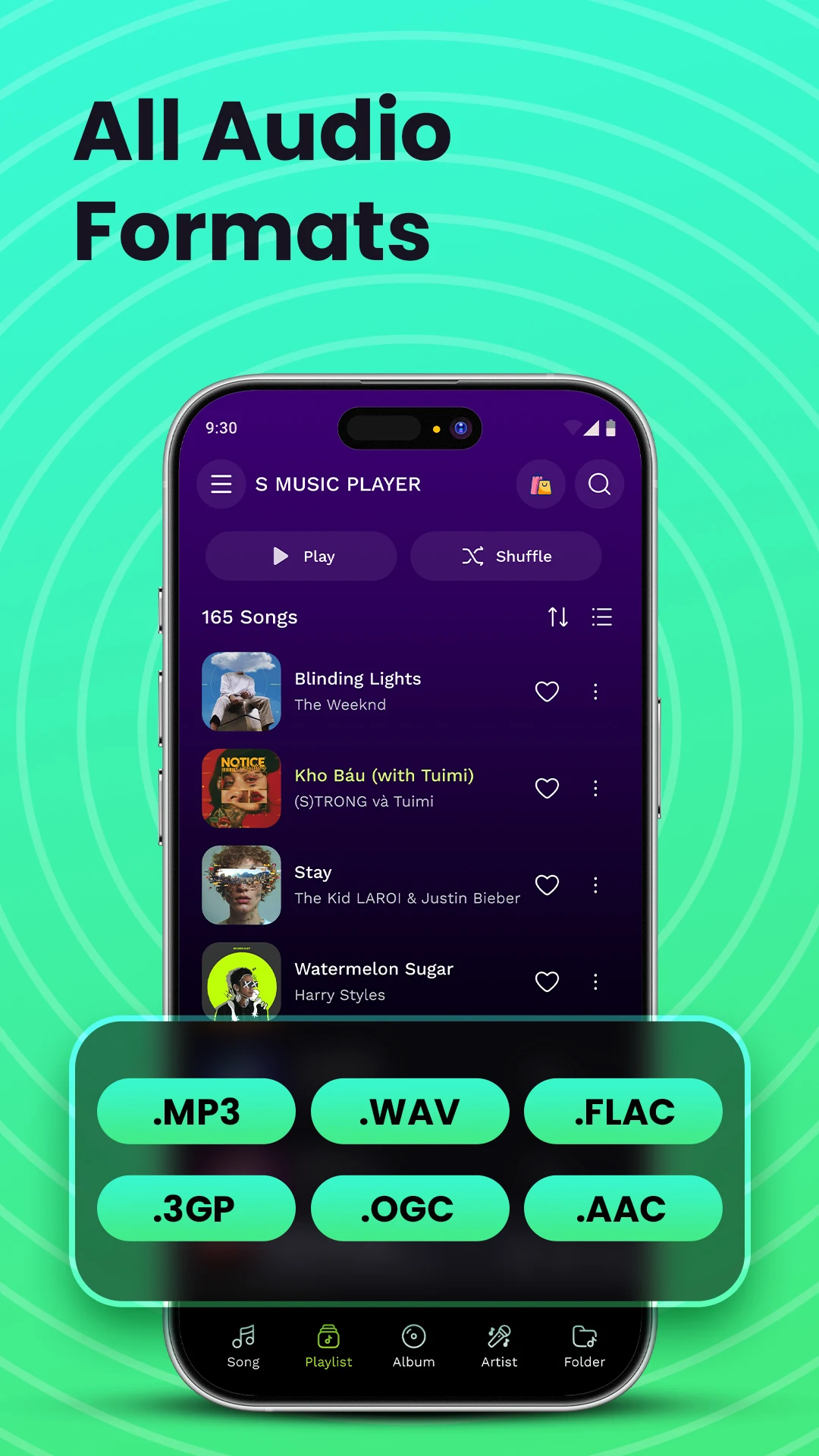
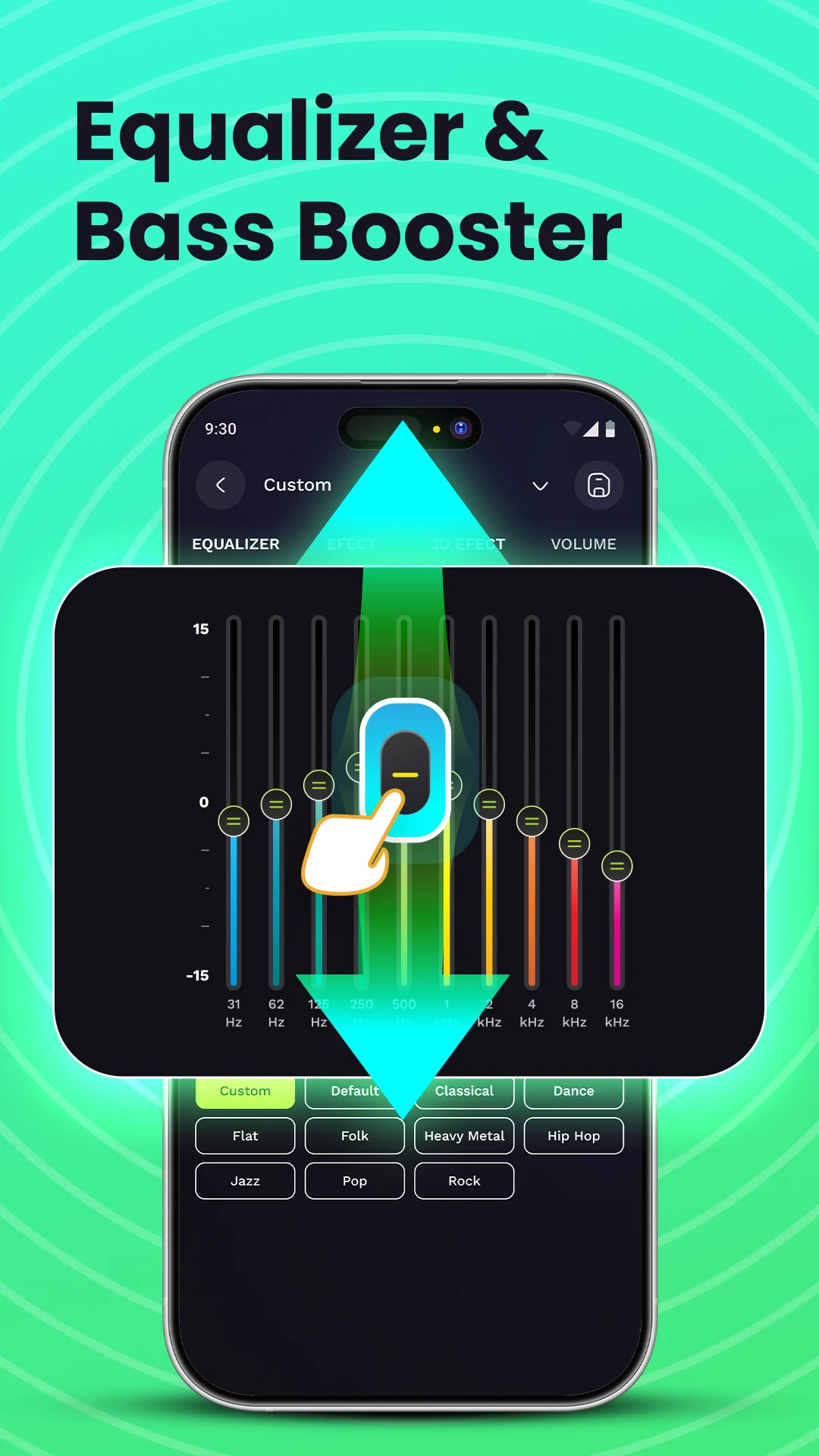
This build of the Offline Music Player MOD APK provides access to the premium and paid features within the application. It allows for full utilization of the audio management and playback tools without the restrictions found in the standard version.
What’s Modified in Offline Music Player
- Unlocks the premium and paid features to provide the full suite of audio playback and customization tools.
This version 1.5.8 has a file size of 34 MB and uses the package name com.musicplayer.mp3player.offline; the file is re-signed and cannot be installed over a version obtained from the official store.
About Offline Music Player
Offline Music Player – MP3 App is a dedicated media player for organizing and playing local audio files. It helps users create a consistent and uninterrupted music listening experience without the need for an active internet connection. It can handle a wide range of audio tasks, from organizing a large music collection to playing audio files using digital signal processing. It serves as the central location for all kinds of audio files available on the device, including songs, podcasts and other recordings. The software is designed to be lightweight and efficient to prevent unwanted battery drain while in use for a long time or while running in the background.
The application can read a wide array of formats, making it compatible with many users’ digital music collections. It can read regular MP3 files, the most common format of digital audio, as well as higher quality formats such as FLAC and WAV. It can read AAC and OGG files as well, which are common in various digital stores and streams. It scans the device’s storage upon launch, and identifies all audio files, and loads them into the application for use. The application uses this information to build a library. While this provides a convenient way to access files, some users may find this library organization to be too restrictive. For those users, there is a view that offers folder-based file system access, which provides a very free form way of organizing files.
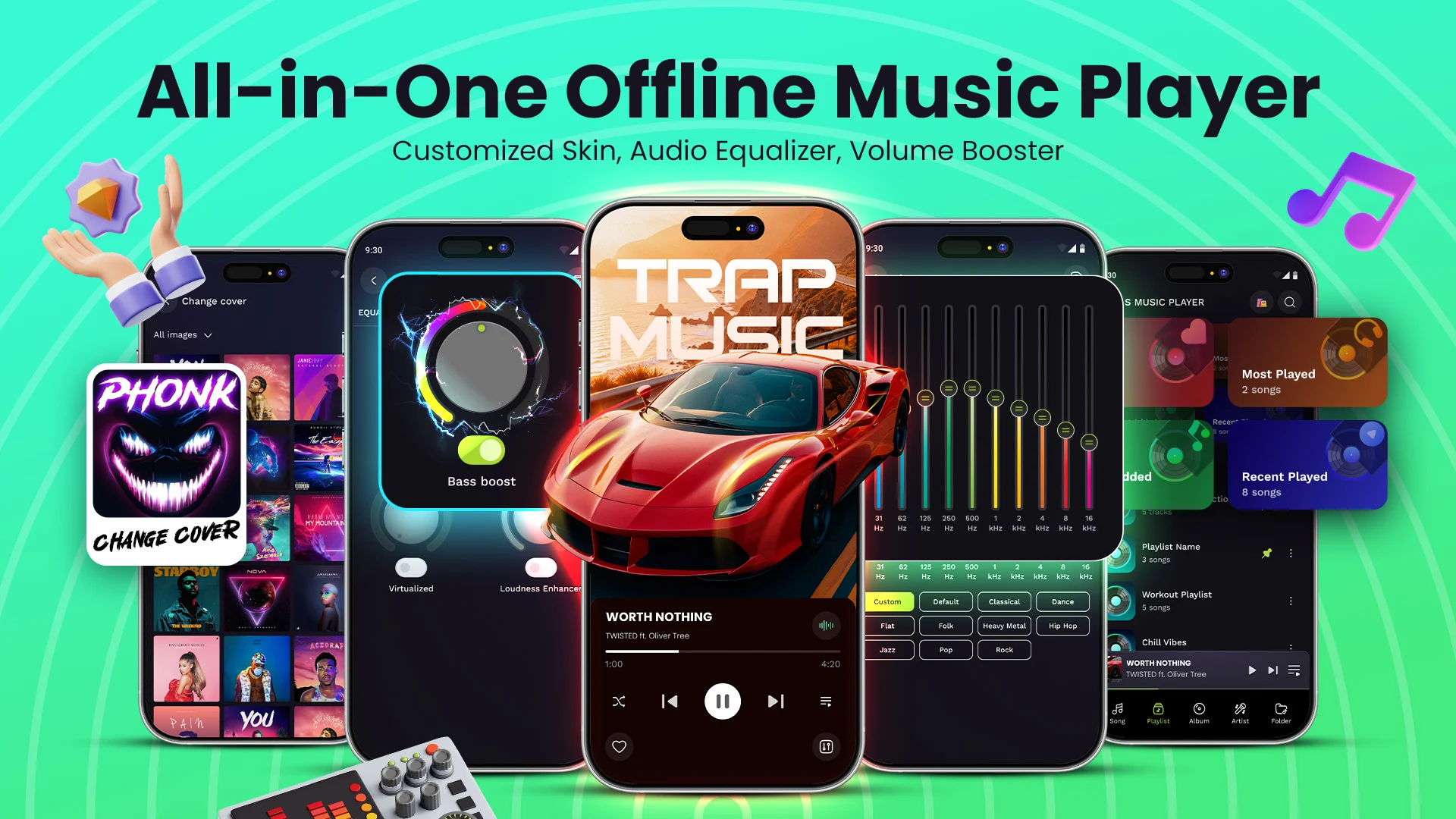
An integrated audio engine with HD playback helps manage sound quality. The built-in equalizer enables frequency band adjustments to further customize the audio to the user’s preferences. The equalizer includes effects like a bass boost. Other real-time audio enhancements include a digital sound pump to enhance the overall sound profile. There are numerous other effects to boost surround sound. These enhancements are applied to all file formats and work particularly well on compressed and/or lossless files. The application attempts to isolate the noise in the user’s environment and improve sound quality by leveraging the device’s hardware and providing software options to control the sound. It provides different sounds profiles based on the user’s environment, like when the user is using external speakers or headphones.
The focus on organization pays off in spades and the options for accessing content are plentiful. Multiple ways to look at your music means you can play music the way you want to listen to it. Your music can be organized by artist, album, genre, or song. This means you can have hundreds or even thousands of songs and still easily navigate to find exactly what you want. No more hunting for that one song you can’t stop thinking about, just type in what you’re looking for and you’re done. Each track has a preview that gets stored in memory so you can quick jump to it at a later time. You can access recently played tracks and favorite tracks with ease. Custom playlists let you organize tracks based on anything you want. This structured library means you can always have control over your thousands of tracks and remember exactly where you’ve saved them. You can even manage your library on the go, with features like background playback, lock screen controls, a sleep timer, and various playback modes.
Aesthetically pleasing user interface with dark mode to reduce eye strain when used in low light conditions. The user interface is intended to be intuitive, with the library, current player, and settings menus easily accessible and clearly distinguished with navigation pathways. Supports both Bluetooth and wired connections, and is therefore controlled via external buttons on a user’s headphones or car audio system. Hands-free controls are useful while exercising, driving, or commuting. The goal of the app is to be as quick and responsive as possible. As such, it is designed to instantly launch and begin playback as soon as a song is selected. Offline Music Player MOD APK employs efficient local playback and file management, enabling users to consume audio offline and without using their mobile data.
Key features
- Offline music playback for local files
- Support for MP3, WAV, FLAC, AAC, and OGG audio formats
- Integrated equalizer with bass boost effects
- Automatic device scanning for music library population
- Library organization by artist, album, genre, and folder
- Custom playlist creation and management
- Background audio playback support
- Lock screen playback controls
- Adjustable sleep timer for automatic shutdown
- Shuffle and repeat playback modes
- Search functionality for tracks and artists
- Bluetooth and headphone hardware support
- Favorite songs and recently played history tracking
- Dark mode user interface
- Lightweight and battery-efficient architecture
Related MOD APKs
FAQ
Is Premium unlocked in Offline Music Player – MP3 App MOD APK?
This 1.5.8 build of Offline Music Player – MP3 App provides Premium and Paid Unlocked. It functions like the Wavez Technology Ltd original, and the modifications are active as soon as you finish the installation.
What is the latest version of Offline Music Player – MP3 App MOD APK?
Version 1.5.8 is the current build, matching the Wavez Technology Ltd release from May 19, 2026. We don’t keep older versions here. Install this over your existing app to update, or uninstall first if a signature conflict appears.
Is Offline Music Player – MP3 App MOD APK safe to download?
This 1.5.8 Offline Music Player – MP3 App from Wavez Technology Ltd includes Premium and Paid Unlocked. 24 users rated it 4.2. It does not require root. Ignore Play Protect alerts during setup, but always download from this page.
Can I use Offline Music Player – MP3 App MOD APK on PC or iPhone?
This Android package will not work on iPhone. To use the 34 MB file on a PC, install an emulator like BlueStacks or LDPlayer and then drag the APK into the emulator window.
Offline Music Player - MP3 App MOD APK V1.5.8 (Premium / Paid Unlocked)
Download (34 MB )You are now ready to download Offline Music Player - MP3 App for free. Here are some notes:
- Please read our MOD Info and installation instructions carefully for the game & app to work properly
- Downloading via 3rd party software like IDM, ADM (Direct link) is currently blocked for abuse reasons.
4.2/5 (24 votes)