Create stunning videos with Keyflow! Explore keyframe animation, 3D camera, motion blur, speed ramping, and powerful multi-layer editing tools.
Keyflow - mobile editing app MOD APK V1.5.8 (Pro Unlocked)
| App Name | Keyflow - mobile editing app |
|---|---|
| Publisher | Angkin |
| Genre | Video Players & Editors |
| Size | 26 MB |
| Latest Version | 1.5.8 |
| MOD Info | Pro Unlocked |
| Get it On |

|
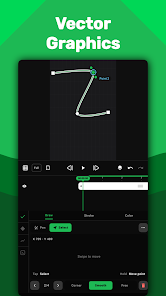
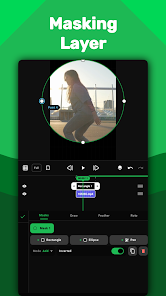
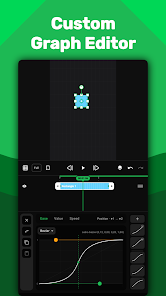
Intuitive and detailed editing controls make Keyflow a powerful mobile video and photo editing app. The app is designed to facilitate filmmaking and enable creators to utilize phone cameras to their fullest potential by providing advanced editing controls.
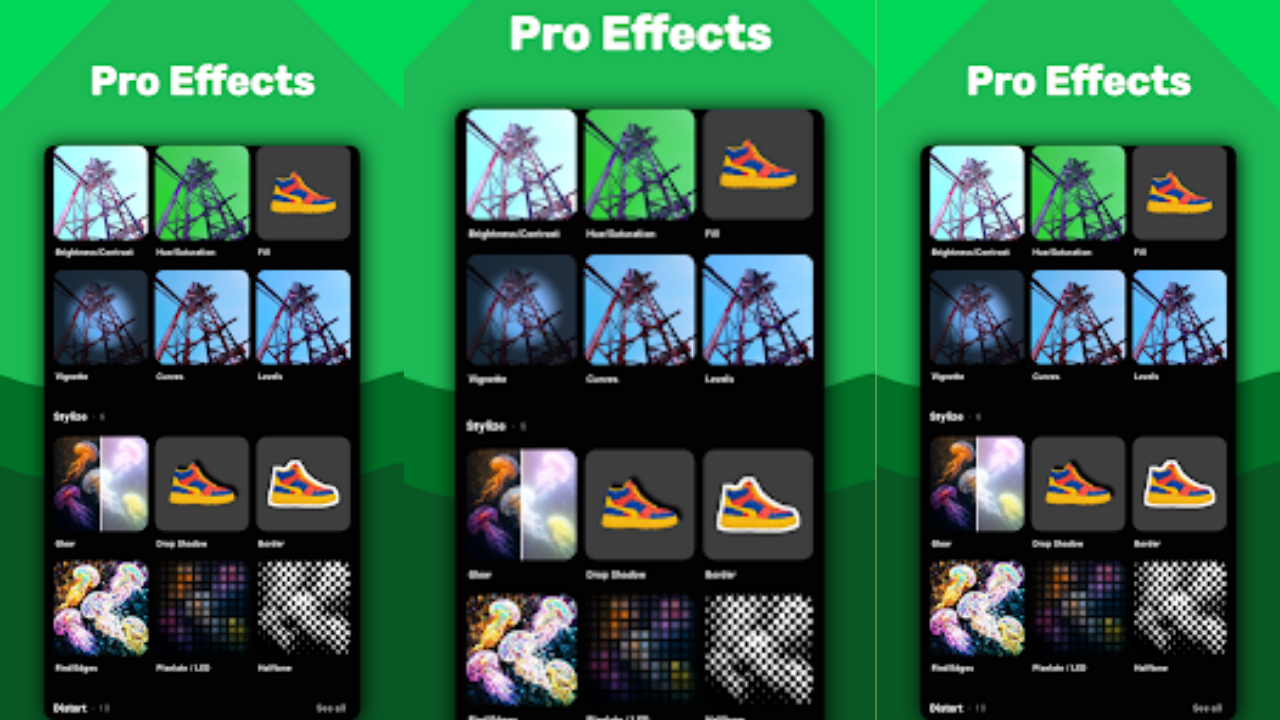
With Keyflow, the sky is the limit. Move beyond basic video editing by incorporating advanced speed effects, motion blur, 3D camera controls, and keyframe-based animation. You can even customize your own style transitions with Keyflow’s powerful yet easy-to-use editor.
ADVANCED KEYFEATURES
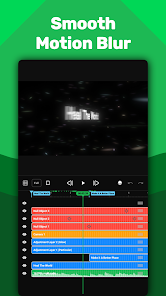
- Layer Based Timeline
The layer based timeline is structured to give you control over your editing workflow. You can manage layers of various types including photos, video, audio, text, and shape. Group layers together to stay organized when editing complex projects.
- Keyframe Animation
Customize your own animation with keyframe controls. You can even alter easing effects to create unique motion effects.
- 3D Camera
Take your editing to the next level with 3D camera and null controls to give your video compositions perspective and movement in 3 dimensions.
- Time Remapping & Speed Ramping
Use time remapping to achieve slow-motion, and speed ramping to help create various types of creative and engaging transitions.
- Professional Motion Blur
Add motion blur to animations to give them a more natural and smooth appearance. You can apply motion blur to different types of movements and animations including camera movements.
- Custom Expressions
Utilize your knowledge of math, science, or programming to animate any way you want by writing your own expressions. The limit does not exist.
- Smooth Slow Motion
Simulate slow motion like Twixtor and enhance your video projects. In addition to creating slow motion effects, this effect also helps in improving the smoothness of your video.
- Custom Aspect Ratio Templates
Get rid of aspect ratio restrictions and play around with different video dimensions and creative formats.
- Media Information & Project Tools
Organize your editing project. Easily access the media you used in your project from within your editing timeline.
NO LIMITS, CREATE WHATEVER YOU WANT
Keyflow lets you edit videos in different aspects ratios to help you create in the way you want and however you want. This app is very beginner friendly and offers many features for advanced users as well.
Keyflow - mobile editing app MOD APK V1.5.8 (Pro Unlocked)
Download (26 MB )You are now ready to download Keyflow - mobile editing app for free. Here are some notes:
- Please read our MOD Info and installation instructions carefully for the game & app to work properly
- Downloading via 3rd party software like IDM, ADM (Direct link) is currently blocked for abuse reasons.
4.7/5 (89 votes)