Master your device with ADB Shell MOD APK! Execute commands, manage apps, and optimize performance wirelessly with the ultimate Android Debug Bridge toolbox for pros.

ADB Shell v4.1.2 MOD APK (Premium Unlocked)
| App Name | ADB Shell |
|---|---|
| Publisher | ColorBox Technology |
| Genre | Tools |
| Size | 21M |
| Latest Version | 4.1.2 |
| MOD Info | Premium Unlocked |
| Get it On |

|
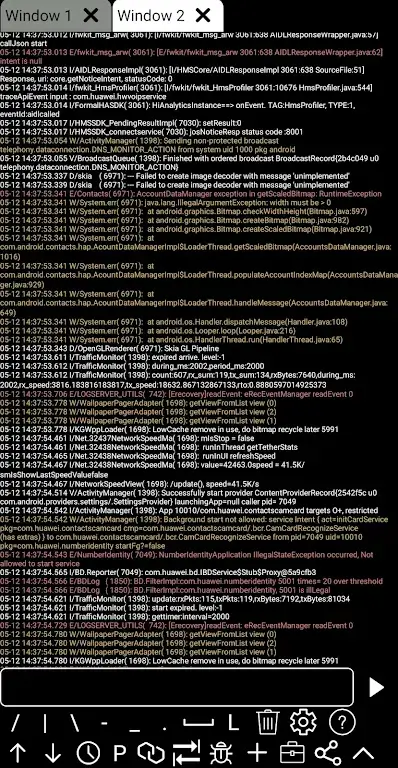
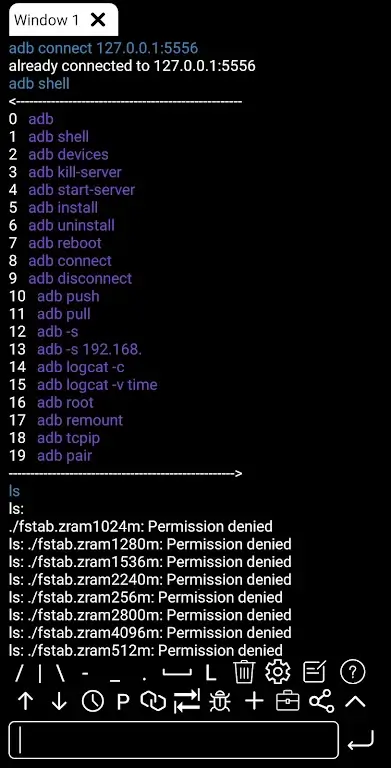
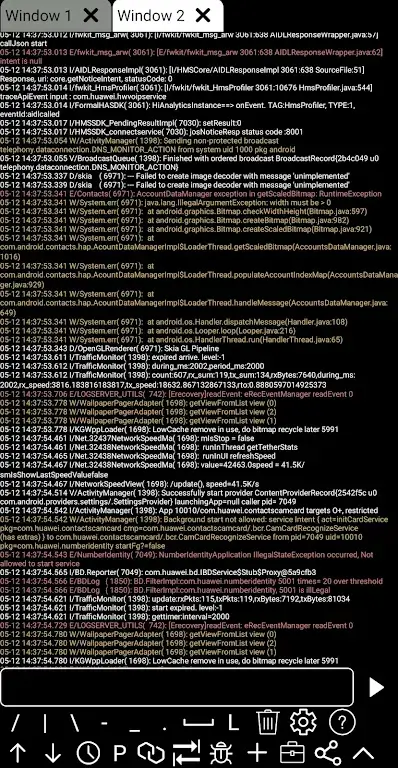
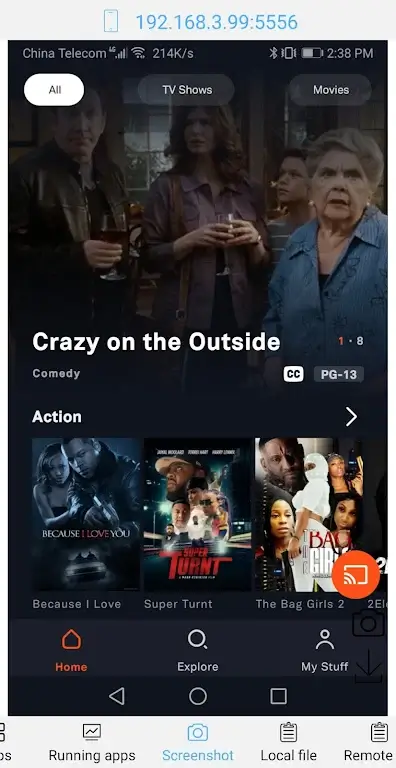
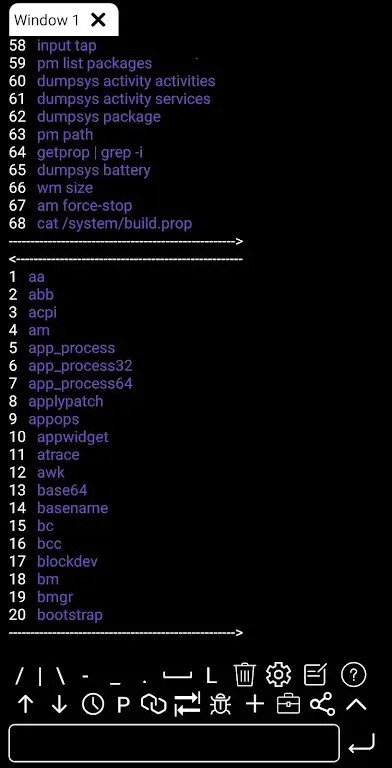
This version of ADB Shell MOD APK provides an unlocked premium experience, granting users immediate access to the full suite of professional debugging and system management tools. By removing the restrictions found in the standard version, this build allows for unrestricted use of the advanced shell environment and hardware monitoring features.
What’s Modified in ADB Shell
- The premium features of the application are fully unlocked, providing access to the complete professional-grade toolbox without functional limitations.
This build is version 4.1.2, has a file size of 21M, and uses the package name com.github.standardadb; as a re-signed file, it cannot be installed as an update over the official version.
About ADB Shell
ADb Shell Mod APK is a powerful debug tool, designed to let users of Android operating system to have complete control over their devices. The app is designed to work in the ADB (Android Debug Bridge) command line and give users access to the system through the command line, right on the device. ADB Shell Mod APK is a great tool for developers and power users who wish to pass through the regular system interfaces and limitators and gain full access to the system to do deep customizations and tweaks. The application creates a professional Linux environment, giving user unrestricted powers to execute any command, and gain control to the system in ways that normal users cannot. The application provides a portable command center for power users and developers wishing to properly maintain and control their Android ecosystem.
The application provides great flexibility to users through its wireless connections. Users can easily connect to the system shell using the wireless pair mode and Wi-Fi wireless ADB. This means, users can perform debugging operations even without a physical connection to a computer. The application supports, and in turn gives a high level of connectivity and responsiveness to the debugging commands, even in the absence of a physical connection.
Complete App Management allows users to effectively handle their applications by letting users instantly launch application software, force stop application software, clear application software cache to free up storage space and improve application performance, and uninstall application software to gain back internal storage space and processing power.
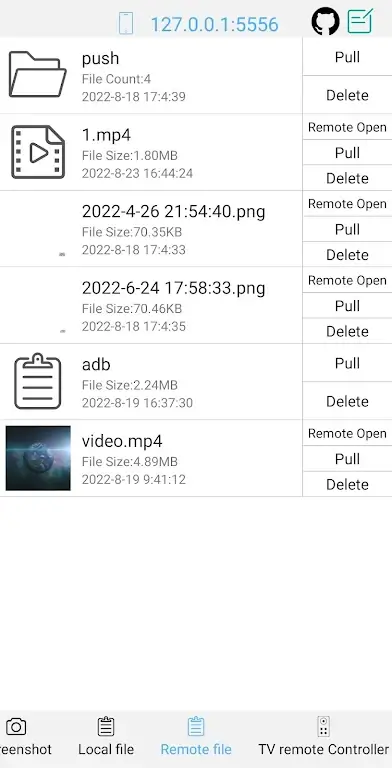
In addition to being able to control application software, users are able to manipulate the file system and gain a higher level of control over the shell through a collection of advanced file operations and a professional user interface. Users are able to execute system level tasks such as delete files, install APKs and system apps, push and pull files through the command line. The user interface has a collection of productivity enhancing features such as associative input, command history, autosave output, command results, and other features to enhance the user experience. These features allow for a better, efficient, and productive workspace.
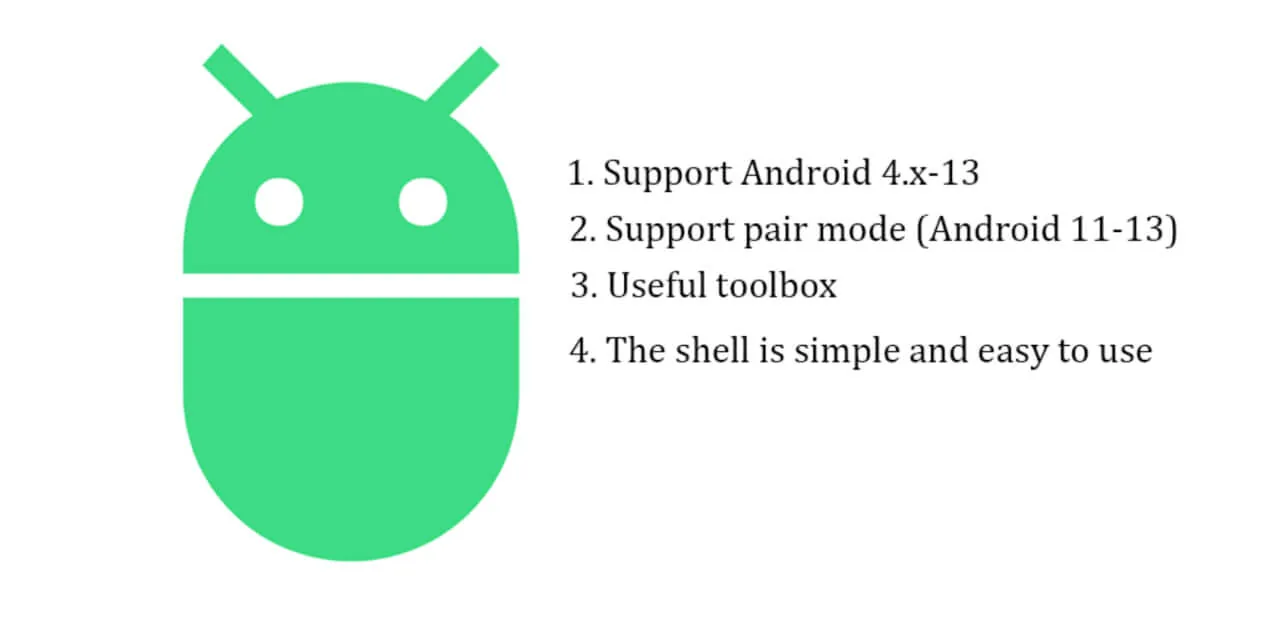
Multi-Window Support is a key design feature of the app which integrates multitasking. With this feature, users can run multiple terminal windows and monitor several system processes at the same time, or run several scripts at the same time. Given the nature of scripting, the app will work on any Android device from Android 4.X (ie, legacy devices) to the latest Android devices (Android 13 and beyond). Essentially, the app works on all Android devices. The app’s features integrate scripting to manage and control nearly every aspect of the Android device. The app’s features show in great detail exactly how the hardware is allocated and how processes, and resources, are being managed. The app provides users with many tools to actively manage processes, and in turn manage how the hardware is allocated. The app gives users advanced control to further improve the device’s battery life and efficiency.
Key features
- Wireless Pair mode
- WiFi Wireless ADB
- Launch apps
- Force stop background processes
- Clear cache
- Uninstall applications
- Push and pull files
- Delete data
- Install APKs
- Associative input
- Command history
- Autosave output
- Multi-Window Support
- Efficient App Monitoring
Related MOD APKs
- MovieBox ID: Watch Movies, TV Series, K-Dramas & Anime for Free
- KWGT Kustom Widget Pro
- SnapTube
- Terabox
FAQ
Is Premium unlocked in ADB Shell MOD APK?
This ADB Shell 4.1.2 build includes Premium Unlocked. It functions like the original ColorBox Technology release, and the changes are active as soon as you finish installing it.
What is the latest version of ADB Shell MOD APK?
This 4.1.2 build matches the ColorBox Technology release from June 18, 2026. We don’t keep older versions here. Install this new file over your current app; if you see a signature conflict, uninstall the old version first.
Is ADB Shell MOD APK safe to download?
This ADB Shell 4.1.2 file is the ColorBox Technology app with Premium Unlocked. 34 users rated it 3.6/5 here. It does not require root. A Play Protect warning is expected during install, so always download from this page.
Can I use ADB Shell MOD APK on PC or iPhone?
You cannot install this Android package on an iPhone or iPad. On a computer, run the 21M file using an emulator like BlueStacks or LDPlayer—just install the software and drag the file in.
ADB Shell v4.1.2 MOD APK (Premium Unlocked)
Download (21M)You are now ready to download ADB Shell for free. Here are some notes:
- Please read our MOD Info and installation instructions carefully for the game & app to work properly
- Downloading via 3rd party software like IDM, ADM (Direct link) is currently blocked for abuse reasons.
3.6/5 (34 votes)