AI Photo Editor – AI Enhancer boosts photos with AI retouch, background remover, HD upscaler, filters, and beauty tools for stunning results in seconds.
AI Photo Editor - AI Enhancer MOD APK V19.0 (Pro Unlocked)
| App Name | AI Photo Editor - AI Enhancer |
|---|---|
| Publisher | Anderson Tony |
| Genre | Photography |
| Size | 71 MB |
| Latest Version | 19.0 |
| MOD Info | Pro Unlocked |
| Get it On |

|
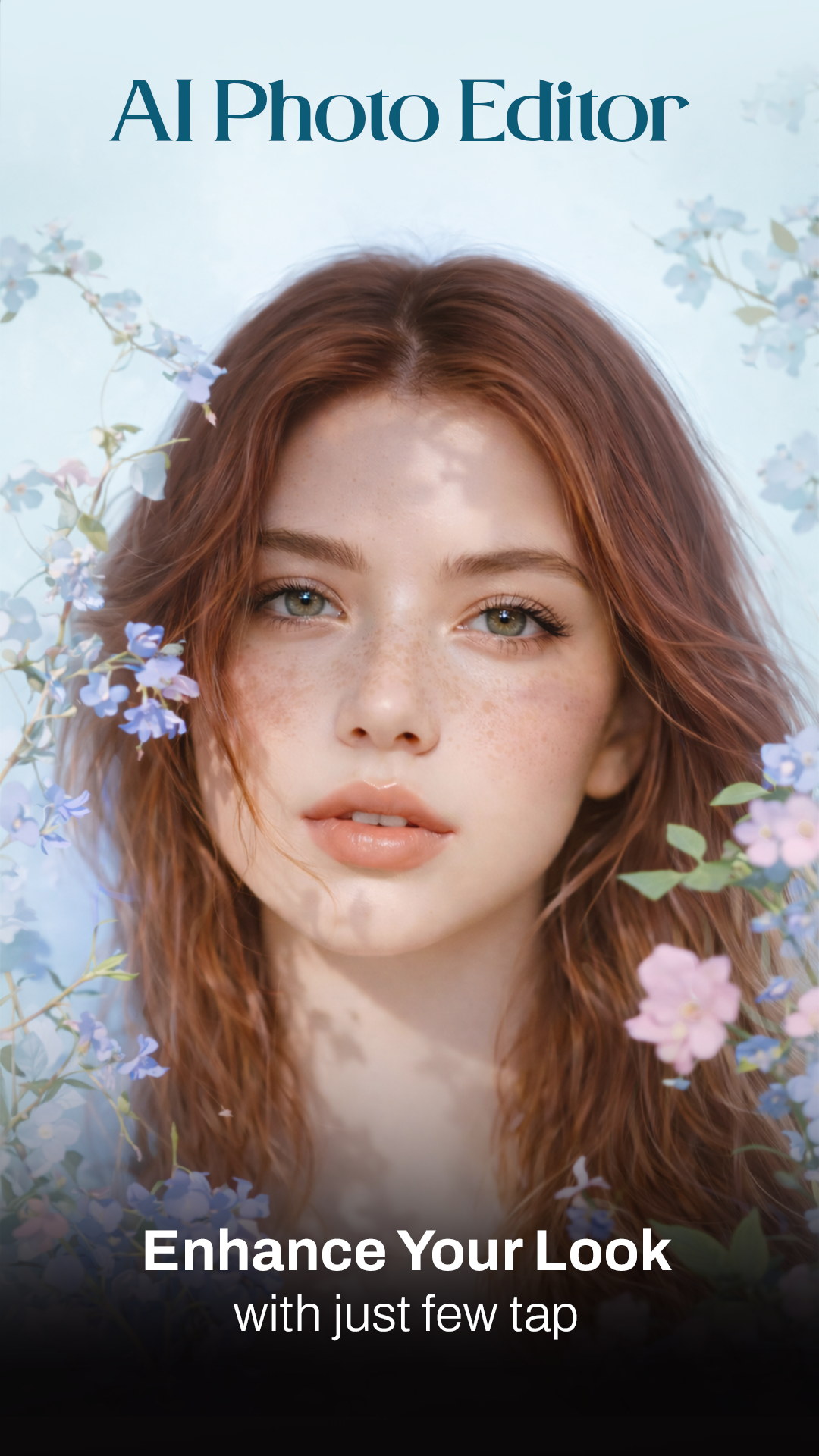
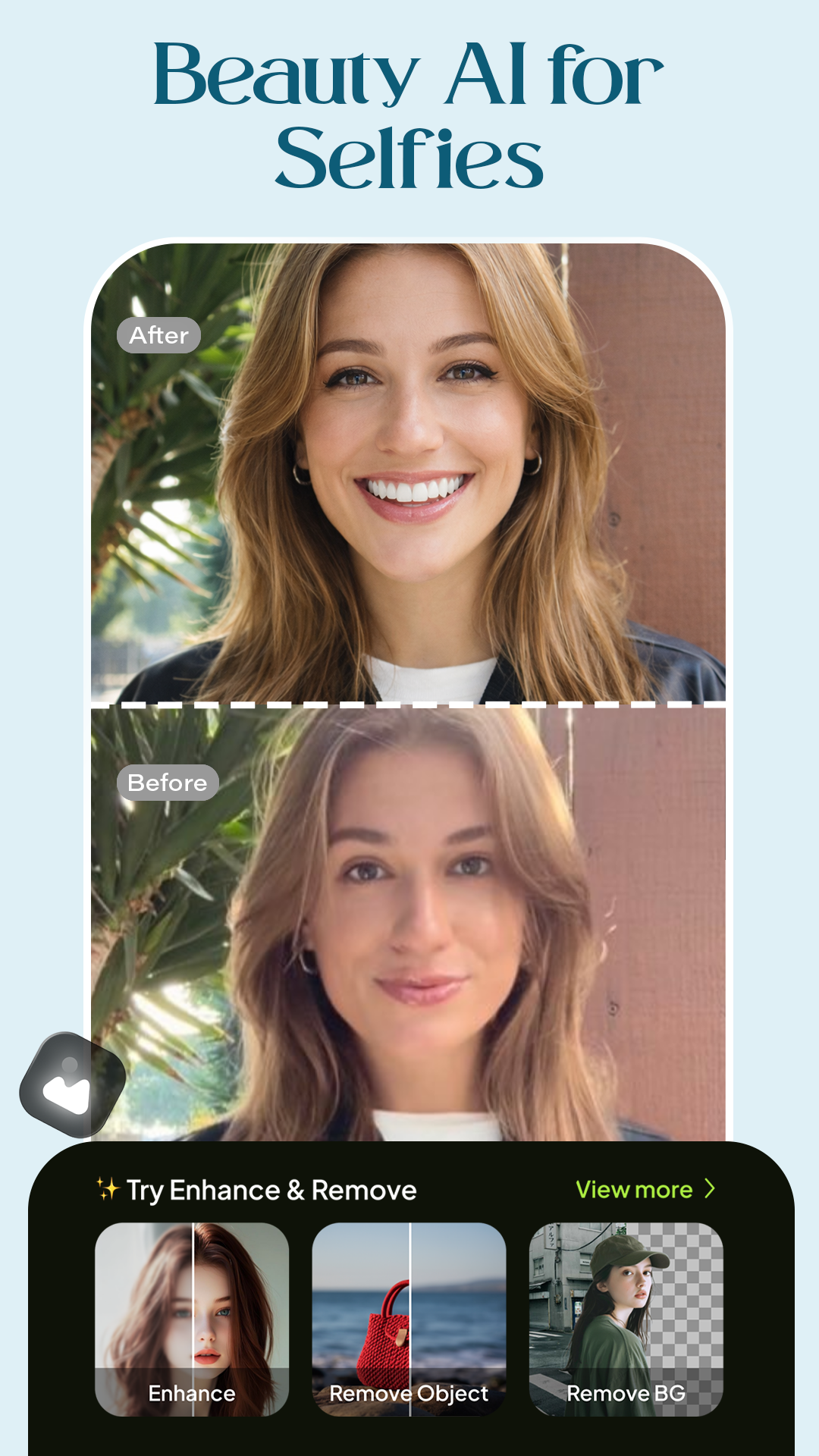
The AI Photo Editor MOD APK provides access to the premium features of the application through the Pro Unlocked modification. Users can utilize the full suite of intelligent editing tools and advanced processing capabilities without the standard restrictions of the free version.
What’s Modified in AI Photo Editor
- The Pro Unlocked modification provides access to the premium version of the software, enabling all advanced AI tools and features.
Version 19.0 has a file size of 71 MB and uses the package name com.aiphotopro.proaiphotoeditor; this build is re-signed and cannot be installed over an existing store version.
About AI Photo Editor
AI Photo Editor – AI Enhancer by Anderson Tony is a photography app that utilizes AI to edit pictures automatically. The app presents tools to edit pictures in a more simplified fashion, so users don’t need to have advanced or technical skills to make changes to pictures. This app is mainly focused on automatically modifying pictures to make slight alterations to the clarity, color accuracy and composition. This app’s processing engine is meant to process thousands of pictures per second, and allow for real time edits. The engine helps improve the user’s experience when they are applying several different filters, or using some of the app’s higher resolution tools.
The AI Photo Enhancement tool is perhaps the best feature on this app. This tool automatically recognizes the problems in pictures and make slight alterations in the brightness, contrast, sharpness and color to help correct underexposed pictures and improve color saturation. Additionally, the app provides an HD Image Upscaler. This tool uses AI to increase the resolution of low resolution pictures. The AI fills in the missing information to improve clarity to higher resolutions. This tool could be useful when restoring old digital pictures, or pictures taken in low light conditions.
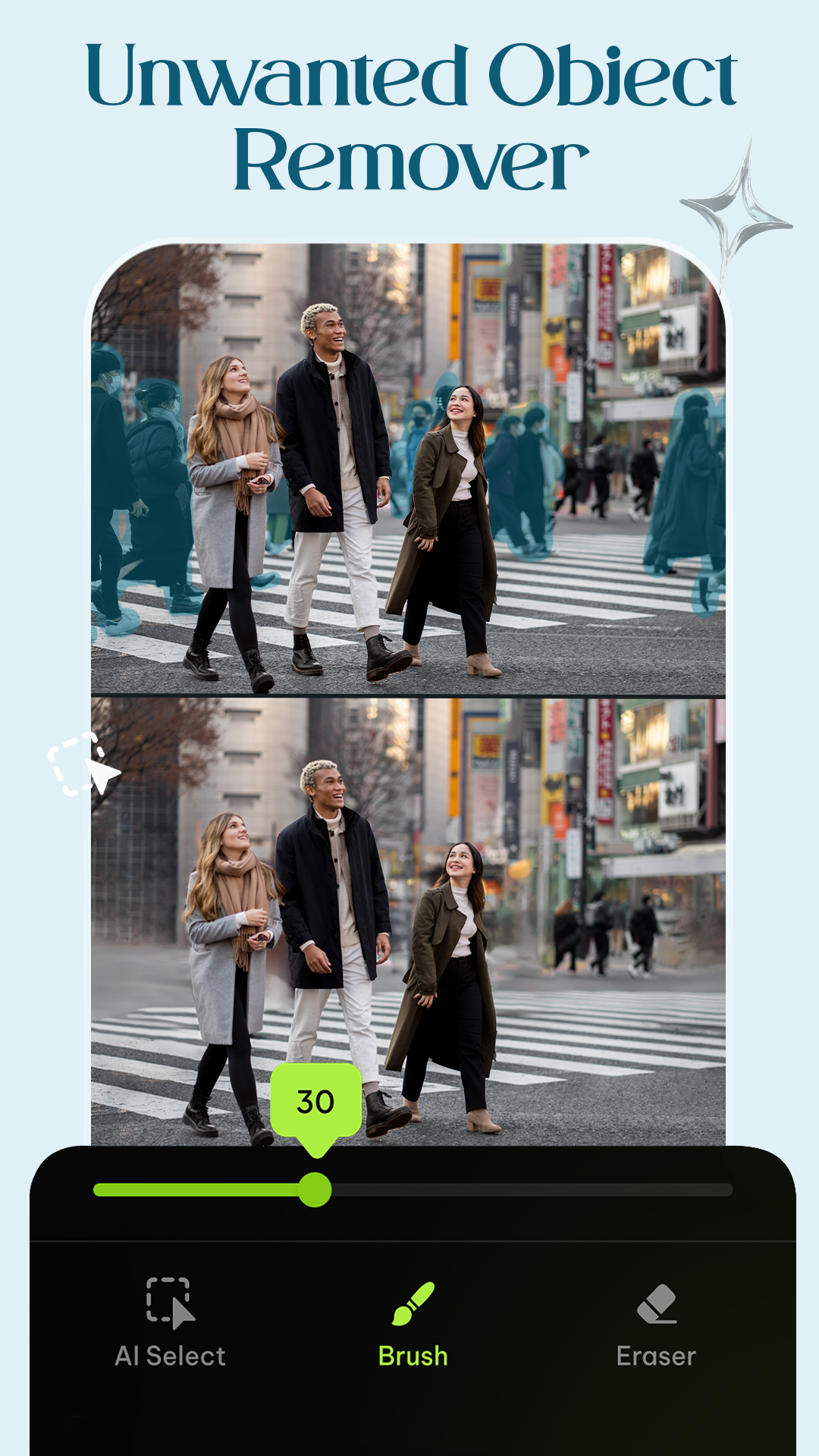
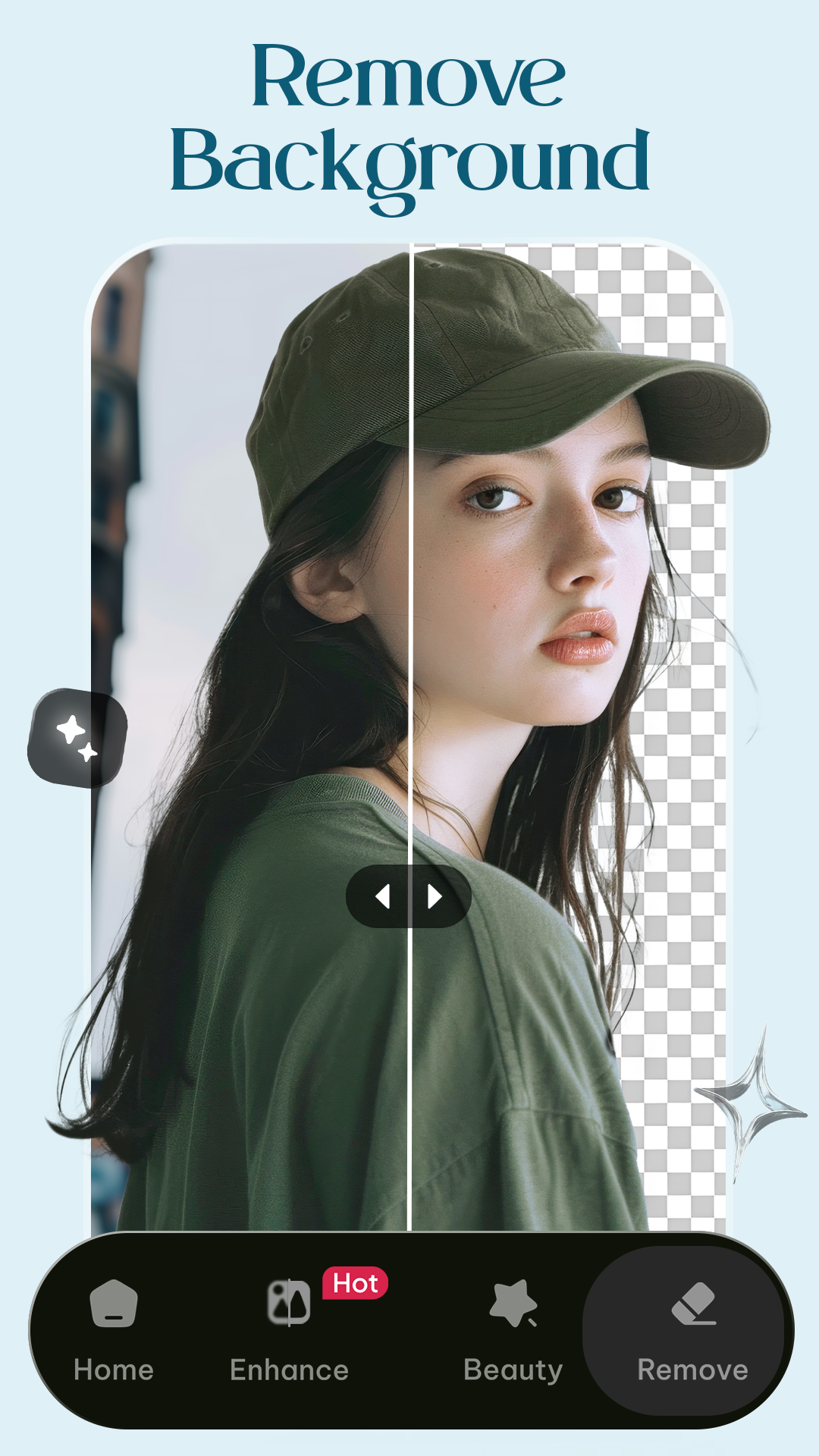
The application also provides tools for structural image alteration, such as the AI Background Remover and Replacer. This tool helps the application recognize the subject in an image and provides ways to either remove the background or replace it with various scenes, color gradients, and transparency. Along with this feature, the application also provides the Object and Unwanted Item Removal tool. This feature uses precision filling with AI to remove items from an image. The feature accomplishes background removal without using manual cloning or patching.
The application provides tools specifically for portrait photography, the Smart Face Retouch and Beauty Tools. With this, the application tries to smooth skin and remove blemishes, while attempting to keep the photograph looking natural. Other retouching tools are provided for portraits as well, to give users a wider variety for more control when editing photos. The application provides tools to edit photos to give a more balanced output. These tools can help adjust photographs for various styles of shooting like landscapes, indoor portraits, and more.
The AI Art Filters and Effects module provides a variety of options for artistic expression. Users can apply styles such as sketch, oil painting, and cinematic glow effects to their photos. Filters specific to the cartoon and anime styles are also available. The AI Style Generator takes this a step further by using generative models to style photos in a variety of fantasy arts. These artistic features are organized into different Photo Transformation Modes. These Modes provide users the opportunity to explore differing artistic outcomes based on the style they want to accomplish for a particular project.
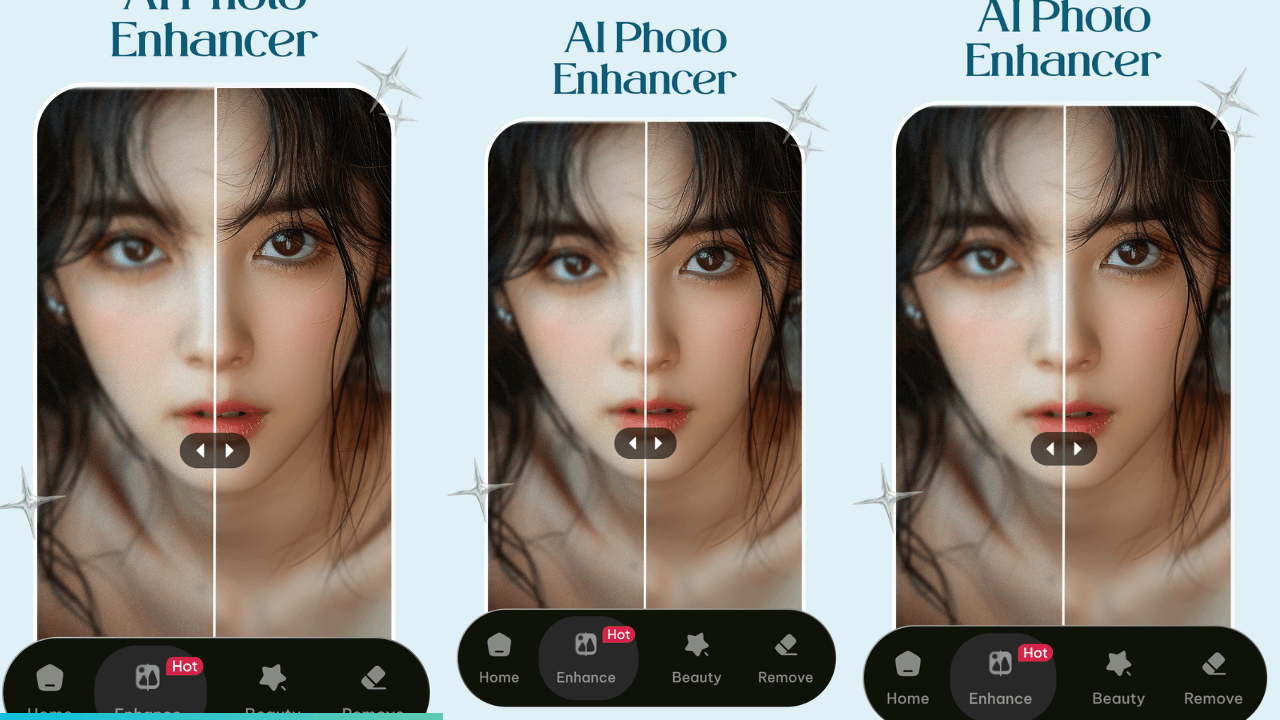
The application provides an organizing tool for users’ daily editing process. The Before and After Comparison tool allows users to view the changes made to an image to evaluate how closely the AI corresponds to the original image. The One-Tap Auto Enhance tool gives users a quick and easy way to apply a series of changes to an image, similar to the Before and After Comparison tool, but without the need for manual adjustment of sliders. The application also provides users the opportunity to refine their artistic skills through a series of Daily Edit Challenges. Each challenge presents a different style or theme to which users edit their photos to correspond.
Anderson Tony’s publisher focuses on developing a product that incorporates both automated and user-driven intelligence. For creative challenges, one can use the Photo Transformation Modes, which help create different styles of image editing. Using this feature, the user is given the option to alter the image in a variety of ways. The software is designed in a way that the artificial intelligence can process the image alteration locally, on the device. This is done through the internal engine, which is designed to help handle the computational load of image processing. Other functions of this design help enhance the user experience and maintain the fidelity of the output.
Key features
- AI Photo Enhancement for brightness, contrast, and sharpness
- HD Image Upscaler for low-resolution image restoration
- AI Background Remover & Replacer
- Smart Face Retouch & Beauty Tools for portrait editing
- Object & Unwanted Item Removal with AI precision filling
- AI Art Filters including cartoon, sketch, oil painting, and anime styles
- Color Enhancement Tools for intelligent color correction
- One-Tap Auto Enhance for instant optimization
- AI Style Generator for fantasy art transformations
- Photo Transformation Modes
- Daily Edit Challenges
- Before & After Comparison tool
- Fast Processing Engine for real-time edits
Related MOD APKs
FAQ
Is Premium unlocked in AI Photo Editor – AI Enhancer MOD APK?
This AI Photo Editor – AI Enhancer 19.0 build includes Pro Unlocked. It behaves like the Anderson Tony release, and all features are active once you finish installing.
What is the latest version of AI Photo Editor – AI Enhancer MOD APK?
Version 19.0 matches the Anderson Tony release from June 25, 2026. We don’t keep older versions here. Update by installing this build over your current one; if you see a signature conflict, uninstall the old app first.
Is AI Photo Editor – AI Enhancer MOD APK safe to download?
This AI Photo Editor – AI Enhancer 19.0 build is the Anderson Tony app with Pro Unlocked. 37 users gave it a 4.1 rating. It does not require root. Expect a Play Protect alert, but always download from this page.
Does AI Photo Editor – AI Enhancer MOD APK remove the watermark?
This version features Pro Unlocked. In AI Photo Editor – AI Enhancer, removing watermarks is a paid feature, so check the export screen after you install the file to confirm the status.
AI Photo Editor - AI Enhancer MOD APK V19.0 (Pro Unlocked)
Download (71 MB )You are now ready to download AI Photo Editor - AI Enhancer for free. Here are some notes:
- Please read our MOD Info and installation instructions carefully for the game & app to work properly
- Downloading via 3rd party software like IDM, ADM (Direct link) is currently blocked for abuse reasons.
4.1/5 (37 votes)