Create stunning photo collages, seamless panoramas, and social media layouts with creative templates, grids, stickers, and editing tools.
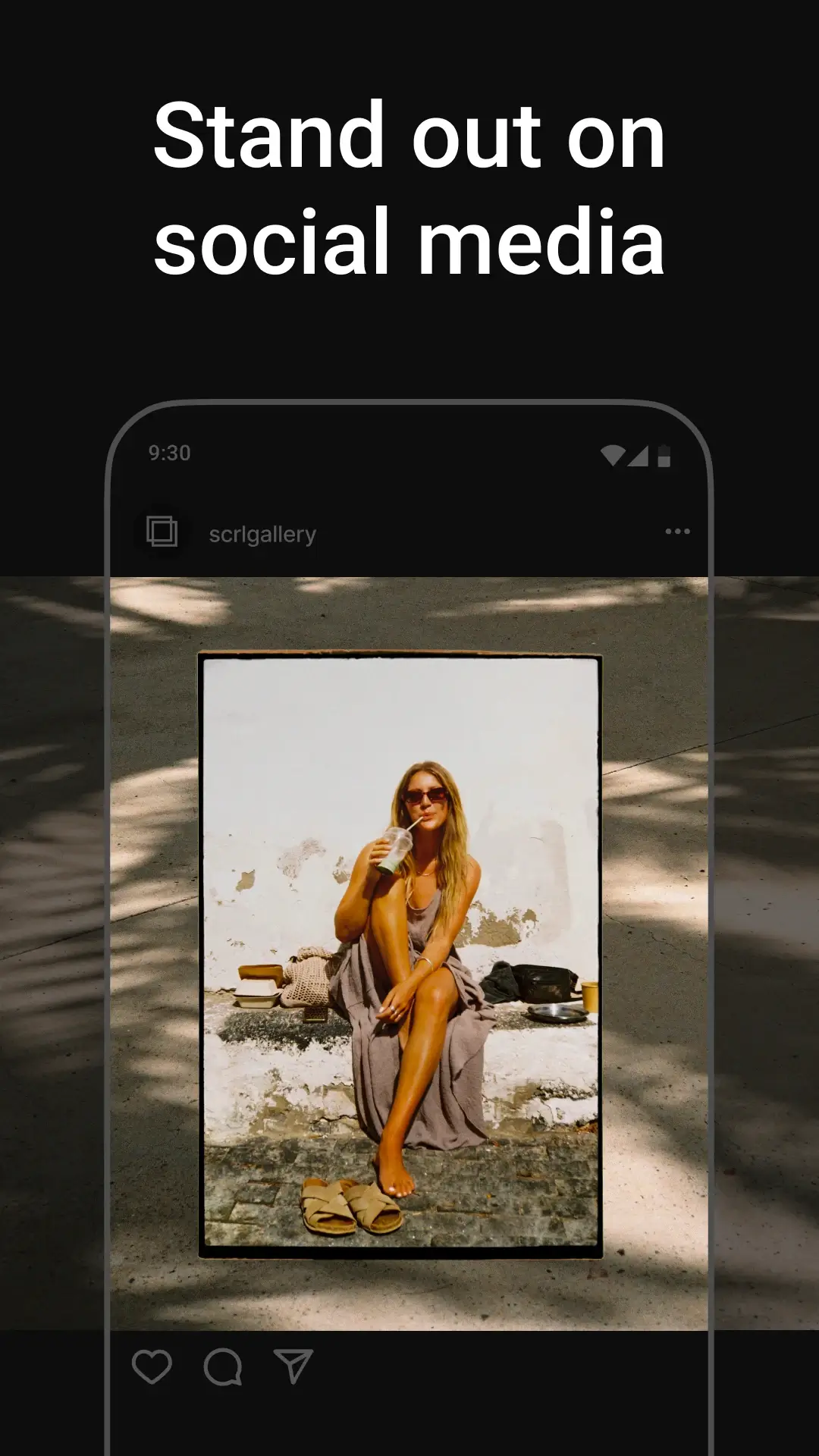

Photo Collage Maker: SCRL MOD APK V1.18 (Premium Unlocked)
| App Name | Photo Collage Maker: SCRL |
|---|---|
| Publisher | Appostrophe AB |
| Genre | Photography |
| Size | 80 MB |
| Latest Version | 1.18 |
| MOD Info | Premium Unlocked |
| Get it On |

|
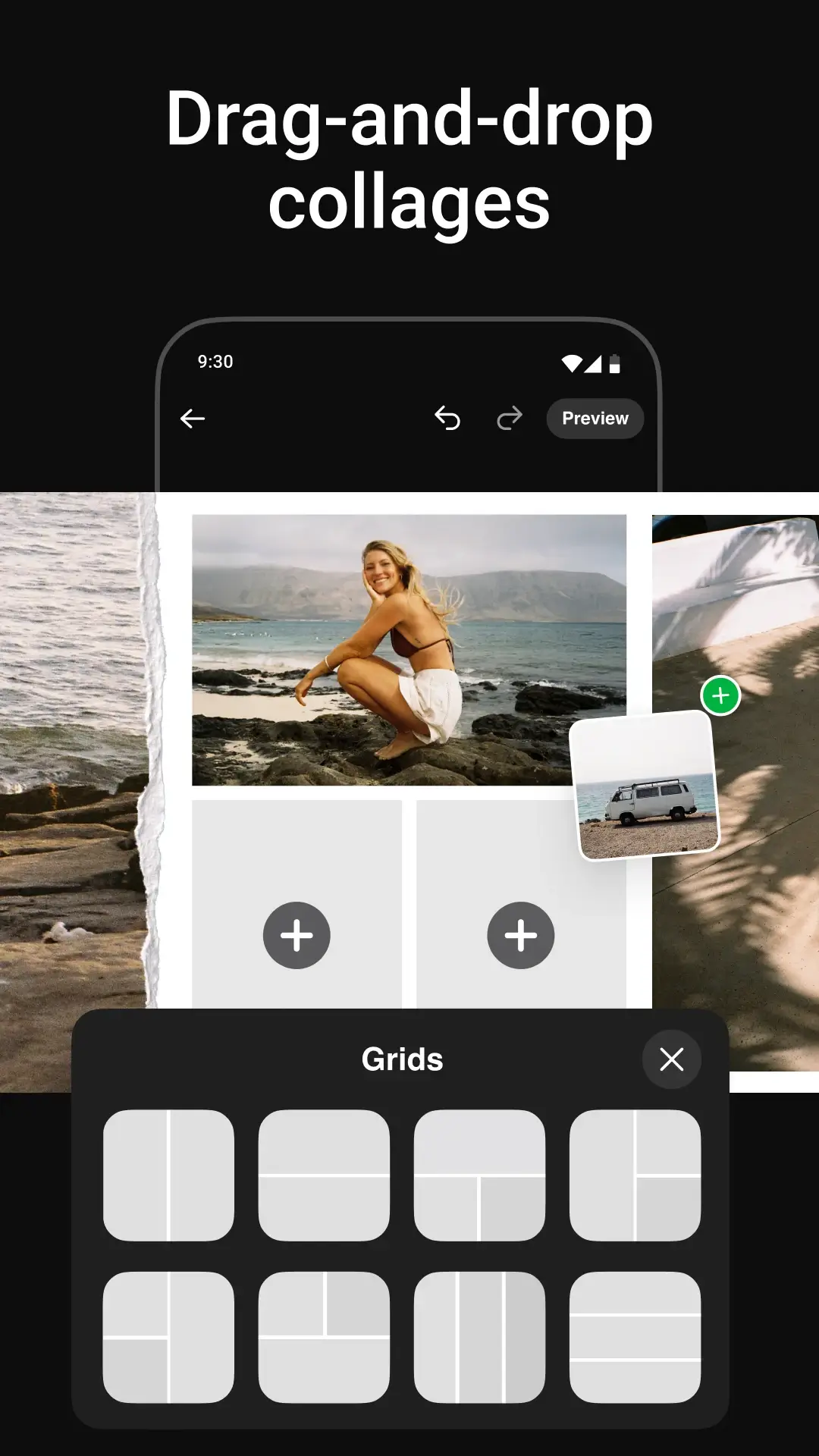
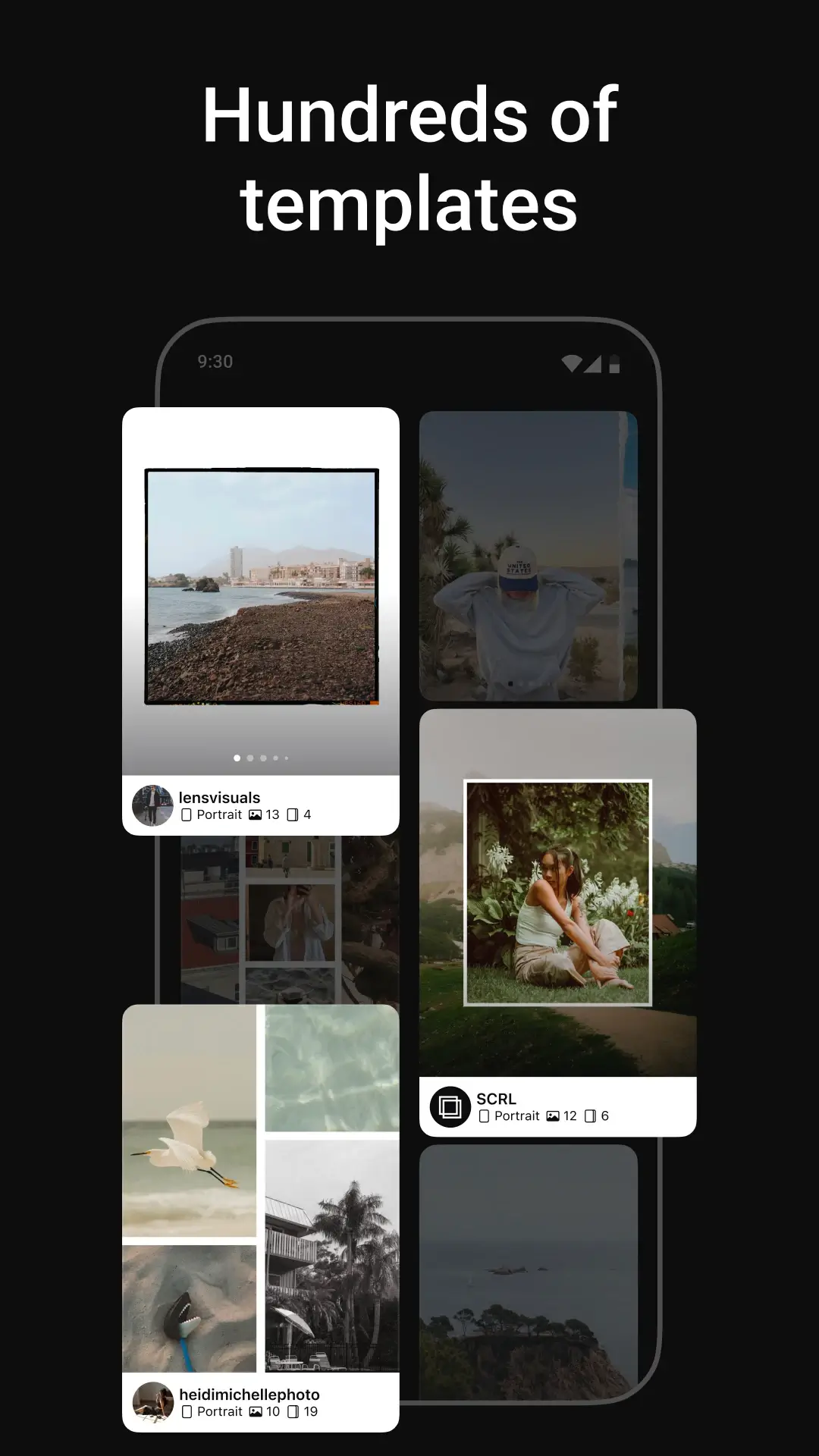
This release of Photo Collage Maker MOD APK unlocks the premium capabilities of the application, allowing users to access the full suite of design tools and assets. This build is intended for those who require the complete range of templates and advanced editing features without the restrictions found in the standard version.
What’s Modified in Photo Collage Maker
- Provides full access to all premium features and design assets within the application.
This build is version 1.18, has a file size of 80 MB, and uses the package name com.appostrophe.scrl; it is re-signed and cannot be installed over a copy from the store.
About Photo Collage Maker
Photo Collage Maker: SCRL offers designers and content creators a powerful and easy-to-use tool to create visually stunning and creative scrolling collages and social media content. The application uses a continuous canvas. Users are able to create layouts that extend across multiple frames. This feature of the application is ideal to design social media content that is optimized for platforms that utilize a carousel of photos. The scrolling collage feature is ideal for creating travel diaries and other forms of content that require artists to stretch beyond the limits of a traditional grid. The application is essentially a customizable canvas that is designed for content creators and photographers to quickly create high quality social media content.
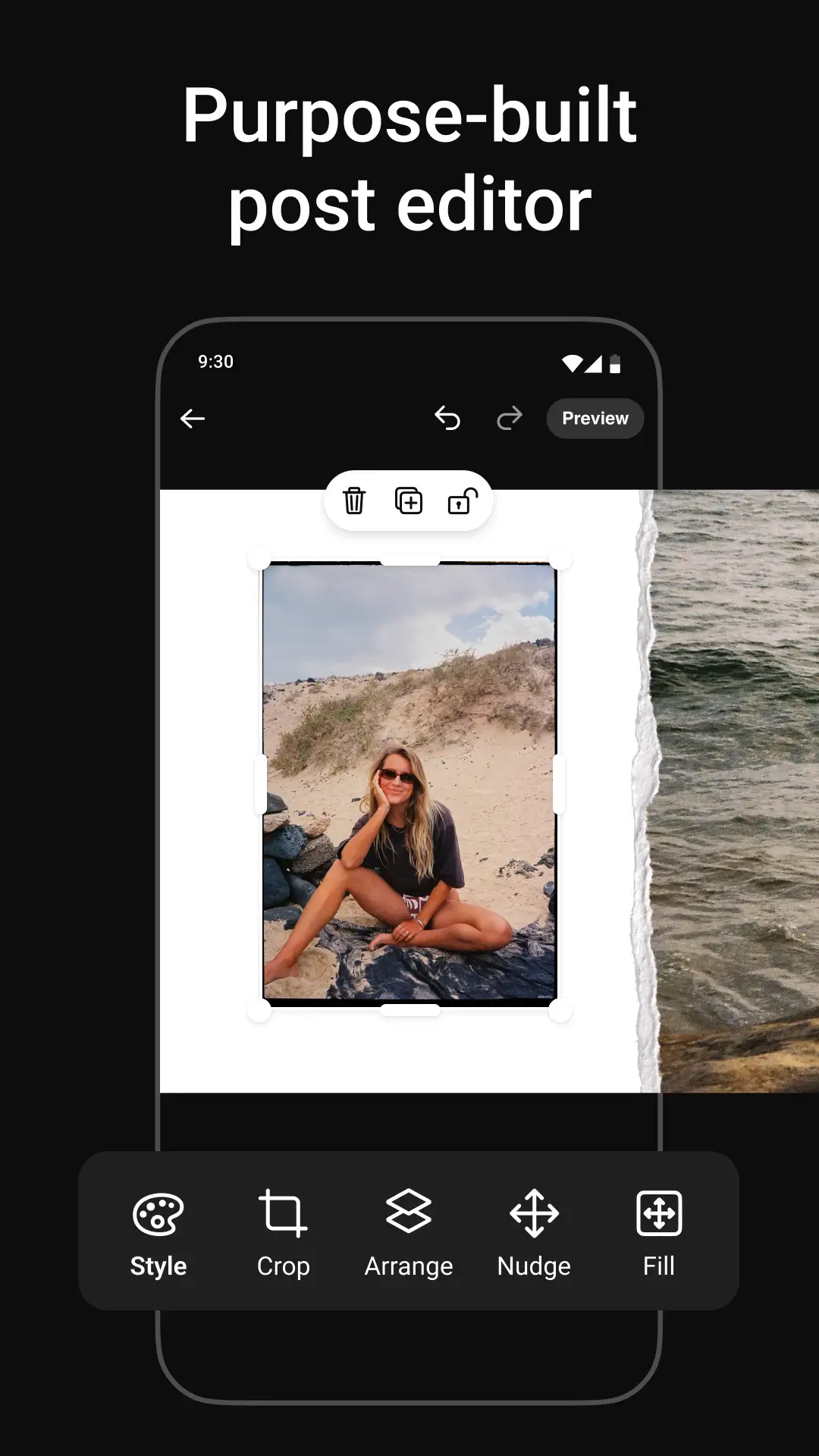
SCRL offers numerous photo layouts. These include traditional photo grids, as well as a variety of creative layouts. The traditional and creative layouts serve as the basis for advanced photo project, and allows users to creatively arrange photos to standout in social media feeds. The application is optimized for Instagram, and therefore the panorama posts feature is designed to automatically split photos in a way to ensure no part of the photo is obstructed when viewing a post in Instagram. Users can create freeform project using the application and incorporate a variety of media, in a similar fashion to a traditional scrapbook. The application utilizes a drag-and-drop feature to allow quick and easy arrangement of media to create a collage.
The app offers various templates for different scenarios and various styles. Users can edit the templates to match their preferences. These templates are very flexible and can be modified to create an infinite number of designs. The templates offer many different options and let users change various settings like the background, space between items, and others. Users can also modify the background of the project itself to create an interesting effect.
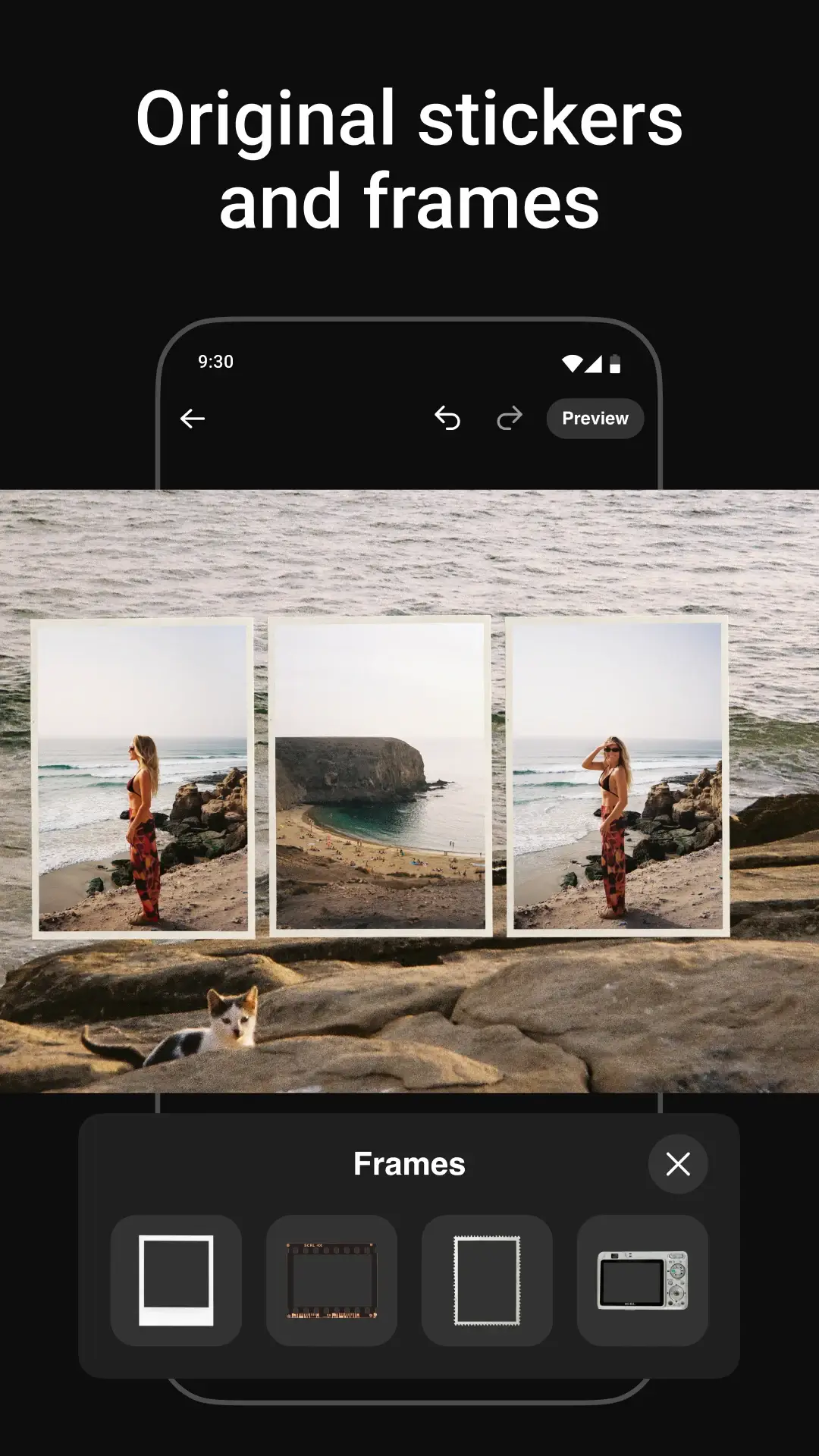
The Photo Editing tools in the app let users adjust essential photo parameters like Brightness, Contrast, Saturation, and Sharpness to ensure a consistent look across all the photos used in a collage. With these tools, users can also remove Red-Eye effect if any, and crop or rotate the photos as needed. The app also provides various Frames to be used in the final collage. All these design and photo editing tools let users create unique, interesting and beautiful designs. These tools are very flexible and allow a high degree of control over the final design.
Creativity is rewarded with many ways to embellish text and pictures with a bevy of artistic stickers and filters. For marketing and influencer professionals who post on social media for work, using decorative elements to create scenes with captions, calls to action and brand names are very useful. The ability to place text over pictures is valuable to show picture stories in a clear and effective way.
Keeping picture quality as best as can be is the focus of the app with options for lossless, high-quality picture export. The app supports all of the various picture formats for Instagram, like stories, reels and standard posts. The variety of output formats, paired with the ease of picture and story design, gives the user all the tools needed to showcase products, events and design a creative portfolio.
With features that encourage photo and design editing as well as social media optimization all rolled into one, users can quickly design visual stories to help them edit, design, and create layouts. The focus of the app is clearly helping the user consolidate everyday ordinary moments of their lives into engaging picture stories that viewers will enjoy and remember.
Key features
- Seamless scrolling collage creator
- Customizable photo grid layouts
- Instagram-ready panorama posts
- Professional collage templates
- Easy drag-and-drop photo arrangement
- Background color and texture customization
- Stylish text and caption tools
- Large collection of stickers and decorations
- Advanced photo editing tools for brightness, contrast, and saturation
- Image transformation tools including crop, rotate, flip, and resize
- High-resolution export options
- Support for story, reel, and feed post formats
- Creative scrapbook-style layouts
- Multiple aspect ratio support
Related MOD APKs
FAQ
Is Premium unlocked in Photo Collage Maker: SCRL MOD APK?
This 1.18 build of Photo Collage Maker: SCRL includes Premium Unlocked. It functions similarly to the Appostrophe AB release, with all features active immediately after you finish the installation.
What is the latest version of Photo Collage Maker: SCRL MOD APK?
Version 1.18 matches the Appostrophe AB release from June 1, 2026. We don’t keep older versions here. To update, install this file over your current app; if you see a signature conflict, you must uninstall the previous version first.
Is Photo Collage Maker: SCRL MOD APK safe to download?
This Photo Collage Maker: SCRL 1.18 build is the Appostrophe AB app with Premium Unlocked. 40 users rated it 4.2 here. It does not require root. Ignore Play Protect warnings during setup, but always download from this page.
Does Photo Collage Maker: SCRL MOD APK remove the watermark?
This build features Premium Unlocked. Watermark removal is a paid feature in Photo Collage Maker: SCRL, so check the export screen after installing to see if it is available.
Photo Collage Maker: SCRL MOD APK V1.18 (Premium Unlocked)
Download (80 MB)You are now ready to download Photo Collage Maker: SCRL for free. Here are some notes:
- Please read our MOD Info and installation instructions carefully for the game & app to work properly
- Downloading via 3rd party software like IDM, ADM (Direct link) is currently blocked for abuse reasons.
4.2/5 (40 votes)