Transform your photos into stunning works of art with AI! Enhance, stylize, and create masterpieces in seconds with PhotoArt’s smart editing tools.
AI Photo Editor - PhotoArt MOD APK V1.8.31 (Premium Unlocked)
| App Name | AI Photo Editor - PhotoArt |
|---|---|
| Publisher | Magic Photo Collage & Photo Editor - CollageArt |
| Genre | Photography |
| Size | 95 MB |
| Latest Version | 1.8.31 |
| MOD Info | Premium Unlocked |
| Get it On |

|
This build of AI Photo Editor MOD APK provides a premium unlocked experience for the application. It allows users to access the full range of advanced editing tools and features that are typically locked behind a subscription or paywall in the standard version.
What’s Modified in AI Photo Editor
- The premium features of the application are fully unlocked, allowing the use of all professional tools and assets without a subscription.
This version of the app is 1.8.31, has a file size of 95 MB, and carries the package name photoeditor.photocollage.ai.editor.photoart; it is a re-signed file and cannot be installed as an update over an original version from the store.
About AI Photo Editor
AI Photo Editor – PhotoArt offers a suite of artificial intelligence (AI) photo editing tools to help users edit their standard photographs and generate various artistic digital illustrations. By using AI Photo Editor MOD APK, users can utilize automated systems to help perform photo editing tasks that traditionally require extensive processing power and time. The application is meant to be used by a broad user base from those interested in performing quick photo edits for social media to those who wish to perform intricate and elaborate edits for artistic transformations. Lastly, the use of AI and other sophisticated photo editing techniques traditionally reserved for professionals in the photo editing field are made accessible to novice users through this application.
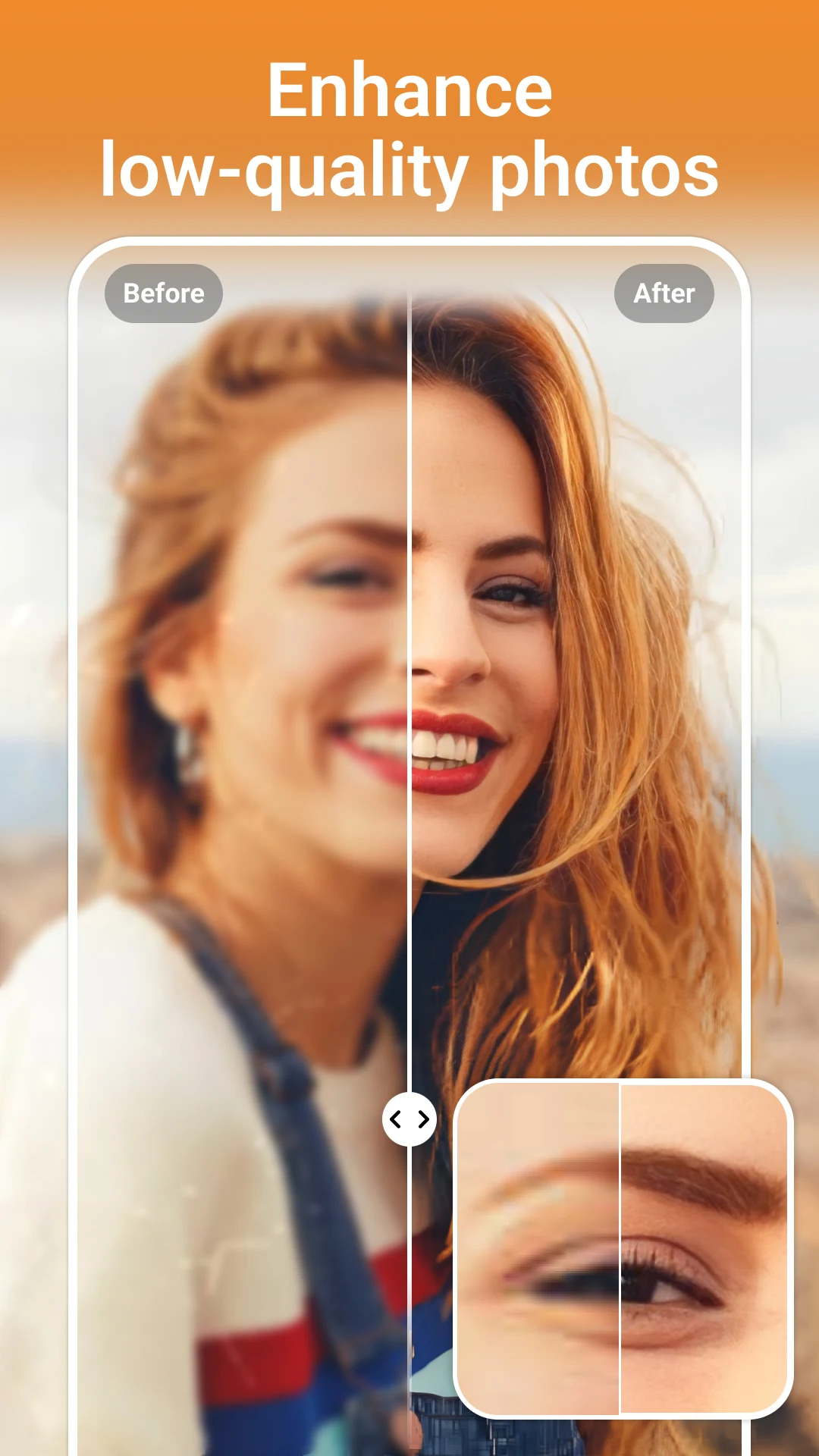
The application’s core functionality is in its AI-Powered Enhancements. This system analyzes the visual data of an image to improve it automatically. It can alter the brightness, contrast, sharpness, and color balance to produce a more improved final image. Automatically correcting these issues is useful in post-processing of mobile photography which can suffer from a number of issues due to environmental factors, for example, muted colors, or poor lighting. The AI attempts to bring out the best possible version of an image by automatically enhancing it based on the needs of the photo. This is useful for users who want to quickly post-process a large number of images, but want the final images to meet a certain level of visual quality.
There are a number of artistic filters and styles available in the app. These filters are generated by AI and transform photos in profound ways. Users have the option to apply filters that change the style of photos in ways to resemble various traditional artistic mediums such as oil paintings or pencil sketches. Other styles include more contemporary and futuristic forms of digital art. Style transfer filters work by breaking down the components and elements of a photo and reinterpreting them according to the style selected. Therefore, users have a fair amount of control over the kinds of styles they want to experiment with. With various artistic themes to play with, users can adjust the final pieces to best encapsulate the mood and style of their chosen subject. The app uses style transfer technologies to ensure all filter applications results in an aesthetically pleasing and cohesive final piece.
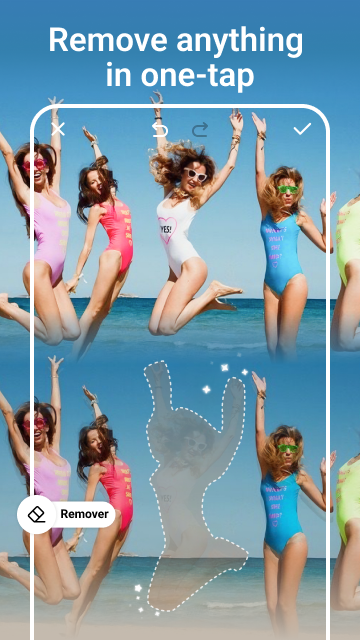
For more specific editing needs, the application provides features for Background Editing and Removal. This is a tool that helps remove backgrounds of photos using artificial intelligence (AI). The tool can also be used to remove backgrounds of photos and replace them with a different image, or apply a blur effect. In photography, blurring the background of a photo to create a shallow depth-of-field helps draw the viewer’s focus to the main subject of the photo. This tool is very useful in product photography and helps create appealing product photos. The application also offers Smart Retouch Tools. These tools are designed for easy and quick editing of portrait photos. These tools allow for the removal of blemishes and skin smoothing, and also help in whitening teeth. The AI is calibrated in such a way that when you are removing blemishes from a photo, it can easily distinguish other elements on the photo and can achieve a natural looking portrait. The tool can also help remove unwanted wrinkles and lines from a photo.
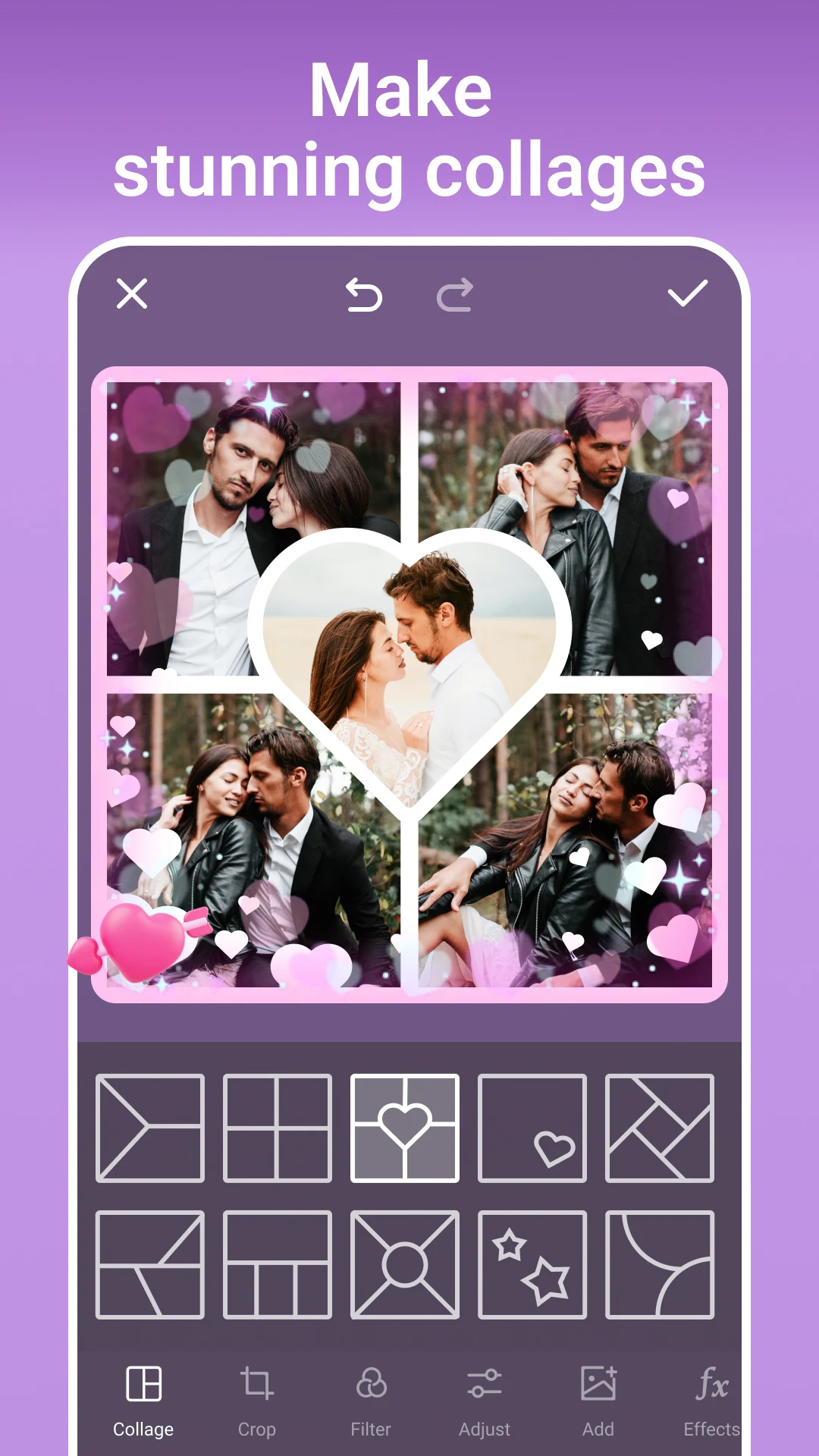
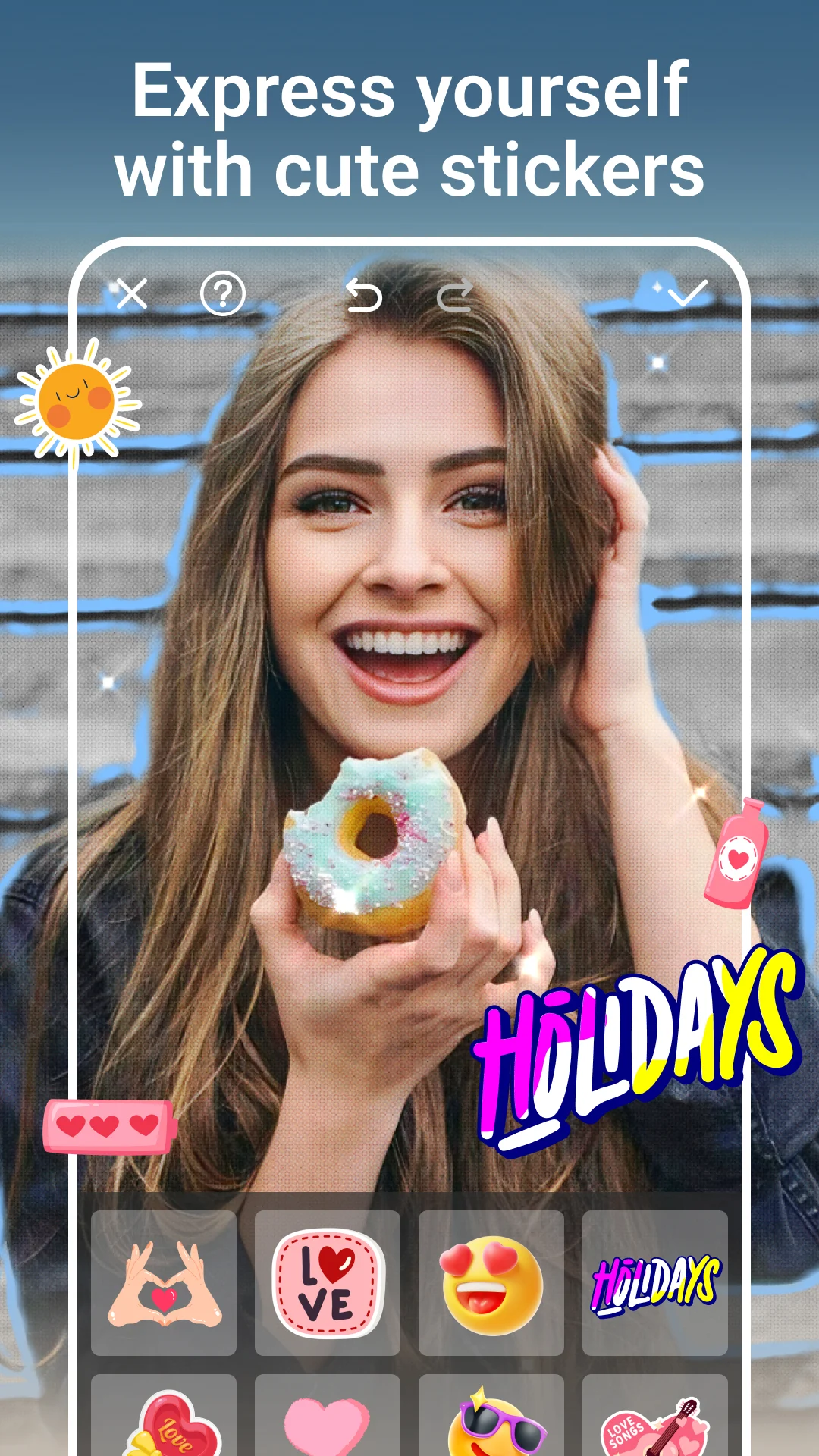
The app helps social media content creators through the Text and Sticker Overlay and Photo Collages and Templates features. Through this feature, content creators can generate attention grabbing social posts through the use of creative captions, stickers and templates. The collage feature, with its numerous layouts and frames helps creators easily capture multiple pictures into an organized and structured photo composition. Other features like the One-Tap Style Transfer, help users instantly capture a trending style or effect, and the Batch Editing feature helps users quickly process a large number of pictures for social posts. The Easy Cut Out feature helps users capture multiple pictures and edit them in a way that gives the photos a consistent aesthetic. Additionally, the HD export and sharing feature provides users the ease of saving their captures in a high resolution format for sharing on social media platforms.
In addition to traditional editing tools, the app provides unique features such as AI Face Swap and Fun Effects. These features use AI to creatively transform faces in photos, resulting in funny or stylized photos. This gives the app a playful edge and adds additional features to experiment with beyond traditional filtering and editing. Along with style transfers, the app uses creative overlays to let the user experiment further with photos using AI. Because the app takes care of most of the editing process, the user can focus more on being creative, letting the app take care of the rest.
Key features
- AI-Powered Enhancements for brightness, contrast, and sharpness
- Artistic Filters including painting, sketch, and anime styles
- Background Editing and Removal with blur and replacement options
- Smart Retouch Tools for skin smoothing and blemish removal
- Text and Sticker Overlay for social media content
- Photo Collages and Templates with customizable layouts
- One-Tap Style Transfer for instant artistic effects
- HD Export and Sharing for high-resolution saving
- Batch Editing for processing multiple photos simultaneously
- AI Face Swap and Fun Effects for creative transformations
Related MOD APKs
FAQ
Is Premium unlocked in AI Photo Editor – PhotoArt MOD APK?
This AI Photo Editor – PhotoArt 1.8.31 version features Premium Unlocked. It functions similarly to the Magic Photo Collage & Photo Editor – CollageArt release once installed.
What is the latest version of AI Photo Editor – PhotoArt MOD APK?
Version 1.8.31 matches the Magic Photo Collage & Photo Editor – CollageArt update from March 19, 2026. We don’t keep older versions here. Install this file over your current app to update; if a signature conflict appears, delete the previous version first.
Is AI Photo Editor – PhotoArt MOD APK safe to download?
This AI Photo Editor – PhotoArt 1.8.31 file is the Magic Photo Collage & Photo Editor – CollageArt app with Premium Unlocked. 60 people gave it a 4.6 rating. It does not require root. Ignore Play Protect alerts, but always download from this page.
Does AI Photo Editor – PhotoArt MOD APK remove the watermark?
This version includes Premium Unlocked. Since watermarks are usually tied to Pro features in AI Photo Editor – PhotoArt, check the export screen after you install the app to verify.
AI Photo Editor - PhotoArt MOD APK V1.8.31 (Premium Unlocked)
Download (95 MB )You are now ready to download AI Photo Editor - PhotoArt for free. Here are some notes:
- Please read our MOD Info and installation instructions carefully for the game & app to work properly
- Downloading via 3rd party software like IDM, ADM (Direct link) is currently blocked for abuse reasons.
4.6/5 (60 votes)