Audio Editor Pro Mod APK is a great music editing application that helps you to trim music, adjust voice sound, convert video to audio via mp3 converter, equalizer, create ringtones and audio tracks.


Audio Editor Pro v3.1.64.916 MOD APK (VIP Unlocked)
| App Name | Audio Editor Pro |
|---|---|
| Publisher | Dairy App & Notes & Audio Editor & Voice Recorder |
| Genre | Music & Audio |
| Size | 66.7M |
| Latest Version | 3.1.64.916 |
| MOD Info | VIP Unlocked |
| Get it On |

|
This Audio Editor Pro MOD APK provides a VIP Unlocked experience, removing the limitations typically found in the standard version of the utility. It enables access to the full suite of premium music and audio editing tools immediately upon installation.
What’s Modified in Audio Editor Pro
- VIP Unlocked: Provides immediate access to all premium features and tools within the application.
 |
 |
 |
This build is version 2.01.60.0701, has a file size of 60M, and uses the package name audioeditor.musiceditor.soundeditor.songeditor; it is re-signed and cannot be installed over the official store version.
About Audio Editor Pro
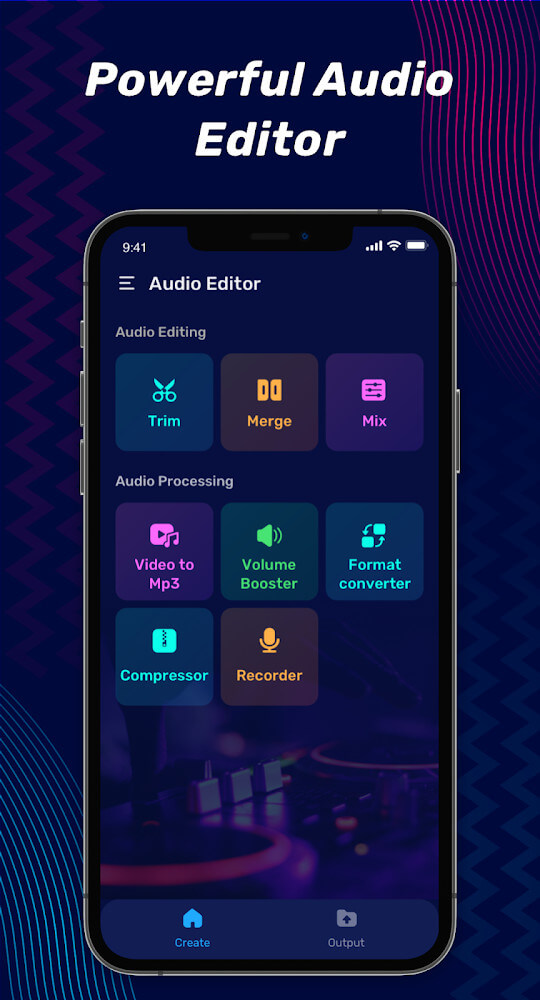
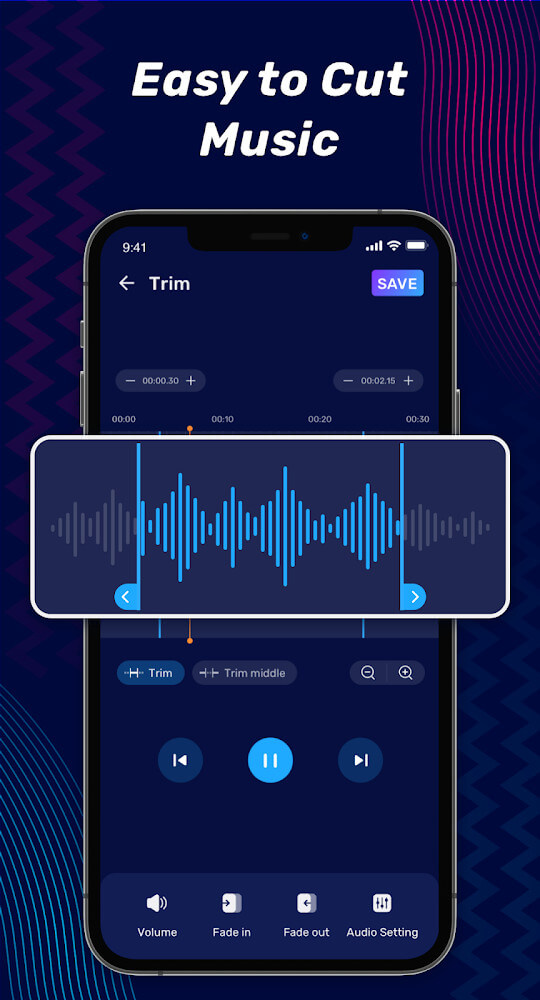
The application addresses a variety of obstacles encountered during the audio editing process, specifically focusing on tasks such as cutting, merging, and converting sound files. At its core, the software provides a dedicated environment for creating songs and modifying voice recordings. One of the primary functions is the precision cutting tool, which is designed to be both accurate and accessible. Users interact with a music player and a detailed sound wave diagram to identify specific points for truncation. This visual representation allows for exact placement of cuts, ensuring that the resulting audio clips are timed correctly. The toolset includes a music splitter, an audio cutter, and a song cutter, all of which are optimized to handle music tracks without requiring complex manual adjustments. These features are intended to simplify the production of ringtones or shorter audio segments from larger files. The software also includes a music compressor to assist in the cutting process, making it easier to manage the file segments as they are being edited.
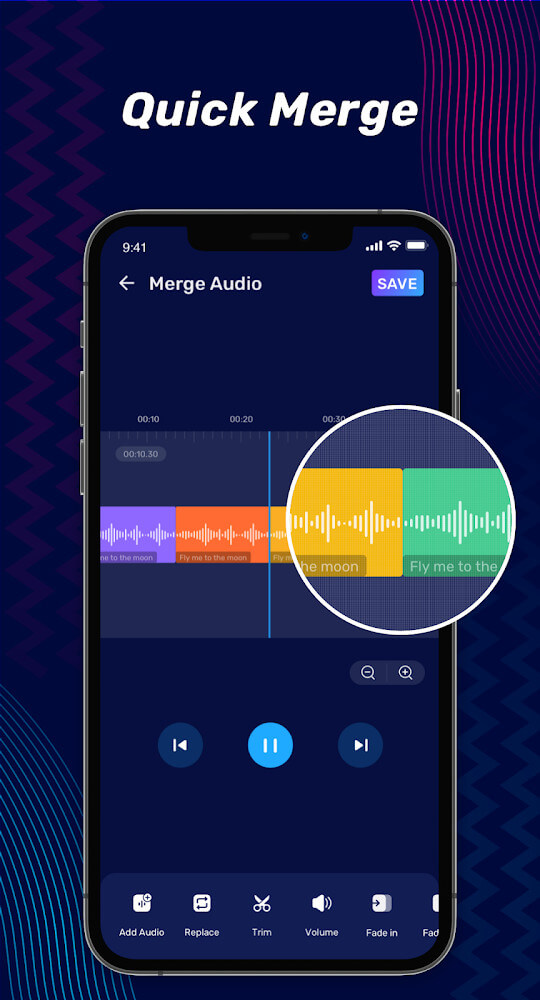
Beyond simple truncation, the software includes a suite of tools for editing songs and merging multiple sounds into a single file. This involves the ability to increase or decrease the volume of specific segments or the entire track to achieve a balanced melody. The merging functionality supports combining audio files that may exist in different formats, allowing for a more versatile production process. Within this workflow, the song editor and audio merge tools work in tandem to facilitate the creation of new compositions. Users can split audio tracks into smaller parts and then recombine them in different sequences. This capability is particularly useful for those looking to create seamless transitions between different pieces of music or to layer various sound elements to produce a more complex auditory experience. By using Audio Editor Pro MOD APK, users can combine audio files with many different formats to create productions that appeal to a wide audience.
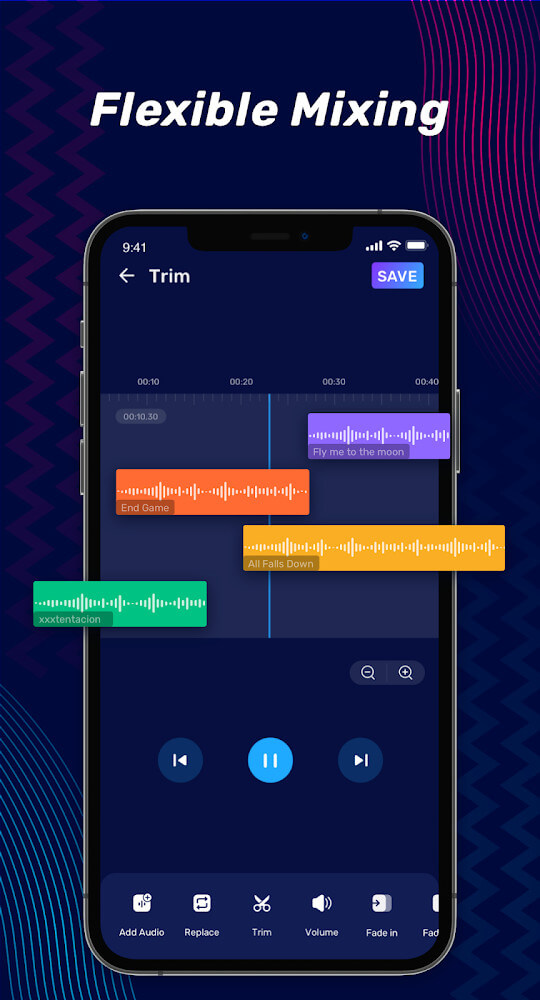
The mixing capabilities are centered around the Music Mixer and Audio Mixer components. These tools are specifically geared toward the creation of mashups by blending different types of sounds and songs. The application provides what is described as a music lab, a dedicated space where users can experiment with inserting audio and mixing various tracks together. The flexibility of the song mixer allows for the integration of multiple layers of music, which can be adjusted to create unique arrangements. This process is supported by a range of rich music editing functions that allow for the insertion of audio at specific intervals. By combining the audio mixer and the song mixer, users can refine their productions until the desired sound profile is achieved, making the creation of interesting and new musical pieces more straightforward. This music lab environment is essential for those who wish to edit music and songs freely without being restricted by basic linear editing constraints.
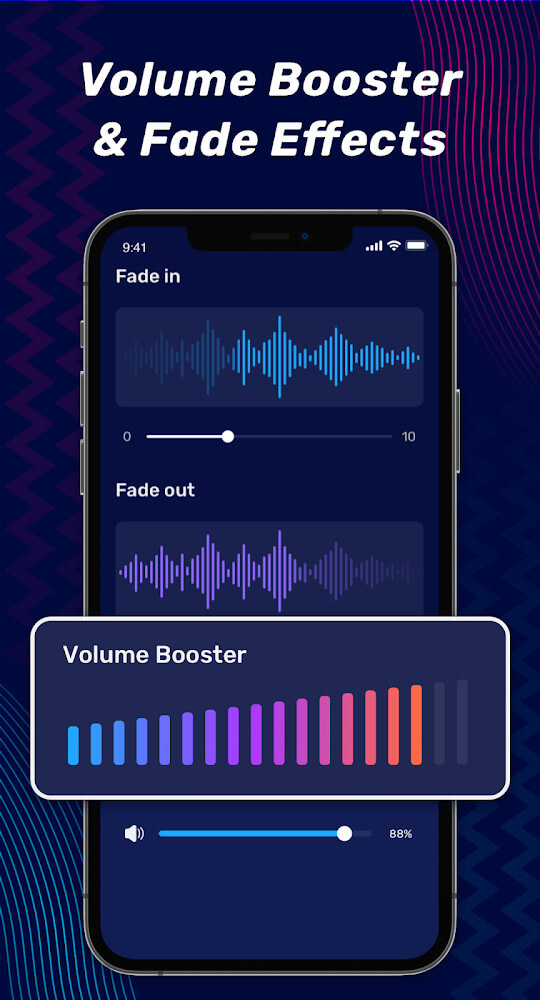
Volume management and quality control are handled through dedicated adjustment tools. The application includes a volume amplifier designed to improve the clarity and loudness of recordings that may have been captured at poor quality. Users can manually increase or decrease the loudness according to their specific needs, ensuring the music is felt clearly and attractively. This feature ensures that the final output is audible and clear, even when the source material is lacking in volume. The ability to feel the music more clearly through amplification is a key part of the final editing stage. This focus on sound quality extends to the way the application processes audio, aiming to maintain the integrity of the original recording while providing the necessary tools to enhance its presence in a mix. Whether a song has poor initial sound quality or simply needs a boost to meet modern standards, the volume amplifier provides the necessary control.
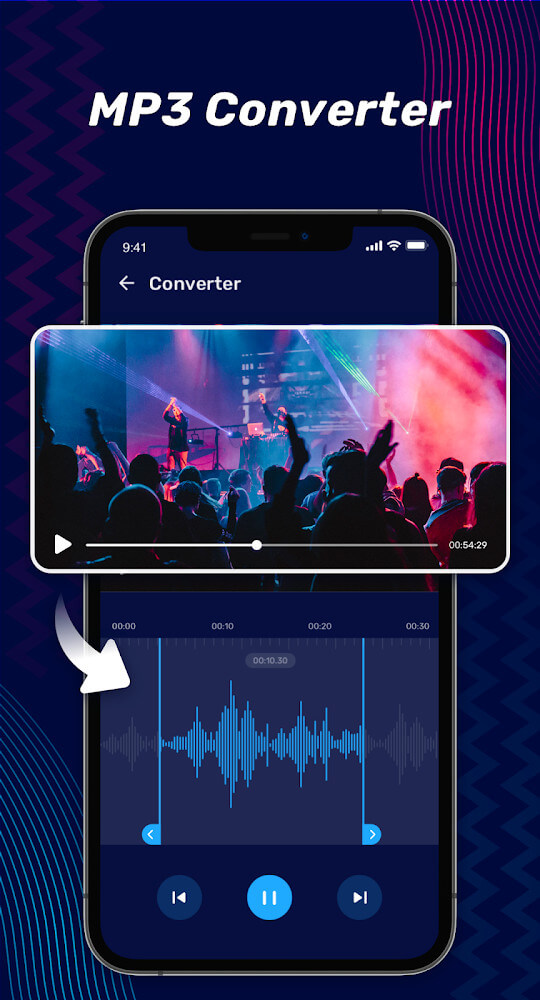
Format conversion and file compression are managed by the Audio Converter tool. This utility allows users to change the format of their music files, specifically providing support for MP3 conversion. A significant aspect of this tool is its ability to perform these conversions without negatively impacting the quality of the audio. Additionally, the application includes a compression feature that helps reduce the file size of music tracks, which is beneficial for storage management. The software also extends its functionality to video files, offering an extraction tool that can pull audio from a video source. This allows for the conversion of video formats directly into MP3 files. This feature is useful for capturing soundtracks or dialogue from video content to be used as standalone audio files or integrated into other music projects. The voice editor also functions within this system to ensure that vocal tracks are handled with the same level of precision as musical instruments.
Key features
- Precision audio cutting using sound wave diagrams and an integrated music player
- Audio merging and splitting for files in multiple formats
- Music Mixer and Audio Mixer for creating mashups and song layering
- Volume amplifier for increasing loudness and improving sound quality
- Audio Converter for MP3 format conversion and file compression
- Video-to-audio extraction for converting video files to MP3
- Music lab for free-form song editing and audio insertion
- Voice editor for refining vocal recordings and converted voices
 |
 |
 |
Related MOD APKs
FAQ
Is Premium unlocked in Audio Editor Pro MOD APK?
This Audio Editor Pro 2.01.60.0701 build features VIP Unlocked. It functions like the Dairy App & Notes & Audio Editor & Voice Recorder release. All changes are active once you finish the installation.
What is the latest version of Audio Editor Pro MOD APK?
The current version is 2.01.60.0701, matching the Dairy App & Notes & Audio Editor & Voice Recorder release from August 13, 2026. We don’t keep older versions here. Install this file over your current app to update; if a signature error occurs, uninstall the old one first.
Is Audio Editor Pro MOD APK safe to download?
This Audio Editor Pro 2.01.60.0701 file is the Dairy App & Notes & Audio Editor & Voice Recorder app with VIP Unlocked. 36 users rated it 3.6 here. It does not require root. Ignore Play Protect warnings and always download from this page.
Can I use Audio Editor Pro MOD APK on PC or iPhone?
This Android package will not install on iPhone. You can run the 60M file on a computer using an emulator like BlueStacks or LDPlayer. Just install the software and drag the APK into the window.
Audio Editor Pro v3.1.64.916 MOD APK (VIP Unlocked) Download
Download (66.7M)You are now ready to download Audio Editor Pro for free. Here are some notes:
- Please read our MOD Info and installation instructions carefully for the game & app to work properly
- Downloading via 3rd party software like IDM, ADM (Direct link) is currently blocked for abuse reasons.
3.6/5 (36 votes)