Boost productivity with ChatBox! Use Gemini, Claude, and DeepSeek for instant answers, voice chat, and image recognition. Your ultimate AI assistant is here.

ChatBox AI v2.98.8 MOD APK (Premium Unlocked)
| App Name | ChatBox: AI Chat Bot Assistant |
|---|---|
| Publisher | FLORATE LIMITED |
| Genre | Productivity |
| Size | 55M |
| Latest Version | 2.98.8 |
| MOD Info | Premium Unlocked |
| Get it On |

|
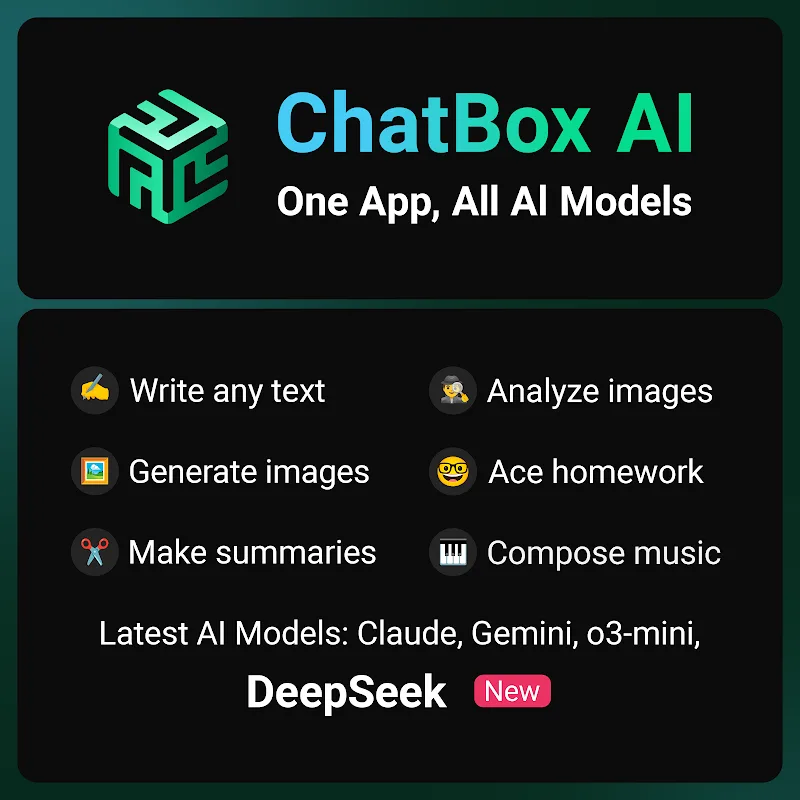
This version of ChatBox MOD APK provides access to the premium features that are typically restricted behind a subscription model in the standard release. It allows users to utilize the full range of advanced AI models and productivity tools without the usual limitations or costs.
What’s Modified in ChatBox
- Premium Unlocked provides full access to all paid features and specialized AI models within the application.
This build is version 1.98.8 with a file size of 55M and the package name chatgpt.ai.chatbot.open.chat.gpt.bot.writer.assistant; because the file is re-signed, it cannot be installed over an existing copy from the official store.
About ChatBox
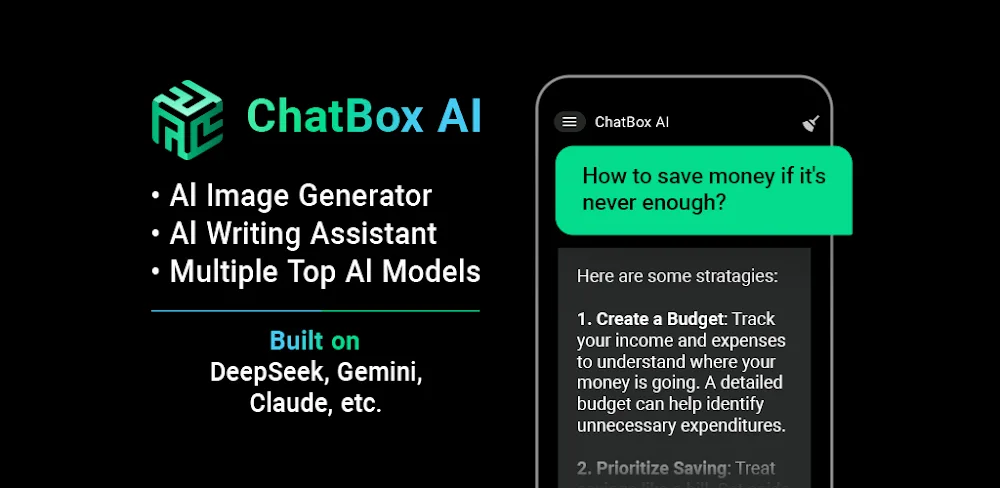
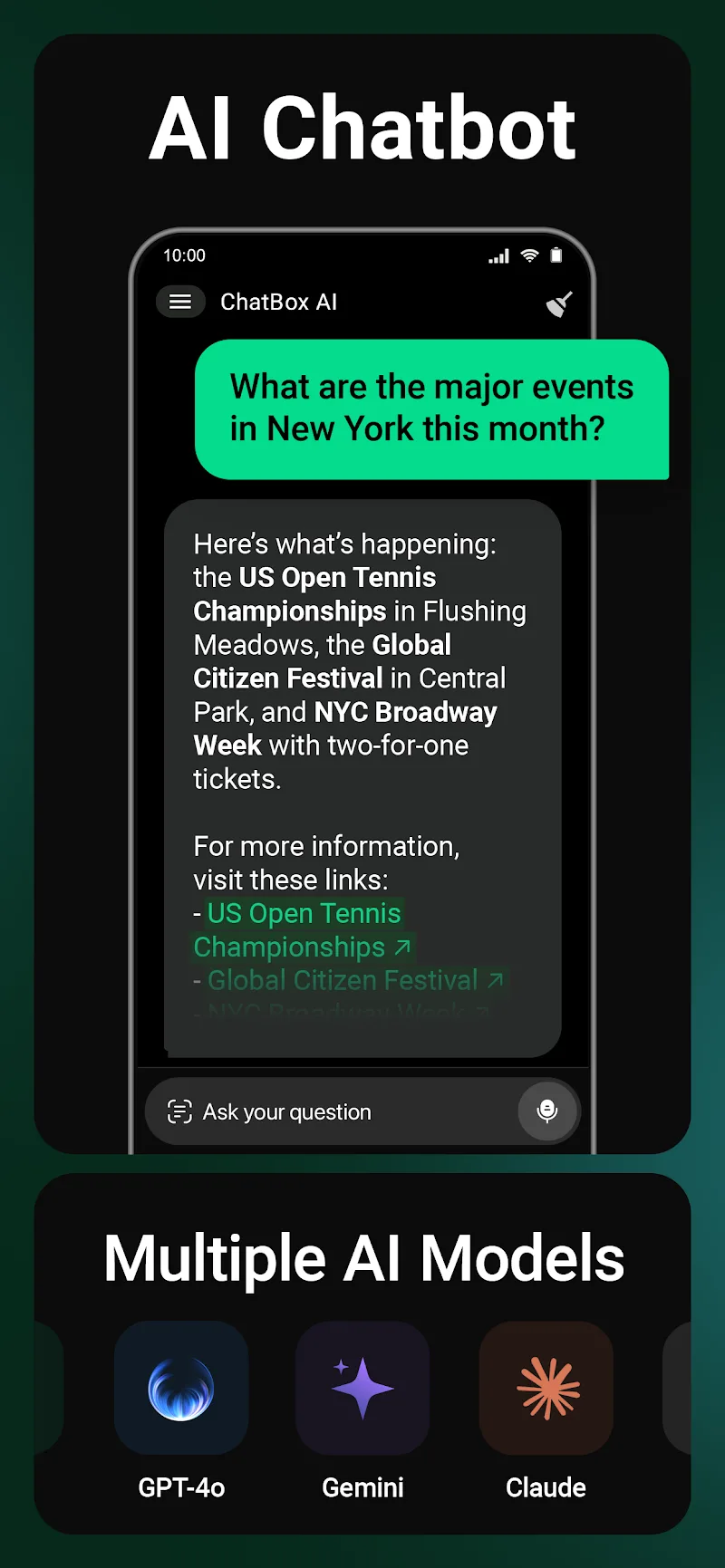
ChatBox: AI Chat Bot Assistant uses AI to automate productivity tasks. This application supports DeepSeek V3 and Anthropic’s Claude, along with Google’s Gemini. DeepSeek is used for logic-based tasks, Gemini is used for information retrieval, and Claude is used for conversation. This application supports a wide range of tasks, from content writing, to editing, to research, to solving technical problems, and more, all by switching between the AI engines. ChatBox MOD APK offers a variety of professional and personal services using a multi-model AI system.
The interaction system allows the user to communicate with the AI in various ways, going beyond the constraints of standard text inputs. Voice control is an integral part of the system, supported by speech recognition to understand spoken questions and commands. With voice control, users can have the AI narrate lengthy text, retrieve information, set reminders, and perform other tasks. The system is designed to simulate a standard conversation, facilitating a more direct interaction. The AI can remember previous parts of a conversation and provide more relevant answers to follow-up questions. This is due to the contextual memory of the system, which is designed to improve the effectiveness of the AI while undertaking complex or multiple-step tasks.
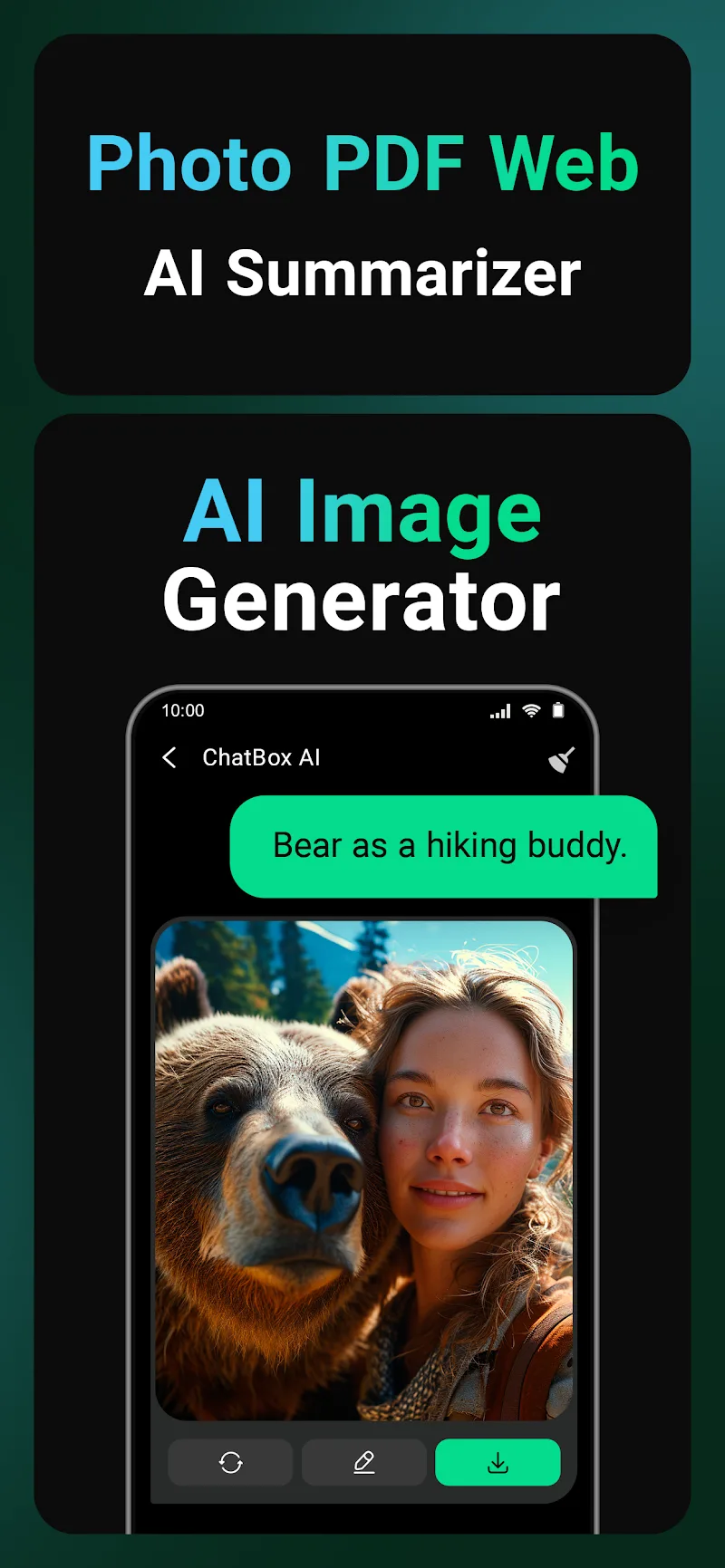
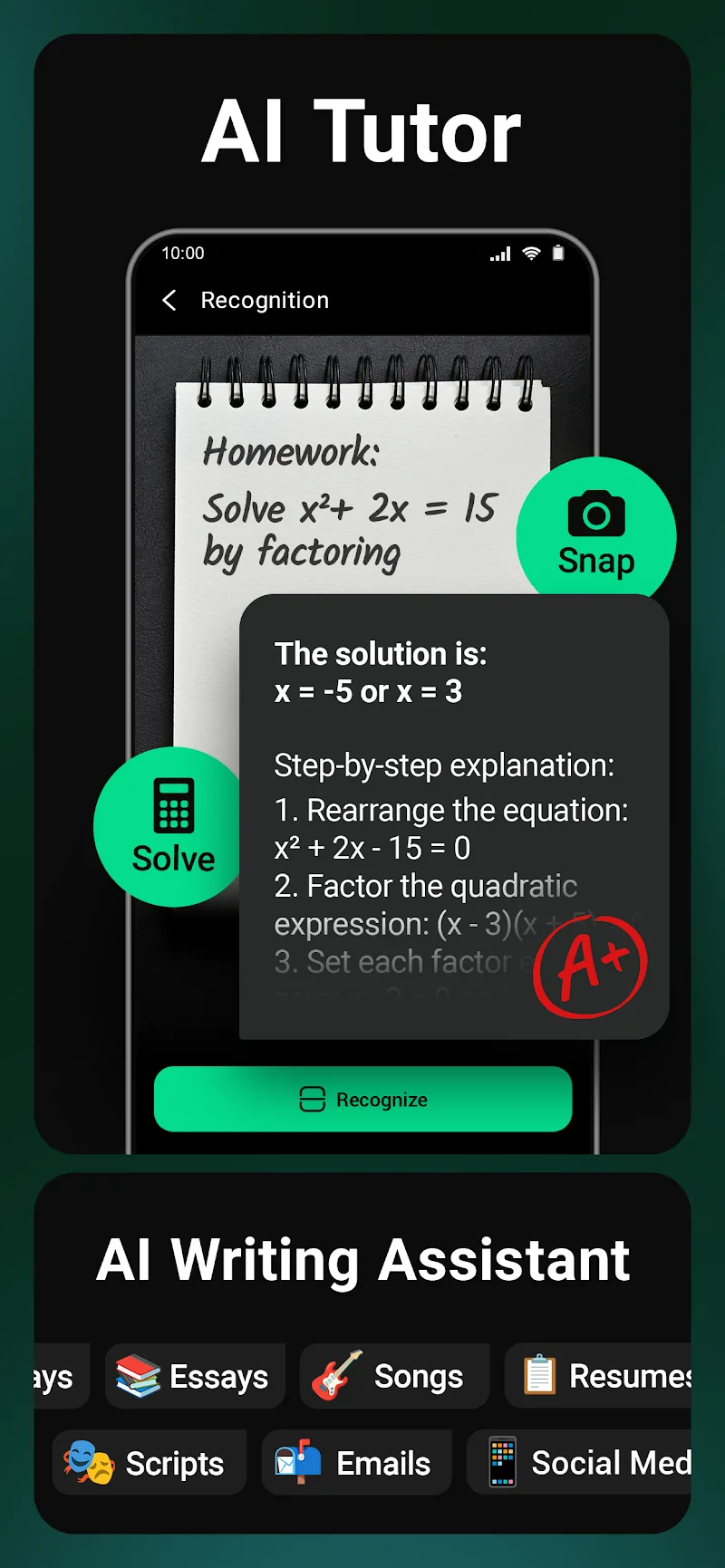
This application offers options for image recognition and analysis in addition to text and voice functions. Users can upload photos or digital documents for AI processing. The visual system can recognize objects in an image, translate text in an image, and summarize what is written in an image. It can also be used to summarize the contents of physical documents, thereby eliminating the need for manual transcription. For users who work with printed documents, this feature can help to quickly capture data and convert it to a digital format. The visual AI, in conjunction with the text-based AI models, enables users to submit queries to the AI in various formats and get answers in different forms.
Productivity tools are the main features of the application. The AI can assist users in drafting professional emails and other types of emails, and in generating different types of content, including books. For more technical tasks, the AI can provide assistance in writing computer programs and help in interpreting math equations. Other tools help with conversion. Real-time processing is used to generate content. For tasks that require research, such as writing, the application provides a tool that helps to draft queries, and, therefore, allow the user to focus on elaborating the content. The application is designed for people who need to manage a large volume of information and do several tasks at the same time.
Organizational features of the app let users manage information in several ways. For example, a history log lets users go back to find past interactions. Long-term projects benefit from this feature, since it helps users maintain continuity with the app. The app enables multitasking, and, as a result, can be used while other apps are running. Researchers and writers, in particular, can benefit from this feature, as they can use the app while working in other documents or while doing online research.
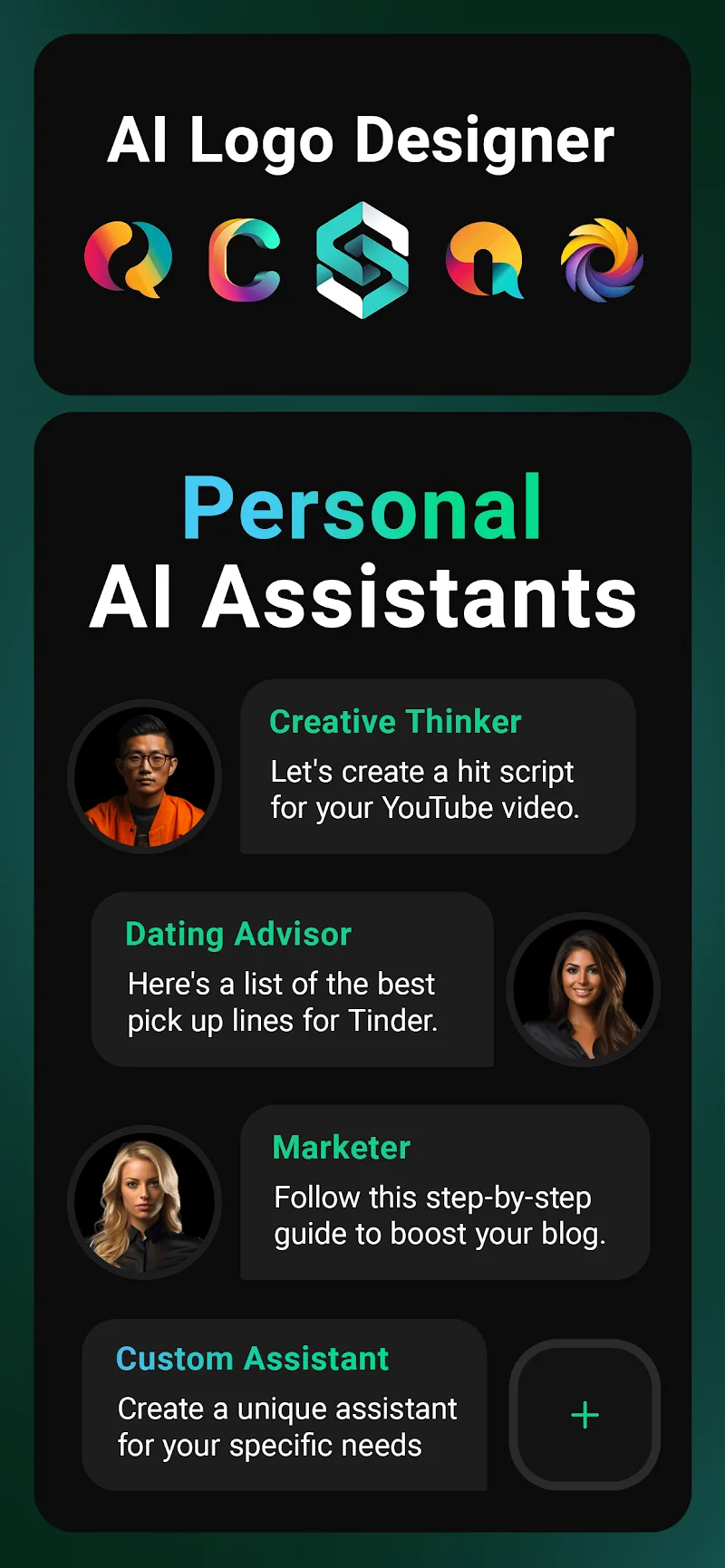
This app is designed to be the central hub for various AI services. Packaging several services into one app eliminates the need for users to rely on multiple apps to do text generation, for example. The app also offers various models based on the nature of the work being done and helps users tailor the AI to their specific requests. Writing can be improved, for example, or research tasks can be undertaken with the help of the app. Users have the means to tackle various digital tasks and process information using the app. The tools offered by the app are meant to be a starting point for tackling tasks that users find difficult, such as improving their writing.
Key features
- DeepSeek V3 model integration for reasoning
- Google Gemini support for information retrieval
- Anthropic Claude support for creative conversation
- Voice-activated interaction with speech recognition
- Image recognition and document analysis
- Real-time response algorithms
- Multi-turn conversation context memory
- Interaction history log
- Multitasking and synchronization capabilities
Related MOD APKs
FAQ
Is Premium unlocked in ChatBox: AI Chat Bot Assistant MOD APK?
This 1.98.8 version of ChatBox: AI Chat Bot Assistant features Premium Unlocked. It functions like the FLORATE LIMITED release, with all modifications active immediately after installation.
What is the latest version of ChatBox: AI Chat Bot Assistant MOD APK?
Version 1.98.8 matches the FLORATE LIMITED release from May 28, 2026. We don’t keep older versions here. Install this file over your current app to update; if you see a signature error, delete the previous version first.
Is ChatBox: AI Chat Bot Assistant MOD APK safe to download?
This ChatBox: AI Chat Bot Assistant 1.98.8 build is the FLORATE LIMITED app with Premium Unlocked. 60 users gave it a 4 rating here. It does not require root. Ignore any Play Protect warnings, but always download from this page.
Can I use ChatBox: AI Chat Bot Assistant MOD APK on PC or iPhone?
You cannot install this on an iPhone. To use this 55M file on a computer, run an emulator like BlueStacks or LDPlayer, then drag the APK into the emulator window to install it.
ChatBox AI v2.98.8 MOD APK (Premium Unlocked)
Download (55M)You are now ready to download ChatBox: AI Chat Bot Assistant for free. Here are some notes:
- Please read our MOD Info and installation instructions carefully for the game & app to work properly
- Downloading via 3rd party software like IDM, ADM (Direct link) is currently blocked for abuse reasons.
4/5 (63 votes)