Turn your Android into a beautifully iOS inspired design! Experience speed and bright icons with added customization features from Colorful OS Launcher MOD APK.
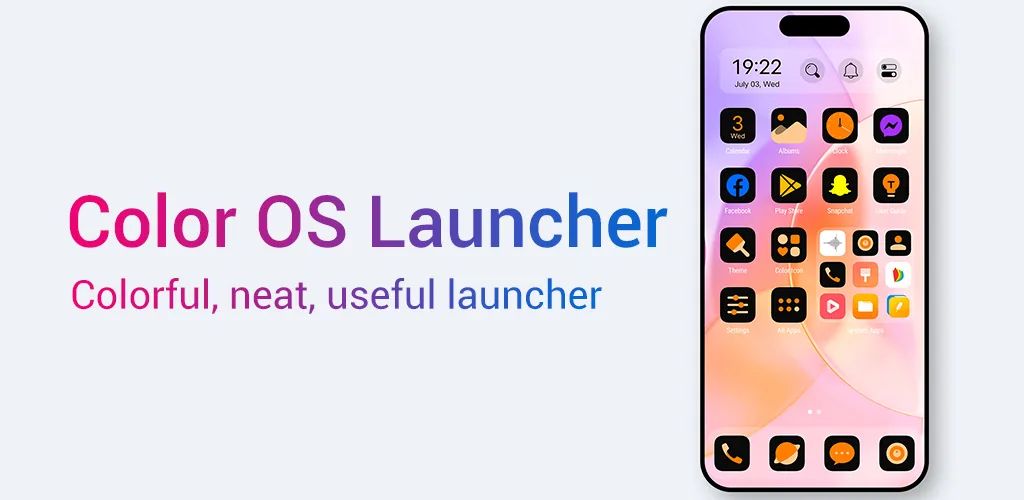
Turn your Android into a beautifully iOS inspired design! Experience speed and bright icons with added customization features from Colorful OS Launcher MOD APK.
| App Name | Colorful OS Launcher |
|---|---|
| Publisher | Model X Apps |
| Genre | Personalization |
| Size | 28.2M |
| Latest Version | 9.1 |
| MOD Info | Prime Unlocked |
| Get it On |

|
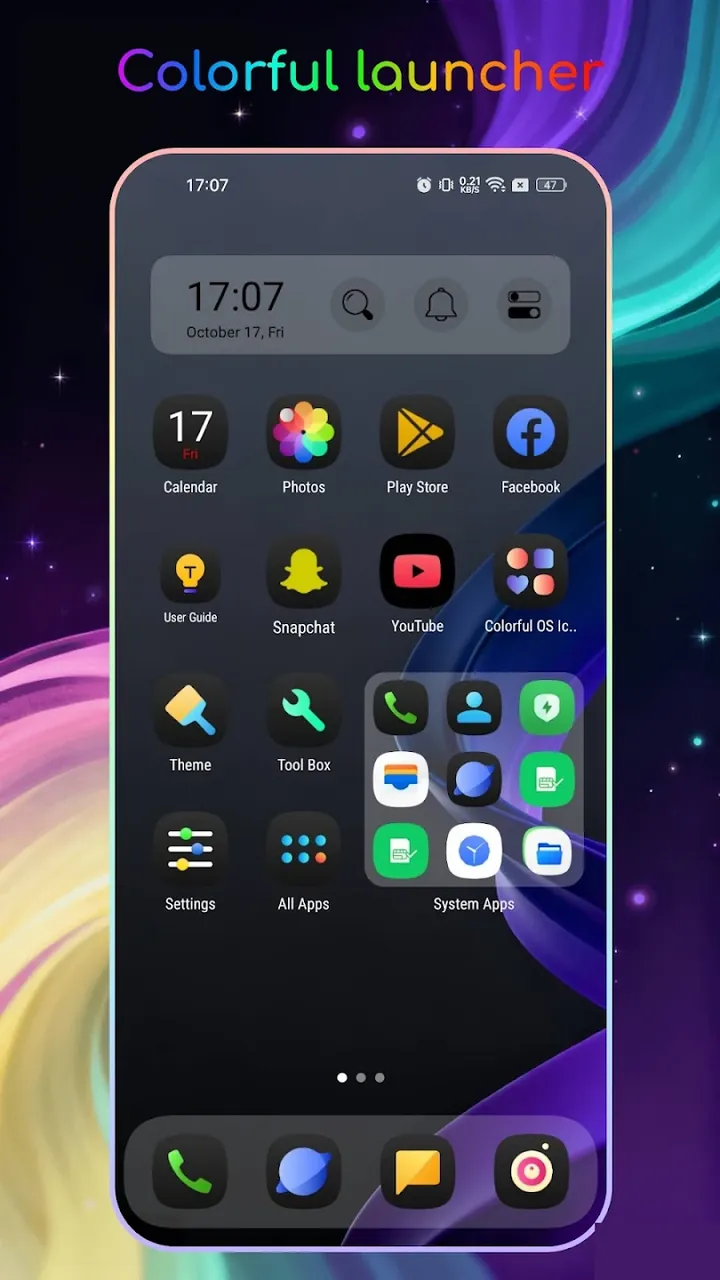
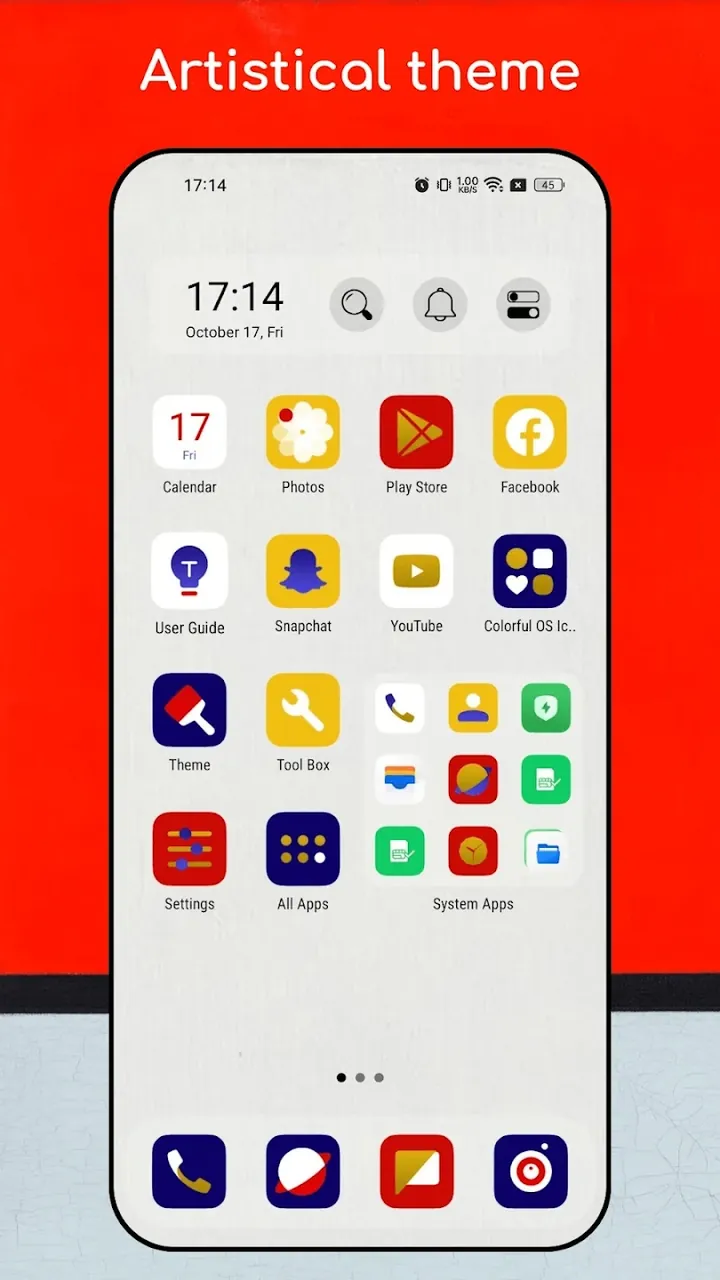
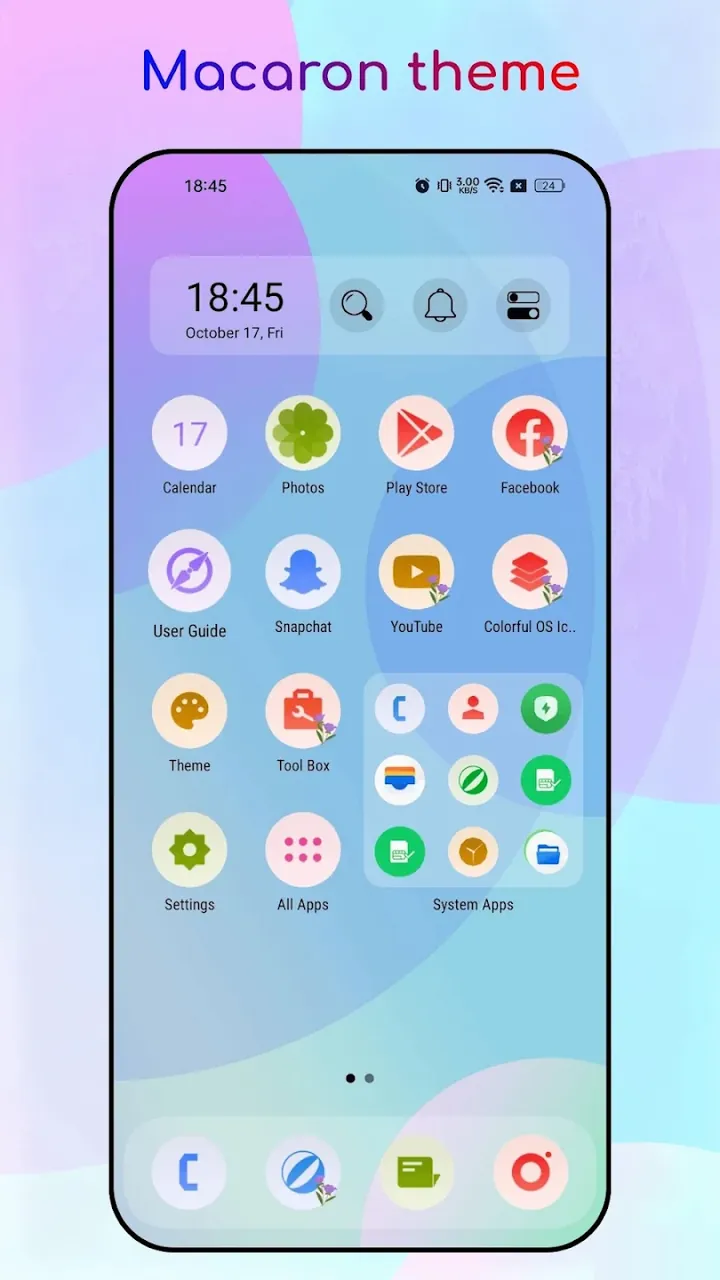
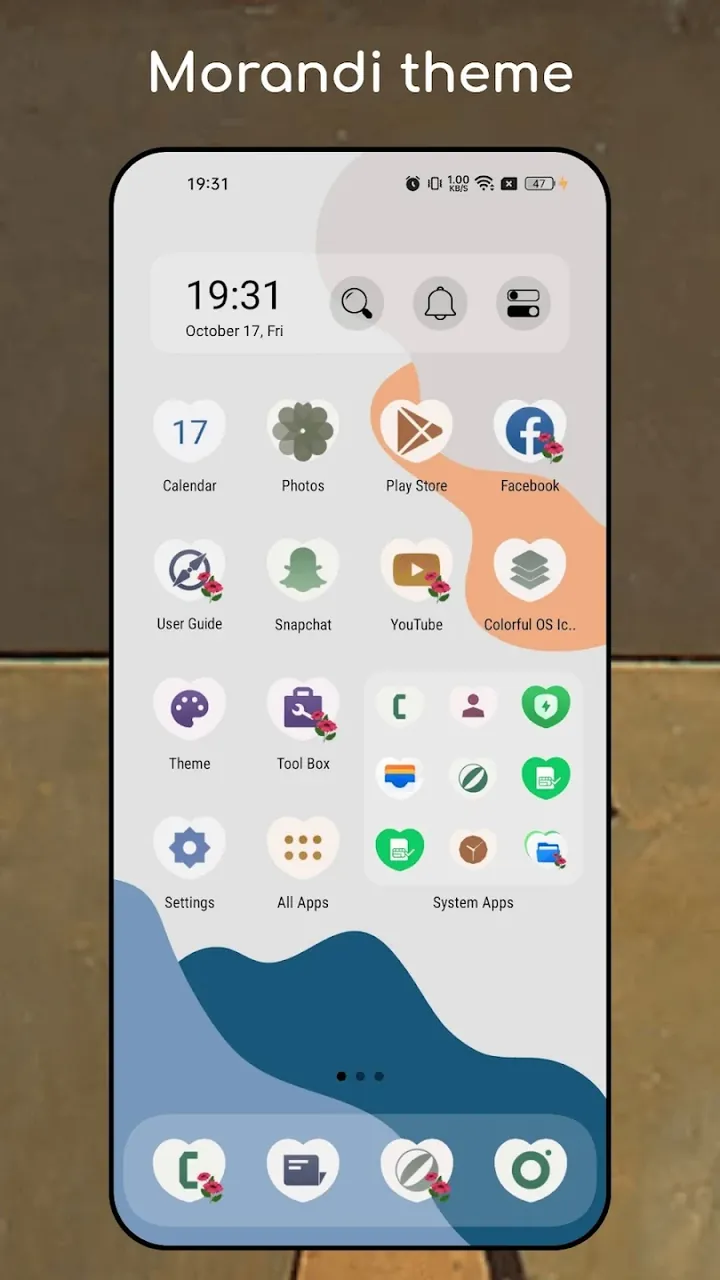
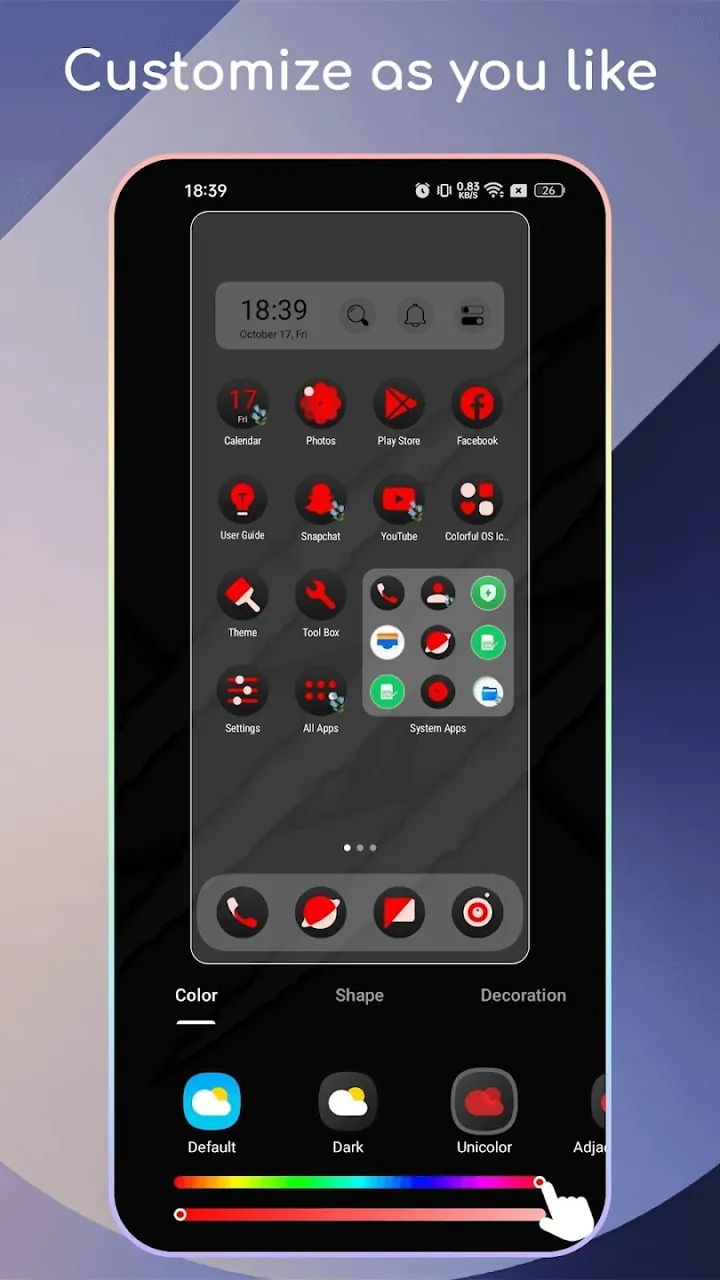
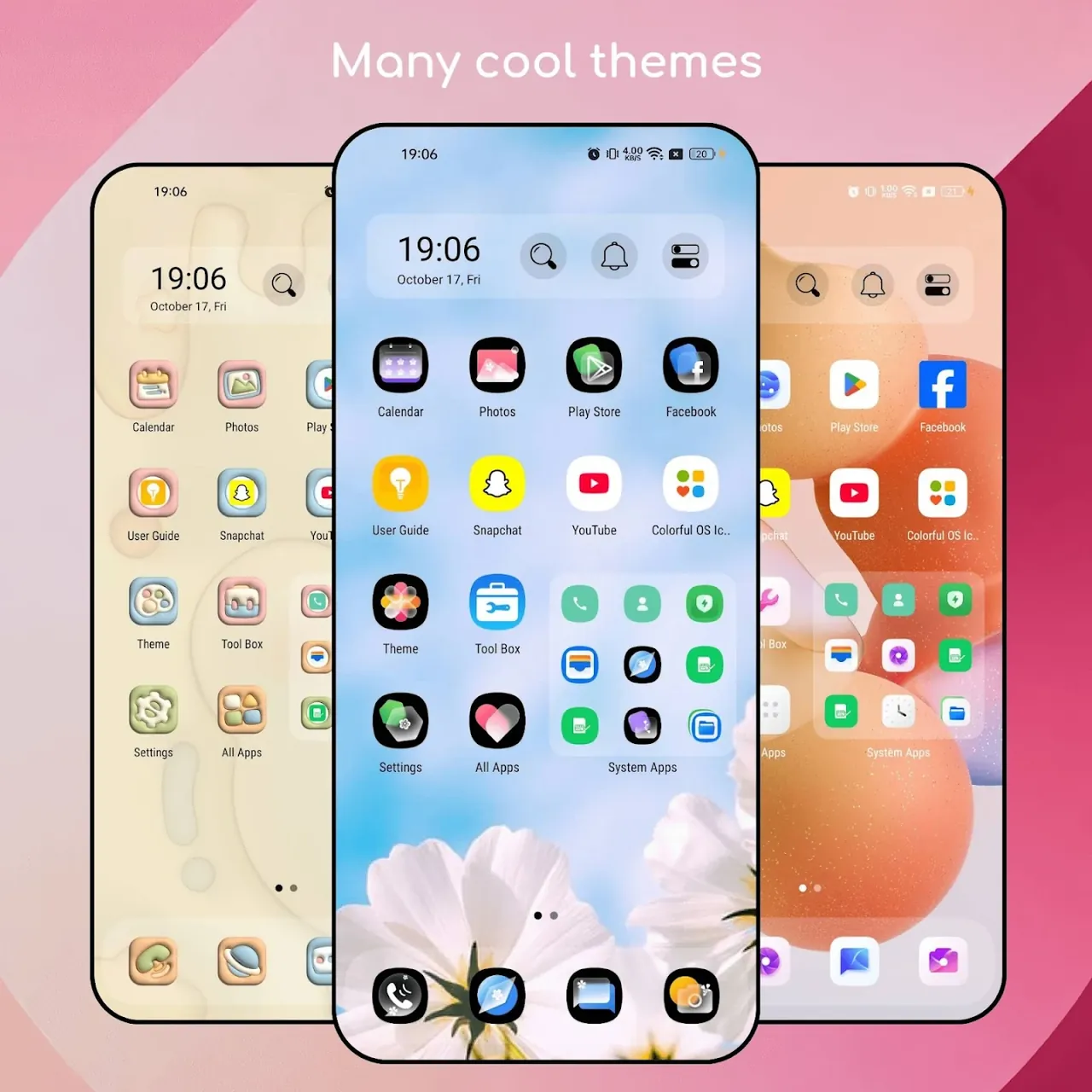
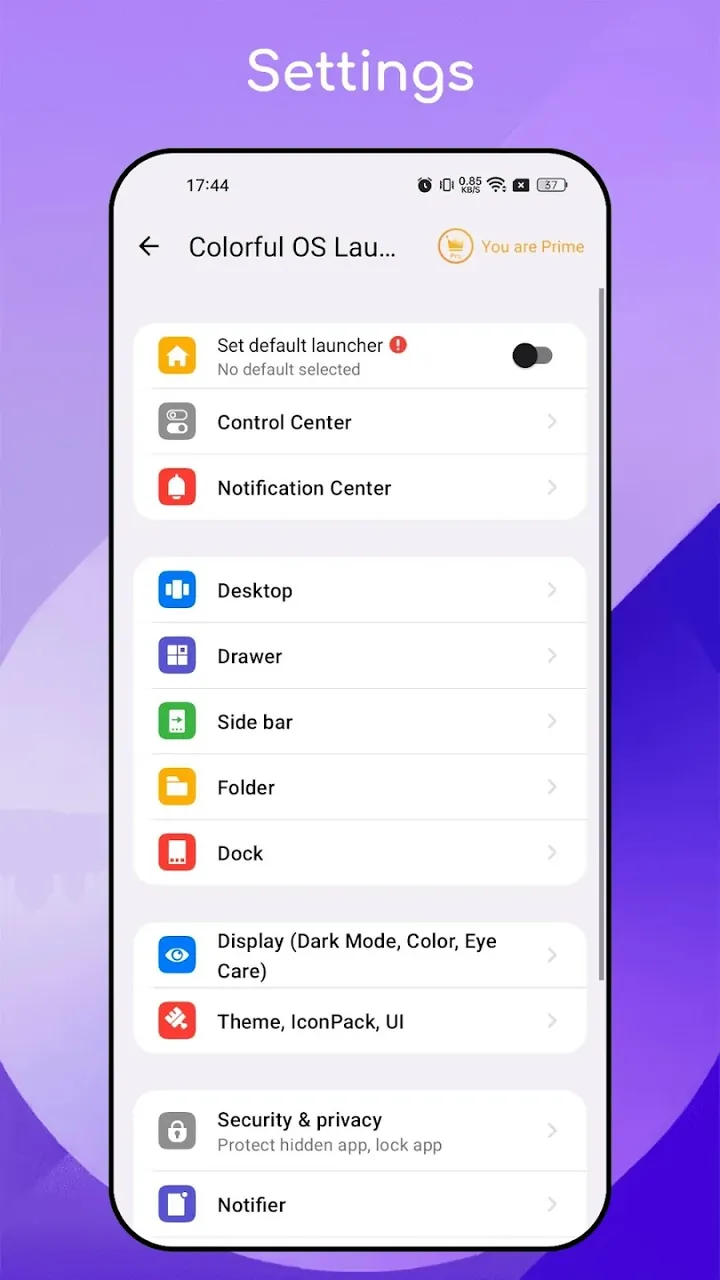
This version of the Colorful OS Launcher MOD APK provides an unlocked Prime experience for the personalization application. By removing the restrictions found in the standard version, it allows for full access to the premium features and interface customization tools without the need for additional purchases.
Version 8.0.1 has a file size of 23M with the package name com.launcher.os.launcher and is re-signed, meaning it cannot be installed over an existing copy from the official store.
The main function of this software is to customize the visual interface of an Android device to resemble the iOS design aesthetic. This is done by making intentional design choices like using rounded corners for application folders and elegant, stylized fonts for system menus. The software also replaces the icons and system menu graphics with more colorful and diverse designs to create a modern smartphone aesthetic. Ultimately, this serves to give users an interface that is visually appealing while also remaining intuitve and easy to use. In addition, the software functions as a smartphone home screen replacement and launcher, therefore giving users the ability to modify the organization and visual design of their home screen to create a system that meets their aesthetic needs.
Performance is a crucial element of the design philosophy in the application. The launcher has been designed to function as a super-fast system to eliminate lag when the device is in normal use. To achieve this, the software smooths out the processes running on the device and improves the responsiveness of the interface to user input. The goal of the software when moving between applications is to minimize stutters and produce quick, seamless transitions. The focus on speed is to ensure that the user experience is enjoyable when transitioning from one task to another. From a technical perspective, the home screen has been designed to improve the way resources are handled, allowing for a more responsive interface and quicker transitions.
The app includes features that let users configure the physical arrangement of the screen and the type of notifications to be displayed. Unlike other launchers, users are not tied to a single, predetermined screen layout. The adjustable screen size feature provides flexibility for users to modify the screen layout to their preference, and to accommodate the physical dimensions of their devices. Users are kept informed of the activities in their apps via a custom notification system. Small notification dots are used to indicate the presence of notification alerts and/or updates in an integrated, and, to some extent, unobtrusive manner, into the app’s user interface. The launcher incorporates an integrated security system to protect its users’ private applications and to maintain the integrity of the home screen, and prevent unauthorized changes to the application.
Navigation around the device relies on intelligent folder arrangements and a smart search mechanism. The smart search can be accessed via a swipe gesture and allows the user to quickly search for Apps, contact and system settings. This is advantageous to users that have a large number of installed Apps. The smart search is coupled with the folder management system to provide a plethora of methods to organize Apps. This system utilizes OS13 arrangement and allows the user to create groups of Apps. These groups are then assigned colors and shapes to further differentiate them. Like the Smart Search, this is also integrated within the launcher and provides an efficient way to access Apps.
Digital clutter can adversely affect a users productivity and efficiency. The App offers a solution to this problem by implementing a mechanism to relocate Apps that are rarely used by the user. These Apps are then moved to a lesser used area of the device. This constantly declutters the main screen of the launcher while keeping the most frequently used Apps on the main screen. Other Apps that are rarely used can be accessed by the user in the less frequently used area of the device. This then allows the user to have a more focused experience while having the ability to access background Apps if needed. This also results in increased productivity and efficiency.
The app allows you to customize the overall theme and use case widgets. Users can change various aspects of the interface to their liking, including the entire operating system (OS) structure. The app offers many colorful themes, allowing you to change the look of the entire OS interface. The launcher offers many stylish and easy to use widgets. These widgets are used to display various data points and/or provide the user with system status. Many of these widgets can be added to various locations on the home screen. The launcher provides excellent theme personalization options along with widgets to make the user interface stylish and fun. The widgets, along with the theme, can be used to add style to the various functional elements of the OS.
Related MOD APKs
What does Colorful OS Launcher MOD APK unlock?
This Colorful OS Launcher (8.0.1) build includes Prime Unlocked. It functions similarly to the Model X Apps release, with all modifications active immediately after installation.
What is the latest version of Colorful OS Launcher MOD APK?
This 8.0.1 version matches the Model X Apps update from June 12, 2026. We don’t keep older versions here. Install this file over your current app to update; if you see a signature conflict, uninstall the previous version first.
Is Colorful OS Launcher MOD APK safe to download?
This Colorful OS Launcher 8.0.1 file is the Model X Apps package with Prime Unlocked features added. 8 users gave it a 3.6 rating. It does not require root. Expect a Play Protect warning, so always download from this page.
Can I use Colorful OS Launcher MOD APK on PC or iPhone?
This Android file cannot run on iPhone or iPad. To use the 23M APK on a computer, install an emulator like BlueStacks or LDPlayer and then drag the file into the software.
You are now ready to download Colorful OS Launcher for free. Here are some notes: