Transform your Android into a sleek iPhone! Experience luxurious iOS 14+ themes, custom icon packs, and smooth widgets with AiOS Launcher. Get it now!
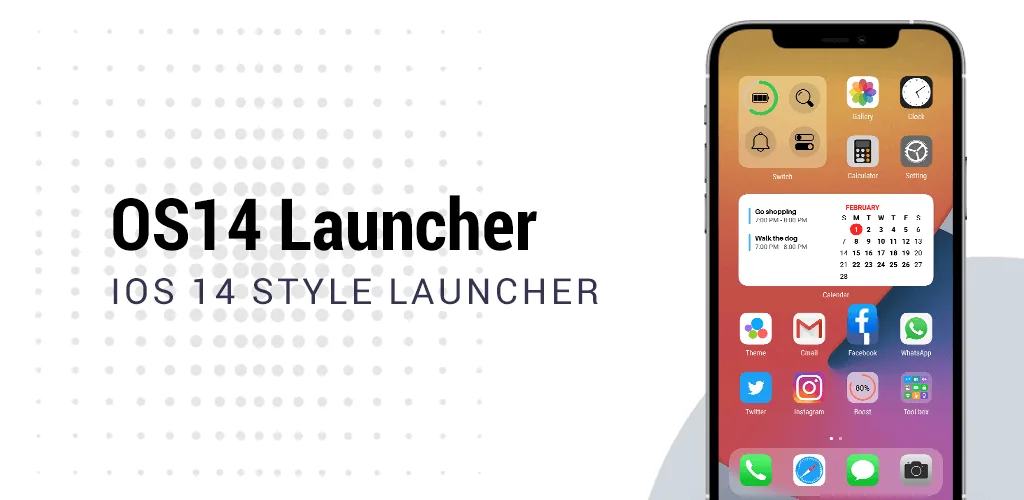

AiOS launcher v6.2 MOD APK (Prime Unlocked)
| App Name | AiOS launcher |
|---|---|
| Publisher | Model X Apps |
| Genre | Personalization |
| Size | 30.7M |
| Latest Version | 6.2 |
| MOD Info | Prime Unlocked |
| Get it On |

|
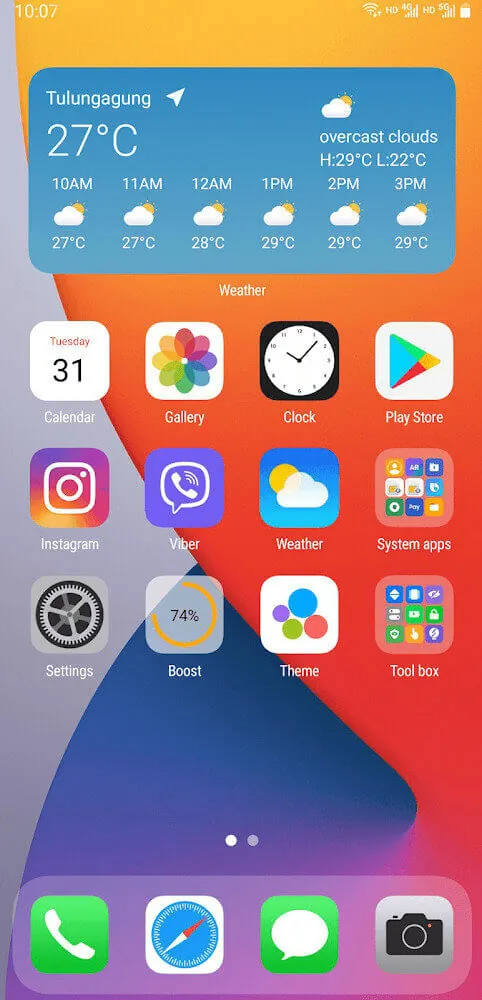
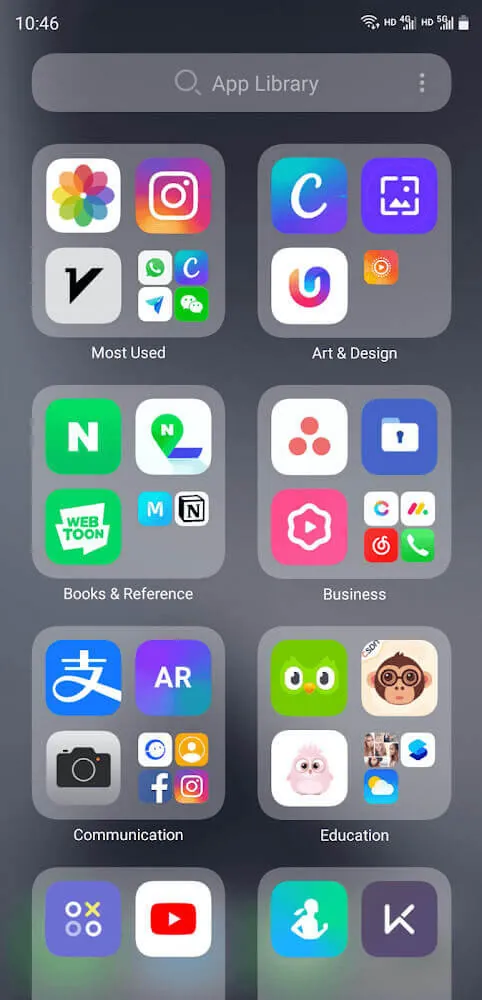
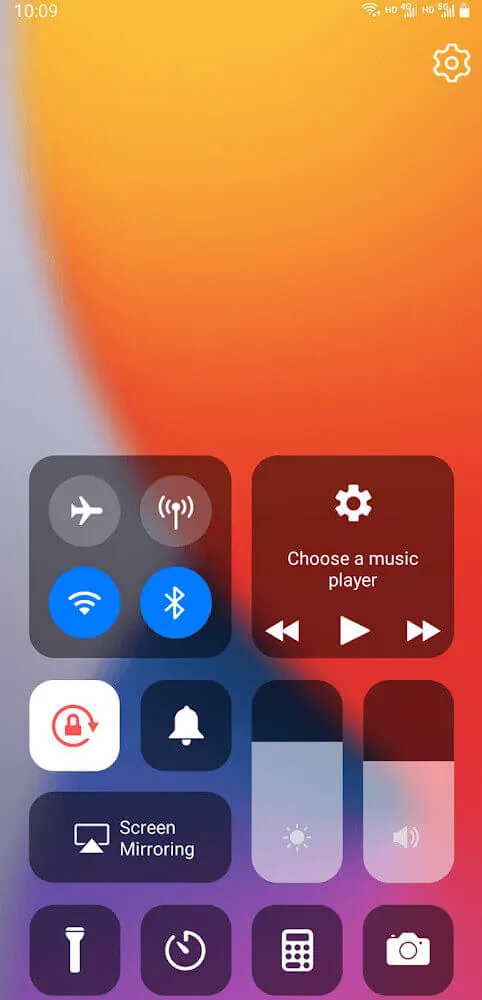
This AiOS launcher MOD APK provides the Prime Unlocked version of the personalization tool. It enables all premium features and customization options that are otherwise restricted in the standard release.
What’s Modified in AiOS launcher
- Unlocks the Prime version of the application, providing full access to all premium features and customization options.
This build is version 5.9 with a file size of 23M and uses the package name com.launcher.os14.launcher; it is a re-signed file and therefore cannot be installed over a copy from the store.
About AiOS launcher
The AiOS launcher customizes your Android device to look and feel similar to Apple’s iOS devices. Users love the clean lines and uncluttered look of the iOS interface, and AiOS launcher brings that to your Android device. This launcher does not change your device to the same degree as a simple theme or wallpaper; it completely overhauls your user interface to recreate the look of devices running iOS 14, such as the iPhone X, iPhone 11 Pro, and other subsequent devices. By focusing on user experience and detail, AiOS launcher aims to give your Android device a high-end, luxury feel. This launcher shifts and moves elements around your user interface such as the home screen, dock, and other UI elements to perfectly recreate iOS. Users can appreciate the refined layout of elements as well as the professional-grade skins AiOS launcher applies to your home screen. This launcher is appealing to users that like the look and feel of iOS but wish to use the hardware of Android. With this launcher, users can change their home screen to a range of skin tones, and apply that skin to all of the home screen and interactive elements.
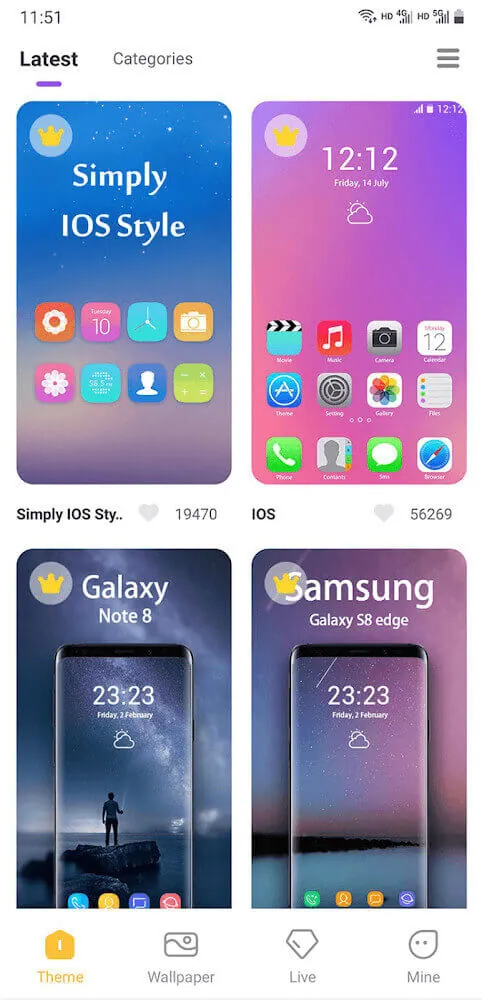
The main selling point of the app for users looking for a complete visual transformation is the icon management system. Users get access to a massive library of icon packs. Users can replace the standard system icons with icons in the style of the iOS icon design. The launcher supports artistic themes for apps beyond the system apps. This means users can have a uniform design for the apps on their device. For higher level of control over the home screen, users can edit the names of the app icons or even hide sensitive apps. While the home screen of the device will look like an iPhone, users can have the freedom to use the various features and services provided by the Android platform. For example, users can swap icon sets, and adjust the layout and other minutest details to achieve the look and feel they want. The degree of customizability means that the user can have a personalized experience and user interface in the style they prefer, whether it be a complete iPhone look or a hybrid look.
Functional utilities let users experience the same level of convenience in their Android device as they do with their iOS devices. A good example is Control Center which allows users to access essential system toggles to control Wi-Fi, Bluetooth, and screen brightness, among others, without having to dig deep into system settings. Users can also access Assistive Touch Menu to quickly move to different screens on their device and access several other features. The widgets system also takes after iOS. Users can get visually appealing battery, calendar, and weather widgets, among others. Smartphone design philosophy and principles emphasize on integrating features that enrich the function of the home screen without compromising the design of the interface. These utility features enable users to interact with their devices and access information and features in a way that is more convenient than accessing them the traditional way.
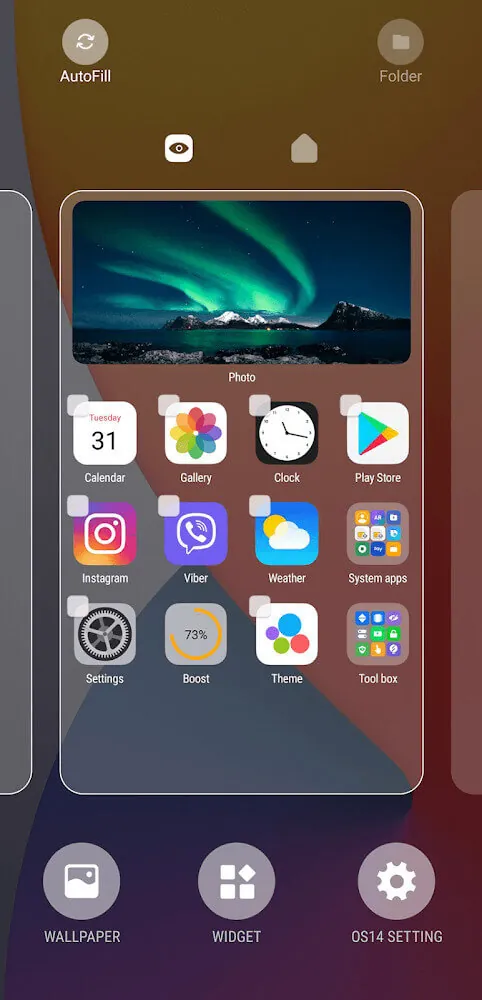
AiOS Launcher’s intuitive, gesture-based interface resembles that of leading high-end smartphones. The app includes a setup wizard to assist with the initial conversion process. This allows users to pick their preferred iOS version and layout style. The app provides an interface that integrates a global search feature and a unified notification center. For users that have many apps, the smart app management system simplifies and organizes apps in an intelligent folder structure to give the user the same organized and neat feel of the iPhone’s home screen. The Batch Edit mode allows users to organize their home screen by moving a large number of apps into a single folder. This features reduces the time and effort required to organize apps, give users a clean and uncluttered home screen, and makes the home screen neater, which is the main focus of the launcher’s design.
This software was designed for maximum compatibility with high system efficiency to run smoothly on the vast majority of Android devices starting from 4.4. Unlike other third-party launchers, this app has been highly optimized to consume very little storage and battery. This allows the launcher to provide a full UI overhaul while keeping the phone fast and responsive. On the other hand, the launcher serves as a connector between both mobile world’s beauty and offers the simplicity of iOS design while being powered by a fully customizable and open source Android. Using the launcher gives the user the freedom to choose their own wallpaper and customize the layout to their liking. It provides a professional and elegant solution for users wanting to change their default and boring user interface. Our objective is to make our services as accessible as possible while making sure we give our users a premium experience with high-end UIs and without compromising the performance and longevity of their devices.
Key features
- Comprehensive iOS Skinning
- Extensive Icon Library
- Smart App Management
- Customizable Widgets
- Assistive Touch
- Control Center
- Batch Edit mode
- Global Search Bar
- Unified Notification Center
- Icon Label Modification
- App Hiding for Privacy
Related MOD APKs
FAQ
What does AiOS launcher MOD APK unlock?
This 5.9 version of AiOS launcher includes Prime Unlocked. It works like the Model X Apps release, with all modifications becoming active as soon as you install the app.
What is the latest version of AiOS launcher MOD APK?
Version 5.9 matches the Model X Apps release from June 10, 2026. We don’t keep older versions here. To update, install this build over your current one; if you see a signature conflict, uninstall the previous version first.
Is AiOS launcher MOD APK safe to download?
This 5.9 AiOS launcher build from Model X Apps features Prime Unlocked. 16 users rated it 3.7. It does not require root. Expect a Play Protect warning during installation, and always download from this page.
Can I use AiOS launcher MOD APK on PC or iPhone?
This Android package will not install on iPhone. To use the 23M APK on a computer, run an emulator like BlueStacks or LDPlayer, then drag the file into the emulator window.
AiOS launcher v6.2 MOD APK (Prime Unlocked) Download
Download (30.7M)You are now ready to download AiOS launcher for free. Here are some notes:
- Please read our MOD Info and installation instructions carefully for the game & app to work properly
- Downloading via 3rd party software like IDM, ADM (Direct link) is currently blocked for abuse reasons.
3.7/5 (16 votes)