View and manage all your documents on the go! Supports PDF, XPS, and more with powerful markup tools and high-speed processing for ultimate mobile productivity.
Docs Viewer v18.0.2 APK + MOD (Optimized/Lite)
| App Name | Docs Viewer |
|---|---|
| Publisher | Melting Source |
| Genre | Productivity |
| Size | 5M |
| Latest Version | 18.0.2 |
| MOD Info | Optimized/Lite |
| Get it On |

|
MOD Info
● Ads Removed / Disabled.
● Ads Related Activity & Code Removed / Disabled.
● Ads Related Layouts Visibility Gone.
● Analytics / Crashlytics Removed / Disabled.
● Receivers and Services Removed / Disabled.
● Google Play Store Install Package Check Disable.
● Play Services, Transport, Firebase Properties Removed.
● All Unnecessary Garbage Folder & File Removed.
● Duplicate Dpi Item Remove Like:
– Bar Length, Drawable Size, Gap Between Bars.
● Splits0 File Removed (Resources & AndroidManifest).
● Splits0 Releated Unnecessary Meta-Data Remove Like:
– Stamp Source, Stamp Type Standalone Apk, Android Vending Splits, Android Vending Derived Apk.
● Optimized PNG Save To 2230 Kb.
● Optimized JPG Save To 381 Kb.
● Re-Compressed Classes.dex & Library.
● Optimized Graphics / Zipalign.
● Removed Debug Information (Source, Line, Param, Prologue, Local).
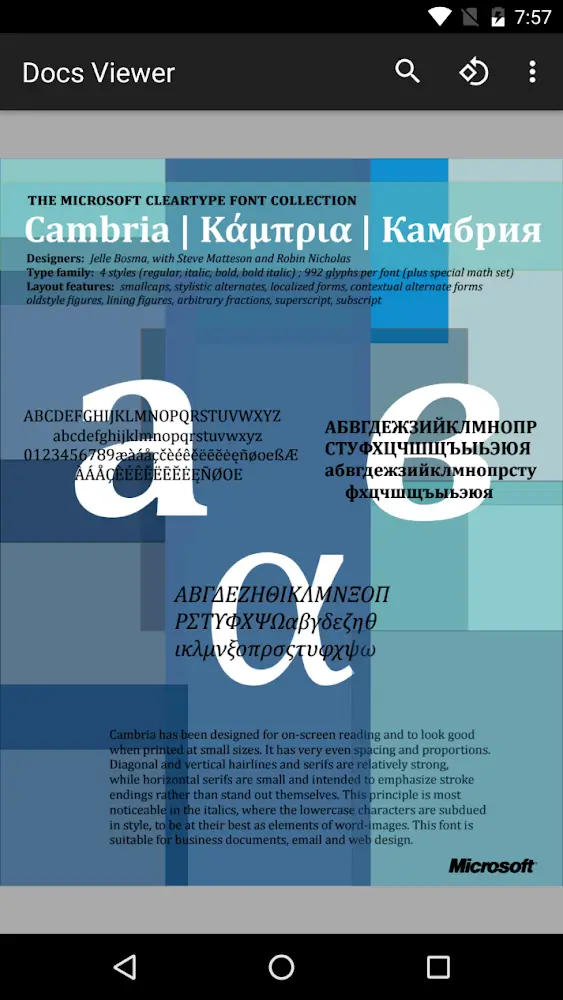
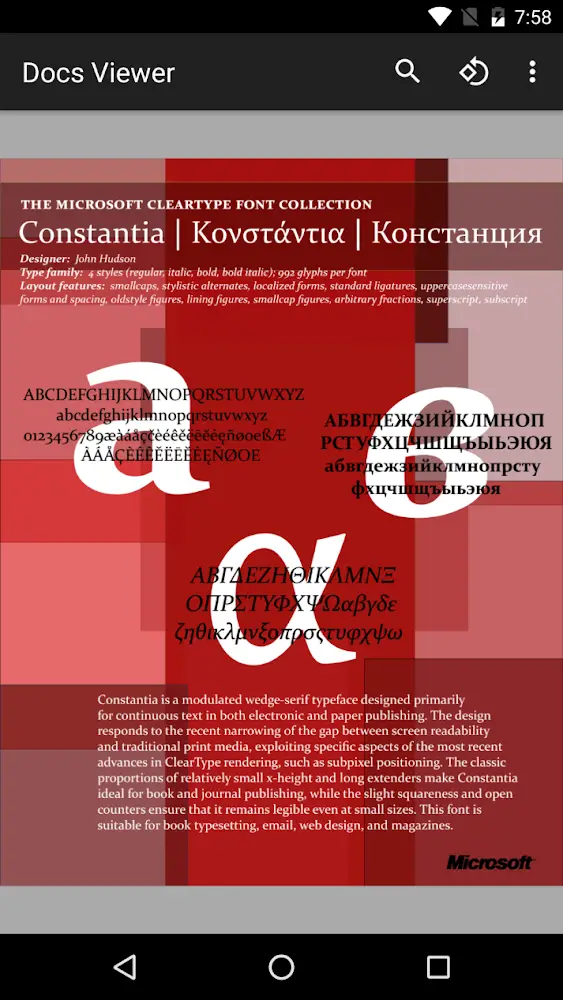
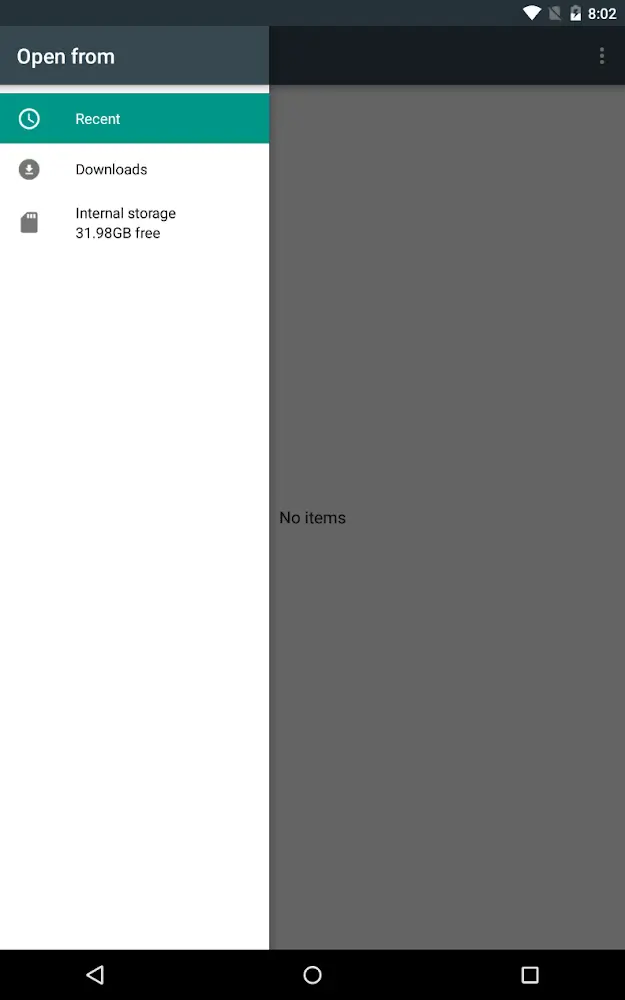
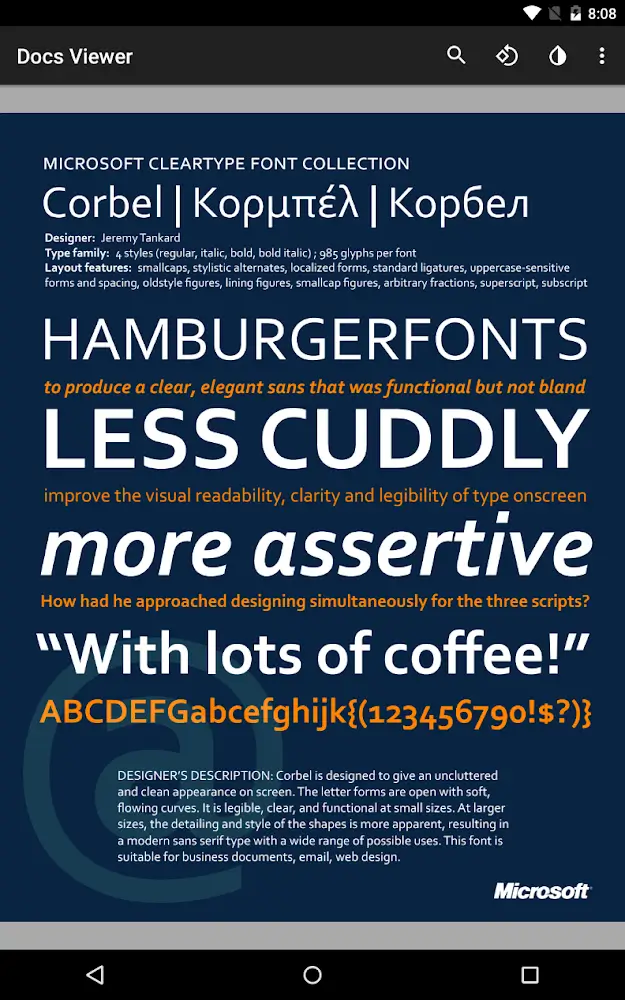
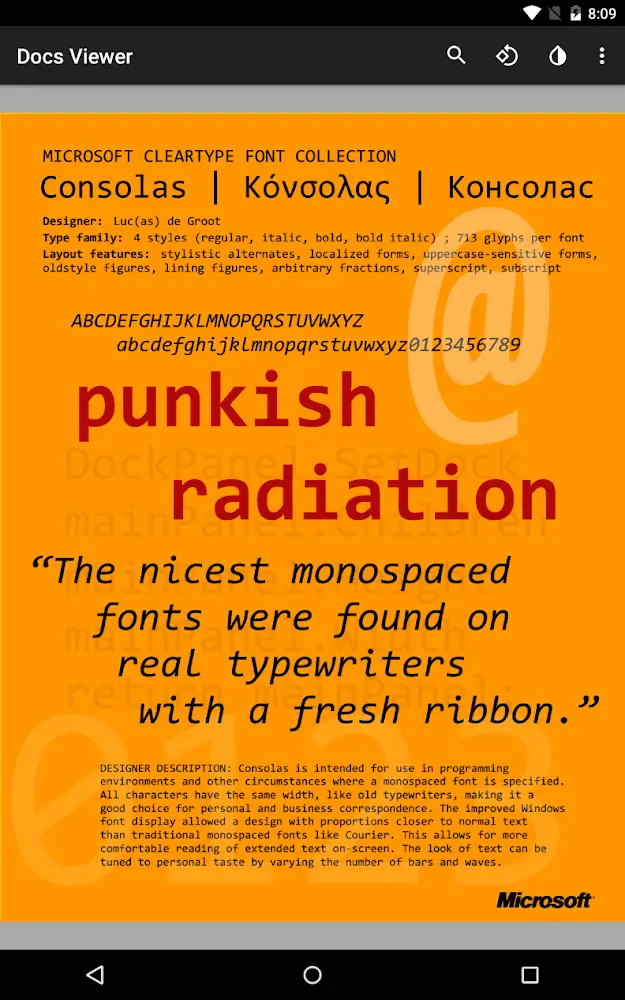
This build of Docs Viewer MOD APK focuses on a streamlined user experience by stripping out advertisement frameworks and tracking components. The application has been optimized for size and performance through asset compression and the removal of unnecessary metadata and debug information.
What’s Modified in Docs Viewer
- All standard advertisement banners and interstitial placements have been removed or disabled within the application.
- Underlying code and activities specifically designed for ad delivery have been purged to prevent background execution.
- Visual layouts previously reserved for advertising content have had their visibility set to gone to reclaim screen space.
- Analytics and Crashlytics tracking modules have been removed to prevent the transmission of usage data.
- Background receivers and services not essential to the core document viewing functionality have been deleted.
- Dependencies on Google Play Services, Transport, and Firebase properties have been stripped from the package.
- Redundant folder structures and temporary files have been cleared to reduce the overall storage footprint.
- The Splits0 resource files and associated AndroidManifest entries have been removed for a more unified package.
- Metadata related to Android Vending splits, standalone stamps, and derived APK signatures has been eliminated.
- PNG image assets have been optimized and reduced to a total size of 2230 Kb.
- JPG image assets have been compressed to a total size of 381 Kb to conserve memory.
- The Classes.dex and internal library files have been re-compressed to improve loading efficiency.
- Debugging information including source files, line numbers, parameters, and prologues has been stripped from the code.
This build is version 18.0.2 with a file size of 5M and uses the package name com.meltingsource.DocsViewer; because it is re-signed, it cannot be installed over an existing version from the official store.
About Docs Viewer
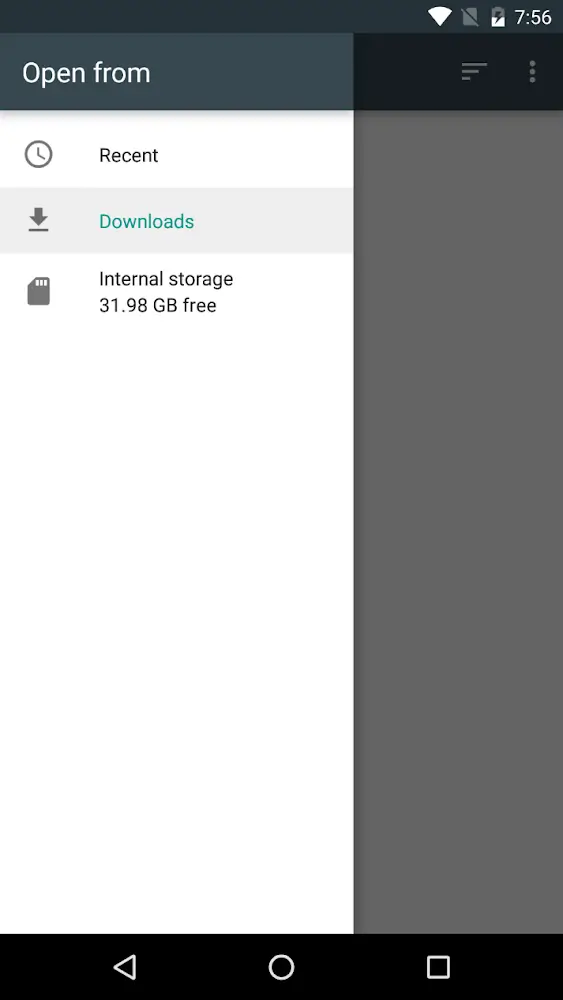
Docs Viewer MOD APK is a digital file management mobile application for users needing mobile access to their file libraries. Documents and files can easily be transported virtually and used during commutes or during work-related meetings. Files supported by the program include technical files, XPS files, and different types of graphic files. Docs Viewer was made to support digital workflows and lessen the use of physical documents. The engine was made to handle files that most likely need heavy processing in order to be opened on regular mobile devices due to their file size and overall complexity. For Docs Viewer, it is their goal to let users travel and work without worrying about how to manage their own documents and keep up with their own schedules.
Precision and clarity are priorities when designing a viewing experience. Users can zoom in on high definition images and will not have to experience blurry images when zooming in. Refined details of a drawing will stay visible even in a complex structure like an excel spreadsheet. Screen interfaces support either stretched or default ratios, and users have the ability to customize their ratios to fit their interface needs. There is a feature within the interface called Work Moderation. Regardless of where source documents come from, Work Moderation forces a uniform and legible structure for all source documents. This is complemented by an active reading system with an electronic markup tool. Users can use highlighting, and other methods, to self organize their files. Having the ability to markup files serves a strong purpose for research and academic application of the interface.
Document files are classified based on their types and on when they were added to the library on the basis of a logical arrange system. The Smart Library system aims to reduce the time taken to locate specific files among at least thousands of files. Internally, the interface provides search options to allow clients to find information of their interest among their files. The application is designed to manage high-resolution graphics and long large presentation files by reducing the application load and resource consumption. The capability to view large graphics files without a computer makes it possible for designers to see the progress of remote projects. The application’s user interface and user experience (UI/UX) focuses on flexibility and comfort to allow different file formats and styles to be displayed and seamlessly navigated.
This application reduces the reliance on printed materials and, therefore, saves costs and space. It also includes universal format support, meaning you do not need to have various programs to read different types of files, such as a PDF or an XPS file. The application can help with reading on mobile devices, which helps reduce strain on readers’ eyes. This application can help both students pull all-nighters to study for an exam and help professionals read all the terms and conditions to a contract. The application helps organize digital files quickly and easily. It is comparable to having all the tools needed for digital file organization and viewing. With an active connection to the internet, this application makes mobile devices into office machines. It can help view digital documents of different formats. The application is designed for professional use as the focus is having performance and reliability to complete professional tasks. Standard document viewers usually lack performance and reliability, and this application wishes to help fill that void.
Key features
- Universal Format Support for PDF, XPS, and large graphics.
- Precision Viewing Tools with high-definition zoom-in and zoom-out.
- Advanced Markup System for highlighting essential information.
- Smart File Management for categorization by download time and type.
- Smart Library for logical arrangement and searching data points.
- Work Moderation mode for standardized document presentation.
- High-speed engine for loading large presentation files and high-resolution graphics.
Related MOD APKs
FAQ
What does Docs Viewer MOD APK unlock?
This 18.0.2 version of Docs Viewer includes Optimized and Lite modifications. It functions similarly to the Melting Source release, with all changes active immediately after installation.
What is the latest version of Docs Viewer MOD APK?
Version 18.0.2 matches the Melting Source release from July 2, 2026. We don’t keep older versions here. Update by installing this file over your current app; if you see a signature error, delete the old one first.
Is Docs Viewer MOD APK safe to download?
This 18.0.2 Docs Viewer build from Melting Source includes Optimized and Lite features. 7 users gave it a 2.6 rating. It does not require root. Ignore Play Protect alerts during installation, but always download from this page.
Can I use Docs Viewer MOD APK on PC or iPhone?
This Android file cannot run on iPhone. To use the 5M app on Windows or macOS, install an emulator like BlueStacks or LDPlayer, then drag the file into the emulator window.
Docs Viewer v18.0.2 APK + MOD (Optimized/Lite)
Download (5M)You are now ready to download Docs Viewer for free. Here are some notes:
- Please read our MOD Info and installation instructions carefully for the game & app to work properly
- Downloading via 3rd party software like IDM, ADM (Direct link) is currently blocked for abuse reasons.
2.6/5 (7 votes)