


The EPIK MOD APK is a modified build that provides full access to the Pro features of this photography application. By unlocking the premium tier, this version removes the limitations on specific tools and effects that usually require a paid subscription, allowing users to utilize the complete suite of advanced editing options and AI-driven enhancements immediately.
What’s Modified in EPIK
- Pro Unlocked: This modification enables all premium features and tools within the application, allowing users to utilize the full range of filters, AI effects, and advanced editing capabilities without a subscription.
This EPIK MOD APK build is version 7.1.0 with a file size of 170M under the package name com.snowcorp.epik, and because it uses a custom signature, it must be installed as a fresh application rather than an update to the version found on the Google Play Store.
About EPIK
EPIK – AI Photo Editor is a powerful mobile photography app by SNOW Corporation. It provides a mobile solution to the rise in mobile photography and the demand for advanced tools and features. The app provides a wide variety of editing tools and features through various modes such as capture and edit modes, as well as other modes for slideshows and collages. The app provides an intuitive and clean home interface and provides an easy to use and powerful editing interface. Users of all levels of experience with mobile photography and editing can use the app. It provides users the ability to edit and capture photos using a variety of tools. The app gives users the ability to purchase additional editing features, as well as provide users with additional tools and features such as stickers, filters, music and other media.
The application features an advanced edit mode that allows users to edit their pictures and image sequences using a timeline. The timeline is comparable to the timeline in video editing software. Using the mode, users can edit their pictures and image sequences in various ways. Users can merge image sequences to make a larger sequence, or split image sequences to make smaller sequences. Users can remove image sequences to make edits and then restore the sequences if they are not satisfied with their changes. The timeline aids users in structuring and organizing their edits. Using the timeline, users can also incorporate different types of transitions to aid the movement between different image sequences. Users can also edit their images and image sequences using different types of filters. The timeline aids users in visualizing their edits in real time.
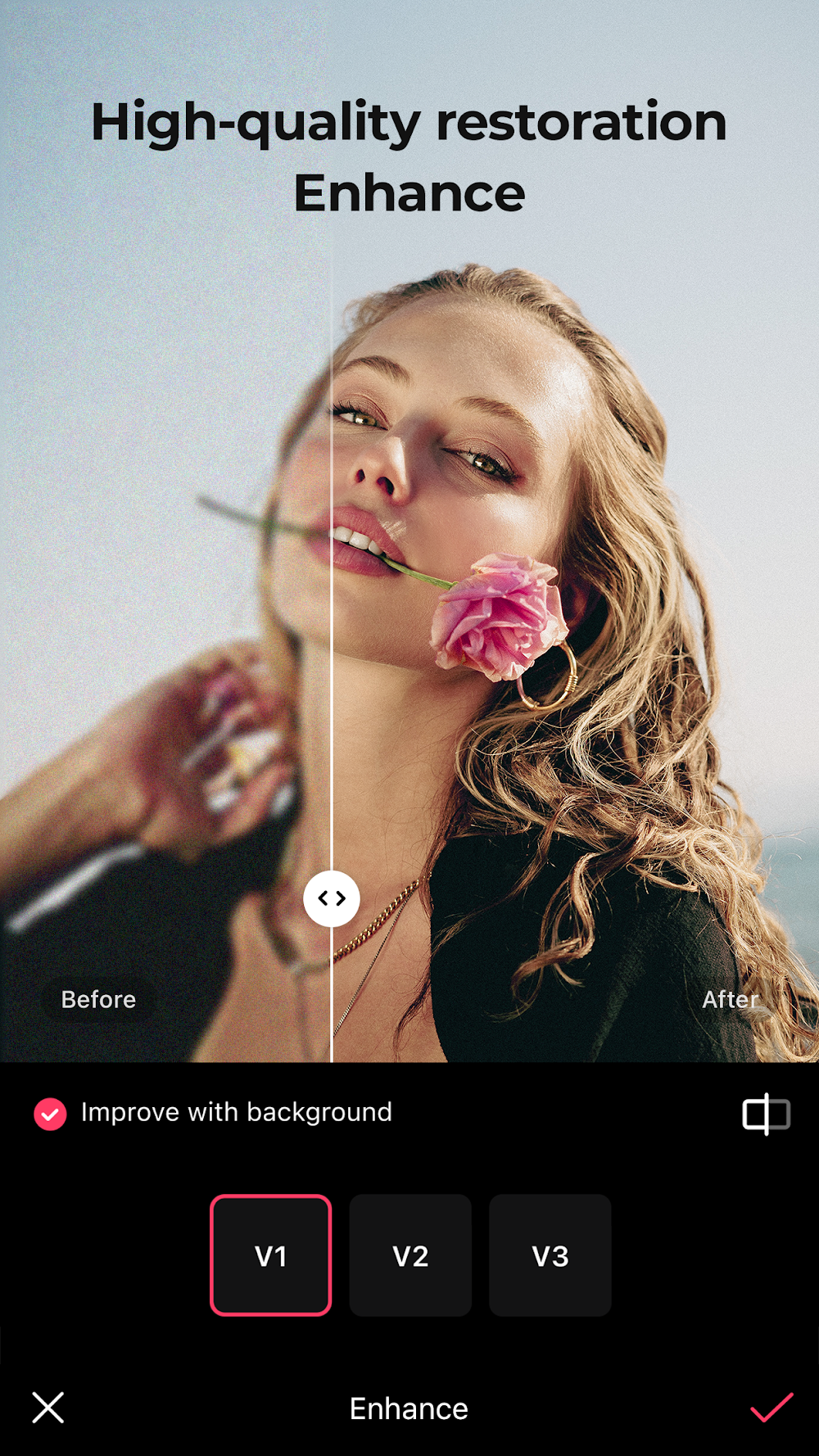
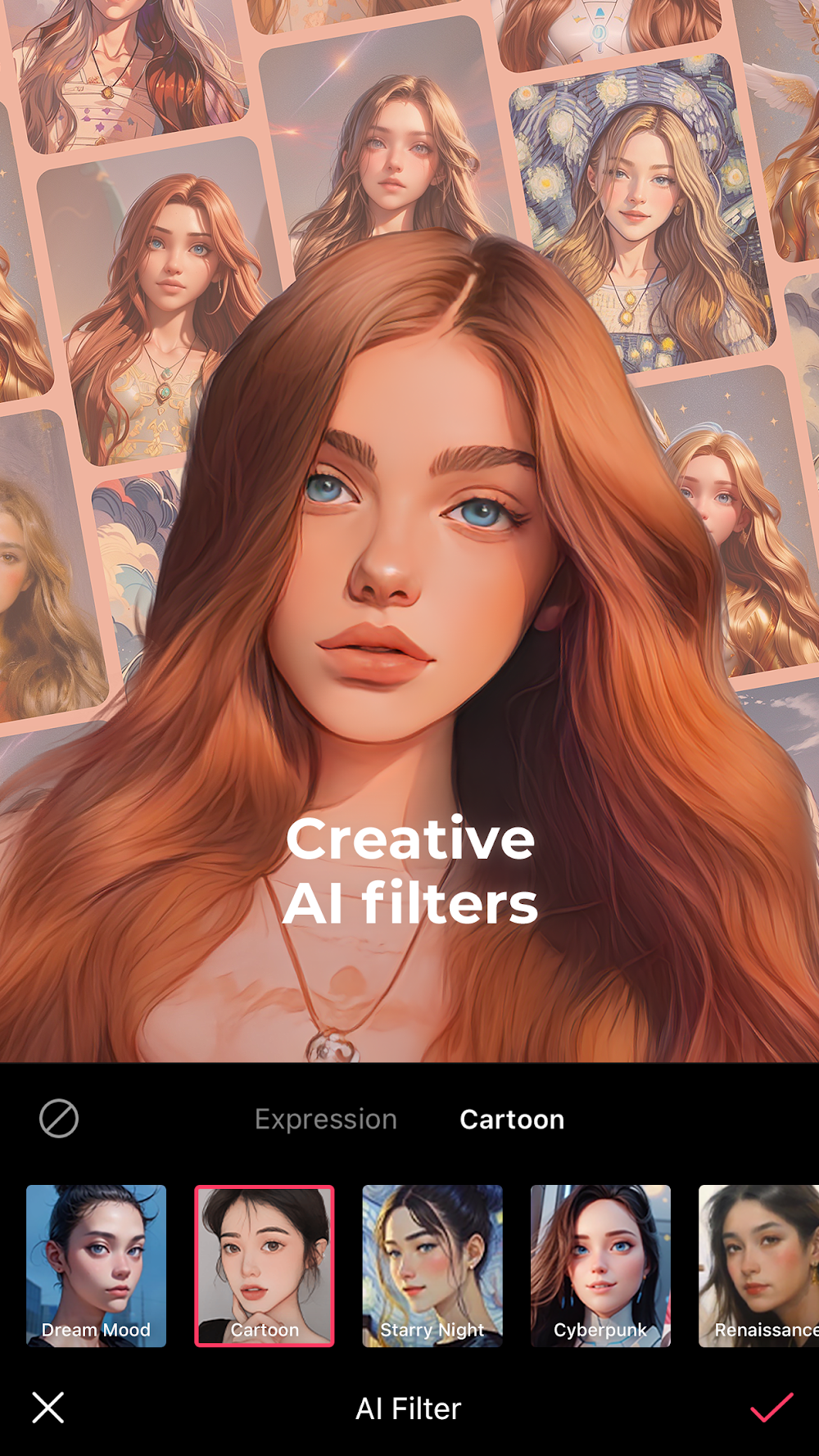
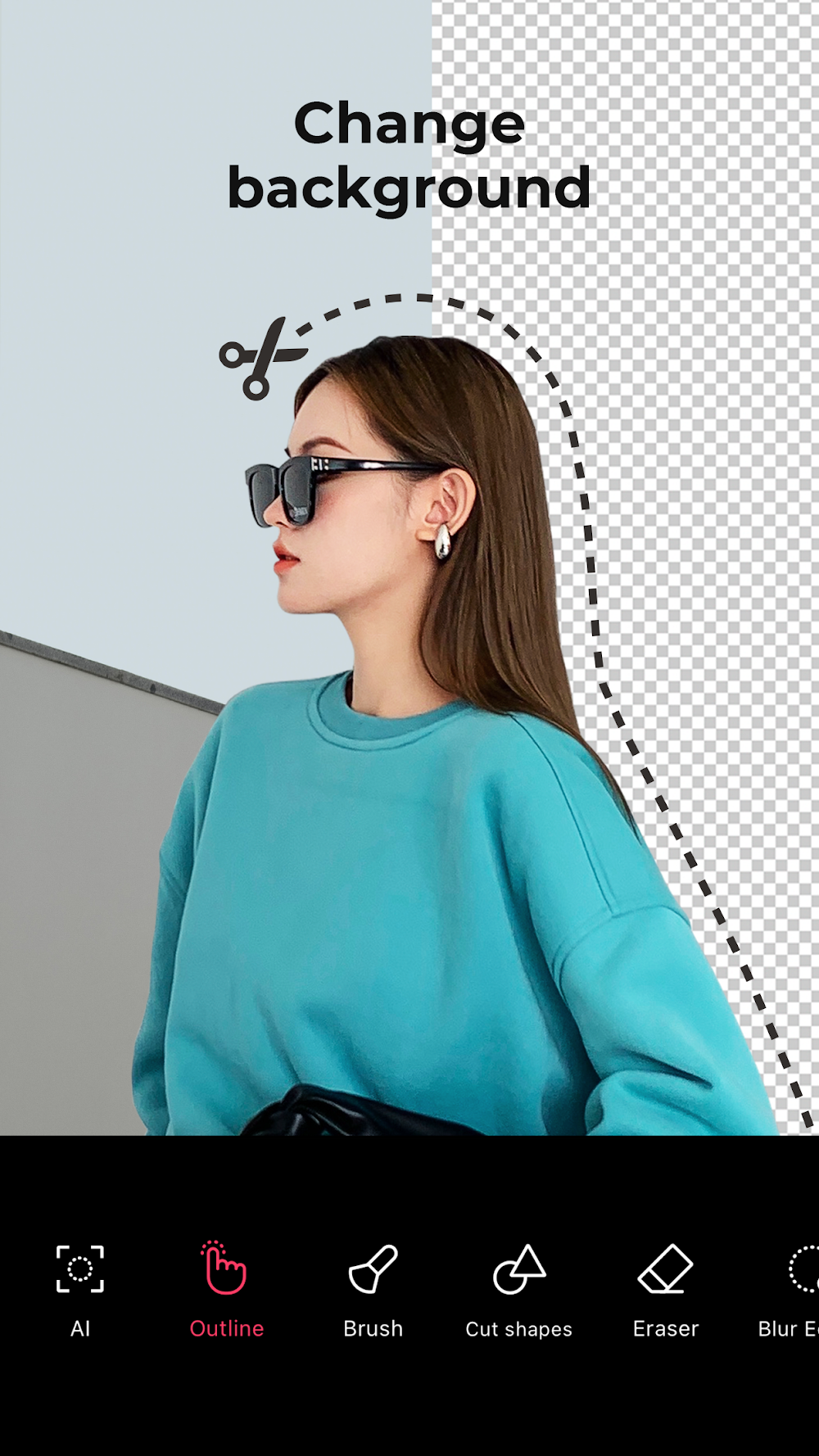
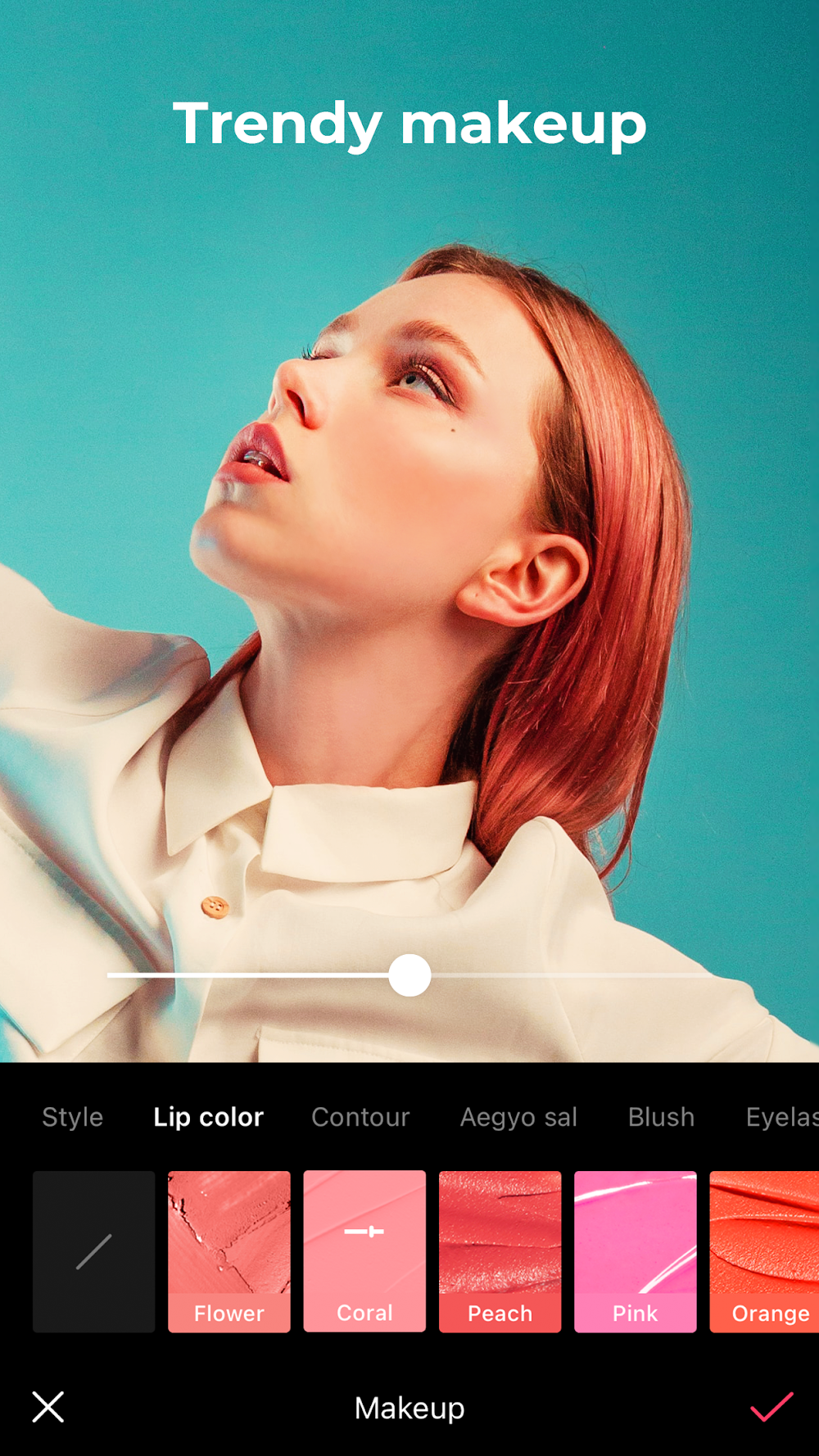
The application uses AI technology to simplify retouching. One aspect of the app called Enhance improves image quality. The feature has found a way to increase the professionalism of photos automatically. The AI Skin tool in the app provides an automatic way to retouch portraits by removing blemishes. The Smart AI Cutout tool provides a way to remove the background of a picture and separate the subject from the background. This tool can identify and separate objects and people. The AI Filter provides another way to automatically edit photos by changing the photo style. Similar to the Skin Tool, the Filter enables users to style images in different ways. The array of AI tools allows users to change and edit photos in ways traditionally done by professionals. Users no longer have to be educated on editing photos to achieve professional results.
Multimedia options abound and allow for the integration of music, sound effects, and voice overs, within the context of a photo project. There are a variety of filters and effects, which are also available in real-time, to provide a greater degree of control and editing over the final product. The real-time controls also aid in enhancing an image with content using a library of available stickers. To further edit an image, text can be added to the photo to provide additional context. The in-app purchases provide a greater library of available assets to edit and provide an image with a higher degree of detail. The app helps users produce visually appealing and attractive content. The available tools allow users to edit and provide a voice over to a photo project. The photo editing application helps the end user create attractive, appealing, and high-quality images for use on different social networking and media platforms.
Once the editing process is complete, users can easily save and share the final version of the video. Users have a range of options for resolution, including common choices of 720p and 1080p, as well as less common options of 4K. So the video can be saved in a quality suitable for virtually any application. The video can be saved to the user’s device for later use or sharing. The video can be shared via social media, and the app provides the ability for users to share photos and videos directly to each other. This further demonstrates the app’s capabilities. A primary focus of the app is to encourage users to create, and as a result the app provides features and tools to edit photos and videos. Traditionally, the app is free to use, but common online app practices of displaying ads and offering in-app purchases to remove ads and improve performance are common. The app is primarily free to use to encourage sharing and use of the app. As a result, the developers hope for a positive impact on the overall experience and performance.
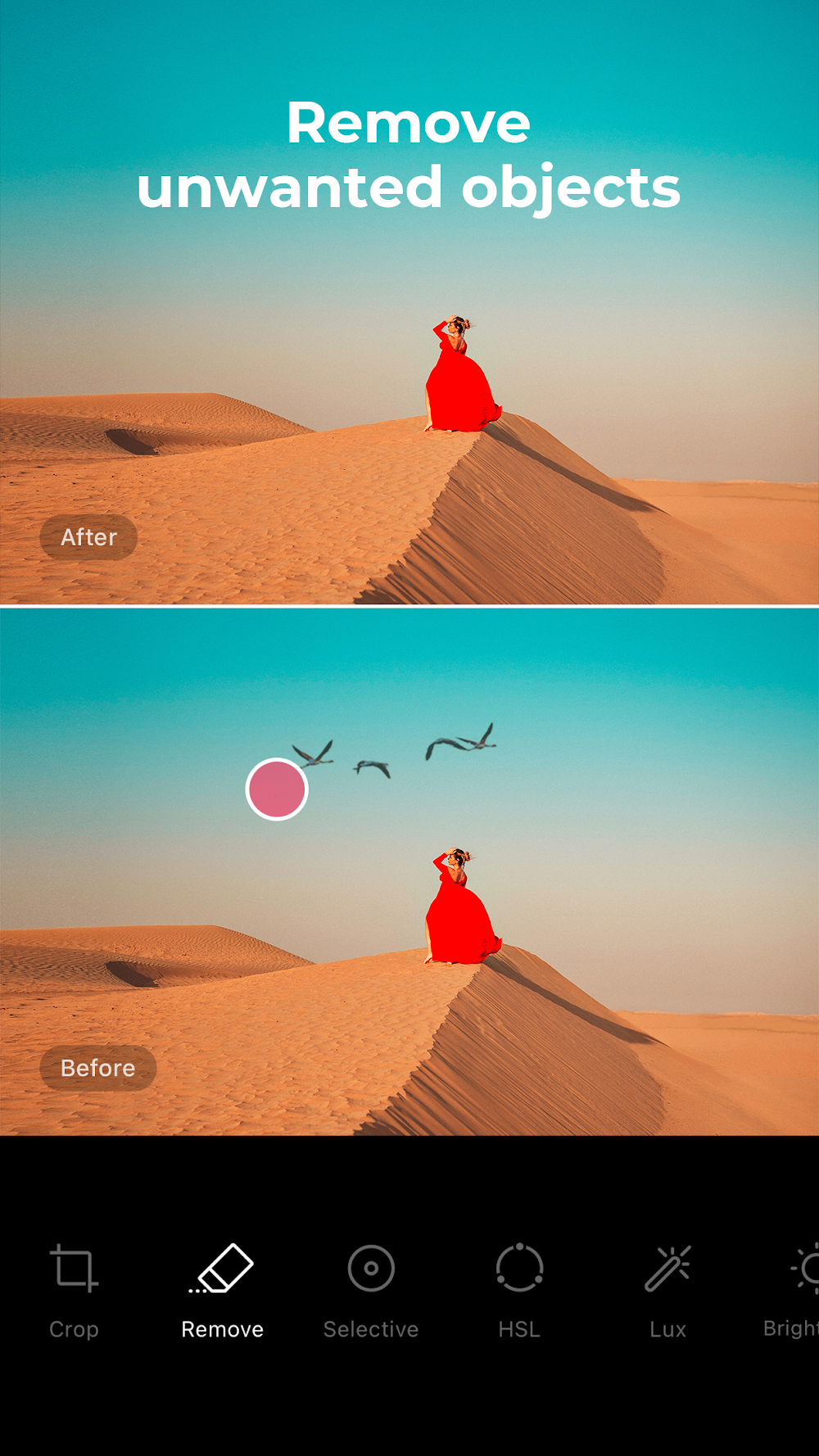
EPIK – AI Photo Editor offers many tools for someone looking to touch up their pictures and creates modes for more complex picture manipulations. The modes offered allow for advanced photo Editing such as Picture Collages. EPIK offers many ways to export and import pictures, giving you many ways to edit pictures and add them to different projects. With an array of editing tools such as simple picture cropping, to more advanced edits such as AI cutouts and retouching, EPIK truly offers a one stop shop for photo editing. EPIK provides easy to use tools to offer a professional touch to pictures. The tools are geared to provide a pro touch to pictures with minimal effort. This is especially evident with the tools provided for Social Media Editing. With everything offered, EPIK is a one stop shop for advanced photo editing.
Key features
- Professional editing tools for enhancing and transforming photos.
- AI skin technology for blemish correction and skin smoothing.
- Smart AI cutout for separating figures, objects, and animals from backgrounds.
- AI filter system for creating characters in various styles.
- Timeline-based editing with trim, split, merge, and duplicate functions.
- Support for high-resolution exports in 720p, 1080p, and 4K.
- Integrated app store for downloading themes, stickers, filters, and music.
- Multimedia support including voice-overs, sound effects, and transitions.
- Community platform for viewing other users’ creations and finding inspiration.
Related MOD APKs
FAQ
Is Premium unlocked in EPIK – AI Photo Editor MOD APK?
This 7.1.0 version of EPIK – AI Photo Editor includes Pro Unlocked. It functions like the SNOW Corporation release, and the changes are active as soon as you finish the installation.
What is the latest version of EPIK – AI Photo Editor MOD APK?
The current 7.1.0 build matches the SNOW Corporation release from August 17, 2026. We don’t keep older versions here. Install this new file over your current one to update; if a signature conflict occurs, uninstall the old app first.
Is EPIK – AI Photo Editor MOD APK safe to download?
This 7.1.0 EPIK – AI Photo Editor build from SNOW Corporation has Pro Unlocked. 194 users gave it a 3.9 rating. It does not require root. A Play Protect warning is expected during setup, so always download from this page.
Does EPIK – AI Photo Editor MOD APK remove the watermark?
This build features Pro Unlocked. Removing watermarks is part of the Pro tier in EPIK – AI Photo Editor, so check the export screen after installing to confirm.