Create stunning AI photos, cinematic videos, reels, avatars, and social content with powerful editing tools, filters, templates, and effects.
Framly - AI Photo Video Maker MOD APK V1.0.0 (Pro Unlocked)
| App Name | Framly - AI Photo Video Maker |
|---|---|
| Publisher | NXL AI Solutions |
| Genre | Art & Design |
| Size | 32 MB |
| Latest Version | 1.0.0 |
| MOD Info | Pro Unlocked |
| Get it On |

|
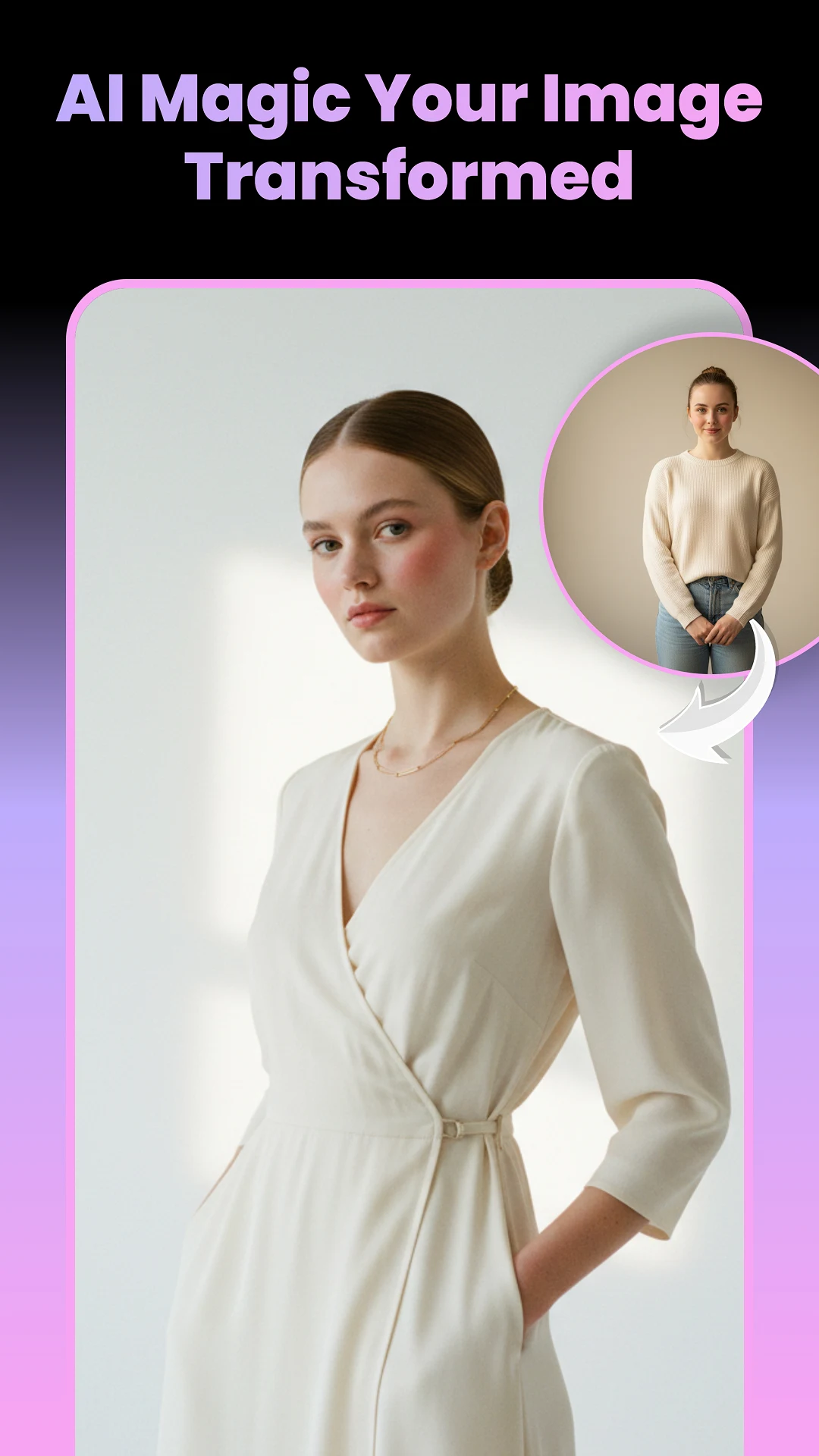
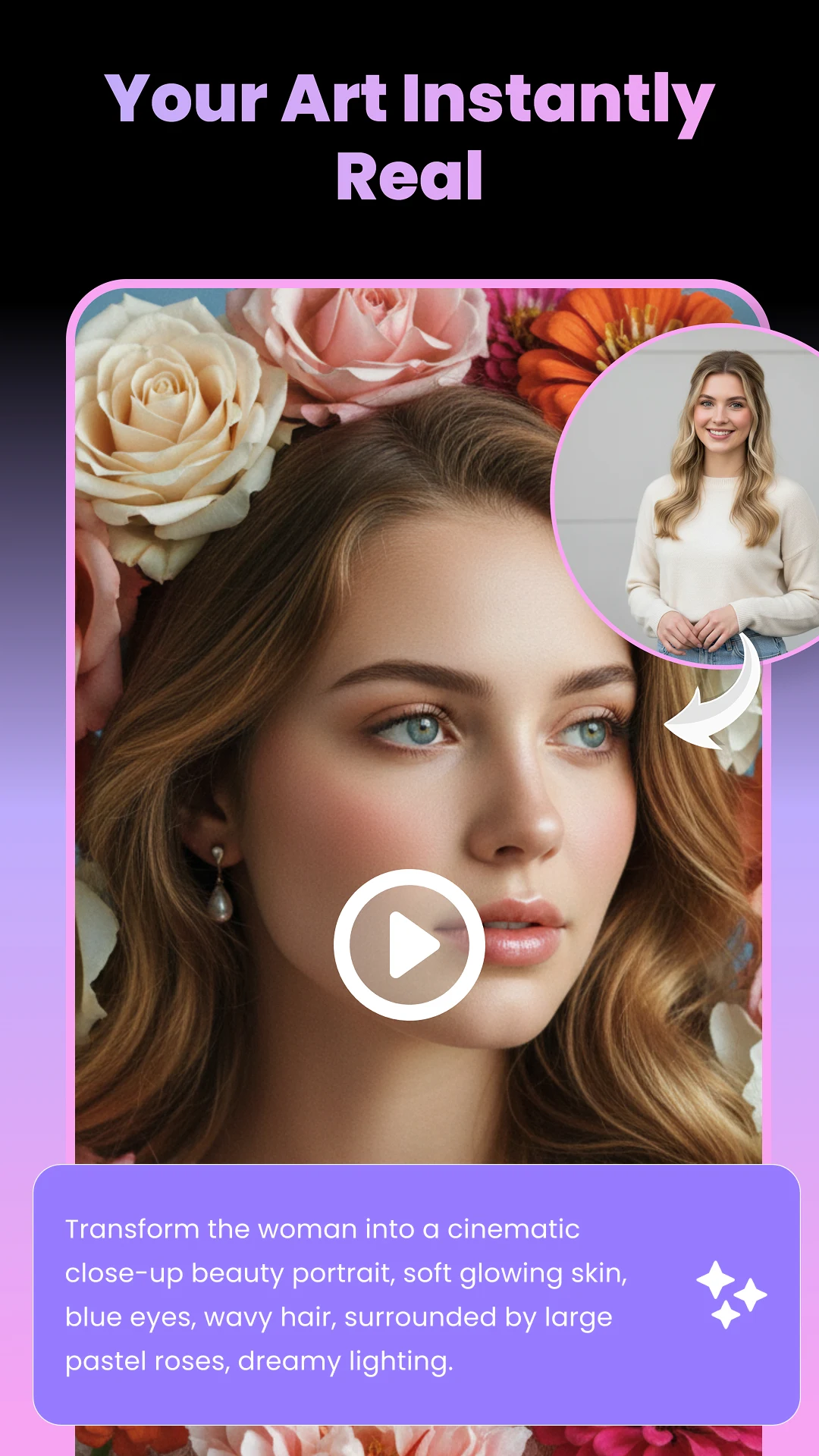
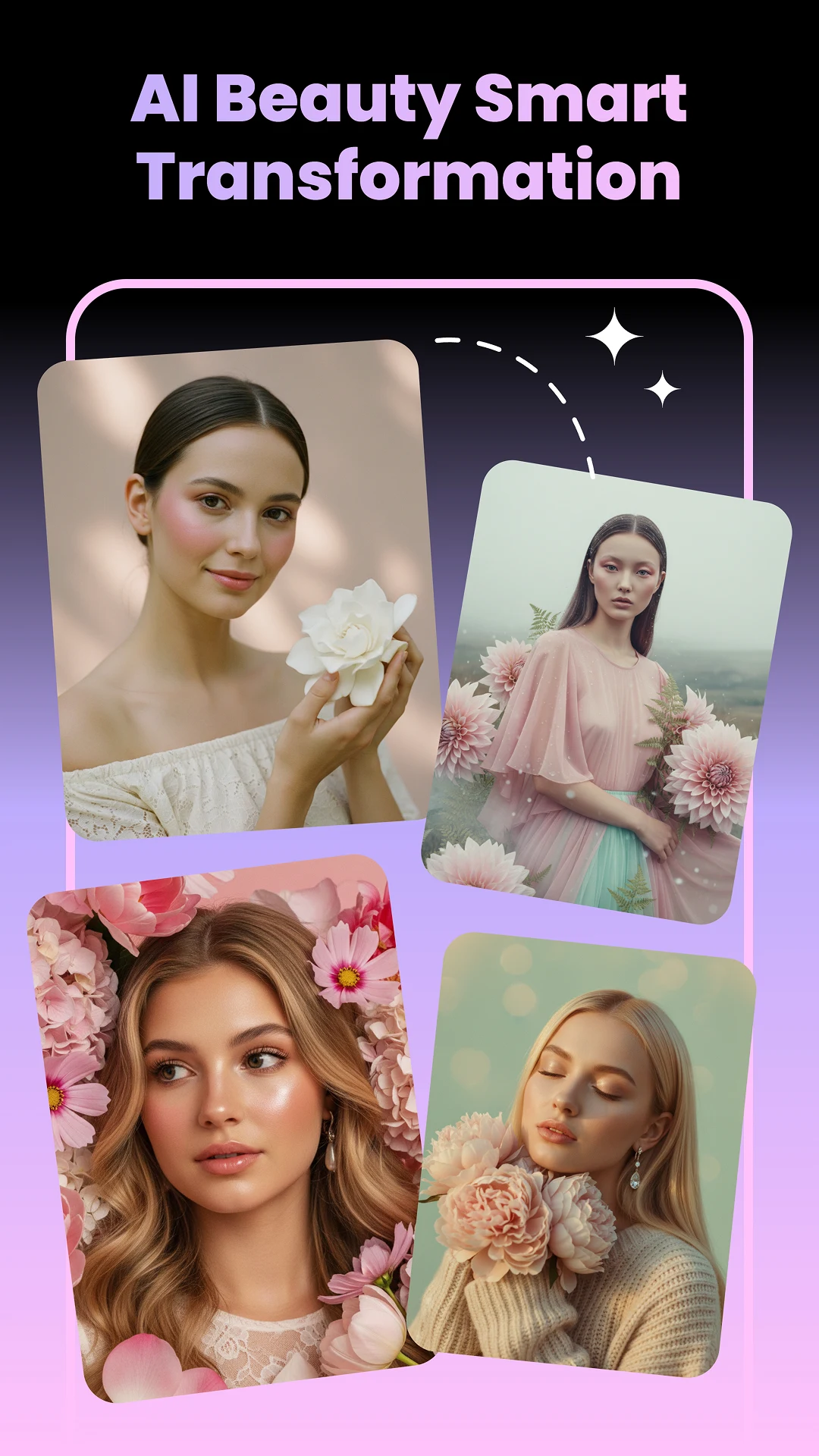
The Framly MOD APK unlocks the Pro features of the application, providing users with immediate access to premium editing tools and assets. This modification ensures that all subscription-based templates and AI capabilities are available without requiring a paid account.
What’s Modified in Framly
- The Pro version is fully unlocked, allowing the use of all premium templates, advanced AI generation tools, and high-definition export features that are normally restricted.
This build is version 1.0.0 with a file size of 32 MB and uses the package name com.nxl.aiphotocreator.aivideogenerator.texttoimage; it is a re-signed package and cannot be installed as an update over the version from the official app store.
About Framly
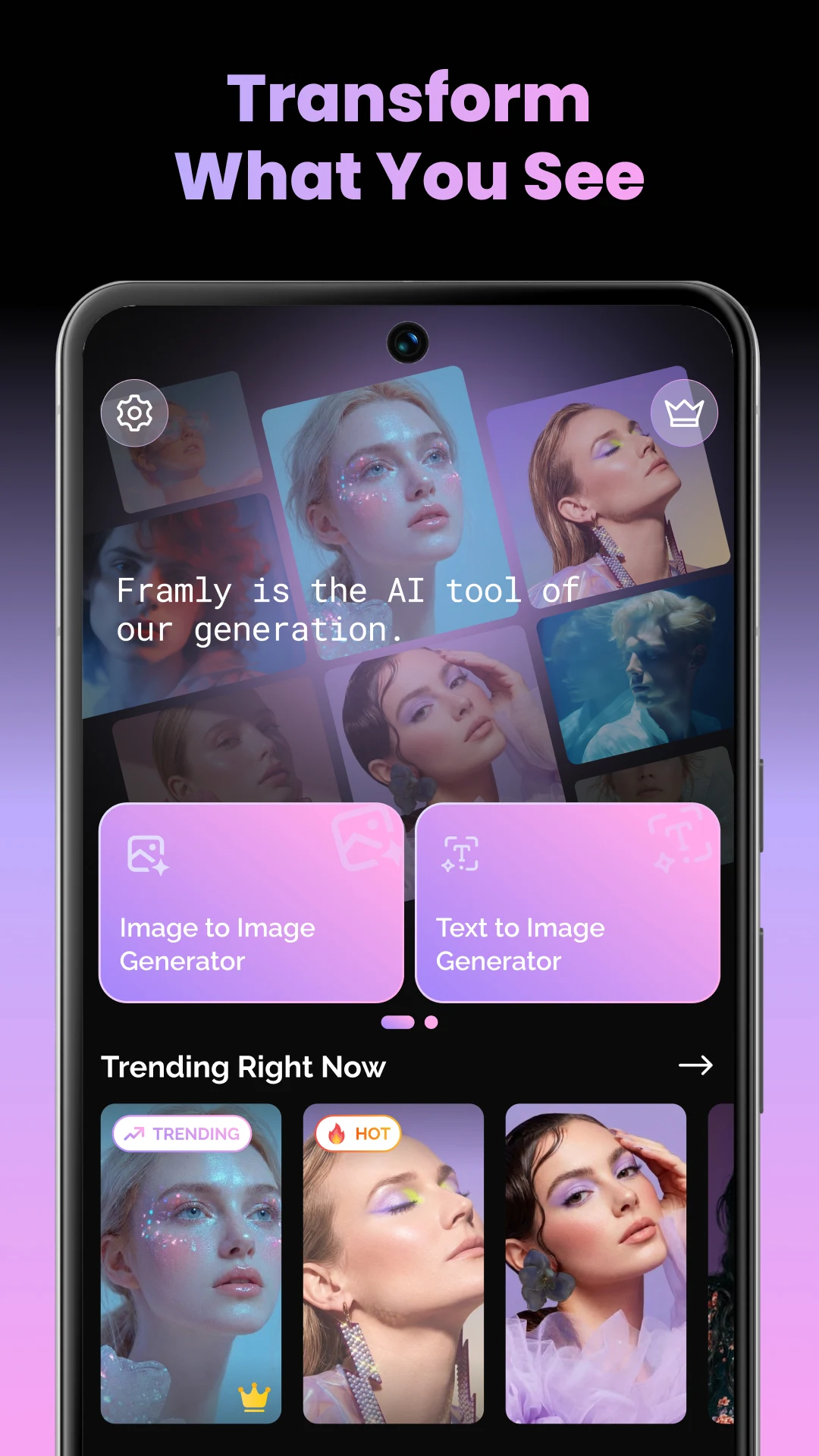
Framly is an artificial intelligence powered, all-in-one content generation platform. It automates editing processes and helps users create advanced data structures and designs from simple inputs. The user base includes people across the content generation spectrum from social media content creators to vloggers. The software’s automation and AI features allow users to easily create photos and designs of an advanced and professional quality. It encourages quick and easy edits and provides a wide range of tools to edit and create media content. It’s focused on more recently introduced social media structures and content creation formats, especially content creation and distribution formats for YouTube, Instagram and Tik Tok. It provides tools for content creation as well as post and video manipulation. The toolset is integrated into a unified mobile interface.
The app offers a suite of photo editing tools with an AI photo quality enhancer. This tool can increase the clarity and quality of photos and can be used to enhance old photos. The app can also be used to edit portraits. The portrait AI can create artistic portraits of users and others based on artistic styles and theories. The editing tools available on the app can change the mood of a photo to simulate various styles. The app offers tools to create selfies and portraits with a variety of beauty editing tools. These tools can be used to create portraits with artistic styles and theories and to alter facial features to create a more attractive portrait. The app allows users to save and share their portraits.
Editing tools allow users to cut, trim, and combine video clips. Speed up and slow down video features add a cinematic touch to your videos. To complement the video production process, the app includes a number of effects and transitions to be used when editing videos. It is intended to help the user produce videos with a well thought out flow and structure. It is hoped that the tools available on the application will help the user create content of various genres. A slideshow maker is also available on the application. The slideshow maker helps the user create media presentations with a variety of backdrops, transitions and sounds. The media can be easily edited and arranged to the user’s preference with the drag and drop feature. The application allows the user to produce media content of various forms.
The software provides various tools to create audiovisual content. For instance, the editing suite offers music and audio effect libraries, as well as the ability to upload background audio. Combined with the video tools, these features allow content creators to use different types of media and create projects with different types of moods and atmospheres. Similarly, the editing suite offers a variety of tools to edit text. These include different styles of captions, animated text, and various graphic elements. Additional graphic elements can be added with the use of stickers and overlays. The fonts and other graphic elements can be modified and colored to represent a specific idea or concept. When used to create content that requires the use of text and audio to explain an idea or concept, these tools can help creators articulate their idea in a clear and simple way. These elements can be combined to create various types of transition elements, which can help facilitate content that involves a series of edits or elements that require the use of space in a specific way.
The application’s collection of social media templates is extensive and reflects the most recent popular trends on social media. These templates help create content in a format and style required by social platforms. Beyond providing these templates, the application helps eliminate the manual work involved in creating content as users are only required to add their media to the templates. The application provides templates in different resolutions. Therefore, content created using the application is of the same resolution as the content played on the social platform. The application is designed to help create content quickly. The processing power of the application makes it possible to achieve complex effects quickly. Users can change the filters and color grading to achieve the effect they desire.
The software lets users make social promotion ads and vids. The editing tools let you make things for business promos and ads. It can make romantic friend vid edits and birthday slides. It can make fashion and makeup vids. It can do travel and other vids. It has AI and filters. It has editing tools. It is more than a simple filter app. It is less than a huge video editor. It is in between. The app is not big. It can easy import and export videos. It is quick to do things and shows no load times. It can post to Facebook and edit to post to Snapchat. It can edit vids to be short. It can do lots of filters. It can blur and do other editing effects. It is easy to use. It can post to lots of sites at once.
Key features
- AI photo enhancer
- AI video maker
- AI avatar generator
- Artistic portrait creator
- Social media templates
- Music and sound effects
- Video trimming and merging
- Speed adjustment
- Animated text and captions
- Aesthetic filters
- Beauty camera
- HD and 4K export
- Slideshow maker
Related MOD APKs
- Artspire: AI Video Generator
- Kreivo – AI Video Generator
- Glovy – AI Photo Generator
- Sorapix: AI Photo Editor
FAQ
Is Premium unlocked in Framly – AI Photo Video Maker MOD APK?
This 1.0.0 version of Framly – AI Photo Video Maker features Pro Unlocked. It functions like the NXL AI Solutions original, with all modifications active immediately after installation.
What is the latest version of Framly – AI Photo Video Maker MOD APK?
Version 1.0.0 is the latest, matching the NXL AI Solutions update from August 31, 2026. We don’t keep older versions here. Update by installing the new file over the old; if a signature conflict occurs, uninstall the previous app first.
Is Framly – AI Photo Video Maker MOD APK safe to download?
This 1.0.0 build of Framly – AI Photo Video Maker from NXL AI Solutions includes Pro Unlocked. 13 users rated it 4.9 here. It does not require root. Expect a Play Protect warning during installation and always download from this page.
Does Framly – AI Photo Video Maker MOD APK remove the watermark?
This build features Pro Unlocked. In Framly – AI Photo Video Maker, watermark-free export is part of Pro, so check the export screen after you install the app to confirm.
Framly - AI Photo Video Maker MOD APK V1.0.0 (Pro Unlocked)
Download (32 MB )You are now ready to download Framly - AI Photo Video Maker for free. Here are some notes:
- Please read our MOD Info and installation instructions carefully for the game & app to work properly
- Downloading via 3rd party software like IDM, ADM (Direct link) is currently blocked for abuse reasons.
4.9/5 (13 votes)