Boost your gaming efficiency with GC Auto Clicker MOD APK! Automate taps, swipes, and multi-touch sequences effortlessly to master RPGs and idle games with ease.

GC Auto Clicker v2.5.13 MOD APK (Premium Unlocked)
| App Name | GC Auto Clicker |
|---|---|
| Publisher | gc auto clicker |
| Genre | Tools |
| Size | 16.2M |
| Latest Version | 2.5.13 |
| MOD Info | Premium Unlocked |
| Get it On |

|
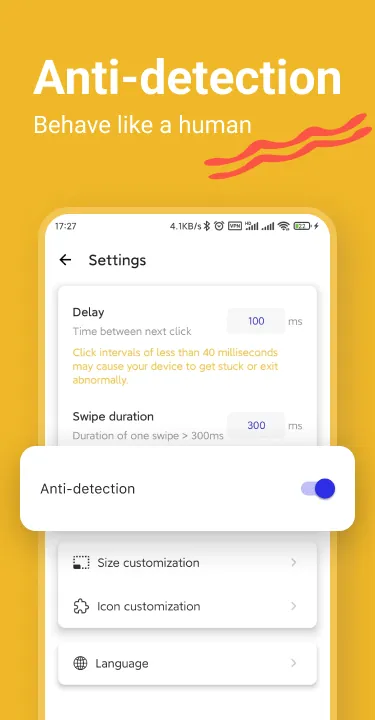
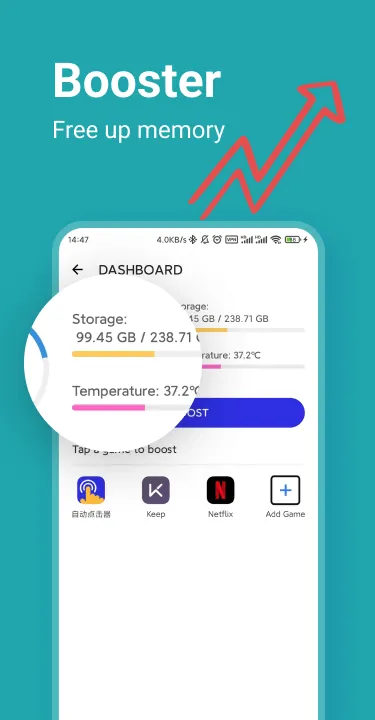
This version of GC Auto Clicker MOD APK enables the premium features that are typically locked behind a paywall. It provides the full range of automation settings and customization options without requiring the user to purchase a subscription.
What’s Modified in GC Auto Clicker
- Premium Unlocked: All subscription-based features are accessible, allowing for full use of the automation tools.
GC Auto Clicker version 2.4.0 is a 12M file identified by the package name com.speed.gc.autoclicker.automatictap; this build is re-signed and cannot be installed as an update over the original store application.
About GC Auto Clicker
GC Auto Clicker MOD APK helps automate tedious interactions on mobile device screens. It mimics touch inputs to enable action without the need for physical interaction. This alleviates the physical strain of performing repetitive tasks like gathering resources in a game or repeatedly clicking through application menus. The auto clicker works by overlaying itself on other applications and can be used across a wide variety of tasks.
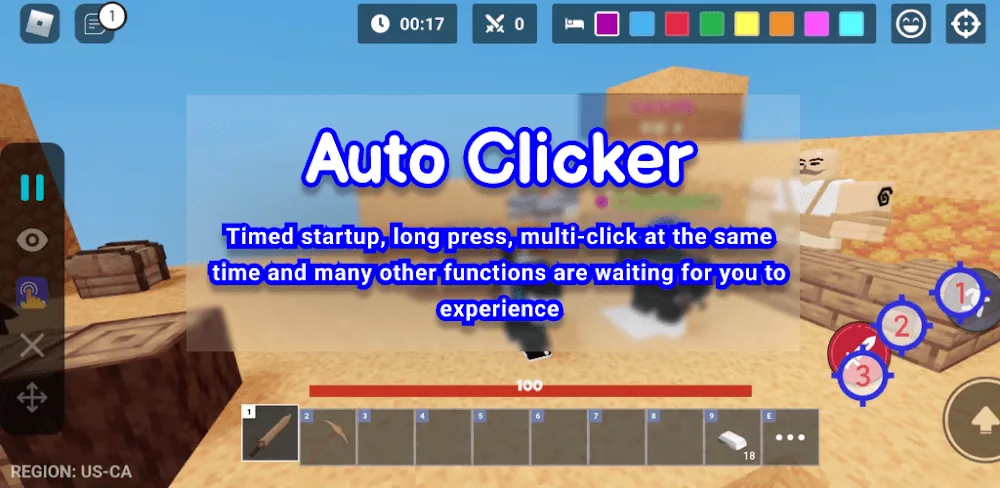
The auto clicker supports automation of multi-touch input, a feature that helps provide more natural interaction with mobile applications. Points on the screen can be set for more sophisticated interactions beyond basic taps. This also supports the automation of more advanced gestures such as long presses and swipes. Different gestures can be defined to match actions and interaction required to perform moves in a game or to scroll through long lists in an application. This makes the application powerful and gives a great deal of flexibility to users.
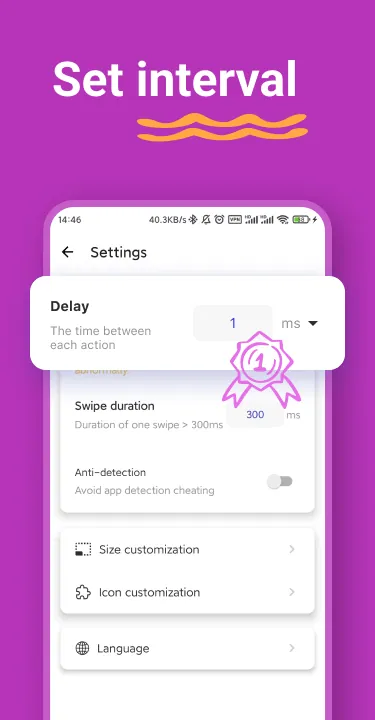
Design decisions regarding tool construction are often determined by the physical constraints of the mobile display. Edge-to-edge clicking functionality is important to include in automation tools, as some pieces of automation software are restricted from clicking at the edges of the mobile display. This tool allows automation at the edges of the display, meaning that automation scripts can target interface elements placed at the very edges of the display. Including edge-to-edge clicking functionality is important because the edges of the display can also be used for other functional elements of an interface. Temporal precision is also important, and the tool allows users to control delays and timings with millisecond precision. There are numerous examples where millisecond precision can be useful, from defining the duration of a long press to setting the interval between clicks, to defining the delay before a script starts. The tool allows millisecond precision for all of these, and other, example use cases.
The tool also offers a high-speed tapping feature, which is useful when automating software that involves a high frequency of taps, like clicking on enemies in a game. A Global Timer and Loop Control System are also included. The Global Timer allows users to set the maximum duration for which automation will run, while the Loop Control system allows users to set the maximum number of cycles of automation. These features, combined with the stop automation functionality, are useful for controlling automation while the user is away, like when the device is left unattended overnight.
The application is built to assist with a broad range of mobile gaming activities. For role-playing games, the application can take care of skill casting and item collection routines. In strategy games, the application can help with unit training and/or structure upgrading routines. Users of idle games can help with maintaining a tap rate, and thus optimizing the generation of in-game currency and experience points. Overall, the application is designed to help the user gain progress in the game while requiring the least amount of interaction with the game and the device.
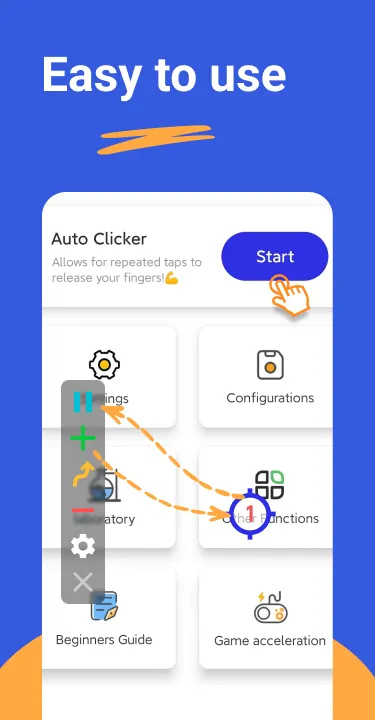
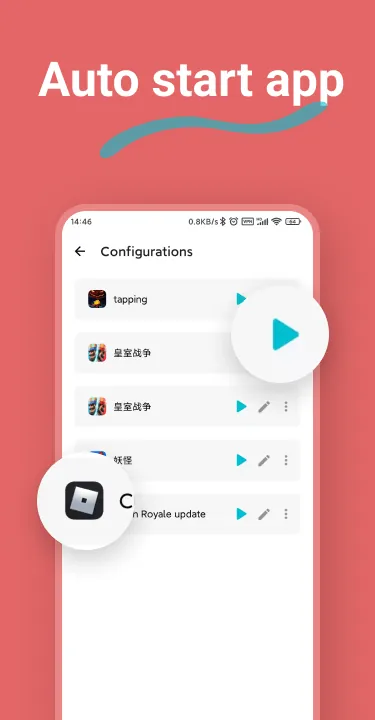
Automation management is done through a floating control panel that hovers over the game or application in use. This makes modifications to the scripts and the use of start and stop functions quick and convenient. It also means that users don’t have to close applications to adjust settings. Users can also save configurations to a profile for later use. This is particularly helpful to users who want to save different target point configurations for different applications, and load them as and when they want. The developers of the software have worked to ensure that the application runs in the background and improves the performance of the device while also ensuring minimal battery drain. The background processing of the automation is managed with the aim of avoiding the application using too many of the system resources. As a result, swipes and taps can be automated for productivity improvement, including page refreshes or data entry. Notification clearing, for example, can also be automated. Due to the edge to edge precision of the device, menus can also be automated. This includes toggles and switches.
Key features
- Dynamic Multi-Touch Automation
- Advanced Gesture Support
- Edge-to-Edge Clicking Precision
- Customizable Timings and Delays
- Synchronous Tapping Mode
- Global Timer and Loop Control
- Floating Control Panel
- Configuration Profiles
Related MOD APKs
- MovieBox ID: Watch Movies, TV Series, K-Dramas & Anime for Free
- KWGT Kustom Widget Pro
- SnapTube
- Terabox
FAQ
Is Premium unlocked in GC Auto Clicker MOD APK?
This 2.4.0 version of GC Auto Clicker provides Premium Unlocked. Other features match the gc auto clicker release, and the mod works as soon as you install the app.
What is the latest version of GC Auto Clicker MOD APK?
Version 2.4.0 matches the gc auto clicker release from July 17, 2026. We don’t keep older versions here. Update by installing this file over the current one; if you see a signature error, uninstall your existing app first.
Is GC Auto Clicker MOD APK safe to download?
This GC Auto Clicker 2.4.0 build is based on the gc auto clicker app with Premium Unlocked added. 141 users rated it 3.8/5. It does not require root. Expect a Play Protect warning, so always download from this page.
Can I use GC Auto Clicker MOD APK on PC or iPhone?
This Android package will not work on iPhone or iPad. To use the 12M APK on a computer, install an emulator like BlueStacks or LDPlayer and drag the file into the window.
GC Auto Clicker v2.5.13 MOD APK (Premium Unlocked) Download
Download (16.2M)You are now ready to download GC Auto Clicker for free. Here are some notes:
- Please read our MOD Info and installation instructions carefully for the game & app to work properly
- Downloading via 3rd party software like IDM, ADM (Direct link) is currently blocked for abuse reasons.
3.8/5 (146 votes)