Transform your Android with premium glassmorphism widgets! Enjoy a sleek, minimalist home screen with elegant clocks, weather, and system tools. Get Glassy now!

Glassy Widgets v1.1.7 APK (Full Version)
| App Name | Glassy Widgets |
|---|---|
| Publisher | WidgetVibes |
| Genre | Personalization |
| Size | 49 MB |
| Latest Version | 1.1.7 |
| MOD Info | Full Version |
| Get it On |

|
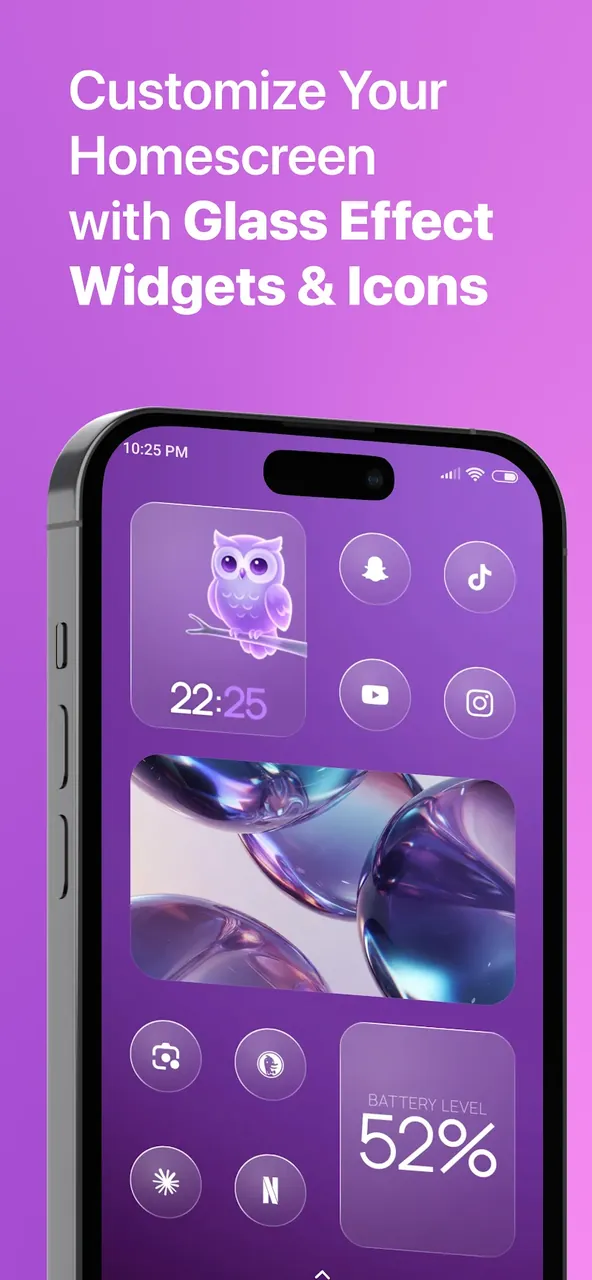
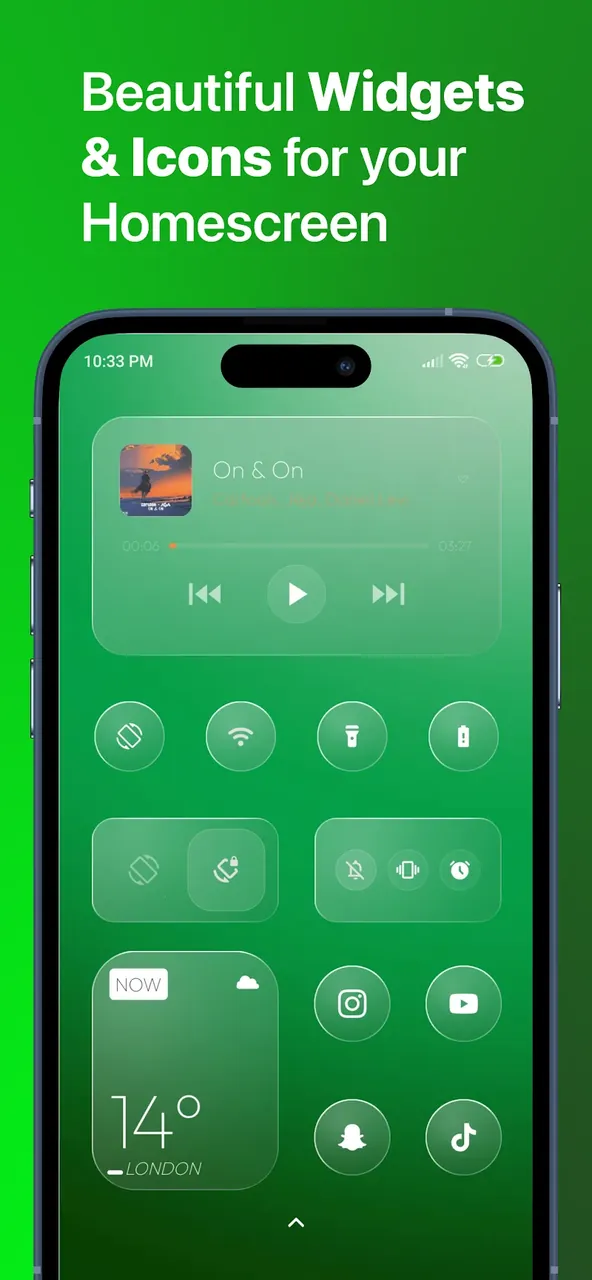
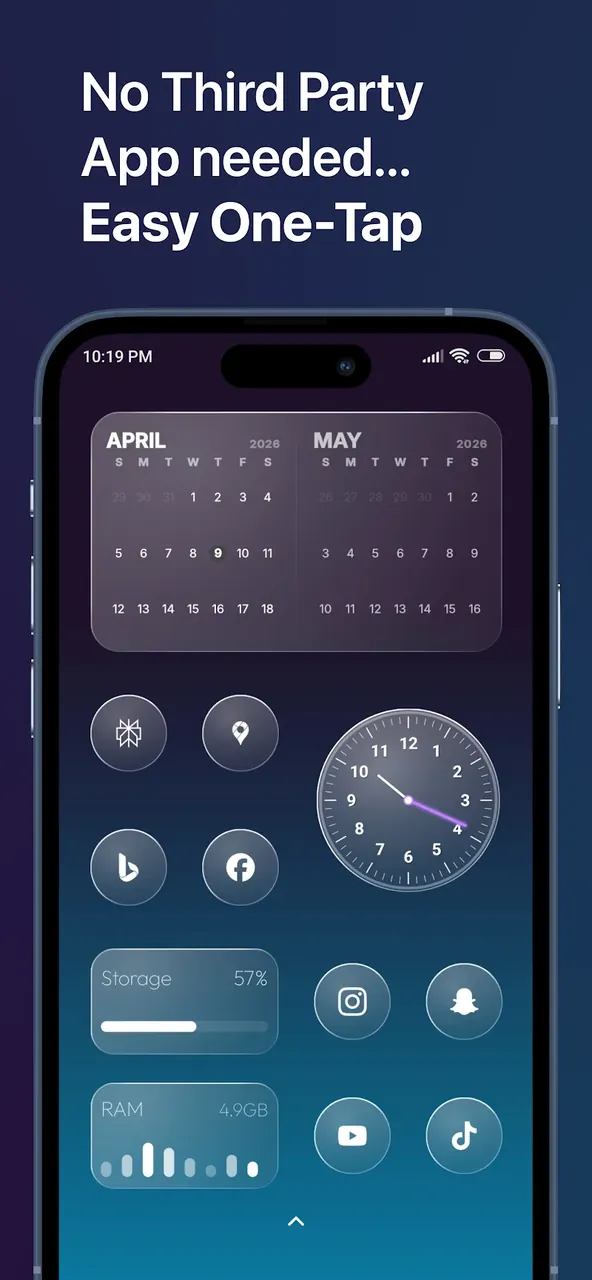
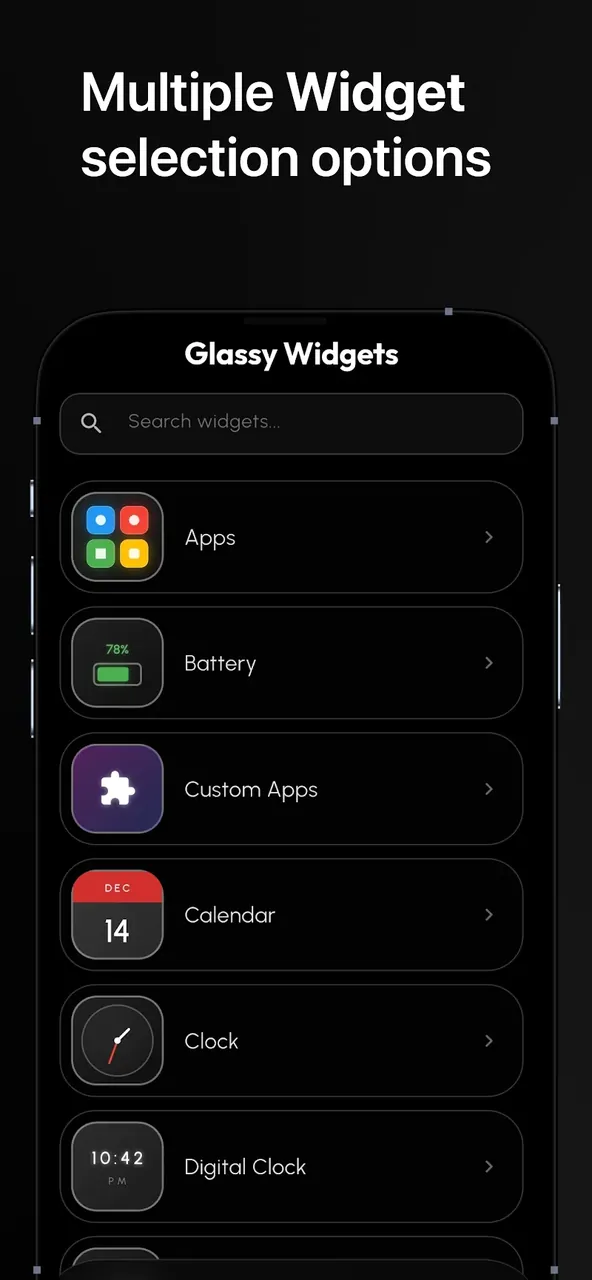
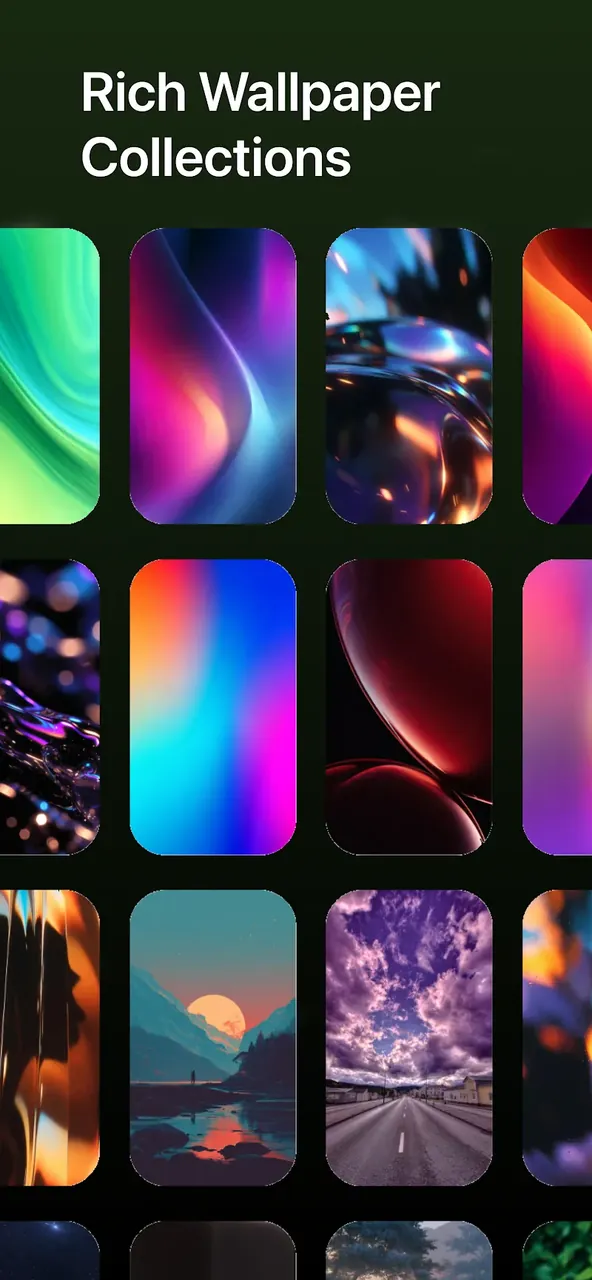
This build provides access to the premium library and all elite tools by unlocking the Full Version of the application. Users can implement the complete suite of glassmorphism designs within Glassy Widgets MOD APK without the limitations of a trial period.
What’s Modified in Glassy Widgets
- Enables access to the Full Version of the application, unlocking all premium widget designs and elite library features.
Version 1.1.7 has a file size of 49 MB and is identified by the package name com.glassywidgets.app; because this file is re-signed, it cannot be installed over an existing copy from the official store.
About Glassy Widgets
This personalization tool utilizes the current design trend of glassmorphism for its visual identity. This trend is centered around the use of background blur, transparency and layered interfaces. Using this trend, the personalization tool alters the look of the standard, often flat, Android home screens. Using the principles of glassmorphism, the home screens gain a look similar to frosted glass. Similar to glass, some of the elements on the home screens are translucent, and, depending on the home screen’s wallpaper, may interact with the home screen’s background by allowing shapes and colors to show through. The ultimate goal of all of this is to give the home screens a look similar to high end modern user interfaces. To gain this look, the designer tries to not use opaque blocks of color. Using this philosophy gives more of an open, clear and organized look to a user’s digital space.
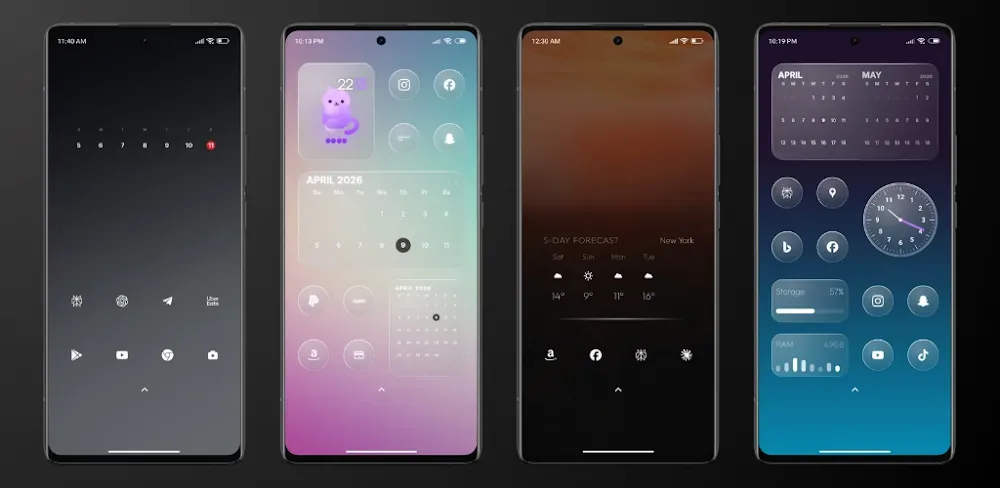
Components that help perform various daily tasks are housed in an extensive library in the app. The app places a strong emphasis on time management. Digital and analog clock faces are provided. For users wanting to time events in various regions, the app provides world clock widgets. The library provides weather data. Rather than provide raw weather data that requires users to launch a full-fledged weather application to check, the app provides simplified weather data that can be accessed by a single swipe. The library provides an interface to control various music apps. Users can perform music controls such as play, pause and skip from the home screen. The app maintains a consistent visual style throughout its interface.
Another important aspect of the software is system monitoring, which lets the users evaluate their device performance in detail. The software includes several widgets for system monitoring. For example, the widgets for tracking memory (RAM) usage are very useful for the users who want to monitor the memory usage of their active processes. Other widgets show storage, media, and battery usage of the device. The software integrates a digital compass tool for navigation and orientation. The tool is very useful for travelers and explorers. The software allows the users to utilize the glass surface of their device, and provides a variety of frosted glass tools (widgets) for various operations. The tool for digital compass is designed for travelers and explorers, and provides a frosted glass compass. The software provides many utility tools and frosted glass widgets for various operations. Users can place different widgets on their glass surface and change them dynamically.
Organization is facilitated with one-tap app shortcuts and a customizable glassy dock. A glassy dock allows users to create an organized and elegant area on their home screen to hold their most frequently used apps. A glassy dock helps declutter and organize the home screen by hiding all other app icons. The goal of this app management strategy is to simplify the user’s workflow by bringing the most used and essential tools to the home screen, allowing easy access without needing to search through the app drawer. The dock and all associated widgets follow the same rules of glassmorphism, therefore, the dock has frosted edges, and its transparency is adjustable. Incorporating a glassy dock helps the home screen maintain a clean and organized interface.
Personalization is at the core of this application. Deep customization mechanics, enabled by a dedicated editor, allows users to create and experiment with many different home screen layouts. Users have full freedom to modify their color palettes in accordance to the device environment. The editor offers many glass effect settings, including frost level of glass elements and the opacity of translucent elements. There are many baked-in algorithms in the ecosystem of Glassy Widgets, such as auto-resizing technology. Due to this technology, a small system monitor or a large clock dashboard becomes perfectly proportioned to the space allotted on the screen. The software renders text and graphics in a certain size and adjusts them proportionally, in accordance to the orientation and size of the screen.
There are several features which add to the personalization suite of the application. The wallpaper gallery is a unique feature of the application and houses many frosted glass themed wallpapers. Full language translations and glass effect settings make the application more approachable to a larger audience. The focus of the development team has been towards performance and usability. The end-user experience of the Android system is not negatively impacted due to the visual effects implemented by the Glassy Widgets MOD APK.
Key features
- Digital & Analog Clocks
- World Clocks
- Dynamic Weather updates
- Interactive Music Controls
- RAM usage trackers
- Internal storage stats
- Battery percentage monitors
- Integrated Digital Compass
- One-Tap App Shortcuts
- Exclusive Wallpaper Gallery
- Customization Editor
- Auto-resizing technology
- Multi-language support
Related MOD APKs
FAQ
What does Glassy Widgets MOD APK unlock?
This 1.1.7 build of Glassy Widgets features the Full Version. It functions just like the WidgetVibes release, with all changes active immediately after installation.
What is the latest version of Glassy Widgets MOD APK?
Version 1.1.7 matches the WidgetVibes release from June 10, 2026. We don’t keep older versions here. Install this new file over your current app to update; if a signature conflict occurs, uninstall your old version first.
Is Glassy Widgets MOD APK safe to download?
This Glassy Widgets 1.1.7 download is the WidgetVibes app with the Full Version modification. 1 user gave it a 5 star rating. It does not require root. Ignore Play Protect warnings, but always download from this page.
Can I use Glassy Widgets MOD APK on PC or iPhone?
You cannot install this Android file on an iPhone or iPad. To use the 49 MB APK on a computer, install an emulator like BlueStacks or LDPlayer and drag the file into the program.
Glassy Widgets v1.1.7 APK (Full Version)
Download (49 MB)You are now ready to download Glassy Widgets for free. Here are some notes:
- Please read our MOD Info and installation instructions carefully for the game & app to work properly
- Downloading via 3rd party software like IDM, ADM (Direct link) is currently blocked for abuse reasons.
5/5 (1 vote)