Elevate your Android experience with iDarkOS 18! Featuring 3,900+ sleek dark icons, dynamic calendars, and 280+ HD wallpapers for a premium, custom interface.
iDarkOS 18 - Icon Pack v1.6.2 APK (Full Version)
| App Name | iDarkOS 18 - Icon Pack |
|---|---|
| Publisher | Eatos |
| Genre | Personalization |
| Size | 34.3M |
| Latest Version | 1.6.2 |
| MOD Info | Full Version |
| Get it On |

|
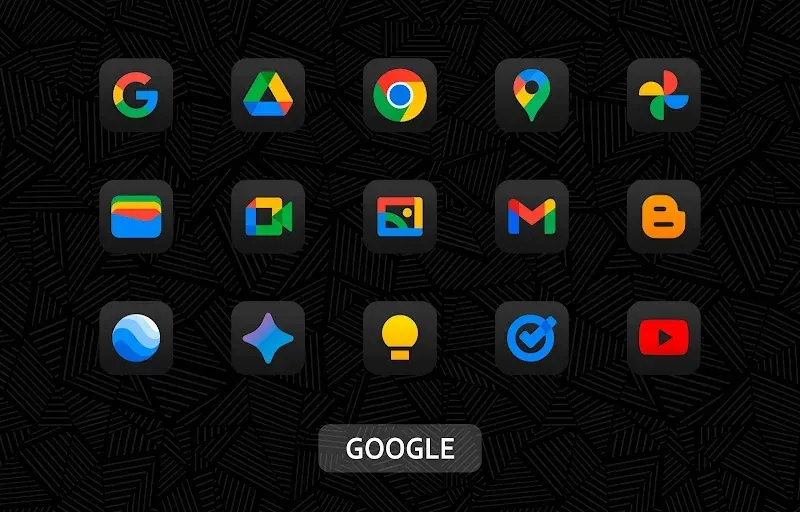
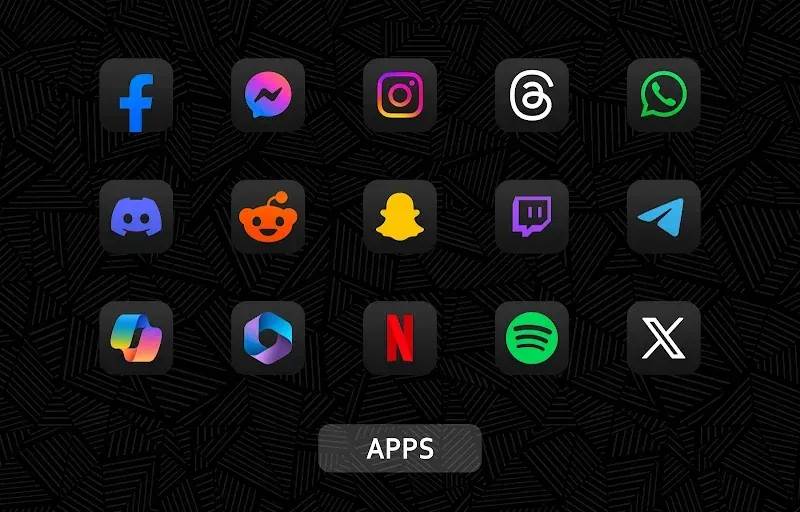
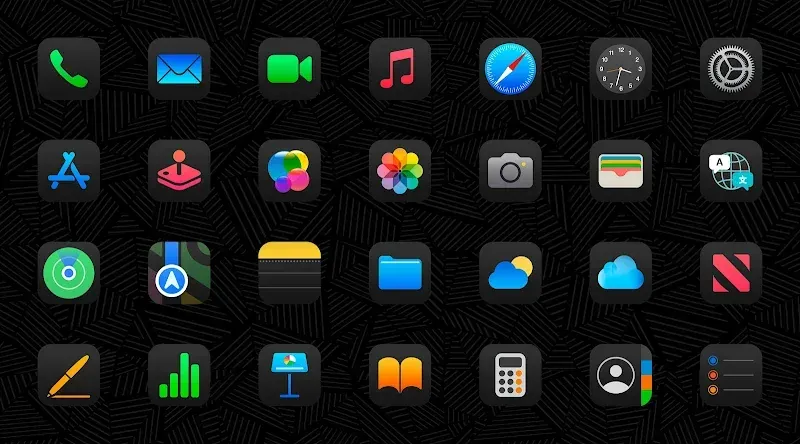
This iDarkOS 18 MOD APK provides the full version of the application, enabling access to the entire suite of personalization features. It eliminates the limitations found in the basic version, allowing users to apply all available themes and assets immediately.
What’s Modified in iDarkOS 18
- Unlocks the full version of the application, which provides access to all premium icons and wallpapers without restrictions.
Version 1.6.0 of the iDarkOS 18 MOD APK has a file size of 30M and the package name com.eatos.idarkos, and because this file is re-signed, it cannot be installed as an update over an existing version from the official store.
About iDarkOS 18
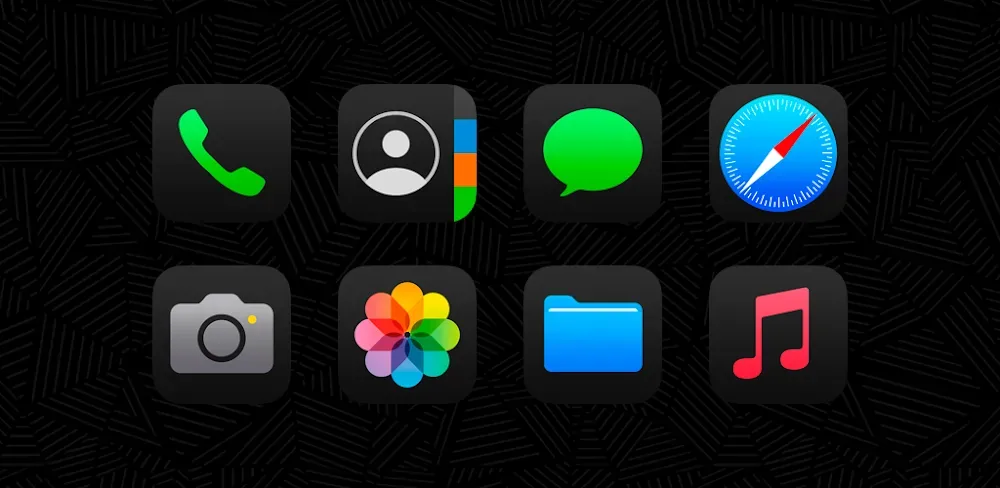
iDarkOS 18 is a visual style to cater to Android users who prefer a dark interface. iDarkOS encompasses ideas of complete visual transformation to include modern OS dark modes. The ideology is to use a design that is clean, professional, and aims for a uniform look throughout the entire user interface. For this reason, every single detail of the user interface is created with care. iDarkOS 18 comes with several high definition (HD) icons. High definition icons are important to provide a sharp and clear picture to the end user, as the best user interface experience is achieved when on-screen elements are clear and crisp. The entire package is designed for the sole reason of providing a clean, sophisticated dark interface. It aims to quench the need of users for a functional design that has visual integrity and coherence. Ultimately, this design style aims to boost a user’s device interface from the mundane and tired designs.
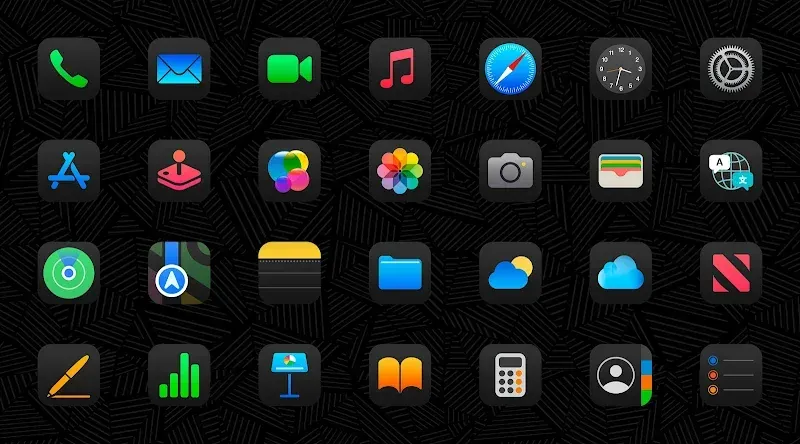
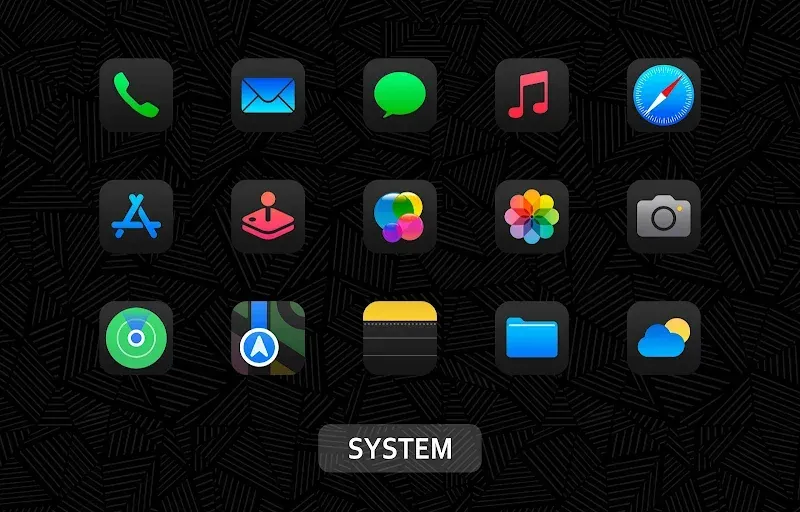
The main draw of the package is the library of 3,909 icons. These icons aren’t solely restricted to social media or communication apps. The icons cover system tools and various utilities. A concern that one may have with using an icon pack is the home screen becoming disjointed and cluttered. With this icon pack, that is not the case. By designing the icons with consistent shapes and a color palette and shadow density, they try to achieve a seamless design for the users. With this volume of icons, they attempt to minimize friction between the user’s system icons and app icons. The icons are designed to be clear at all sizes, especially when dealing with the needs of a user scaling the icons to meet their preferred resolution for their launcher.
The application provides a collection of over 280 custom wallpapers to accompany the icon set. When choosing wallpapers, the focus is on the deep blacks and grays and muted colors to give high-definition icons a backdrop to “pop.” Wallpapers in the collection can be accessed in the application and previewed. They can be applied via the application or saved to the device for use elsewhere. Wallpapers are designed to give a backdrop to icons to create a “pop” in a cohesive theme across application shortcuts on the home screen. The goal is to provide a wallpaper option for the different tastes of application users. To keep a theme in the library, wallpapers are designed to reflect the app’s overall theme and minimal style.
In addition to visuals, the app features functionality like dynamic calendar integration. This allows the calendar icon to change its look based on the date, and provides added utility to the design. It also means that the home screen has the date beautifully displayed, saving the user the hassle of opening the app to check the date. For apps that are not in the 3,909+ icon library, the software employs app masking. This provides a uniform dark layer and a consistent shape to unthemed icons. Since these icons do not adhere to the iDarkOS design principles, the masking serves to ensure that they integrate with the theme rather than stand out. This capability is crucial to achieving the clean, organized look that the theme intends to serve, especially for users with a lot of unique apps that do not align to the primary icon set.
An intuitive dashboard allows users to manage thousands of icons. The dashboard allows users to search for icons by name, so they don’t have to scroll through an extensive list to find the one they want. Users can also view a preview of organized icons by category. Previews of system and folder icons, as well as preview of icons by app categories, are also available. In the event an application icon isn’t themed, the user can contact the developer to request an icon through the dashboard. As part of their ongoing initiative to enrich the library based on user needs, the developer is also committed to including themed icons for trending applications. The dashboard is also user-friendly and allows for manual icon management. This can be done by long-pressing an app on the home screen and replacing the icon with one of thousands of available options. Users can also make these changes individually for each icon on the home screen, and for apps in folders, if they prefer to manage their icons manually.
The application works with numerous third-party Android launchers. For optimal performance, it is recommended to use launchers such as Nova Launcher, Action Launcher, Apex Launcher, and Go Launcher, as well as other similar launchers. To use the theme, users will go to the “Apply” section of iDarkOS 18, and choose the launcher of their choice from the list. The application then communicates with the chosen launcher to alter the default launcher icons with theme icons, both on the home screen and app drawer. The purpose of this application is to provide ease of use when it comes to theme changes and wallpaper management. Users will have the ability to enable or disable theme updates, choose wallpapers, view a dashboard containing stats about their device, and control other aspects of the UI. The app will utilize its user-interface to make the theme changing and wallpaper managing processes simple and easy for first time users, while giving the ability for advanced users to manage every aspect of their UI.
Key features
- 3,909+ High-Quality Icons
- 280+ Custom Wallpapers
- Dynamic Calendar Support
- Advanced App Masking System
- Categorized Icon Preview Folders
- In-App Icon Search Function
- Manual Icon Customization Support
- Compatible Launcher Integration
- Missing Icon Request Tool
Related MOD APKs
- OnePro Dark – Icon Pack
- iGlassOS Dark – Icon Pack
- OneGlass 8 (Color) – Icon Pack
- OneGlass (Dark) – Icon Pack
FAQ
What does iDarkOS 18 – Icon Pack MOD APK unlock?
This iDarkOS 18 – Icon Pack (1.6.0) build provides the Full Version. Features remain identical to the Eatos release, with all modifications active immediately upon installation.
What is the latest version of iDarkOS 18 – Icon Pack MOD APK?
Version 1.6.0 matches the Eatos release from June 25, 2026. We don’t keep older versions here. Update by installing this file over your current app; if you see a signature error, delete the old version first.
Is iDarkOS 18 – Icon Pack MOD APK safe to download?
This iDarkOS 18 – Icon Pack 1.6.0 file is the Eatos app with Full Version unlocked. 132 users gave it a 3.7 rating. It does not require root. Ignore Play Protect warnings and always download from this page.
Can I use iDarkOS 18 – Icon Pack MOD APK on PC or iPhone?
As an Android file, this won’t work on iPhone. To use the 30M package on PC or Mac, install an emulator like BlueStacks or LDPlayer, then drag the file into that software.
iDarkOS 18 - Icon Pack v1.6.2 APK (Full Version)
Download (34.3M)You are now ready to download iDarkOS 18 - Icon Pack for free. Here are some notes:
- Please read our MOD Info and installation instructions carefully for the game & app to work properly
- Downloading via 3rd party software like IDM, ADM (Direct link) is currently blocked for abuse reasons.
3.7/5 (132 votes)