Measure real-time internet speed, monitor WiFi & mobile data performance, and track usage with accurate speed test and network insights.

Internet Speed Monitor v1.2.2 MOD APK (Premium Unlocked)
| App Name | Internet Speed Monitor |
|---|---|
| Publisher | Lufesu Inc. |
| Genre | Tools |
| Size | 13 MB |
| Latest Version | 1.2.2 |
| MOD Info | Pro / Paid Unlocked |
| Get it On |

|
This version of Internet Speed Monitor MOD APK provides full access to the Pro features that are usually locked behind a paywall. It allows for the use of the complete set of network utility tools included in the paid edition without requiring separate purchases.
What’s Modified in Internet Speed Monitor
- The Pro and Paid features are unlocked within the application, providing access to all premium network monitoring tools.
This build is version 1.1.3, has a file size of 13 MB, uses the package name com.andcreate.app.internetspeedmonitor, and is re-signed, meaning it cannot be installed over a version from the official store.
About Internet Speed Monitor
Internet Speed Monitor MOD APK is a free network tool for the Android platform that helps users check the performance of their internet connections. It is designed to work with different types of connections, including Wi-Fi and cellular connections (4G, 5G, etc.). Users can check the real-time performance of their connections, measure and analyze different connection parameters, and optimize connections. The tool also measures the performance of the connection, including download and upload speeds and latency of the connection. This helps users to verify if the service provider is providing what it guarantees. Users can also view the IP address, MAC address and router name. One of the best features of the tool is that users can perform a speed test, with or without the app, by a single tap. This feature is helpful for a broad spectrum of users, from basic web surfers to demanding users like high-definition media streamers and gamers.
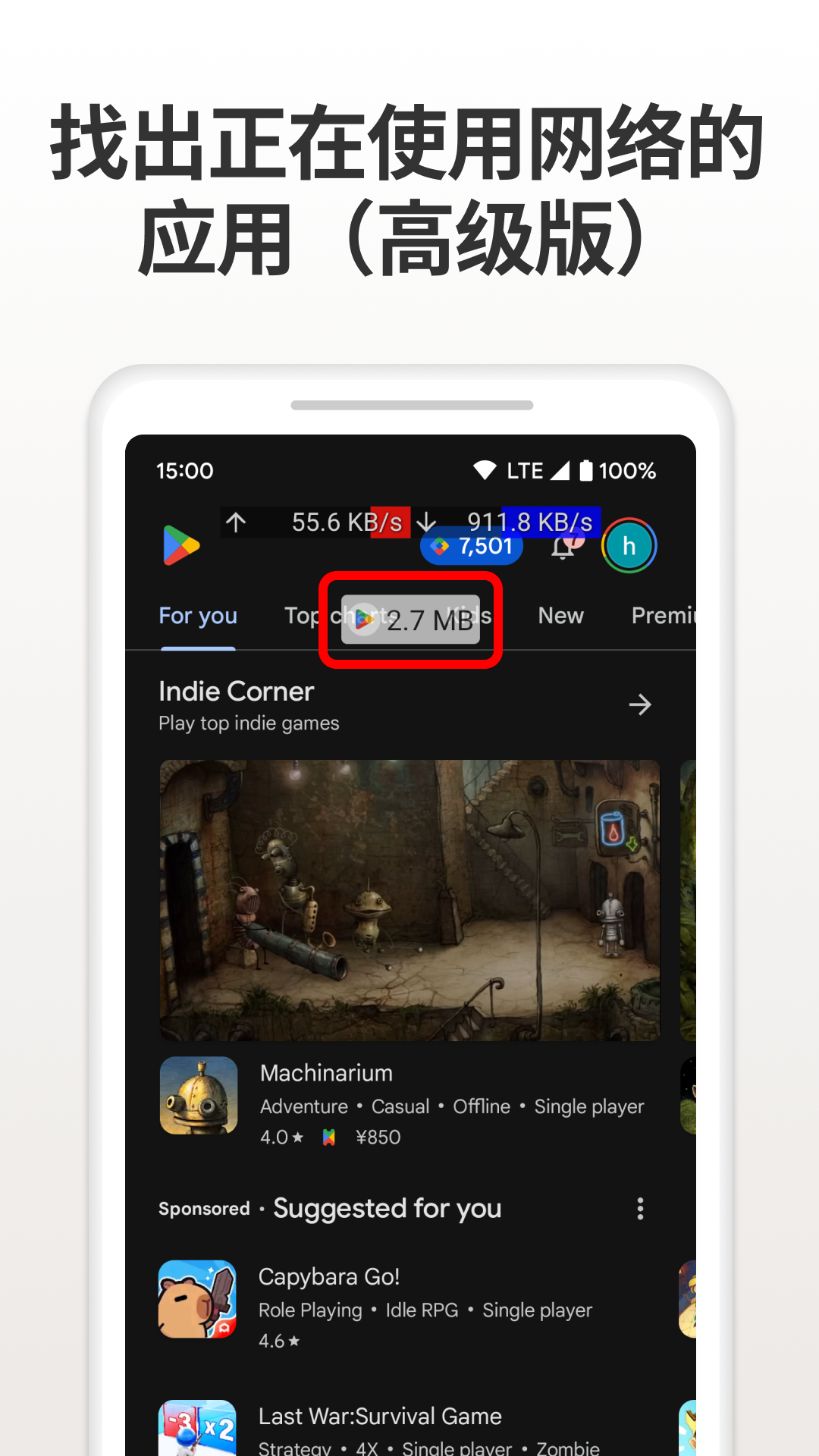
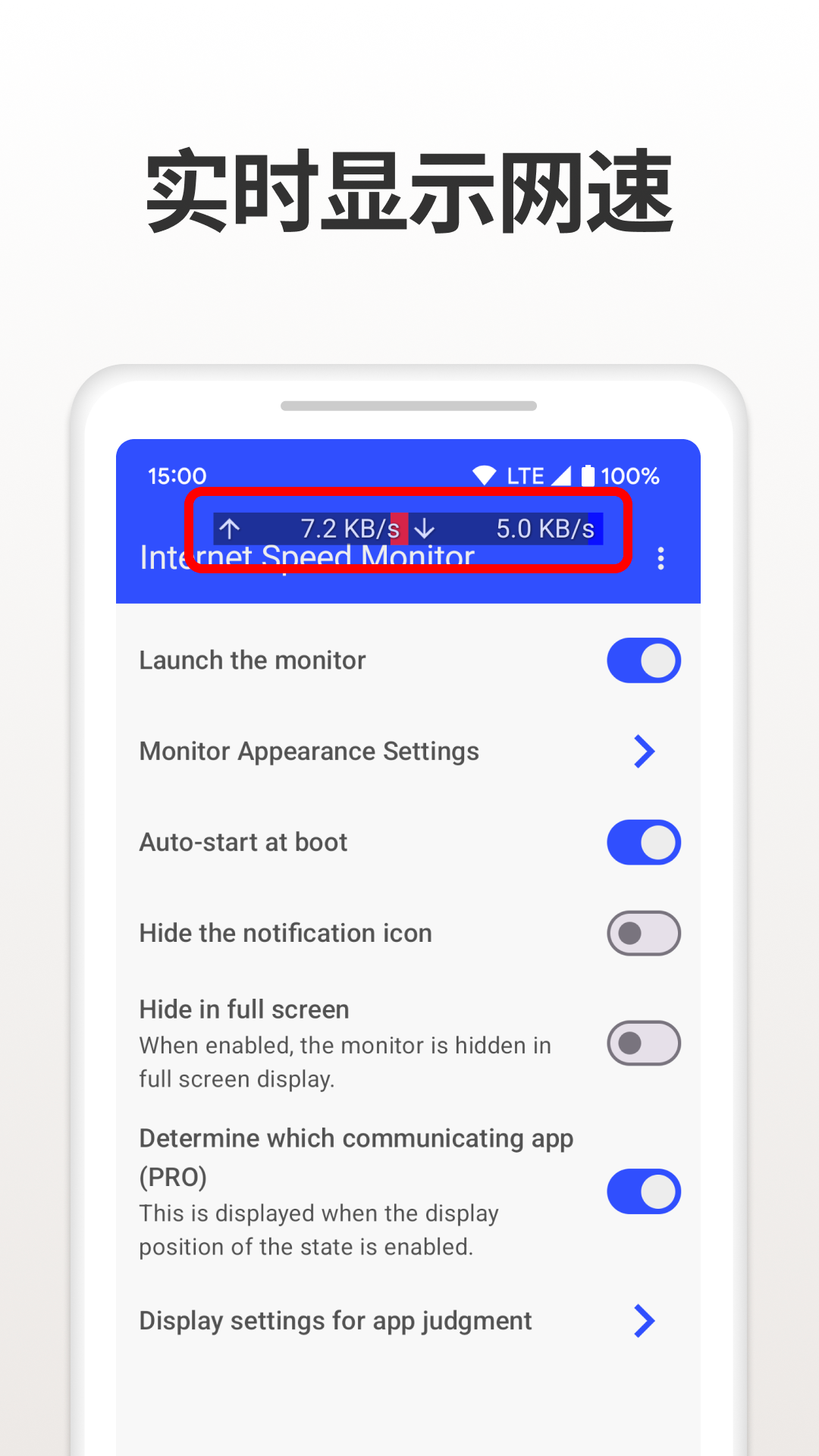
The Live Speed Monitoring system keeps a user informed of their speed without having to open the application’s main interface. It can be seen on the Android status bar or on a centralized dashboard. The dashboard provides a continuous performance stream while the user works in other applications. For comparison, the tool WiFi & Mobile Data Analysis helps to see which connection (WiFi or mobile data) is performing better in a certain environment. Taking into consideration the performance analysis of mobile data versus the available WiFi connections, the user can decide which connection to use for a particular critical task. A Data Usage Tracker is included in the application and helps to monitor data consumption for time periods of the user’s choosing (i.e. daily, weekly or monthly). The purpose of the tracker is to help the user not go over their mobile data plan, and also to help the user gain insight into background data usage that could possibly deplete their data plan.
In addition to standard speed tests, the application offers additional diagnostic tools such as Smart Network Insights and the Signal Strength Indicator. Smart Network Insights employs automated evaluation of connection quality and offers suggestions on how to maximize both speed and stability of the connection based on the current network conditions. The Signal Strength Indicator gives a practical means of identifying the best connectivity hot spots (areas of best signal) in a given building or outdoor location, by displaying the strength of the available Wi-Fi or cellular signal. For individuals requiring instant notification of changes, the speed alerts and notifications feature allows users to configure an alert to be triggered when the connection speed falls below a given threshold, or if the connection becomes too unreliable. The Connection History Logs allows users to see connection performance over an extended period and stores the connection performance history. Users may use the connection performance history to help determine if their Internet Service Provider (ISP) is improving their connection or if there are repeating connection performance issues at certain times of the day or week.
Gamification has been integrated into the application to reward frequent monitoring. The Speed Score system rates the results of speed tests, and users can also compete in Performance Challenges to improve their WiFi and gain an Ultra Fast or Pro Network rating. Users are motivated to engage in Daily Speed Tests to check their connection and assess daily performance. To further build and reinforce the habit of monitoring speed and quality of connections, the app awards users for taking Daily Speed Tests. The app’s features also focus on gamification to aid in the process of networking achievement, and users are awarded Network Achievement Badges for their interactions with the app. Users can also gain badges for various networking achievements such as Speed Tester and Stable Connection Master.
Users who need to be monitored for specific reasons during intensive tasks can use Lag Detection Mode’s feedback loop. This feature is meant to be used during streaming, browsing, and gaming, and is designed like a head-up display (HUD) to show connection stability in real-time. This tells the user exactly when their connection becomes unstable, and shows feedback on their network without interrupting the user from their main task. The developers of this app designed it to be lightweight, so the background processes of the app do not slow down the device or drain the battery of the device. The developers designed this app to be privacy focused and do speed tests on the device to test internet speed. Internet Speed Monitor is focused on user privacy and providing users a tool to test the performance of their internet.
Key features
- Real-Time Internet Speed Test
- Live Speed Monitoring
- WiFi & Mobile Data Analysis
- Data Usage Tracker
- Smart Network Insights
- Signal Strength Indicator
- Speed Alerts & Notifications
- Connection History Logs
- Speed Score System
- Performance Challenges
- Daily Speed Test Streaks
- Network Achievement Badges
- Lag Detection Mode
Related MOD APKs
- Data Usage Monitor
- Overlay Monitor CPU/Battery
- Notification Manager
- MovieBox ID: Watch Movies, TV Series, K-Dramas & Anime for Free
FAQ
Is Premium unlocked in Internet Speed Monitor MOD APK?
This Internet Speed Monitor 1.1.3 build includes Pro and Paid Unlocked features. Everything else functions like the Lufesu Inc. version, and these modifications become active immediately after you complete the installation process.
What is the latest version of Internet Speed Monitor MOD APK?
Version 1.1.3 matches the Lufesu Inc. update from April 13, 2026. We don’t keep older versions here. Install this file over your current app to update. If you see a signature error, you must uninstall your existing version before you try installing this one again.
Is Internet Speed Monitor MOD APK safe to download?
This Internet Speed Monitor 1.1.3 release from Lufesu Inc. features Pro and Paid Unlocked mods. 65 users gave it a 4.2/5 rating here. It does not require root. You may see Play Protect alerts, so always download from this page.
Can I use Internet Speed Monitor MOD APK on PC or iPhone?
This Android file cannot run on iPhone or iPad. To use the 13 MB file on Windows or macOS, install an emulator like BlueStacks or LDPlayer, then drag this app into that software to start the setup.
Internet Speed Monitor v1.2.2 MOD APK (Premium Unlocked) Download
Download (13 MB )You are now ready to download Internet Speed Monitor for free. Here are some notes:
- Please read our MOD Info and installation instructions carefully for the game & app to work properly
- Downloading via 3rd party software like IDM, ADM (Direct link) is currently blocked for abuse reasons.
4.2/5 (67 votes)