Transform your Android with the stunning iPear 18 Icon Pack! Get a sleek, modern iOS 18 aesthetic with thousands of HD icons, wallpapers, and premium themes.

iPear 18 - Icon Pack v1.8.4 APK (Full Version)
| App Name | iPear 18 - Icon Pack |
|---|---|
| Publisher | Eatos |
| Genre | Personalization |
| Size | 34.4M |
| Latest Version | 1.8.4 |
| MOD Info | Full Version |
| Get it On |

|
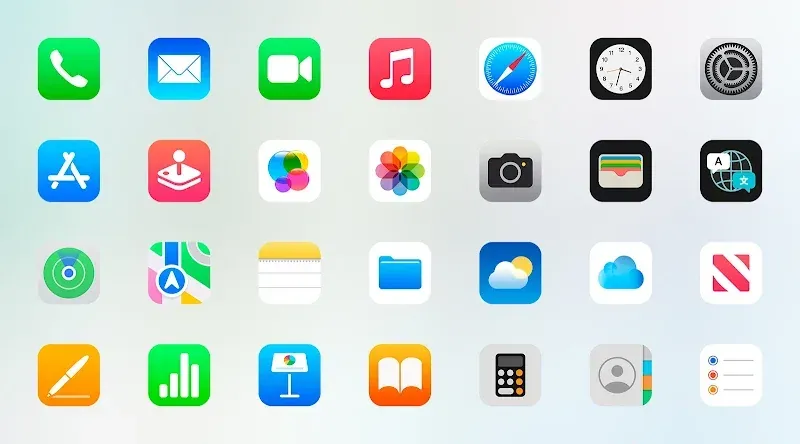
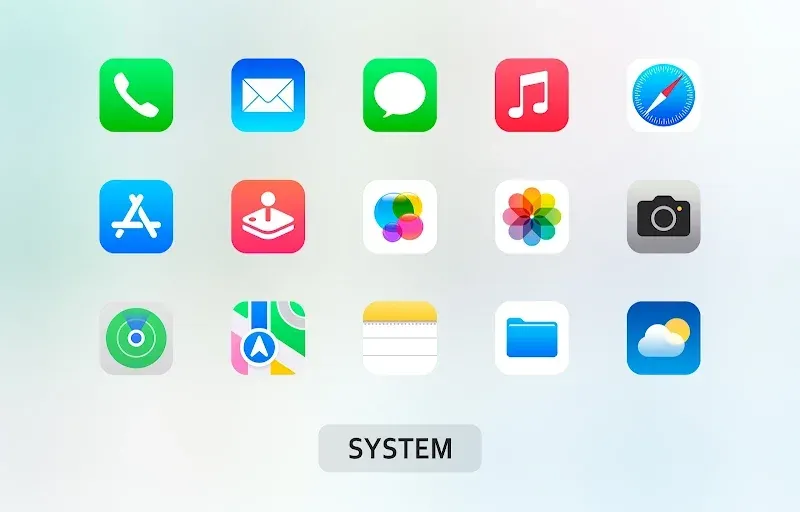
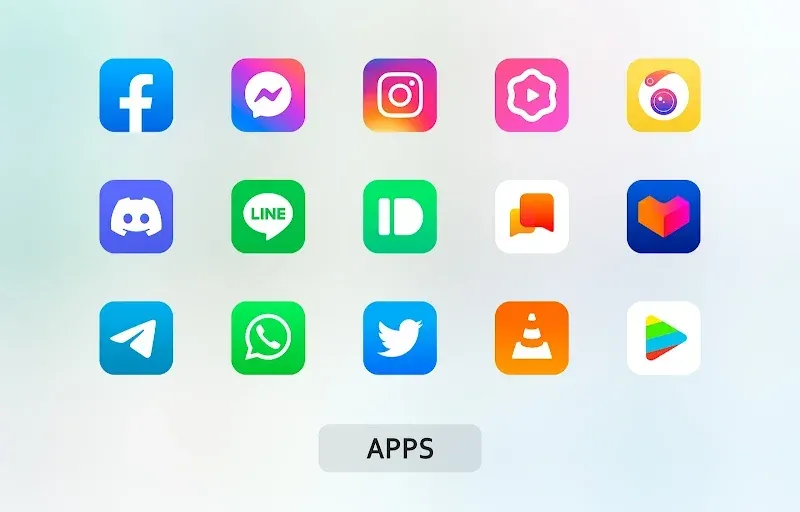
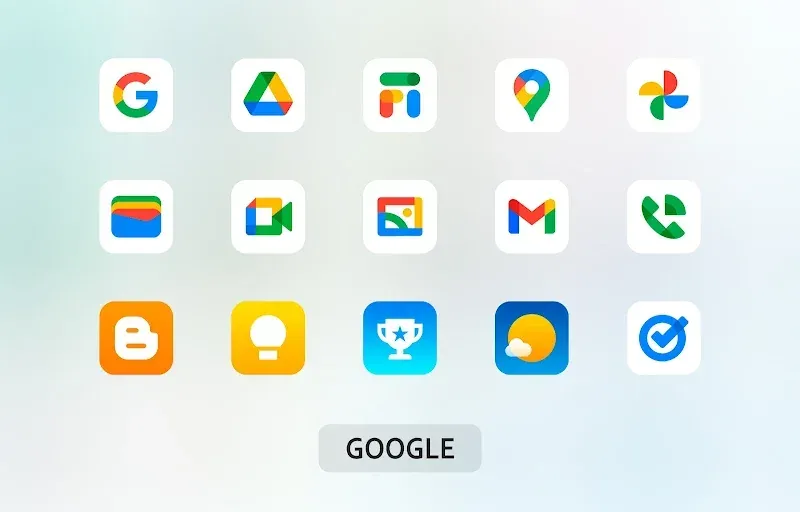
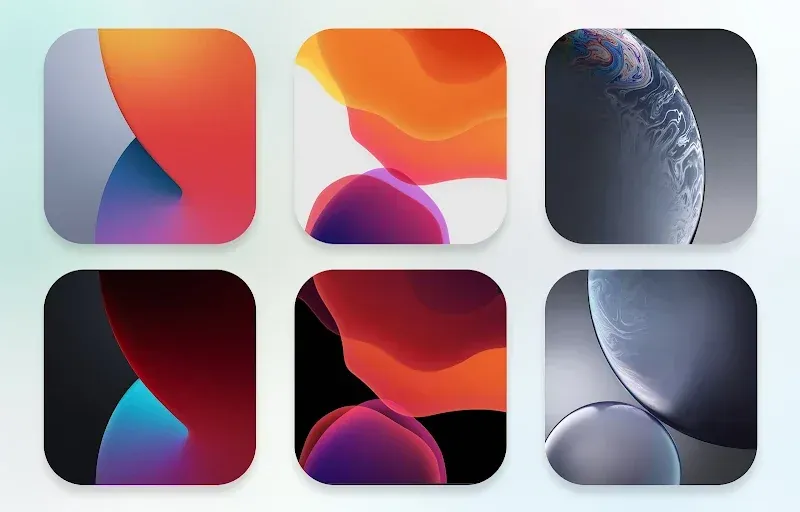
The iPear 18 MOD APK provides the full version of this personalization application, removing limitations on the available icon sets and visual assets. This modification ensures that the entire library of iOS-inspired design elements is accessible for customizing the Android user interface.
What’s Modified in iPear 18
- The full version of the application is unlocked, allowing for the use of all premium icons and wallpapers without restricted access.
Version 1.8.1 has a file size of 30M and is identified by the package name com.eatos.ipux; this build is re-signed and cannot be installed over a version downloaded from the official store.
About iPear 18
iPear 18 – Icon Pack is a utility application that allows users to personalize their Android devices by changing the appearance of their home screens to resemble iOS devices. The application focuses on visual changes and uses a particular design language to achieve clarity and professionalism. The application aims to improve the overall look and feel of the device by replacing system and application icons with high definition and high quality icons. Furthermore, the application makes adjustments to the presentation of application symbols on the device to ensure that the design of the application and the elements on the device conform to modern and consistent mobile design standards. Overall, the application allows users to personalize their Android devices and provides an interface that offers modern and high fidelity visuals.
This application includes a massive icon library with thousands of individual symbols. The icons are designed to remain sharp and clear at all sizes and at all resolutions. The designers of this application use the latest styles of iOS to create their icons and in doing so use specific shapes and colors with advanced shading to create a high definition effect. The icon library used in this application is large enough to encompass a variety of tools and software to provide a consistent visual experience across the user’s app drawer. The designers of this application focus on the clarity of the icons. Therefore, the icons do not lose their detail when used on high definition displays. Pixelation and blurring, which is common in lower quality theme packs, does not occur with this application.
In addition to the thousands of sharp and clear icons, the application includes hundreds of high definition wallpapers. These wallpapers are designed to provide a subtle background to the icons and therefore complement the minimal and vibrant color gradients present in the icons. Users can choose from a selection of these wallpapers to transform the look and feel of the home screen. The wallpapers of this application follow the same principles as the icons in terms of line balance and color gradients. Because of this, the overall home screen of the user remains uncluttered.
Other functional elements, like dynamic calendar support, have also been integrated. This allows the calendar icon on the home screen to adjust its look based on the day. This increases the level of detail provided by the home screen, and helps make the home screen a responsive environment as opposed to a static one. It also includes a built-in symbol request tool. This is a means for users to communicate their requests for missing application icons to the development team. The development team uses this feedback to create additional icons and expand the library of available icons over time. As a result, frequently requested application icons are created in the long-run.
While the application is intended to support many third-party launchers, icon packs cannot function in the default Android system architecture. For this reason, this app utilizes launcher-based theming for integration. Based on user experience, Nova Launcher and Apex Launcher work best for theming in addition to Go Launcher and Smart Launcher. The app’s developer sought to balance the integration with launchers, decreased system stability and noticeable battery drain. For this reason, the app attempts to provide the greatest level of flexibility for users to keep their desired launcher preferences while theming the system to the greatest extent possible. As part of the theming, the application alters the design of the icons and refresh the icons with new designs as part of its theming philosophy. The application also aims for ongoing compatibility with new releases of the Android system and refresh the icons in line with usability.
The iPear 18 MOD APK dashboard functions as the command center for the overall transformation. From the dashboard, users can go to the ‘Apply’ section to select the launcher that they wish to replace the default icons with. The dashboard has a search feature that lets users look for specific icons for the applications they wish to customize, and helps them in manually modifying parts of their home screen. Users can create a blend of different icon styles and grid layouts for home screen to achieve the look they desire. The HD wallpapers, icons, and a professional looking, interactive and dynamic calendar available in the app give users the ability to create a modernized and polished looking Android interface.
Key features
- Massive Icon Library
- Exclusive HD Wallpapers
- Dynamic Calendar Support
- Symbol Request Tool
- High Compatibility with third-party launchers
- Regular Updates
- Dashboard search functionality
- Minimalist patterns and vibrant color gradients
Related MOD APKs
- OnePro Dark – Icon Pack
- iGlassOS Dark – Icon Pack
- OneGlass 8 (Color) – Icon Pack
- OneGlass (Dark) – Icon Pack
FAQ
What does iPear 18 – Icon Pack MOD APK unlock?
This 1.8.1 build of iPear 18 – Icon Pack includes the Full Version. It behaves like the Eatos original, and changes are active as soon as you install.
What is the latest version of iPear 18 – Icon Pack MOD APK?
Version 1.8.1 matches the Eatos release updated on June 10, 2026. We don’t keep older versions here. Install this over your current app; if Android reports a signature conflict, uninstall the old one first.
Is iPear 18 – Icon Pack MOD APK safe to download?
The 1.8.1 version of iPear 18 – Icon Pack is the Eatos original with the Full Version. 38 users rated it 3.1/5. It does not require root. If Play Protect appears, it is expected; always download from this page.
Can I use iPear 18 – Icon Pack MOD APK on PC or iPhone?
This Android package won’t install on iPhone or iPad. To use the 30M APK on a computer, run an emulator like BlueStacks or LDPlayer, then drag the file in.
iPear 18 - Icon Pack v1.8.4 APK (Full Version)
Download (34.4M)You are now ready to download iPear 18 - Icon Pack for free. Here are some notes:
- Please read our MOD Info and installation instructions carefully for the game & app to work properly
- Downloading via 3rd party software like IDM, ADM (Direct link) is currently blocked for abuse reasons.
3.1/5 (38 votes)