Revitalize your Android with Material Capsule MOD APK! Transform your camera cutout into a stylish, dynamic hub for alerts, media controls, and Material 3 animations.
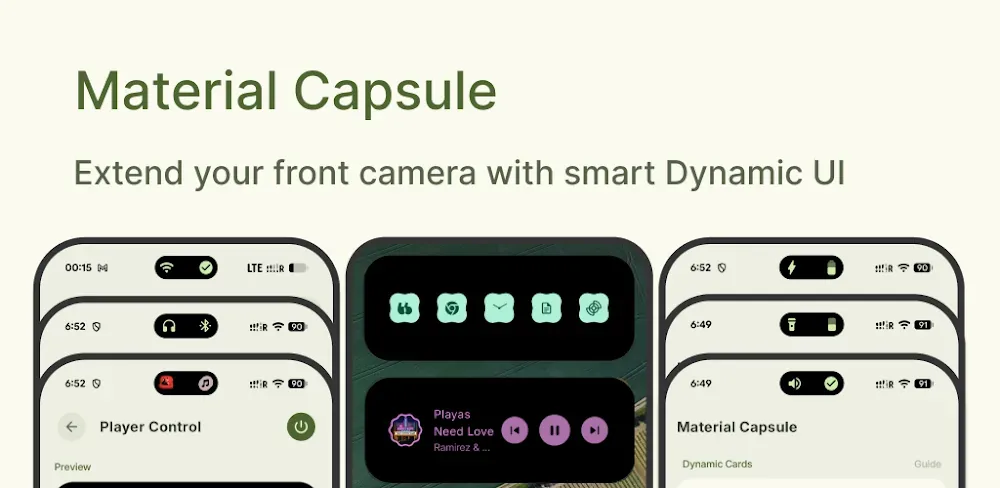

Material Capsule: Dynamic UI v15.5 MOD APK (Premium Unlocked)
| App Name | Material Capsule |
|---|---|
| Publisher | Pryshedko-Dev |
| Genre | Tools |
| Size | 27M |
| Latest Version | 15.5 |
| MOD Info | Premium Unlocked |
| Get it On |

|
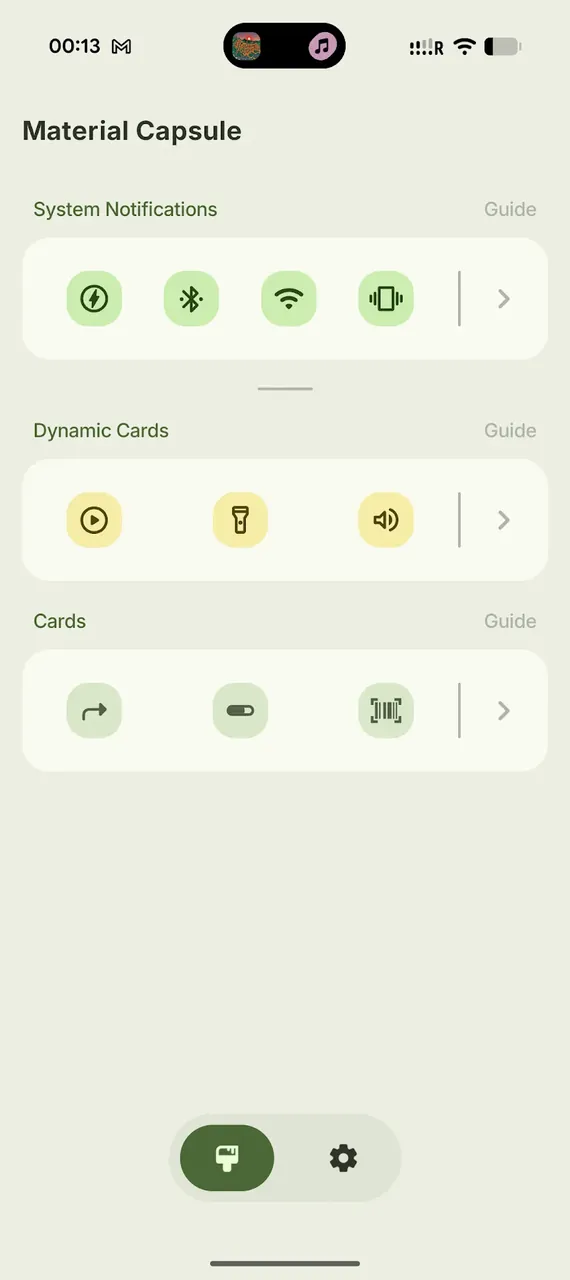
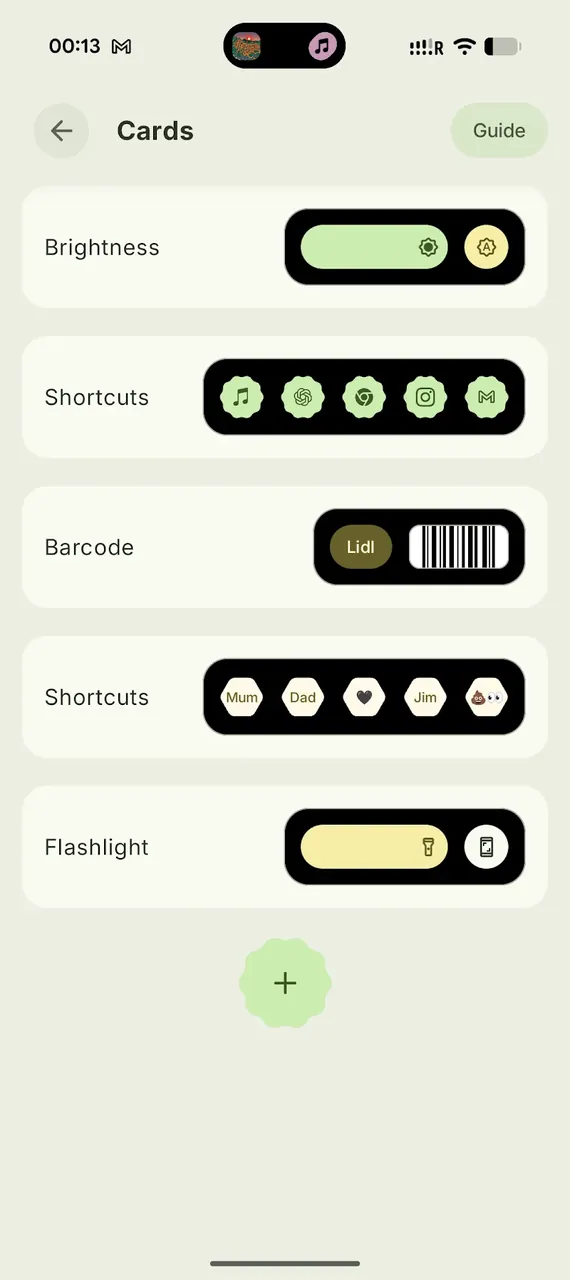
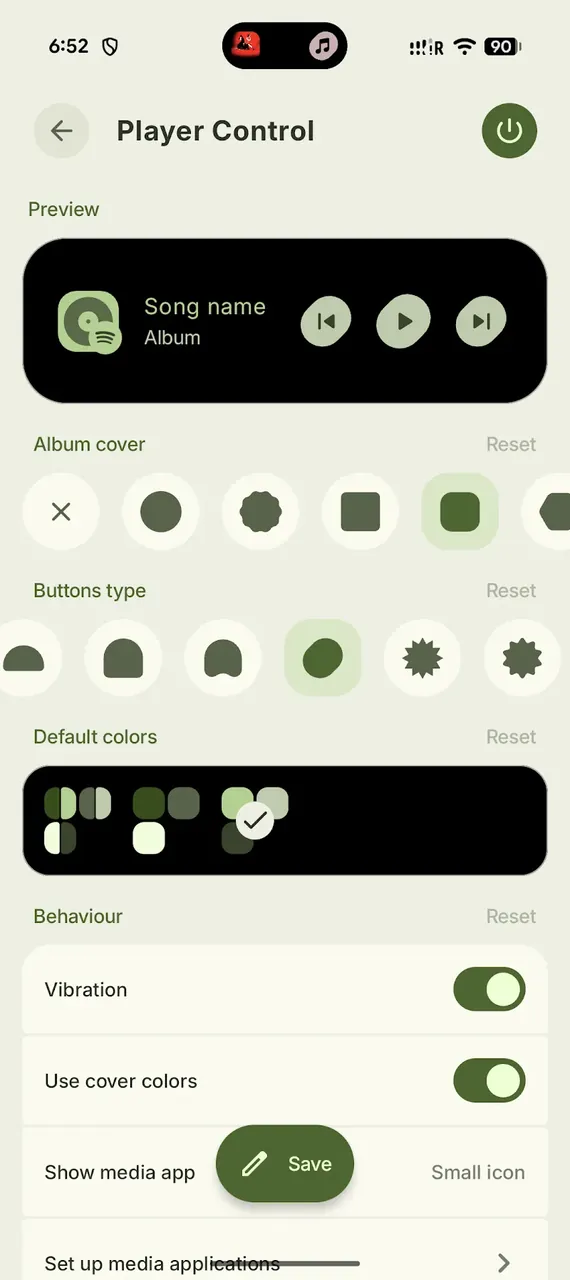
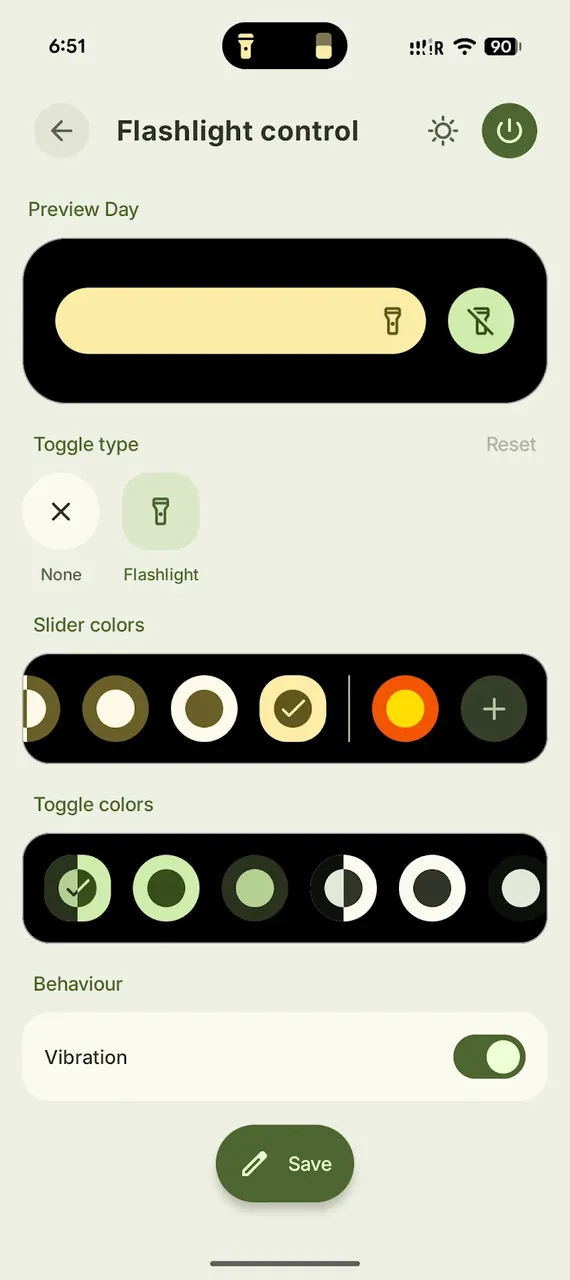
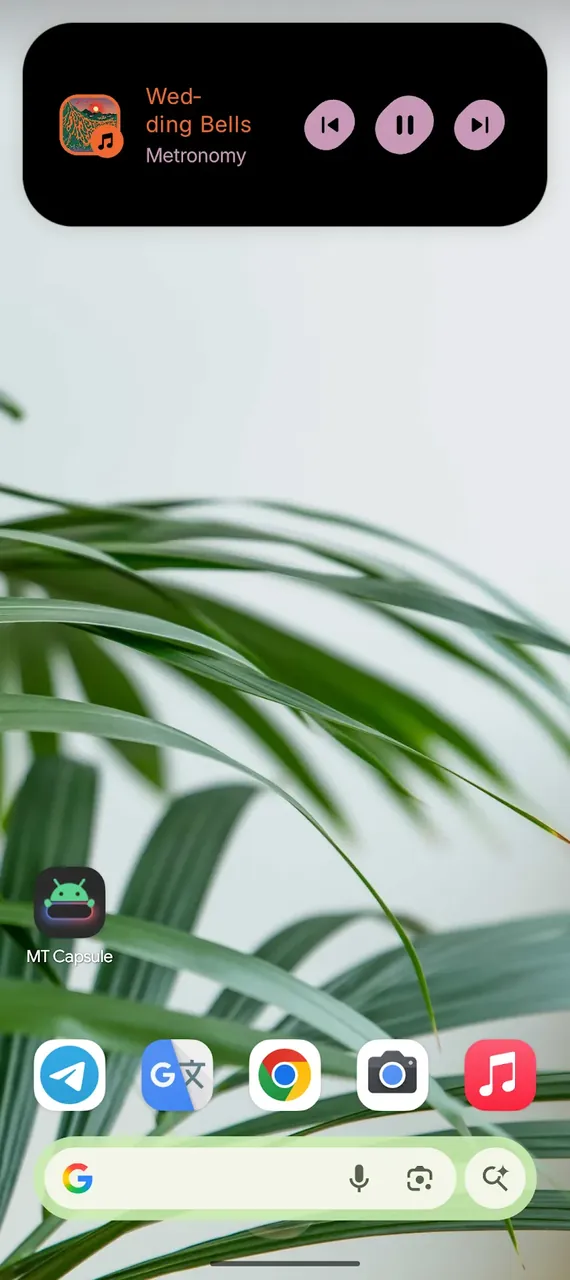
This build provides a version where the premium features are fully accessible from the start. By using Material Capsule MOD APK, users can access advanced customization options and interaction modes that are typically restricted in the standard release.
What’s Modified in Material Capsule
- The premium features within the application are unlocked for immediate access.
This build is version 15.5, has a file size of 27M, and uses the package name com.pryshedko.mtisland; it is a re-signed file and cannot be installed as an update over the version found on the official store.
About Material Capsule
This application innovates how users engage with their phone’s user interface by offering an additional layer of interaction within the existing user interface of their device. The Material Capsule MOD APK alludes to the front-facing camera cutout and, therefore, focuses on the area of the user interface where the user engages most with mobile applications. Following the principles of Expressive Design of Material Design 3, the software provides users the ability to personalize various elements including shape and color. The software presents a significant improvement from the often ignored and masked camera cutouts and provides a more intuitive interface as compared to ordinary, static notification lights. The software introduces hardware-software integration to offer a more comprehensive user experience, especially in the field of mobile user interfaces. The interface presents essential user and system information and notifies the user of recent system activity and events.
The capsule includes software that can generate notifications based on the behavior of the device or connected applications. Notifications are designed to capture the user’s attention without disrupting their work. For example, to provide feedback on the status of the battery, the capsule can generate a notification that can be displayed overlaid on the capsule’s surface. Notifications generated by the system or messages displayed by the capsule can be managed in the hub. To improve the interaction between users and the capsule, the design incorporates several animations. In addition, the appearance of the notifications is designed to incorporate existing design themes. To maintain the visual appeal of the user interface, the animations are designed to be as short as possible. The animation of a loading bar can be displayed while the capsule is charging.
The program allows users to manage media by adding various media player functions to the overlay. Users can control their music and video by adding music and video player apps to the overlay. The overlay provides controls to play, pause, and skip tracks. The overlay provides a more convenient way to manage media without having to use system controls. Users can perform multiple actions by using gestures. Users can assign a long tap or a double tap to system controls to perform actions like adjusting the media volume, taking a screenshot, or other functions. Users can also assign actions to gestures to launch apps. The software provides a way to simplify the controls of the device by using gestures to perform actions that would typically require multiple steps.
The software has an Advanced Mode that lets users alter interaction controls in various ways. One such alteration is the use of gestures to control different features of the software. As an example, a user may wish to map a camera application shortcut to a tap gesture to a defined region on the software (i.e. a camera cut-out), or to a long gesture to a personal barcode for mobile payment or social content sharing. In order to allow for maximum control, many options and settings are provided to a user, to range from configuring colors and other controls vis-a-vis a graphical user interface to control various animation speeds and sizes. These controls allow a user to configure the software to interact with various features of the hardware in a manner that enhances the overall look and feel of the device.
The app has to be optimized for performance so that it does not affect the performance of the device it is running on. Animations are rendered at 60 frames per second to achieve a fluid motion. The developers have ensured that the background processes are efficient to avoid unacceptable drain on the device’s battery and affect the responsiveness of the device. The developers have ensured that the app can work and integrate with other similar apps, and as such, it can work with Edge Lighting and aodNotify. Notification enhancement apps can work together if they do not consume system resources. The apps require some accessibility permissions to work. The app makes requests for some accessibility permissions to achieve fluid motion and other features.
The Material Capsule MOD APK is here to evolve the way you utilize your Android device. No longer do you have to be restrained by static UI’s. With this software, you can completely revamp your Android home screen to give it a modern, and highly usable design. The home screen can be interacted with and used in many different ways to give the user a better, faster, and more connected experience. With its emphasis on Material You design principles, your home screen can be transformed to give your friends and family a look into your personality with an interface that is fluid and changes based on your actions. Instead of a static and lifeless home screen, you can truly have a device that reacts to you.
Key features
- Dynamic Camera Integration
- Material 3 Expressive Design
- Advanced Media Controls
- Smart Notification System
- Deep Customization
- Intuitive Gesture Support
- Advanced Mode
- Edge Lighting and aodNotify integration
Related MOD APKs
- MaterialPods
- MovieBox ID: Watch Movies, TV Series, K-Dramas & Anime for Free
- KWGT Kustom Widget Pro
- SnapTube
FAQ
Is Premium unlocked in Material Capsule MOD APK?
This Material Capsule 15.5 build features Premium Unlocked. It functions just like the Pryshedko-Dev original, with all modifications active immediately after installation.
What is the latest version of Material Capsule MOD APK?
Version 15.5 matches the Pryshedko-Dev release from August 17, 2026. We don’t keep older versions here. To update, install this file over your current app. If you see a signature error, uninstall the previous version first.
Is Material Capsule MOD APK safe to download?
This Material Capsule 15.5 build from Pryshedko-Dev includes Premium Unlocked. 143 users gave it a 3.8 rating here. It does not require root. Ignore any Play Protect warnings during setup, but always download from this page.
Can I use Material Capsule MOD APK on PC or iPhone?
This Android file cannot run on iPhone. To use the 27M package on a computer, install an emulator like BlueStacks or LDPlayer, then drag and drop the file into the software.
Material Capsule: Dynamic UI v15.5 MOD APK (Premium Unlocked) Download
Download (27M)You are now ready to download Material Capsule for free. Here are some notes:
- Please read our MOD Info and installation instructions carefully for the game & app to work properly
- Downloading via 3rd party software like IDM, ADM (Direct link) is currently blocked for abuse reasons.
3.8/5 (145 votes)