Edit music like a pro! Cut MP3, trim audio, merge songs, mix tracks, create ringtones, and convert audio with easy tools.
Music Audio Editor, MP3 Cutter MOD APK V2.8.4.0 (Pro Unlocked)
| App Name | Music Audio Editor, MP3 Cutter |
|---|---|
| Publisher | Cut MP3, Video Screen Recorder, Voice Audio Editor |
| Genre | Music & Audio |
| Size | 32 MB |
| Latest Version | 2.8.4.0 |
| MOD Info | Pro Unlocked |
| Get it On |

|
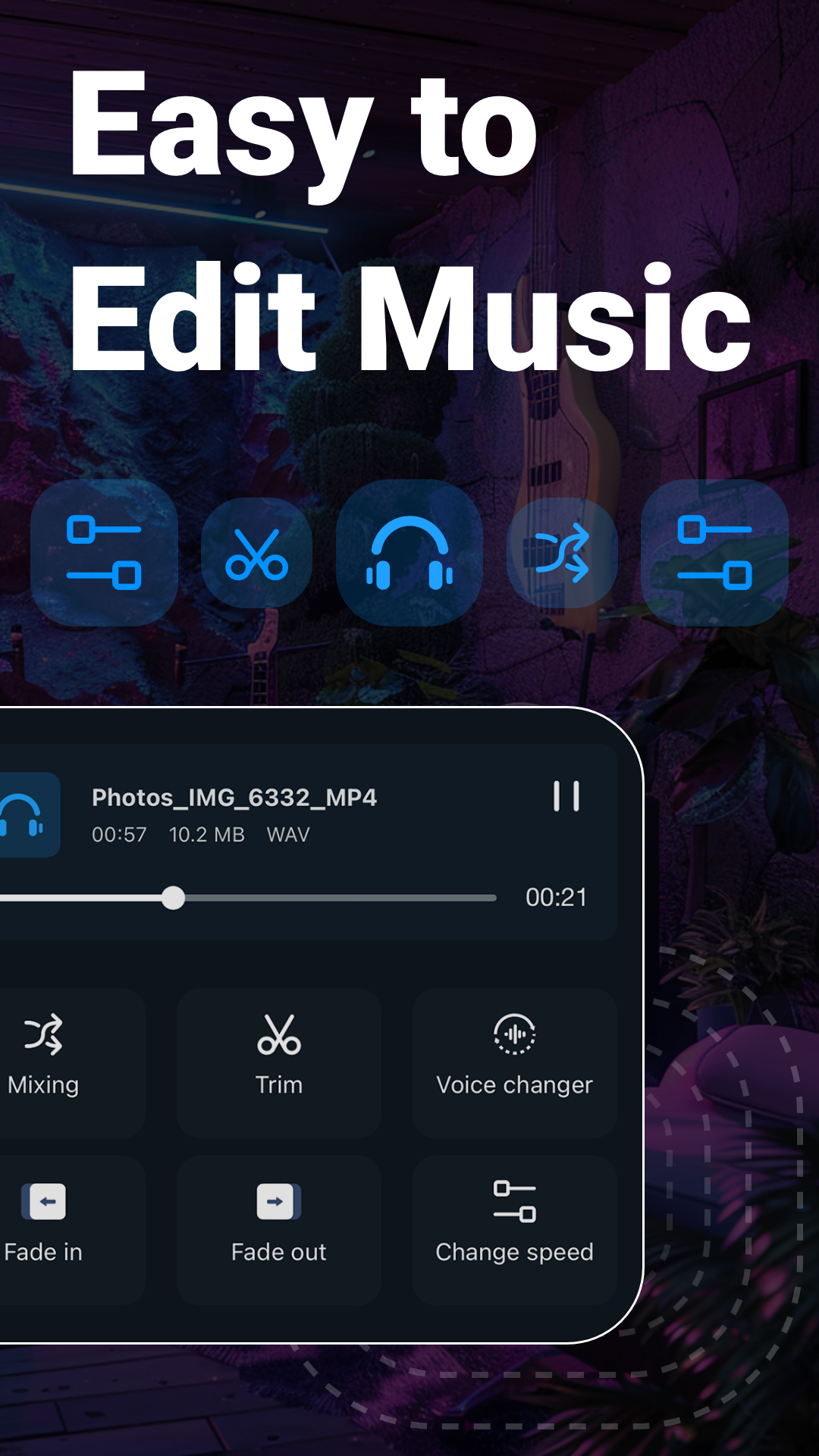
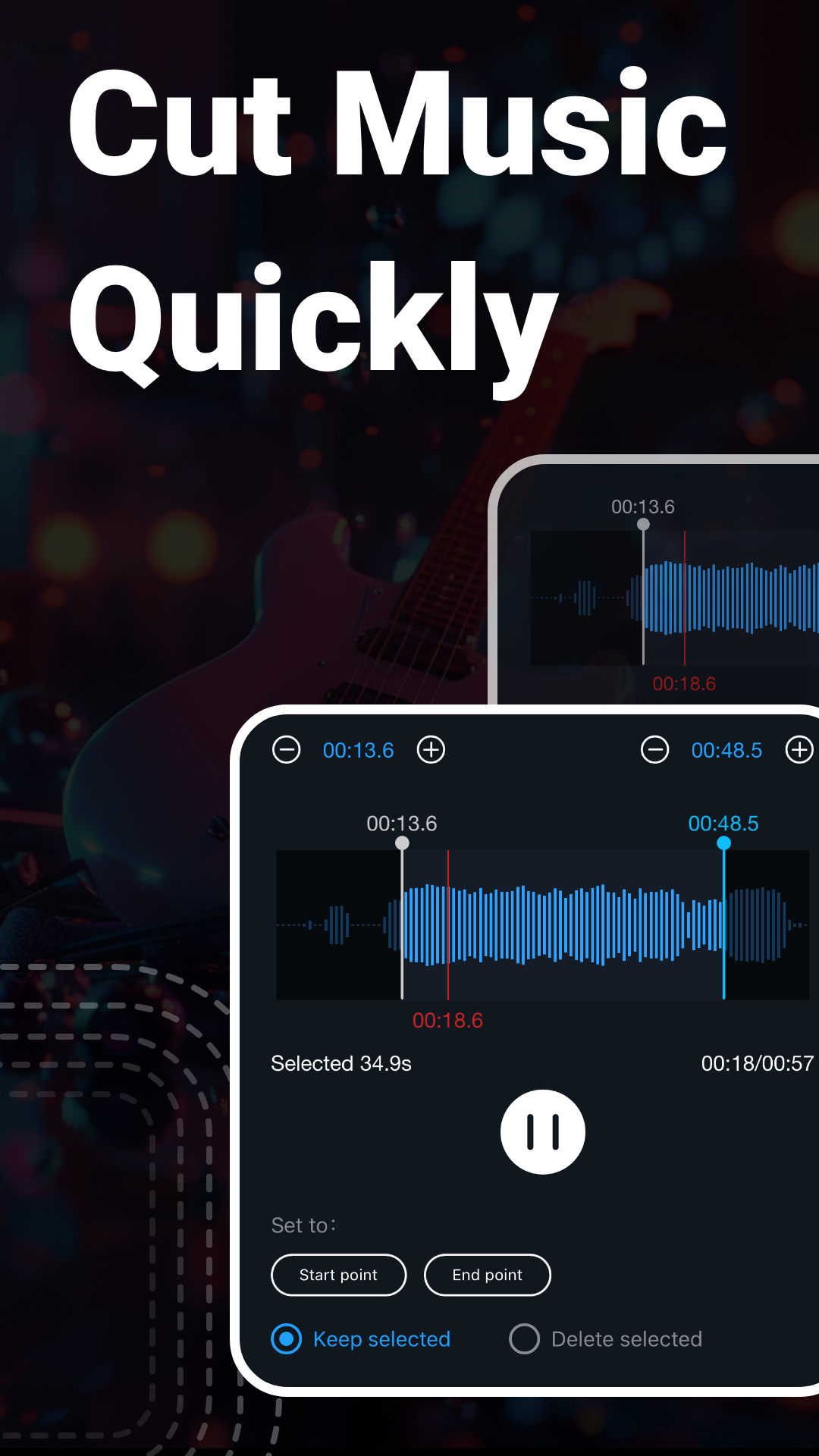
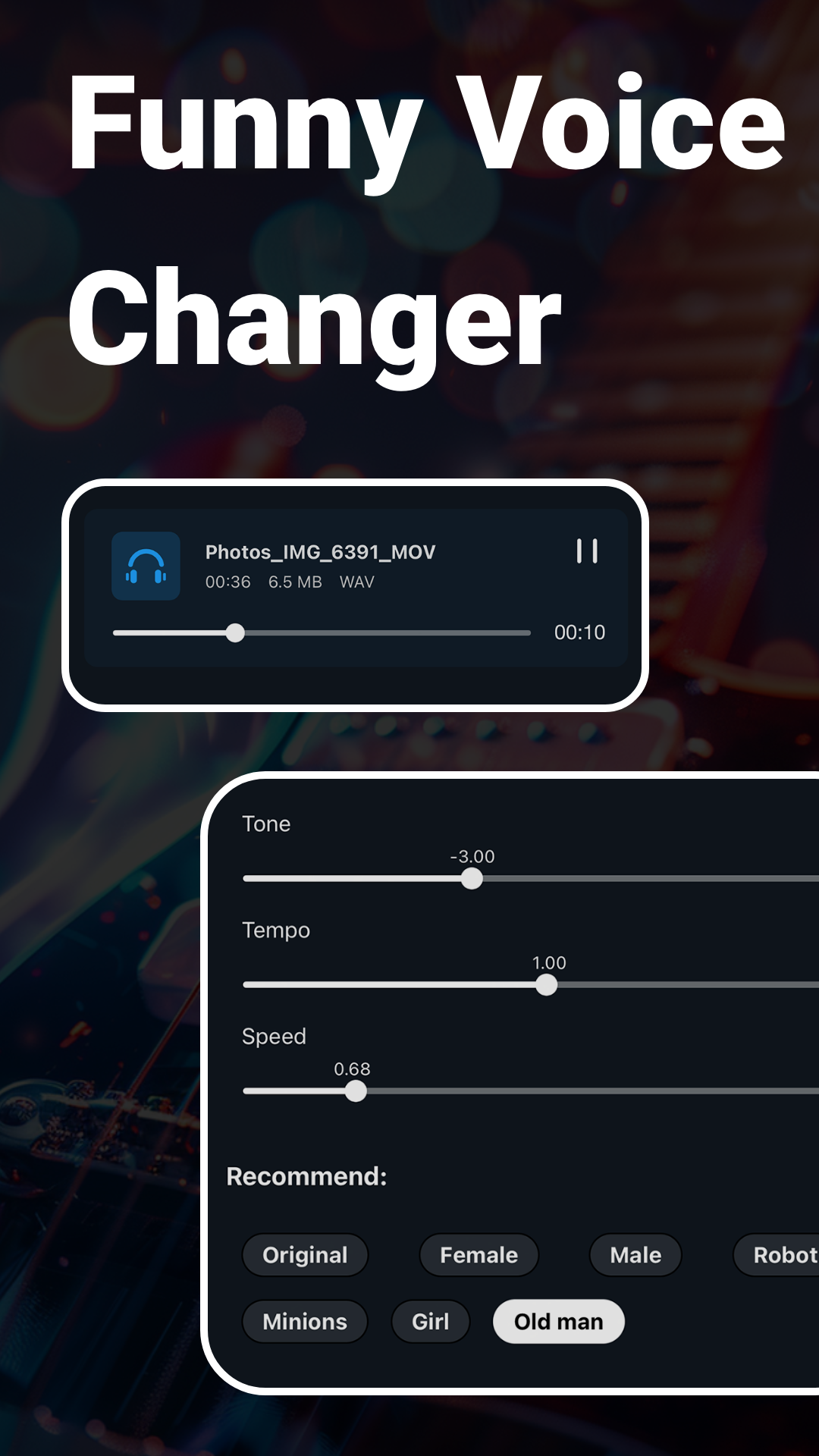
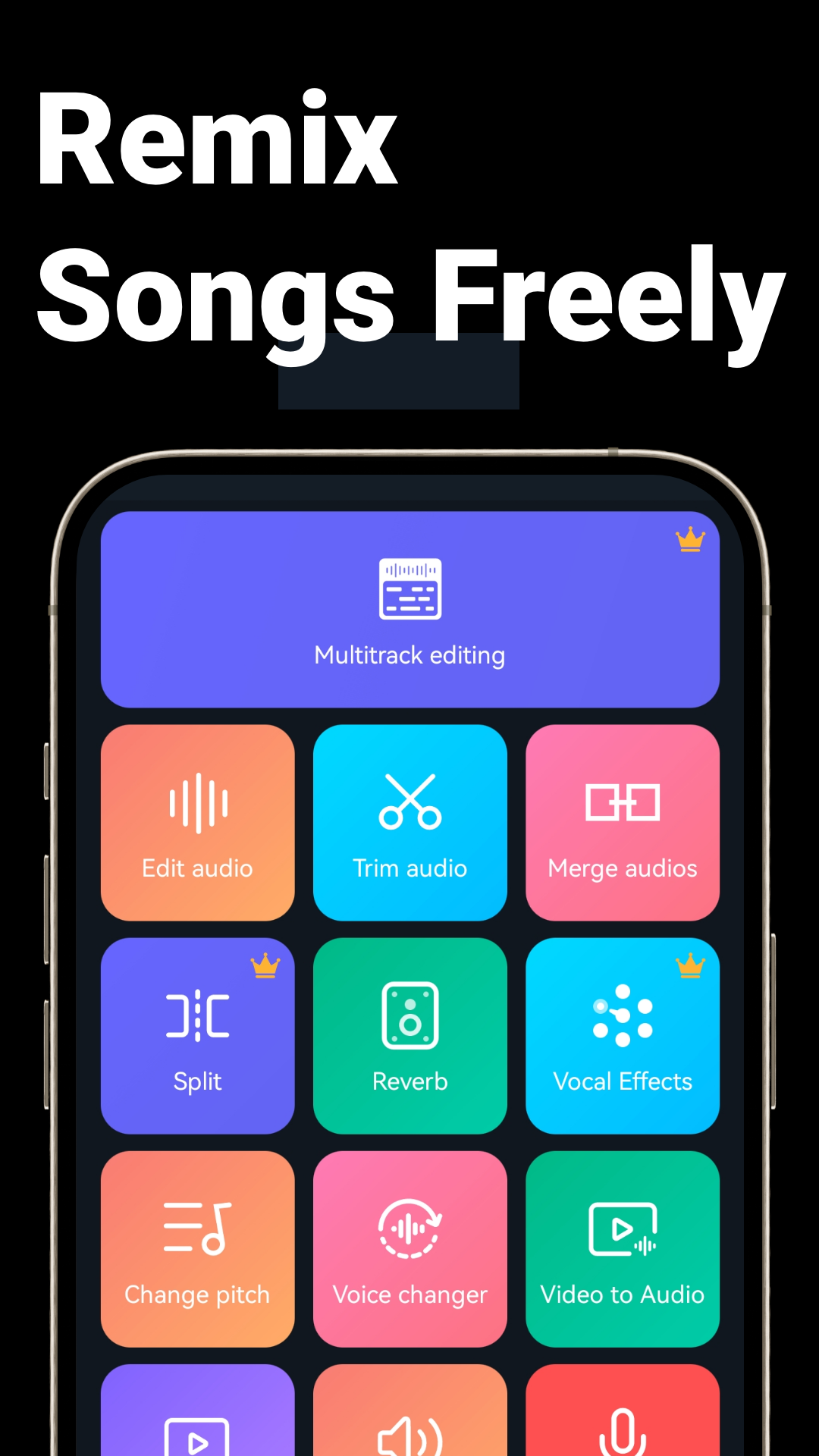
This Music Audio Editor, MP3 MOD APK provides a fully unlocked Pro experience, granting immediate access to the entire suite of premium audio manipulation tools. By removing functional restrictions, this build allows users to utilize advanced editing, mixing, and conversion features that are typically limited in the standard version.
What’s Modified in Music Audio Editor, MP3
- The Pro Unlocked status enables all professional-grade audio editing tools and premium features within the application.
This build is version 2.8.4.0 with a file size of 32 MB and package name com.tianxingjian.supersound, and because it is a re-signed file, it cannot be installed as an update over the version available on the official store.
About Music Audio Editor, MP3
Music Audio Editor allows you to easily edit your MP3s and other audio files. This program is great for beginners and advanced users. It has many features to help you create the sounds you need. You can easily remove unwanted sections of your audio files and save the sections you want. This program also lets you merge files together. With this program you can edit files in many different formats. This program lets you create different types of sounds. If you’re making a file for your phone as a ringtone, this program can help you do that too. You can easily mash up different parts of audio files you want to combine. This program gives you the ability to add sounds to digital files and manipulate sounds in many different ways. The program lets you quickly and easily edit sound files in many different formats.
One of the main selling points of the Music Audio Editor, MP3 MOD APK is its ability to exactly cut and trim audio. Included in the app is an MP3 cutter and audio trimmer. This means that users can extract or erase specific parts of an audio track or song. The cutter and trimmer let users select different parts of an audio track at the frame level. Users can extract a track’s best part or cut an unneeded part. Like standard audio or music editing apps, the Music Audio Editor lets users view the location of a track or song’s parts and then edit it accordingly. Users can remove unwanted parts of an audio track or song and then export it in a format of their choosing.
In addition to simple trims, the app provides options for more advanced mixing and merging of audio files. An audio mixer is provided to merge multiple tracks and edit songs to create a single continuous piece. Users can create audio tracks in a manner similar to DJ mash-ups. The app offers a mixing feature to combine two or more audio tracks. Using this feature, users can adjust the balance between the audio tracks to prevent one track from being overpowered by the other. The mixing feature provides tools to smooth out transitions by fading in or out a track. These features are especially useful when a track contains multiple elements, or when a user wants to create a track containing a variety of elements (music, sounds, and effects) and layer it with other tracks.
Users of the software can manage file and disk space by using the in-app audio converter and audio compressor. Users can change the file format and quality by converting audio files to various formats such as WAV to FLAC or M4A to MP3. The in-app compressor keeps audio quality while reducing file size. The compressor is useful for editing audio files. The edited files can be emailed or messaged to friends because the compressed file size is smaller than the original file. Users can even create and edit ringtones. Users can change any part of any song to be used as a ringtone or alert sound. The software provides a unique way for users to customize their notification sounds and alarms by using their favorite songs, or audio clips that they have recorded on their device.
The addition of a voice recorder and audio editor increases the Music Audio Editor’s MP3 MOD APK potential for content creation. Users can now record various forms of audio directly within the application. Examples include personal voice memos, lectures, interviews, and performance audio. The editor provides several tools to enhance the quality of the recording. Noise reduction filters, an Audio Equalizer, and tools to adjust audio levels are just a few of the features available to users. For podcasts and other audio content, it is imperative that the quality of the audio is on par across different forms of media. The Audio Editor provided by Music Audio Editor’s MP3 MOD APK allows users to shape audio in ways similar to how videos are edited. This allows for mobile recordings to be shared in a polished and professional manner.
High-quality export settings let users export audio files at different sample rates and bitrates. Users have control over the quality of audio files they export from the app. Different export settings allow users to export audio files for different uses. For example, users can export an audio file at a low sample rate and low bitrate if they want to quickly send an audio file. Users can also export a high quality file at a high sample rate and high bitrate if they want to upload an audio file to a professional audio website. The app has powerful features but doesn’t take up a lot of space on a user’s device. The developers of the app aimed for the app to have a small size to increase the app’s performance. The app gives users a lot of powerful features and tools to use when creating an audio file. The tools and features of the app allow users to produce different types of audio including sounds to be played on a mobile device.
Key features
- MP3 cutter and audio trimmer with frame-level precision
- Multi-track audio merger and mixer for creating mashups
- Audio converter supporting MP3, WAV, AAC, FLAC, and M4A
- Audio compressor for reducing file size while maintaining quality
- Integrated voice recorder with noise reduction and enhancement tools
- Custom ringtone, alarm, and notification tone creator
- Volume booster and multi-band equalizer
- Fade-in and fade-out transition effects
- High-definition audio export with customizable bitrate and sample rate
- Visual drag-and-edit timeline interface
- Lightweight performance optimized for mobile devices
Related MOD APKs
FAQ
Is Premium unlocked in Music Audio Editor, MP3 Cutter MOD APK?
This 2.8.4.0 build of Music Audio Editor, MP3 Cutter includes Pro Unlocked. It works like the Cut MP3 , Video Screen Recorder , Voice Audio Editor release, with all features available as soon as you finish the installation.
What is the latest version of Music Audio Editor, MP3 Cutter MOD APK?
Version 2.8.4.0 matches the Cut MP3 , Video Screen Recorder , Voice Audio Editor update from August 26, 2026. We don’t keep older versions here. To update, install this file over your current app. If you get a signature error, uninstall the old version first.
Is Music Audio Editor, MP3 Cutter MOD APK safe to download?
This 2.8.4.0 version of Music Audio Editor, MP3 Cutter is the Cut MP3 , Video Screen Recorder , Voice Audio Editor app with Pro Unlocked. 13 users rated it 4.8 here. It does not require root. Expect a Play Protect warning; always download from this page.
Can I use Music Audio Editor, MP3 Cutter MOD APK on PC or iPhone?
This Android package cannot be installed on an iPhone. On a computer, you can run the 32 MB APK using BlueStacks or LDPlayer. Simply install one of these emulators and drag the file into the window.
Music Audio Editor, MP3 Cutter MOD APK V2.8.4.0 (Pro Unlocked)
Download (32 MB )You are now ready to download Music Audio Editor, MP3 Cutter for free. Here are some notes:
- Please read our MOD Info and installation instructions carefully for the game & app to work properly
- Downloading via 3rd party software like IDM, ADM (Direct link) is currently blocked for abuse reasons.
4.8/5 (13 votes)