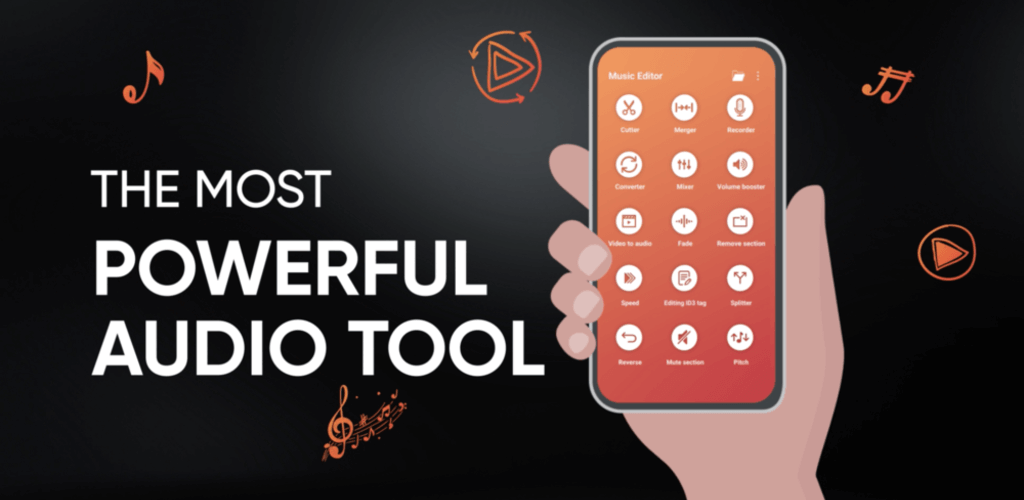


The Music Editor MOD APK provides access to the premium features of the application, removing the restrictions typically found in the standard version. By utilizing this build, users can engage with the full range of audio editing and ringtone creation tools without encountering locked content.
What’s Modified in Music Editor
- Unlocks the premium version of the application to provide access to all features.
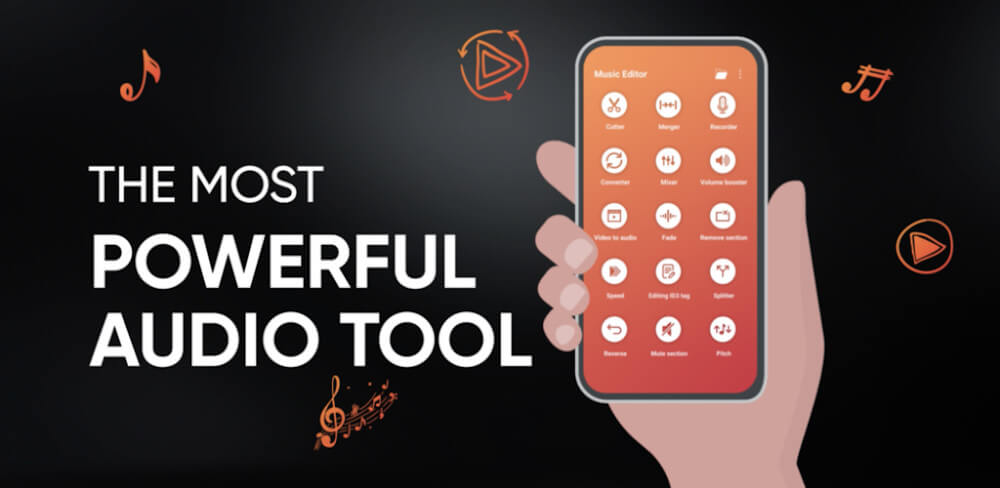
Music Editor version 7.3.9 has a file size of 50M and carries the package name com.fragileheart.mp3editor; this build is re-signed, meaning it cannot be installed as an update over the original version from the store.
About Music Editor
Music Editor is a ringtone and sound editor for mobile devices, developed by Prometheus Interactive LLC. It lets users customize and manage their sound files precisely. Music Editor sets itself apart from the competition by providing a plethora of basic and advanced audio editing tools. All of these tools are integrated into a single user interface to accommodate the diverse interests of the global user community. One of the best features of the current version is that its user interface has been redesigned using a community favorite element, which has been very well received. The developers focus on continuous improvement ensures that their software remains a relevant option for users interested in creating advanced audio alerts and customized soundtracks for various applications. Music Editor tries to be everything to everyone and achieve a one-stop audio file editor status by offering a multitude of options to users, ranging from basic features like trimming and mixing to more advanced features like audio effects. It achieves this by incorporating tools previously scattered across several apps into a single compact app.
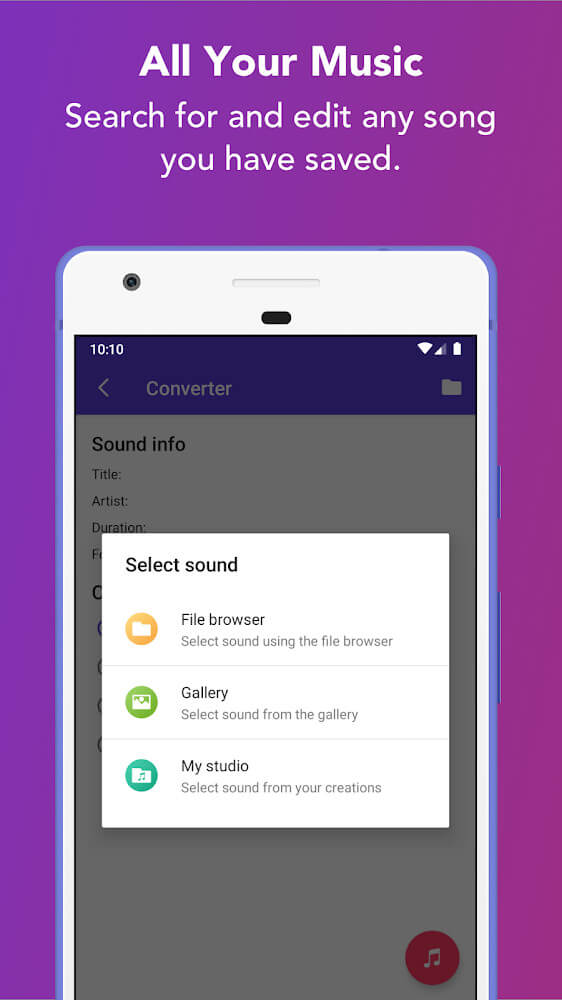
The purpose of the application is to provide users with the ability to create music for their ringtones. Default ringtones can get old and stale. That’s why the development team focused on building the features to cater to the requests of the user base looking to go beyond the default ringtones, and provide them with their own personalized music. With music at their fingertips, the application can instantly give the user what they want. The main focus of the application is to give the user the ability to manage the music the way they want it, the way they see fit, in order to give them a unique audible experience with every call and notification. There are endless options built into the application to give users the tools and features to create the audio file of their desire. Users aren’t required to have complex knowledge of how to edit audio files to get what they want. The application is geared to provide users with the tools and options to give them what they want. Users are nudged to consider the kind of music they want as their ringtones. The application is designed to provide users with the ability to meet their musical desires with a wide range of songs at their disposal.
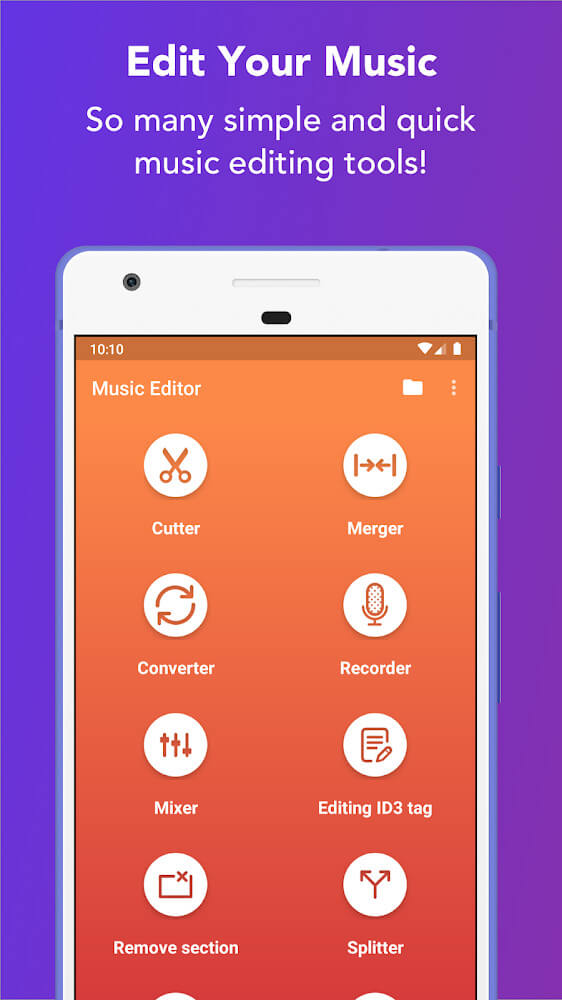
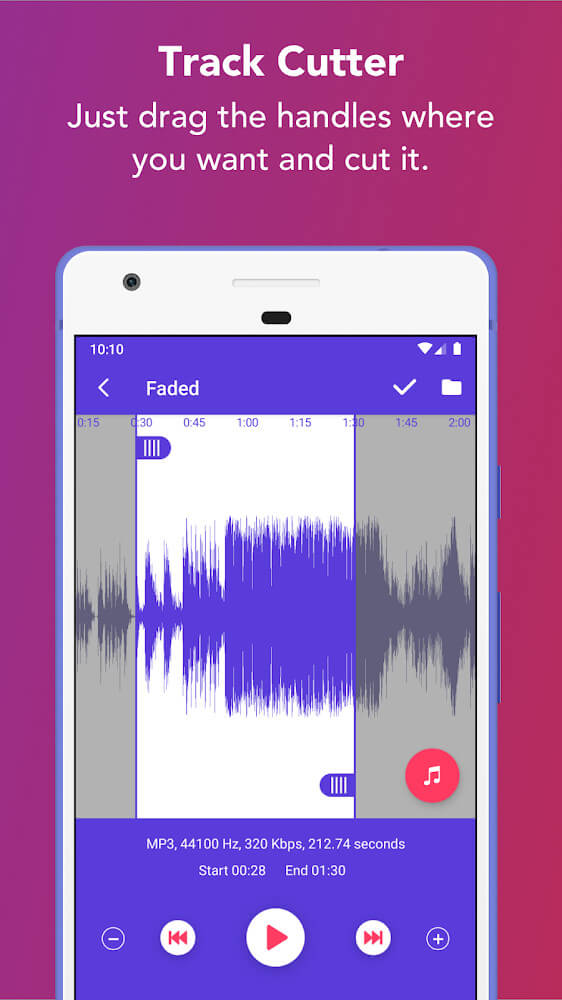
Beyond creating ringtones, the app offers many powerful tools for other music editing tasks. Like its ringtone tool, these features let users get “dirty” with their audio files by letting them download files and then perform any editing task they see fit. This allows users to create the ultimate dance remix by cutting between different parts of a song. The app lets users get really creative, and go as far as isolating a particular chorus or even cutting the vocals to create an instrumental. The developers included a disclaimer to explain that while cutting and manipulating copyrighted files is fully permitted, the app is ultimately created for ringtone creation and should not be shared or distributed. Given how complex ringtone creation and editing features in other apps can be, the developers of this app wanted to create an easy-to-use app to manipulate audio files. Even the most novice of users can effectively remove unwanted segments of a file. Again, this app provides an easy way to specify where a segment of a file should start and stop to ensure a seamless, professional end-result.
 |
 |
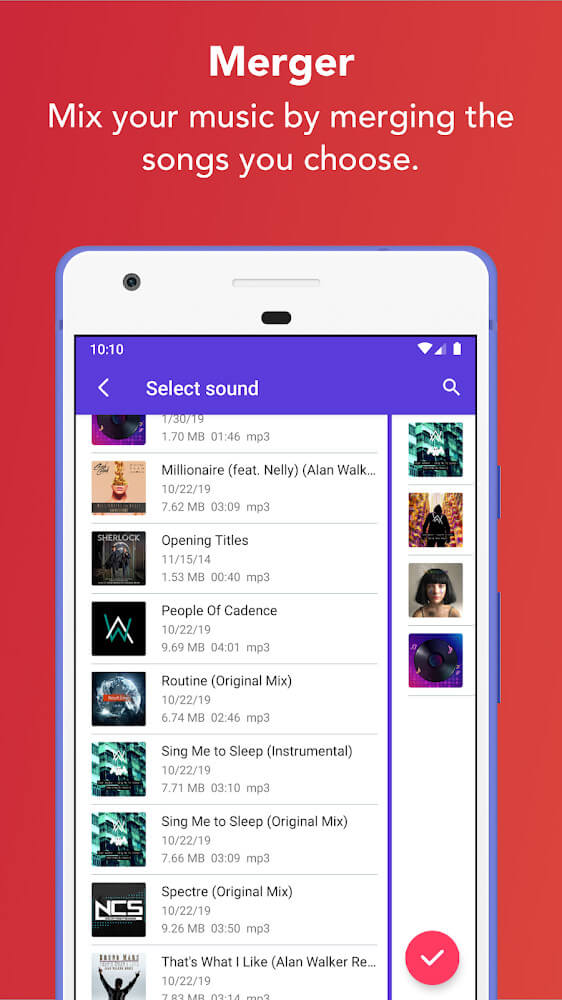
Another great aspect of the application is the ability to create unique sound mixes. Users love the opportunity to experiment and combine various sounds and create a unique sense of excitement and anticipation for their audio projects. Users have the ability to combine two separate pieces of music and blend them together to make a single, continuous piece. With this feature, users are able to generate music of their own creation and design, customized to fit their needs and requirements. Whether they are looking for a unique background music track, notification sound or something else, the application allows users to design and create their own music to fit their needs. Users love the ability to layer sounds and experiment different sound combinations. While the main feature of the application is to allow users the ability to trim existing music and sound files, the mixer has changed the game for users who are looking for an application that allows users to go beyond trimming and experiment with new sound combinations.
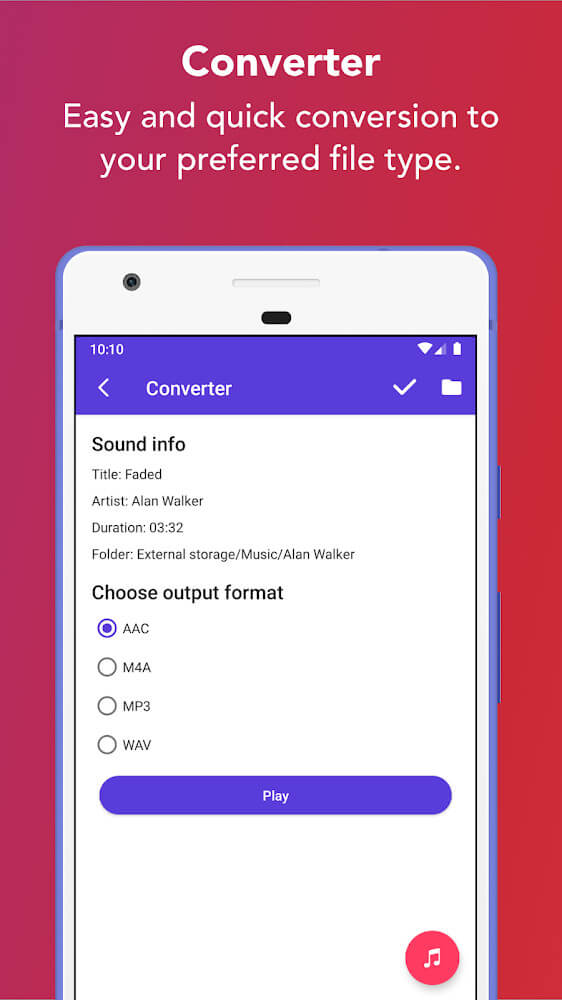
The application also offers a convenient converter to assist in handling various audio formats. After creating custom ringtones by cutting and mixing, it is important to save the work in a format compatible with the user’s device. The application helps with this by allowing users to save their projects as specific files. The application also offers a user-friendly conversion process between different file formats, which makes the user more at ease compared to other saving methods. Also, the application contains a ring music converter which allows users to upload their recordings, and with a single click, turn those recordings into ringtones. The application encourages users to post their audio projects on various sites to share and learn from one another. The application’s main purpose is to facilitate and showcase the great things that users can achieve, and hence gives a platform to the most talented audio editors.
Key features
- Ringtone creation tools
- Audio cutting and trimming
- Music combining and merging
- Multi-track sound mixing
- File format converter
- Recording-to-ringtone conversion
- Community sharing on websites
 |
 |
 |
Related MOD APKs
FAQ
Is Premium unlocked in Music Editor MOD APK?
This 7.3.9 version of Music Editor provides Premium Unlocked. It operates similarly to the Prometheus Interactive LLC release, with all modifications active as soon as you install it.
What is the latest version of Music Editor MOD APK?
The 7.3.9 build matches the Prometheus Interactive LLC release from March 4, 2026. We don’t keep older versions here. To update, install this file over the existing app; uninstall the old build first if signature conflicts appear.
Is Music Editor MOD APK safe to download?
Music Editor 7.3.9 by Prometheus Interactive LLC is modified for Premium Unlocked. 10 users rated it 3.6. It does not require root. Play Protect might show a warning, but always download from this page.
Can I use Music Editor MOD APK on PC or iPhone?
This Android package won’t work on iPhone. To run the 50M file on PC, use an emulator like BlueStacks or LDPlayer—simply install the software and drag the APK into it.