Powerful music player with high-quality sound, smart playlists, equalizer, offline playback, and a beautiful interface. Enjoy your favorite songs anytime, anywhere.

Music player MOD APK V6.9 (Pro / Paid Unlocked)
| App Name | Music player |
|---|---|
| Publisher | Mabixa |
| Genre | Video Players & Editors |
| Size | 9 MB |
| Latest Version | 6.9 |
| MOD Info | Pro / Paid Unlocked |
| Get it On |

|
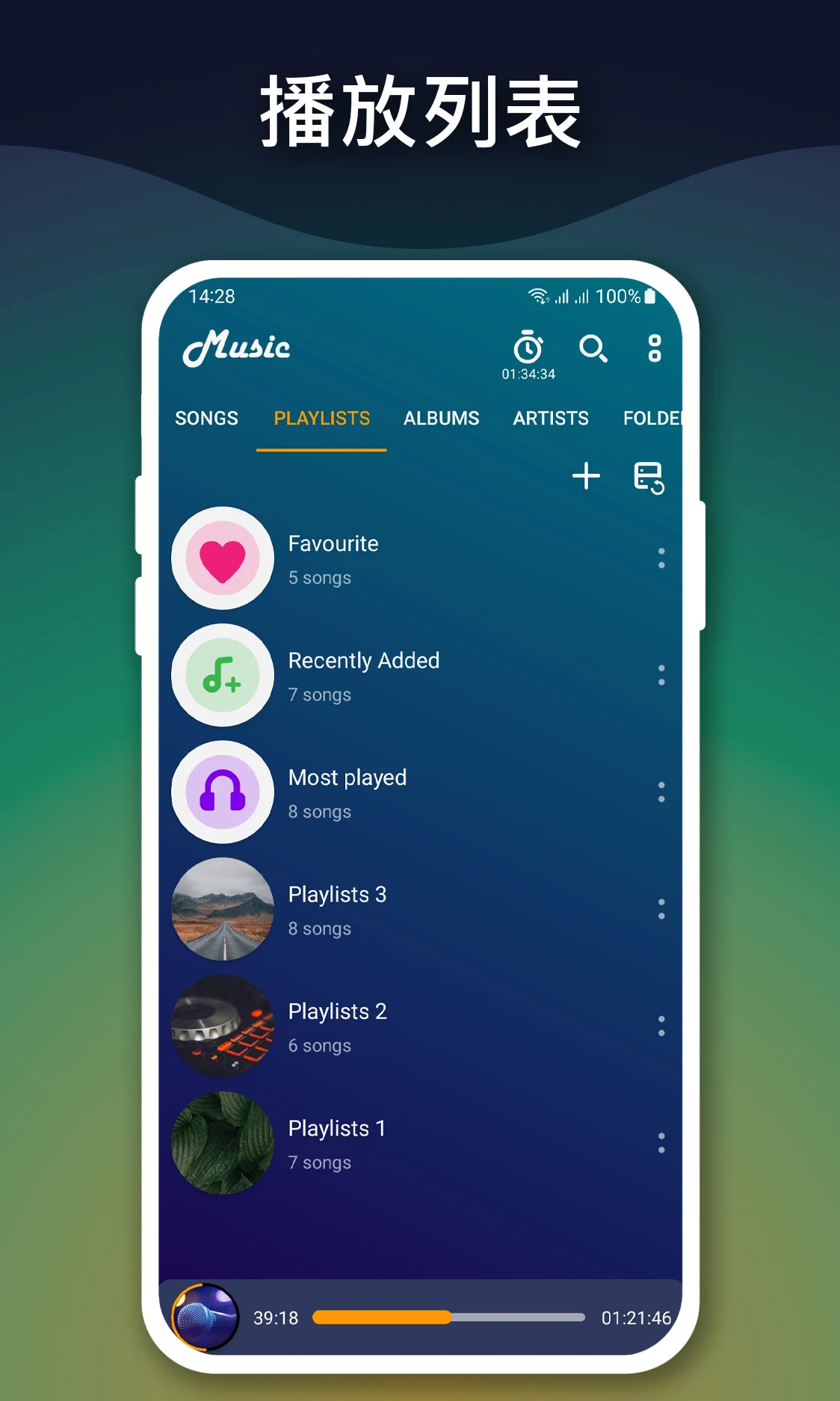
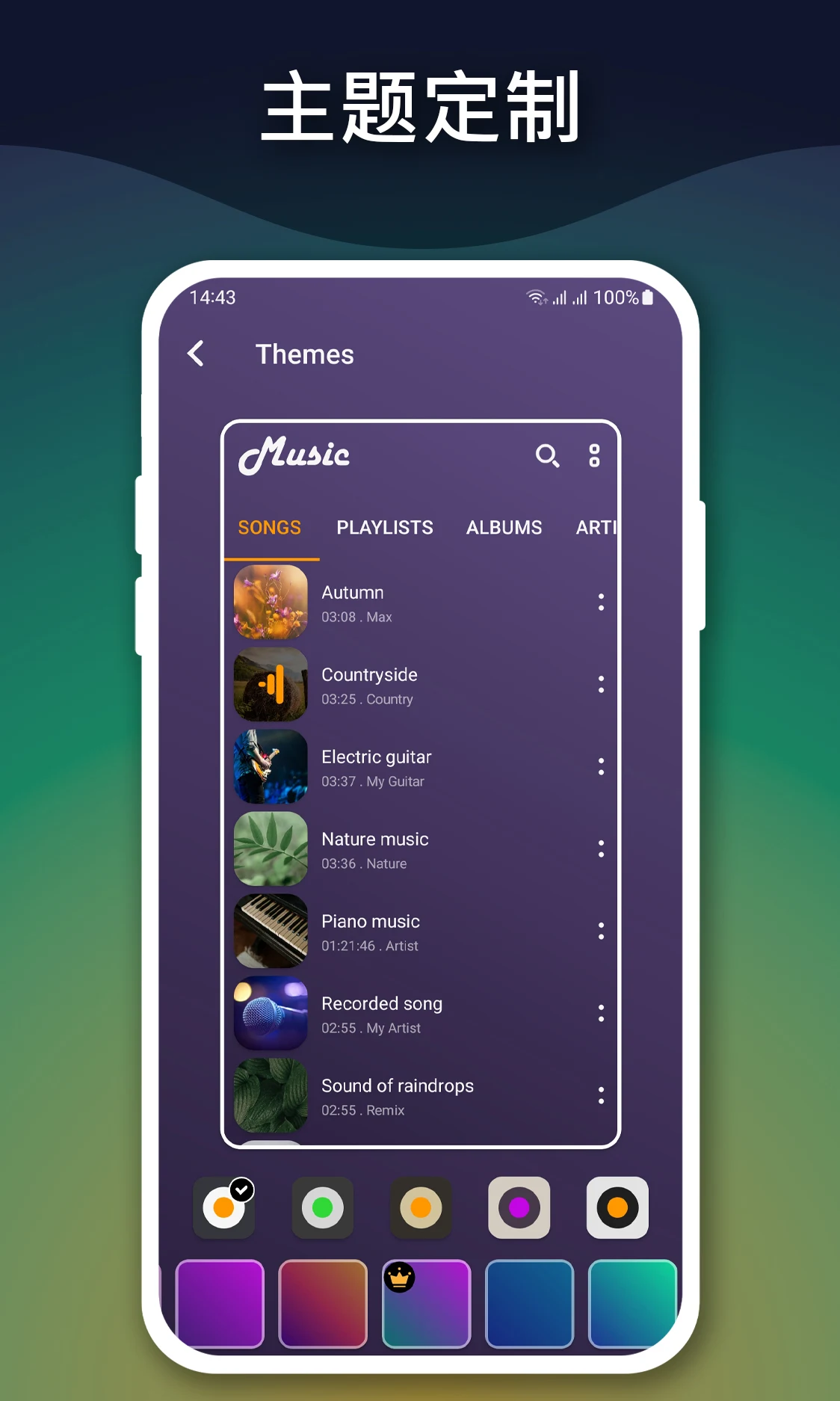
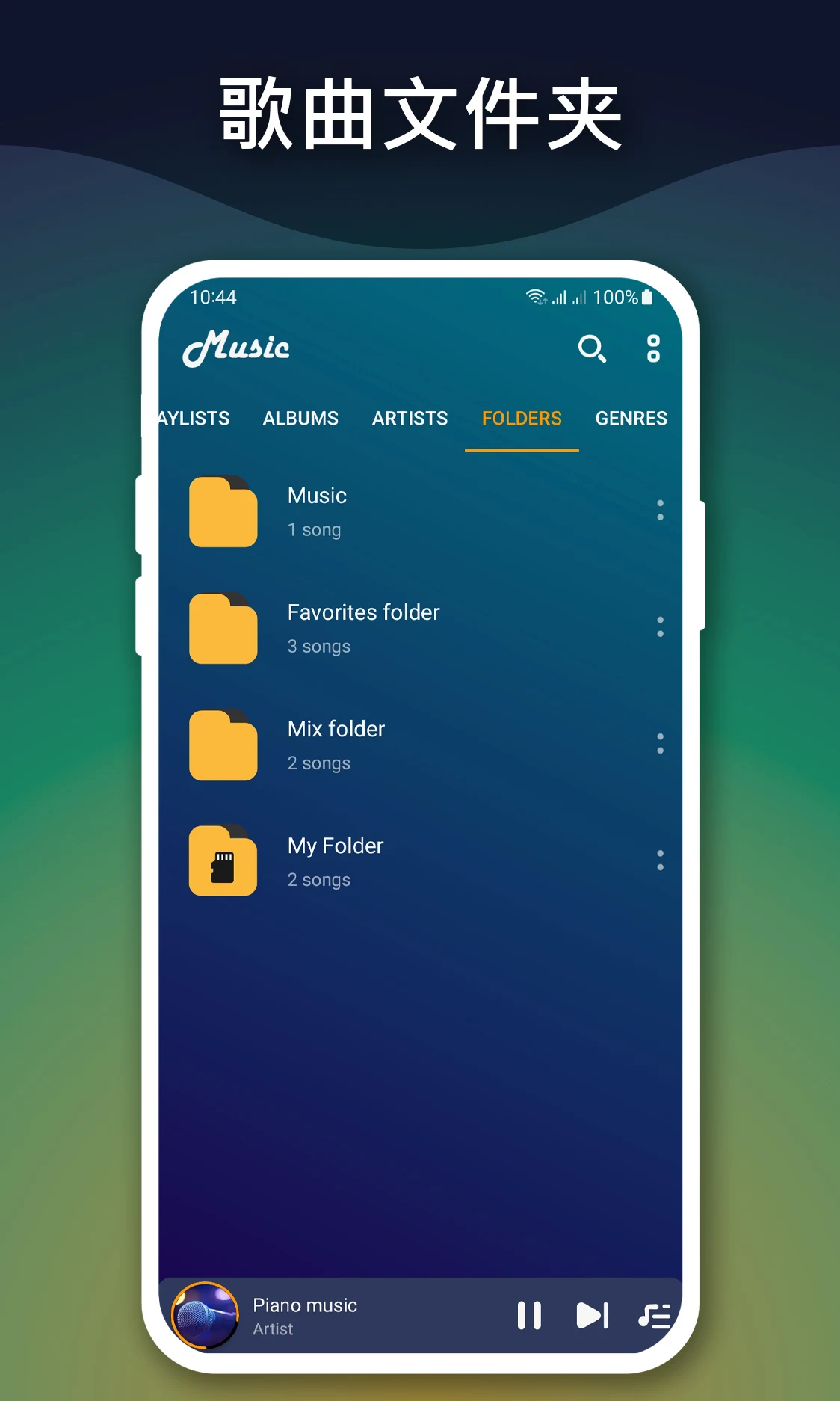
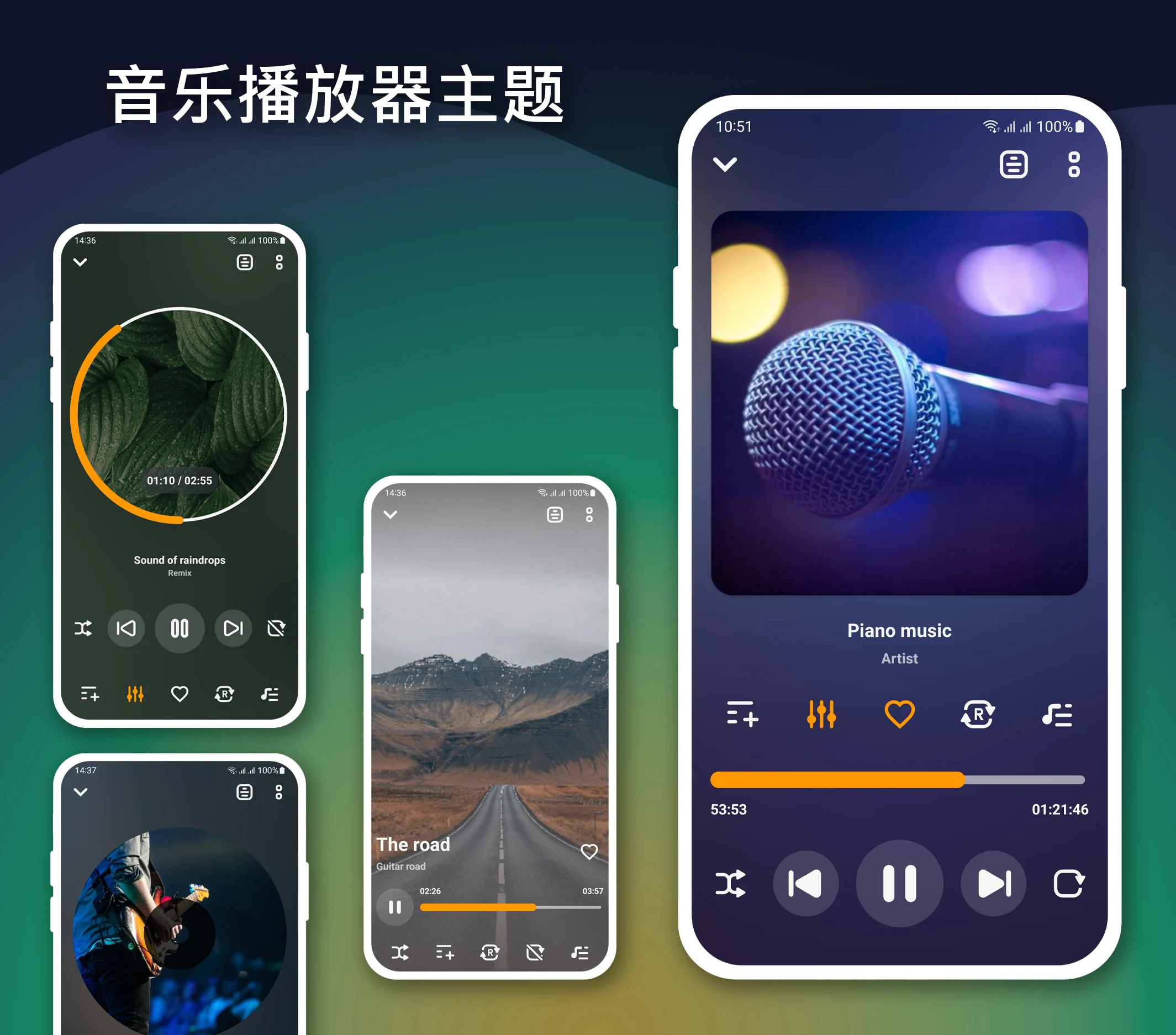
The Music player MOD APK provides immediate access to the Pro and Paid features of the application, removing the restrictions found in the standard version. This modification focuses on unlocking the premium tools and audio settings that are typically gated behind a purchase.
What’s Modified in Music player
- The Pro and Paid features are fully unlocked for use.
This build is version 6.9, has a file size of 9 MB, and uses the package name com.mabixa.musicplayer; it is a re-signed file and cannot be installed over an existing copy from the official store.
About Music player
Music player by Mabixa is an audio player app for android that focuses on playing back music files in a variety of formats. The music app utilizes the storage on your android device and compiles a music library. It is reported that the app is designed for android devices that have their music files stored on the device as oppose to an online music streaming service. The app supports various audio formats, and therefore does not have any limitations on file compatibility. The app aims to provide an interface that its users can easily maneuver through to access songs in their music file library. To achieve this aim, it incorporates a design that emphasizes space and reduces clutter. Music player by Mabixa hopes to achieve high user utility by optimizing its design to reduce interference and improve song interaction while the user is on the move.
The application uses the library management system to intelligently organize tracks. This enables the user to browse music files by variables like artist name, album name, genre or playlist. This structured way of managing a large music collection makes it easier to navigate. Besides these categories, the software provides a fast search tool to retrieve songs, albums or artists. This tool offers suggestions as the user types in the search query. The music player MOD APK offers smart organization of music files and a fast way to retrieve files and use the music collection in various ways.
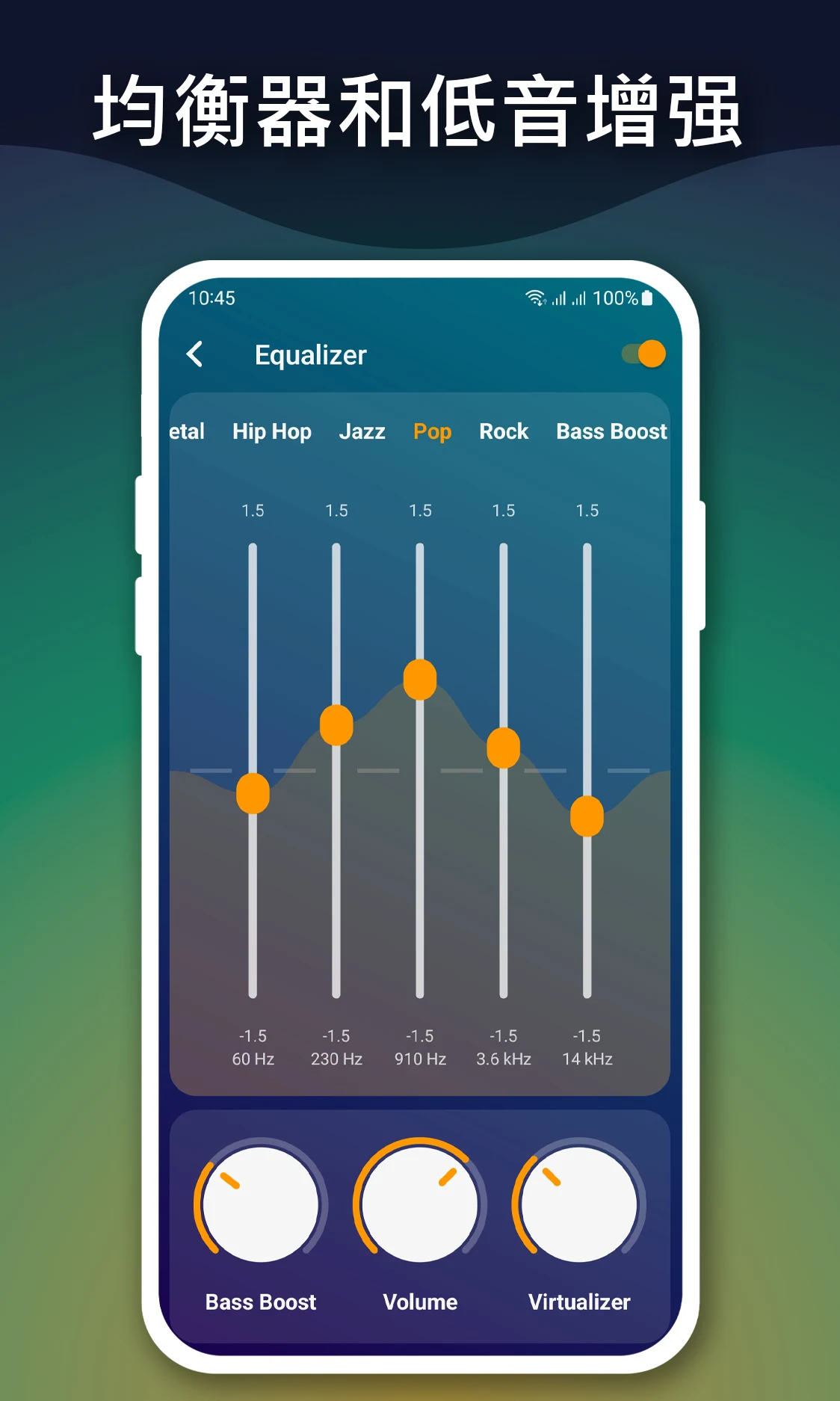
Customizing sound is a key feature of this audio player, and an advanced equalizer provides many options for sound adjustment. Users can select preset sound modes, which are calibrated for various styles of music, or choose to adjust the sound frequencies manually. Additionally, there are options to adjust bass and treble levels. The high quality playback engine is built to create and deliver an immersive sound experience. The sound engine is able to maintain the fidelity of the audio file and deliver it in its lossless form. The sound settings are available in the playback screen and can be adjusted in real time while music is being played. The sound settings are aimed to create an immersive sound experience for all listeners and provide many options for users to create their preferred sound profiles.
The app provides a wide range of playback modes to put control in the hands of the user when it comes to how their music is organized. Repeating and shuffling playback options are available at the track, album, and/or playlist level. Background playback is another significant feature of the app. This mode allows users to continue playing audio even when they switch to other apps or lock the screen of their device. Because of this feature, users can easily multitask and not miss a beat of their favorite songs. The app also allows users to save music on their device for offline listening. This means users do not need an internet connection to listen to music once it is downloaded to their device. In addition, the app can be used as a standalone music player and does not need other data sources for playback.
A playlist is a set of songs organized by the user for different occasions or emotions. With the Spotify Web-playlist Generator, users can create or modify playlists by changing track orders, add or delete tracks, or make new playlists. The main focus of the Spotify Web-playlist Generator is to create a personalized library that can organize various tracks for various activities, i.e. a playlist for workouts or a playlist for relaxing. Users can easily edit their song library using the Spotify Web-playlist Generator, as they can create different playlists using different tracks. The Spotify Web-playlist Generator has a clean, simple, and user-friendly interface, with large album art and a track list that contains pertinent track information. The Lightweight nature of the Spotify Web-playlist Generator gives it superior performance, especially for low-power devices, i.e. Android wearables. The focus on performance means the Spotify Web-playlist Generator has a low impact on the system and battery resources of the host device.
The player has been designed to work well with the system media controls, so that playback controls are available in notification shade and lock screen. It is optimized for performance with different architecture styles. It supports local file playback, organizes files smartly, and avoids overhead of a typical streaming service. The library scanning is optimized to be as efficient as possible and to look for new media files on the device and update the application’s database accordingly. Hence, the user library is always up to date with latest media files. The application uses various Audio and Video codecs and formats and encourages people to manage their local music files by themselves with minimum resource consumption. This application is tailored to meet the needs of users who store local media files and want to organize them in a smart way.
Key features
- High-quality audio playback
- Smart music library organization by artist, album, and genre
- Fast search tools for songs and artists
- Advanced equalizer with manual controls and presets
- Offline music playback
- Custom playlist management
- Repeat and shuffle playback modes
- Background audio playback
- Bass boost and treble balance controls
- Lightweight performance optimization
Related MOD APKs
FAQ
Is Premium unlocked in Music player MOD APK?
This Music player 6.9 build features Pro and Paid Unlocked. It operates like the Mabixa release, and all modifications become active as soon as you finish the installation.
What is the latest version of Music player MOD APK?
Version 6.9 matches the Mabixa update from March 17, 2026. We don’t keep older versions here. To update, install this file over your current app; uninstall the old one if a signature conflict occurs.
Is Music player MOD APK safe to download?
This Music player 6.9 file is the Mabixa app with Pro and Paid Unlocked enabled. 43 users rated it 4.5 stars. It does not require root. Expect Play Protect warnings, but always download from this page.
Does Music player MOD APK remove the watermark?
This build includes Pro and Paid Unlocked. Because Music player provides watermark-free exports in the Pro tier, check the export screen after you install the app to confirm.
Music player MOD APK V6.9 (Pro / Paid Unlocked)
Download (9 MB )You are now ready to download Music player for free. Here are some notes:
- Please read our MOD Info and installation instructions carefully for the game & app to work properly
- Downloading via 3rd party software like IDM, ADM (Direct link) is currently blocked for abuse reasons.
4.5/5 (43 votes)