Improve your WiFi with NetSpot MOD APK! Generate heat maps, find dead zones, and optimize your internet speed with the best tool for analyzing WiFi.

Improve your WiFi with NetSpot MOD APK! Generate heat maps, find dead zones, and optimize your internet speed with the best tool for analyzing WiFi.
| App Name | NetSpot |
|---|---|
| Publisher | Etwok Inc. |
| Genre | Tools |
| Size | 30M |
| Latest Version | 4.0.42 |
| MOD Info | Premium Unlocked |
| Get it On |

|
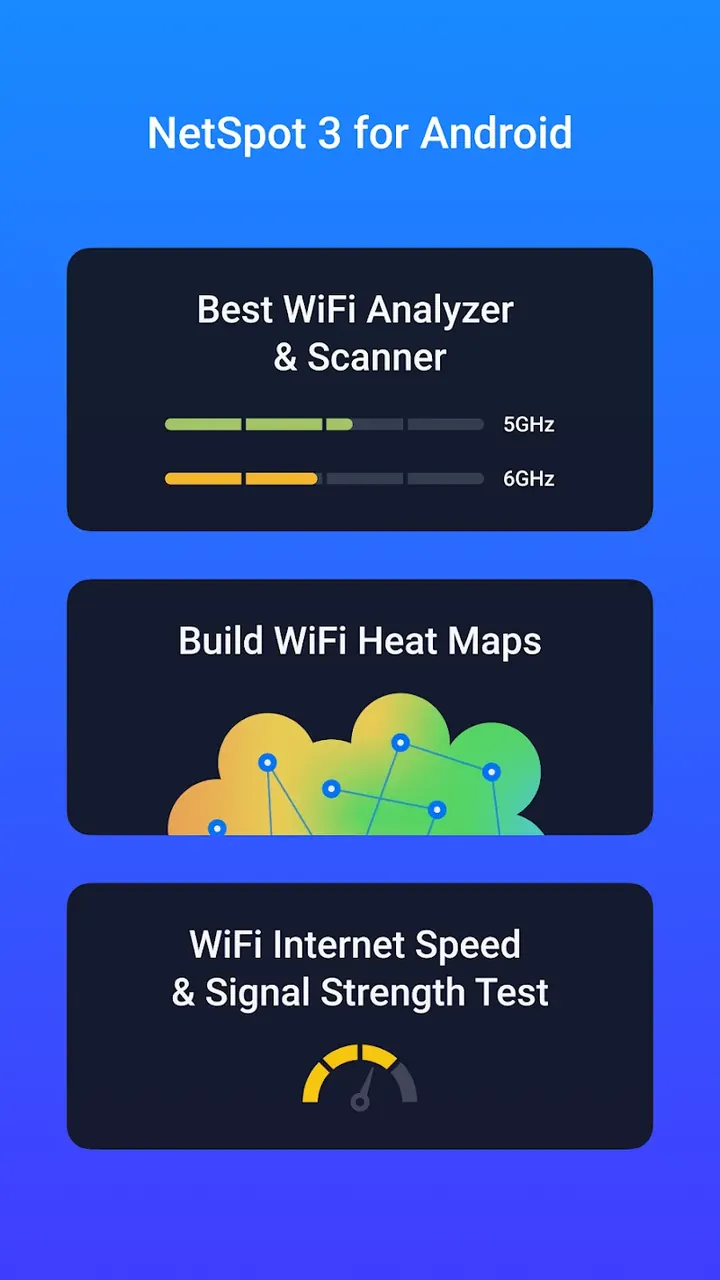
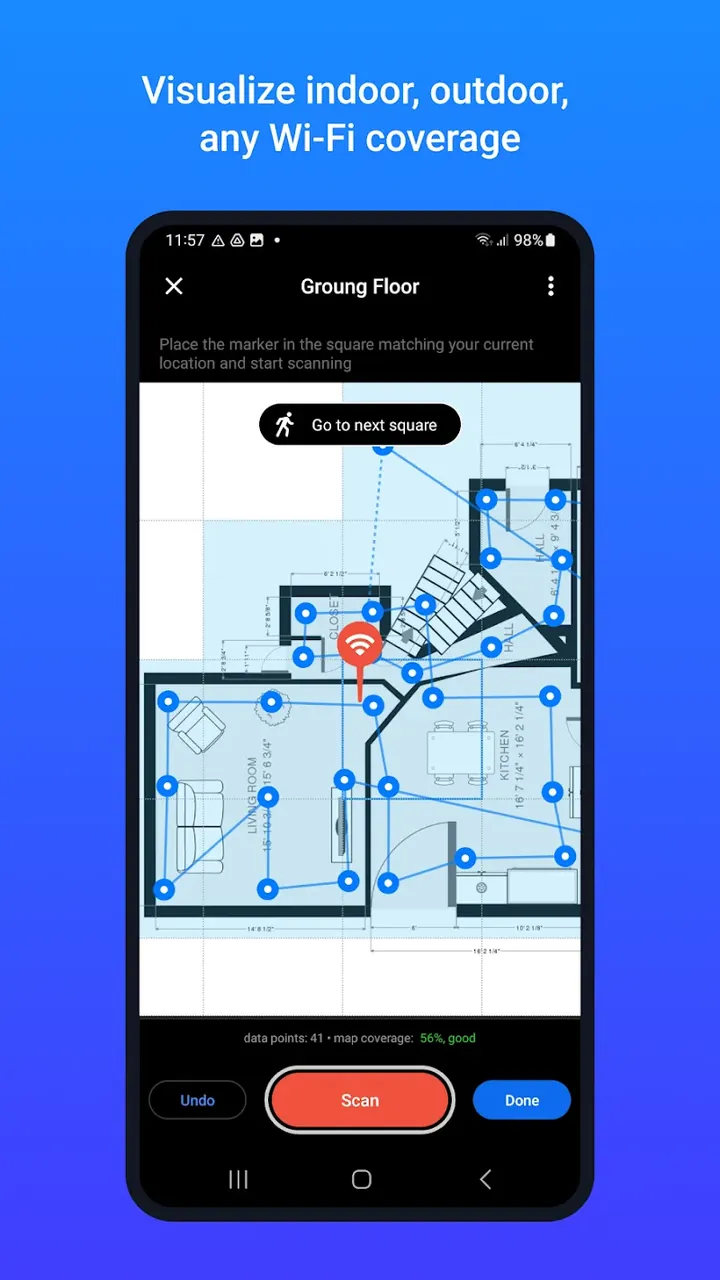
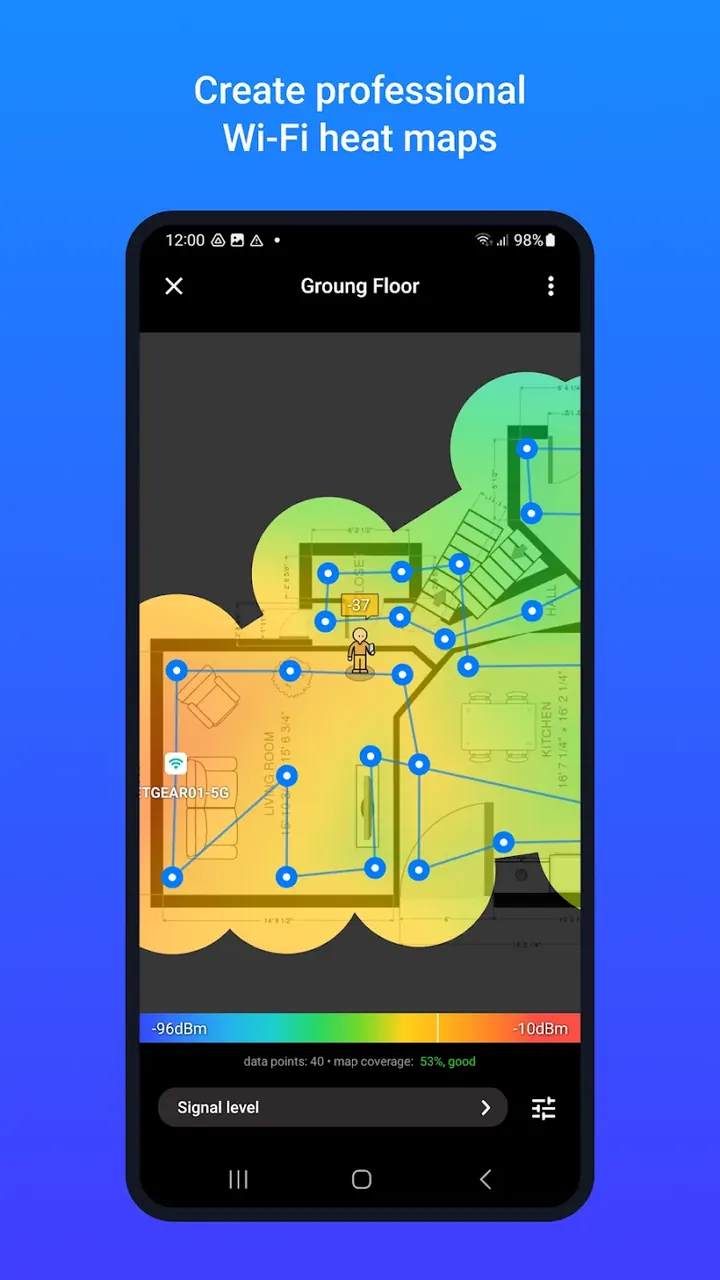
This build provides a premium experience by enabling all professional networking tools and analysis features. By using NetSpot MOD APK, users can access the full suite of heat mapping and signal diagnostic utilities without the standard restrictions found in the basic version.
This build is version 4.0.42 with a file size of 30M and carries the package name com.etwok.netspotapp; it uses a custom signature and cannot be installed as an update over the official store version.
The main goal of this utility is to change the way users interact with their wireless environment. Most tools available today are limited to simple ping tests, and therefore do not provide a means of surveying an environment. Rather than providing a snapshot of connection like a ping test, the application provides the ability to visualize WiFi signals in a given environment. By doing this, users of the application are able to identify areas in their environment where signal is weak or non-existent. Using the application, a user is able to locate ‘signal dead zones’ in an environment, which are typically invisible. Once signal dead zones are located, a user is able to change the way their signal is distributed in their environment using the information provided by the application. This information is useful in identifying the optimal location for the router in a given environment. The goal of the application is to provide the information and means to allow a user to be in control of their network and provide a reliable and fast connection for work and gaming.
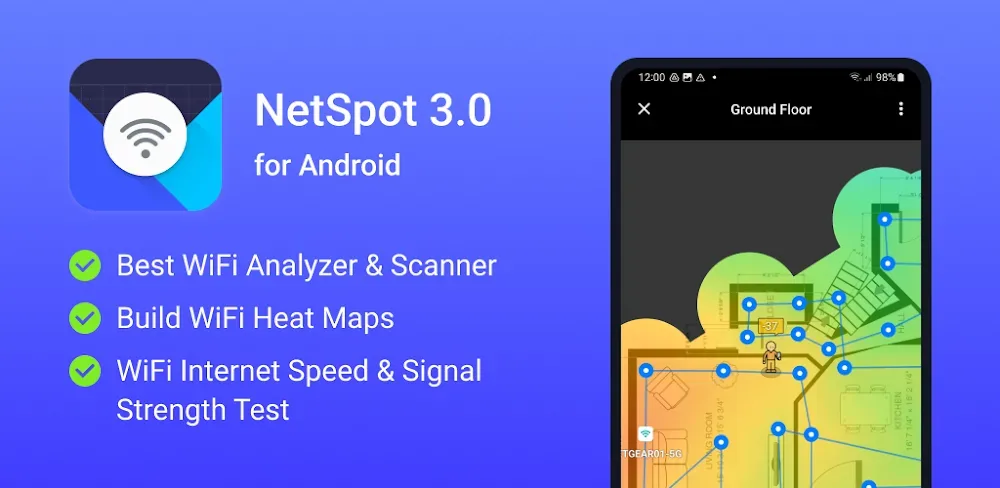
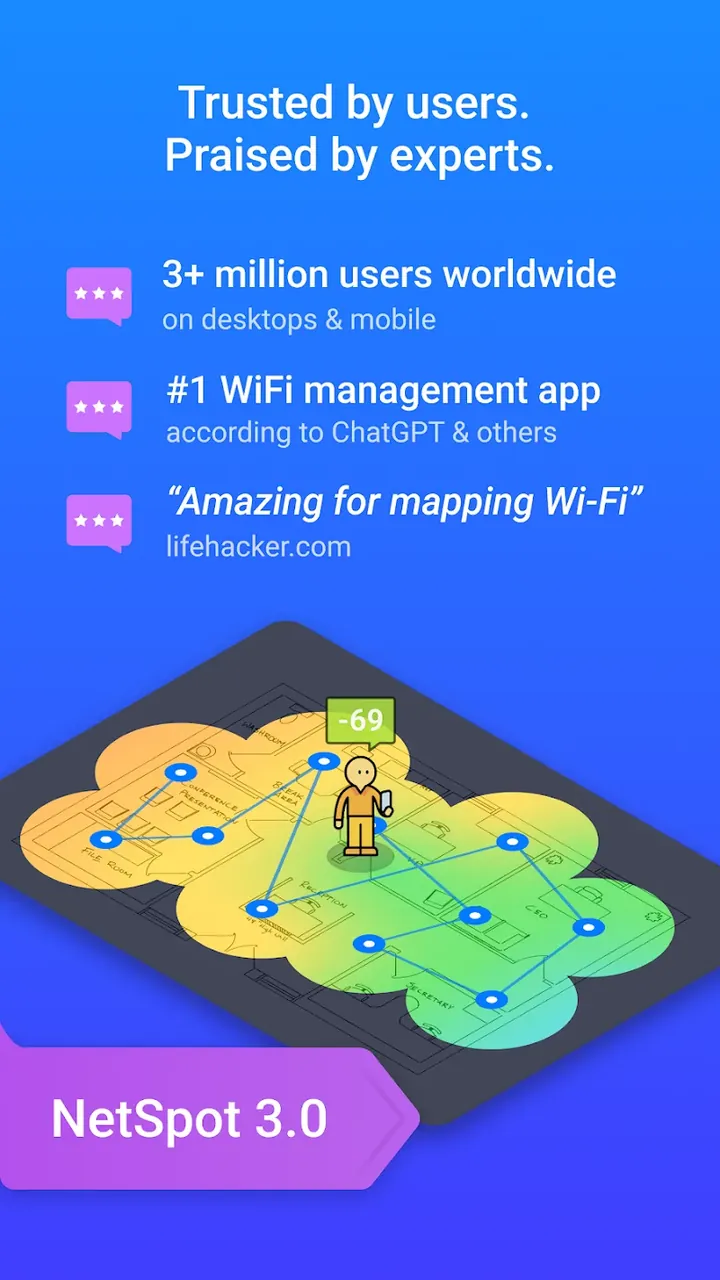
The WiFi Heat Map Analysis feature plays a major role in the overall experience of the application. This feature creates a color-coded representation of a surveyed area. The map shows strong signal areas, and areas where the signal fails to penetrate. Users can make improvements to their network infrastructure based on the information shown in the map. Users can see the literal boundaries of their wireless coverage, and based on what they see, can modify their environment or hardware to get rid of coverage gaps. The application is mainly for business use, and people in that field deal with lots of different areas, and often need to make sure coverage is available across many areas. The heat map feature shows covering areas in a business, and helps customers see signal coverage areas in a business to see if anything is blocking signal coverage.
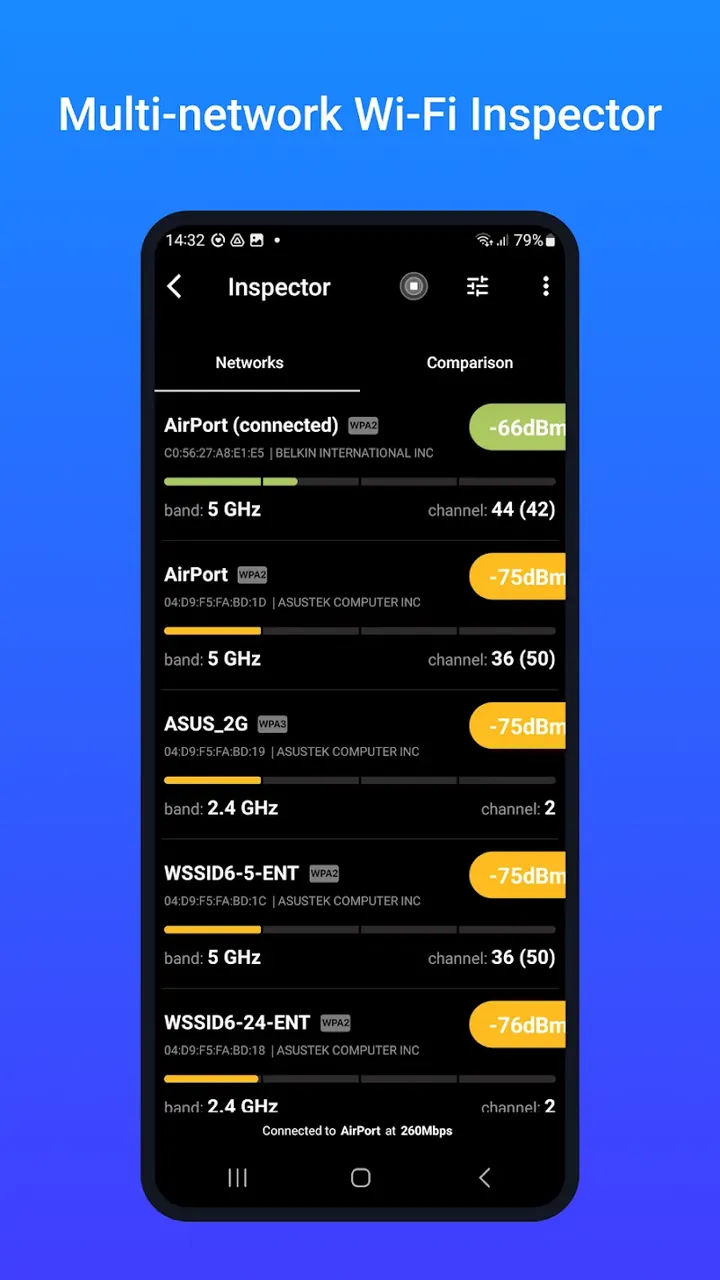
The app has other features, like the Bandwidth Monitor. This feature shows real time usage of bandwidth and what device is using the most bandwidth. Along with the Bandwidth Monitor, there is a Signal Analysis feature. This feature shows signal performance over a long period of time. This is useful to see if there are any external, intermittent factors that may affect signal performance. Unstable or weak signal performance can greatly hinder or affect signal coverage for things like online gaming or video conferencing.
Software is designed to identify problems and suggest possible solutions to those problems. An example of a problem is an issue with a Wi-Fi channel. The software suggests changing to a different Wi-Fi channel to improve performance. The software is also designed to understand how the environment may be interfering with a Wi-Fi signal and offer solutions to that problem as well. Users are able to gain knowledge on how to improve performance by evaluating different locations to place Wi-Fi hardware and remove obstructions. This process is similar to a strategy game. The user needs to understand the surrounding environment and how to progress to the next step. While the program is used to survey the surrounding area, it is able to gather data. The data is compiled into a report which explains what it has found in the surrounding area. Users can gain knowledge of problems that may be impacting the overall performance of the network and create a counter defense strategy to protect against performance degradation. The software allows users to access a diagnostics tool that previously required some level of expertise to use.
More technical data is available for users who wish to drill down even further. Information is provided on signal-to-noise ratio (SNR), noise floor and temporarily blocked signals. More advanced diagnostics are abstracted to fit the average user’s needs. The aim of this is to take a holistic look at the health of the wireless environment and ensure that homes are prepared for integration of smart devices and to provide a reliable WFH environment. Users can test various configurations and scenarios to verify that connected devices are working to their full potential.
The NetSpot MOD APK is intended for the user whose digital lifestyle requires a continuous, stable, and reliable internet connection. No matter the environment – a small apartment, a big house, an office – the tools offered help solve the most common Wi-Fi problems. The survey results and heat maps offered help take full control of the wireless network. The software is aimed at the non-engineer and helps take control of the home network and address WiFi issues. It contains a professional toolkit to help analyze signal quality of the home network to address the issues of spotty connections.
Related MOD APKs
Is Premium unlocked in NetSpot MOD APK?
You get Premium Unlocked in this NetSpot 4.0.42 build. It behaves like the Etwok Inc. release, and your features are ready as soon as you install.
What is the latest version of NetSpot MOD APK?
Version 4.0.42 matches the Etwok Inc. update from August 30, 2026. We don’t keep older versions here. To update, install this file over the old one. If you get a signature error, uninstall the previous build first.
Is NetSpot MOD APK safe to download?
This NetSpot 4.0.42 package is the Etwok Inc. app with Premium Unlocked. 8 users gave it 4.4 here. It does not require root. You might see a Play Protect warning, but always download from this page.
Can I use NetSpot MOD APK on PC or iPhone?
You cannot install this on iPhone. To run the 30M APK on a PC, use an emulator like BlueStacks or LDPlayer. Just set up the emulator and drag the file into it.
You are now ready to download NetSpot for free. Here are some notes: