Unified Remote is a modern application capable of remote control of your computer. It supports users with more than 90 specific programs to make it easy to use.

Unified Remote Full v3.24.0 APK + MOD (Patched)
| App Name | Unified Remote Full |
|---|---|
| Publisher | Unified Intents |
| Genre | Tools |
| Size | 8M |
| Latest Version | 3.24.0 |
| MOD Info | PAID/Patched |
| Get it On |

|
MOD Info?
- No root or Lucky Patcher or Google Play Modded required;
- Disabled / Removed unwanted Permissions + Receivers + Providers + Services;
- Optimized and zipaligned graphics resources for fast load;
- Debug code removed;
- Languages: Full Multi Languages;
This Unified Remote Full MOD APK provides a patched version of the application that removes the need for external license verification tools or root access. The modification focuses on streamlining the internal components by removing unnecessary services and optimizing the graphical assets for better performance.
What’s Modified in Unified Remote Full
- Bypasses license verification without requiring root access, Lucky Patcher, or a modded version of the Google Play Store.
- Strips out unnecessary permissions, receivers, providers, and services to reduce background activity and system resource consumption.
- Optimizes and zipaligns graphics resources to ensure the user interface loads quickly and operates smoothly.
- Removes internal debug code to minimize the file size and improve the overall execution efficiency of the application.
- Includes full multi-language support, allowing the interface to be used in various localized languages.
This build is version 3.24.0 with a file size of 8M and the package name com.Relmtech.RemotePaid; it is re-signed and cannot be installed over an existing store-bought version.
About Unified Remote Full
Unified Remote Full “Unifies” the space between mobile devices and PCs giving the user the ability to command their desktop environment no matter where they are. This application has its purpose in helping users manage and move their files and media without the user having to be there in person. This feature caters to people who have their computer as their main “media” hub for playing movies or listening to music for example. The app transforms a tablet or a smartphone into a remote making a task that is physically difficult, time consuming, and tiring into a very efficient and productive task. The application is built to perform many of file management tasks in order to allow the user to move, copy, rename, delete, and to execute other tasks in the directories easily. Whether the focus is to browse, move, manage, delete, or even organize your audio or video files the tool has an intuitive and simple design that confronts each task asked of it. The tool is designed to give the user the ability to manage their files with absolute control and unified reach no matter how far away they are from the hardware.
To enable mobile devices to connect with target computers is basic functionality software relies on. The developer created a process to easily set up the server component that the app needs. After the server is running, the app uses auto-detection and scans the local network for available servers. This automation not only decreases the technicaluser burden, but also allows the user to satisfy his unique requirements for connecting to the server. It is worth noting that the server software is tailored to the primary operating systems, Windows, Mac, and Linux. Therefore, potential users should pay close attention to the developer’s notes regarding the software’s compatibility when considering a connection setup. The convenience of controlling a remote server can be appreciated once a user is able to control a remote server while physically sitting in one location.The software is specifically designed to be a simpleand straightforward process consisting of only a few steps. This was done so that even those of us without a background in computer science can perform this installation and configuration with little to no effort.
Some security and privacy measures include server password protection and data encryption. Remote access can be a security risk, which is why the application includes a feature to have users create a secret password to lock their server. As a result, only people who know the password are able to access the protected computer’s files and execute commands. Furthermore, the application incorporates an encryption system during the process of data protection and relaxation of users concerning unauthorized intrusions and breaches of the privacy of their information. Security features are implemented to offer an assurance that no unauthorized access will be possible to the user’s private data. In effect, no other person except the user will access the locked server, and the server will safeguard and secure the user’s private data.
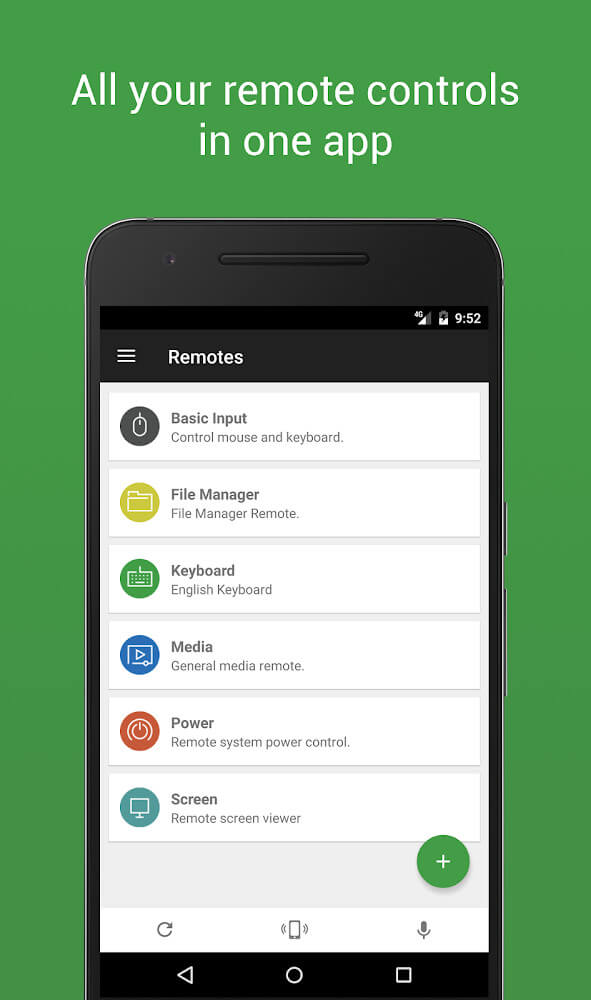
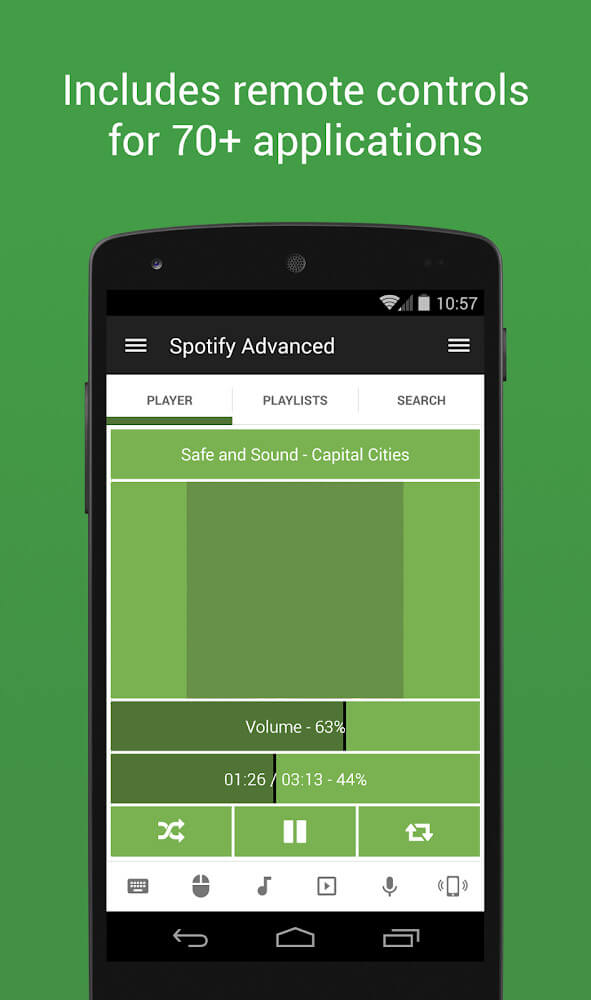
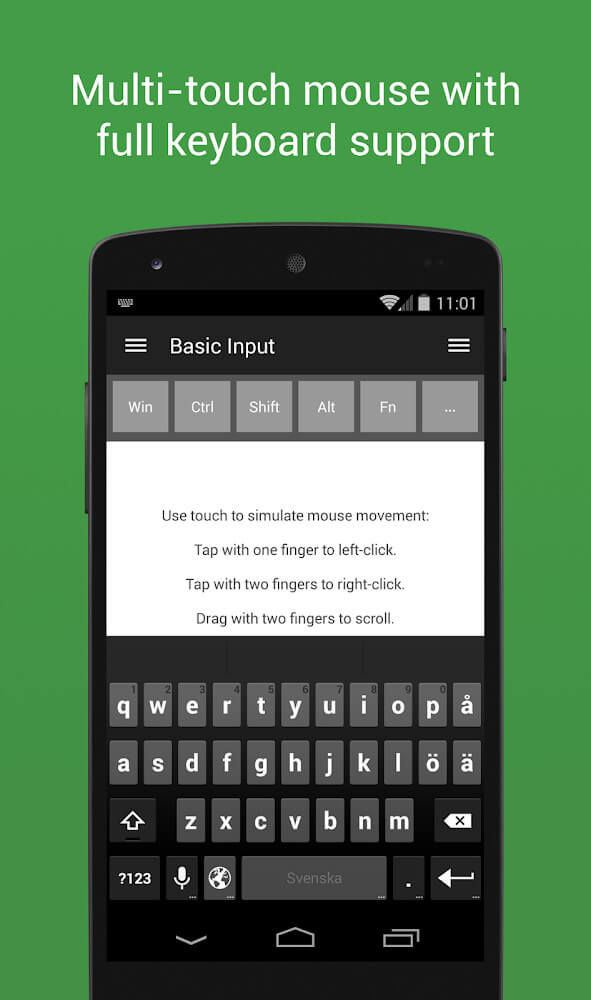
The UI utilizes a simple, clean design. The graphic UI elements use an intuitive design and offer a straightforward means to access all information and content in the system. The system thereby offers a simple approach for novice users. The system supports over 90 remote control applications for various host applications that cover a broad range of functions and have a dedicated remote control. The application provides remote controls for mouse and keyboard input, plus remote controls for presentations and various media player controls. The application integrates with Spotify, iTunes, and Google music to control the playback and management of the audio content. The application supports remote function controls for BSPlayer, Windows Media Player, YouTube, and Netflix. According to the original documentation, the application can be used to control BSPlayer and Windows Media Player and record movies to create unique videotapes. The application supports a broad range of programs to cover the needs of a wide and diverse audience in terms of entertainment, productivity, and general navigation of the host system.
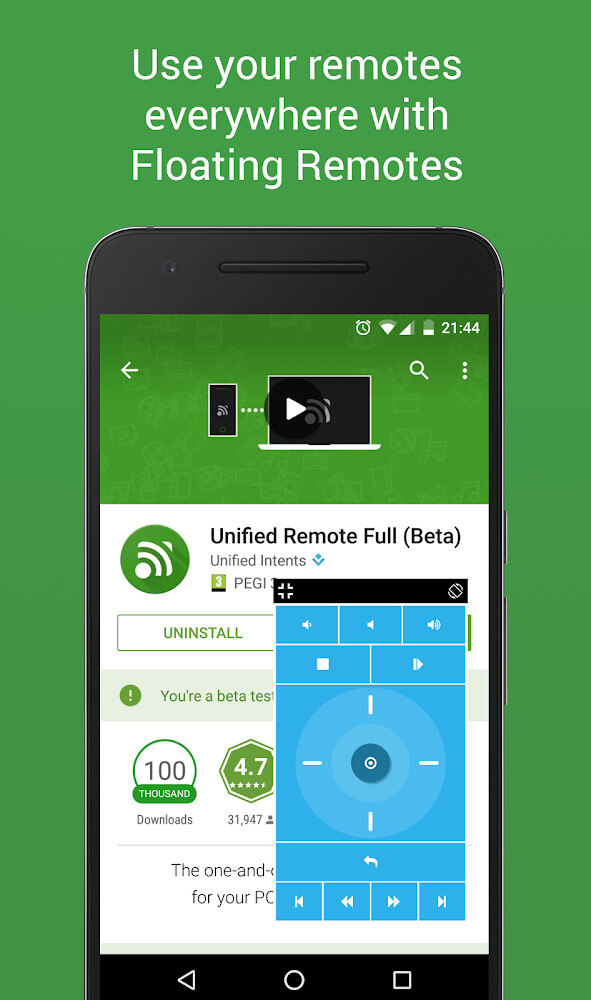
New options provide support for connecting Bluetooth devices. The application can also automatically connect to Bluetooth devices to create a stable connection between the mobile device and the server. All users need to do is check their networks to make sure that all links are stable and secure. The software has a vibration control mode that gives the user flexibility in control as it can be adjusted to the user’s preference. Providing the latest technology such as the ability to pair via Bluetooth and Haptic Feedback that can be adjusted to the user’s preference, fulfills the sophisticated needs of remote controllers. The application is a one of a kind software with blazing fast setup, rock solid security, and an intuitive and easy to understand UI. Very helpful for accessing Web and Application Control on the Mac, Windows or Linux operating systems. The experience is meant to be pain free and fast with the ability to operate systems remotely.
Key features
- Remote control for Windows, Mac, and Linux systems.
- Automatic server detection for quick network connectivity.
- Password protection and encryption for server security.
- Access to more than 90 different remote control programs.
- Support for mouse and keyboard input simulation.
- Specialized remotes for Spotify, iTunes, and Google Music.
- Media controls for BSPlayer and Windows Media Player.
- Streaming navigation for Youtube and Netflix.
- Bluetooth device pairing for wireless communication.
- Customizable vibration control modes.
Related MOD APKs
- MovieBox ID: Watch Movies, TV Series, K-Dramas & Anime for Free
- KWGT Kustom Widget Pro
- SnapTube
- Terabox
FAQ
What does Unified Remote Full MOD APK unlock?
This 3.24.0 build of Unified Remote Full is modified as PAID and Patched. It functions like the Unified Intents release, and the modifications are active immediately after installation.
What is the latest version of Unified Remote Full MOD APK?
The current 3.24.0 build matches the Unified Intents release from August 15, 2024. We don’t keep older versions here. Install this file over your current app to update; if a signature conflict appears, uninstall your old version first.
Is Unified Remote Full MOD APK safe to download?
This Unified Remote Full 3.24.0 build uses the Unified Intents app with PAID and Patched modifications. 51 users rated it 4.1. It does not require root. Expect a Play Protect warning, so always download from this page.
Can I use Unified Remote Full MOD APK on PC or iPhone?
This Android file will not work on iPhone. To use the 8M package on a computer, install an emulator like BlueStacks or LDPlayer and drag the file into the program.
Unified Remote Full v3.24.0 APK + MOD (Patched) Download
Download (8M)You are now ready to download Unified Remote Full for free. Here are some notes:
- Please read our MOD Info and installation instructions carefully for the game & app to work properly
- Downloading via 3rd party software like IDM, ADM (Direct link) is currently blocked for abuse reasons.
4.1/5 (51 votes)