Capture ideas, boost productivity, and organize your thoughts with Nice Mind Map MOD APK. The ultimate visual brainstorming tool for students and professionals.
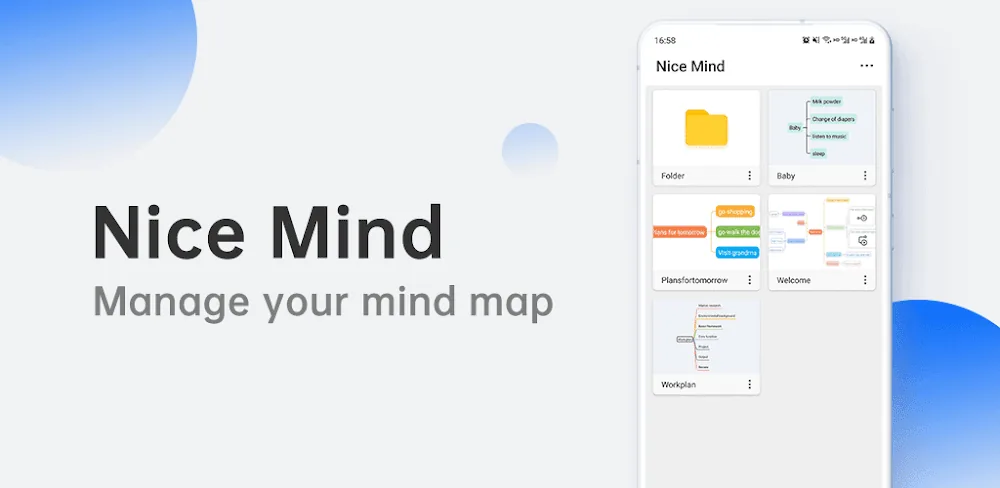

Nice Mind Map v11.7.0 MOD APK (Premium Unlocked)
| App Name | Nice Mind Map |
|---|---|
| Publisher | Next edu |
| Genre | Productivity |
| Size | 15 MB |
| Latest Version | 11.7.0 |
| MOD Info | Premium Unlocked |
| Get it On |

|
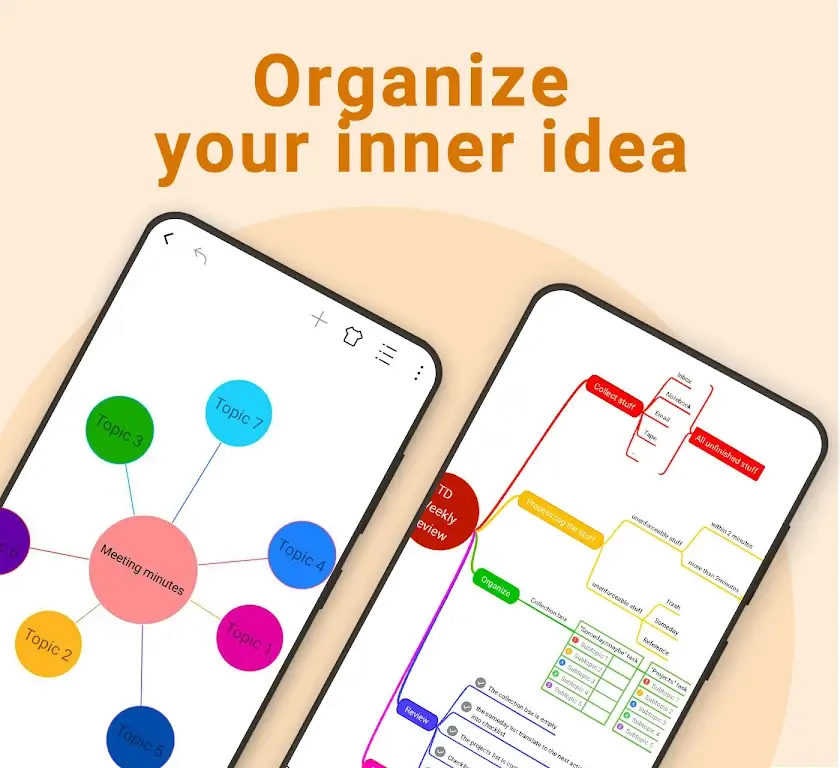
This build of Nice Mind Map MOD APK provides users with the premium features unlocked, removing the restrictions found in the standard version. By using this modified version, users gain access to the full suite of organizational tools and visual layouts without the need for additional purchases.
What’s Modified in Nice Mind Map
- The premium features of the application are unlocked, allowing access to the full range of visual layouts and organizational tools.
This release is version 11.7.0, has a file size of 15 MB, uses the package name mind.map.mindmap, and is re-signed, meaning it cannot be installed over an existing version from the official store.
About Nice Mind Map
Nice Mind Map MOD APK is a productivity application that assists users, including business executives, students, and teachers, in turning ideas into plans. The application serves as a tool to aid users visualize relationship among bits of information and is therefore very useful when dealing with complex topics. The application serves as a mental engine that helps users turn their chaotic mind mapping sessions into organized plan. Users can utilize the application in accomplishing a variety of tasks including drawing up plans for projects, organizing lecture notes, and developing curricula. The application focuses on providing a powerful visual platform to assist users organize their ideas in this age where the ability to organize and manage information is of great importance.
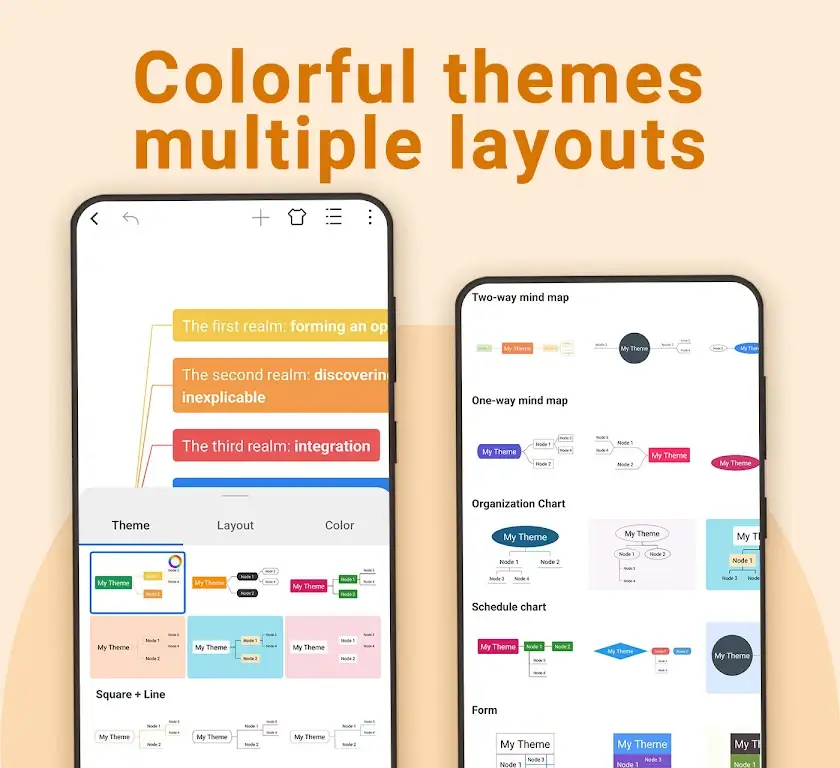
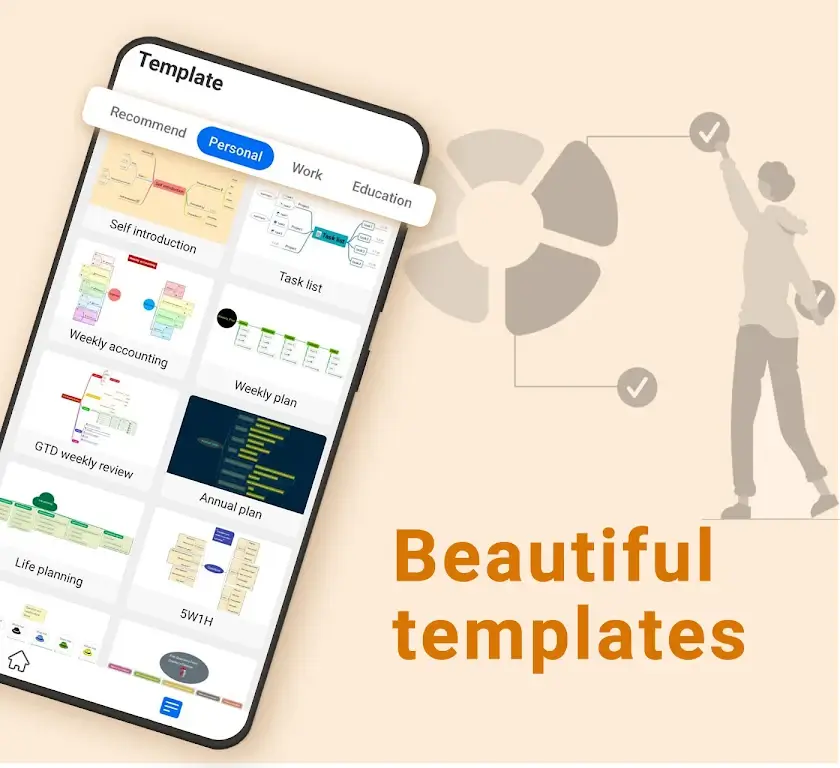
This software provides a variety of different visual layouts to assist with a variety of different ways of thinking and organizing beyond simple mind mapping. Examples of these other layouts include, but are not limited to: the Fishbone Diagram, the Tree Chart, and the Logic Map. Depending on the brainstorming session or project, the Fishbone Diagram can assist with analyzing cause and effect relationships and determining possible factors to a particular problem. The Tree Chart and Logic Map can also assist with representing hierarchical or sequential data and processes. These pre-made templates can help with personal, business, and education planning. Thousands of other pre-made templates give the user a starting point for creating their own documents, business reports, and other educational materials. With the ability to assist the user with creating simple personal task lists or complex corporate documents, this software is very versatile.
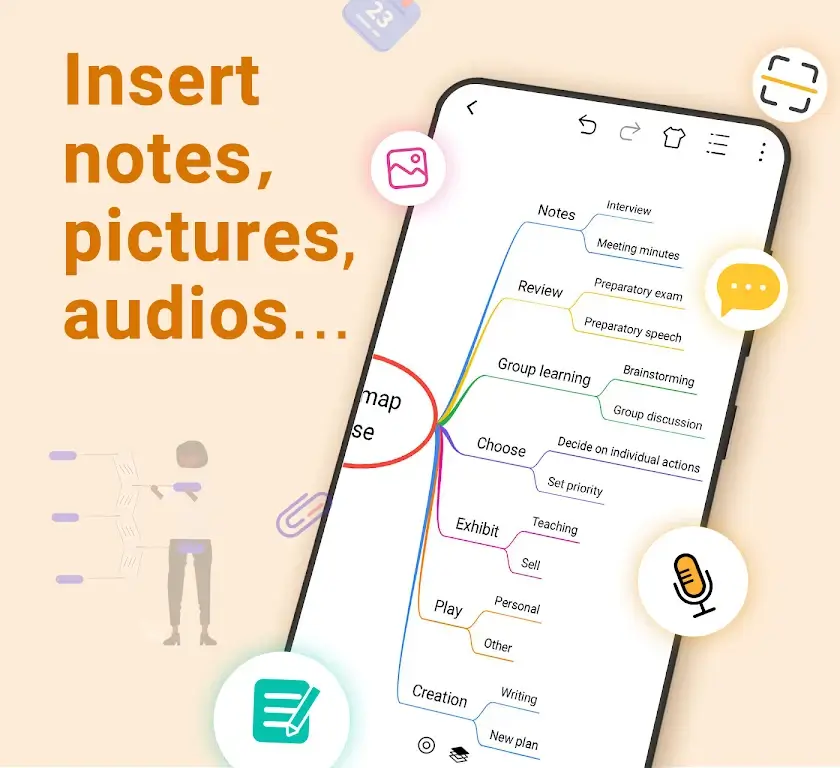
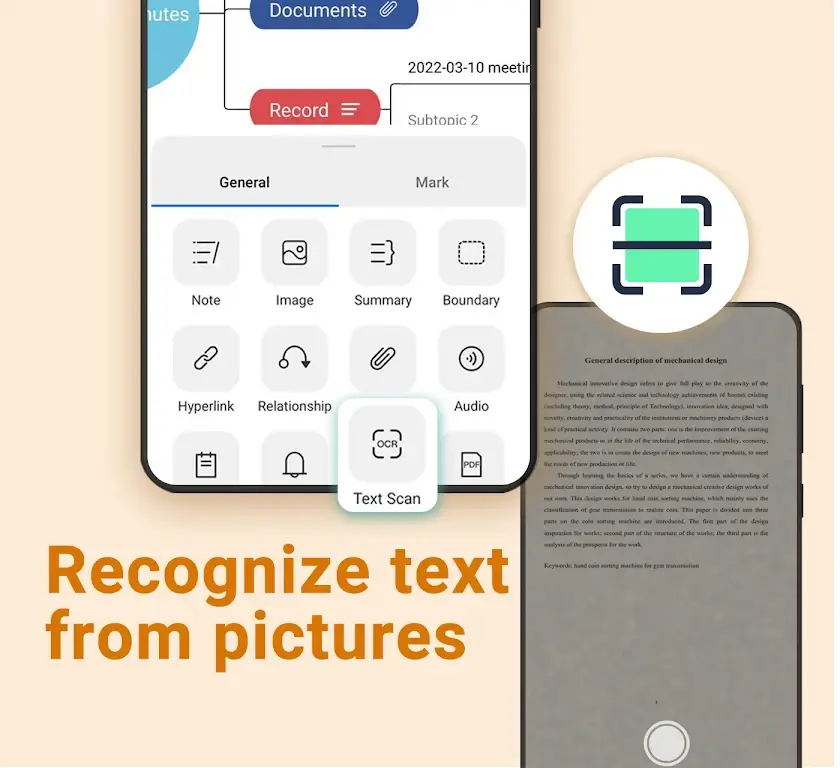
Users can create more elaborate maps with the inclusion of media elements other than text. Rich media elements for map nodes include: pictures, emojis, hyperlinks, audio files and others. Hyperlinks can be used to map to other resources on the web. The inclusion of audio files can help create a multi-sensory representation of the idea captured in the map. The application promotes the use of a combination of different media types to create maps that help capture and represent the users thoughts in an elaborate manner. While the representations can be complex, the application helps users remember the information organized in an easy to understand manner using various media types.
NICE MIND MAP MOD APK
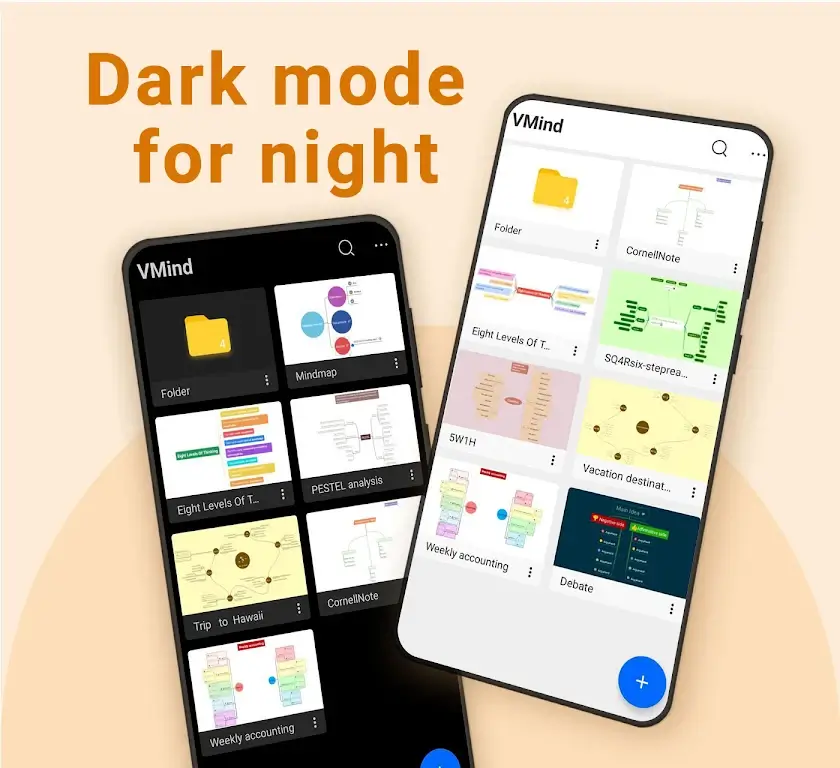
Nice Mind Map MOD APK’s claims to fame are powerful cloud syncing and numerous viewing modes. Mind maps can be synced to Google Drive and OneDrive, where they are safely backed up and accessible from other devices. This also provides added insurance in case ideas are lost due to hardware failure. The app also features a powerful Presentation Mode for syncing Mind Maps to TVs for Presentation purposes. The App also features Outline Mode for rapidly creating mind maps by transcribing information to mind maps. Dual Perspective also provides a flexible way to interact with data, by allowing users to see a list of information and simultaneously a graph of the information.
The mechanics of the application hinge on the user’s ability to create nodes and construct hierarchies. The process starts by identifying a central topic. Users can then create branches and sub-topics by simply tapping on the screen. This type of design fosters and encourages the development of ideas during brainstorming sessions. For additional functionality, the application offers tools such as priorities. By identifying a task or concept as a priority, the user tells the application to focus on that task or idea. As with other elements of the application, a task’s priority is hierarchically positioned relative to other tasks. Users can further define ideas using progress bars to show the degree to which a task has been completed. The application also incorporates deadline management features through the use of calendar reminders. All of these elements add to the functionality of the application and allow the user to transition mind maps to action plans.
The app is designed with global accessibility in mind and therefore supports 9 languages. This means that users anywhere in the world can write out their thoughts in their native tongue. As a result, the application is extremely flexible and can be used to take meeting notes, create personal resumes, do creative writing, set long term goals and more. The application breaks barriers by presenting thought and text in graphical format. It can help users stimulate and structure their brain to better process and enhance memory. It can help sort through and filter a plethora of data and focus on the most pertinent information. The application creates a structured, virtual and safe space for thought and text to take form and shape to allow users to come up with and materialize creative ideas and strategies and structures to meet their objectives and personal goals.
Key features
- Mind Map layout
- Fishbone Diagram
- Tree Chart
- Logic Map
- Keyword insertion
- Image and emoji support
- Hyperlinks and audio attachments
- Google Drive and OneDrive cloud syncing
- Ready-made templates for personal and business use
- Presentation Mode
- Outline Mode for text-to-map conversion
- Priority markers and progress bars
- Calendar reminders
- Support for nine languages
Related MOD APKs
FAQ
Is Premium unlocked in Nice Mind Map MOD APK?
This 11.7.0 version of Nice Mind Map includes Premium Unlocked. It functions just like the original Next edu app, with all features active immediately after you finish the installation.
What is the latest version of Nice Mind Map MOD APK?
Version 11.7.0 matches the Next edu release from June 12, 2026. We don’t keep older versions here. Update by installing this file over the current app; if a signature error occurs, you must delete the old version first.
Is Nice Mind Map MOD APK safe to download?
This 11.7.0 build of Nice Mind Map from Next edu features Premium Unlocked. 72 people gave it a 3.5 rating. It does not require root. Ignore Play Protect warnings, but always download from this page.
Can I use Nice Mind Map MOD APK on PC or iPhone?
As an Android file, this won’t work on iPhone or iPad. To use the 15 MB app on a computer, install an emulator like BlueStacks or LDPlayer, then drag the package into that software to begin using it.
Nice Mind Map v11.7.0 MOD APK (Premium Unlocked)
Download (15 MB)You are now ready to download Nice Mind Map for free. Here are some notes:
- Please read our MOD Info and installation instructions carefully for the game & app to work properly
- Downloading via 3rd party software like IDM, ADM (Direct link) is currently blocked for abuse reasons.
3.5/5 (72 votes)