Turn your phone into a professional HDMI/USB camera display with low latency, crisp preview, recording, streaming, and pro monitoring tools.
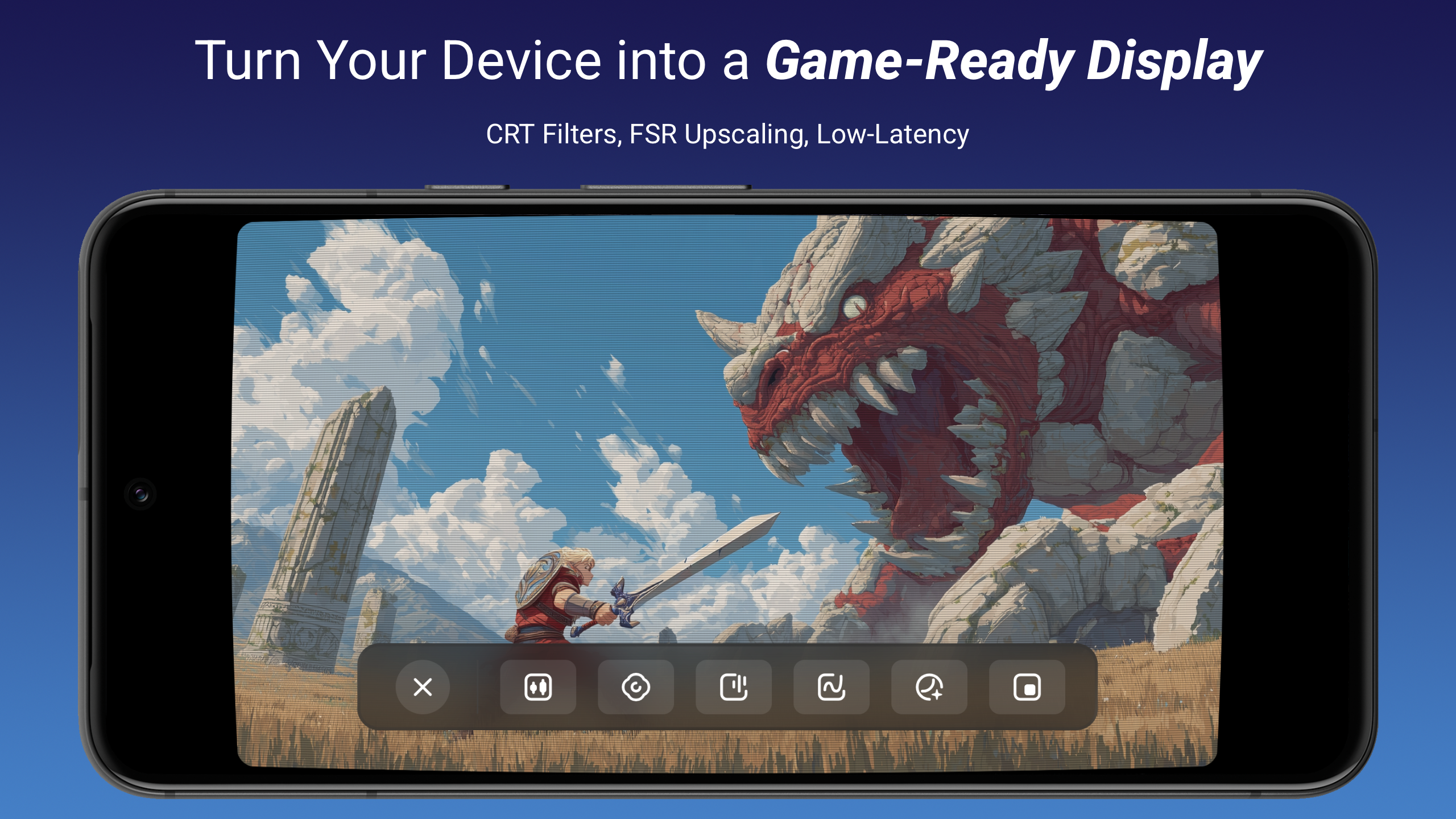

Noir Pro: USB Camera HDMI Link MOD APK V10 (Paid Patched)
| App Name | Noir Pro: USB Camera HDMI Link |
|---|---|
| Publisher | GuoPing He |
| Genre | Video Players & Editors |
| Size | 6 MB |
| Latest Version | 10 |
| MOD Info | Paid Patched |
| Get it On |

|
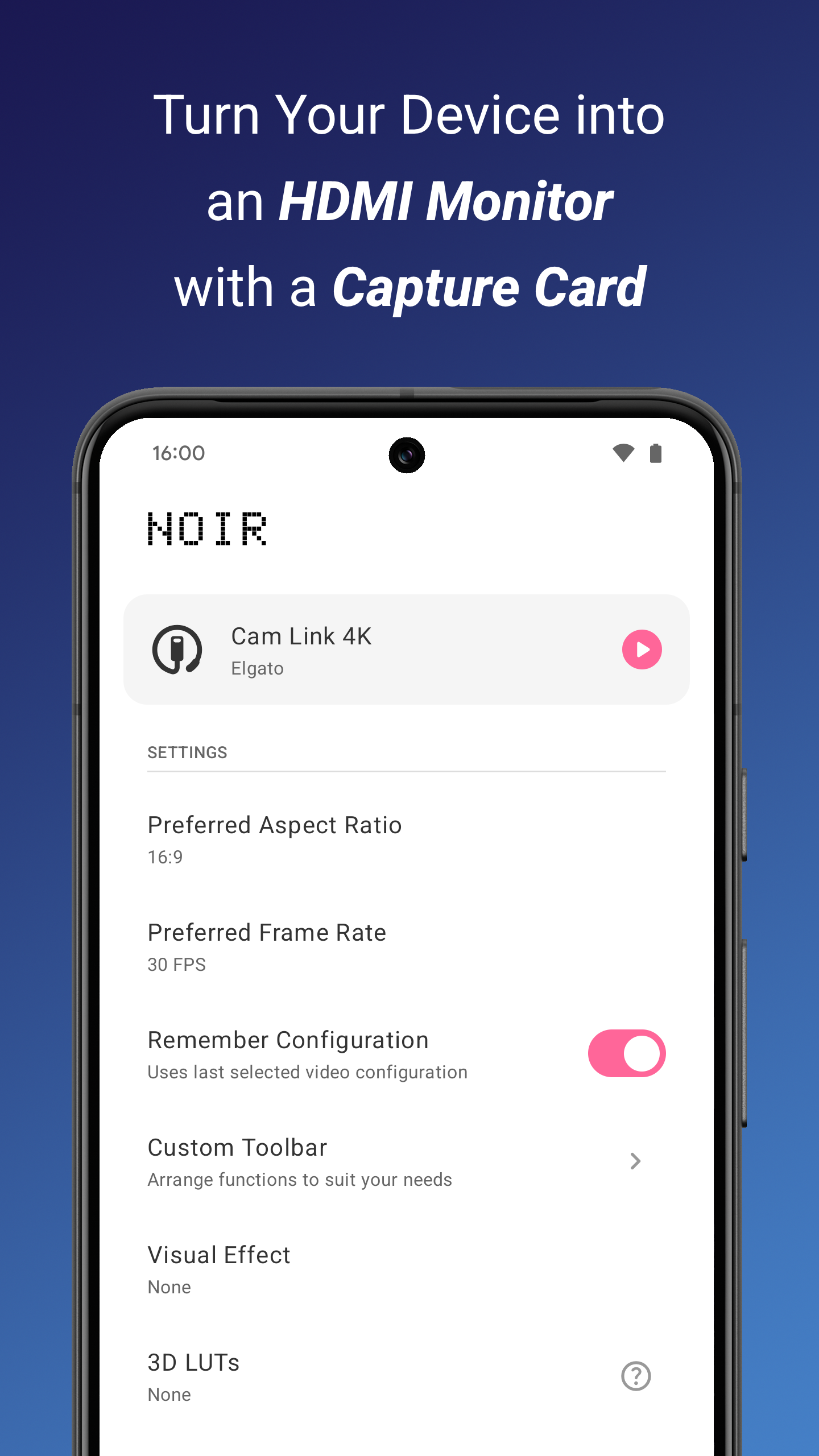
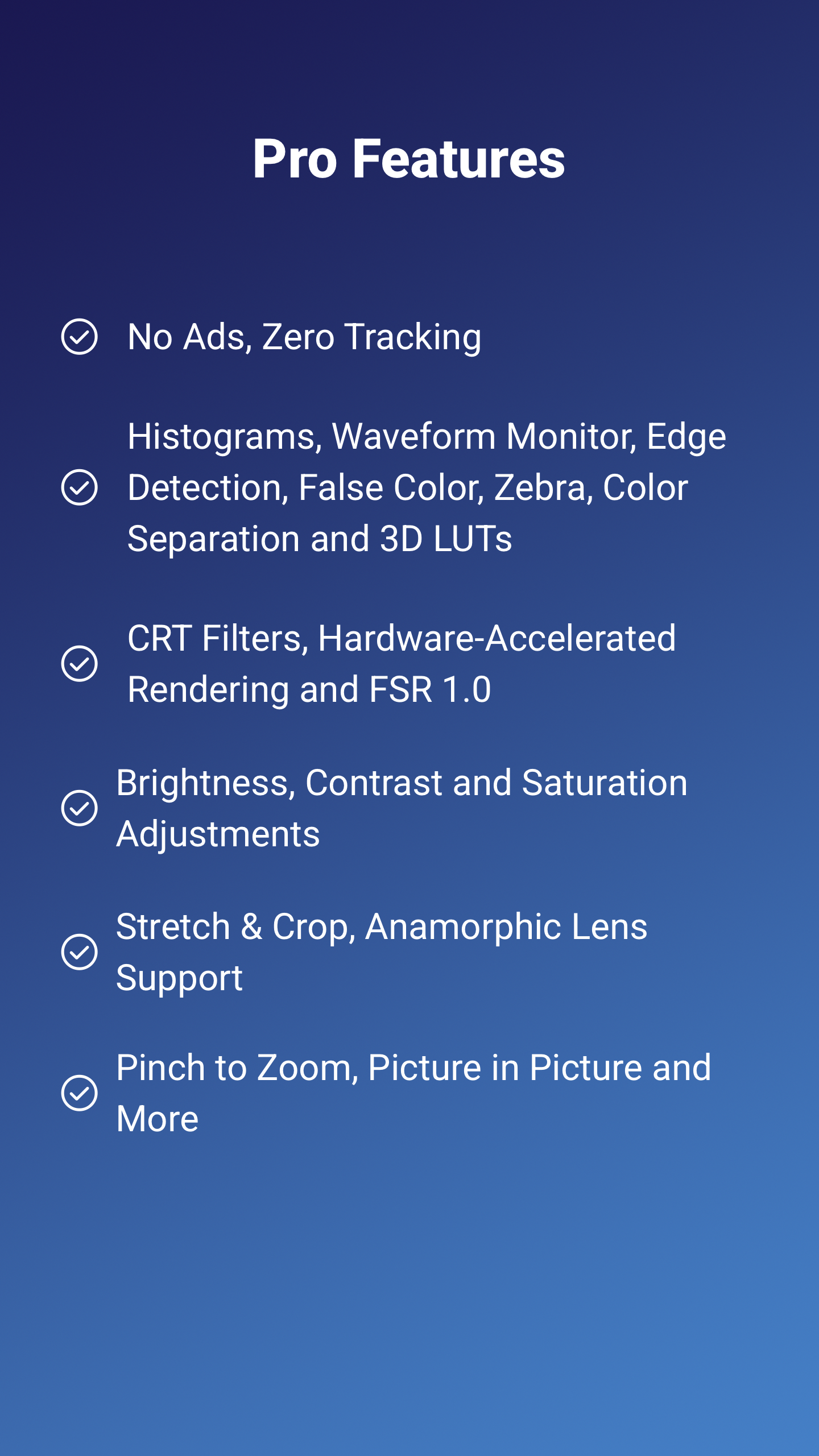
This Noir Pro MOD APK provides a paid patched version of the utility, bypassing the standard license requirements for professional features. The modification allows for full access to the external camera monitoring and recording toolset without needing a separate in-app purchase.
What’s Modified in Noir Pro
- Paid Patched: The modification applies a patch to the application code to enable features that typically require a commercial license or purchase.
Version 10 of the me.dt2dev.uvcpreview package has a file size of 6 MB and is provided as a re-signed file which cannot be installed over a version obtained from the official store.
About Noir Pro
Noir Pro: USB Camera HDMI Link allows users to connect their smartphones and tablets to professional cameras and use them as external monitors and capture devices. The feature that differentiates this software from competitors is the ultra-low latency feature. The latency between the camera capturing an image and the mobile device displaying it is kept to an absolute minimum. With this feature, users are able to see the feedback from the camera and adjust things like frame composition and focus in real time. Like the name implies, Noir Pro focuses on delivering features that improve the professional video capturing and monitoring workflow of content creators, filmmakers and educators. The application creates a professional mobile video capturing and monitoring workflow that competes with higher end and bulky video hardware.
The software offers excellent support for various external video input devices through USB (UVC) and HDMI capture interfaces. With this, it can utilize a wide range of hardware, from DSLR cameras to various action and camcorder cameras, to standard webcams and more. The support for HDMI capture cards means that any hardware that has an HDMI output can be utilized, further extending the hardware compatibility of the software. Support for UVC ensures that a ton of USB peripherals can be utilized as input devices. The plug-and-play capability means that no drivers need to be installed or configurations made, enabling users to immediately preview the video feeds from their devices. This is ideal for professionals who need to quickly set up their gear and start working. No delays in starting work because of cumbersome setup processes. Overall, the software is very extensible for multiple devices.
The software goes beyond simple monitoring and provides a wide range of features for capturing digital videos in real time. For vloggers and field professionals, the software is a valuable tool. The mobile app offers an easy and convenient way to record high-quality videos on location. Unlike other recording apps, the captured files are not compressed and hence, retain the quality of the source. When used for field recording, the app has several advantages. In the absence of a dedicated field recorder, the app serves as a good substitute to capture high quality audio. By transforming the mobile device into a capture hub, the app offers a good workflow for managing video data. Real time recording ensures that users see exactly what is being saved.
Some smart display tools are offered by the software to assist users with professional video monitoring. There is a grid overlay to aid the user with framing and composition. There are visual aids in this overlay that reflect the rule of thirds and other cinematic rules. The user has controls to adjust the brightness and hue of the image. This allows the user to create a display calibration that is optimum for the video capture conditions and the ambient lighting conditions. The user has controls to adjust focus and zoom. For greater control of the video feed, there is a full-screen, cinematic, interface-less mode.
The software is helpful for gamers and livestreamers as well. For console gamers, this is a good way to monitor or play via a capture card with low latency. Therefore, this is a good option for portable gaming setups or for anyone who needs a secondary display for their console. For streaming, this software can be incorporated into live broadcasts as a portable monitor for different camera angles. As mentioned before, for things like multi-camera setups, this software allows for a quick change between connected devices, making it a good option for these types of setups. Teachers can use this in a similar fashion to portable second displays to show physical documents or demos, giving students a better and clearer view as compared to a computer display. As mentioned before, Technicians can use this for various CCTV feeds, inspection of remote camera feeds, etc., using the portability of a smartphone instead of a laptop.
The design of the application focuses on stability and efficiency for long-term usage. The application is designed to have a minimal impact on the system resources and maximize battery performance. This is accomplished by offloading the heavy work of video decoding on the system resources and optimizing the application for battery usage. As a result, the application can be used for extended periods of time for video monitoring and maintain stable and efficient performance. The application is designed to deliver the video feeds at the frame rate specified and handle stream re-encoding. The optimized decoding of video frames ensures that there are no stutters or artifacts that can compromise the effectiveness of the monitoring process.
Key features
- USB (UVC) camera support
- HDMI capture device compatibility
- Ultra-low latency video preview
- Real-time video recording
- Streaming workflow integration
- Grid overlay for framing
- Zoom and pinch controls
- Brightness and color adjustment
- Orientation lock
- Full-screen cinematic mode
- Multi-device switching support
Related MOD APKs
FAQ
What does Noir Pro: USB Camera HDMI Link MOD APK unlock?
This Noir Pro: USB Camera HDMI Link (10) build provides the Paid Patched feature. It operates just like the GuoPing He release, and the modifications take effect right after you install it.
What is the latest version of Noir Pro: USB Camera HDMI Link MOD APK?
Version 10 is the latest, matching the GuoPing He update from April 29, 2026. We don’t keep older versions here. Update by installing this file over your current app; if you see signature errors, remove the old one first.
Is Noir Pro: USB Camera HDMI Link MOD APK safe to download?
This Noir Pro: USB Camera HDMI Link 10 build is the GuoPing He app with a Paid Patched modification. 11 people rated it 4.5 here. It does not require root. Ignore Play Protect warnings during setup and always download from this page.
Can I use Noir Pro: USB Camera HDMI Link MOD APK on PC or iPhone?
This Android file cannot run on iPhone or iPad. To use the 6 MB app on a computer, install an emulator like BlueStacks or LDPlayer, then drag the package into the software to start.
Noir Pro: USB Camera HDMI Link MOD APK V10 (Paid Patched)
Download (6 MB )You are now ready to download Noir Pro: USB Camera HDMI Link for free. Here are some notes:
- Please read our MOD Info and installation instructions carefully for the game & app to work properly
- Downloading via 3rd party software like IDM, ADM (Direct link) is currently blocked for abuse reasons.
4.5/5 (11 votes)