Refresh your phone with OneRound 7! Get thousands of premium circular icons, vibrant colors, and matching HD wallpapers for the ultimate Android customization.

OneRound 7 - Icon Pack v3.4 APK (Full Version)
| App Name | OneRound 7 - Icon Pack |
|---|---|
| Publisher | Eatos |
| Genre | Personalization |
| Size | 35M |
| Latest Version | 3.4 |
| MOD Info | Full Version |
| Get it On |

|
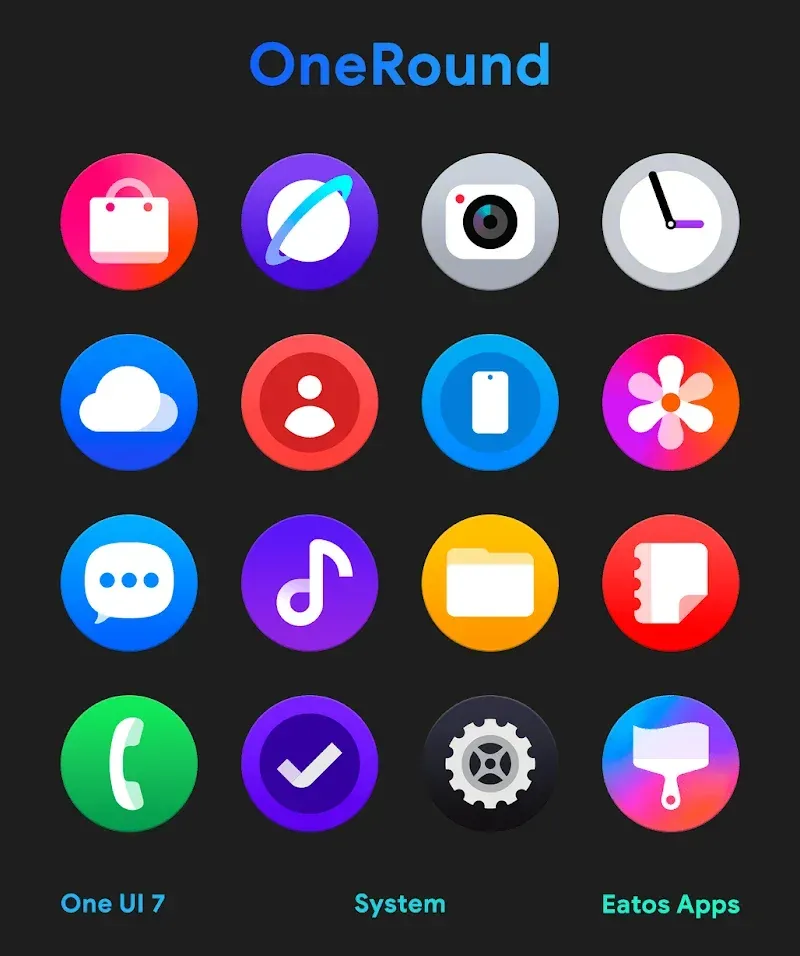
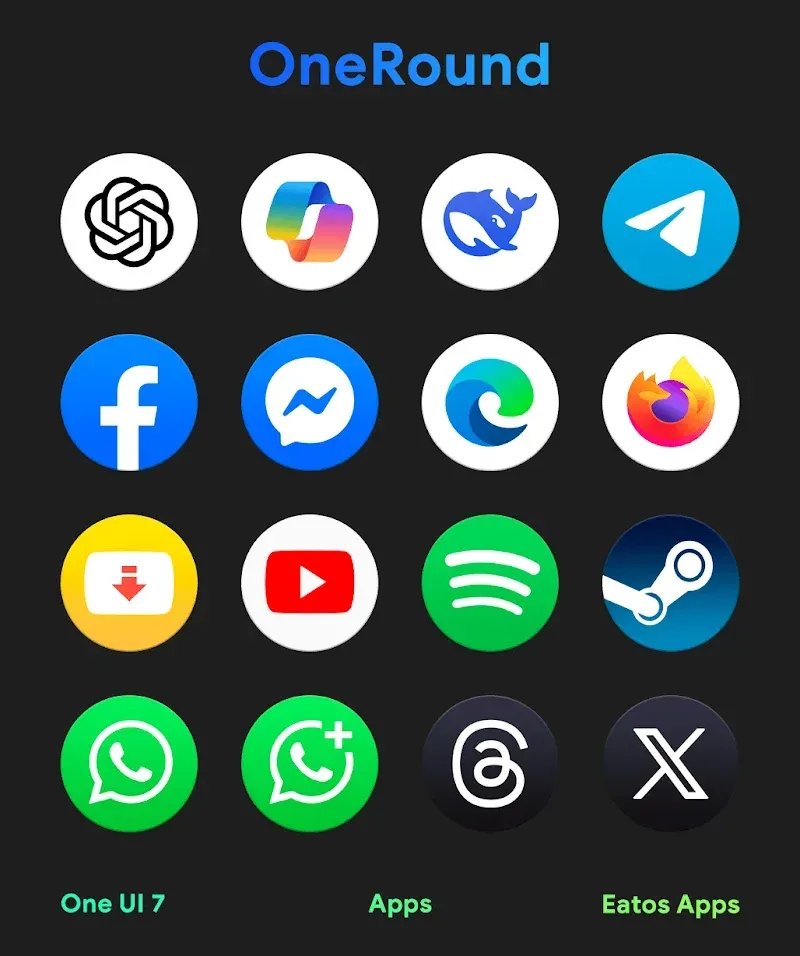
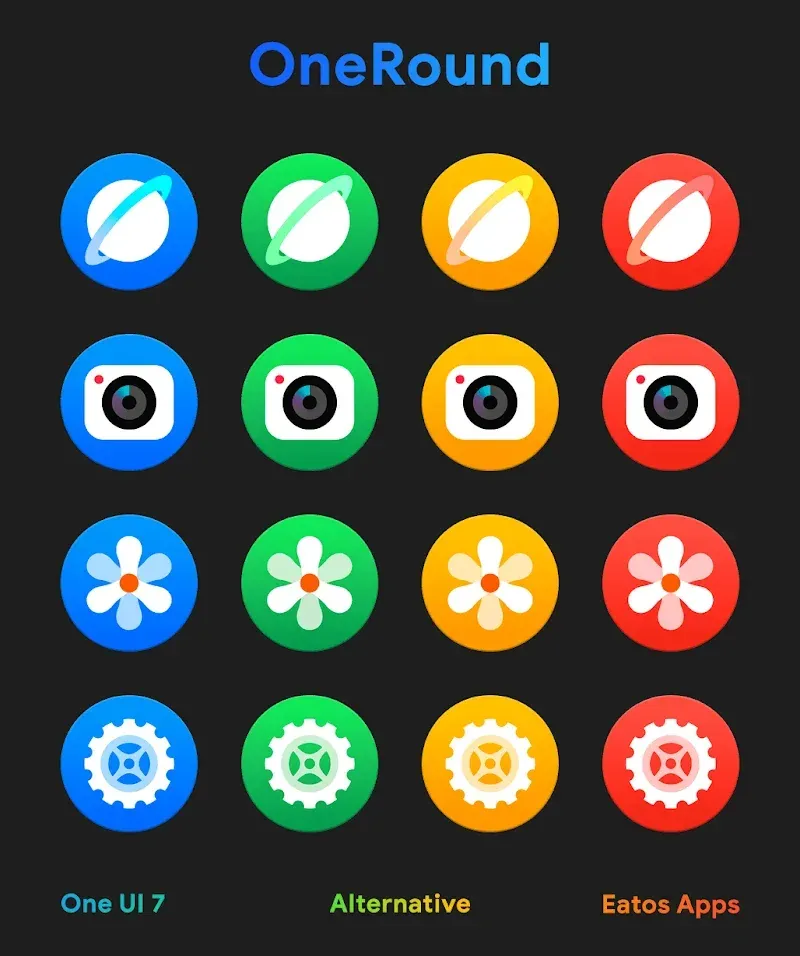
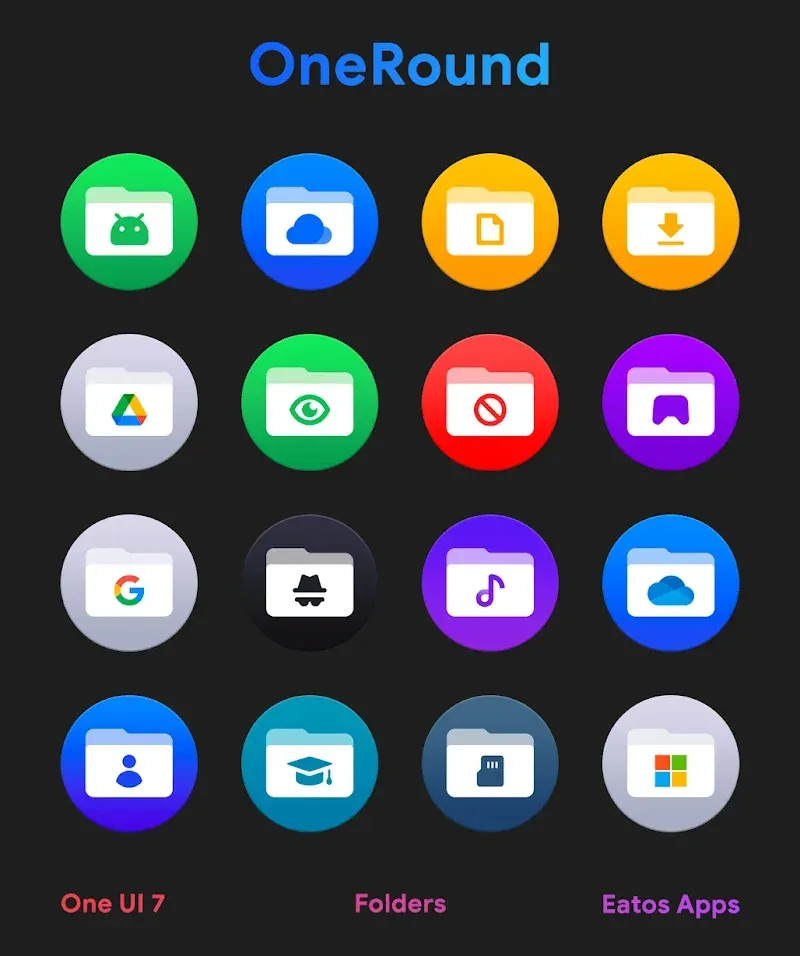
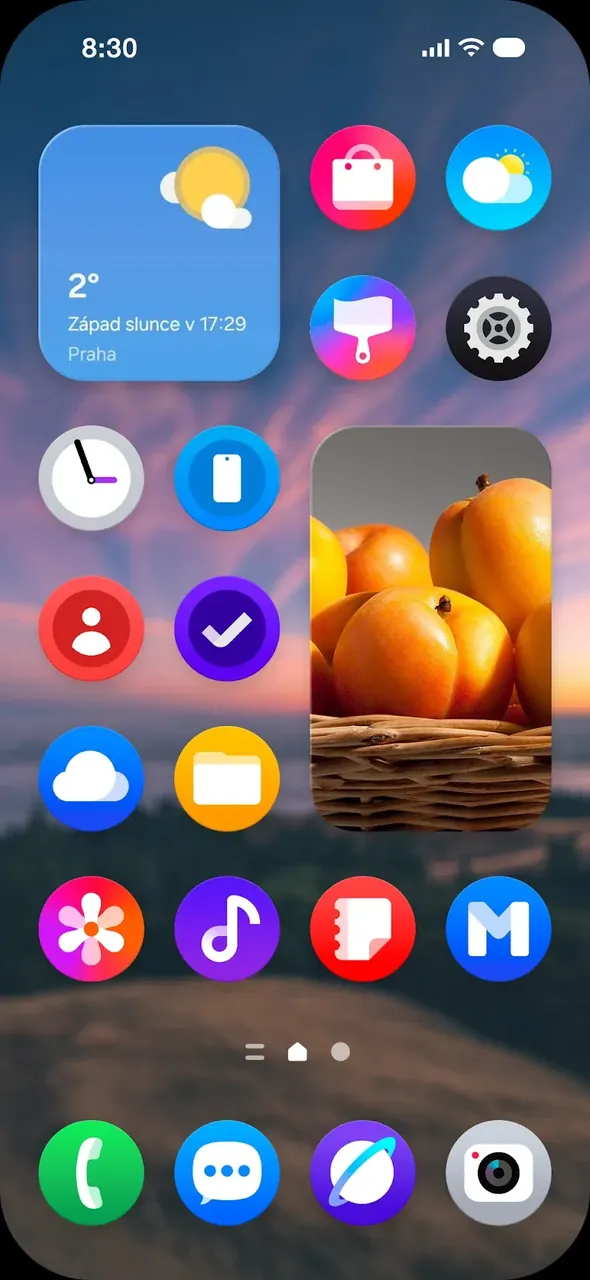
This build provides the full version of the icon pack, unlocking all premium content for the user. OneRound 7 MOD APK ensures that the complete library of circular icons and high-definition wallpapers is accessible without restriction. It is intended for users who want to apply the full suite of personalization tools immediately.
What’s Modified in OneRound 7
- This build unlocks the full version of the application, providing complete access to the premium icon library and all personalization features.
Version 3.1 has a file size of 35M with the package name com.eatos.oneroundpro, and because this file is re-signed, it cannot be installed over an existing copy from the official store.
About OneRound 7
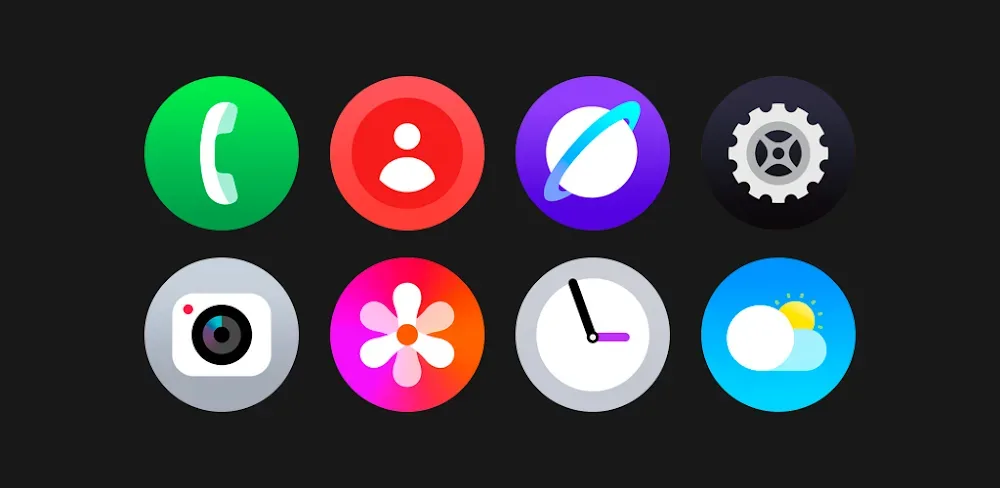
OneRound 7 – Icon Pack offers a clean and modern look to mobile devices. It provides a unified design language for default icon sets of Android devices to address the issue of inconsistent shapes and colors. Circular shape provides a nice symmetry for the entire user interface of the device and help reduce home screen clutter. The designers of the app built all icons from scratch to make sure they look good on high resolution displays. This attention to detail ensures a professionally done mobile user interface as opposed to a jumble of misaligned and inconsistent icons. Lastly, the designers of the app aim for a consistent colorful user interface of the devices by including a vibrant color palette in the icon library.
The app features an extensive library with thousands of high quality icons and is considered a complete set for Android. The icons are designed to meet the needs of all kinds of apps from the system apps like Phone and Settings to thousands of third party apps like Productivity and Social apps, games and others. Each icon is designed in high definition and is clear and crisp on any device with any screen density. Users can see the missing icons for the apps they are using using the Request Tool and suggest new designs to the developer. This way, the developer can be able to add new icons in future updates. This means that the pack is always up to date with new apps and with apps that change or alter their branding and appearance over time.
Wallpapers are included, as is a collection of circular icons. These icons have a striking resemblance to the icons found in MacOS. The pack provides an array of high definition wallpapers that are designed to complement the icons. The icons are made to perfection and the backgrounds are high quality to prevent pixelation, but the wallpapers are not dynamic. A calendar is included that does have dynamic support. The calendar is designed to provide a space to view the date on the home screen. The designers also included Dynamic Calendar Support which provides the user with a way to see the current date on the home screen. Overall the package provides tools to help create a workspace that is useful for day-to-day tasks and provides a beautiful, well designed interface. The package gives users the tools to create an interface that feels like a custom built operating system.
It is important for the app to be compatible with different Android launchers, because integration with multiple launchers improves overall performance and stability. The app works with Nova Launcher, Action Launcher, and ADW Launcher, which are the most preferred launchers by the Android launcher customization community. Other launchers the app is integrated with include Apex Launcher, Evie Launcher, Holo Launcher and Lucid Launcher, giving users the freedom to customize their launchers to their preference. Users of Microsoft Launcher, Smart Launcher, and TSF Launcher can use these icons without any issues. The app streamlines the process of launcher customization by using a central dashboard that acts as the central hub for all the customization options. By using the app, users can pick a theme, pick an icon pack, and implement the changes with just a single tap, making it easy enough for a beginner to use the app, yet still powerful enough for an experienced user.
The pack is incredibly customizable. Thanks to the versatility of the pack, users can adjust icon sizes and grid layouts based on what looks best to them. Furthermore, users can choose a layout that’s based on what makes the most sense to them, whether it be a standard 5×5 grid, a Compact 3×3, or a combination of both. Because the pack is simply an addition to an existing launcher, the types of layouts available are completely limited by the imagination of the users. The pack can scale to suit a user’s preference, from a simple, minimalist, and monochromatic design all the way to an extravagant, high-contrast, and colorful design. Regardless of the selection, the pack doesn’t impact the mobile device’s performance. In fact, it’s been designed to do the opposite. The focus of the pack is to improve the device’s performance, and it does a great job at that. The fact of the matter is the device can’t slow down, and the pack is designed to improve it. Additionally, the pack does an incredible job improving the user experience of the device and making it as smooth as possible.
The app gives users a total digital transformation for their Android devices. It moves away from plain interfaces and provides a suite of graphics that portray elegance, symmetry and professionalism. It provides a huge icon library, wallpapers, and dynamic calendars to customize user interfaces. High-res, hand drawn graphics ensure that the app can be sharp on all devices. Support for different launchers ensures that the customizations can be applied on all Android devices. The end result is that users get an aesthetic mobile environment that is not only appealing to them but also to others around them. It provides users a fresh new look and feel everytime they turn their device on.
Key features
- Vast Icon Library
- Unified Circular Design
- Handcrafted HD Quality
- Exclusive Wallpaper Collection
- Icon Request Tool
- Dynamic Calendar Support
- Broad Launcher Compatibility
Related MOD APKs
- OnePro Dark – Icon Pack
- iGlassOS Dark – Icon Pack
- OneGlass 8 (Color) – Icon Pack
- OneGlass (Dark) – Icon Pack
FAQ
What does OneRound 7 – Icon Pack MOD APK unlock?
This 3.1 version of OneRound 7 – Icon Pack includes the Full Version mod. It functions just like the Eatos release. Changes take effect immediately after you install the file.
What is the latest version of OneRound 7 – Icon Pack MOD APK?
Version 3.1 matches the Eatos release from June 12, 2026. We don’t keep older versions here. Update by installing this file over your current app. If you see a signature conflict error, delete the old app first.
Is OneRound 7 – Icon Pack MOD APK safe to download?
This 3.1 build of OneRound 7 – Icon Pack is the Eatos app with the Full Version mod. 5 users gave it a 3.8 rating. It does not require root. Ignore Play Protect warnings; always download from this page.
Can I use OneRound 7 – Icon Pack MOD APK on PC or iPhone?
This Android file will not work on iPhone. To use the 35M APK on a computer, install an emulator like BlueStacks or LDPlayer. Once set up, just drag the file into the program to install it.
OneRound 7 - Icon Pack v3.4 APK (Full Version)
Download (35M)You are now ready to download OneRound 7 - Icon Pack for free. Here are some notes:
- Please read our MOD Info and installation instructions carefully for the game & app to work properly
- Downloading via 3rd party software like IDM, ADM (Direct link) is currently blocked for abuse reasons.
3.8/5 (5 votes)