Secure your universe with Onvier! Watch over 5,000+ IP cameras with comfort knowing there’s an ONVIF & RTSP based viewer with you! Enjoy near-edge streaming, refined controls, and on-demand alerts for your peace of mind!
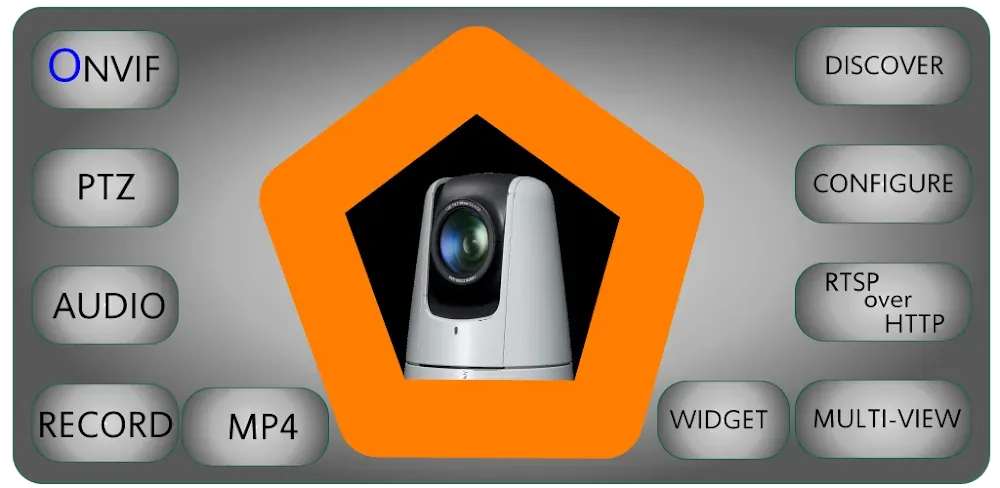
Secure your universe with Onvier! Watch over 5,000+ IP cameras with comfort knowing there’s an ONVIF & RTSP based viewer with you! Enjoy near-edge streaming, refined controls, and on-demand alerts for your peace of mind!
| App Name | Onvier - IP Camera Monitor |
|---|---|
| Publisher | Biyee SciTech Inc. |
| Genre | Tools |
| Size | 6.9M |
| Latest Version | 22.48 |
| MOD Info | Premium Unlocked |
| Get it On |

|
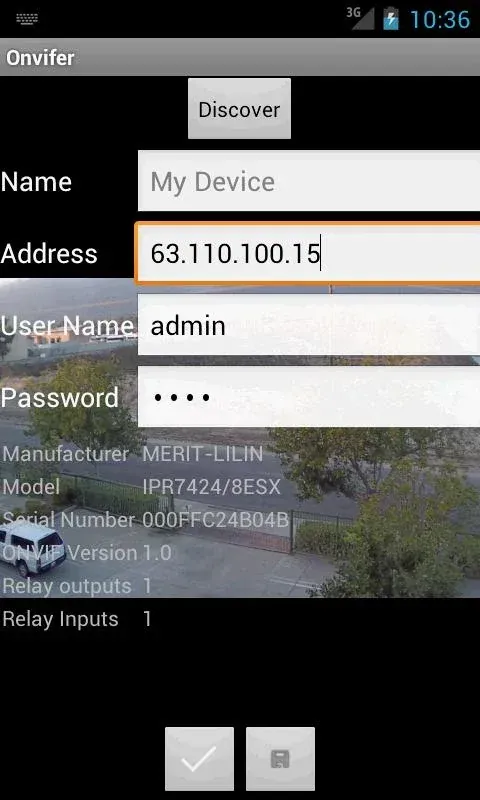
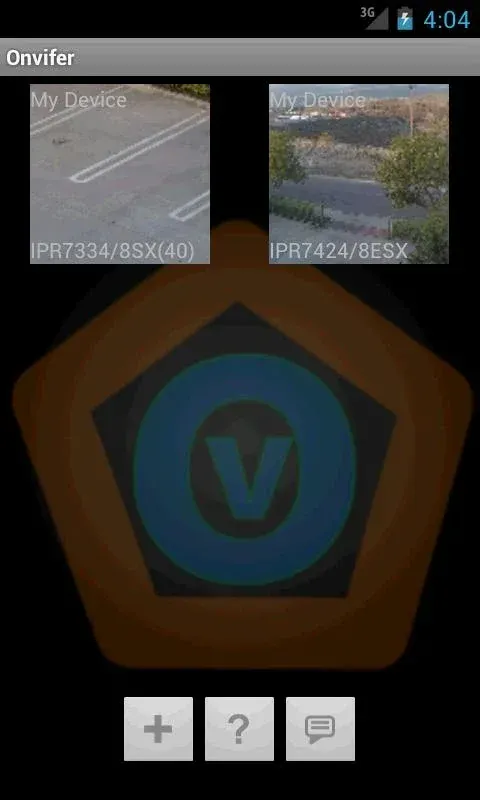
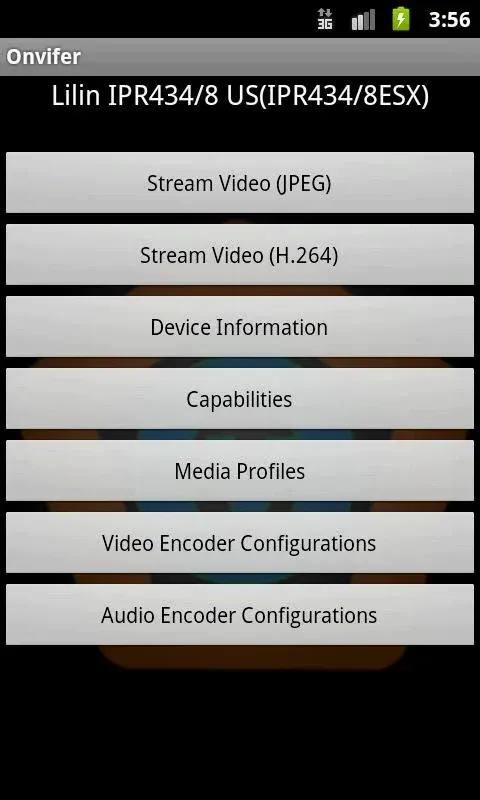
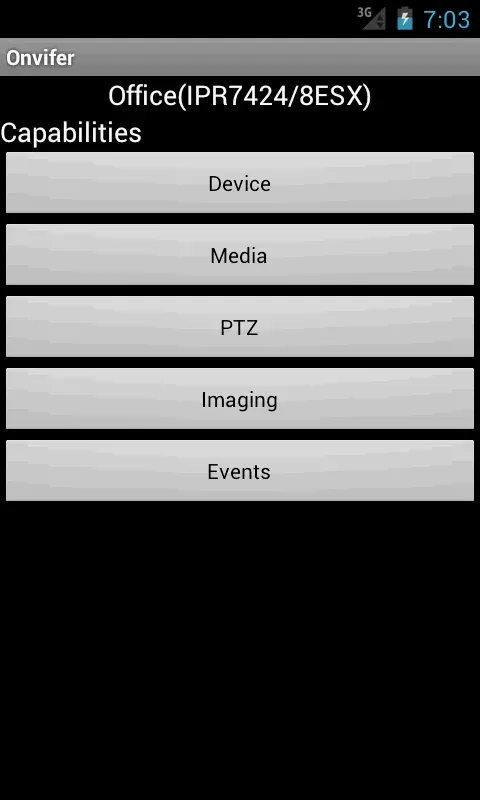
The Onvier MOD APK provides a premium unlocked experience for managing IP camera surveillance. This build removes restrictions on advanced features, allowing users to access the full suite of monitoring tools without additional in-app purchases.
This build is version 21.85 with a file size of 6M under the package name net.biyee.onvifer, and it is re-signed, meaning it cannot be installed over an official version from the app store.
The Onvier MOD APK lets you manage your surveillance from a central location. It works with over 5,000 different camera models and doesn’t tie you down to one brand or manufacturer. This support ranges from less expensive, simple cameras to more expensive, high-end cameras used in professional security and overall enterprise hardware. The app allows you to manage different locations (e.g. front doors, warehouse doors, pet doors, etc.) from a single device. The app further simplifies security management by providing a consistent user experience across the entire security and surveillance system, no matter the brand or type of hardware used.
The Onvier MOD APK utilizes various industry-standard protocols (e.g. ONVIF, RTSP, MJPEG, etc.) to establish connectivity to devices. As a result, the app allows you to use branded cameras or support hardware and not be restricted by a manufacturer’s software. A notable aspect of the app is its use of RTSP over HTTP. This is done to counter certain limitations, like overly restrictive firewalls, or to get around obstructions placed by an Internet Service Provider (ISP) to block or restrict normal surveillance activity. As a result, this app enables the user to monitor their IP camera from an otherwise restricted or remote location.
The app uses H.264 and H.265 video codecs to encode the video being streamed. These codecs provide high quality images at low bandwidth, thus ensuring that bandwidth consumption is optimized. For the audio, the app uses AAC codec. The use of the video and audio codecs, not only provides good quality feeds but also places a low burden on the network the feeds are transmitted on.
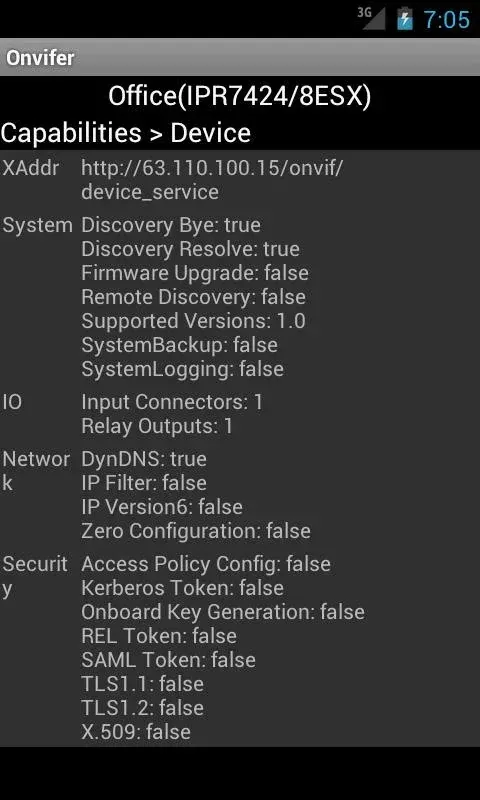
An intelligent scanning system that automatically discovers IP cameras on the local network is used to configure the security network. With this system, users are not required to configure their network settings for each of the cameras on the network. The user simply has to provide the IP address and login credentials for the camera. The system is designed to automate discovery and configuration of the hardware it is interfacing with. This feature provides a quick and easy way to configure new cameras. It also allows users with little or no knowledge of IP networking to expand their security network.
The control interface offers many ways to control video feeds. For example, users can choose the number of sections in a grid view and adjust the layout accordingly. With the interface, users are able to manage a video feed from a PTZ (Pan-Tilt-Zoom) camera by controlling panning, tilting, and zooming as well as feed scanning. To help with efficiency and control, the developers added a feature to the interface that allows users to switch camera feeds instantly. In addition, the developers focused on creating a product that offered a high level of control over video surveillance as well as offered data privacy. With this in mind, the developers designed the application in a way that allows the app creators to have no control over or access to the user’s video data by using P2P (peer-topeer) connections to transmit data. This allows the video data to connect directly to the mobile device. Because the developers designed the product in an efficient manner using limited system resources, the product is able to function on a low-end mobile device, and a high-end mobile device. Furthermore, the developers designed the product in a way that allows the user to be proactive to unusual or irregular occurrences by setting up notifications. Overall, this product has a great combination of features that are helpful to security technology professionals and end users.
Related MOD APKs
Is Premium unlocked in Onvier – IP Camera Monitor MOD APK?
This 21.85 version of Onvier – IP Camera Monitor features Premium Unlocked. It operates similarly to the Biyee SciTech Inc. original, with all modifications active immediately upon installation.
What is the latest version of Onvier – IP Camera Monitor MOD APK?
The 21.85 release from Biyee SciTech Inc. arrived on June 14, 2026. We don’t keep older versions here. To update, install this file over your current app. If a signature conflict occurs, uninstall the previous version first.
Is Onvier – IP Camera Monitor MOD APK safe to download?
This Onvier – IP Camera Monitor 21.85 build by Biyee SciTech Inc. only modifies Premium Unlocked. It has a 3.8 rating from 12 users. It does not require root. Since Play Protect might flag it, always download from this page.
Can I use Onvier – IP Camera Monitor MOD APK on PC or iPhone?
As an Android package, this will not install on iPhone. You can run the 6M APK on computers using BlueStacks or LDPlayer by dragging the file into the emulator.
You are now ready to download Onvier - IP Camera Monitor for free. Here are some notes: