

The OPlayer MOD APK provides an optimized version of this professional media player by unlocking the DivX Codec and all other premium features. This modified build streamlines the user experience by removing advertising SDKs, tracking components, and unnecessary background services while optimizing internal graphics for faster loading.
What’s Modified in OPlayer
- Unlocks the DivX Codec and all other paid professional features within the application.
- Disables and removes unwanted permissions, receivers, providers, and services to minimize background resource usage.
- Optimizes and zipaligns graphics while cleaning internal resources to ensure the application loads faster.
- Removes all debug code to reduce the file size and improve execution stability.
- Strips default .source tags from the corresponding Java files for a cleaner build.
- Disables Analytics, Crashlytics, and Firebase tracking to prevent data reporting.
- Completely removes the bundled Facebook ads SDK to eliminate external advertising requests.
- Includes full multi-language support for a wide range of global users.
- Provides compatibility for multiple screen densities including 120dpi, 160dpi, 240dpi, 320dpi, 480dpi, and 640dpi.
- Changes the original package signature, which is a requirement for the modified installation process.
 |
 |
This build is version 5.00.40 with a file size of 120M under the package name com.olimsoft.android.oplayer.pro; because the original signature has been changed, this version cannot be installed as an update over the official store version.
About OPlayer
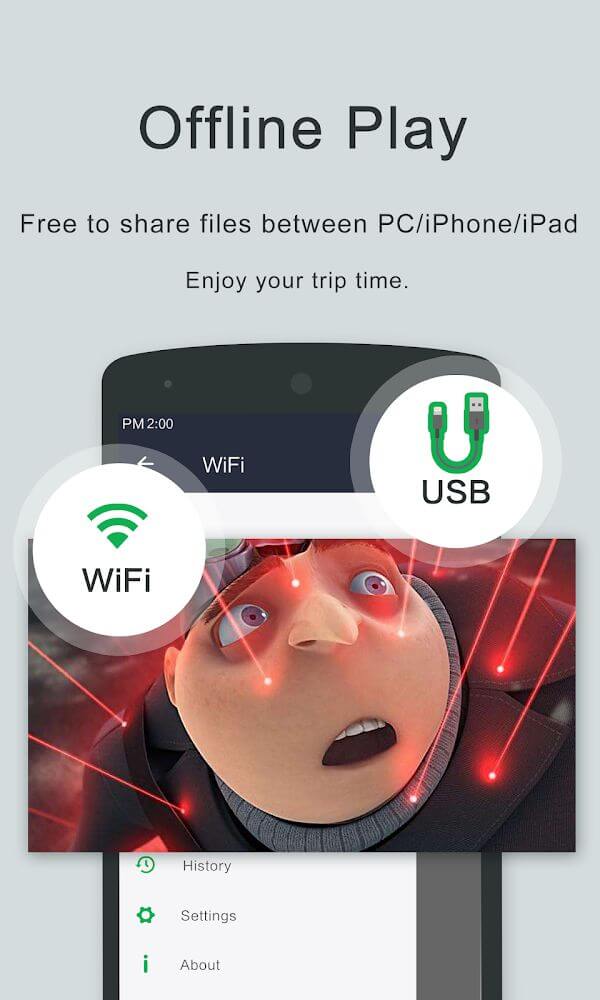
OPlayer is a media playback solution designed to process videos at HD, full HD, and 4K resolutions. OPlayer is designed for users to be able to stream high definition content without delays or frames dropping. Optimization for high definition content streaming means users do not experience video frame decoding as displaying video content consumes most system resources. OPlayer’s rendering engine means that users can playback high definition content on their Android devices.
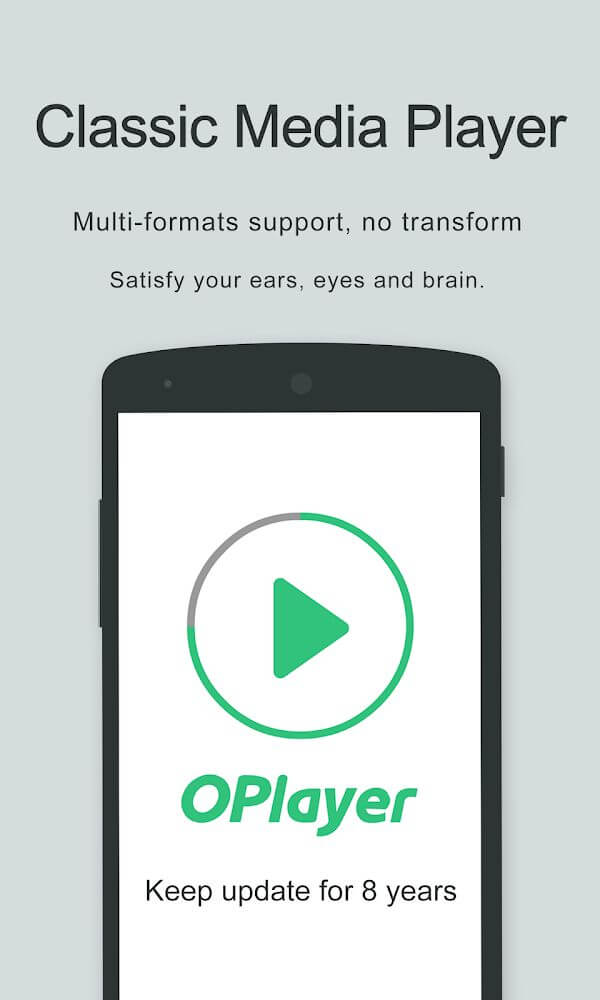
TPlayer is not like other players on the market. It is able to play a variety of containers and formats. OPlayer has great performance with a dozen media formats which include MKV, MP4, AVI, M4V, 3GP, MOV, WMV, FLV, TS, and RMVB. OPlayer does not require users to use an additional codec pack or convert media within the user’s library therefore simplifying the media management process for the user. OPlayer supports a high-efficiency MKV file and a legacy media file in AVI. This software will sync the audio with the video thus never losing sync.
TPlayer is great for users with high definition content in their media library because it offers playback of high definition content in 4K resolutions on mobile devices and Android with great efficiency. OPlayer is also adaptable with a variety of container formats so libraries created from diverse sources can be managed and viewed in a single location.
The app developers integrated privacy and security into the application’s primary design to help users manage their personal media content. Because mobile devices store sensitive and private videos, the developers designed a separate system to store videos in a secure state. Users can move certain files to private video sections which creates an internal security system to stop people from accessing the videos. This is useful to users that share their devices to others, so that their personal videos are not on display in the device’s gallery or accessible through the device’s file explorer. By using these privacy items, users have control over who can access their media content.
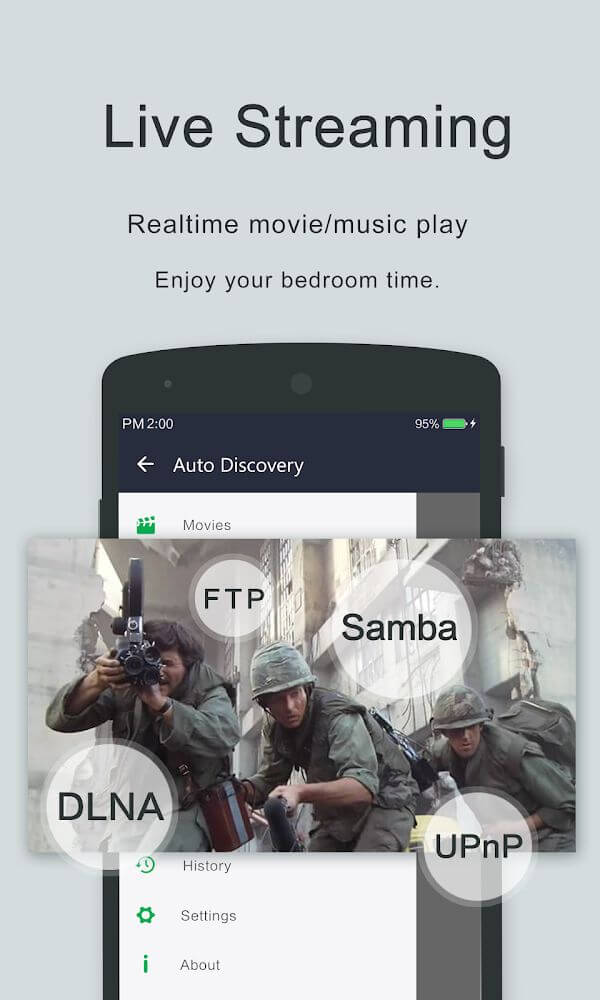
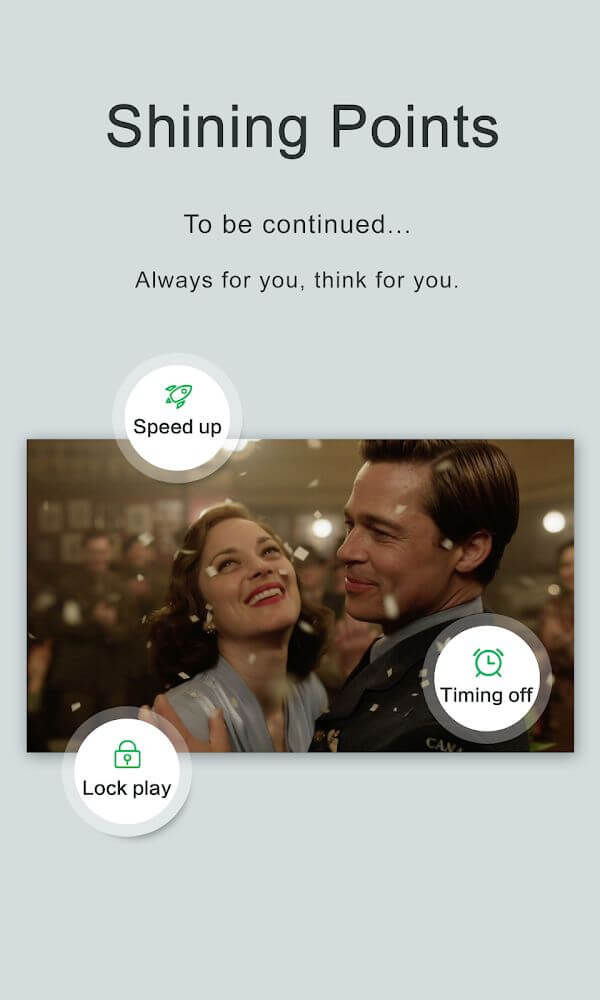
The interface gives a lot of options to adapt the layout to the environment the content will be viewed in, especially during playback. While a video is playing, users have easy access to tools to activate auto rotation, change the aspect ratio, and a touch input lock, so that the video stops if there is any input made to the device. There is a playback speed control, and the player also has a quick control to manage audio. All of these features give a user the ability to personalize the player to best fit the content being played, fast action movies, or slow informational presentations. The app is designed to be flexible and support many devices. It supports the Android smartphones and tablets and has a feature to broadcast the content to a connected television through the Chromecast.
To assist modern multitasking, the application has a mini video player and background playback. The mini video player allows users to continue watching a video in a small floating window, even while they browse the internet or use other applications. The background playback allows the audio to continue playing, even if the user closes the application, or locks the screen of their device. With these features, the application is designed to allow users to carry on with another task, while still experiencing the application’s media offering in the background.
Key features
- High-quality playback for HD, full HD, and 4K video files.
- Wide format support including MKV, MP4, AVI, M4V, 3GP, MOV, WMV, FLV, TS, and RMVB.
- Private video folders for securing personal media content.
- Chromecast support for streaming videos to a television.
- Miniature floating player for multitasking across different apps.
- Background playback mode for audio-only listening when the screen is off.
- Customizable playback speed and quick mute functionality.
- Adjustable aspect ratios and screen lock features during playback.
- Optimized interfaces for both Android phones and tablets.
 |
 |
Related MOD APKs
FAQ
What does OPlayer MOD APK unlock?
This 5.00.40 OPlayer build includes Paid and Optimized modifications. It performs like the OLIMSOFT original. Changes take effect immediately after you finish the installation process.
What is the latest version of OPlayer MOD APK?
Version 5.00.40 is the latest OLIMSOFT release from December 8, 2023. We don’t keep older versions here. Install this file over your current app to update. If you see a signature error, delete the previous version first.
Is OPlayer MOD APK safe to download?
This 5.00.40 OPlayer build from OLIMSOFT features Paid and Optimized mods. 16 users gave it a 4.1 rating. It does not require root. Play Protect warnings are expected, so always download from this page.
Can I use OPlayer MOD APK on PC or iPhone?
This Android file cannot be used on iPhone or iPad. To use the 120M APK on a computer, install an emulator like BlueStacks or LDPlayer. Then, simply drag the file into that software to run it.