

The Tubi TV MOD APK focuses on removing advertisement interruptions and optimizing the streaming experience for a variety of hardware configurations. This build disables server-side ad calls and cleans internal resources to ensure faster loading times on both mobile and television-based devices.
What’s Modified in Tubi TV
- Requires a VPN connection for users attempting to access content from outside the United States.
- Restricts the interface and content options to US languages only.
- Utilizes a lite build structure where unnecessary libraries have been removed to reduce the footprint.
- Adjusts the SDK requirements to ensure compatibility with a wider range of Android devices.
- Cleans the underlying code by removing source, line, parameter, prologue, and local data.
- Disables analytics tracking, receivers, and several background services to improve privacy and performance.
- Bypasses signature verification requirements using a hook method.
- Blocks all server-side calls related to ad-breaks to prevent video interruptions.
- Optimizes graphics and cleans internal resources to facilitate faster application loading.
- Includes support for anti-adaptive icons to maintain visual consistency across launchers.
- Provides specific compatibility for FireCube, Gen3 FireStick, Fire TV Lite, 4K Max, and Smart Fire TV.
- Requires the user to launch the application at least once for the logo to appear correctly on the home screen under the recent items section.
 |
 |
This build is version 8.4.1 with a file size of 46M and the package name com.tubitv; because this Tubi TV MOD APK release is re-signed, it cannot be installed as an update over the version available on the official store.
About Tubi TV
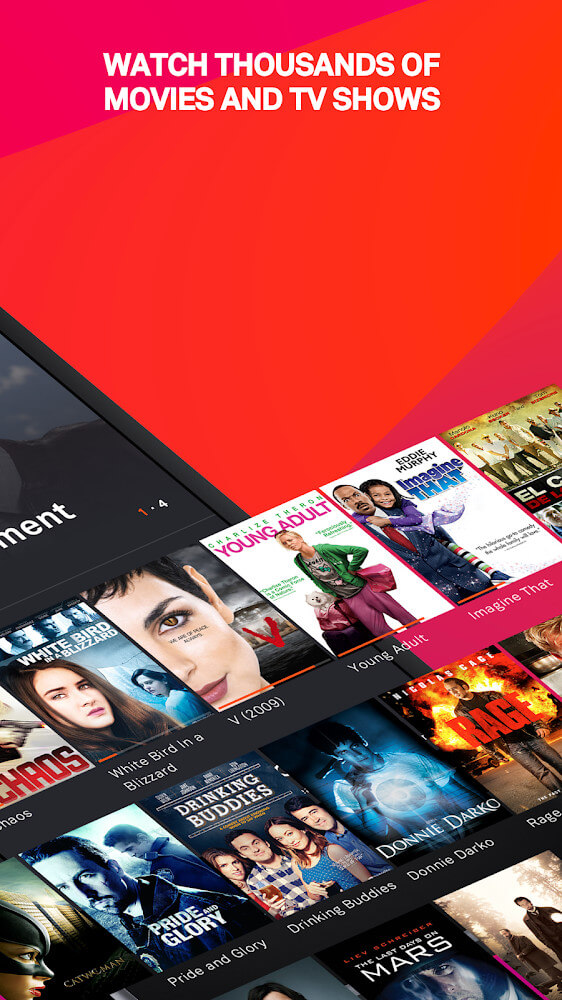
Tubi TV provides access to popular movies and TV shows for free with no subscription or movie theater costs. Tubi TV is an easy to use platform that adds new shows constantly to keep its users satisfied with new entertainment options. Unlike other entertainment platforms, Tubi TV focuses on fast and easy access rather than quality of entertainment. With Tubi TV, users can enhance the way they access entertainment by viewing content in HD rather than the typical poor quality lagging entertainment streams. Tubi TV stands out from its competitors because of its zero cost entertainment service that is supported by advertisements. Users have access to a nearly endless amount of entertainment that spans from genres like drama and comedy to more niche genres like sci-fi and horror. The simplicity of the design pulls in users and keeps them interested with easy to use navigation and mechanics.
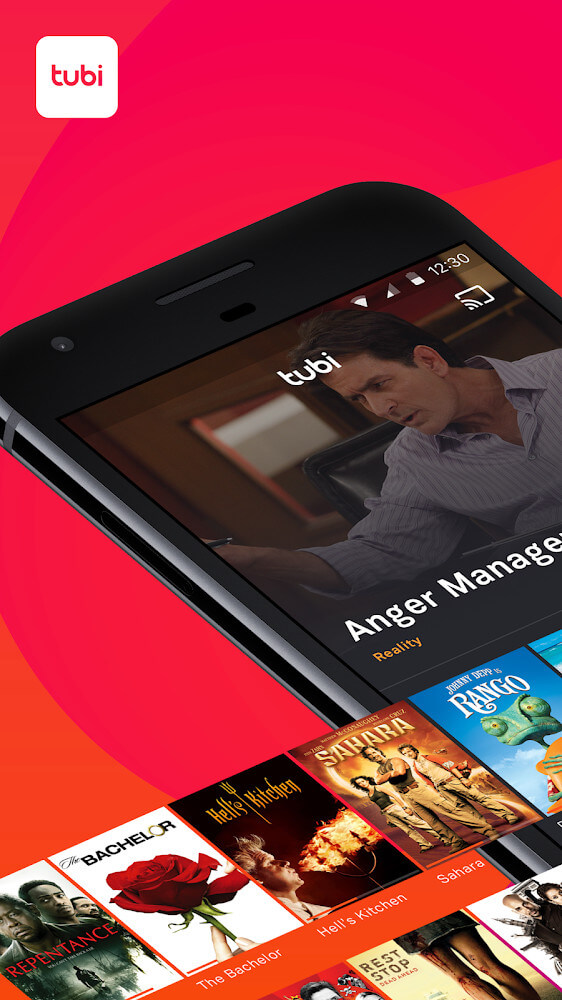
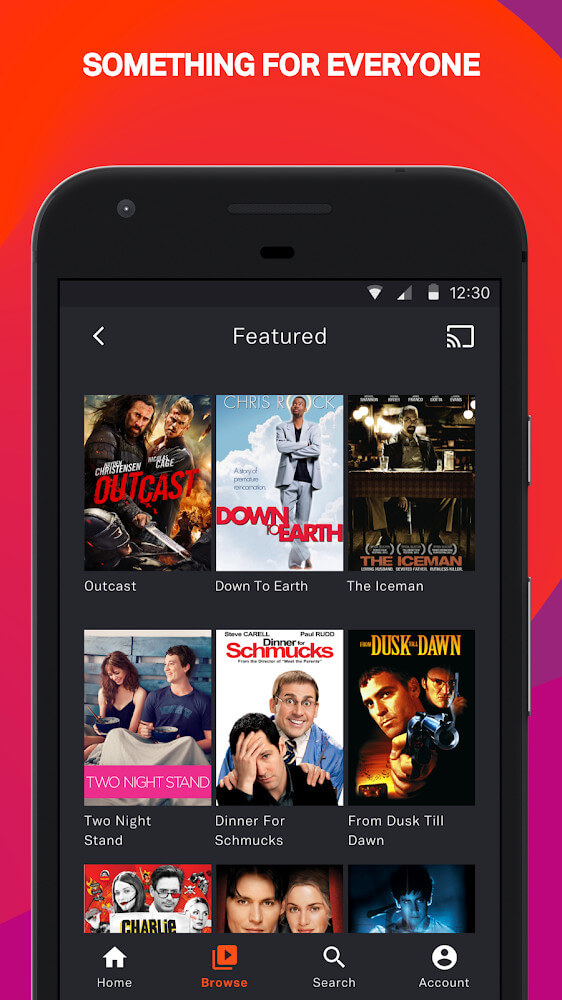
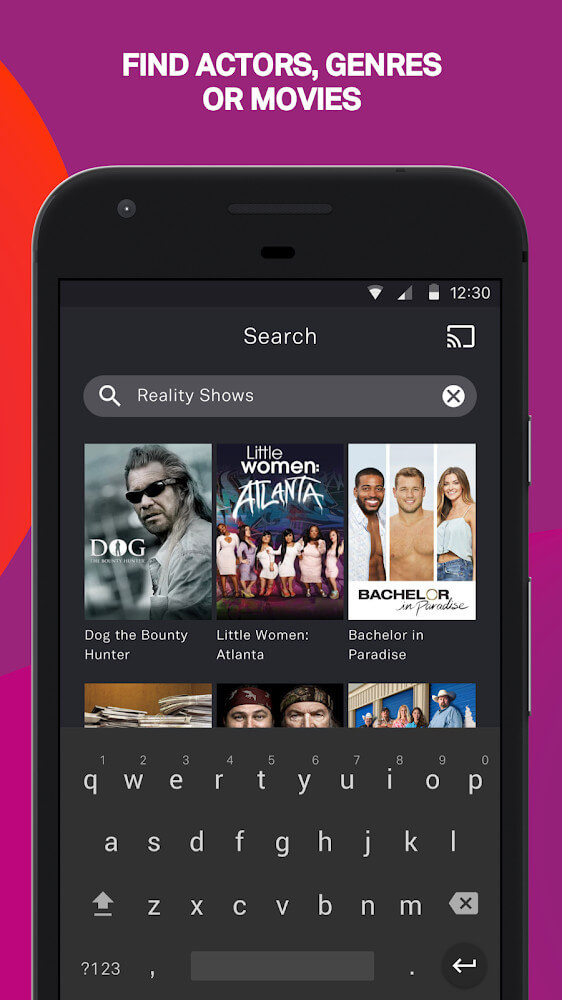
Top interface tools are shown in a convenient primary menu and an on-screen search bar for content. To help users write more than just the title of the content they want, this app divides its library into four major categories: Popular, Genre, Collection, and Channel. After organizing content into bigger categories, the app makes each of the categories smaller and several layers deep to help users who may have forgotten a specific title browse content of a specific genre or category. The design of this app’s search engine actually makes it easier to go through the app’s library even if you have vague ideas of what you’re looking for. As long as you remember part of a title, for example if you remember the director’s name or an actor’s name, this app’s search bar will help you find the title you’re looking for. The app provides a lot of detail about the movie or show you choose, including the creative and technical sides of the film by providing the genre, the length of the film, who directed it, and the cast.
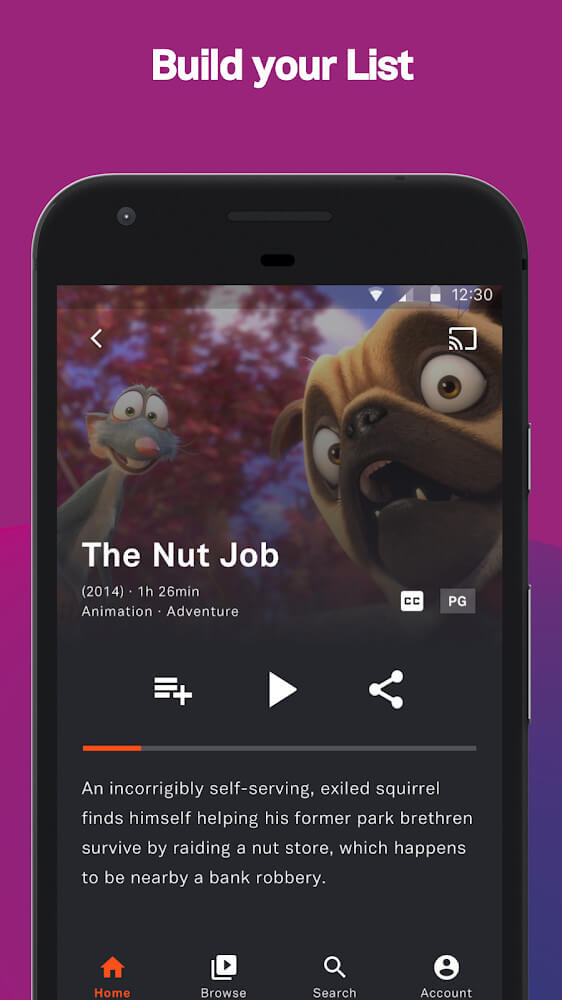
A key part of any interface is the ability to provide a unique user experience. This is usually built around a user account. While not always necessary to create an account, doing so lets you keep track of your viewing history and preferences as they evolve. One of the beneficial features of making an account is the ability to use the Queue. This allows you to save what you’re currently watching or plan to watch, so you can pick up right where you left off when you return to watching, even if you had to leave before you could finish. You can also use this to create a saved list of all your favorite movies that automatically opens during your next viewing session. In this regard, the application supports households with kids by allowing a parent to monitor a child’s activity and control what a child can do on it. This is done by viewing the child’s history and manually choosing appropriate content for the child to watch. This application also creates a positive experience with the family by ensuring that the content watched is, in fact, appropriate. It also supports a feature that enables you to use one account on multiple devices. This allows you to keep the progress you made on watching content while also maintaining the list of content you saved.
An arrow icon on the right side of the screen allows users to link titles to their social accounts to share new discoveries with friends and family. Users can save titles to their lists with this feature as well. The application suggests content based on viewing habits with the app’s recommendation system. This system suggests contents that are trending or relevant to the currently selected content. Similar suggestions help viewers reduce the time and effort required to find more contents. The foremost concern of the application is to offer high-quality content and in an easy to use manner to the audience. The application organizes its content by genres and provides advanced search and sharing options that cater to the audience of all ages and provides a good variety of content similar to the professional streaming services. The interface remains simple and quick to use with an emphasis on the ease and simplicity of the user experience from searching for a title to beginning the viewing experience.
Key features
- Search bar with support for director and actor queries.
- Content categorization including Popular, Genre, Collection, and Channel sections.
- Detailed metadata display for running time, genre, and cast information.
- Queue system for saving and resuming video progress.
- Personalized favorite movie list creation.
- Parental controls for monitoring history and age-appropriate content filtering.
- Multi-device account synchronization for consistent viewing across hardware.
- Social network sharing via the integrated arrow icon.
 |
 |
 |
Related MOD APKs
FAQ
Does Tubi TV MOD APK remove ads?
This 8.4.1 build of Tubi TV includes these modifications: Optimized and No ADS. It functions just like the standard Tubi TV app, with all features active immediately after you finish the installation.
What is the latest version of Tubi TV MOD APK?
Version 8.4.1 is the latest Tubi TV release, updated August 13, 2026. We don’t keep older versions here. Update by installing this file over your current app; if you see a signature error, you must uninstall the previous version first.
Is Tubi TV MOD APK safe to download?
This 8.4.1 Tubi TV APK is the original Tubi TV app with Optimized and No ADS changes. 97 users gave it a 3.8 rating. It does not require root. Ignore Play Protect warnings during setup, but always download from this page.
Can I use Tubi TV MOD APK on PC or iPhone?
As an Android file, it will not work on iPhone. To use the 46M APK on a computer, install an emulator like BlueStacks or LDPlayer and then drag the file into that software to begin the installation.